Some apps are worth paying for. These premium menu bar tools deliver serious value.
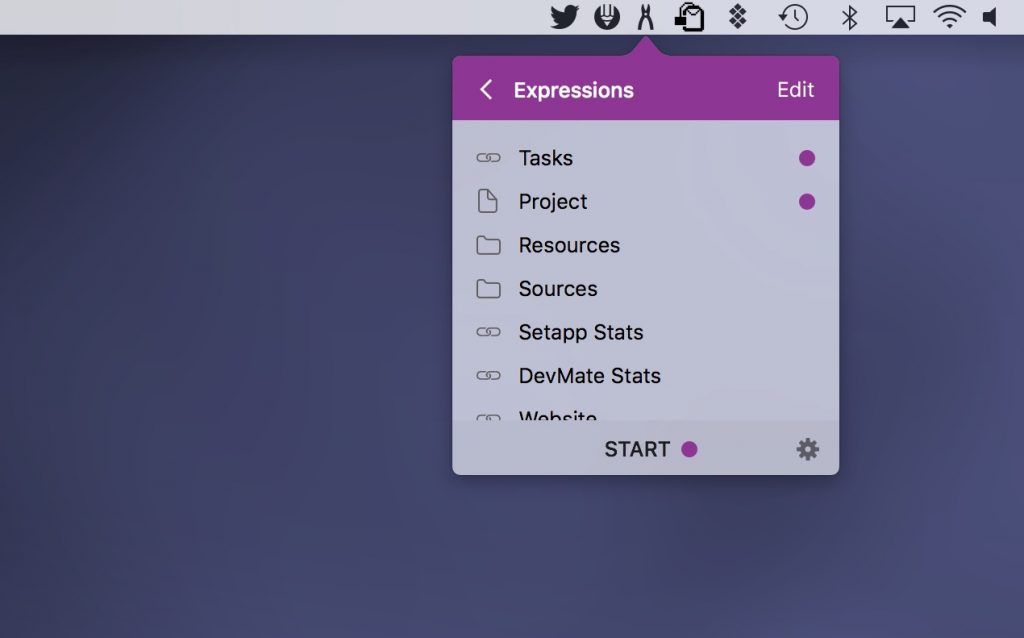
Workspaces allows you to bundle the resources linked with a project (files, websites, emails, apps) into one set, in your menu bar.
Visit Watch
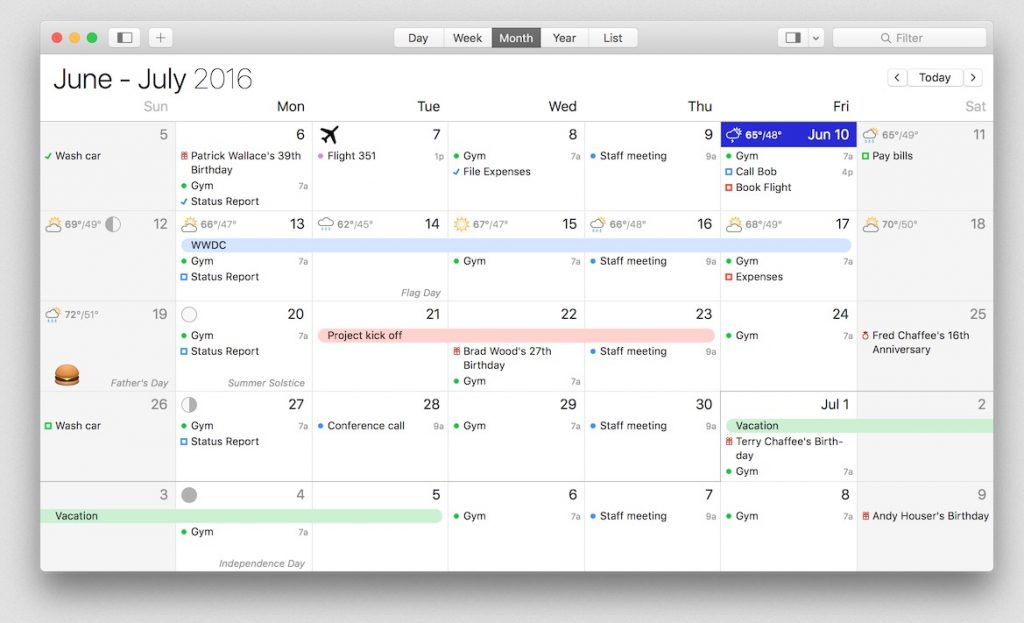
BusyCal displays your calendar in Day, Week, Month, Year and List views. What makes BusyCal unique is its ability to customize these views to more precisely meet your needs.
Visit Watch
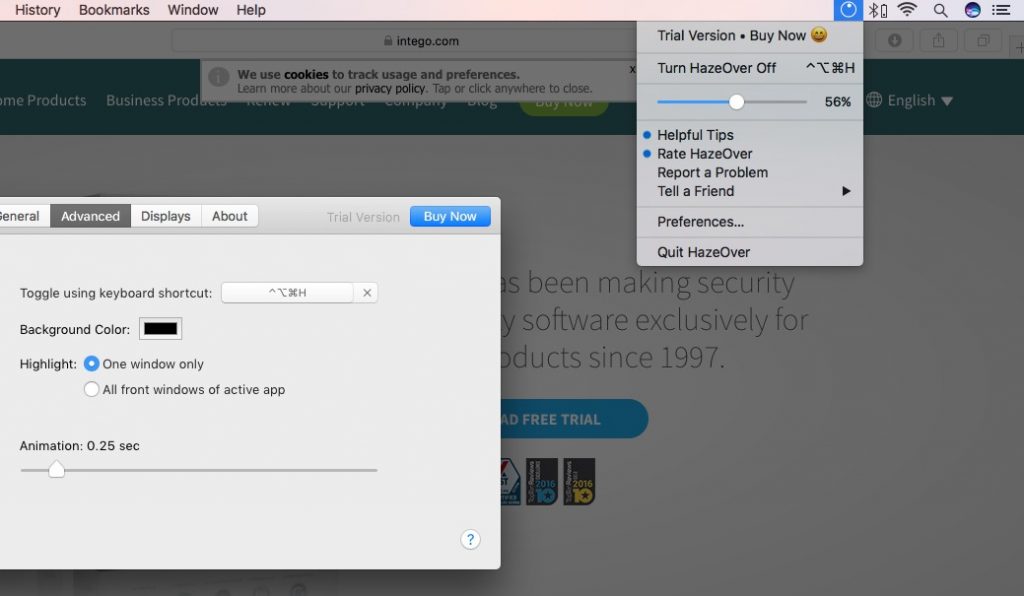
HazeOver is a nifty app that automatically highlights the front window by fading out all the background windows. A kind of dimmer switch that reduces distractions by fading out background windows.
Visit Watch
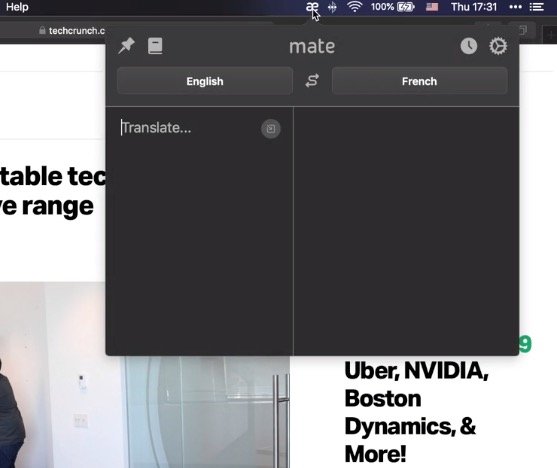
Mate is a translation app that lives in your menu bar, making it quick and easy to translate text between multiple languages whenever you need it.
Visit Watch
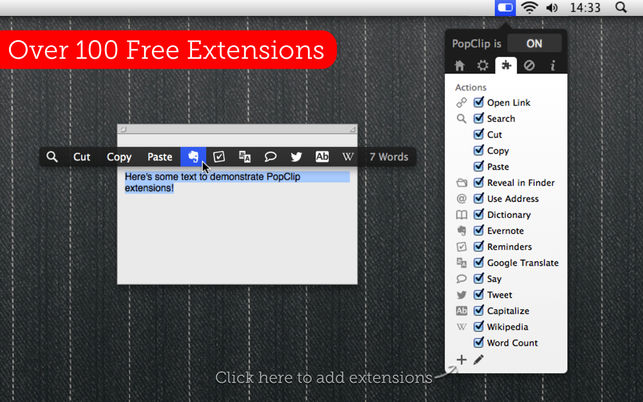
PopClip appears when you select text with your mouse. Instantly copy & paste, and access actions like search, spelling, dictionary and over 100 more.
Visit Watch
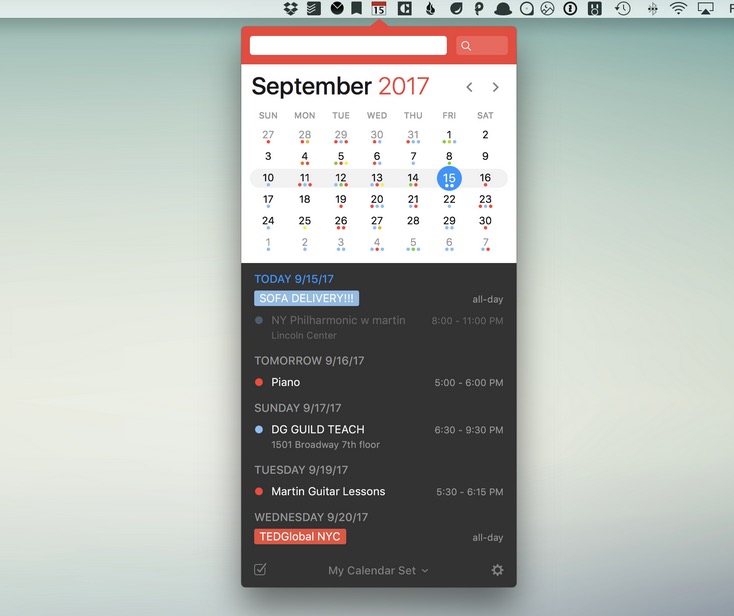
Fantastical keeps a mini calendar in your menu bar and pulls every calendar you use into one view, from iCloud and Google to Microsoft 365 and Exchange. Type “dinner with Anna Friday at 7” and it’s simply there. The basics are free; a Flexibits Premium subscription unlocks the rest.
Visit Watch
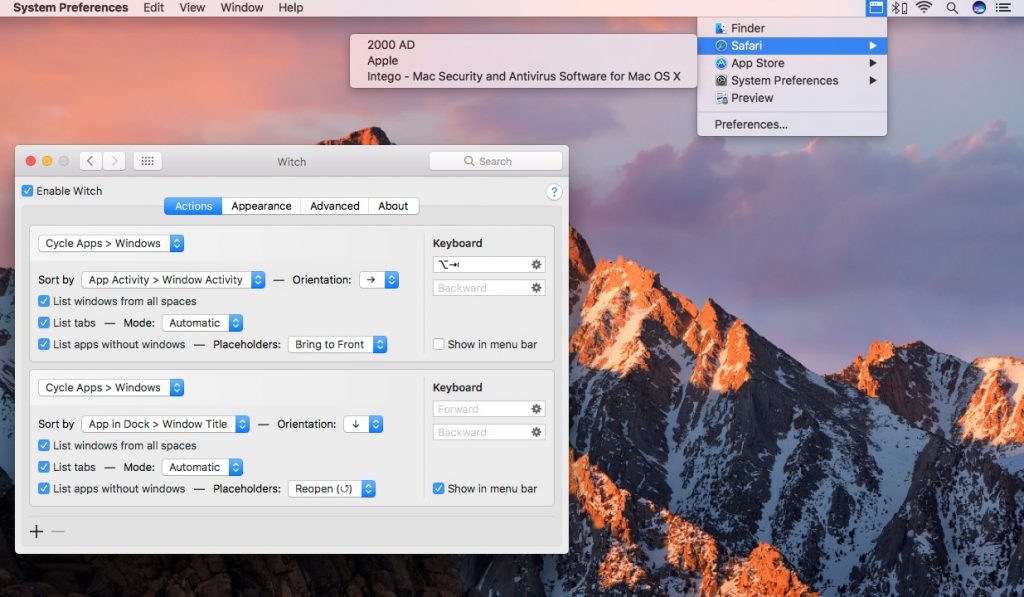
With this menu bar app, you can switch everything. Not only apps and windows, but also tabs. You can have as many switchers as you like.
Visit Watch
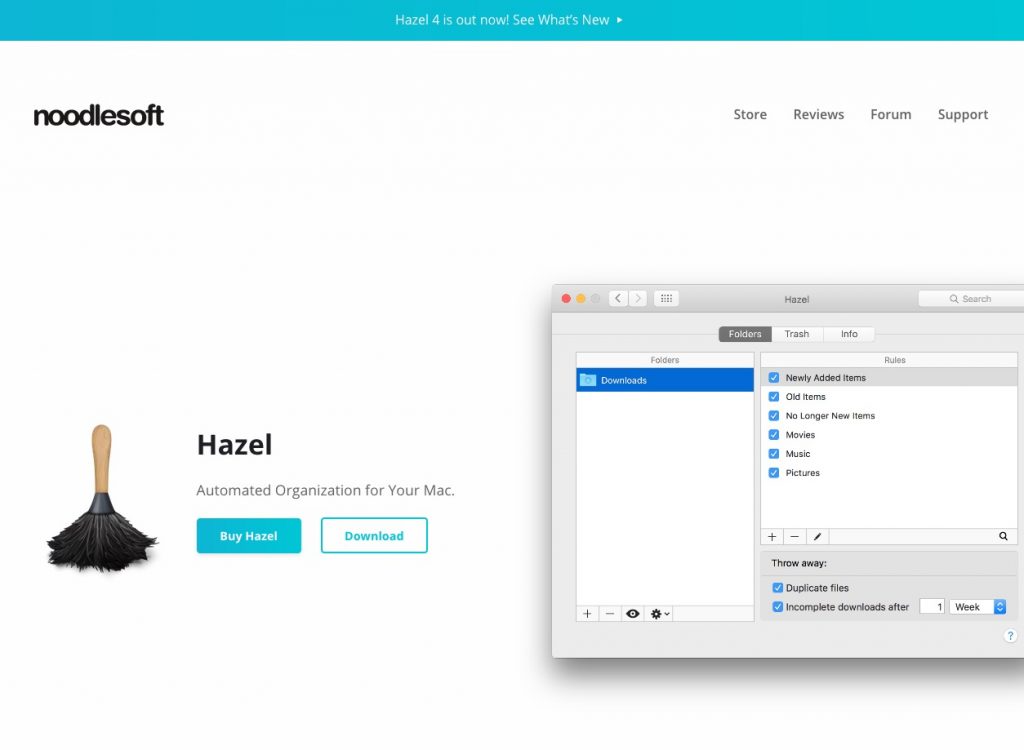
With Hazel you can create rules for organizing and cleaning folders. You can start and stop Hazel, open the Hazel app window, and even run individual rules from the menu bar.
Visit Watch
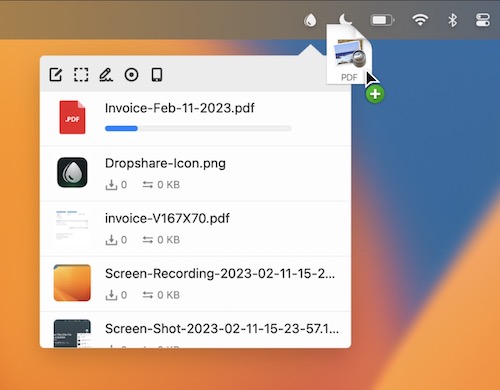
Upload screen shots, screen recordings, files, literally anything to your favorite storage provider or to your own server and share them with just a link.
Visit Watch

Unclutter is a digital drawer for your Mac. A single place where you can drag and drop files, notes, and clipboard clips, accessed by moving your mouse to the top.
Visit Watch