Tame the web without opening a dozen tabs. Preview sites, pin web apps, manage bookmarks and feeds, route links between browsers, monitor uptime, block distractions, and keep essential pages floating neatly in your menu bar.
Show me the free apps only

Snapsrch lets you search your favorite websites and see the results in a floating window, without opening new browser tabs or switching apps. You can also look up a word under your cursor in online dictionaries, even in images or scanned documents.
Visit

This menu bar app is an always-on-top overlay browser, including tab support. You can adjust the size, screen position, and opacity.
Visit
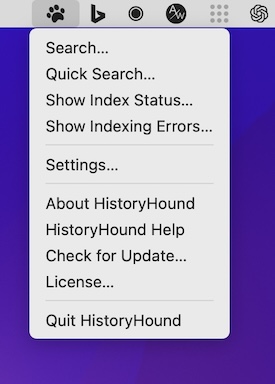
This menu bar app lets you do a fast keyword search on the entire content of all web pages you’ve visited recently, plus all those that you’ve bookmarked.
Visit
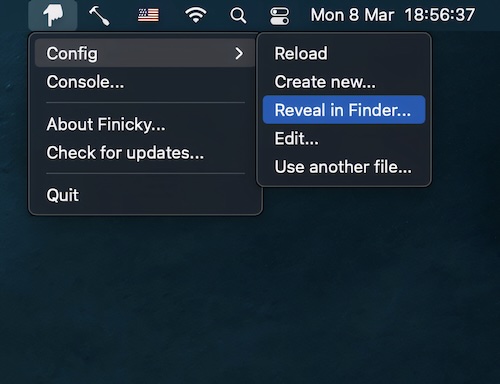
This menu bar app allows you to set up rules that decide which browser is opened for every link or url.
Visit
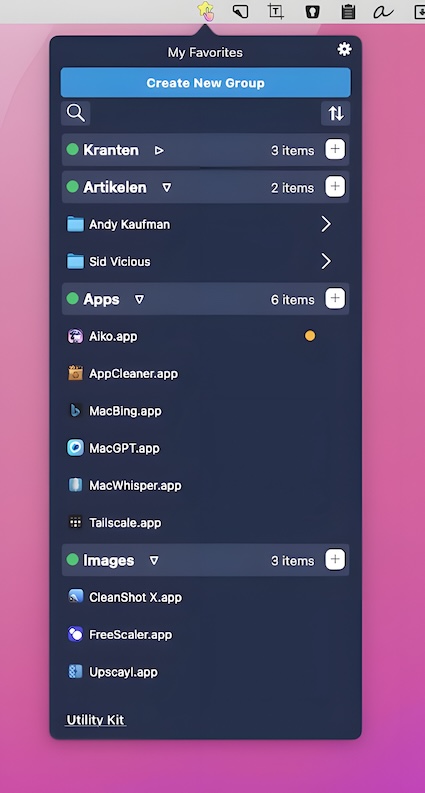
This menu bar program allows you to bookmark files, folders, online bookmarks, applications, text notes, and other items for quick access.
Visit

Just click on the menu bar icon and you can read all your news and feeds, mark them as read, open then in your browser, share them and much more!
Visit
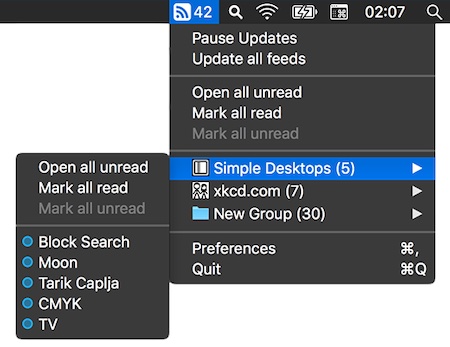
Read your favorite RSS feeds straight from your menu bar, in a clean, distraction-free interface.
Visit
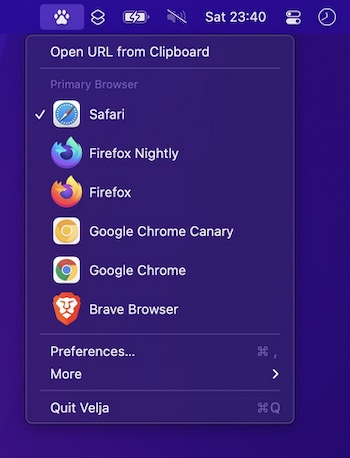
Open links in a specific browser (for example, you could create a rule to make all URLs with the domain “google.com” open in Chrome) or a matching native app.
Visit
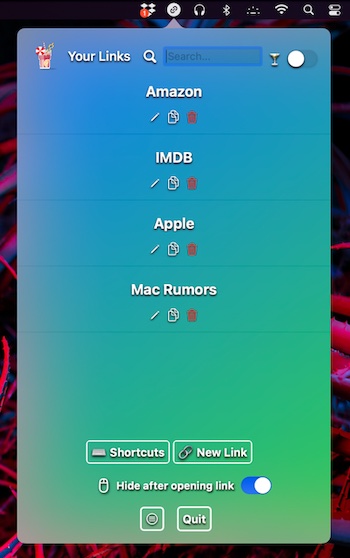
Too many bookmarks saved in your browser? This bookmark manager lets you store, find and open bookmarks in your menu bar. It opens any link you save in a new tab, using your default browser.
Visit
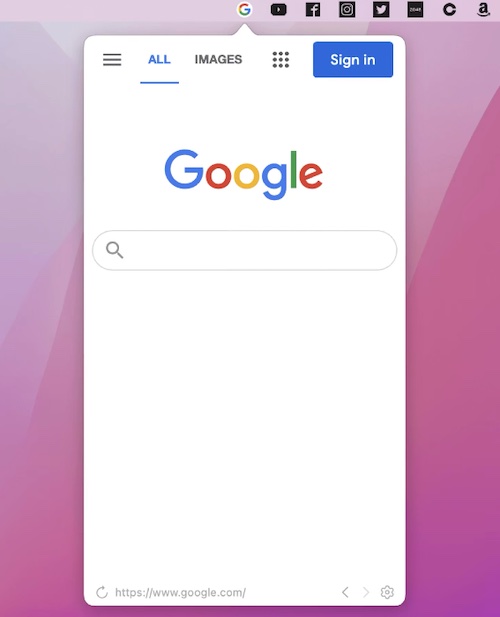
Pin any webpage on your menu bar just like a native app. Whether it’s a frequently visited website page or a website lacking native app, MenubarX can help you use it more efficiently.
Visit
