Collection:
Launcher Apps
Dockish
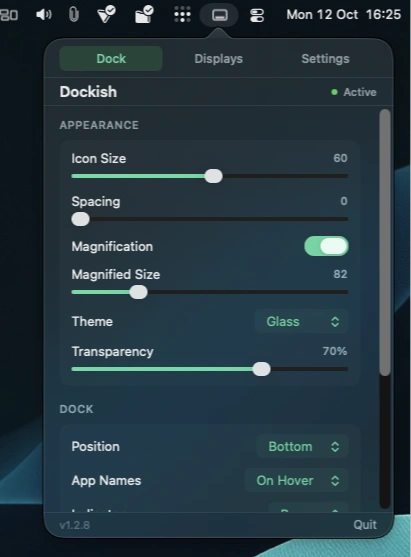
A customizable Dock replacement with multi-monitor support, window previews, app folders and Finder stacks, all configured through a convenient menu bar panel.

Switch contexts without rebuilding your workspace. Launch apps, files, websites, scripts, shortcuts, and full project setups directly from your menu bar, restore complete workspaces in seconds, and automate context switches so focus returns instantly.
Switch contexts without rebuilding your workspace. Launch apps, files, websites, scripts, shortcuts, and full project setups directly from your menu bar, restore complete workspaces in seconds, and automate context switches so focus returns instantly.
A customizable Dock replacement with multi-monitor support, window previews, app folders and Finder stacks, all configured through a convenient menu bar panel.
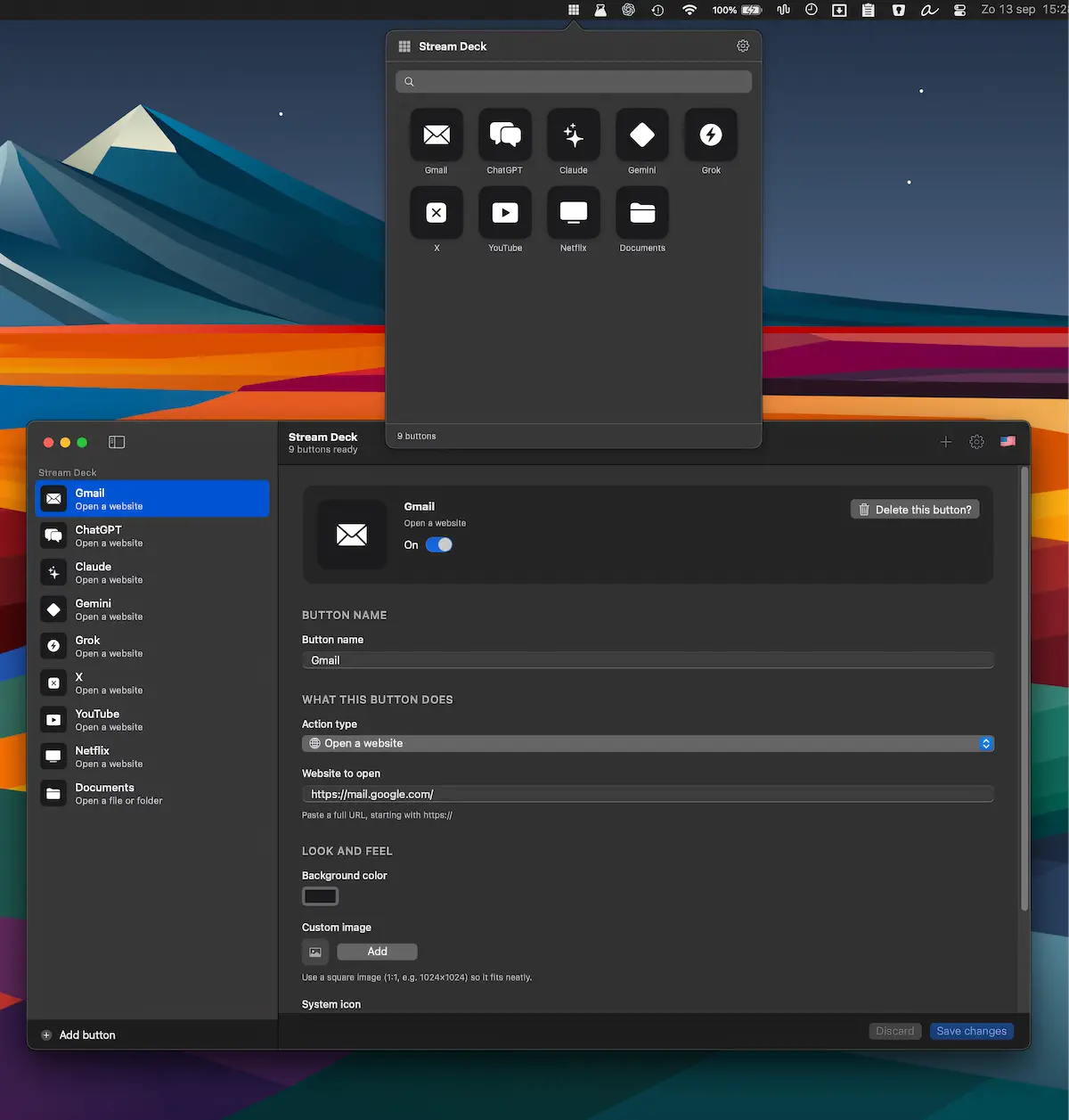
Turn everyday actions into one-click shortcuts for apps, websites, files, folders, shell scripts, and System Settings. Stay focused with a customizable deck, accessible from the menu bar or a floating tab.
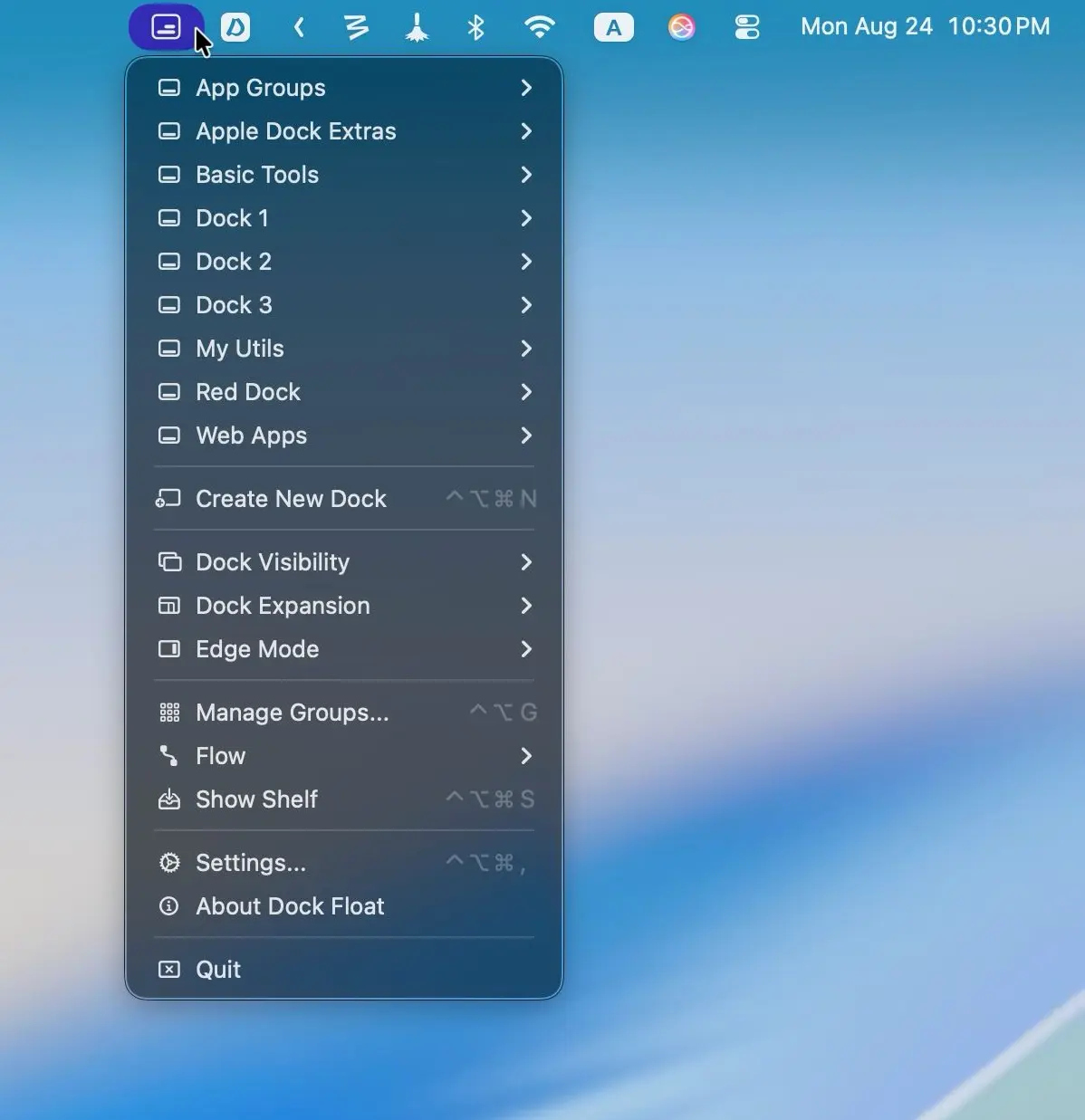
Create unlimited custom Docks anywhere on your screen to organize apps, files, folders, URLs, and shortcuts. Smart automation, contextual Docks, remote controls, and a handy Shelf keep everything organized and within easy reach.
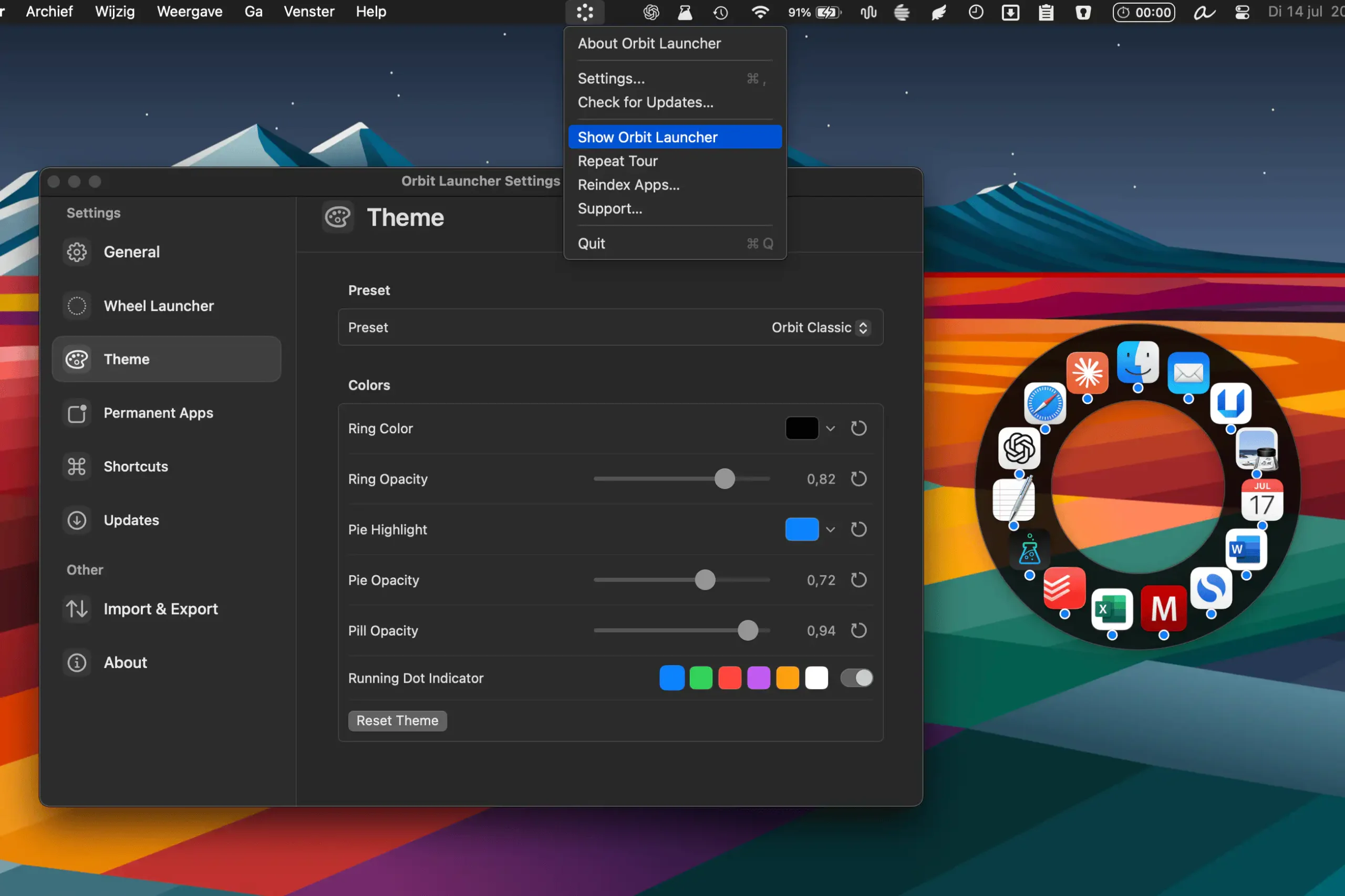
Orbit Launcher provides a fast, visual way to launch apps from anywhere on your Mac. Open a customizable radial launcher, pin favorites, search instantly, and switch between tools without breaking your workflow.
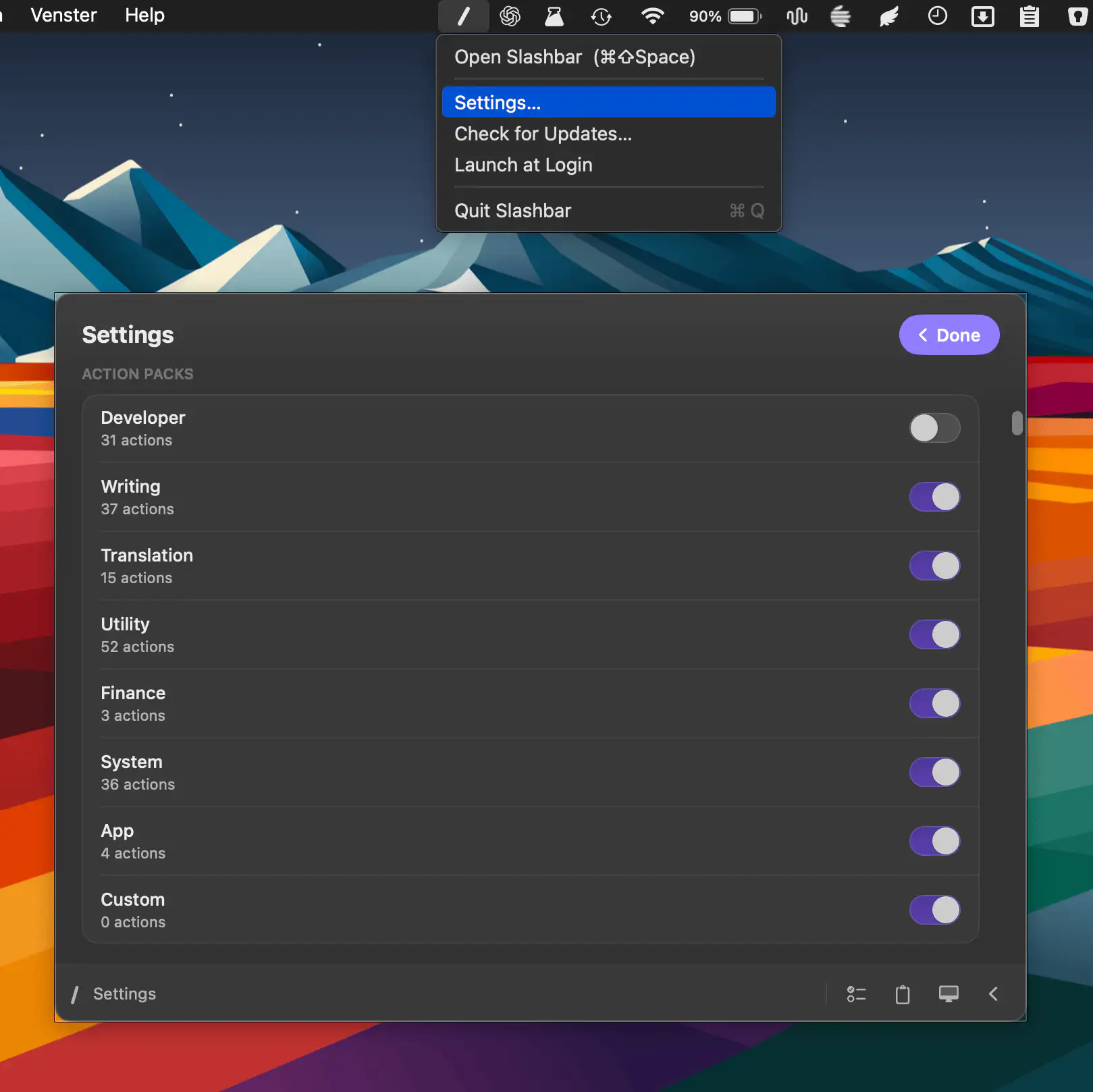
Slashbar brings 185+ actions into a fast command bar, letting you format text, manage files, control windows, search, use AI tools, and automate everyday tasks through one customizable shortcut.
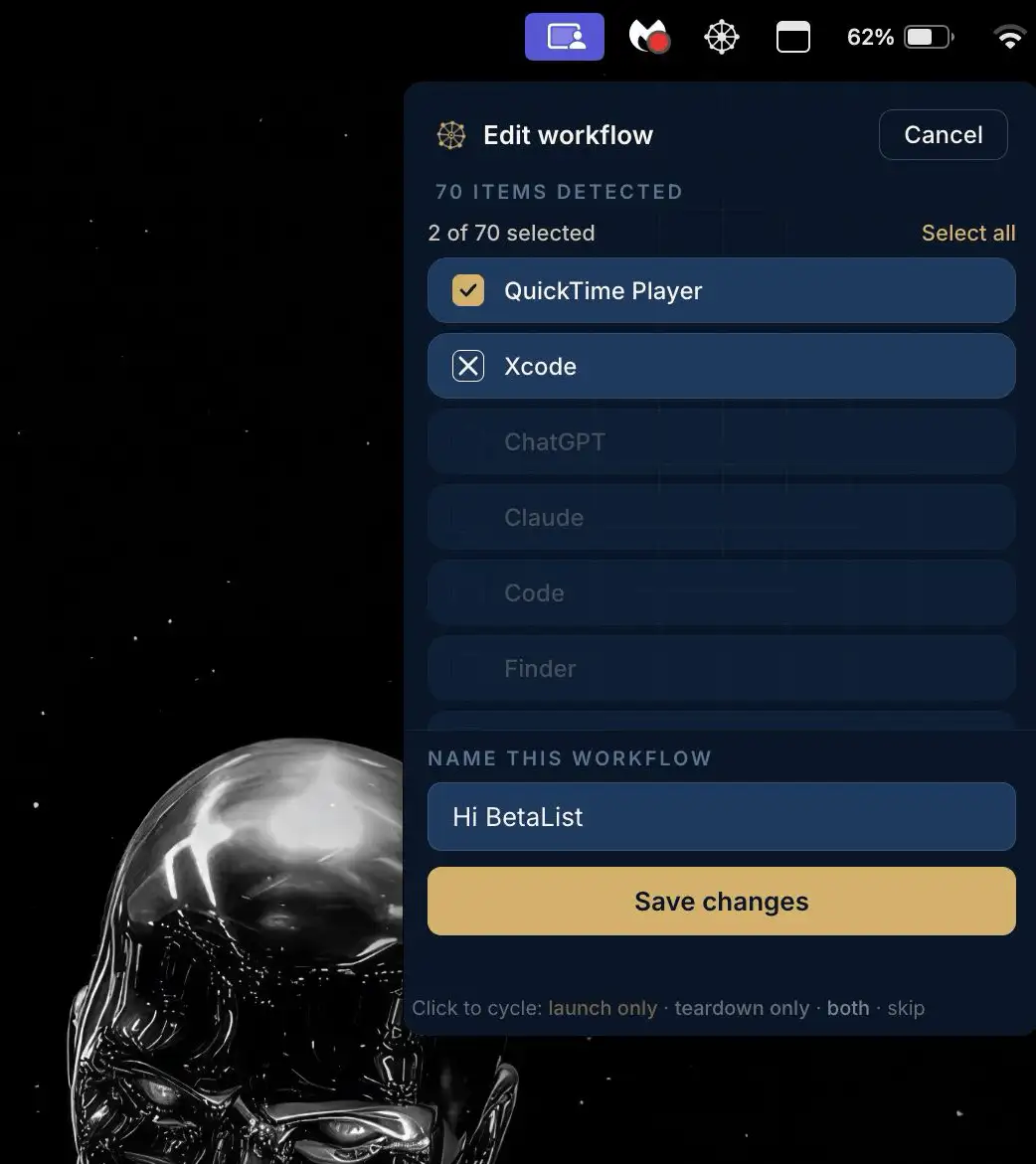
Helm launches entire workflows with a single click, opening apps, tabs, files, and focus modes in predefined combinations. Designed for fast context switching, it keeps recurring setups instantly within reach.
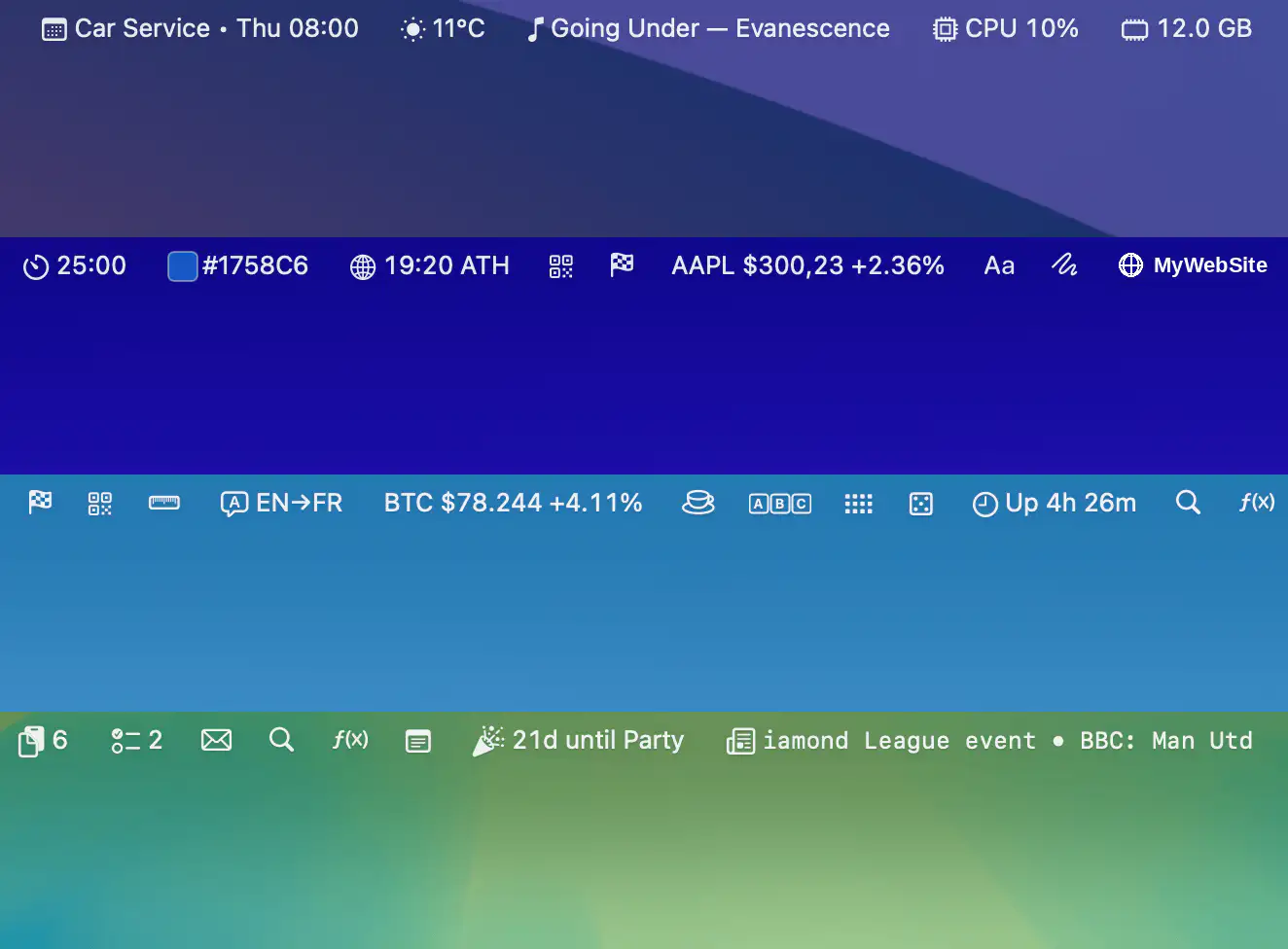
Barista brings more than 35 widgets together in a single workspace, making email, calendar, clipboard history, weather, system stats, stocks, news, and everyday utilities instantly accessible while helping reclaim precious menu bar space.
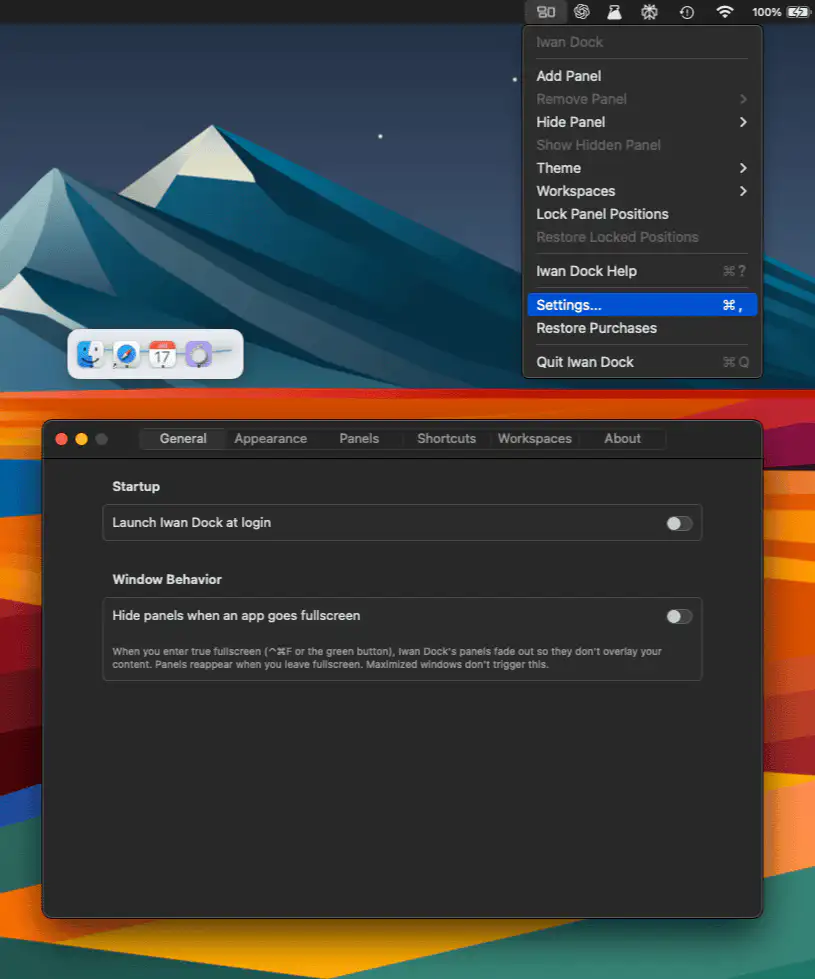
Iwan Dock keeps frequently used apps organized in customizable floating panels that stay exactly where you left them. With workspace support, flexible layouts, and a privacy-focused native design, it offers a calmer alternative to traditional app launchers.
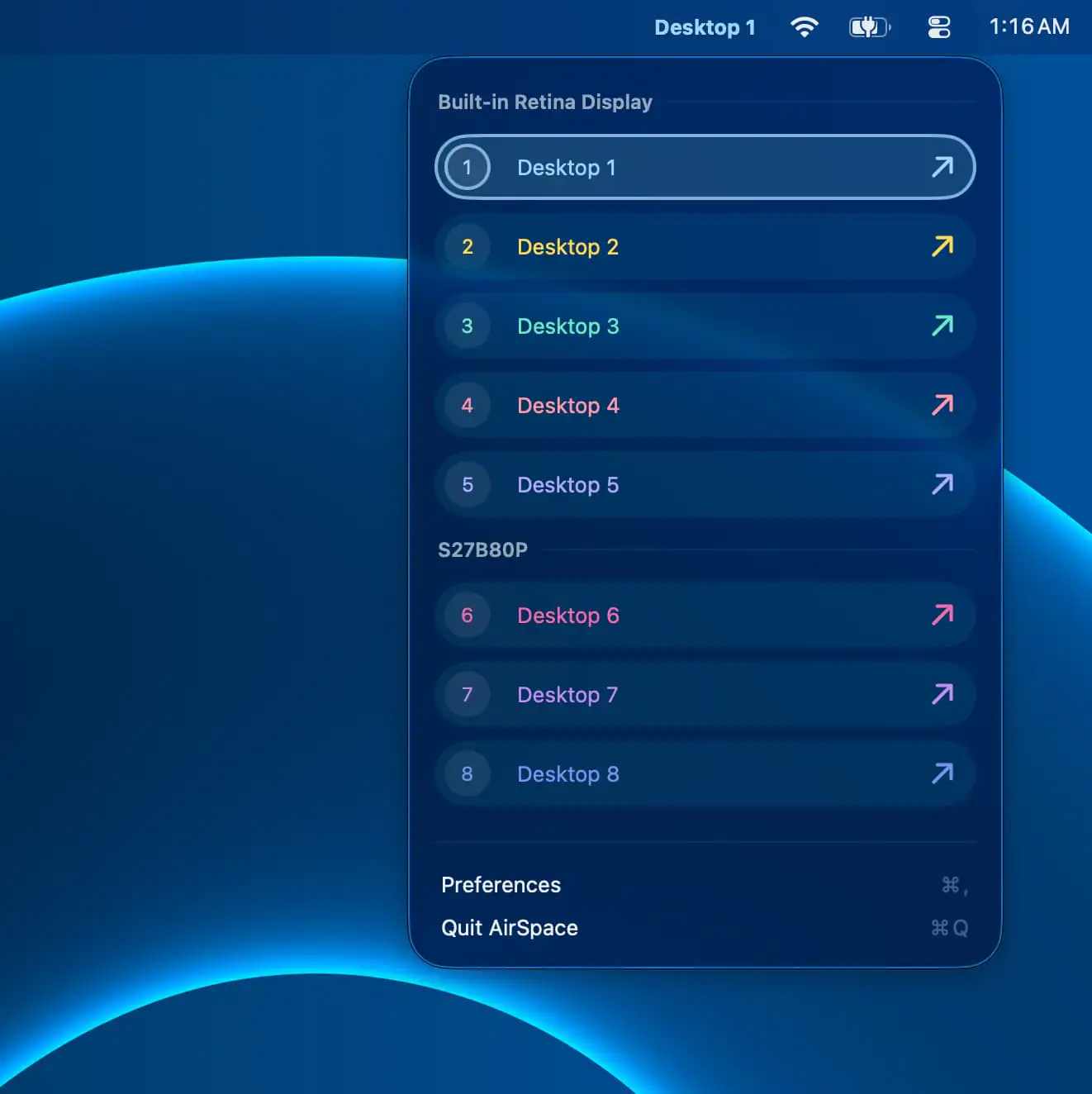
AirSpace makes macOS Spaces easier to manage by letting you name, color, and organize desktops for quick recognition. Instantly switch between Spaces with shortcuts, enjoy multi-monitor support, and keep your workspace under control.
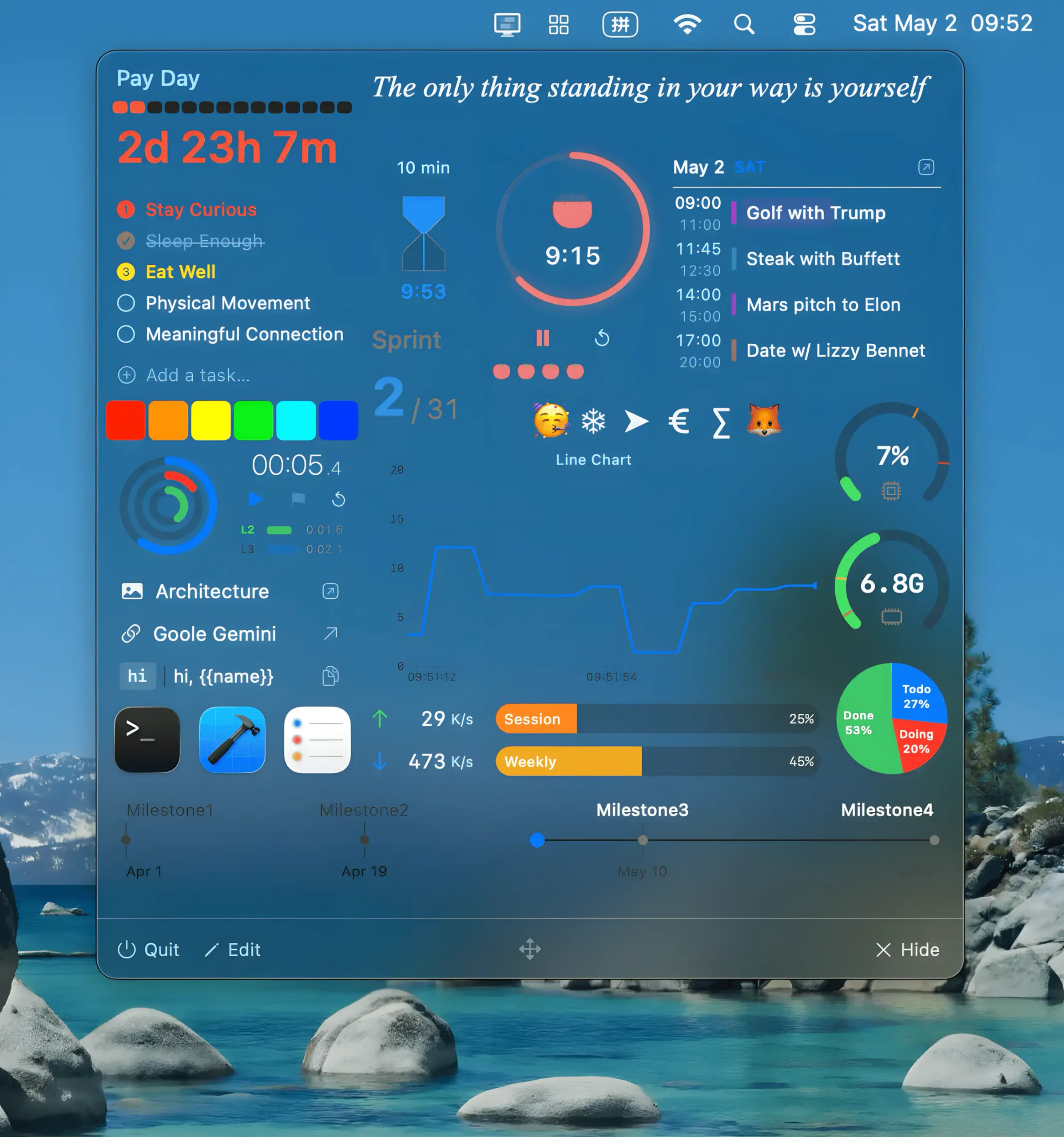
Pegboard keeps small tasks within reach while you stay focused in full-screen mode. Instead of juggling windows to check a calendar, start a timer, or grab a snippet, everything appears instantly in a clean overlay. Humanity spent decades inventing computers just to spend half the day minimizing things.