Switch contexts without rebuilding your workspace. Launch apps, files, websites, scripts, shortcuts, and full project setups directly from your menu bar, restore complete workspaces in seconds, and automate context switches so focus returns instantly.
Show me the free apps only
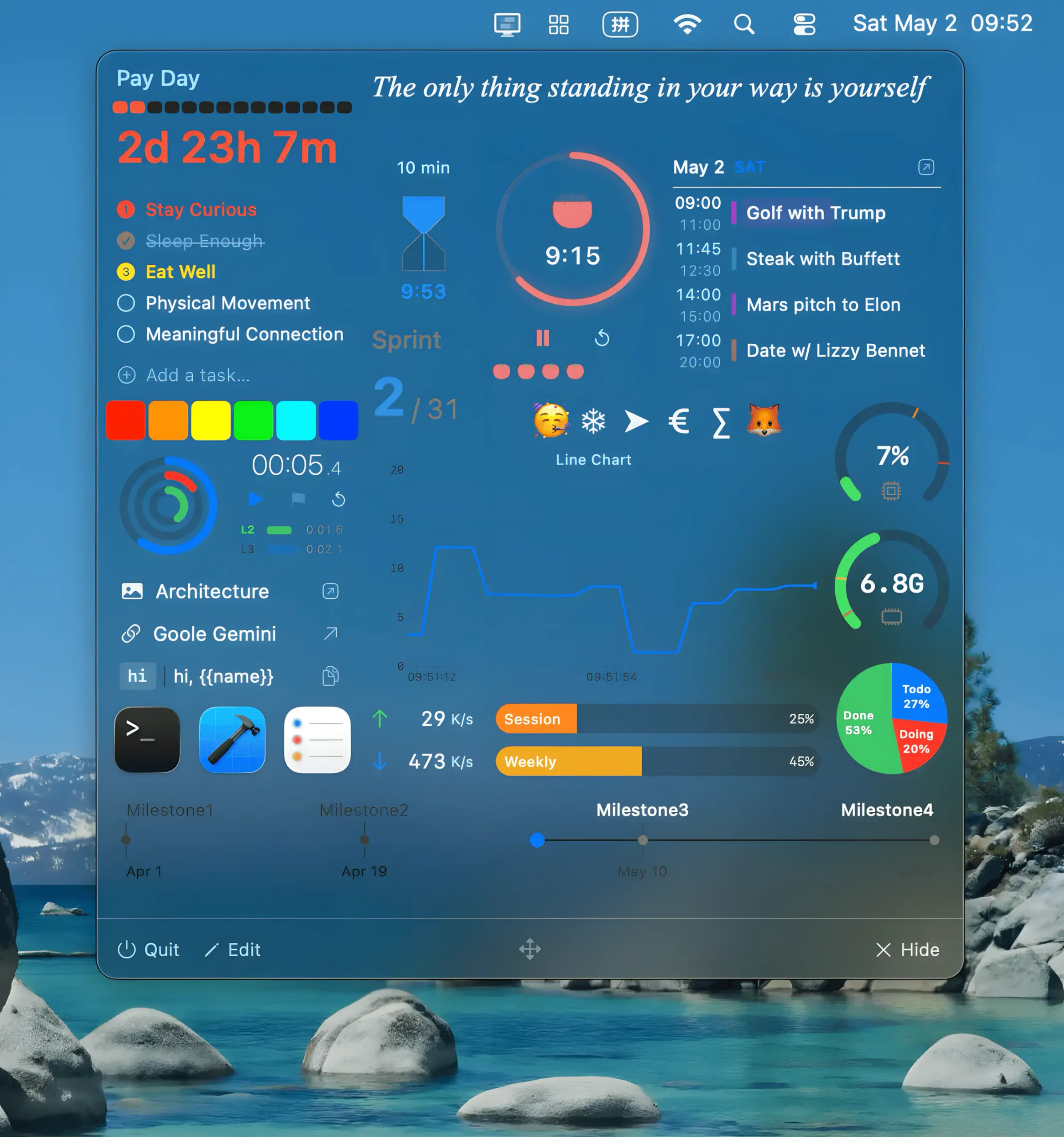
Pegboard keeps small tasks within reach while you stay focused in full-screen mode. Instead of juggling windows to check a calendar, start a timer, or grab a snippet, everything appears instantly in a clean overlay. Humanity spent decades inventing computers just to spend half the day minimizing things.
Visit
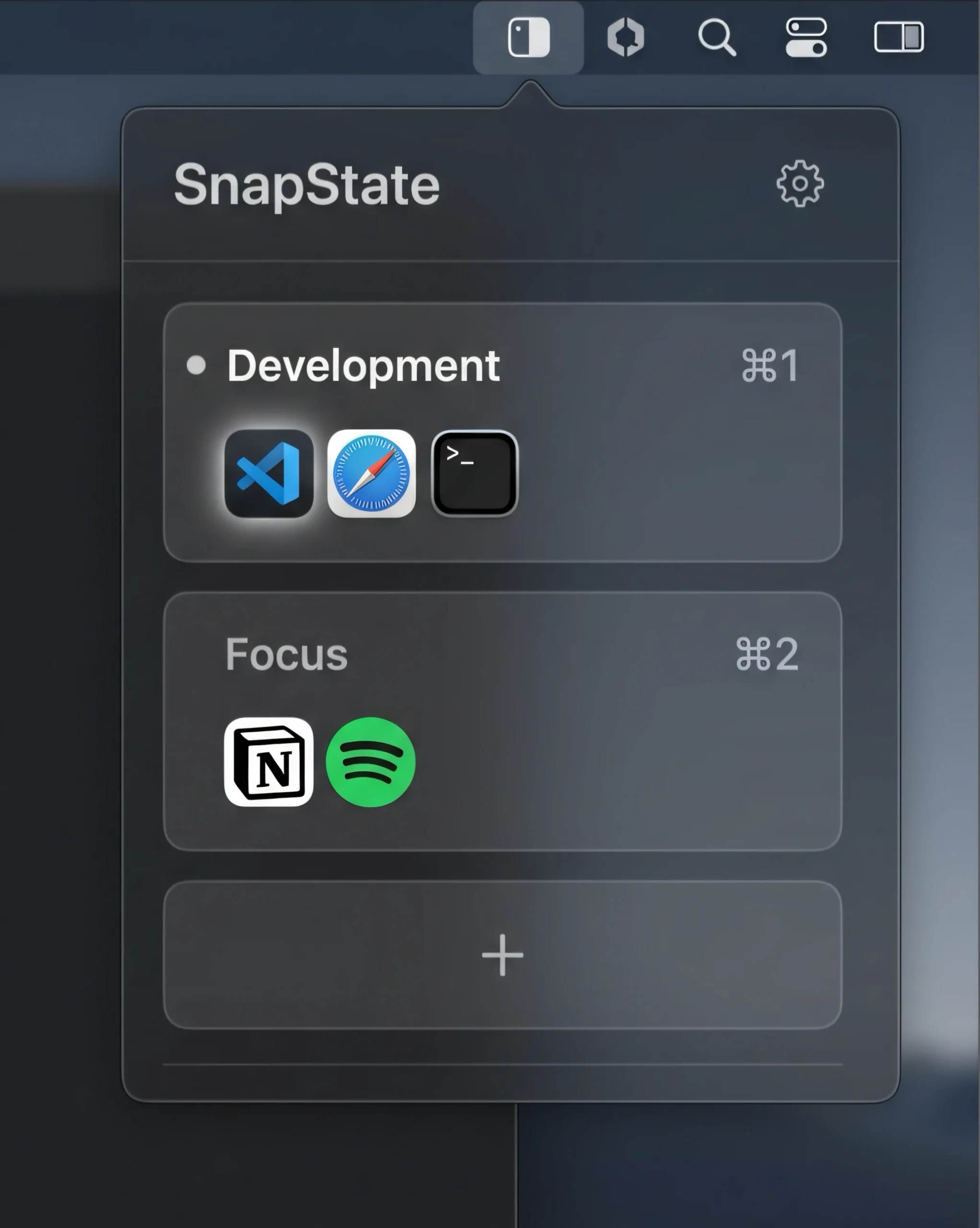
Save and restore window layouts, apps, and browser tabs across Spaces and displays. SnapState brings your workspace back after restarts, monitor changes, or sleep, with handy automation and local storage.
Visit Watch
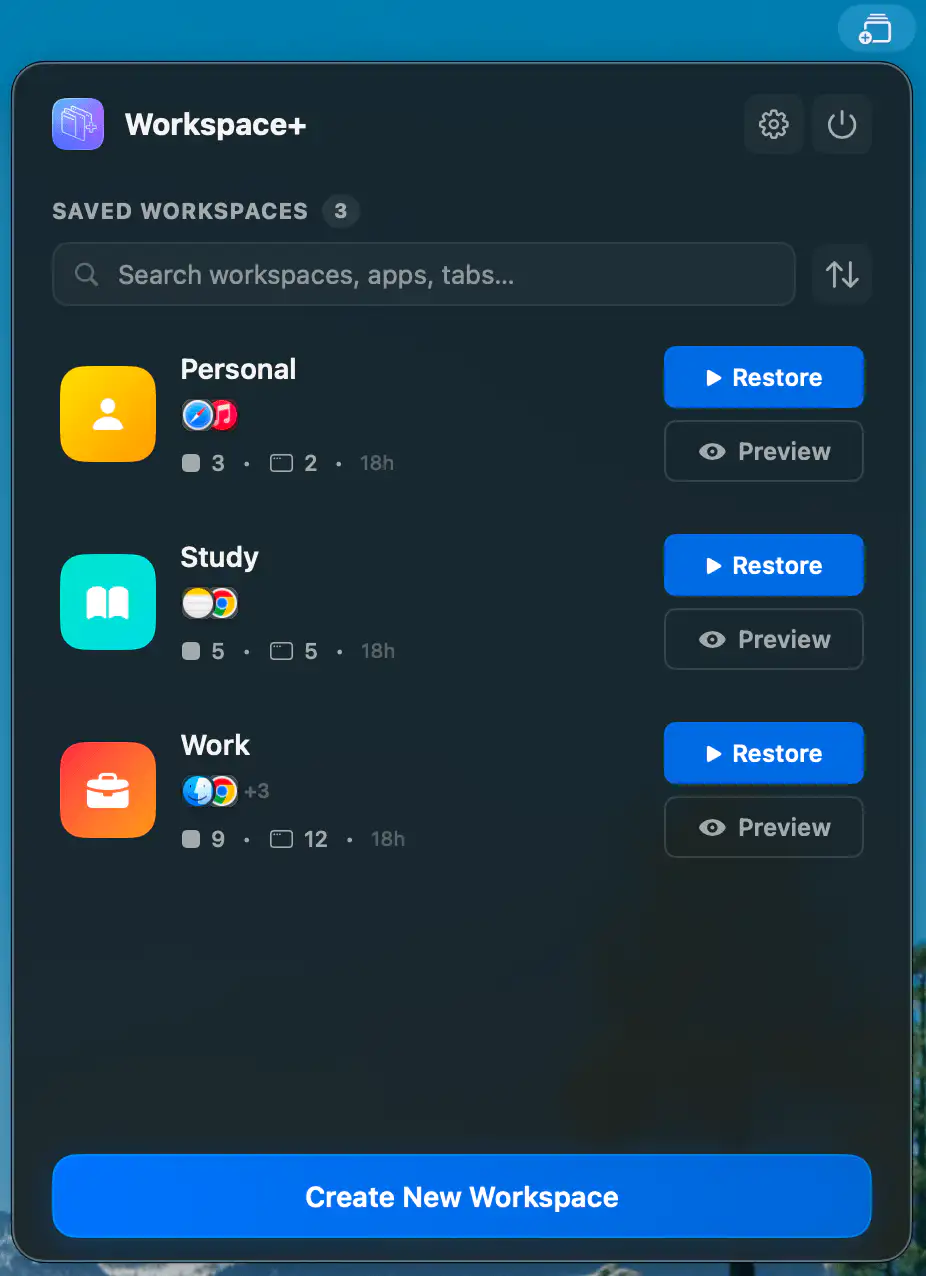
Workspace+ lets you capture your entire working setup and bring it back in seconds, from open apps and files to window positions and browser tabs across multiple displays.
Visit
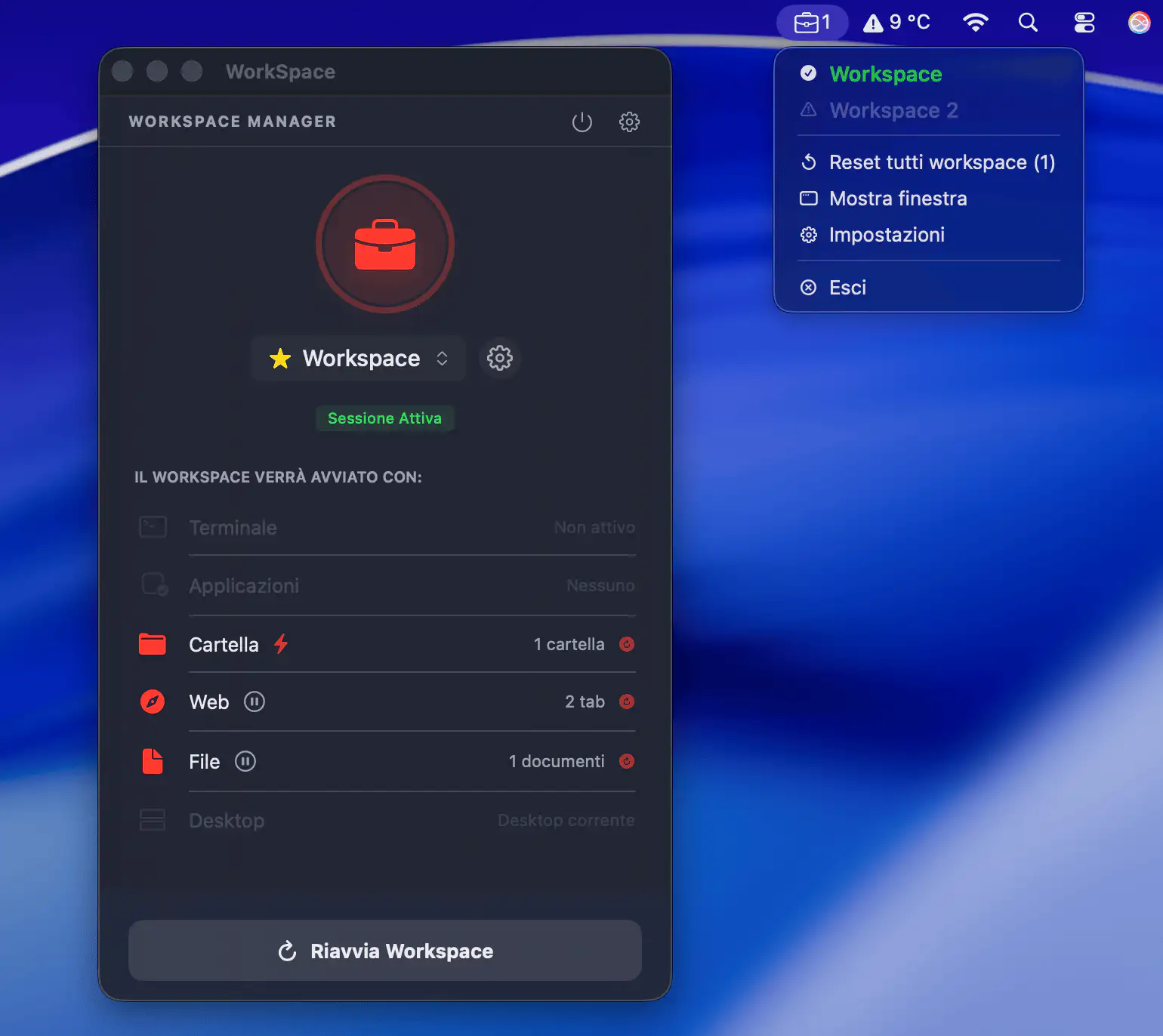
Switch projects without rebuilding your setup every time. From the menu bar, WorkSpace Manager opens terminals, apps, folders, and websites in one click, turning context switches into instant focus.
Visit
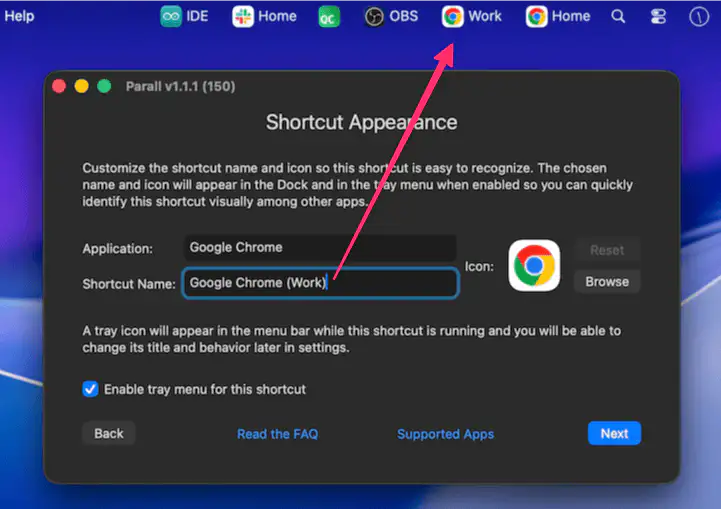
Parall adds a menu bar icon for each isolated app instance, giving you quick, clutter-free access to multiple versions of the same app directly from the macOS menu bar.
Visit
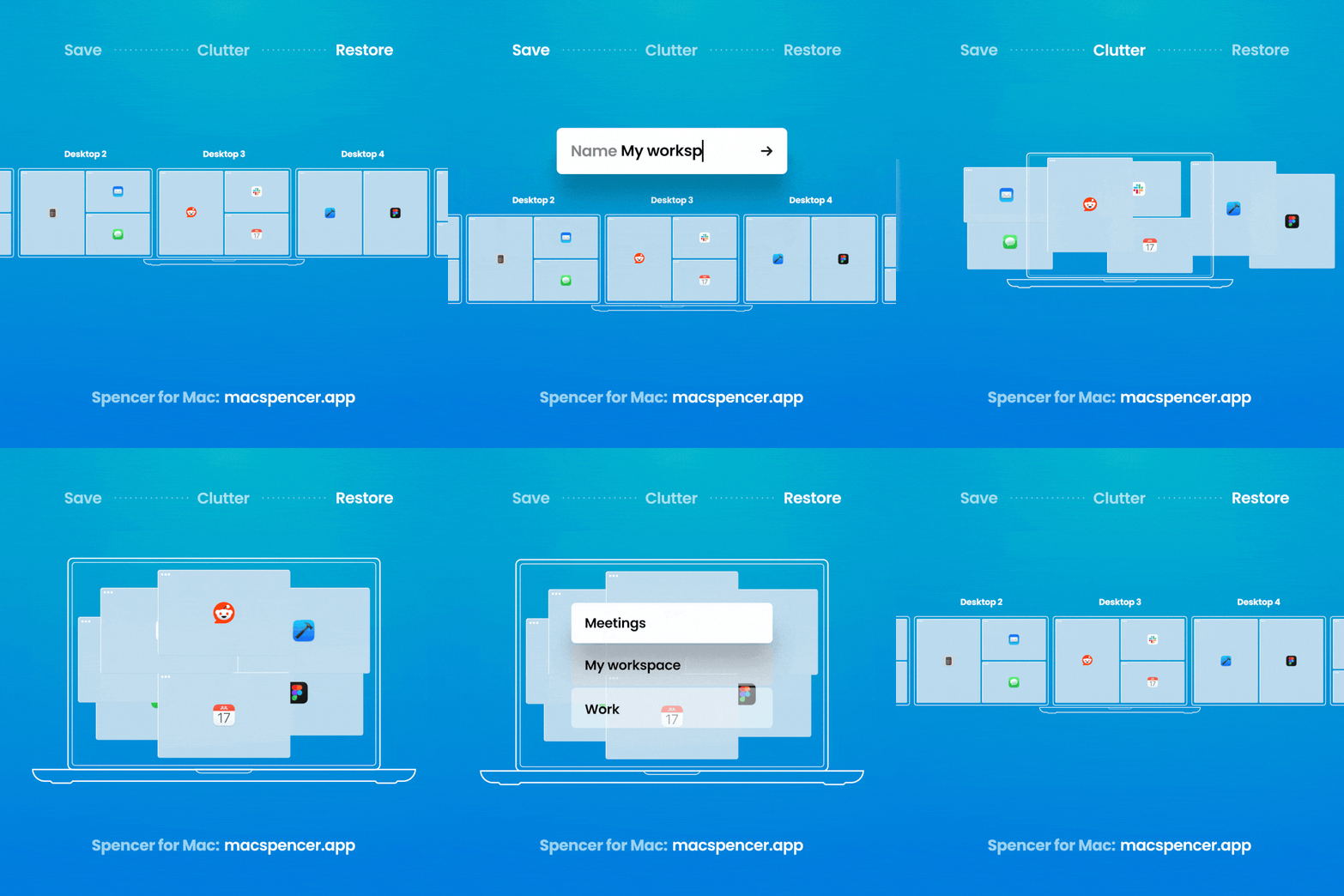
Reboot your Mac, or wake it up on a different display setup, and macOS will scatter your windows. Spencer puts them back — every window to its exact position, across every Space and every display. One click to save what’s open, one click to put it back. Nothing to configure.
Visit Watch
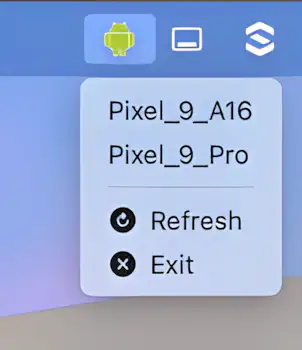
Launch your Android Emulator instantly from the macOS menu bar. No need for Android Studio or the command line. AVD-Launcher makes quick testing as easy as a single click.
Visit
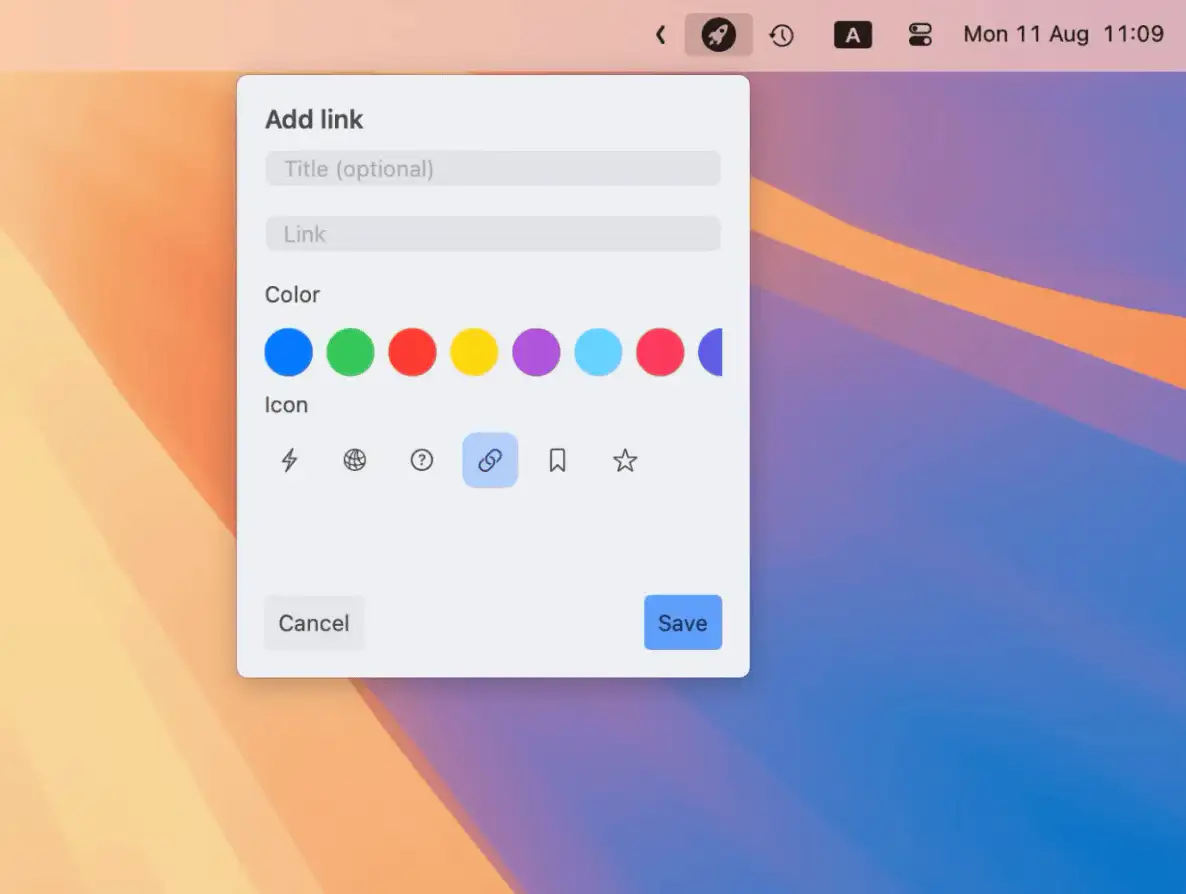
Launchie puts your most-used links right in the Mac menu bar, so you can skip the tab-hunting and get where you need to go with just one click.
Visit
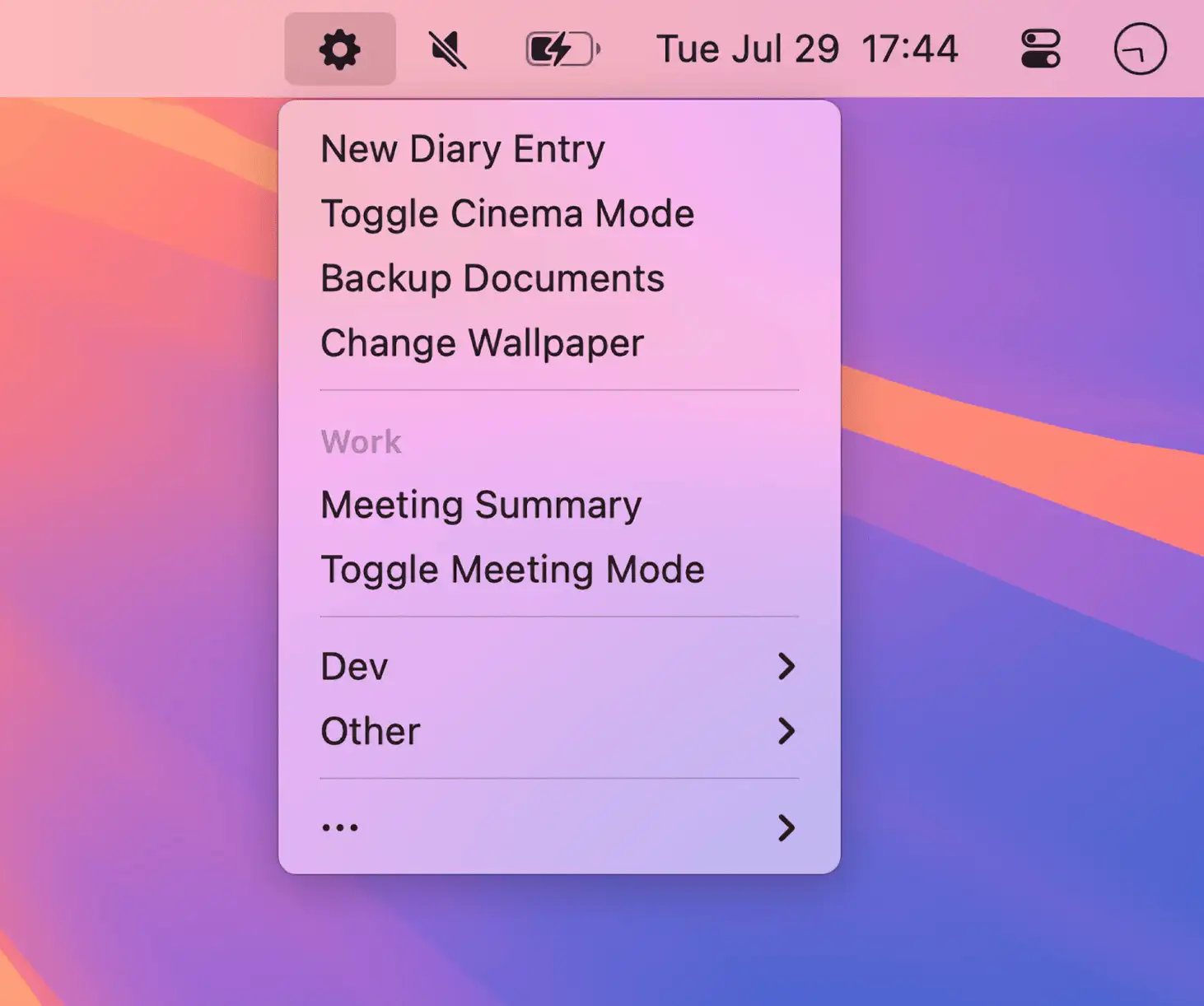
Run your Mac shortcuts from the menu bar with ease. Short Run offers a cleaner, faster, and more customizable way to organize and trigger your favorite workflows—right where you need them.
Visit
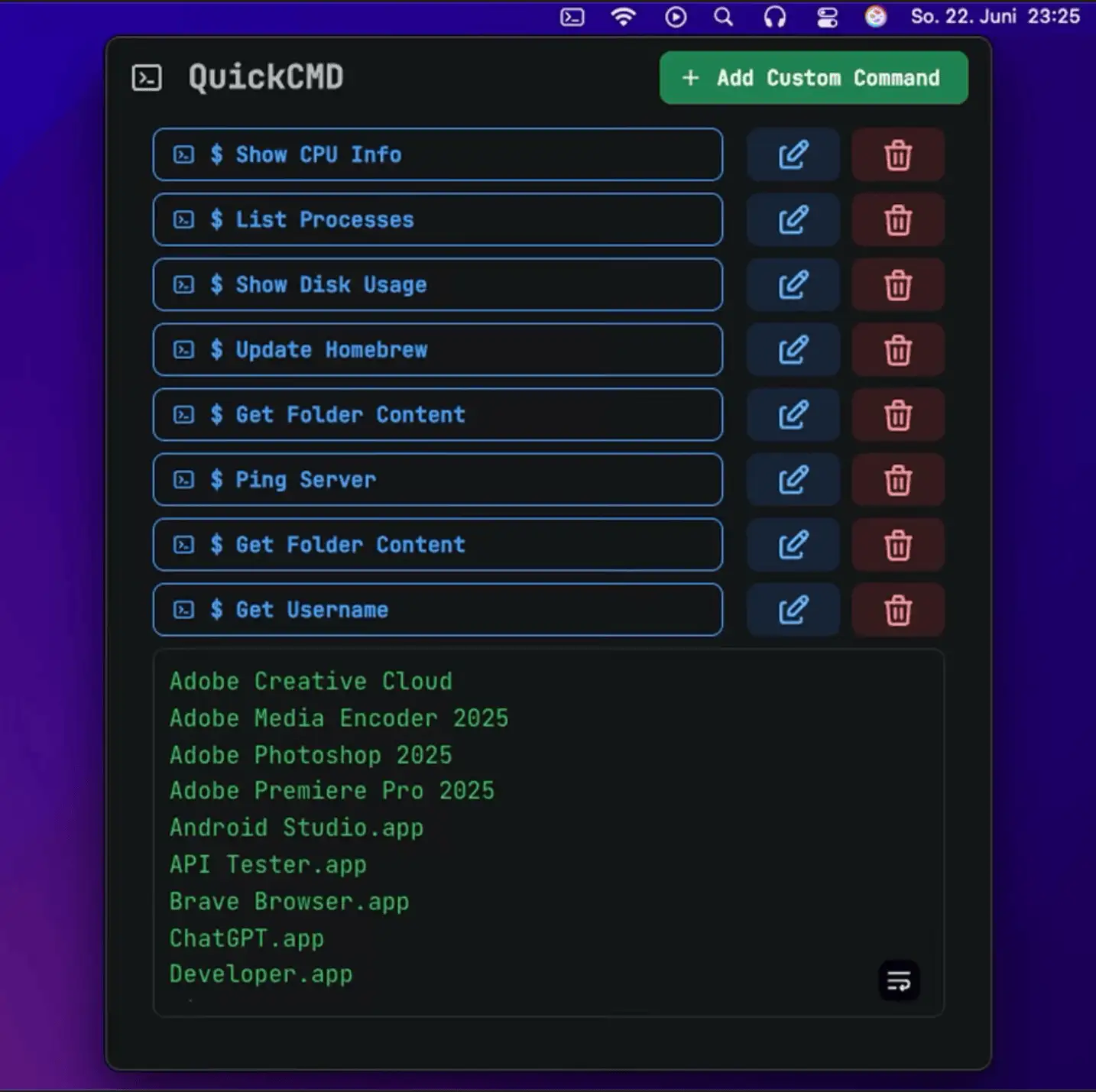
QuickCMD is a sleek macOS menu bar app that lets you run saved terminal commands instantly—perfect for developers and power users who want speed, simplicity, and smarter workflows at their fingertips.
Visit
