

Collection:
System Tools
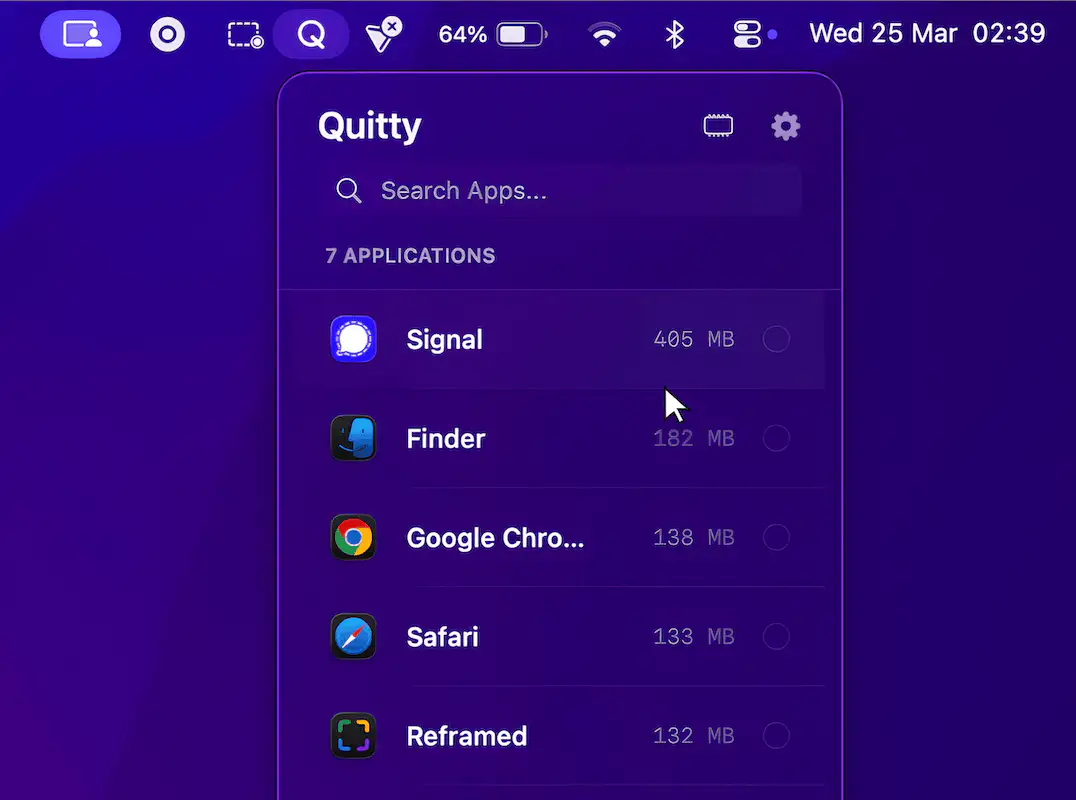
Control, tweak and extend macOS beyond its defaults. Toggle hidden settings, manage drives and NTFS volumes, monitor hardware health, control fans and power behavior, manage Homebrew services, automate routines, throttle processes, fix system glitches and access advanced functions directly from your menu bar.
Collection:
System Tools
Numsy
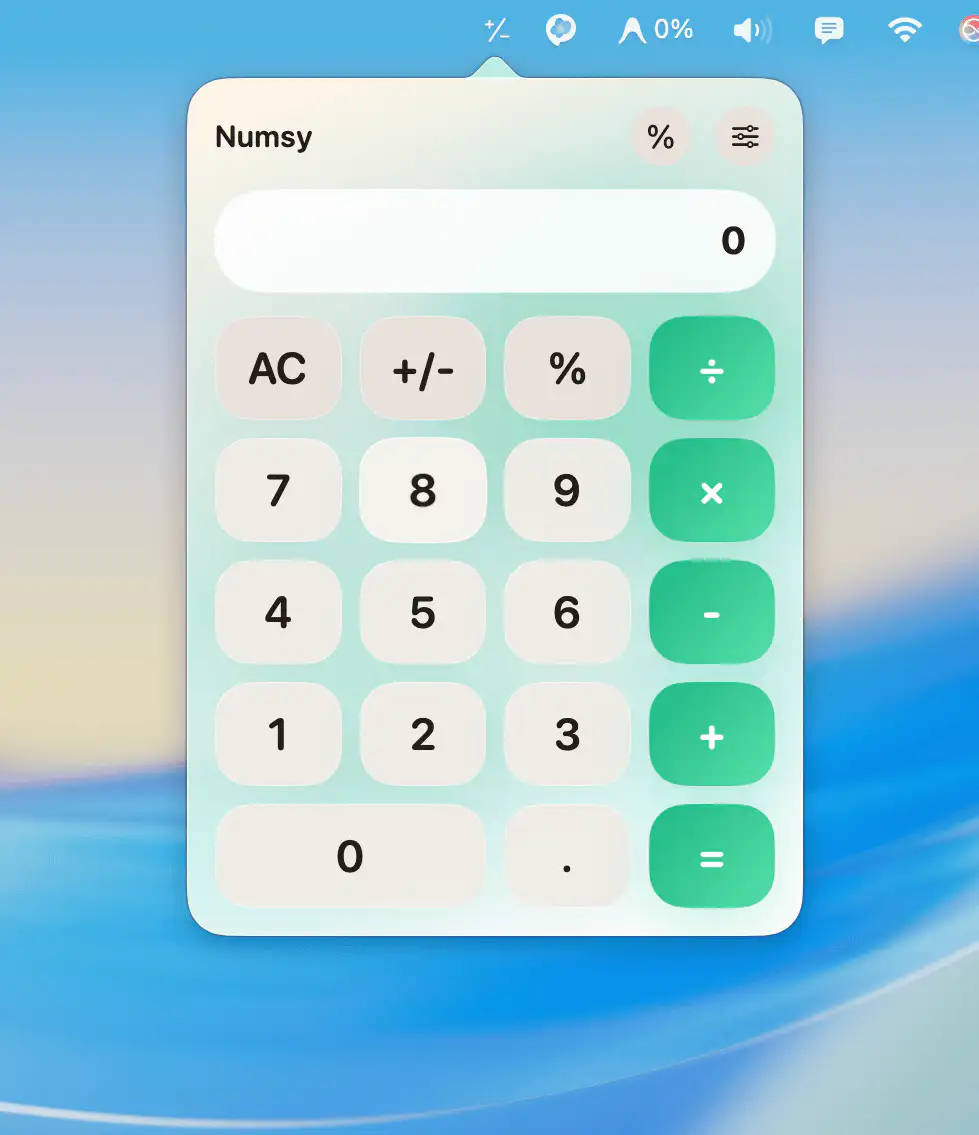
Numsy keeps everyday calculations within effortless reach, offering a clean, responsive interface with history, subtle sound feedback, and customizable visuals, so quick math feels less like a task and more like a quiet reflex.
Collection:
System Tools
Crank
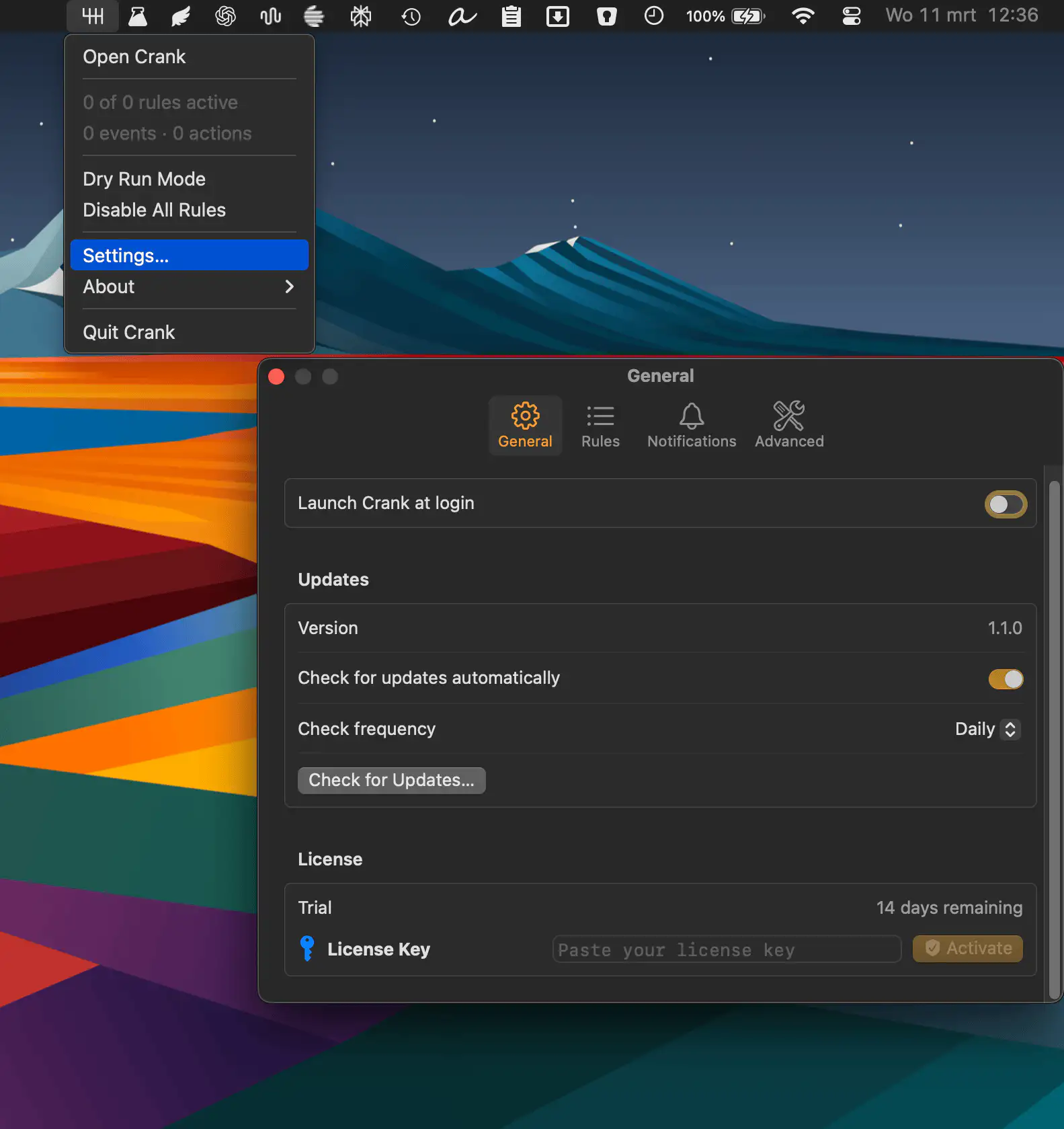
Automate everyday Mac tasks with simple “when this happens, do that” rules. Crank listens for system events like Wi-Fi changes or app launches and quietly runs actions, from scripts to notifications, exactly when you need them.
Collection:
System Tools
USB Status
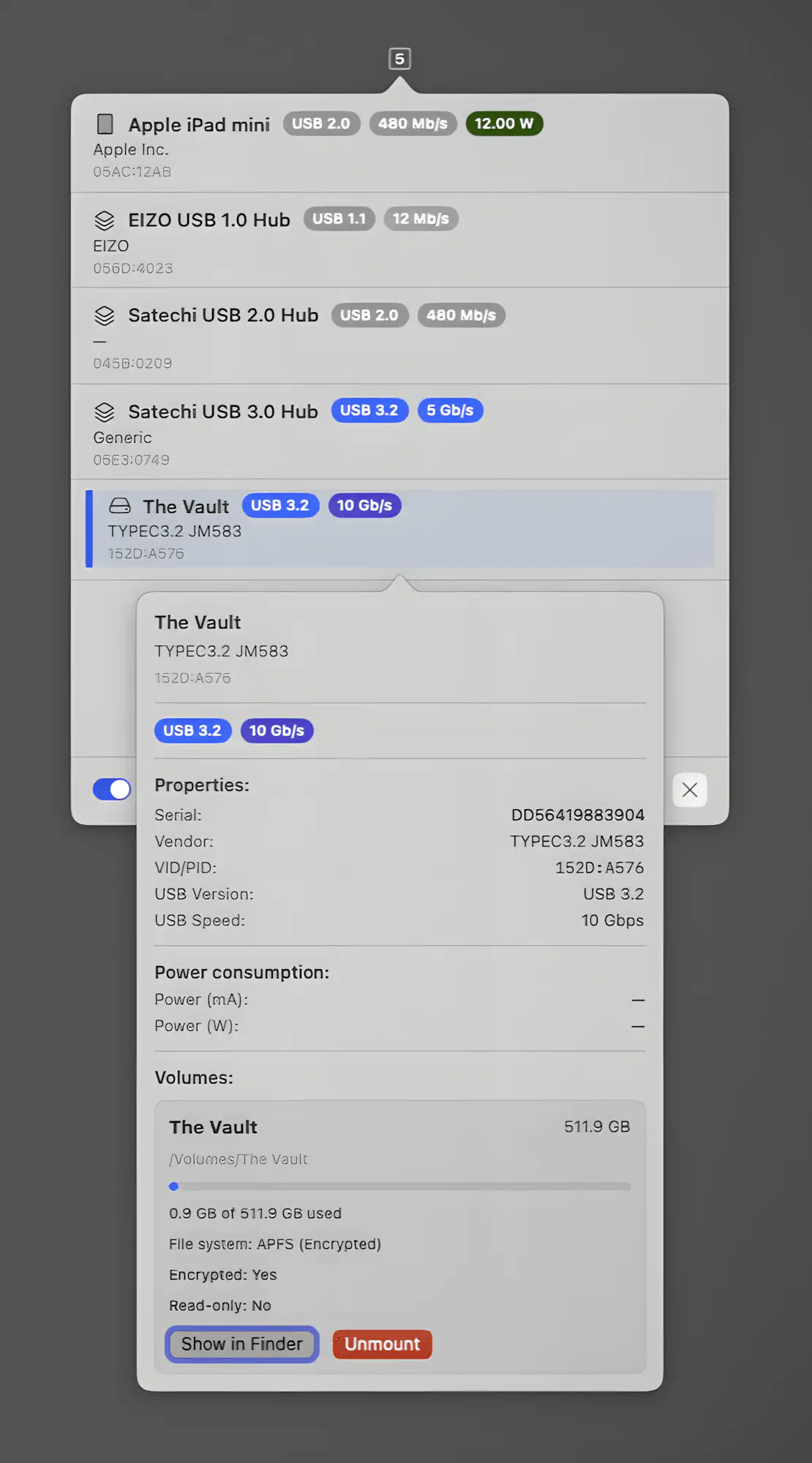
USB Status gives you instant insight into connected devices, showing negotiated speeds, power draw, vendor details and live status at a glance. You can rename hardware, inspect volumes and safely eject with precision, all in a fast, native macOS app that keeps every detail on your machine.
Collection:
System Tools
1Setter
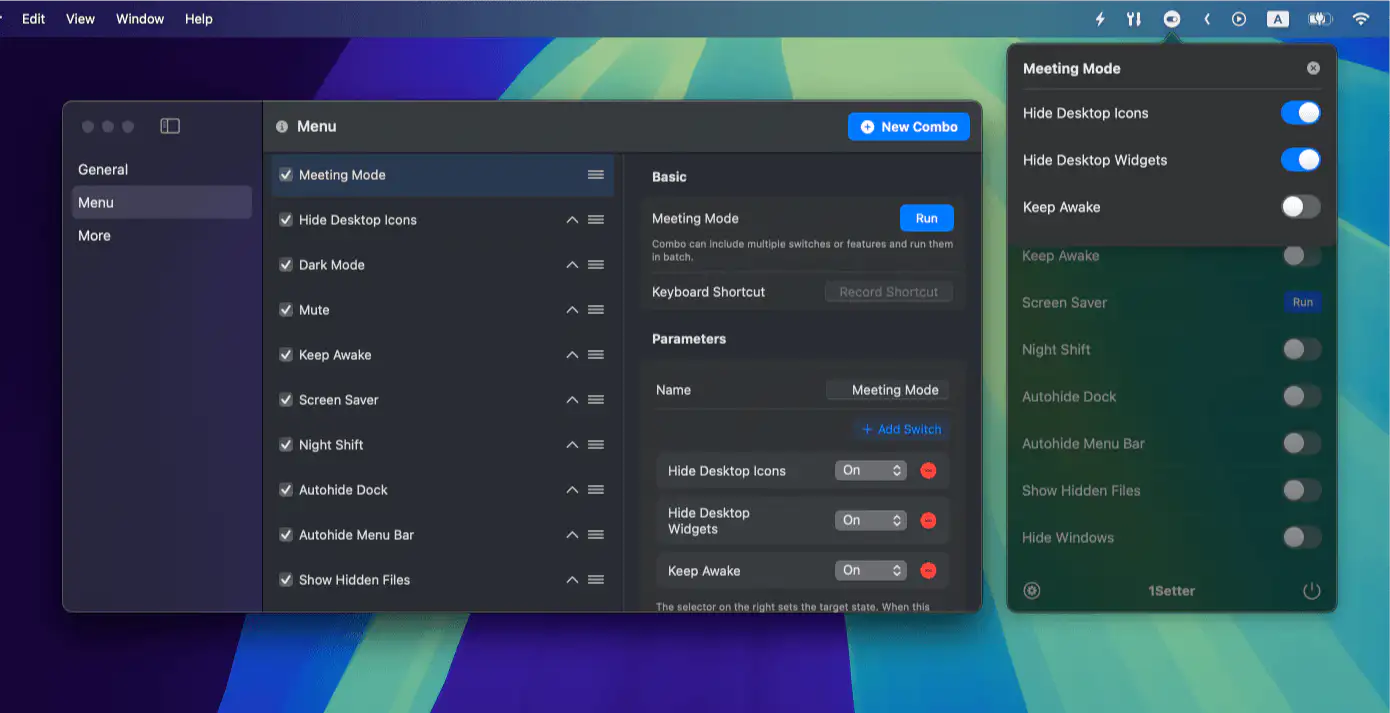
1Setter lets you toggle common and hidden macOS settings instantly, so you skip System Settings and switch modes faster, keeping everyday workflows simple and smooth.
End of content
End of content