Synapse
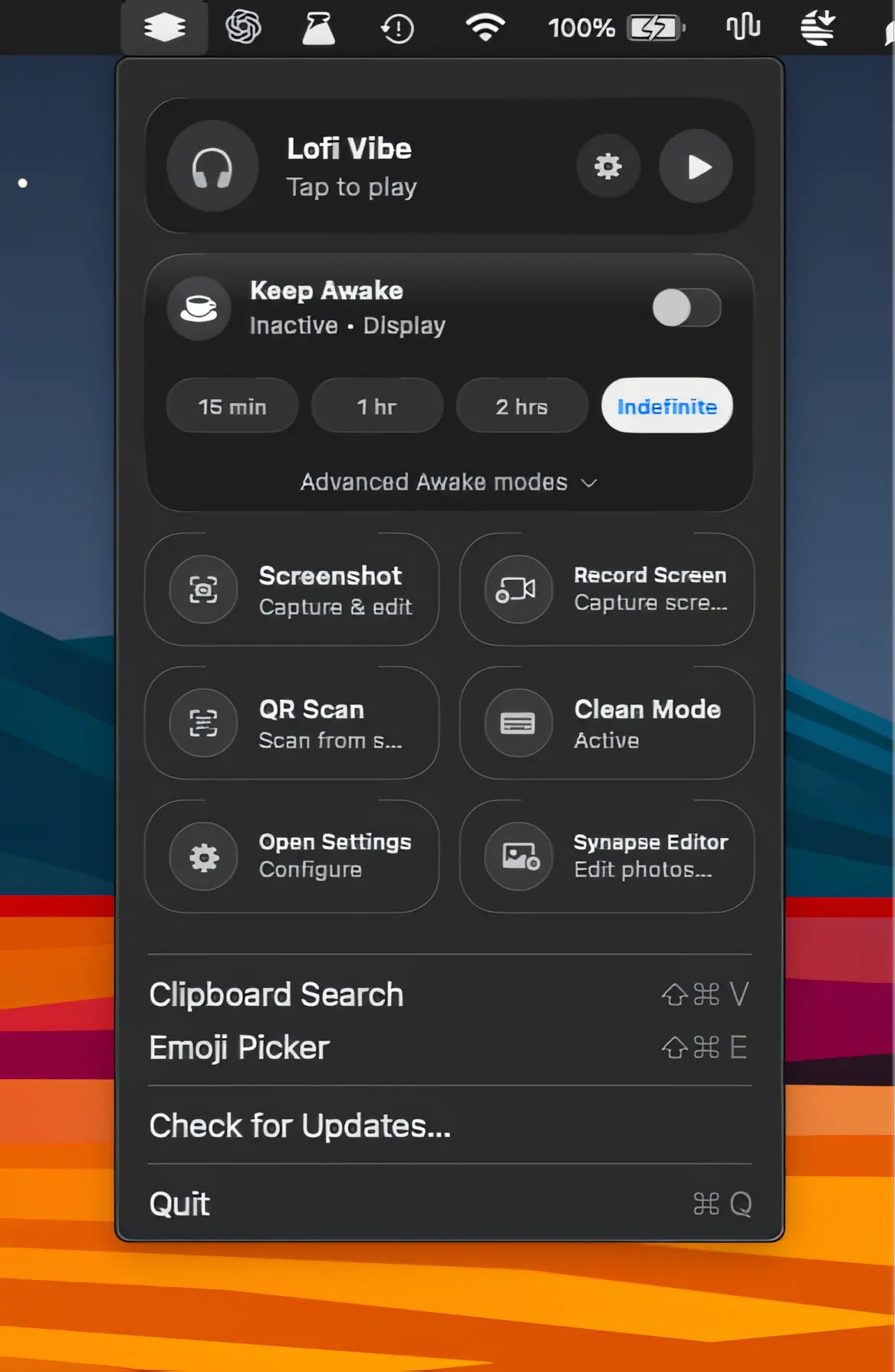
A lightweight collection of everyday Mac utilities for screen recording, screenshots, clipboard history, OCR, QR scanning, sleep prevention, and more, all packed into one streamlined app.

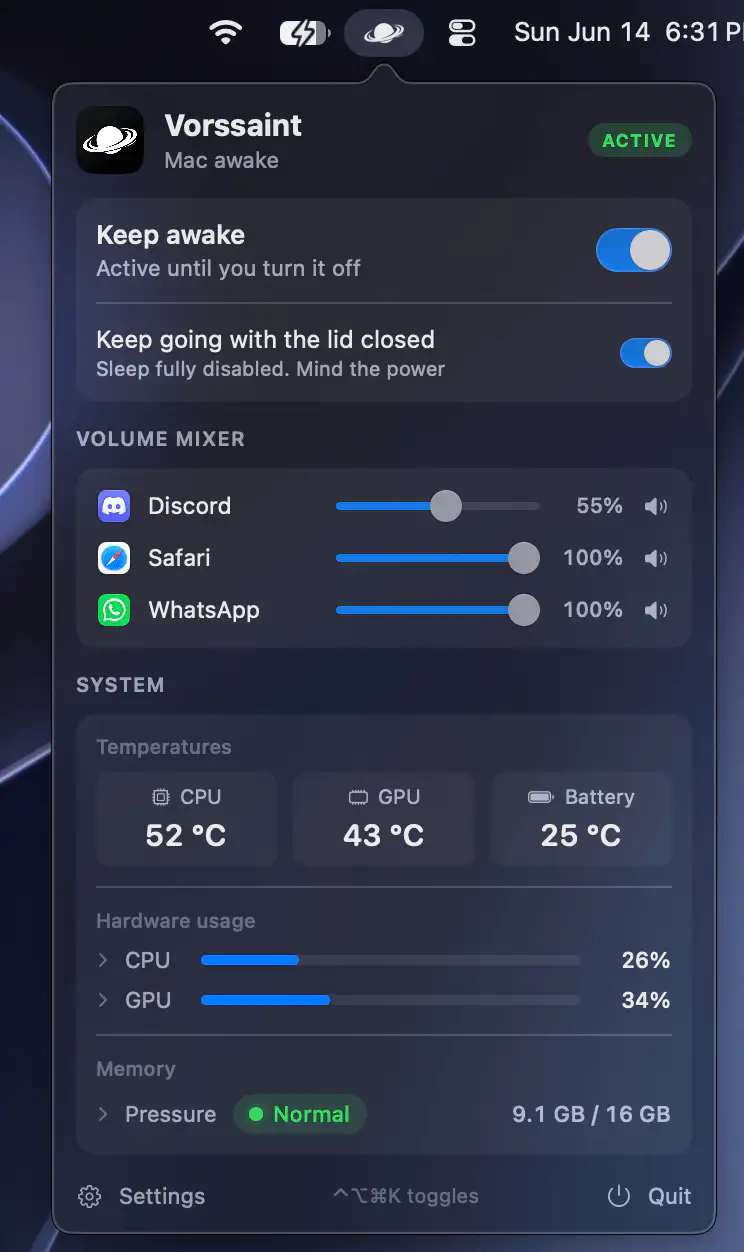
Control, tweak and extend macOS beyond its defaults. Toggle hidden settings, manage drives and NTFS volumes, monitor hardware health, control fans and power behavior, manage Homebrew services, automate routines, throttle processes, fix system glitches and access advanced functions directly from your menu bar.
Control, tweak and extend macOS beyond its defaults. Toggle hidden settings, manage drives and NTFS volumes, monitor hardware health, control fans and power behavior, manage Homebrew services, automate routines, throttle processes, fix system glitches and access advanced functions directly from your menu bar.
A lightweight collection of everyday Mac utilities for screen recording, screenshots, clipboard history, OCR, QR scanning, sleep prevention, and more, all packed into one streamlined app.
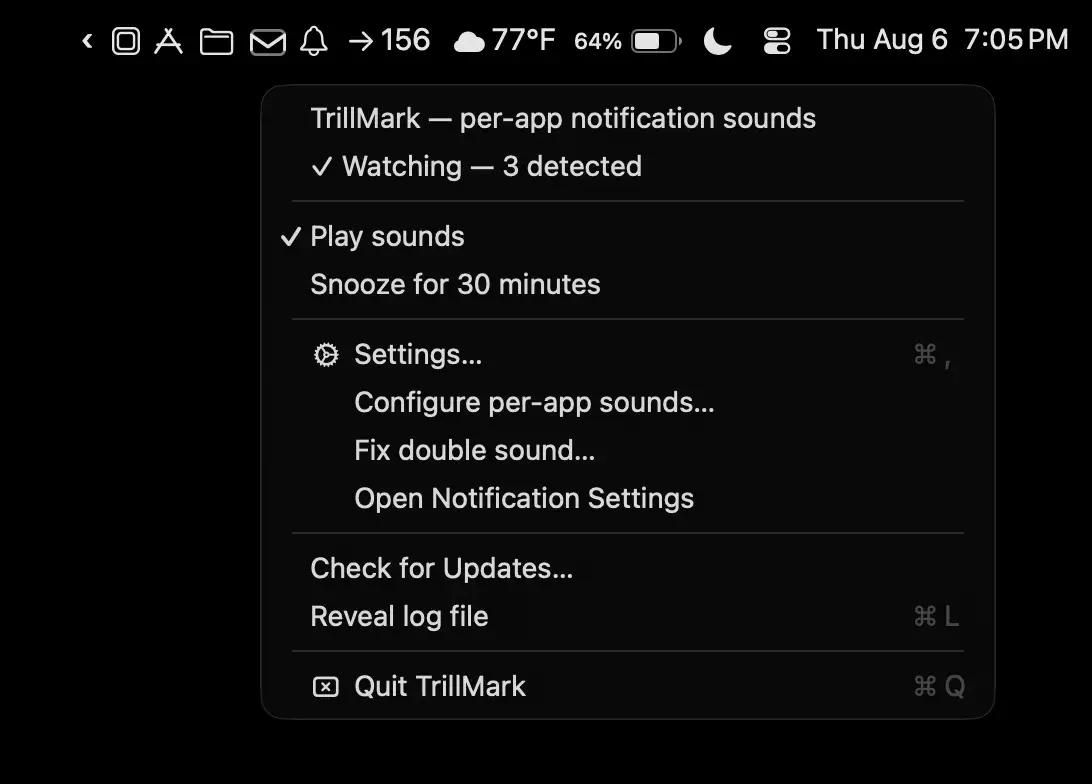
TrillMark makes notifications instantly recognizable with custom sounds and color-coded visual alerts for each app. Know exactly what needs your attention without checking every banner or playing the same default chime.
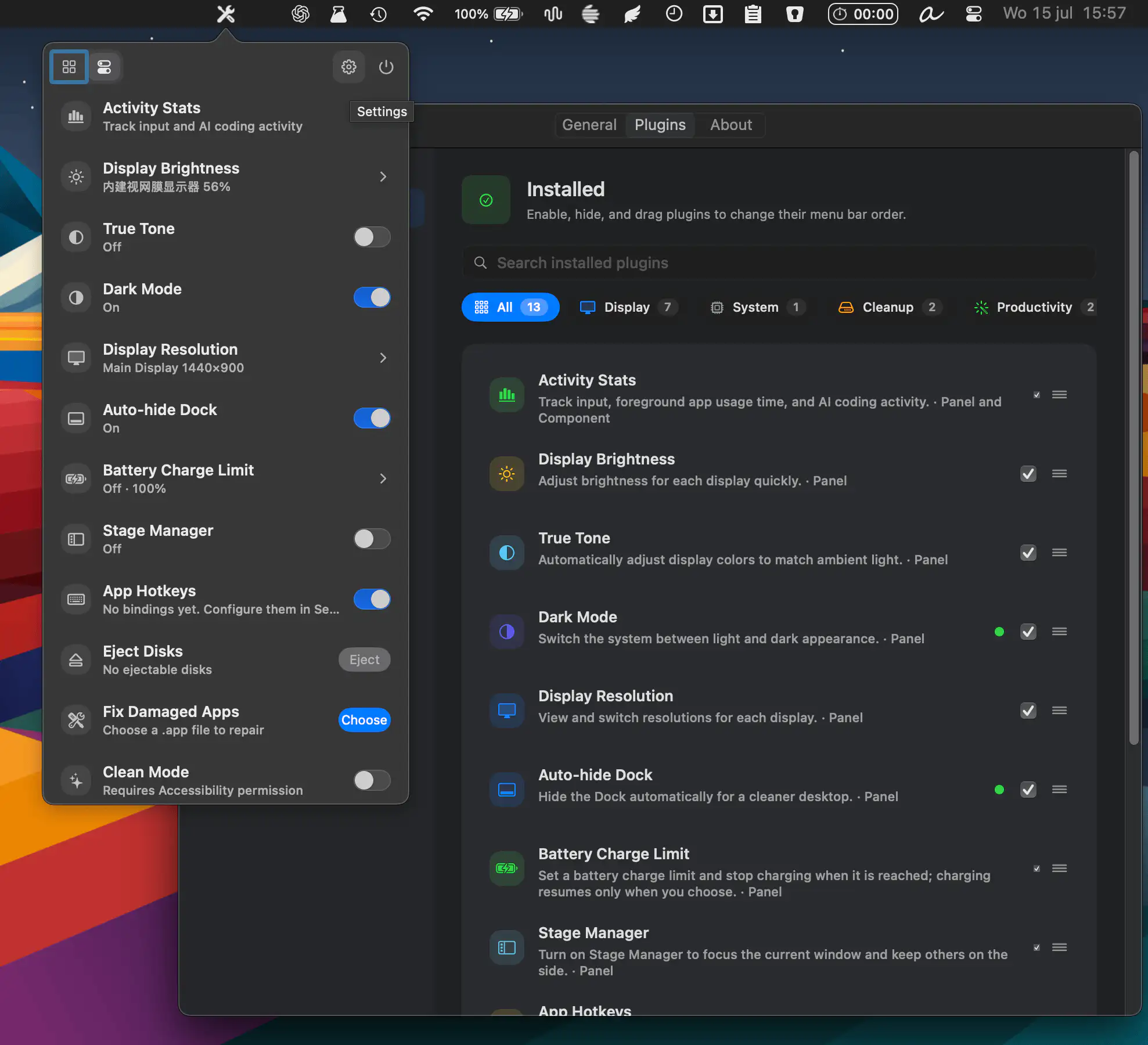
MacTools combines dozens of system utilities into one customizable app, with display controls, cleanup tools, monitoring widgets, battery management, and productivity features. Enable only the tools you need and keep everything organized in one place.
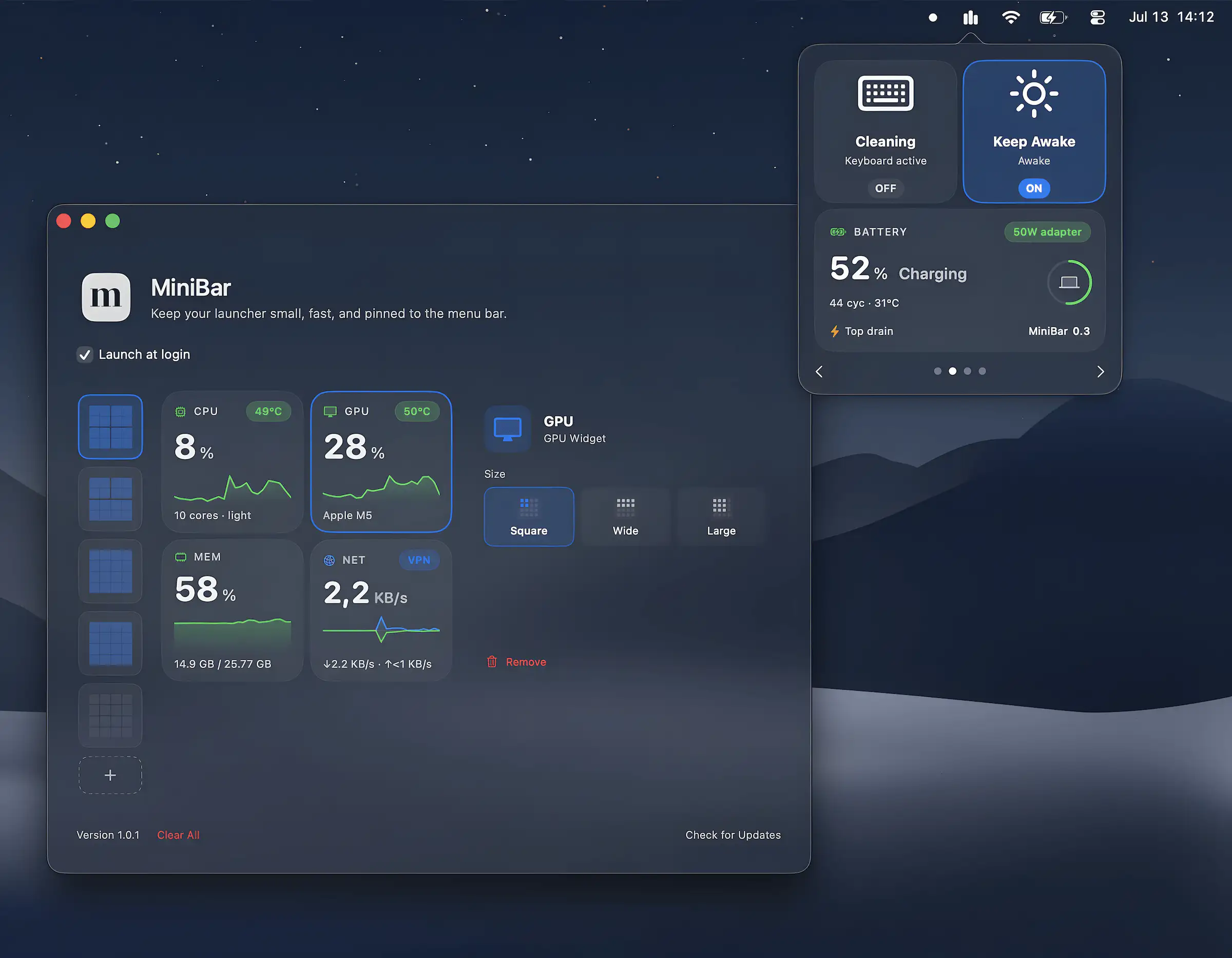
MiniBar combines a lightweight launcher with customizable system widgets for monitoring hardware, battery, network, and processes. It also includes practical tools like Keep Awake, Keyboard Cleaning Mode, AirDrop, and shortcuts.
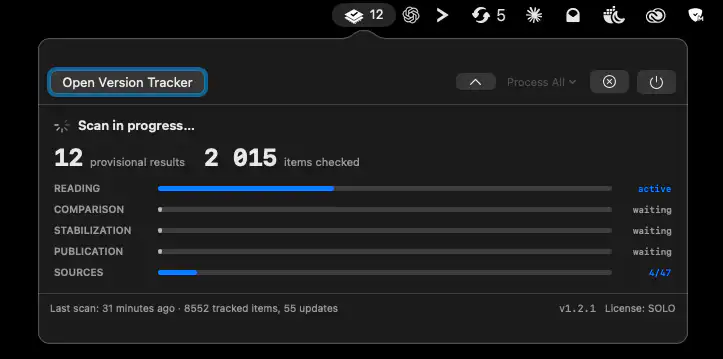
Version Tracker keeps your Mac software up to date by monitoring applications, developer tools, and packages from 47 update sources. It combines one-click updates, security checks, and detailed version tracking with a privacy-first approach.
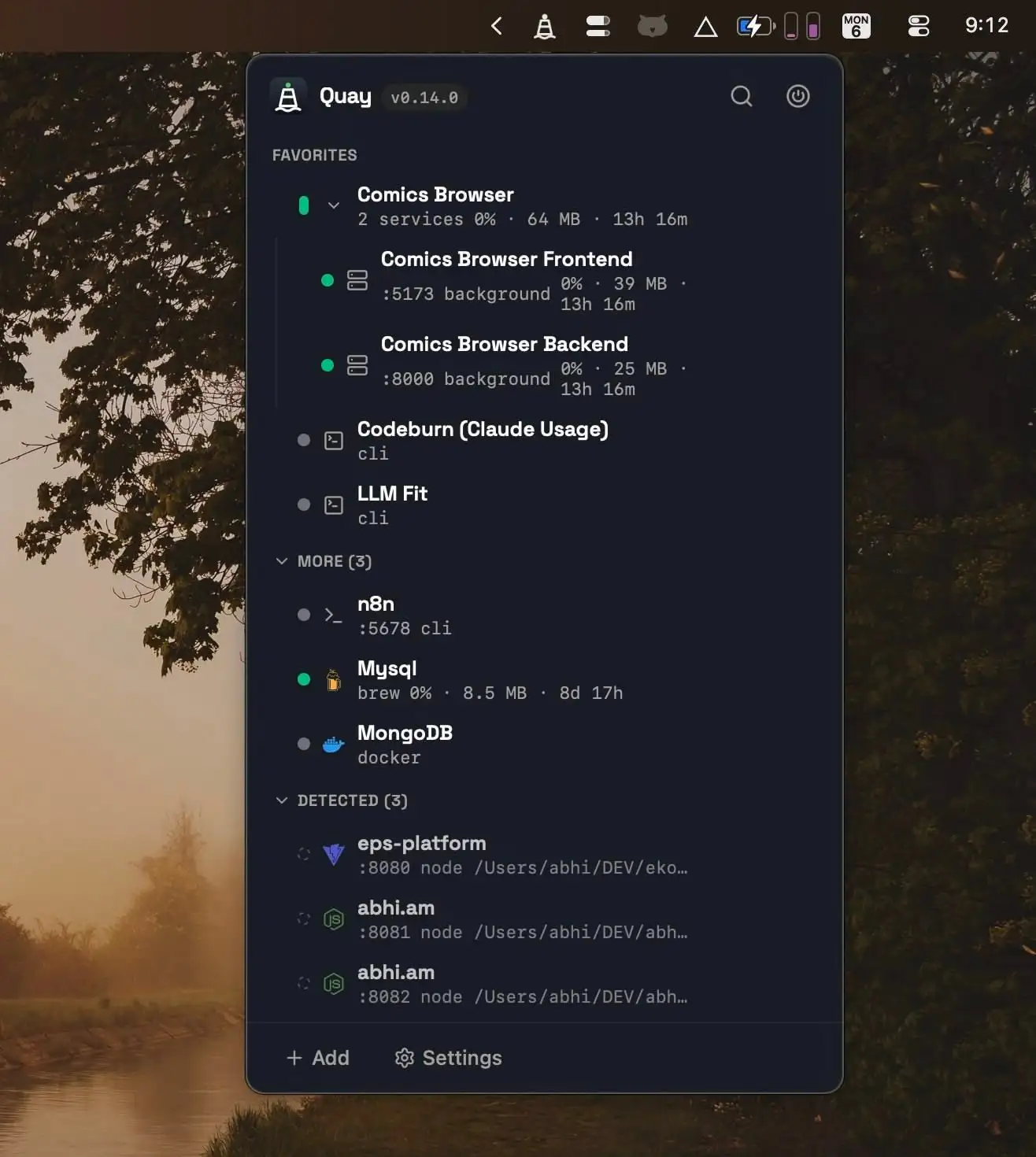
Quay helps developers manage local services from one place, making it easy to start, stop, and monitor project servers, Docker containers, Homebrew services, and terminal agents with live resource metrics and one-click browser access.
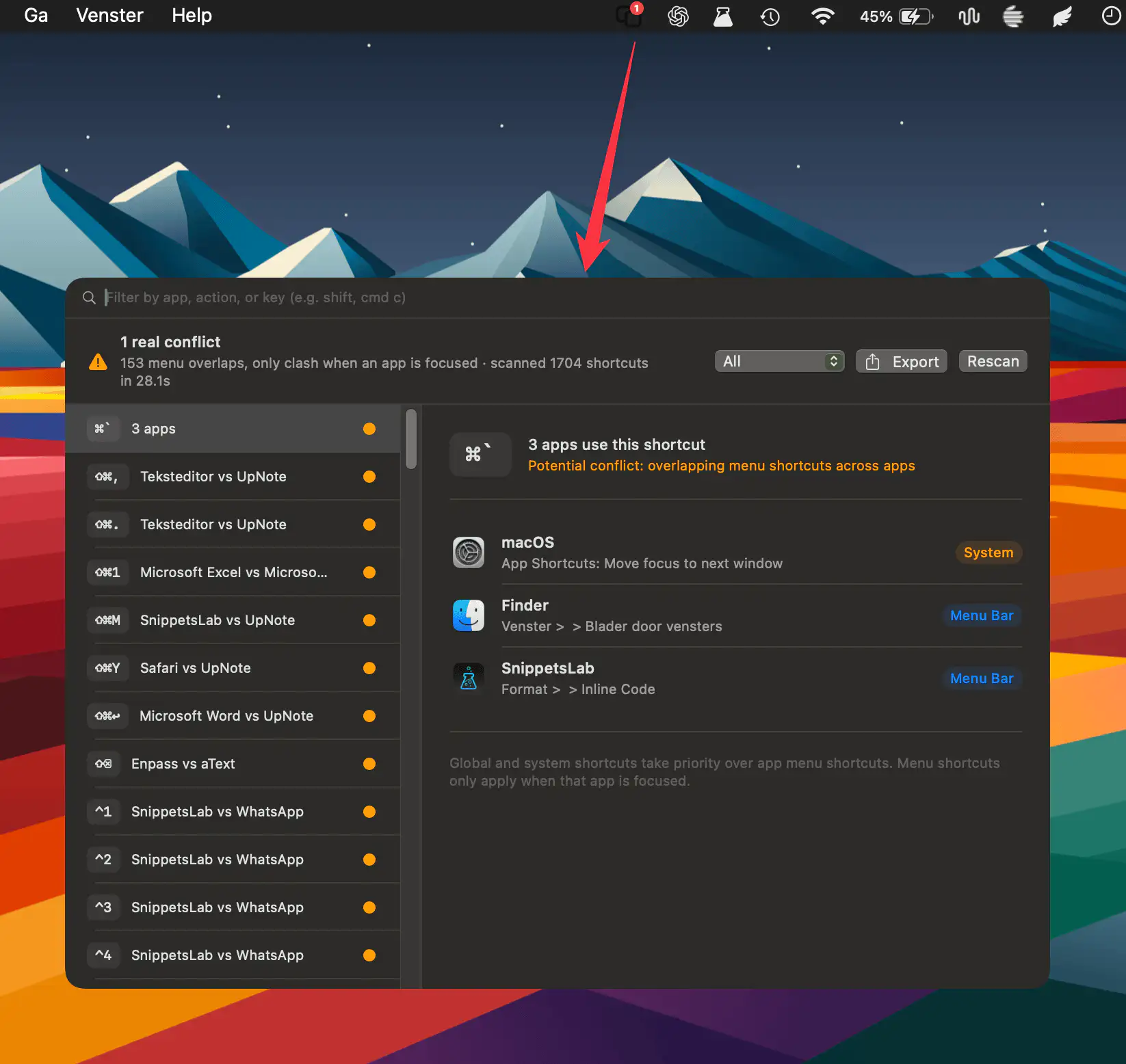
HotkeyClash scans running apps, system shortcuts, and automation configs on macOS to detect overlapping keyboard shortcuts and reveal conflicts in a clear, unified overview.
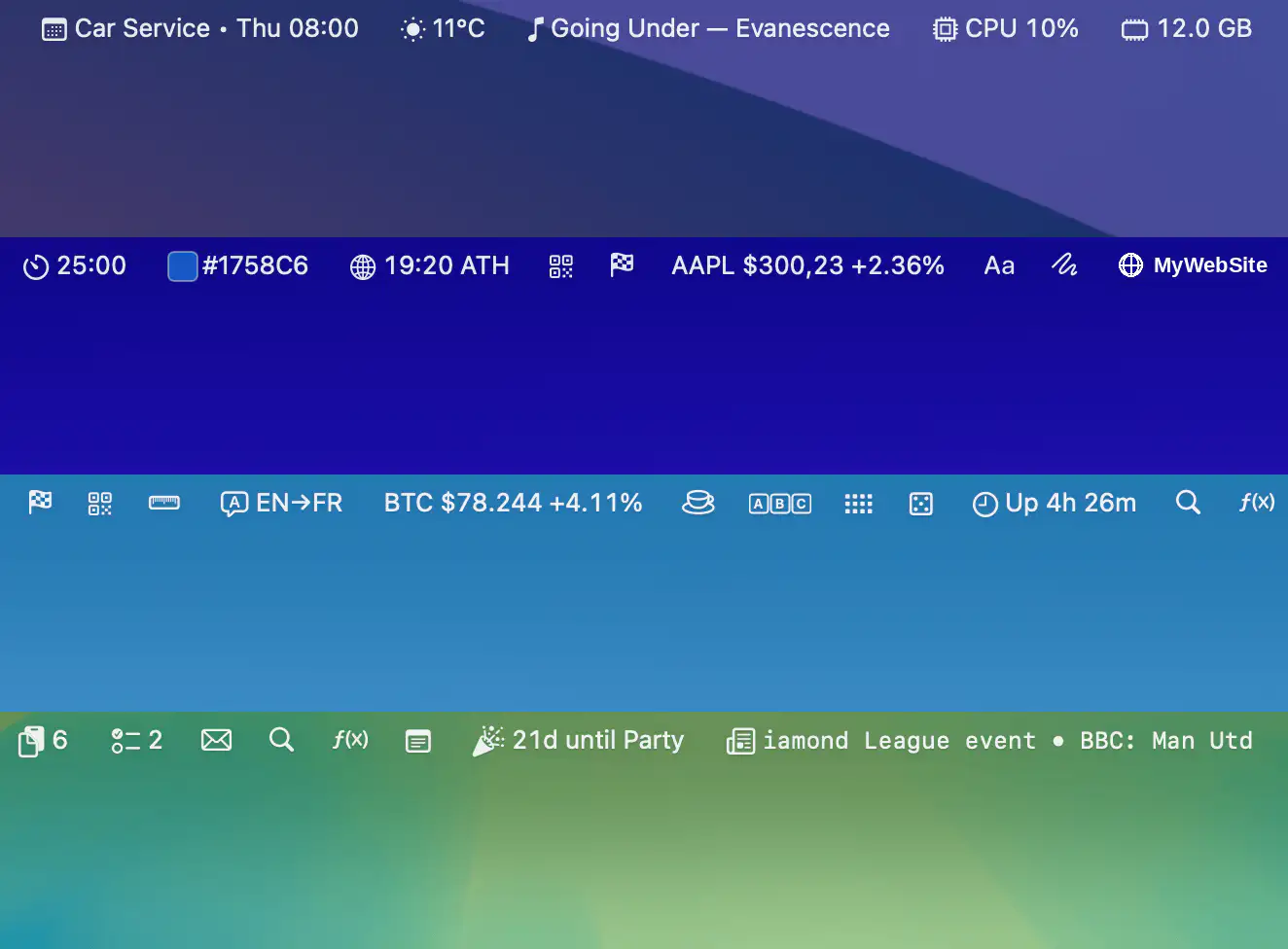
Barista brings more than 35 widgets together in a single workspace, making email, calendar, clipboard history, weather, system stats, stocks, news, and everyday utilities instantly accessible while helping reclaim precious menu bar space.
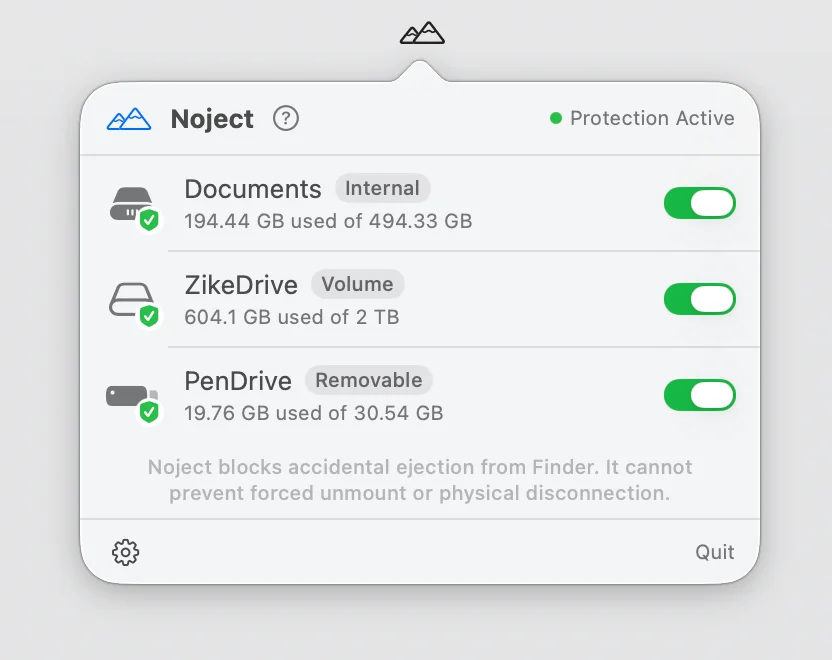
Noject helps prevent accidental drive ejections by protecting selected volumes and keeping them mounted across reboots, sleep cycles, and reconnects. It’s a simple but thoughtful safeguard for storage-heavy workflows.