Collection:
Clipboard Managers
PasteNow

This clipboard management tool lets you store any kind of temporary data: text, link, image and even code. It supports syncing clipboard records across all iOS and macOS devices via iCloud.

Bartender Pro
AirDrop Files, Join Meetings, Check Weather From Your Notch
10% off with code: MACMENUBAR
Bartender Pro
AirDrop Files, Join Meetings, Check Weather From Your Notch
10% off with code: MACMENUBAR

Never lose what you copied. Store, search, organize, and instantly reuse text, images, files, and snippets from your clipboard history. From minimal, privacy-first tools to powerful snippet managers with sync and automation, everything stays one click away.
Never lose what you copied. Store, search, organize, and instantly reuse text, images, files, and snippets from your clipboard history. From minimal, privacy-first tools to powerful snippet managers with sync and automation, everything stays one click away.
This clipboard management tool lets you store any kind of temporary data: text, link, image and even code. It supports syncing clipboard records across all iOS and macOS devices via iCloud.
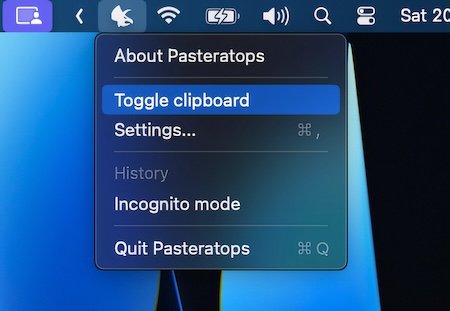
Access a comprehensive history of your clipboard items. You can also choose apps to exclude from clipboard monitoring.
Pasteratops saves your data to disk, ensuring it’s always available, even after a system restart.
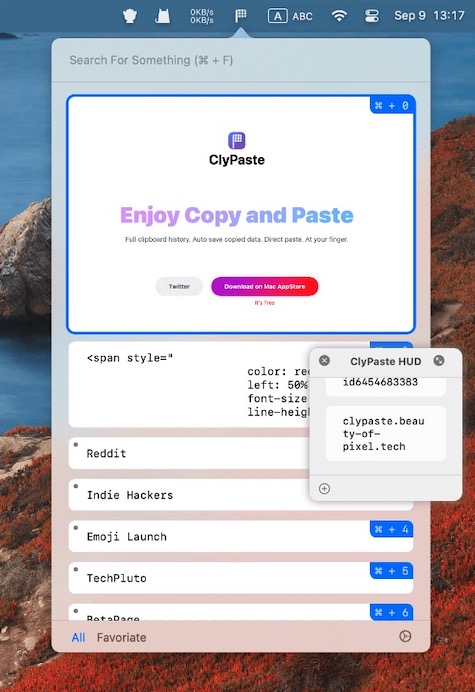
This menu bar app extends the core functionality of other clipboard managers by including a HUD (Heads-Up Display) window that displays the most frequently used items.
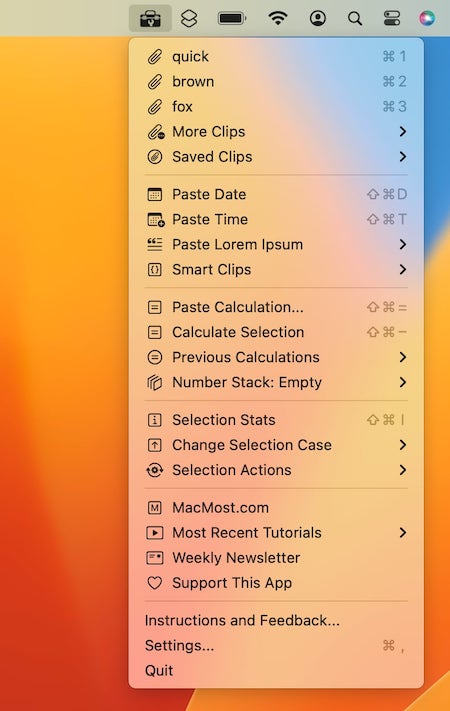
Access your clipboard history, save clips, use programmable Smart Clips, paste the date or time, insert example text, perform calculations and paste the result or replace the selection, convert numbers to words, sorts lines and much more.
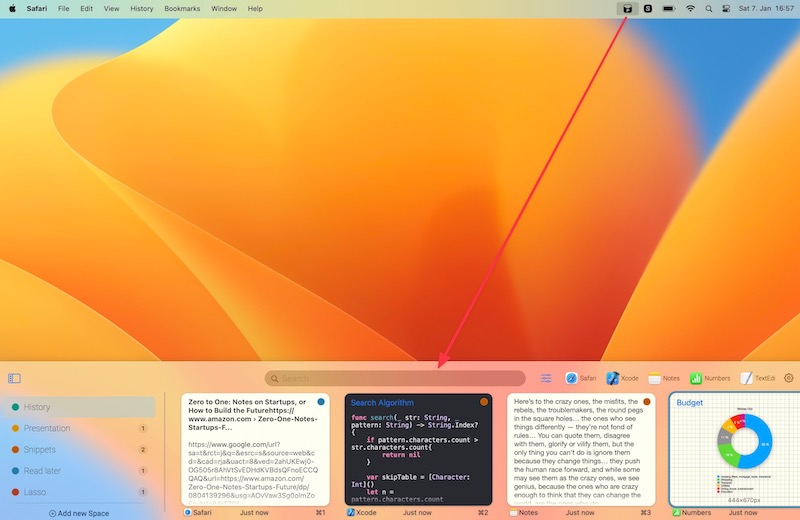
Pasty is a menu bar app that provides you with an interface for retrieving and organizing your clipboard history. You can search by content, source application, and type of content.
You can even access your most frequently used copied items by pinning them to a dedicated Space.
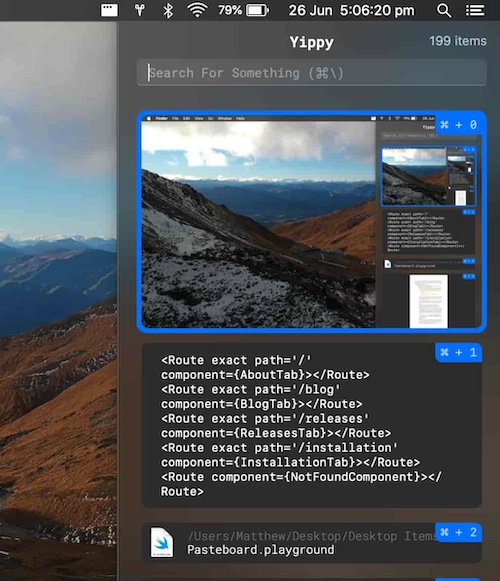
Yippy is an open source clipboard manager. The history window shows all text ever copied from when it is first run.
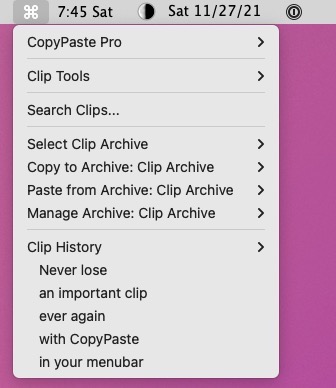
CopyPaste Pro automatically records a certain number of clips (50 by default) and allows you to quickly access them at a latter time. This menu bar app also allows you to add your own entries in an Archive: this comes in handy when you are using the same text strings frequently.
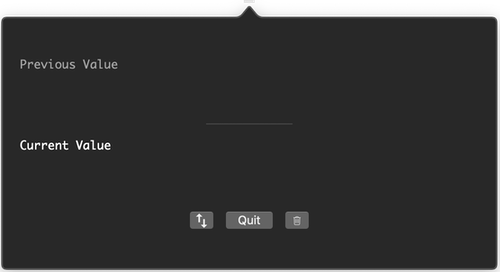
Minimal menu bar app for stashing clipboard content. You can view the current and previous values, swap between current and previous values and clear clipboard content.