Never lose what you copied. Store, search, organize, and instantly reuse text, images, files, and snippets from your clipboard history. From minimal, privacy-first tools to powerful snippet managers with sync and automation, everything stays one click away.
Show me the free apps only
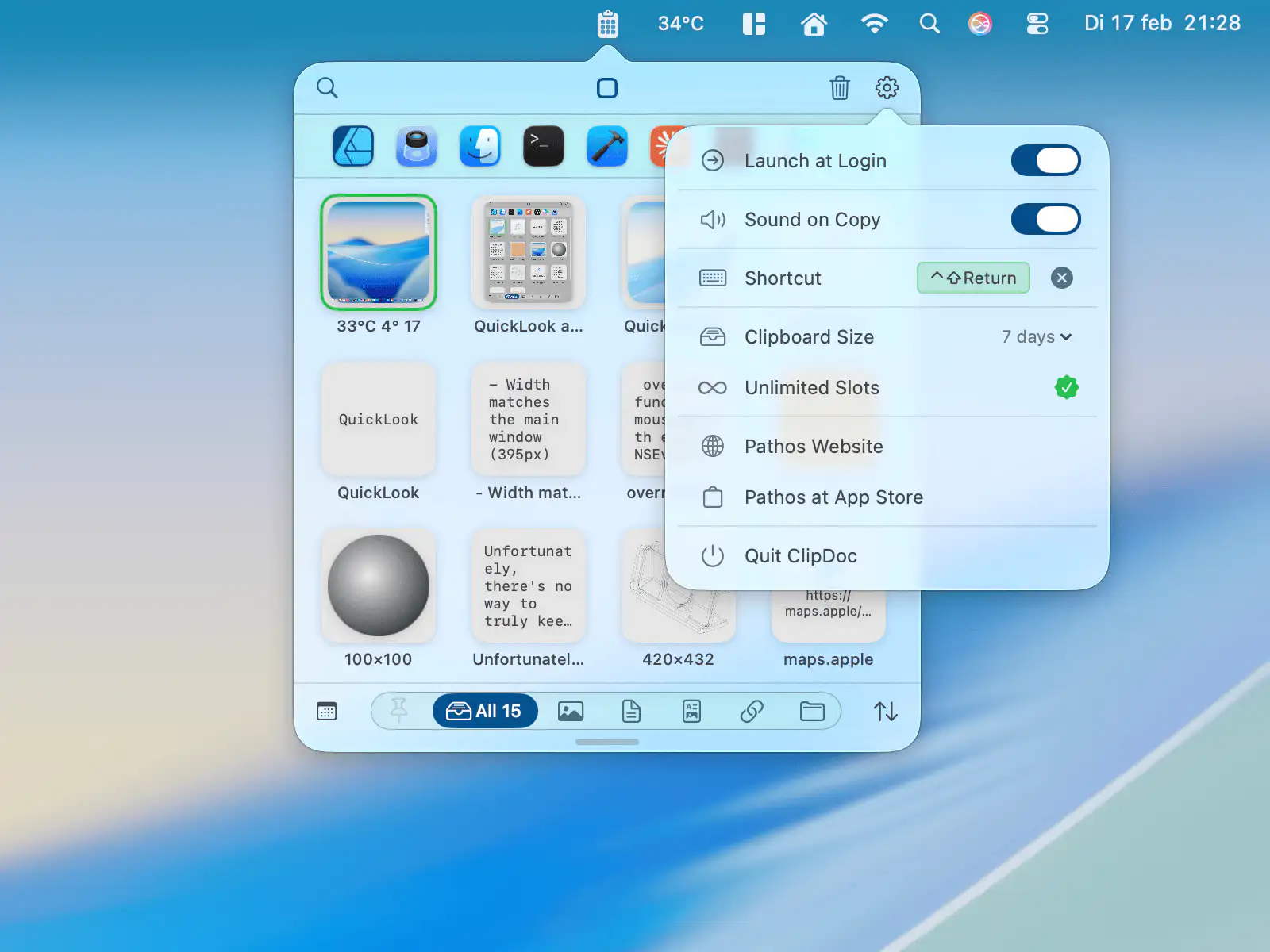
ClipDoc quietly records everything you copy, from text and links to images and files, while skipping sensitive data. Find anything instantly, preserve original formatting, and browse your clipboard history with fast search and filters.
Visit
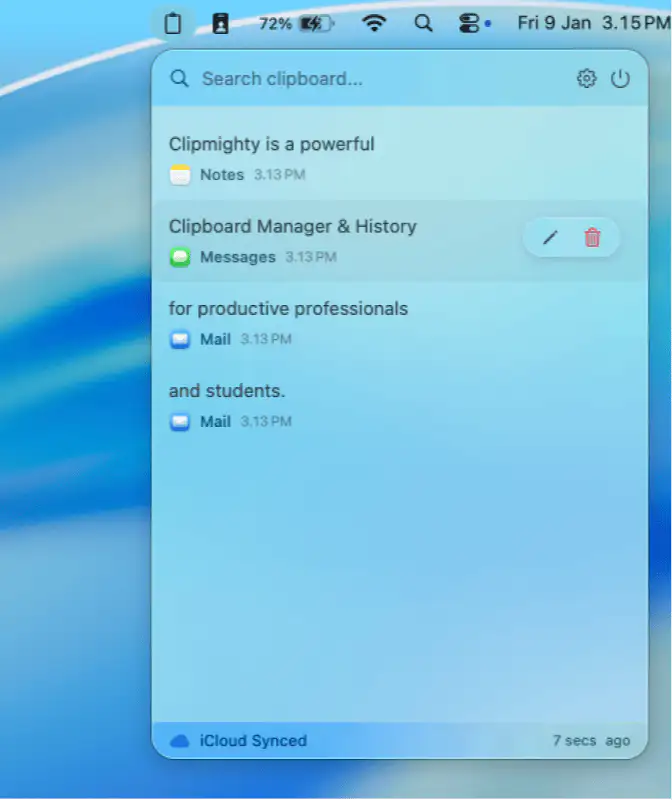
Clipmighty remembers everything you copy, offering infinite history, iCloud sync, and smart search in a lightweight menu bar app with privacy at heart.
Visit
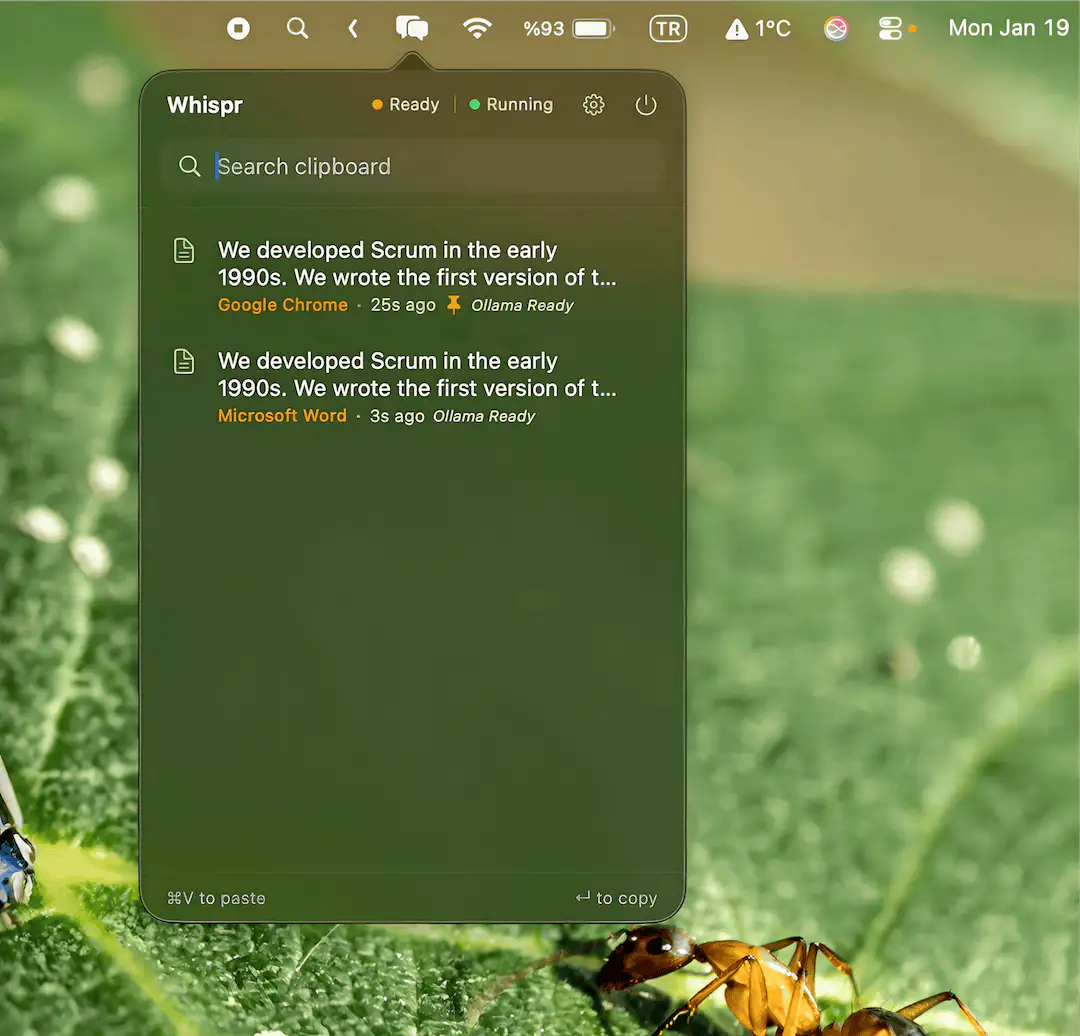
Whispr is a quiet, privacy-first clipboard manager for macOS that lives in your menu bar, keeps duplicates away, masks sensitive data, and offers fast, distraction-free access when you need it.
Visit Watch
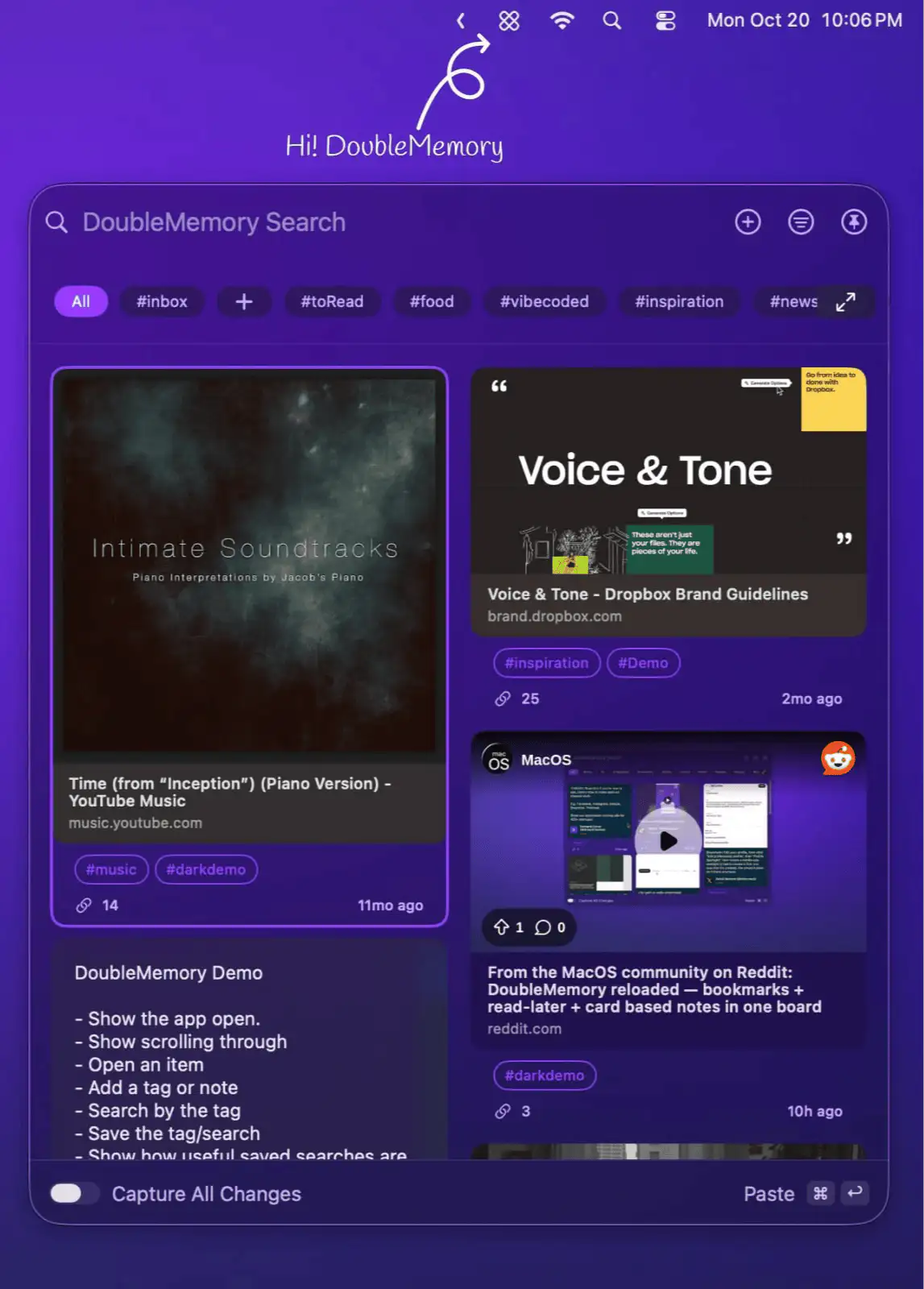
DoubleMemory lets you save links, notes, and snippets instantly from the macOS menu bar, offering quick search and effortless recall across devices in a clean, lightweight interface.
Visit Watch
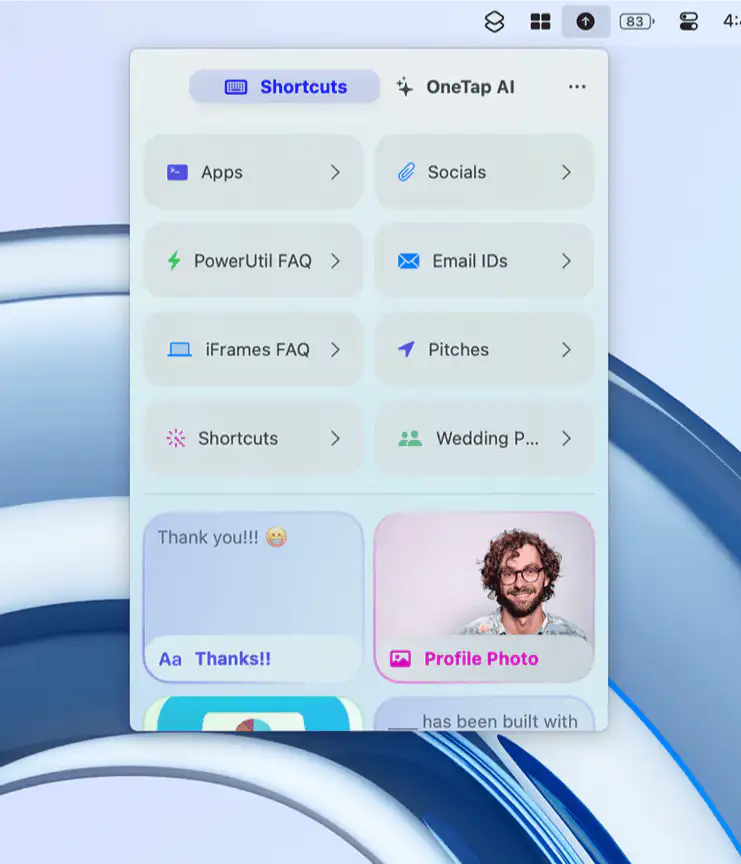
OneTap puts your clipboard history and favorite shortcuts right in the Mac menu bar, letting you copy, paste, and organize anything instantly; text, links, photos, files, even AI prompts..
Visit
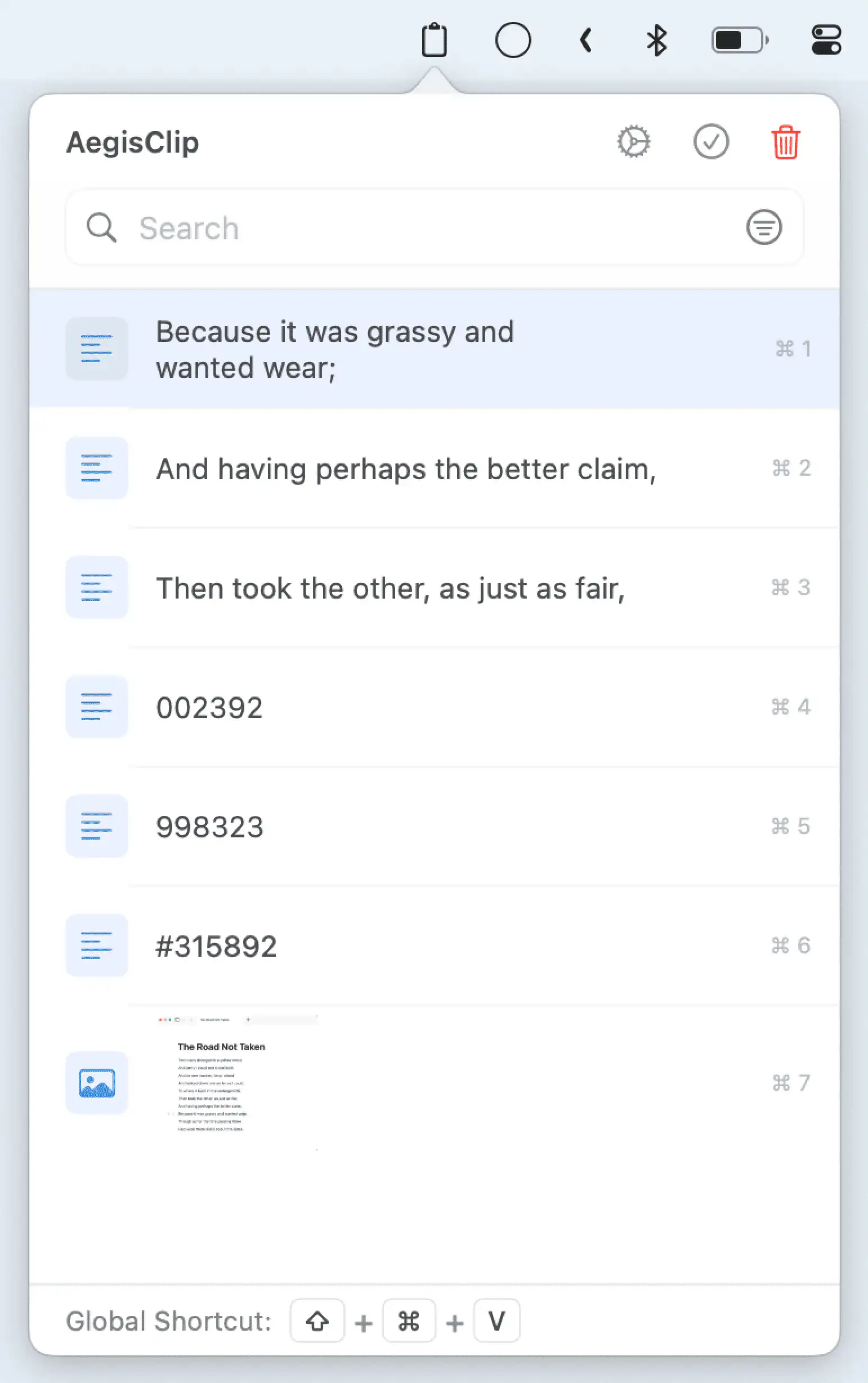
AegisClip is a sleek, privacy-first clipboard app for Mac that makes pasting effortless — split text, auto-paste, and organize your clips with powerful features, all stored 100% on-device.
Visit
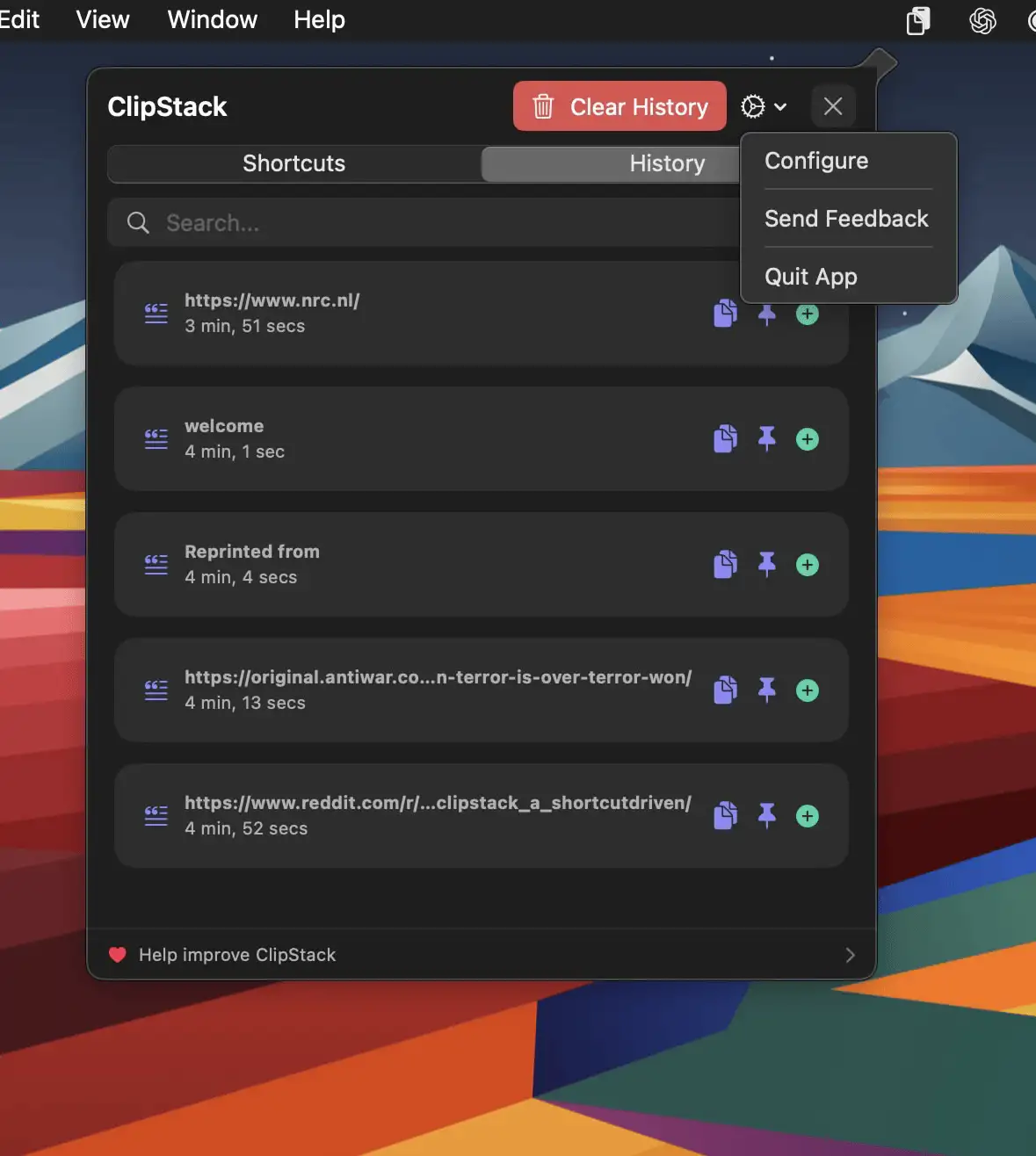
ClipStack gives you instant access to your most-used text snippets, right from the menu bar—with full support for Shortcuts.
Visit
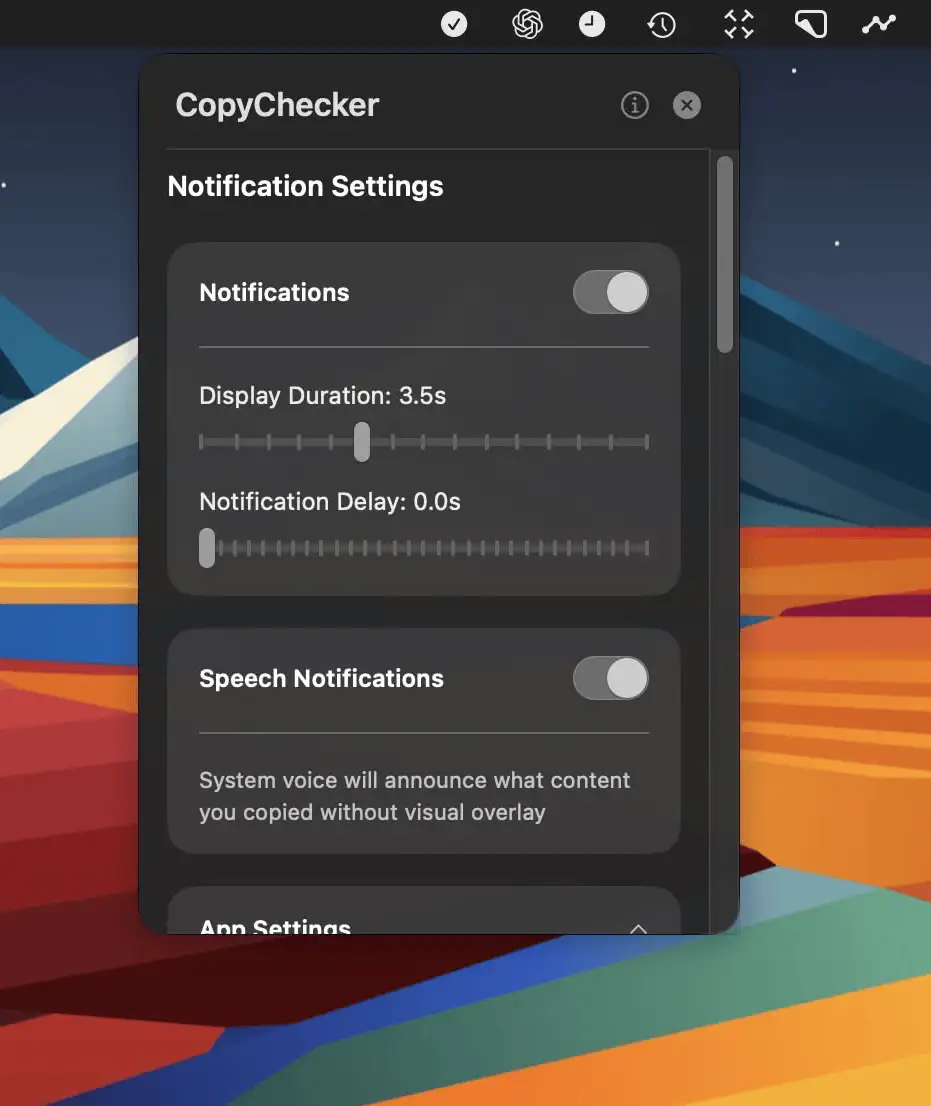
CopyChecker is a Mac menu bar app that confirms what you copy with instant visual or spoken alerts—helping you avoid mistakes and stay focused on your work.
Visit
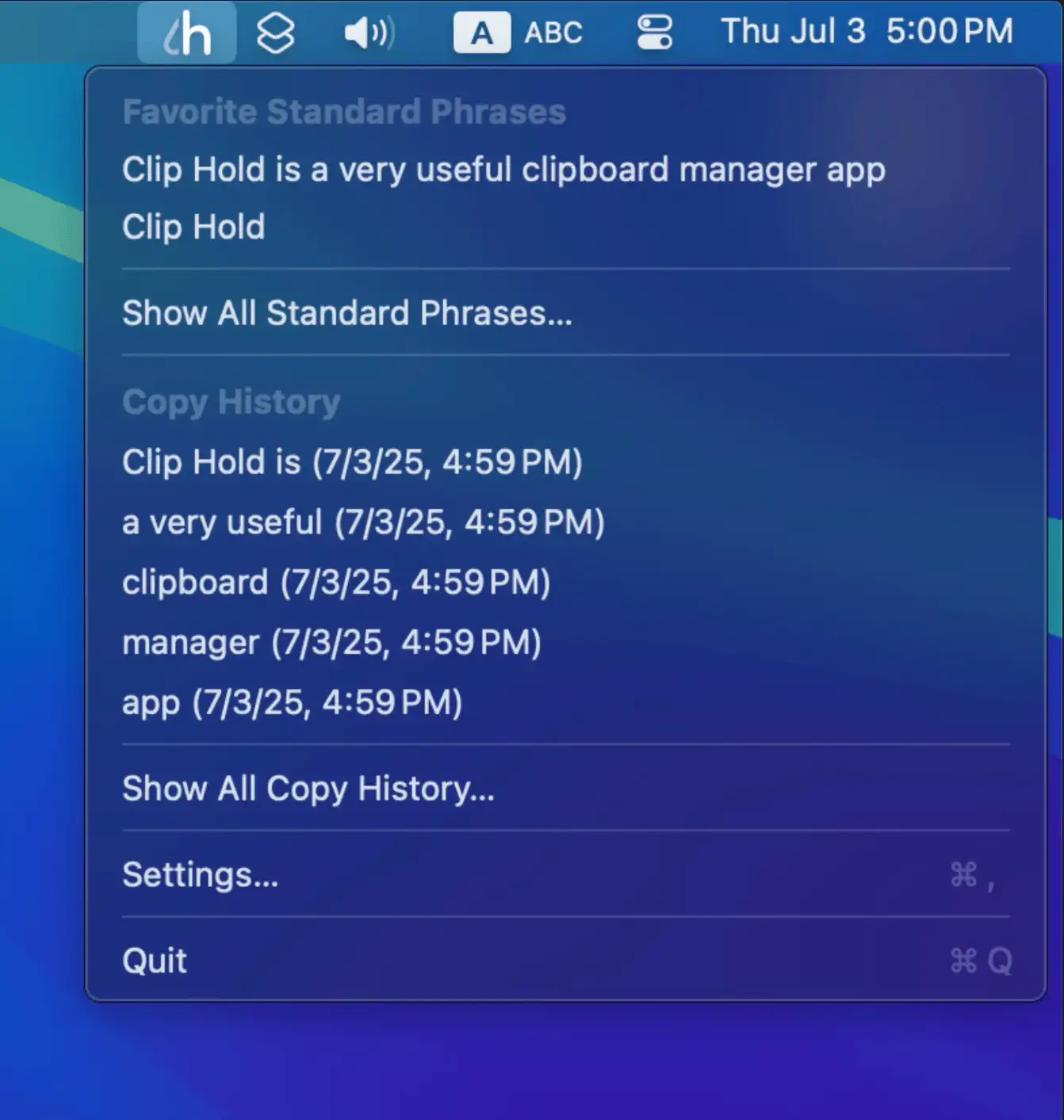
Clip Hold is a convenient macOS menu bar app for managing clipboard history and standard phrases, featuring quick access, customizable shortcuts, easy import/export, and privacy-focused clipboard monitoring.
Visit
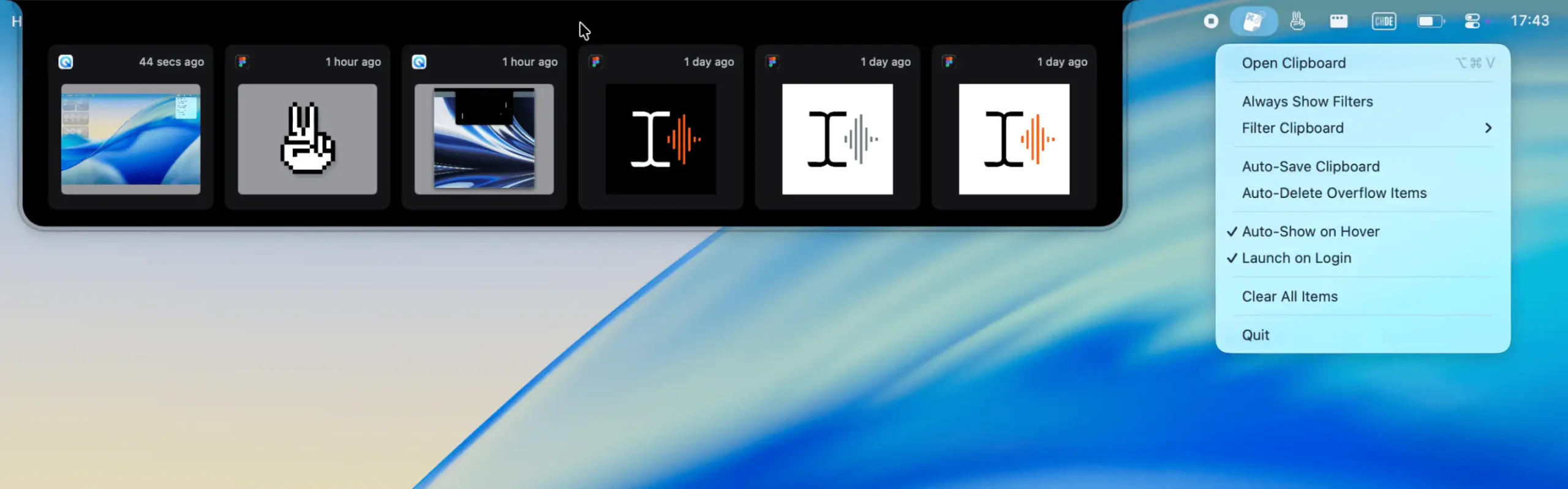
A lightweight, visual clipboard for your most recent copies—text, images, files, or colors—always visible from your menu bar. Snippet helps you glance, reuse, and move on.
Visit
