

Collection:
Display Apps
Take full control of how your Mac looks and behaves. Adjust brightness, contrast, resolution, and color, manage multiple monitors, lock docks in place, blur distractions, fine-tune window focus, and switch display profiles instantly from your menu bar.
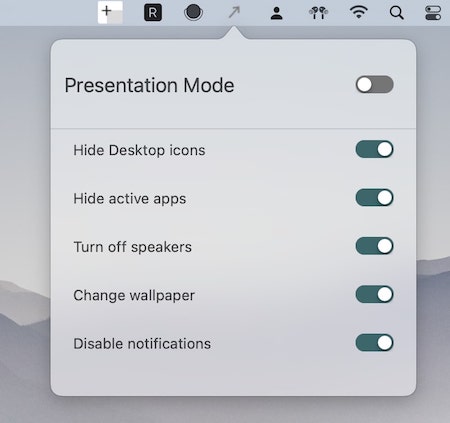
Collection:
Display Apps | Meeting Apps
BlurScreen
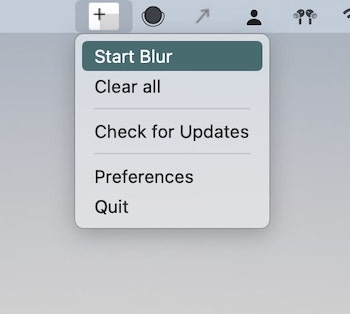
Collection:
Display Apps | Meeting Apps
Zen Mode
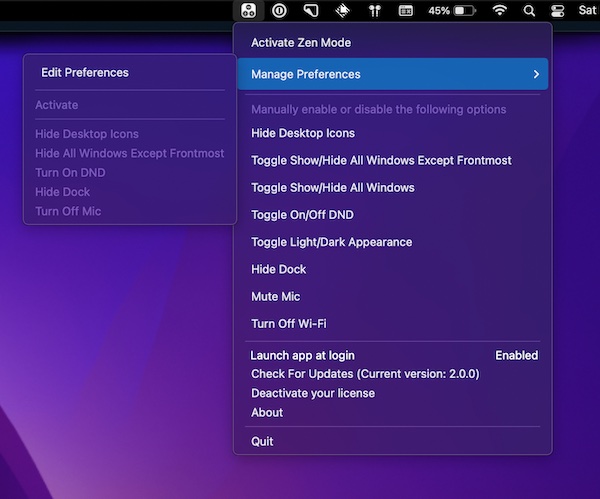
Collection:
Cleaning Apps | Display Apps
Hides
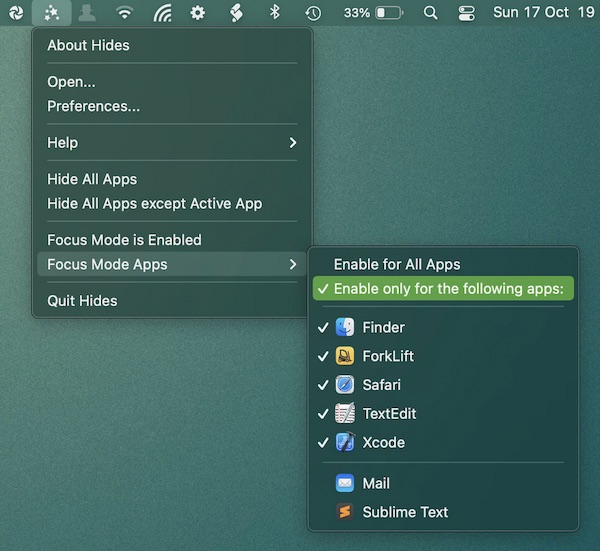
Enable focus mode, to quickly hide all apps except the app you’re currently working in. This menu bar app can be configured globally or for specific apps.
Collection:
Display Apps
BetterDummy
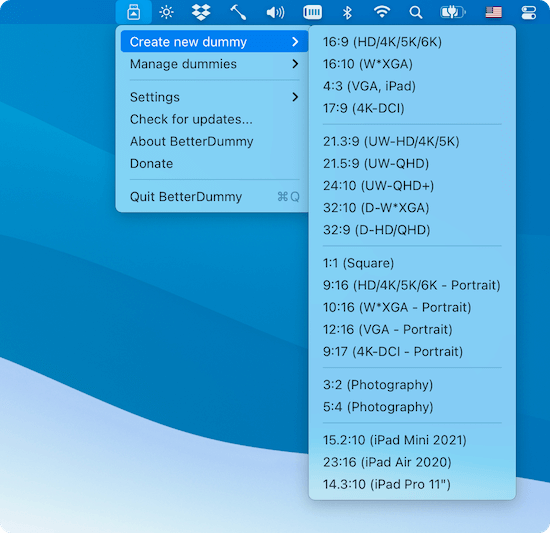
The new Apple Silicon Macs notoriously don’t allow sub-4K resolution displays to have HiDPI (“Retina”) resolutions. This menu bar app tricks macOS into thinking you’ve plugged in a 5K monitor.
End of content
End of content