Collection:
Files & Folders
Forel
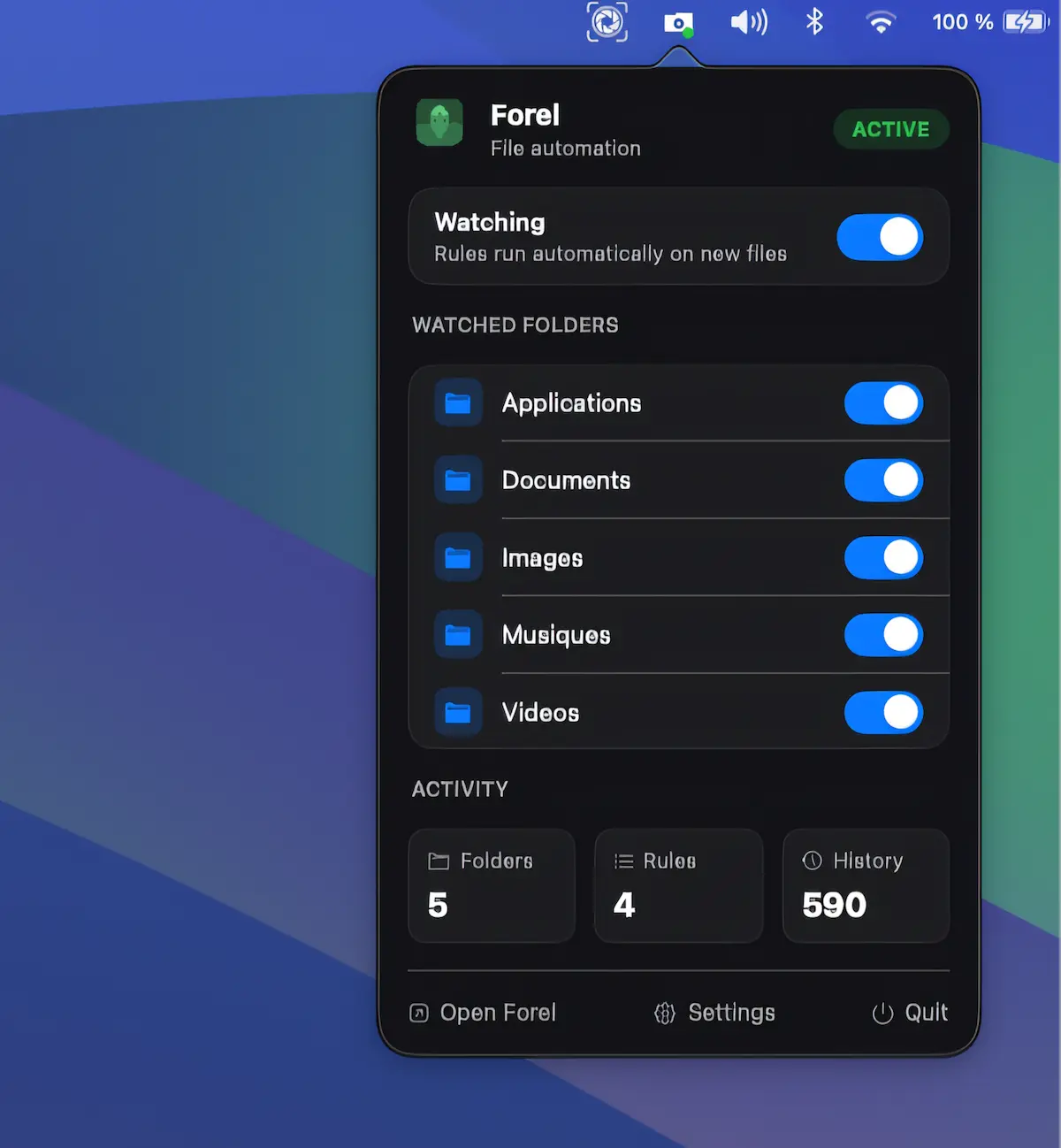
Privacy-focused file automation for macOS. Create rules to automatically move, rename, tag, or organize files by name, type, size, date, or labels, entirely on-device.

Keep your files within reach, not in the way. Open folders instantly, manage recent files, automate sorting, rename in bulk, tag smarter, mount remote drives, and drag, drop, share, or convert files directly from your menu bar without digging through Finder.
Keep your files within reach, not in the way. Open folders instantly, manage recent files, automate sorting, rename in bulk, tag smarter, mount remote drives, and drag, drop, share, or convert files directly from your menu bar without digging through Finder.
Privacy-focused file automation for macOS. Create rules to automatically move, rename, tag, or organize files by name, type, size, date, or labels, entirely on-device.
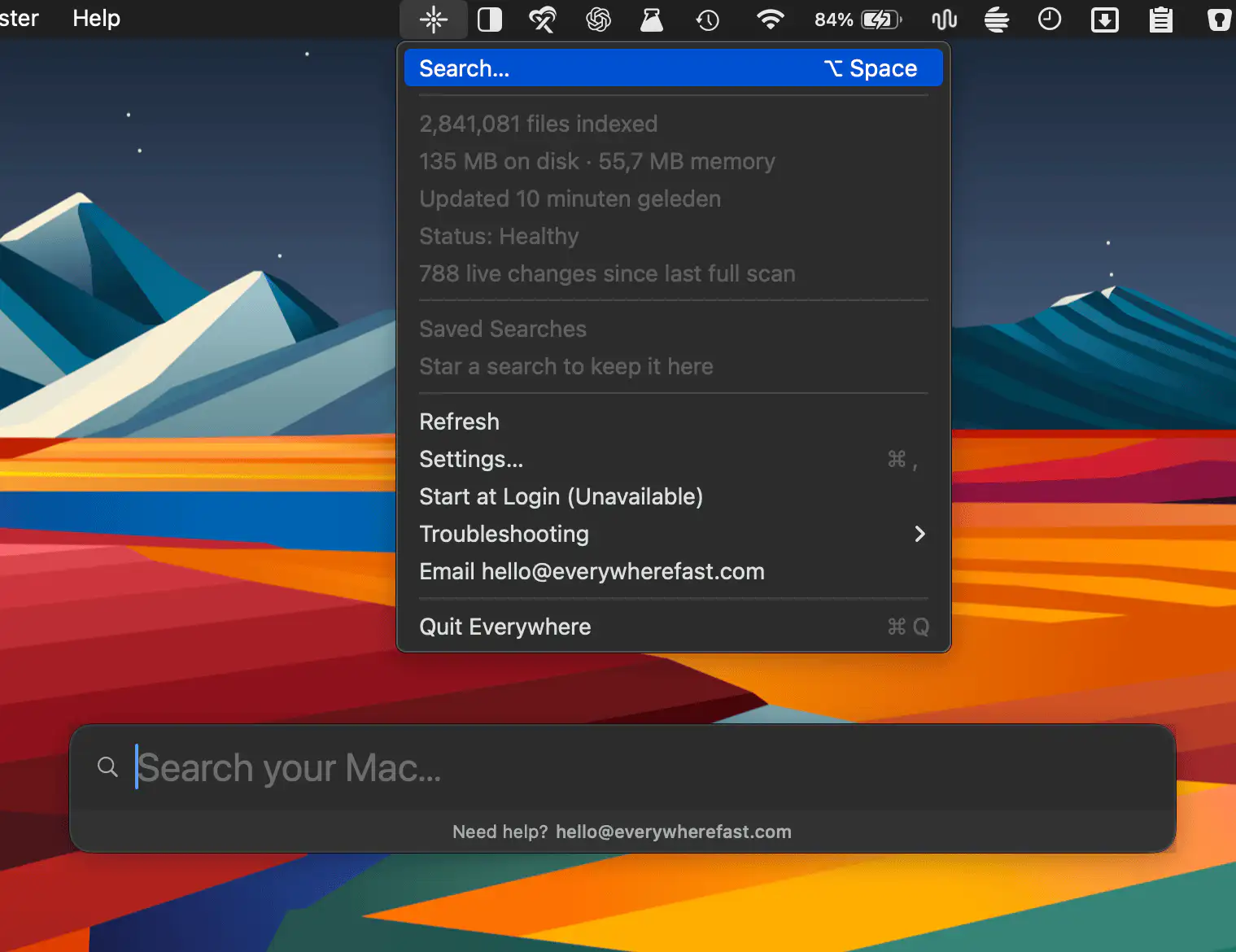
Everywhere brings ultra-fast file search to your Mac, indexing files Spotlight overlooks across internal and external drives. Find documents instantly with keyboard shortcuts, local indexing, and a privacy-focused approach.

GetFerret helps you find files across every drive you own, including disconnected external storage. Its smart catalog, previews, filters, and private search make managing large file collections easier.
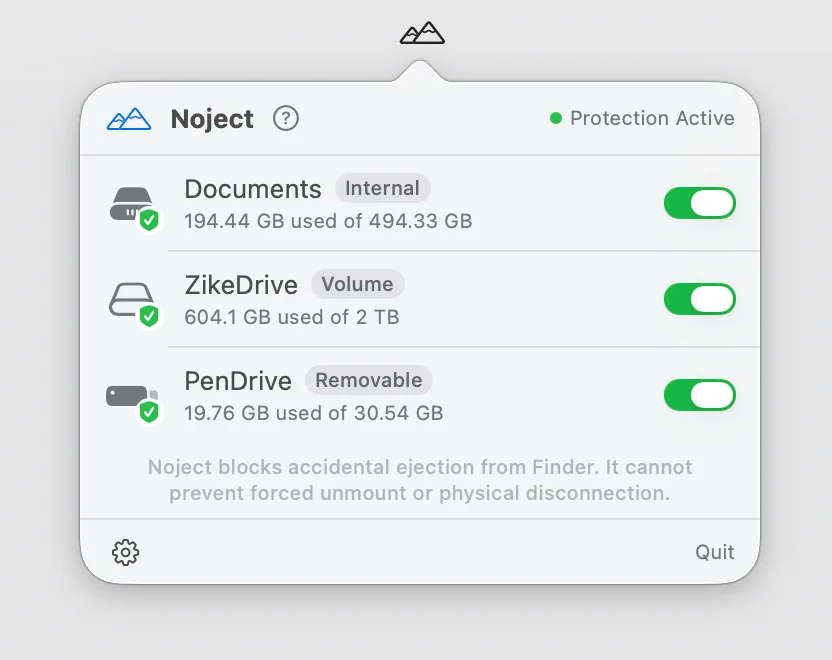
Noject helps prevent accidental drive ejections by protecting selected volumes and keeping them mounted across reboots, sleep cycles, and reconnects. It’s a simple but thoughtful safeguard for storage-heavy workflows.

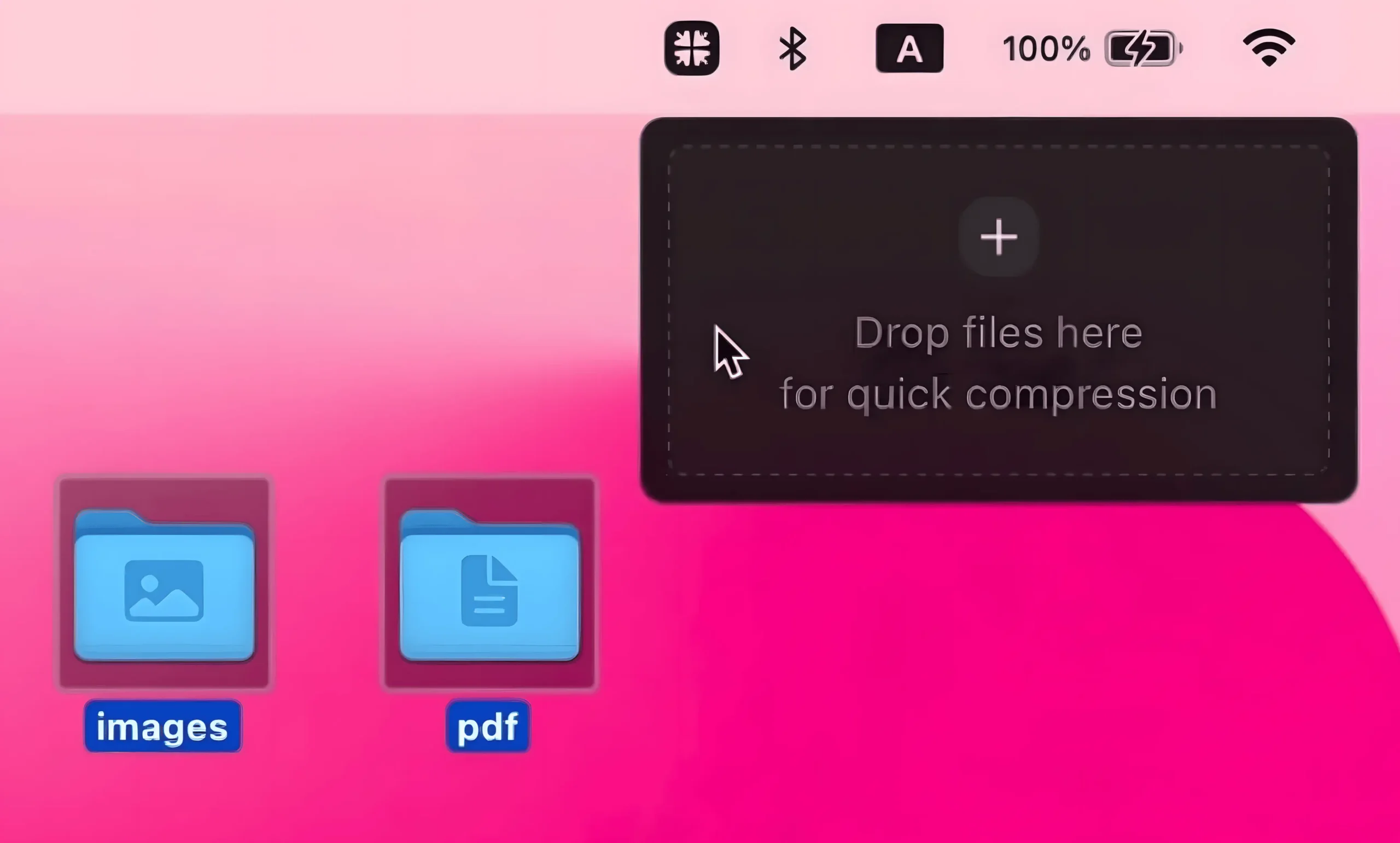
Kompakt optimizes images and videos on macOS. Drag a file and a drop zone appears; it then compresses the file, shows the space saved, and supports lossless or smaller outputs with copy-or-replace options.

Linker connects files, folders, emails and websites through bidirectional links, making scattered information feel coherent. Fast keyboard shortcuts, plain JSON storage and a clean, unobtrusive design keep everything within easy reach.

Some people convert files the old-fashioned way, clicking through dialogs like it’s 2007. Consul does it for you: simply rename a file’s extension and it instantly converts images, documents, audio, or video right on your Mac.