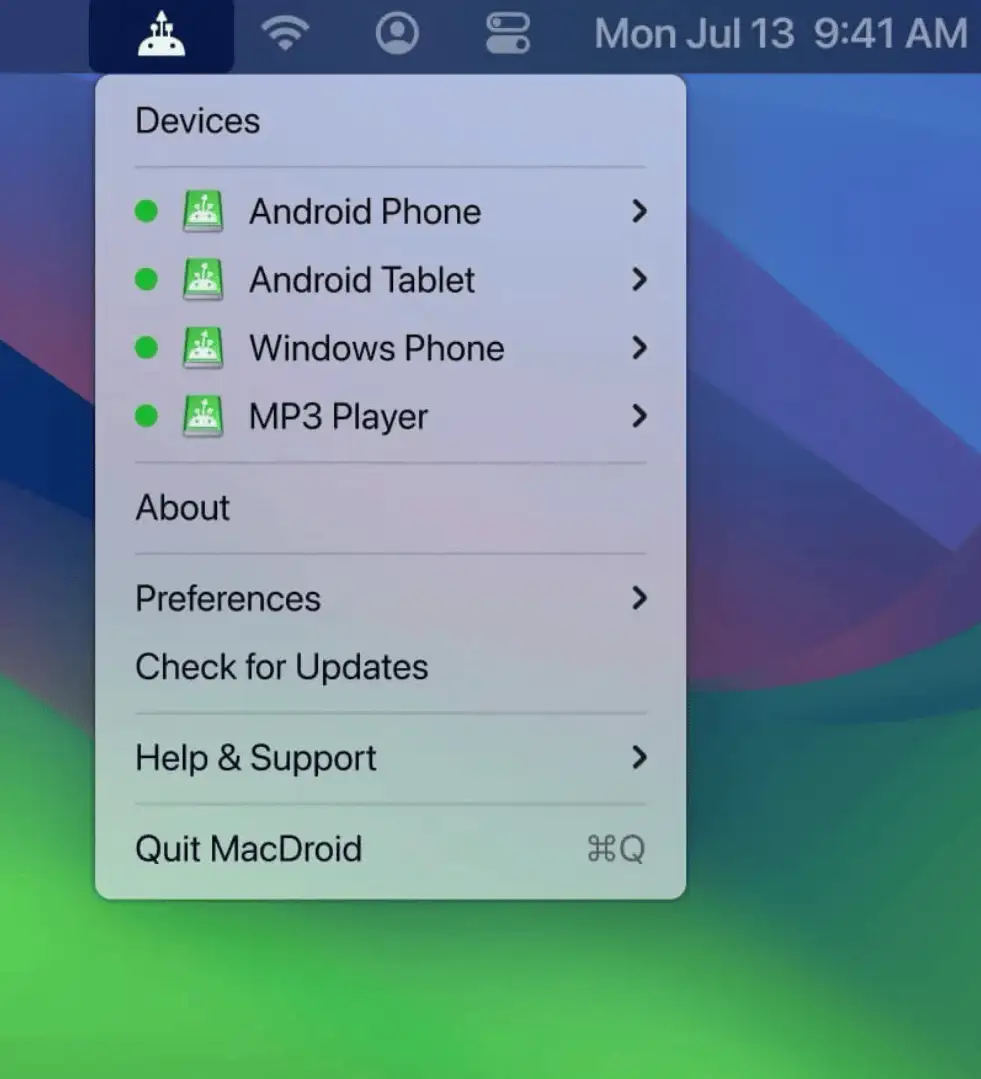
Collection:
Files & Folders
SyncthingStatus
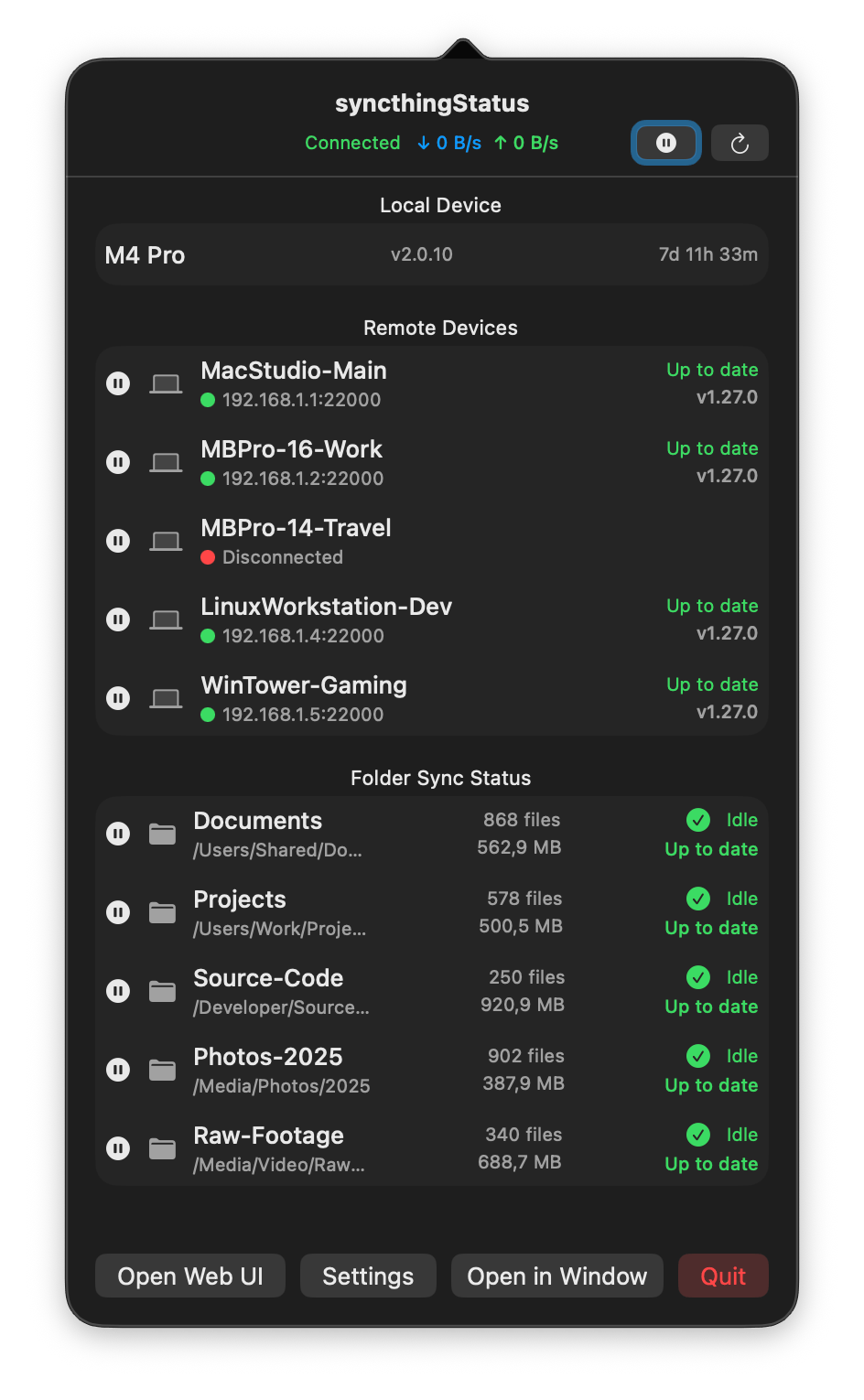
This menu bar app shows your Syncthing connection, sync activity, and device status in real time, keeping your workflow smooth and your files reliably up to date.

Keep your files within reach, not in the way. Open folders instantly, manage recent files, automate sorting, rename in bulk, tag smarter, mount remote drives, and drag, drop, share, or convert files directly from your menu bar without digging through Finder.
Keep your files within reach, not in the way. Open folders instantly, manage recent files, automate sorting, rename in bulk, tag smarter, mount remote drives, and drag, drop, share, or convert files directly from your menu bar without digging through Finder.
This menu bar app shows your Syncthing connection, sync activity, and device status in real time, keeping your workflow smooth and your files reliably up to date.
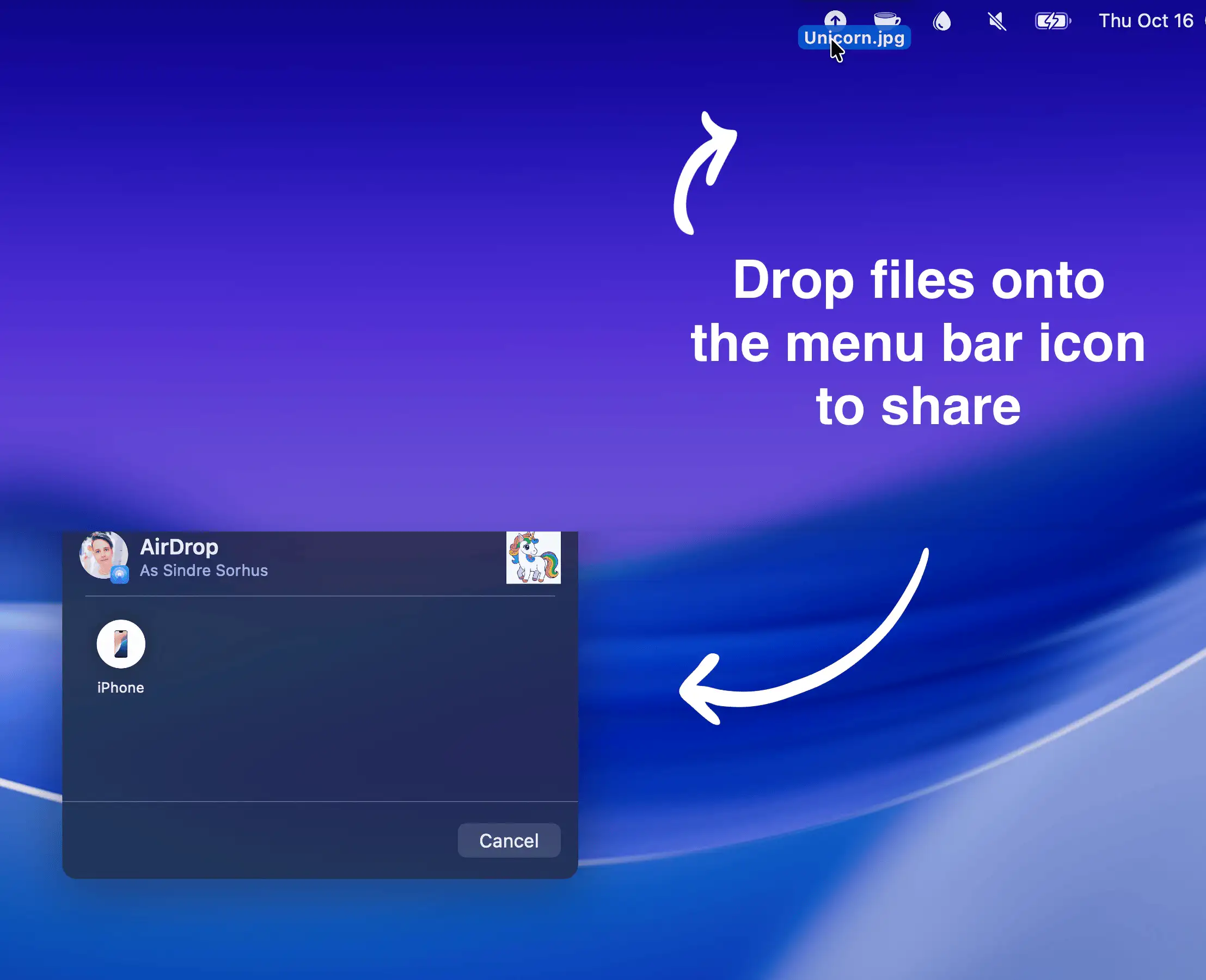
Effortlessly share files, images, or links via AirDrop by dragging them onto the menu bar icon, even URLs straight from Safari.
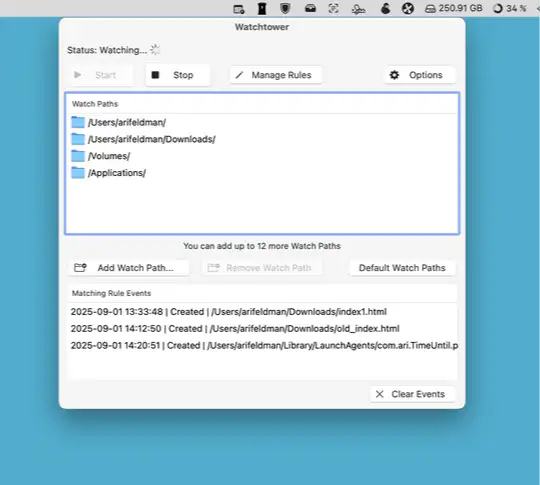
Watchtower monitors your Mac’s folders in real time for file changes and suspicious activity, using smart rules and local processing to keep you informed without slowing down your system.
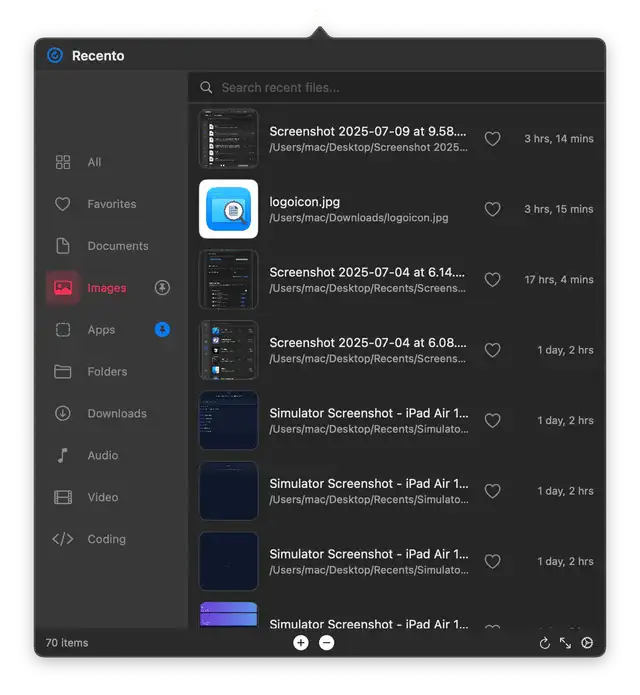
Recento is a menu bar app that gives you instant access to your recent files, folders, and apps in a floating overlay—no window juggling, no digging, just pure flow.
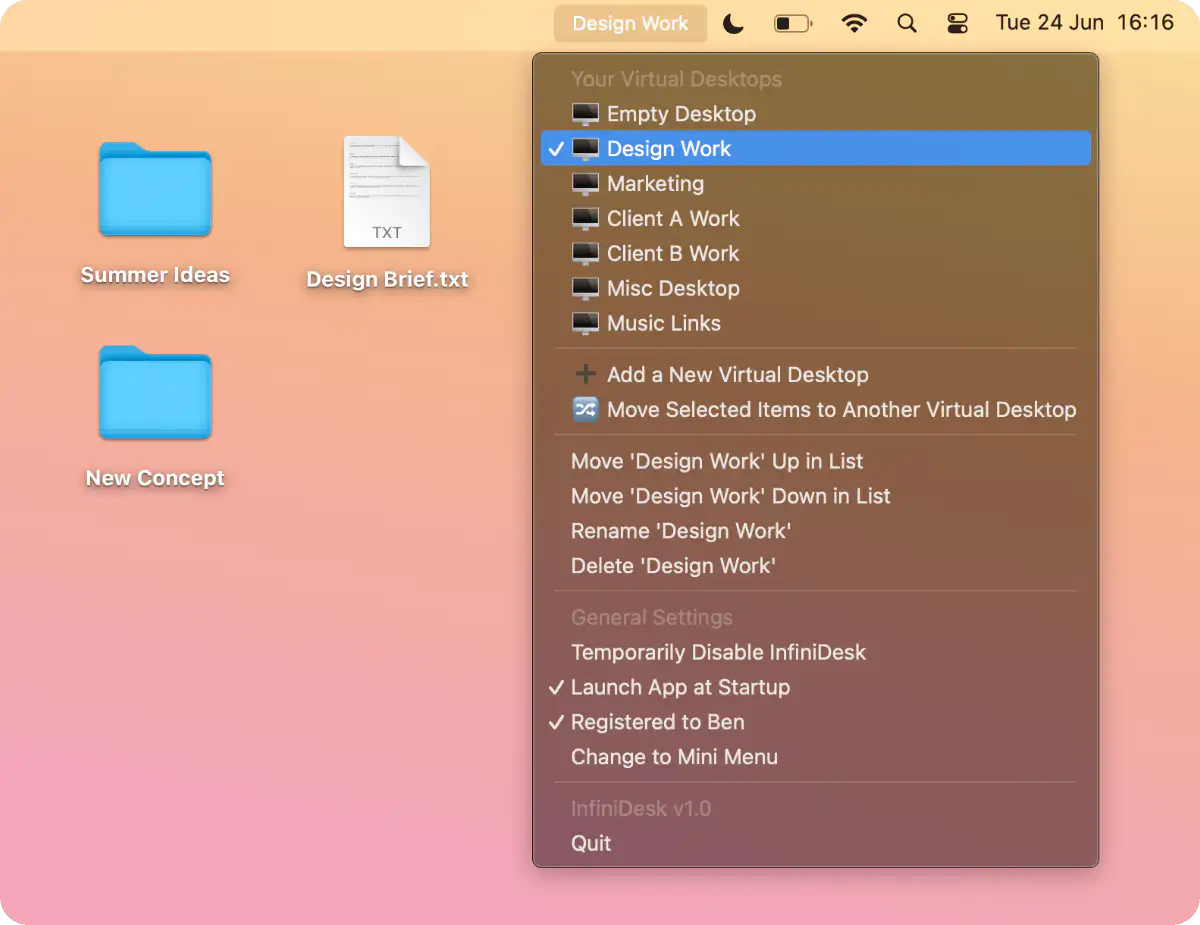
InfiniDesk lets you create clutter-free, project-specific Mac desktops by showing only the files you need. Fully local, private, and works seamlessly alongside Mission Control.
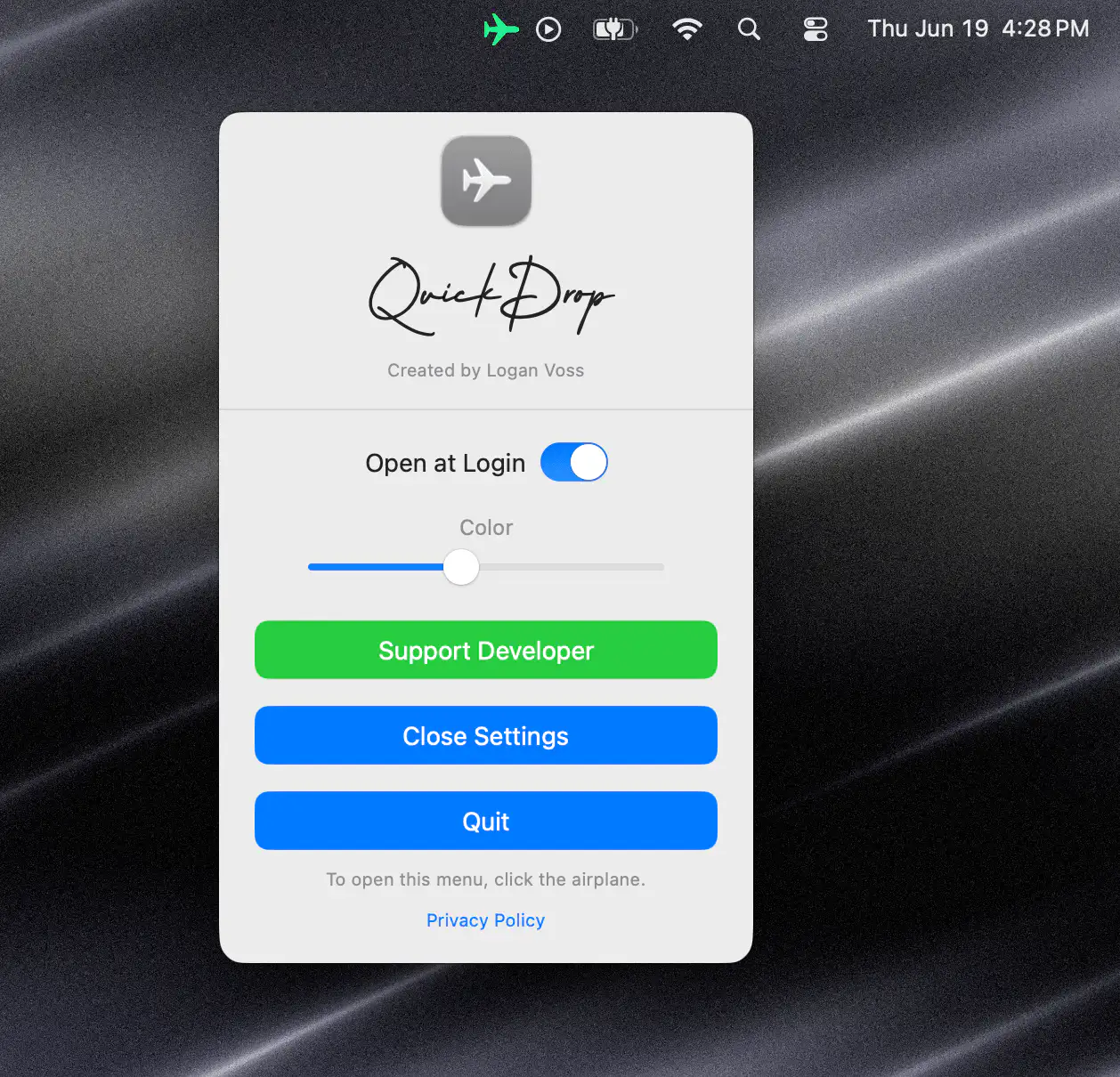
QuickDrop lets you AirDrop files straight from your menu bar—no Finder digging, no fuss. Just drag, drop, and done. Simple, smooth, and always ready when you are.
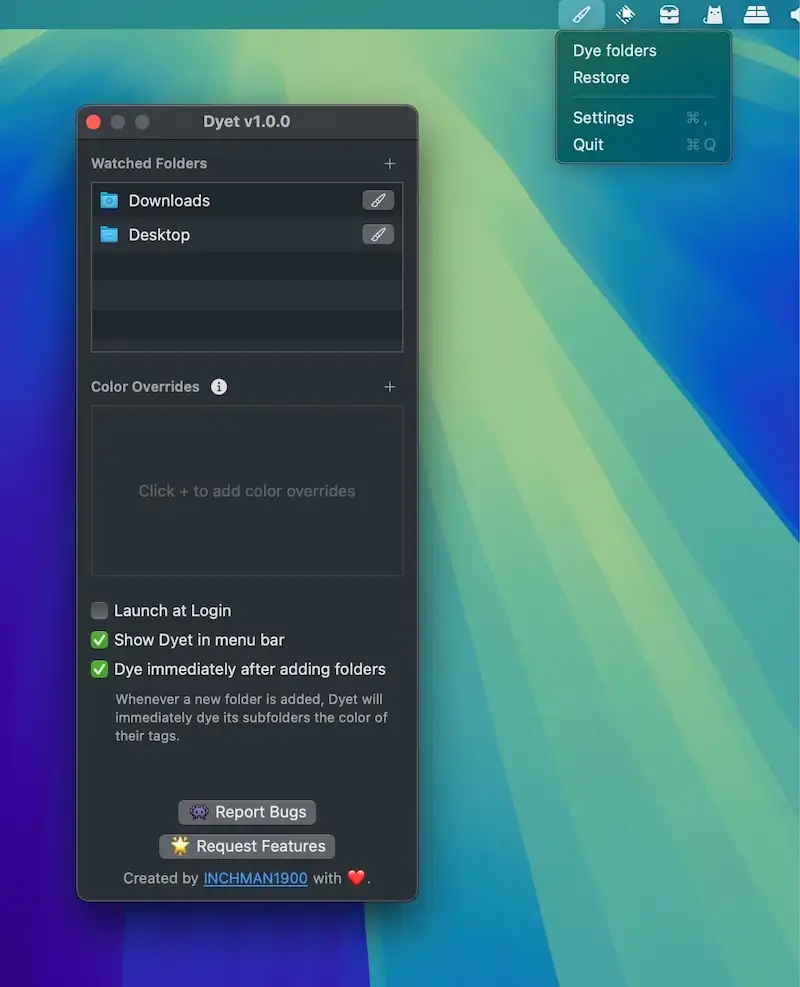
This menu bar app automatically colors your folder icons to help you visually organize your files and add a personal touch to your workspace. It also supports one-time coloring.

This menu bar app is a Finder extension that adds powerful functionality to the right-click menu and toolbar in Finder.