Collection:
Calendar Apps | Meeting Apps
Up Next
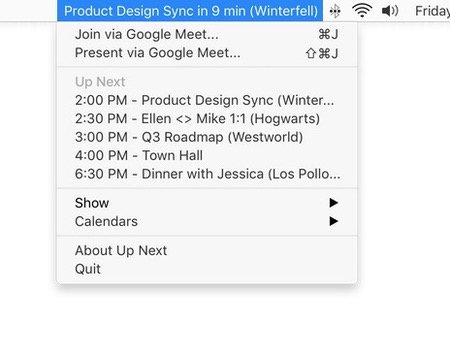
See your day at a glance. Up Next puts your next appointment in your menu bar, with the time remaining until that next meeting. Works with Google and iCloud calendars.

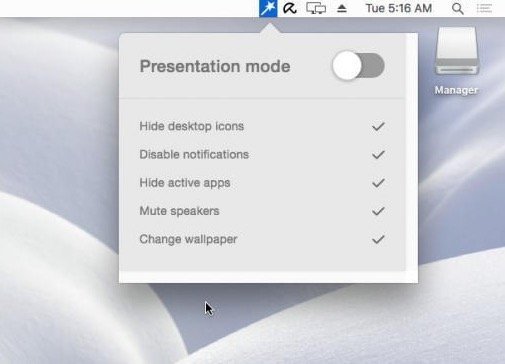
Run your meetings without chaos. Join calls in one click, see what’s next, auto-mute your mic, blur sensitive areas, silence notifications, manage time zones, transcribe conversations, and protect your screen during recordings, all from your menu bar.
Run your meetings without chaos. Join calls in one click, see what’s next, auto-mute your mic, blur sensitive areas, silence notifications, manage time zones, transcribe conversations, and protect your screen during recordings, all from your menu bar.
See your day at a glance. Up Next puts your next appointment in your menu bar, with the time remaining until that next meeting. Works with Google and iCloud calendars.
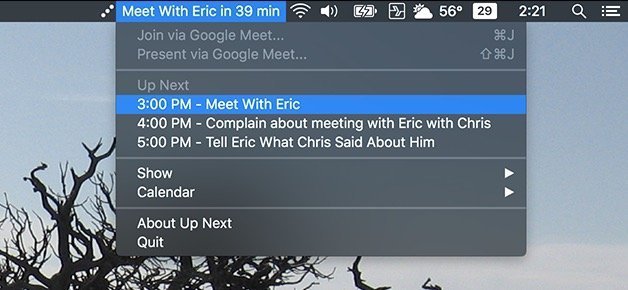
Next Meeting quickly shows your next meeting right in your menu bar, keeping you on track and aware of upcoming commitments throughout the day.
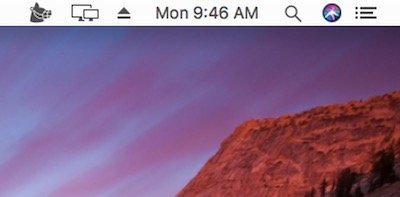
Muzzle runs quietly in the menu bar. When you start sharing your screen, it automatically enables ‘Do Not Disturb’ so that no notifications appear on your screen and interrupt or embarrass you during a meeting.
End of content
End of content