
Collection:
Network Apps
SRV Status
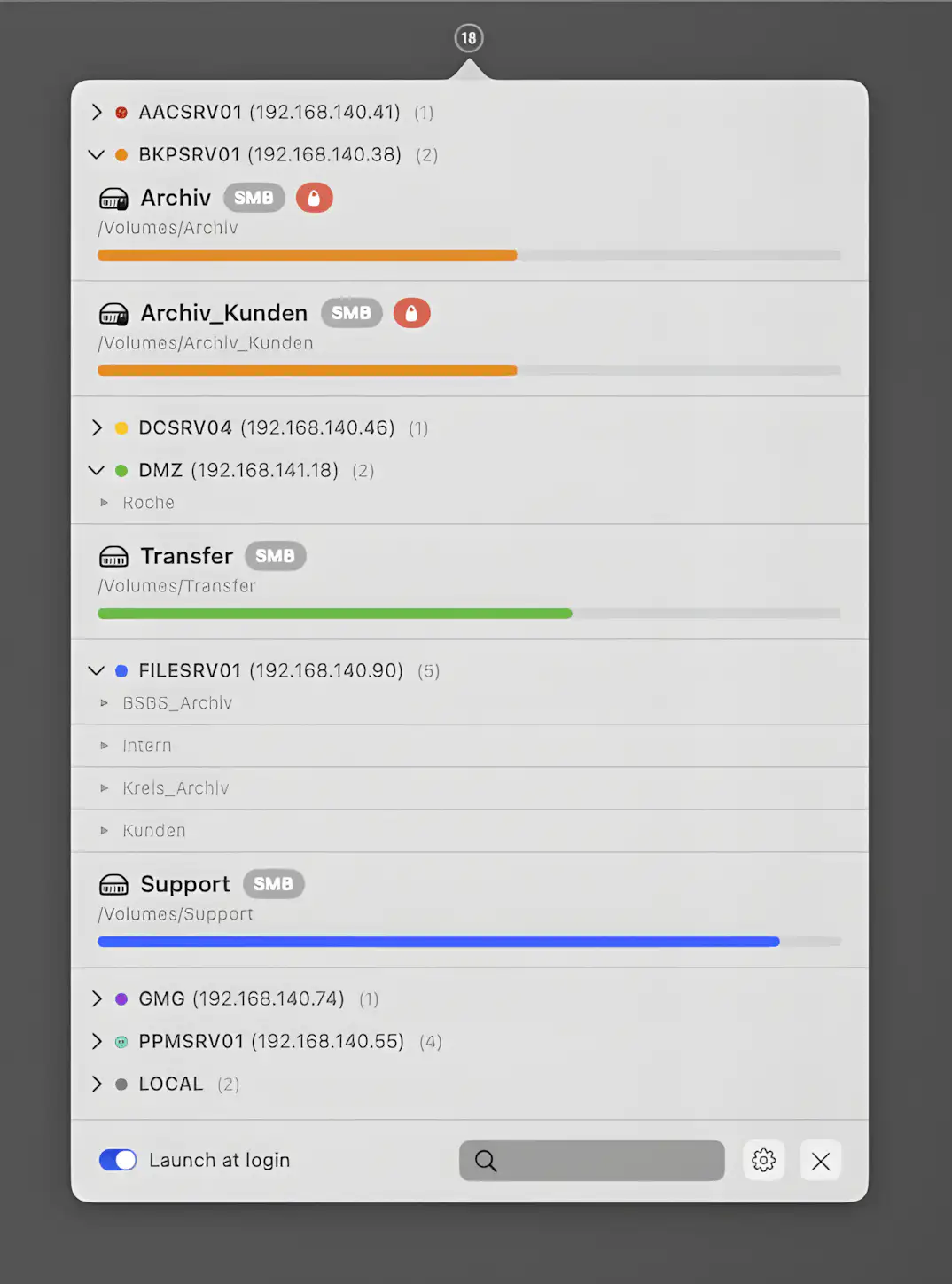
SRV Status gives you clear insight into network and local volumes, lets you reconnect servers in a click, organize shares neatly, and monitor capacity without clutter or drama.

Stay in control of your connection. Monitor bandwidth, ping latency, IP addresses, DNS settings, VPN status, ports, and signal strength, automate network triggers, mount shares, switch proxies, and secure traffic directly from your menu bar.
Stay in control of your connection. Monitor bandwidth, ping latency, IP addresses, DNS settings, VPN status, ports, and signal strength, automate network triggers, mount shares, switch proxies, and secure traffic directly from your menu bar.
SRV Status gives you clear insight into network and local volumes, lets you reconnect servers in a click, organize shares neatly, and monitor capacity without clutter or drama.
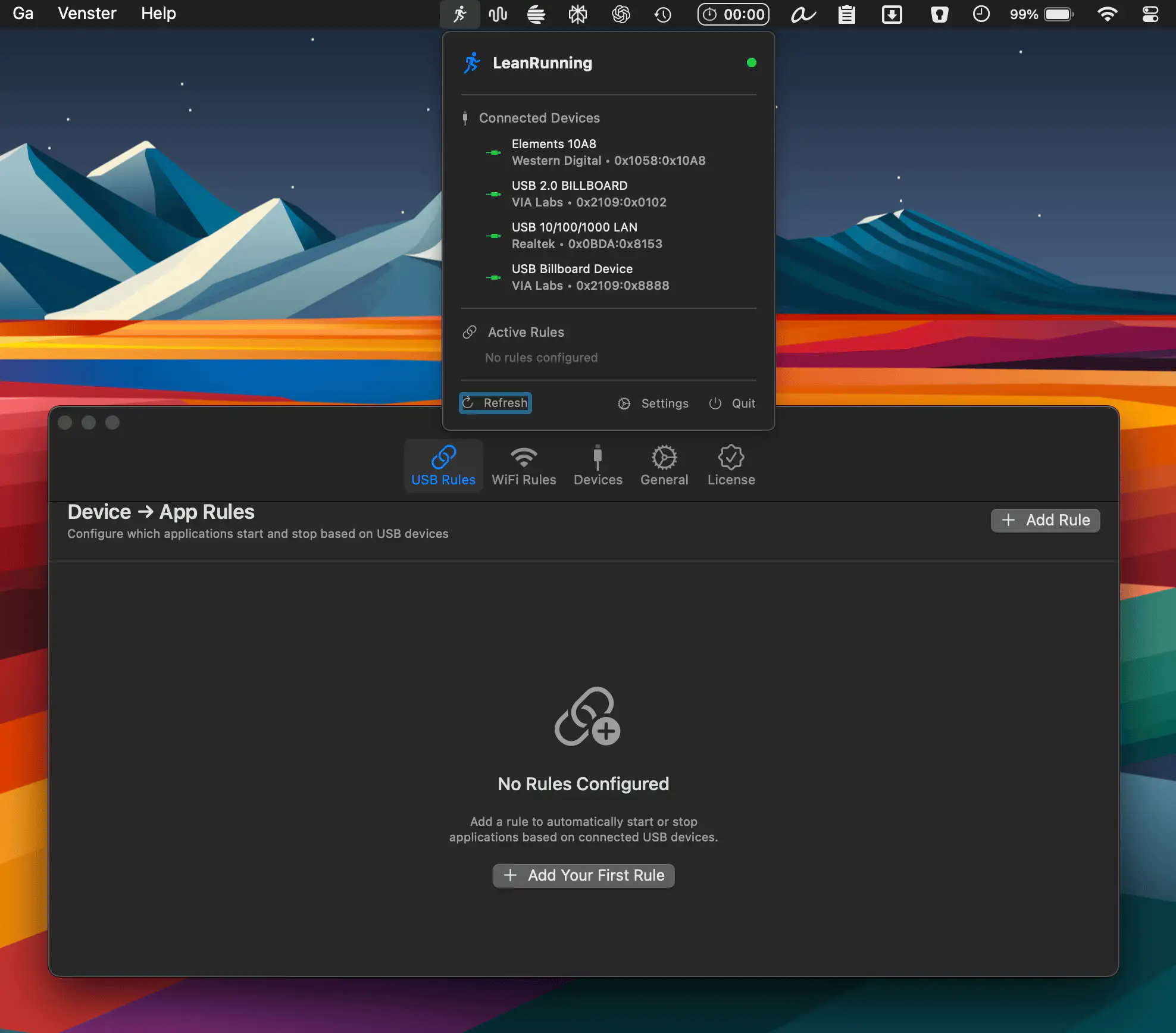
LeanRunning puts your Mac on autopilot by turning USB devices and WiFi networks into smart triggers. Launch or quit apps, run Shortcuts, and automate routines effortlessly, all without scripts, subscriptions, or unnecessary complexity.
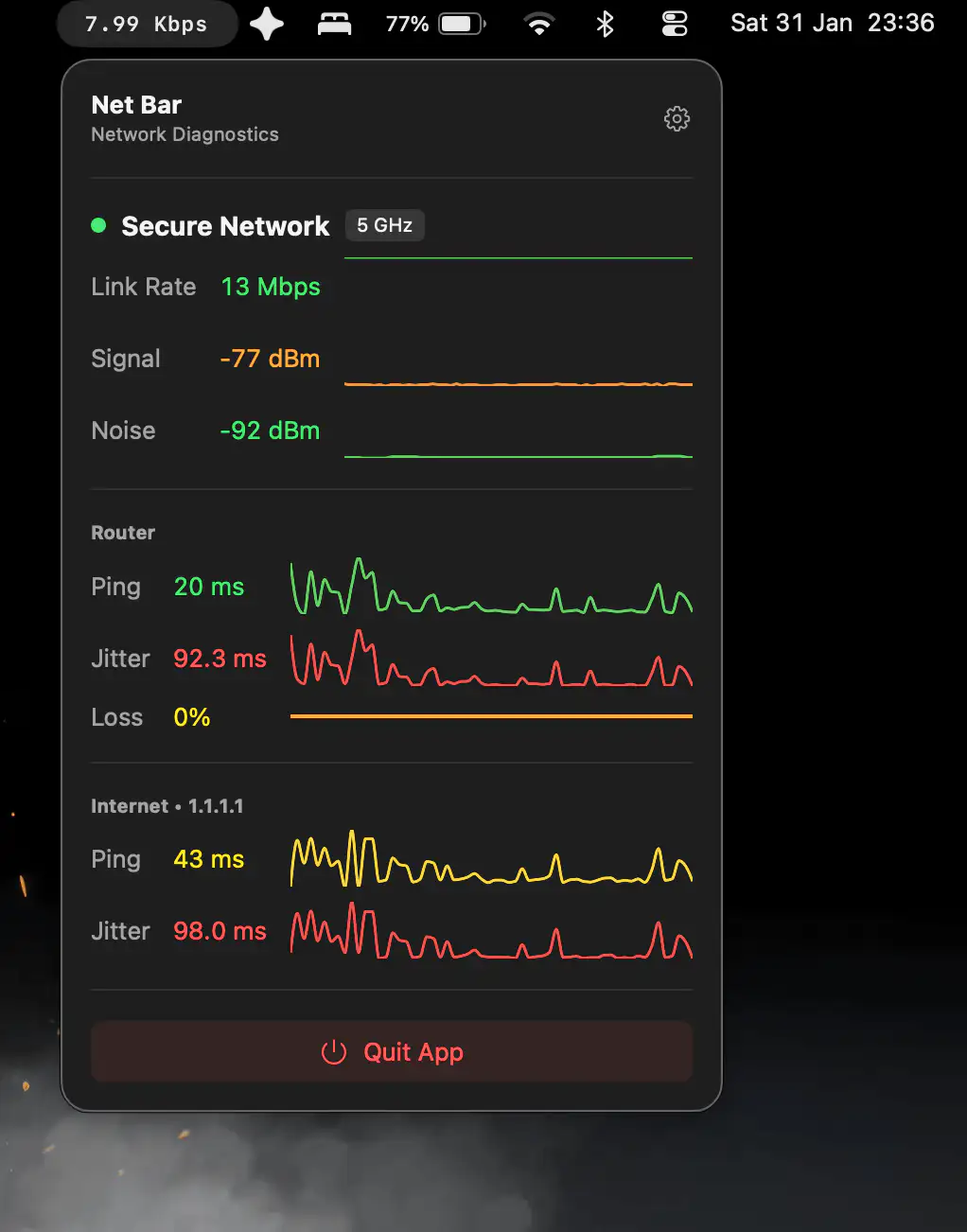
Net Bar shows real-time upload and download speeds in your menu bar, then opens detailed network diagnostics with a click, all within a clean, customizable app.
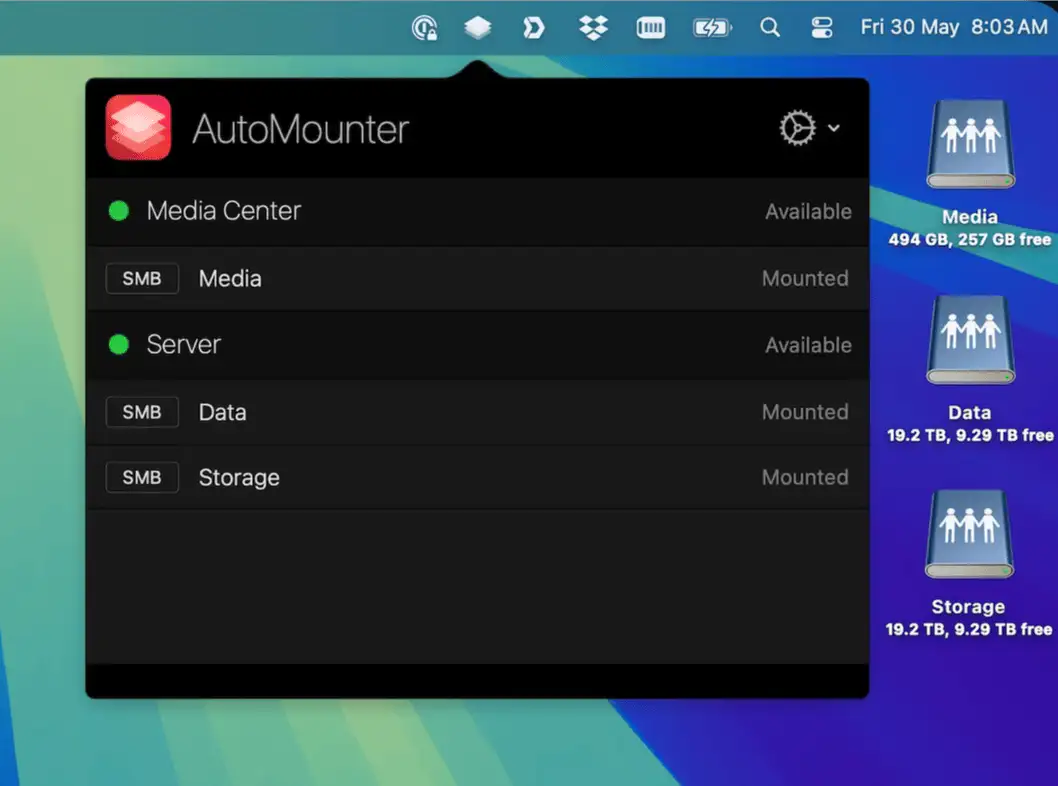
AutoMounter lives in your menu bar and automatically connects your network shares when conditions are right, keeping servers, files, and workflows quietly available without constant manual mounting.
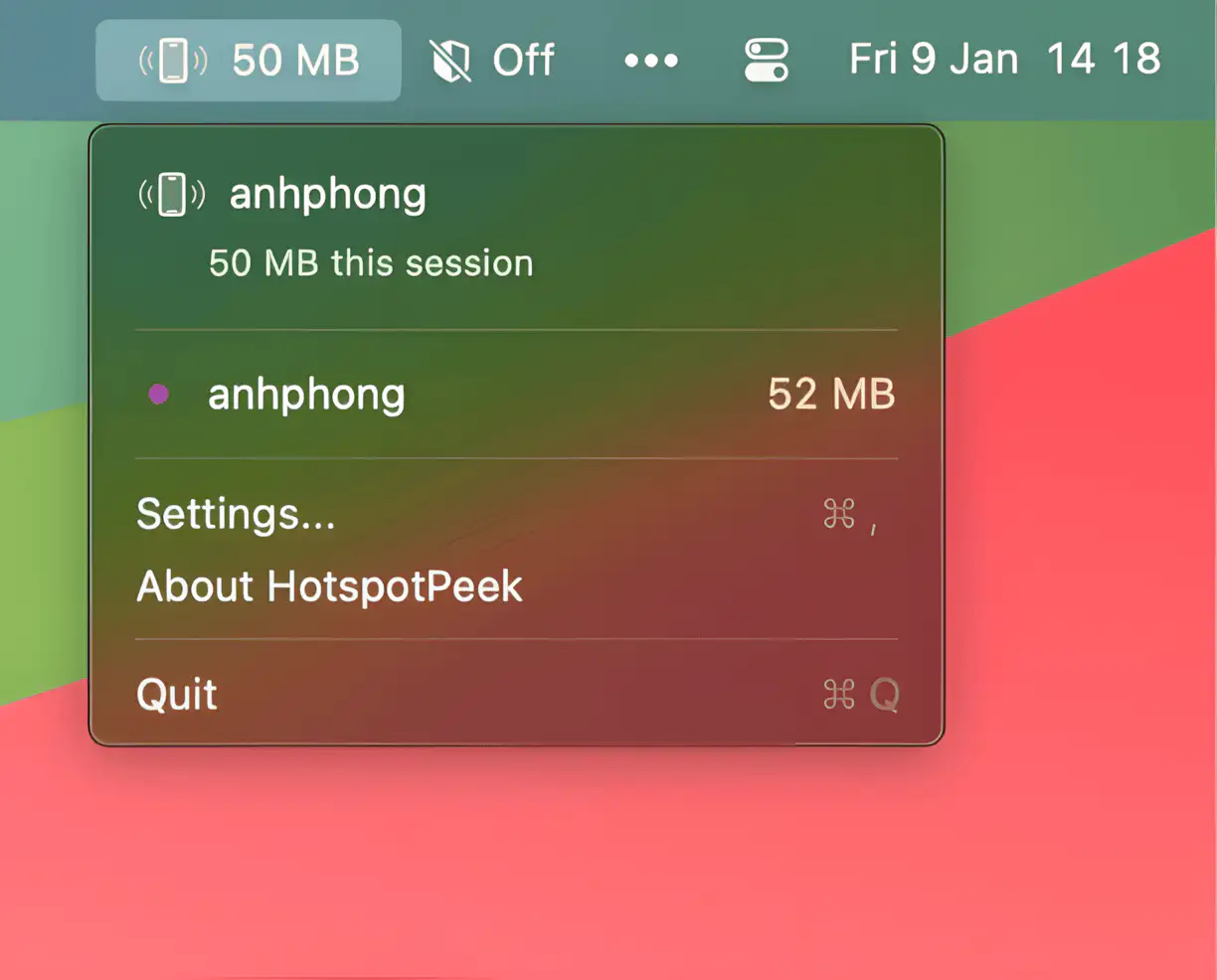
Hotspot Peek lives in your menu bar and automatically tracks iPhone hotspot data in real time, helping you stay within limits and avoid surprise overages while working on the go.
End of content
End of content