Collection:
Network Apps
MenuBar IP
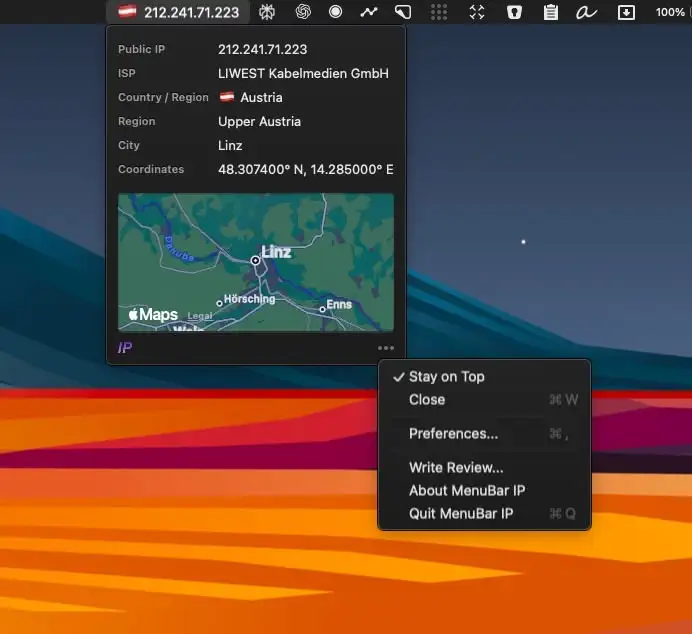
MenuBar IP displays your Mac’s public IP address in the menu bar, making it easy to monitor your network, verify VPN locations, and access geolocation insights instantly.

Stay in control of your connection. Monitor bandwidth, ping latency, IP addresses, DNS settings, VPN status, ports, and signal strength, automate network triggers, mount shares, switch proxies, and secure traffic directly from your menu bar.
Stay in control of your connection. Monitor bandwidth, ping latency, IP addresses, DNS settings, VPN status, ports, and signal strength, automate network triggers, mount shares, switch proxies, and secure traffic directly from your menu bar.
MenuBar IP displays your Mac’s public IP address in the menu bar, making it easy to monitor your network, verify VPN locations, and access geolocation insights instantly.
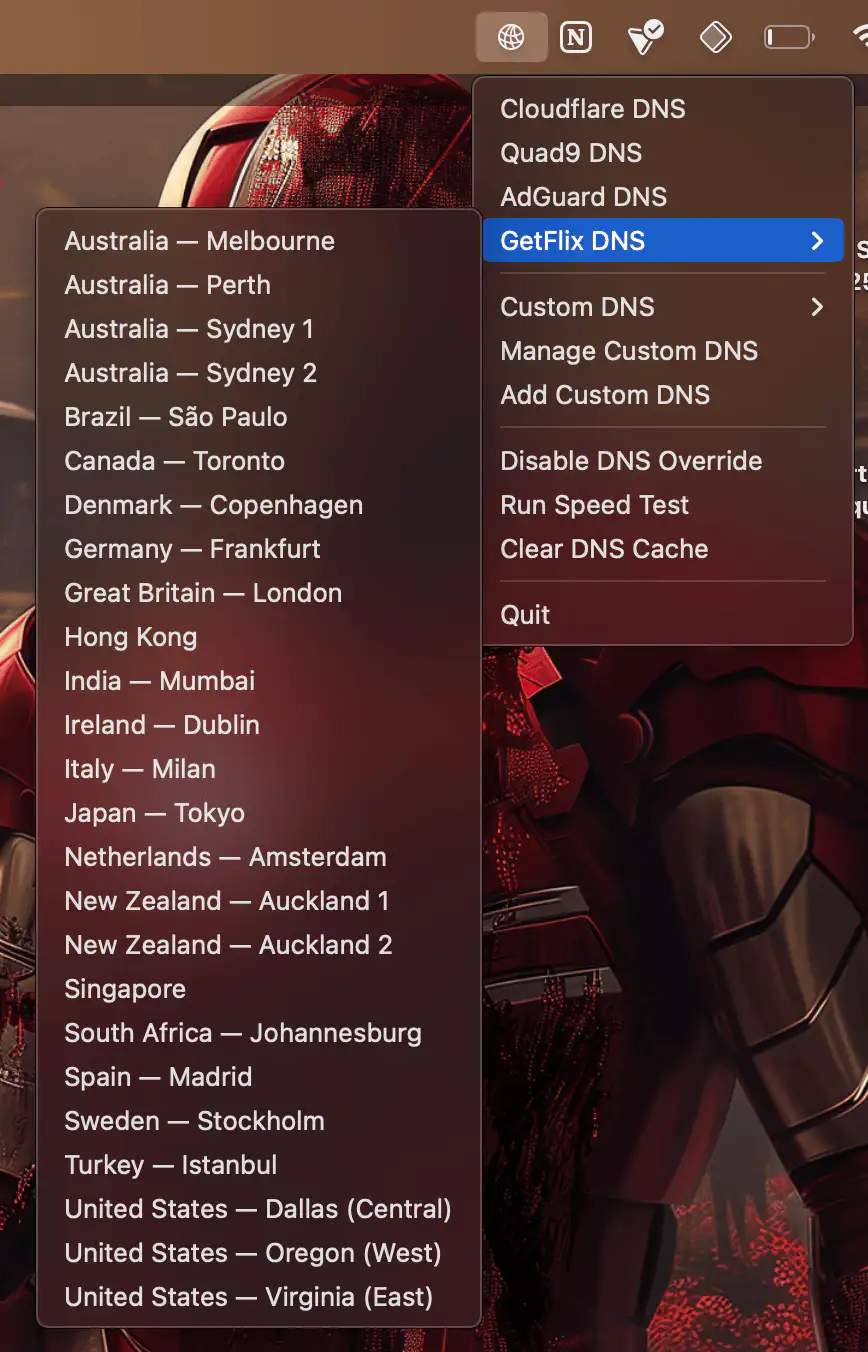
This menu bar app lets you quickly switch between different DNS providers (or add custom ones).
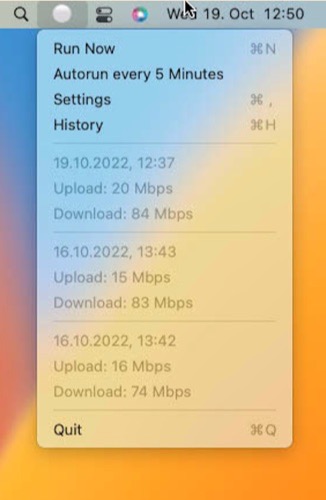
This menu bar app is a simple wrapper that regularly performs a speed test and checks your network quality. Designed primarily for problem resolution rather than long-term use.

Check if you are online directly from the menu bar. The menu bar icon turns red when you are offline.

See when your internet disconnects and reconnects. A green top status line means connected; Red means disconnected (and Yellow means slow internet). The status line does not display in screenshots and does not interfere with menu bar navigation.
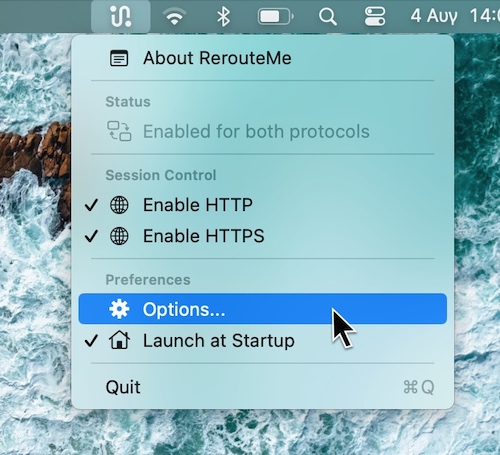
Just one click in your menu bar app to switch between Proxy Configurations. You can switch between a Localhost, WAN, or Custom Proxy Configuration.