Stay in control of your connection. Monitor bandwidth, ping latency, IP addresses, DNS settings, VPN status, ports, and signal strength, automate network triggers, mount shares, switch proxies, and secure traffic directly from your menu bar.
Show me the free apps only
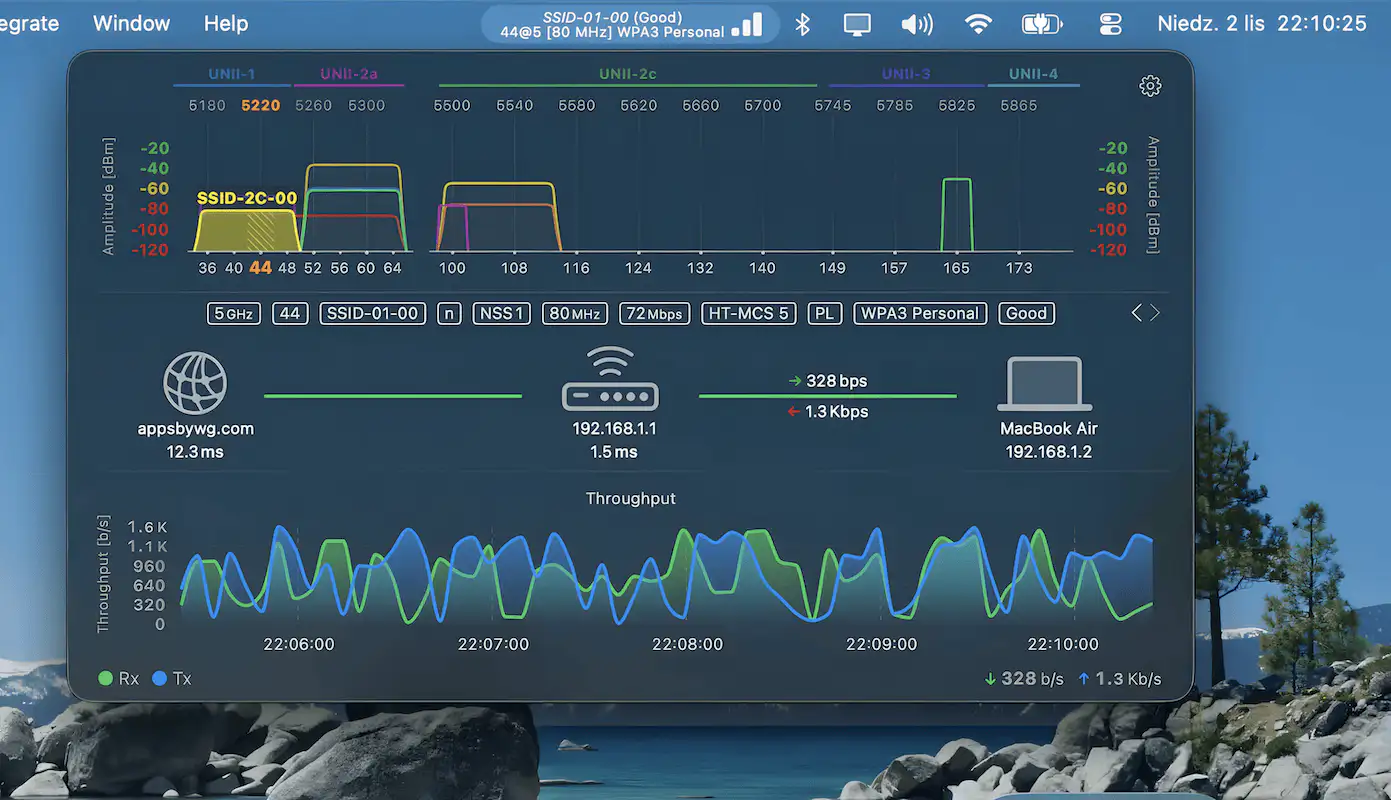
WiFi Status keeps a close eye on your Wi-Fi connection with detailed stats like signal strength, noise, channels, and security, while live graphs reveal performance in real time and help you spot issues instantly.
Visit
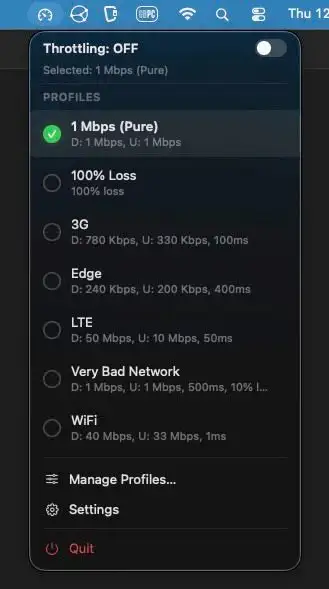
Developers can simulate slow or unstable internet connections directly from the menu bar, testing how apps behave on 3G, Edge, or flaky Wi-Fi. Built-in profiles, timers, and fine-grained controls keep testing quick and painless.
Visit Watch
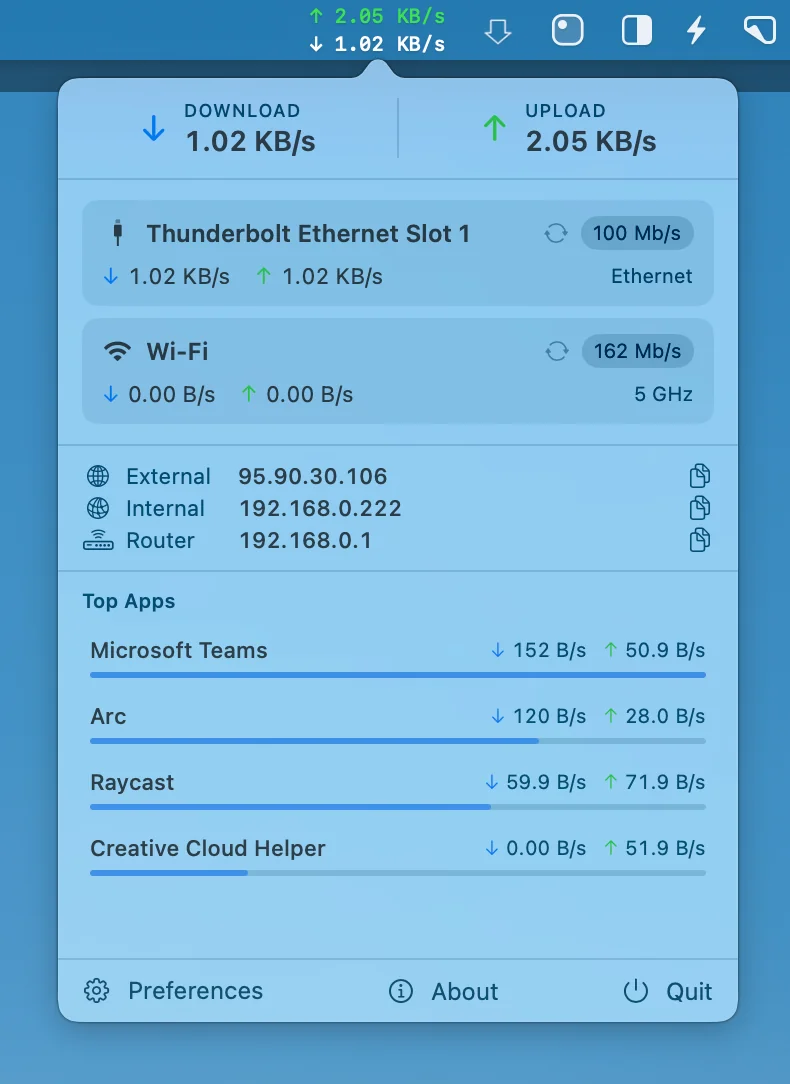
Netfluss keeps things simple, showing real-time upload and download speeds across all active adapters, along with key IP details and quick reconnect options, all in a clean, open-source Swift build that stays lightweight and out of your way.
Visit
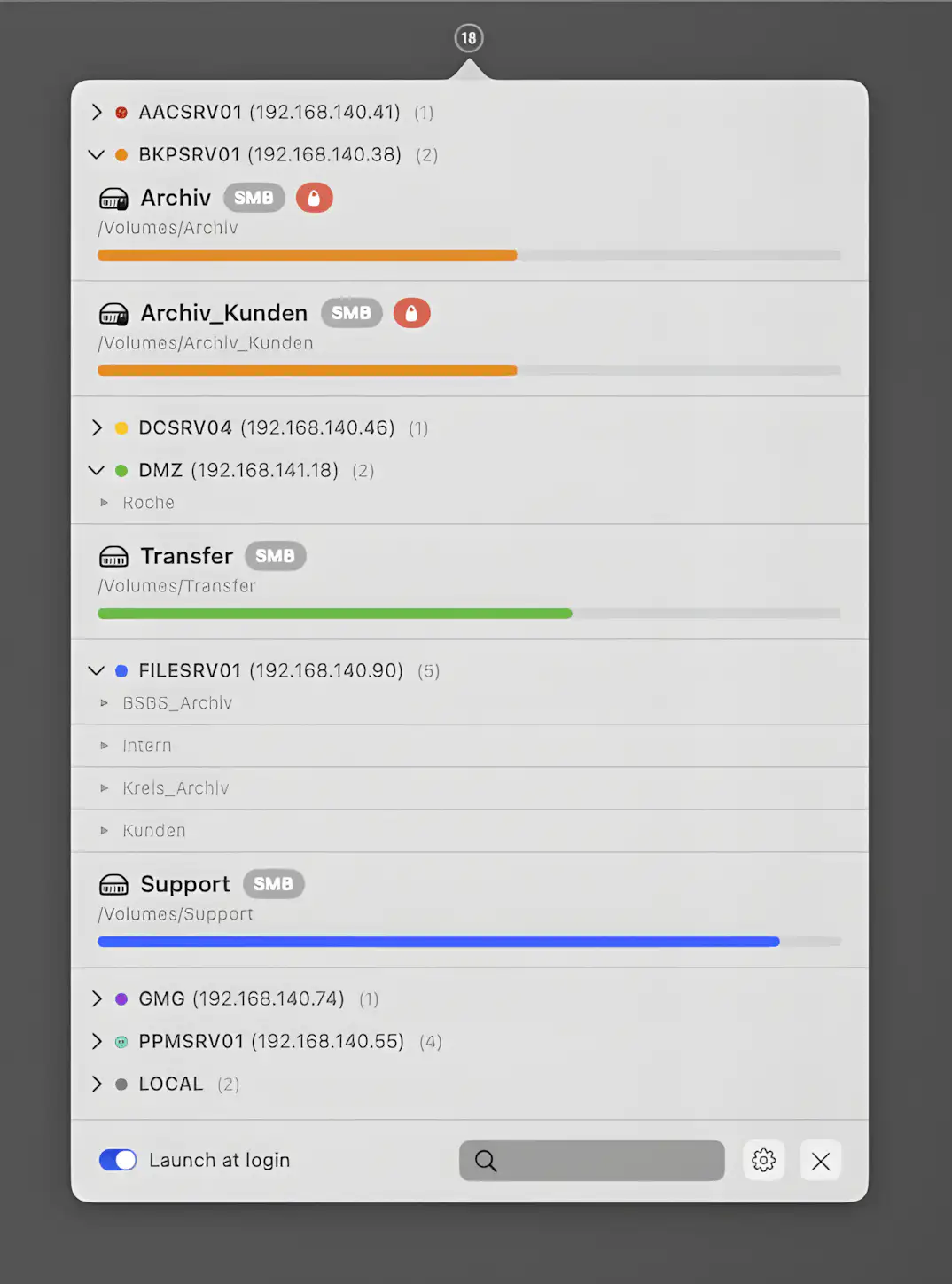
SRV Status gives you clear insight into network and local volumes, lets you reconnect servers in a click, organize shares neatly, and monitor capacity without clutter or drama.
Visit
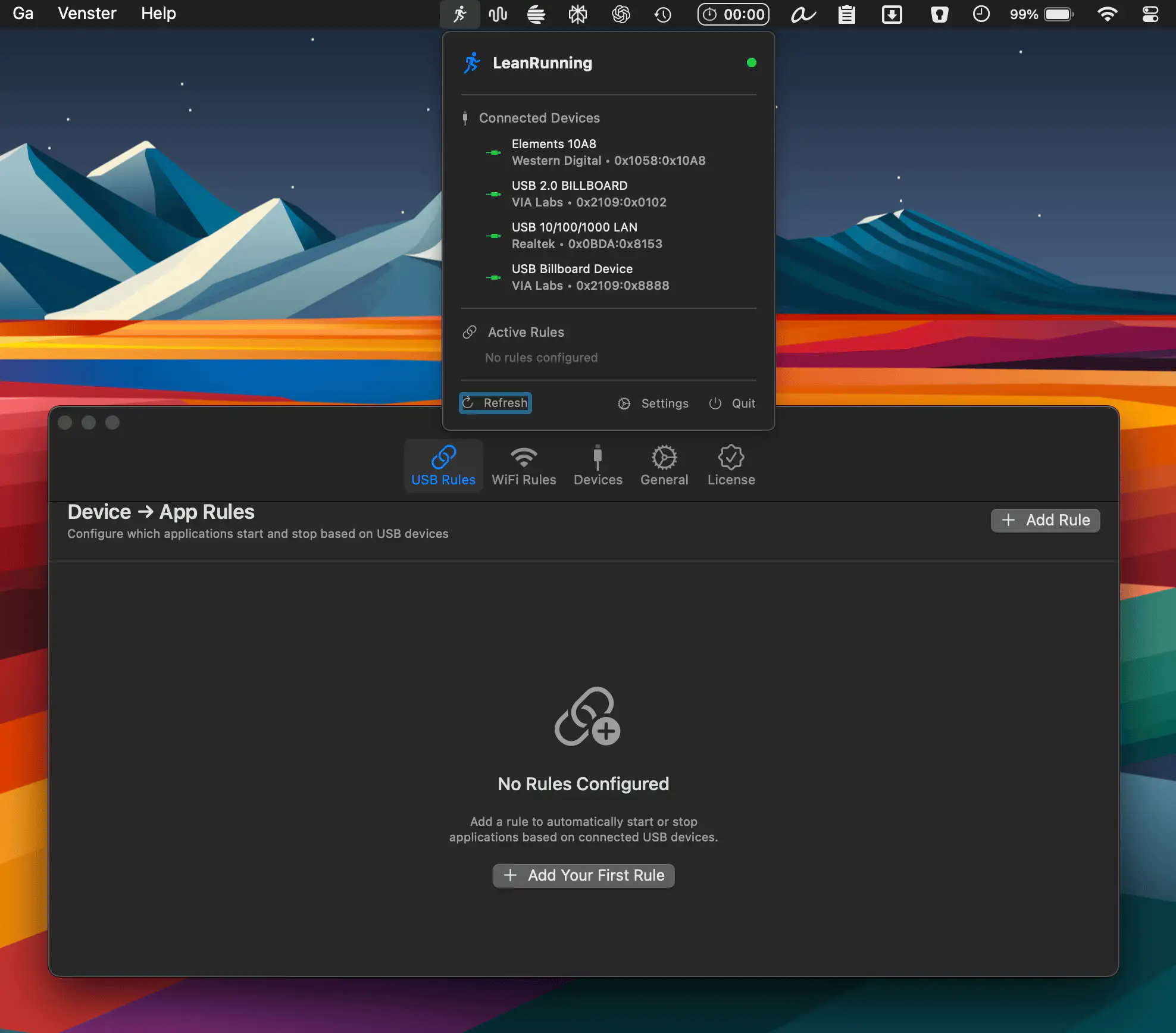
LeanRunning puts your Mac on autopilot by turning USB devices and WiFi networks into smart triggers. Launch or quit apps, run Shortcuts, and automate routines effortlessly, all without scripts, subscriptions, or unnecessary complexity.
Visit
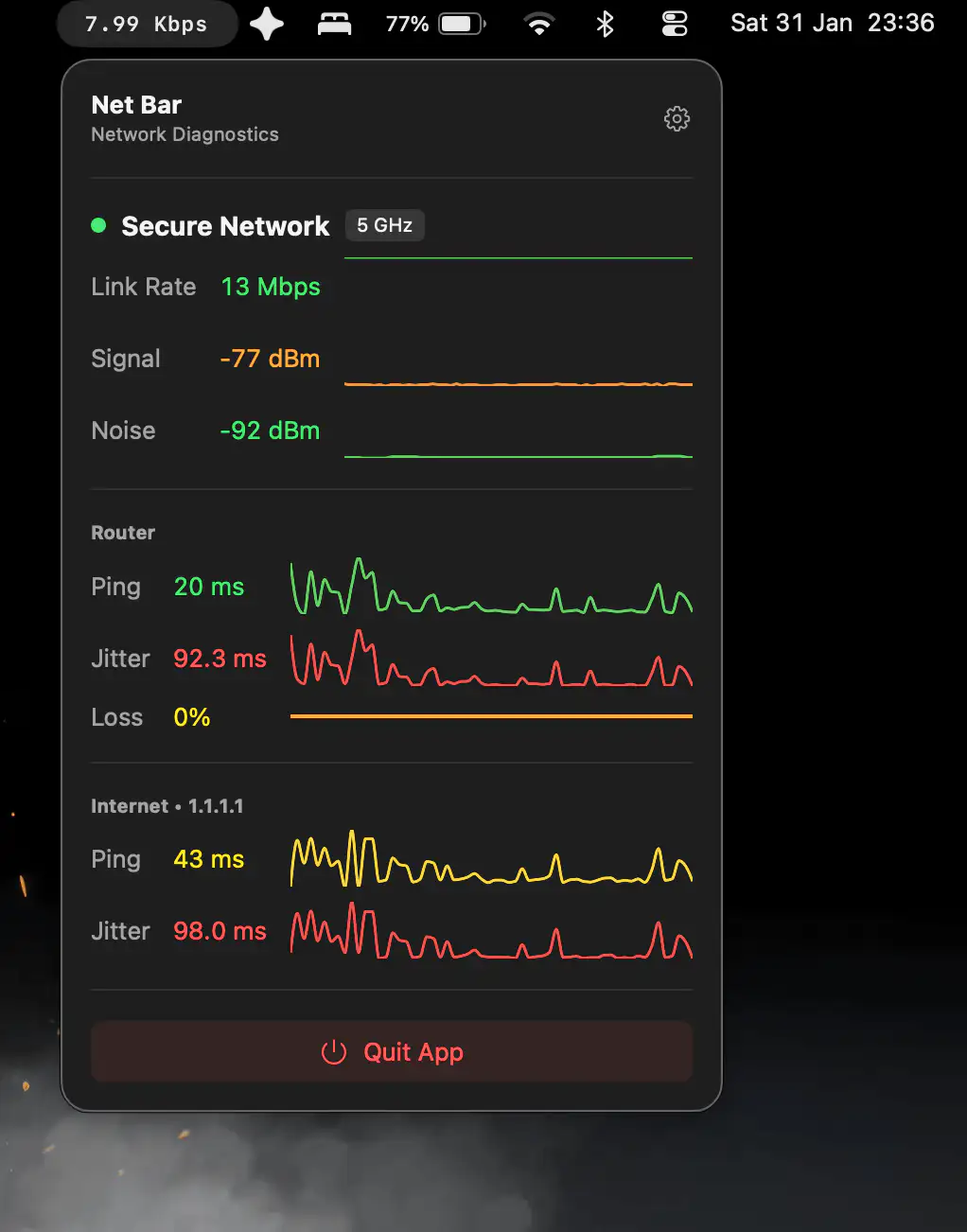
Net Bar shows real-time upload and download speeds in your menu bar, then opens detailed network diagnostics with a click, all within a clean, customizable app.
Visit
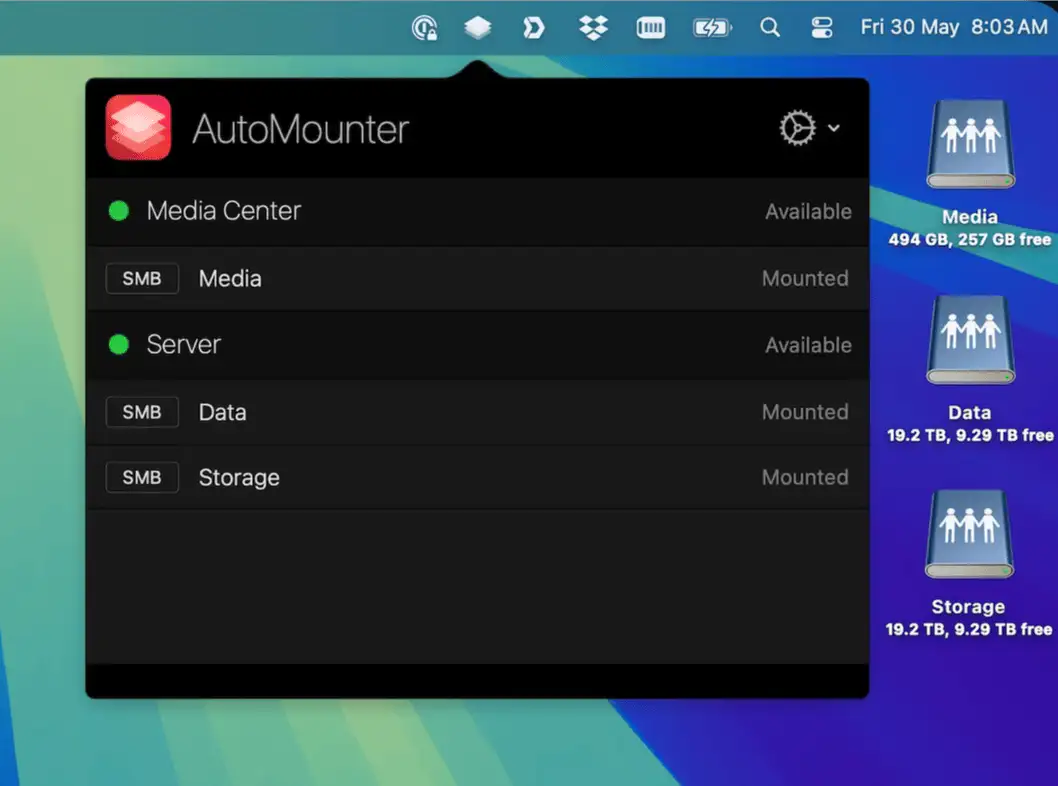
AutoMounter lives in your menu bar and automatically connects your network shares when conditions are right, keeping servers, files, and workflows available without constant manual mounting.
Visit
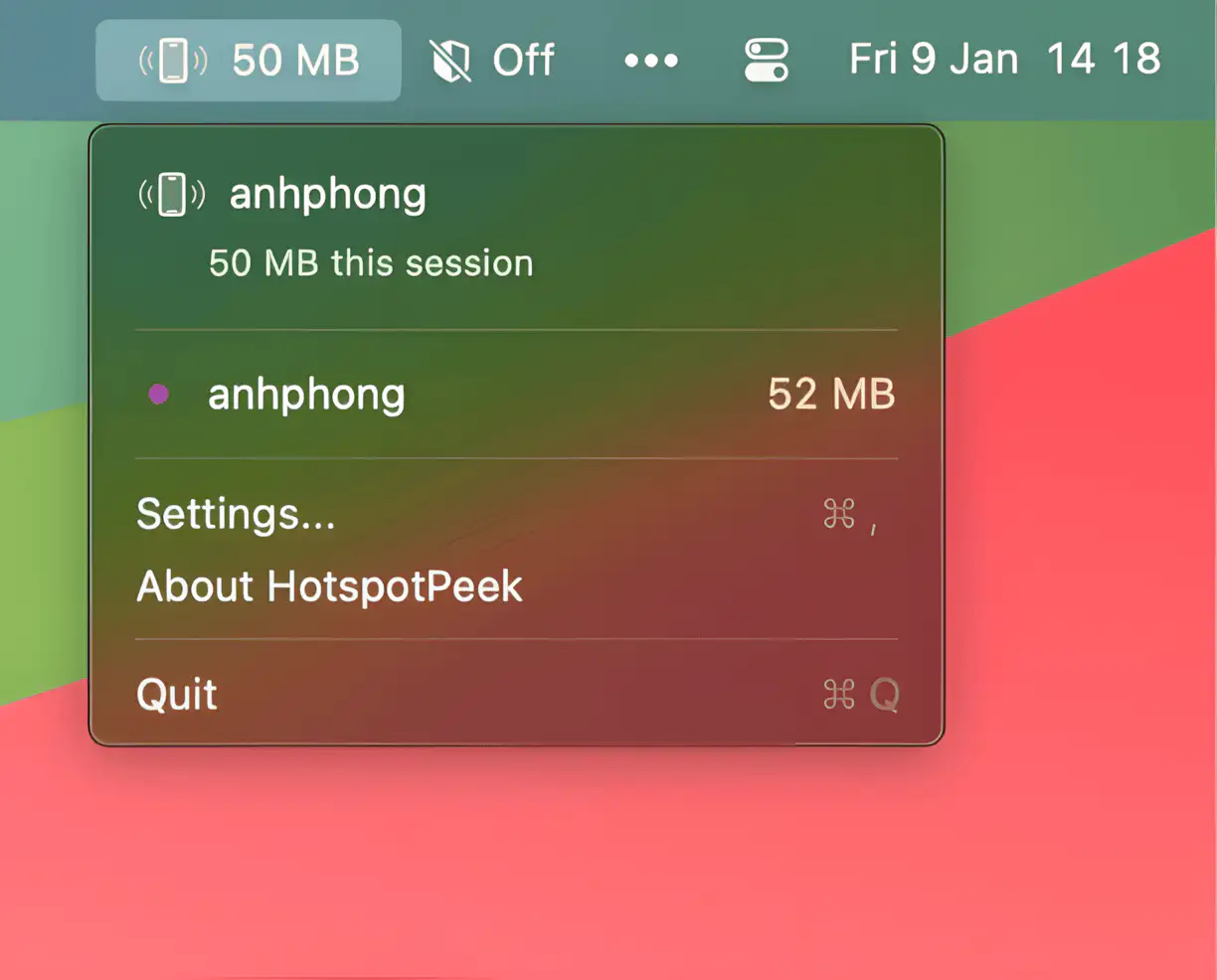
HotspotPeek lives in your menu bar and tracks your data usage in real time on any network, from iPhone hotspots to hotel Wi-Fi, helping you stay within limits and avoid surprise overages while working on the go.
Visit

MacDNS secures your Mac at DNS level, blocking malware, phishing, ads, and trackers, with customizable protection, DNSSEC validation, developer overrides, and seamless use on any network, all running locally.
Visit
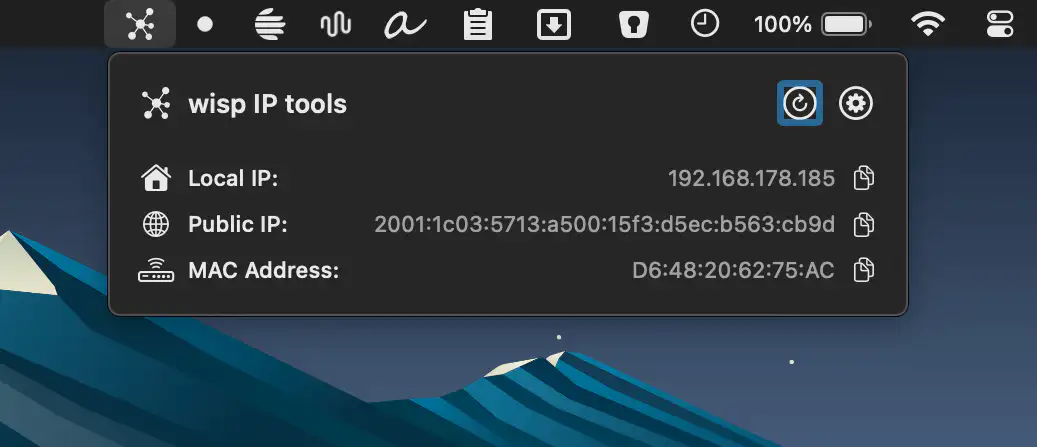
Wisp lets you instantly see your local, external, and VPN IP addresses from the macOS menu bar, offering a clean, privacy-focused way to stay aware of your network status without breaking your flow.
Visit Watch
