Collection:
Note Taking Apps
Scrap Paper
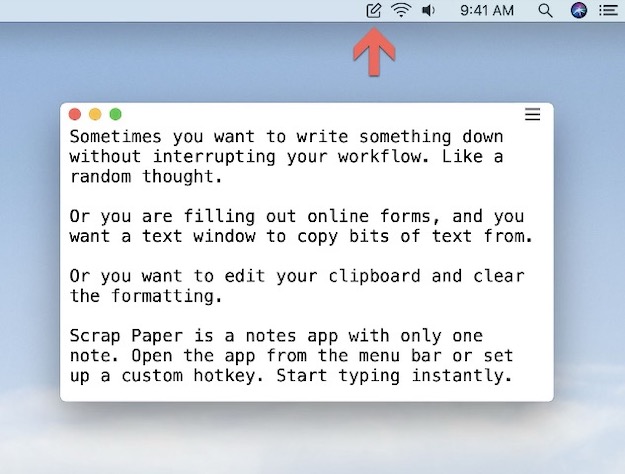
Scrap Paper lets you write short temporary notes and keeps them in sync using iCloud. The tool allows you to note down thoughts and ideas as they come to your mind, without interrupting your workflow.

Capture thoughts before they disappear. Jot down quick notes, ideas, to-dos, snippets, reminders, or full drafts directly from your menu bar, with instant access, autosave, sync options, and minimal distraction.
Capture thoughts before they disappear. Jot down quick notes, ideas, to-dos, snippets, reminders, or full drafts directly from your menu bar, with instant access, autosave, sync options, and minimal distraction.
Scrap Paper lets you write short temporary notes and keeps them in sync using iCloud. The tool allows you to note down thoughts and ideas as they come to your mind, without interrupting your workflow.
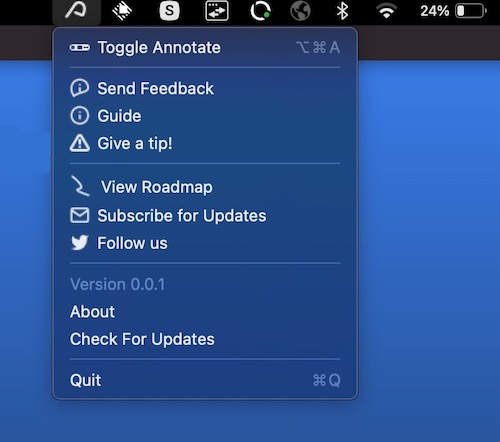
With Annotate, you can annotate and highlight screen, PDFs, images, and documents in real-time. So you don’t have to switch between different tools or applications.
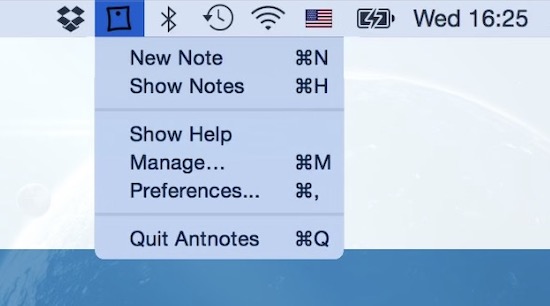
Antnotes is a replacement of standard stickies application. For each note you can change size, placement on screen, background color, text font and color, make it translucent (transparent) or pinned (so it floats atop of all other windows).
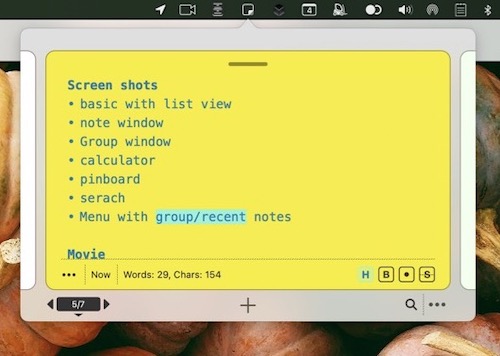
Sticklet (Inspired by real world Sticky Notes) is a menu app that’s always available for quick notes. It also has tools to structure and organise notes, and even for brainstorming ideas.
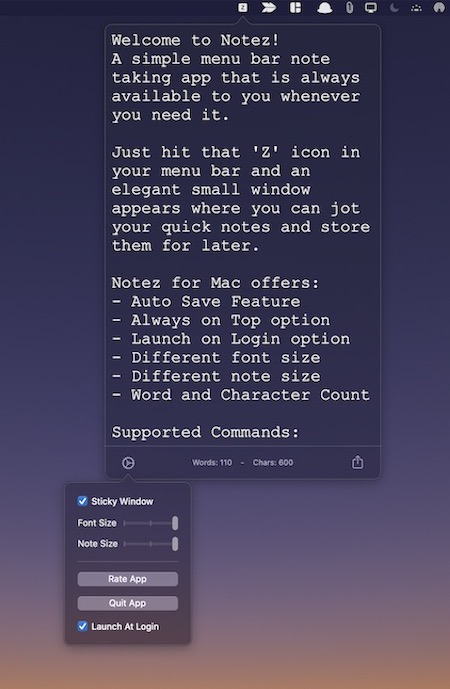
Notez is a simple menu bar note taking app. Just hit the ‘Z’ icon in your menu bar and an elegant small window appears where you can jot your quick notes and store them for later.
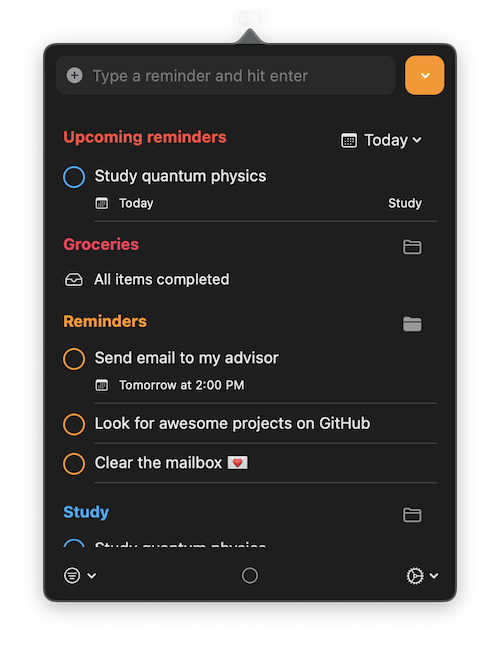
A simple menu bar app to view and interact with reminders. You can keep everything in sync with Apple Reminders.
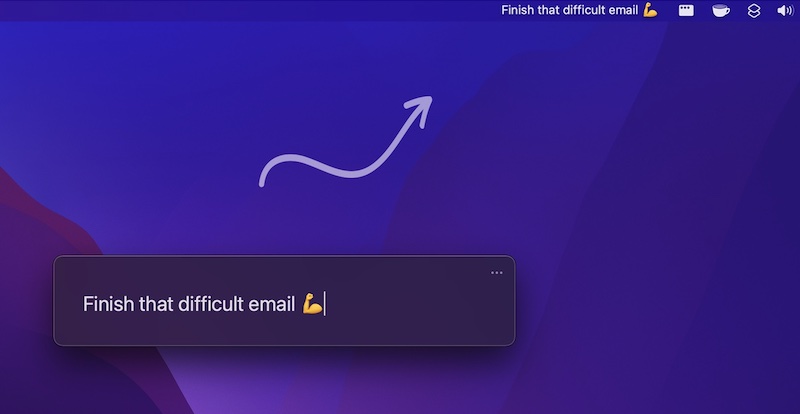
Always focus on one thing at a time. With One Thing you can put a single task or goal in your menu bar.
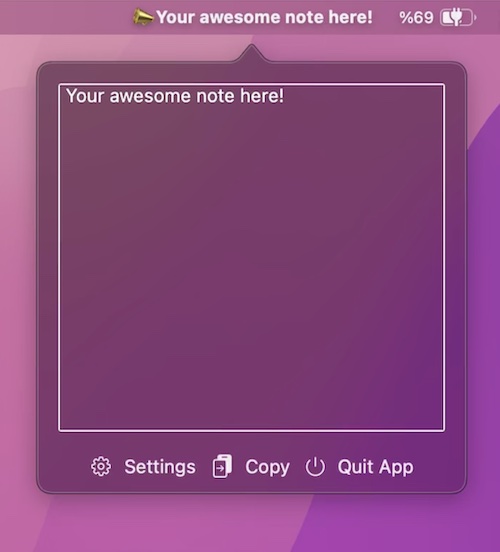
A simple one-line micro note-taking app for all your daily plan, todos, list, notes, motivational phrases, etc.
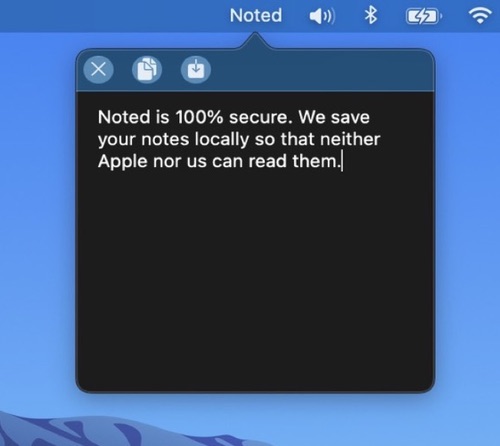
A note taking app with a minimalistic design specifically developed for macOS Big Sur. Always open and ready for you to jot down whatever is on your mind. All of your notes are stored locally.