Fresh finds for your menu bar. Most recently added apps on top – last updated: September 12, 2026
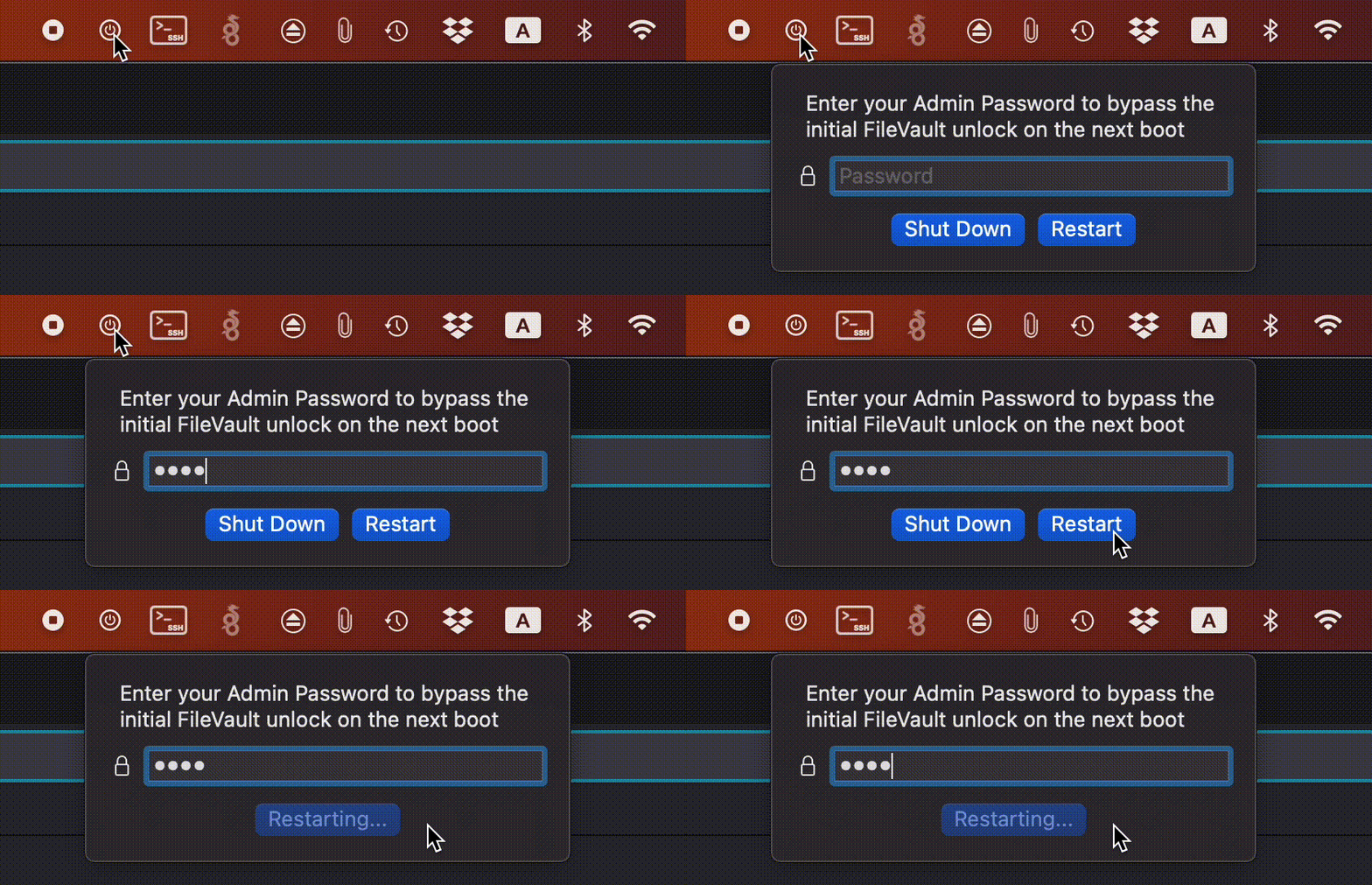
FilevaultReboot is a small open-source utility that adds a FileVault restart option directly to your menu bar, saving you from digging through System Preferences whenever you need to initiate a secure restart.
Visit
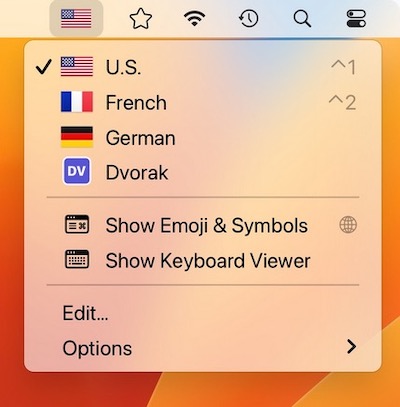
Switcheroo is a menu bar app that shows your input sources with colorful flags or custom icons of your choosing. Perfect for polyglots and vexillologists.
Visit
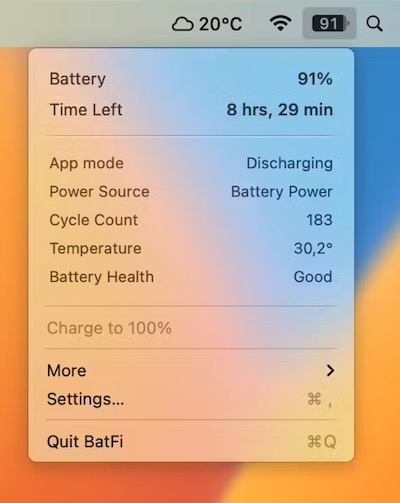
BatFi offers intelligent control over your battery to ensure optimal performance and longevity while preserving your full control. When needed you can select the ‘Charge to 100%’ command.
Visit
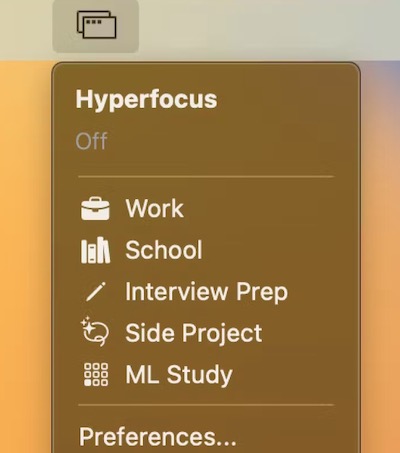
This menu bar app combines a window manager, app launcher and website blocker. You can for instance define specific screens/monitors to open your apps in and create a custom layout for their positions/sizes.
Visit
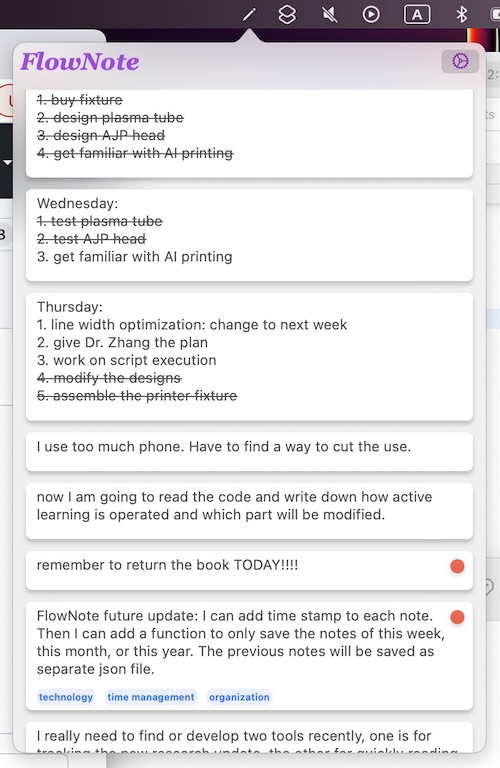
Simply type in your notes. No navigation, no button click, no catogory search. All notes are listed in time flow. You can use the tag system and keywords to search your notes.
Visit
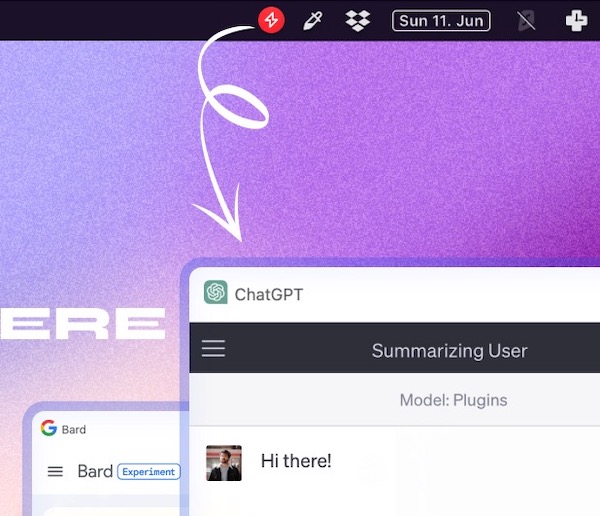
Peek brings your favorite AI chatbots together in one tidy interface, so you can move between ChatGPT, Gemini, Claude, Perplexity, Copilot and more without juggling tabs. No API keys required, just log in and your synced history follows, while built-in shortcuts, floating mode and quick screenshots keep everything effortlessly within reach.
Visit
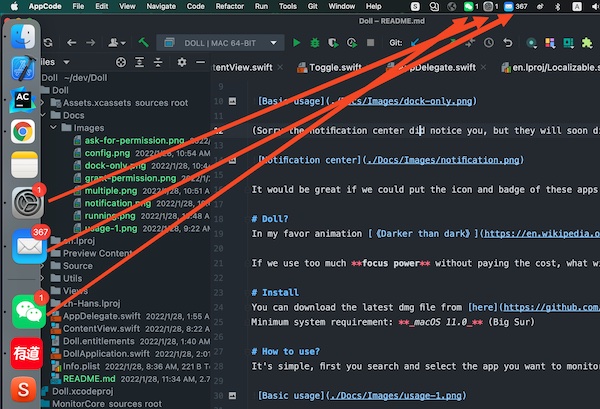
Doll is a menu bar app that puts the icons and badges of apps like Mail, Slack and Microsoft Teams into the menu bar.
Visit
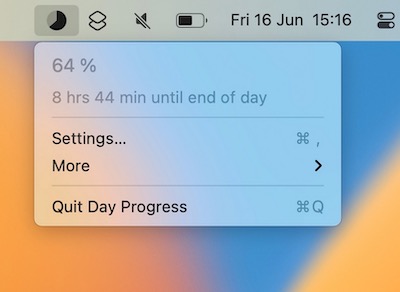
This menu bar app keeps track of the time remaining in your day. Use it as a visual cue to stay motivated and manage time more efficiently.
Visit
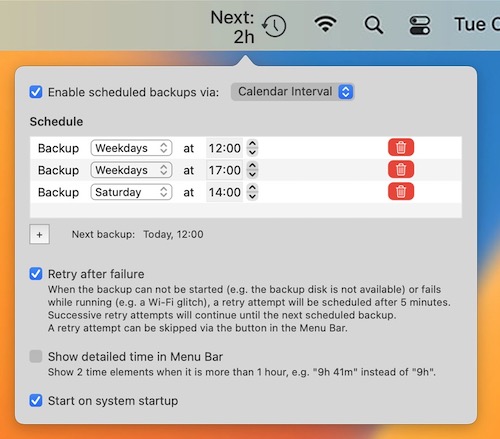
Schedule your Time Machine backups right inside your Mac’s menu bar. The app also shows the remaining time until the next backup.
Visit
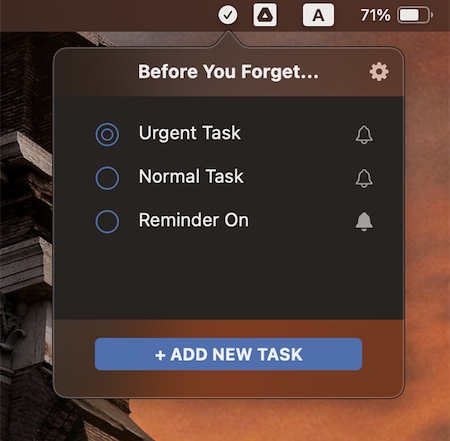
This simple and clean to-do reminder app lets you manage your tasks in a rather fun and encouraging way, through interactive messages. You can also set reminders for important deadlines.
Visit
