Fresh finds for your menu bar. Most recently added apps on top – last updated: October 28, 2026
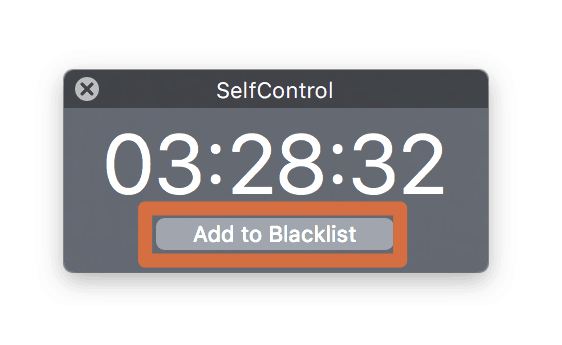
SelfControl saves you from the meaningless waste of time of websites like Facebook, Twitter or any other website you stick for hours. Simply add the websites which distract you from your work, set the timer and turn it on.
Visit Watch
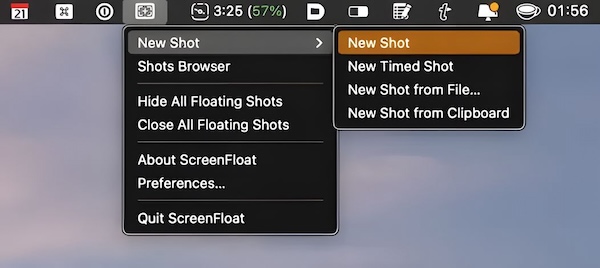
Screenfloat is a simple way to capture, annotate and share screenshots with beautiful floating previews, making screenshot management intuitive and visually appealing.
Visit Watch
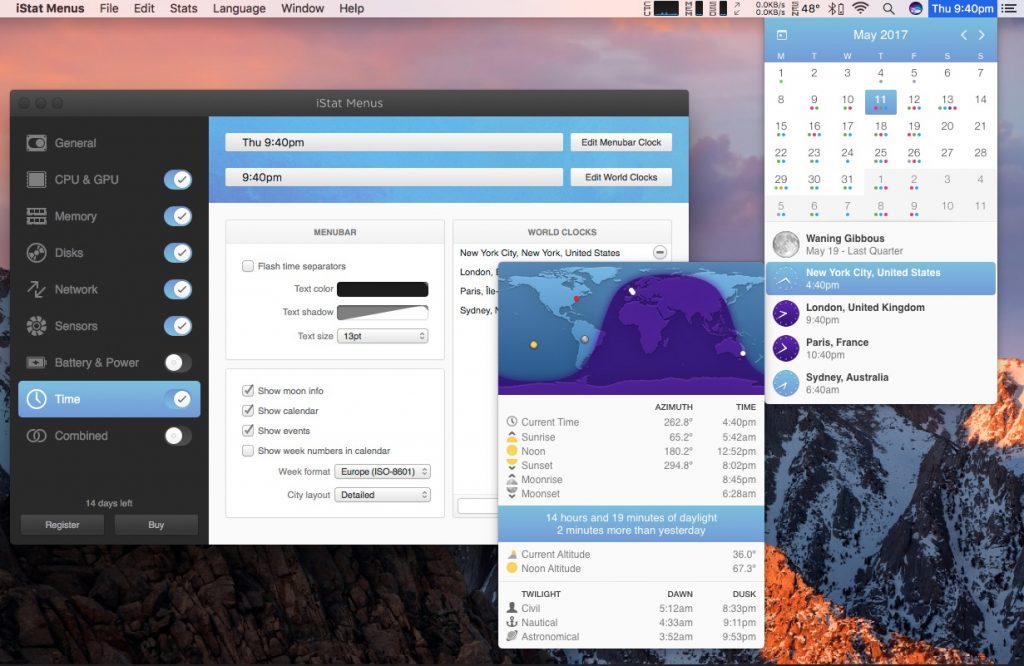
iStat Menus provides tiny graphs in the menu bar. Click them and they expand into a wealth of info about your CPU, GPU, memory, network, disk usage, disk activity, temperatures, fans, battery info and more.
Visit Watch
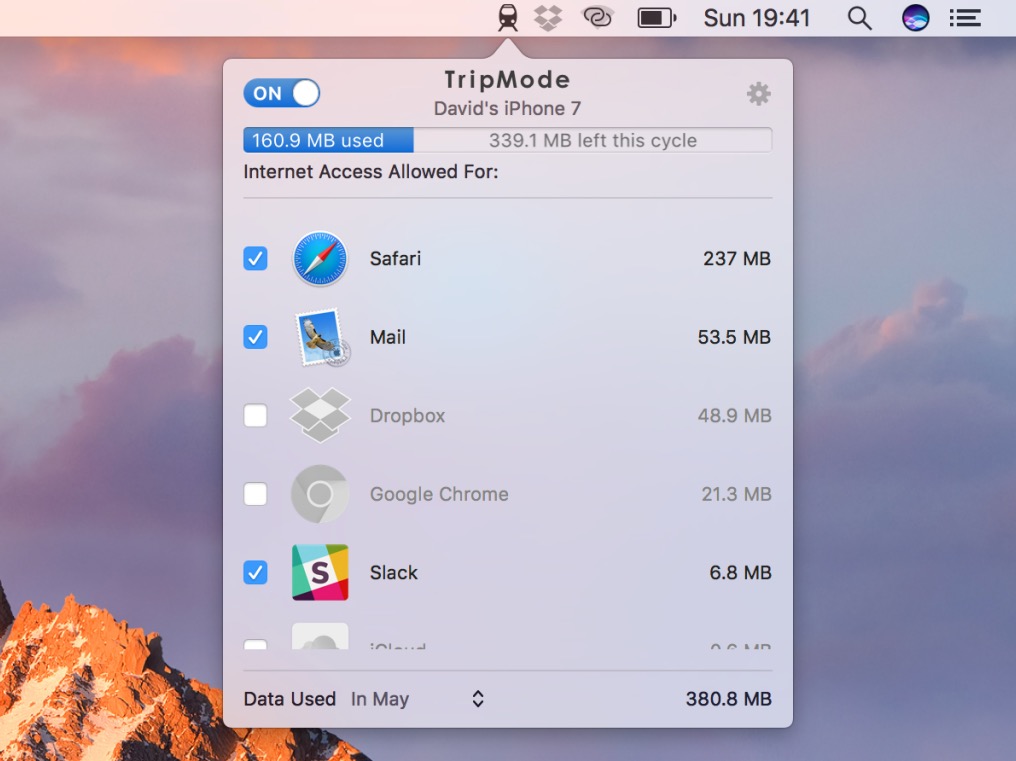
With TripMode you can prevent apps from connecting to the internet when you are using a mobile hotspot. This prevents unexpected bills for high data usage on your mobile plan.
Visit Watch
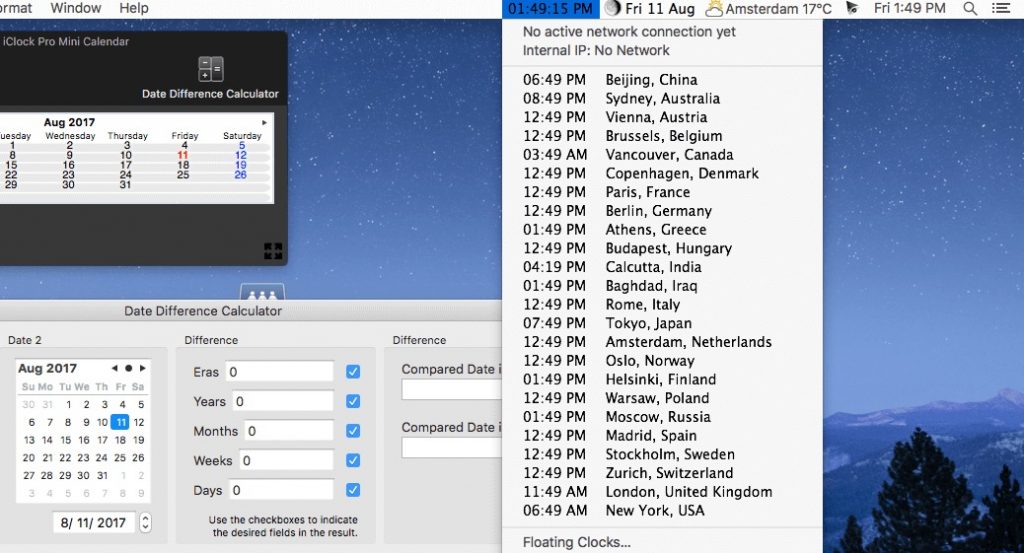
This menubar clock replaces the limited time app in the menubar with a drop-down menu of the current time/date in any city in the world, time & date simultaneously in any format, font or color, instant calendar, stopwatch, moon phase, floating clocks, and much more.
Visit Watch
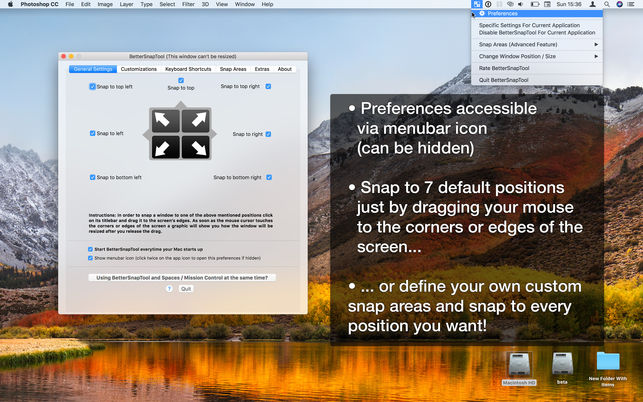
BetterSnapTool runs in the background as a menu bar app. It lets you manage your window positions and sizes by either dragging them to one of the screen’s corners or to the top, left or right. You can also set keyboard shortcuts in order to move and resize your windows.
Visit Watch

Never think of timezones again. Follow your family members or teammates and have their local time, no matter if they move.
Visit Watch
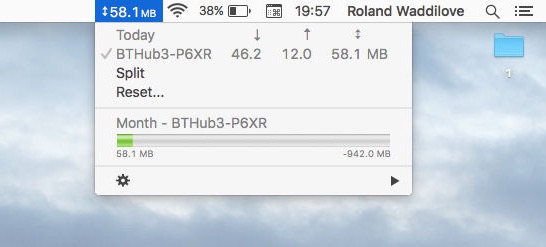
Bandwidth+ tracks your Wi-Fi hotspot usage and network bandwidth usage on various networks, helping you stay aware of data consumption throughout your day.
Visit Watch
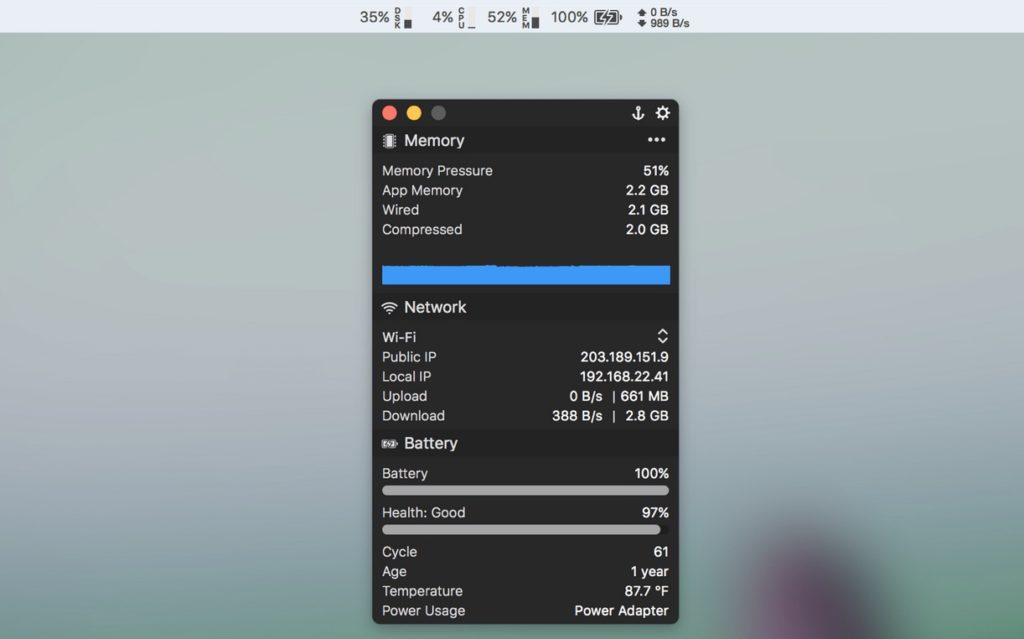
MenuBar Stats 3 splits your Mac’s vital signs into modules, from CPU, memory and disk to network, battery and Bluetooth, each with its own spot in the menu bar. Show them separately or bundle them into one window, with graphs and top processes when you want the details. Optional helpers add temperature and fan readings.
Visit Watch
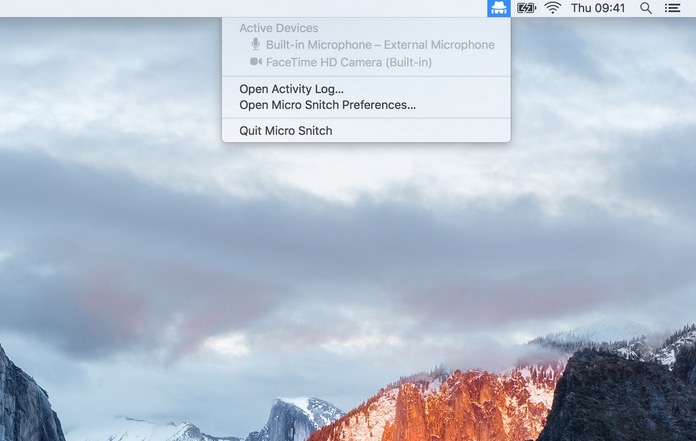
Know when someone or something is using your computer’s microphone (or web cam). This menu bar app monitors and reports any microphone and camera activity to help you figure out if someone’s spying on you.
Visit Watch
