Fresh finds for your menu bar. Most recently added apps on top – last updated: October 28, 2026
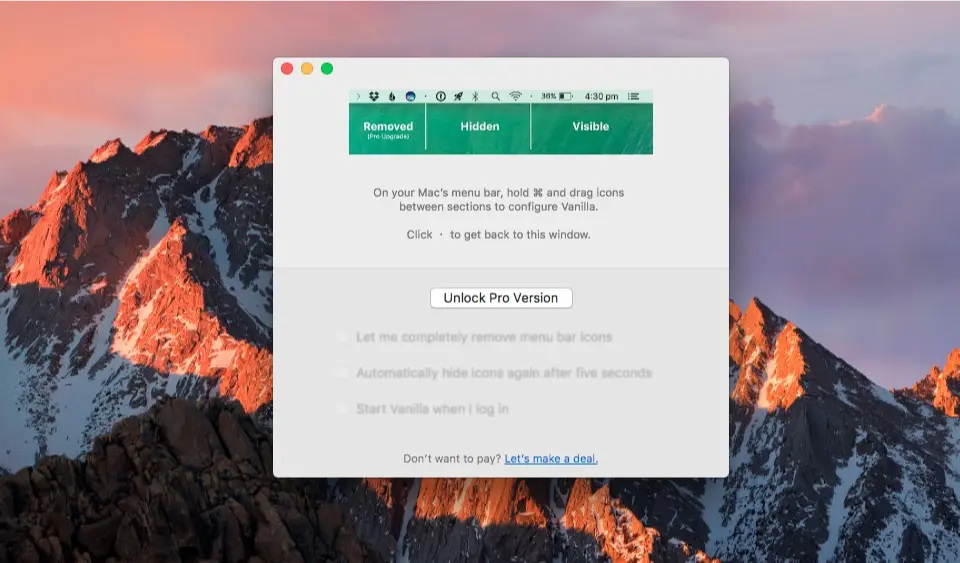
Vanilla is a free Mac app that lets you hide menu bar icons, keeping your menu bar clean and clutter-free while maintaining quick access when needed.
Visit Watch
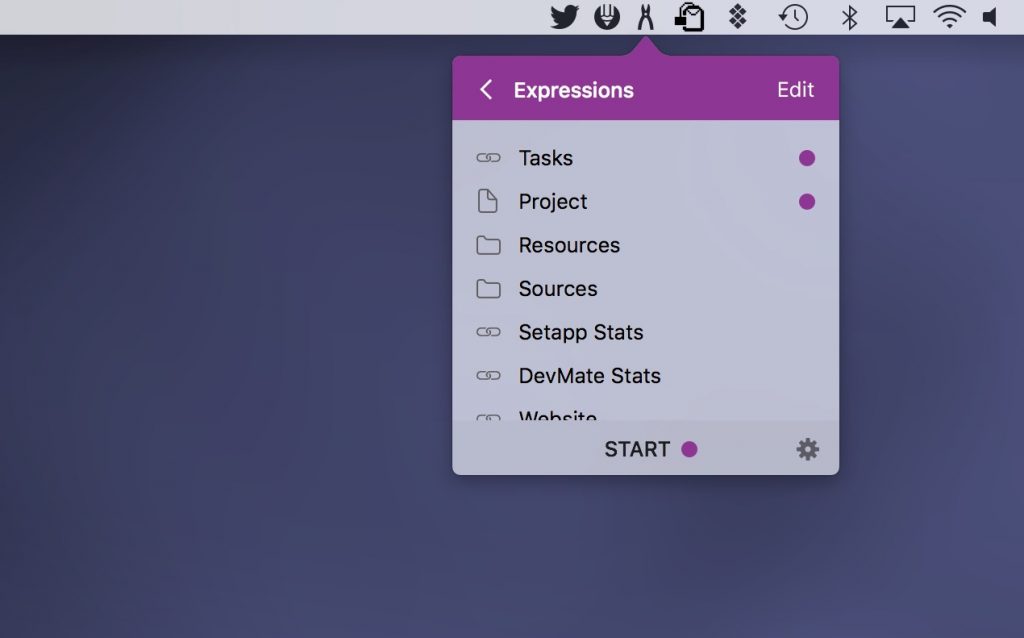
Workspaces allows you to bundle the resources linked with a project (files, websites, emails, apps) into one set, in your menu bar.
Visit Watch
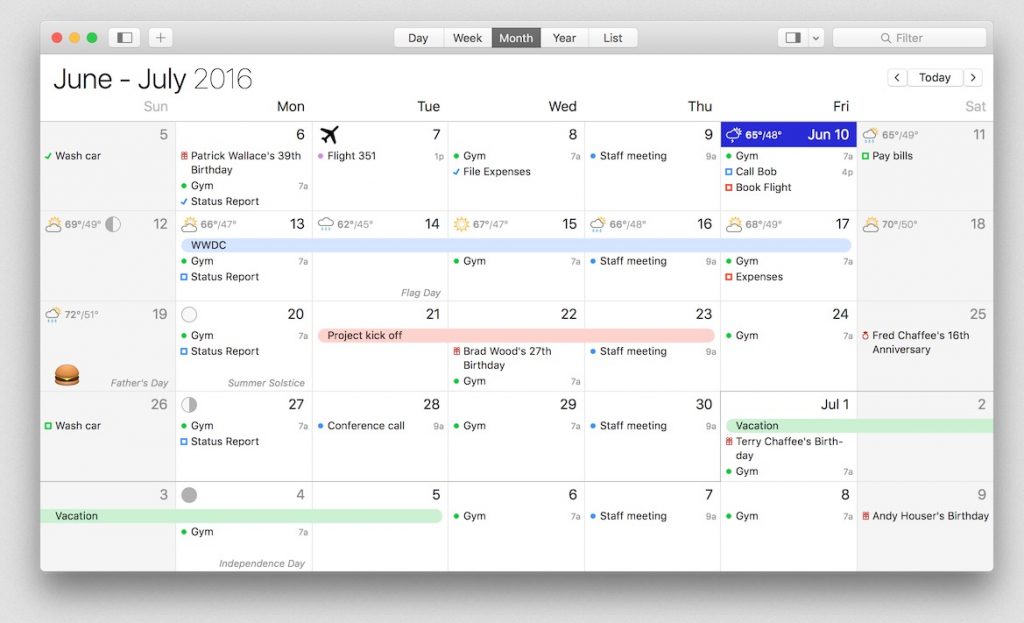
BusyCal displays your calendar in Day, Week, Month, Year and List views. What makes BusyCal unique is its ability to customize these views to more precisely meet your needs.
Visit Watch

SpotMenu shows what’s playing in Spotify or Apple Music right in your menu bar. Hover for album art and playback controls, skip tracks with global shortcuts, and even like Spotify songs without opening Spotify.
Visit Watch
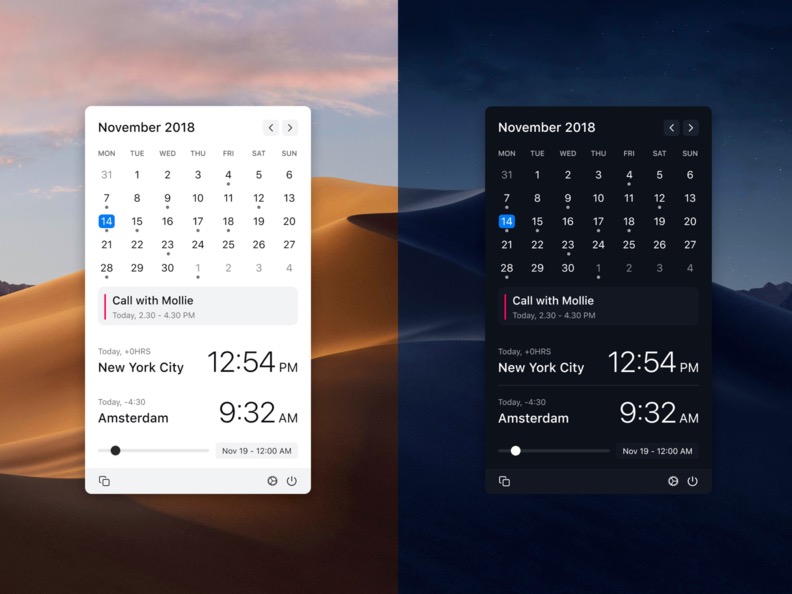
Clocker helps you keeping track of your friends and colleagues in different time zones. You can also add notes and create reminders.
Visit
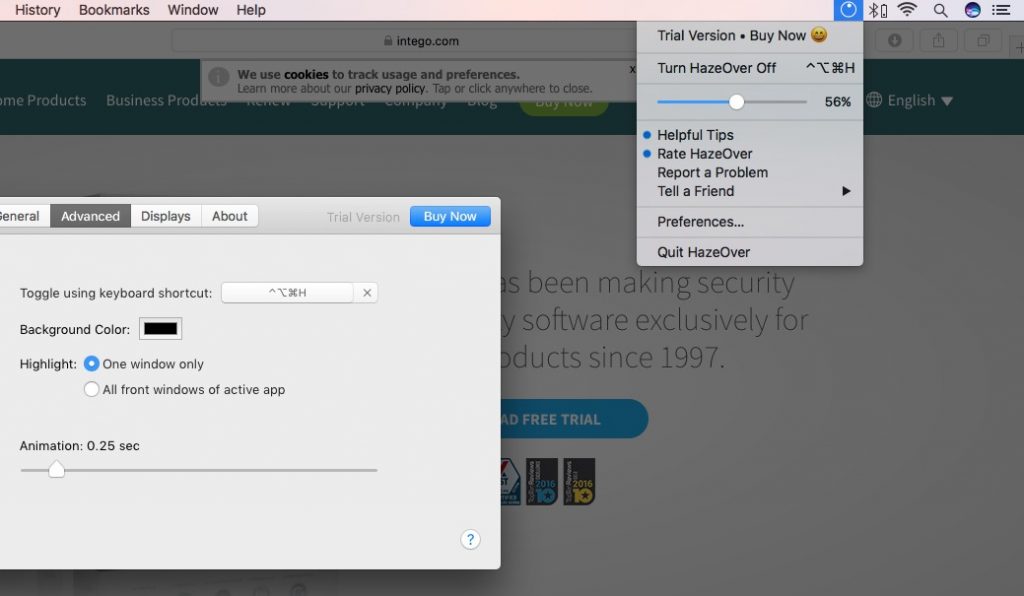
HazeOver is a nifty app that automatically highlights the front window by fading out all the background windows. A kind of dimmer switch that reduces distractions by fading out background windows.
Visit Watch
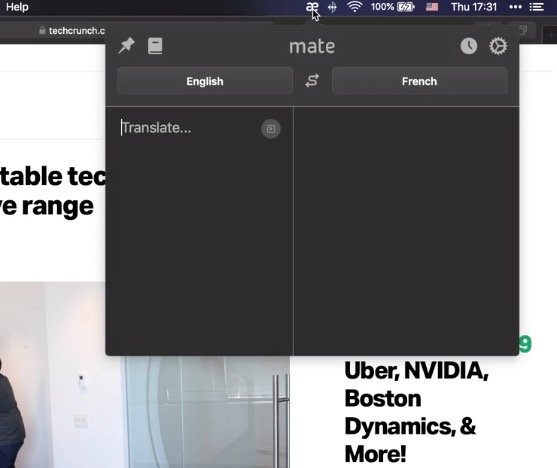
Mate is a translation app that lives in your menu bar, making it quick and easy to translate text between multiple languages whenever you need it.
Visit Watch
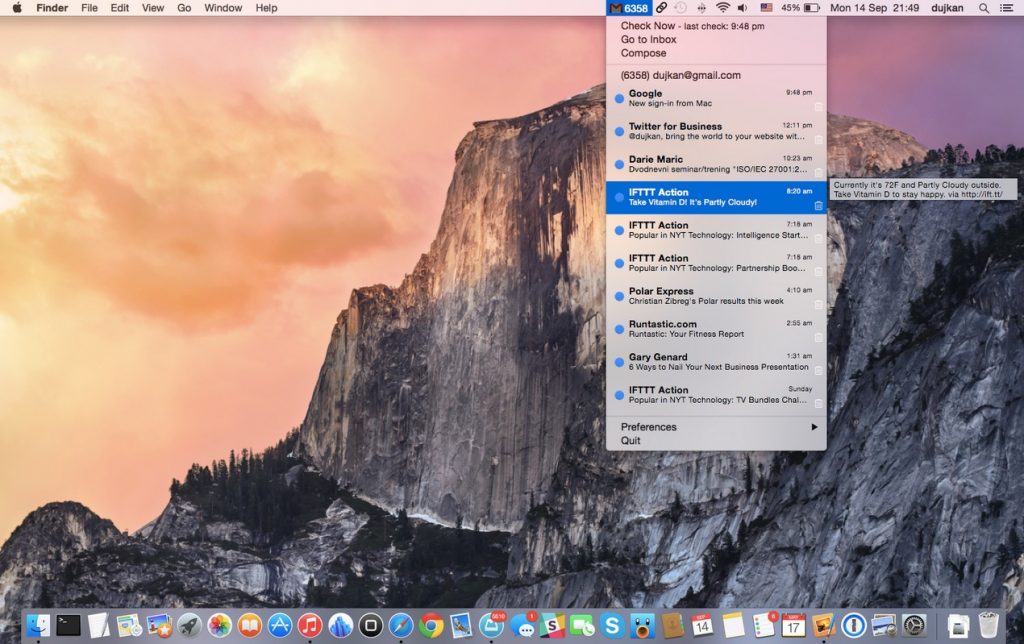
Mia for Gmail puts the contents of your Gmail inbox in the menu bar, giving you quick access to your messages without opening a separate window.
Visit Watch
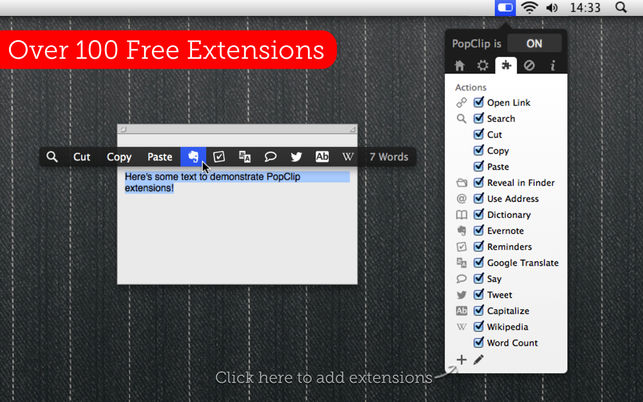
PopClip appears when you select text with your mouse. Instantly copy & paste, and access actions like search, spelling, dictionary and over 100 more.
Visit Watch
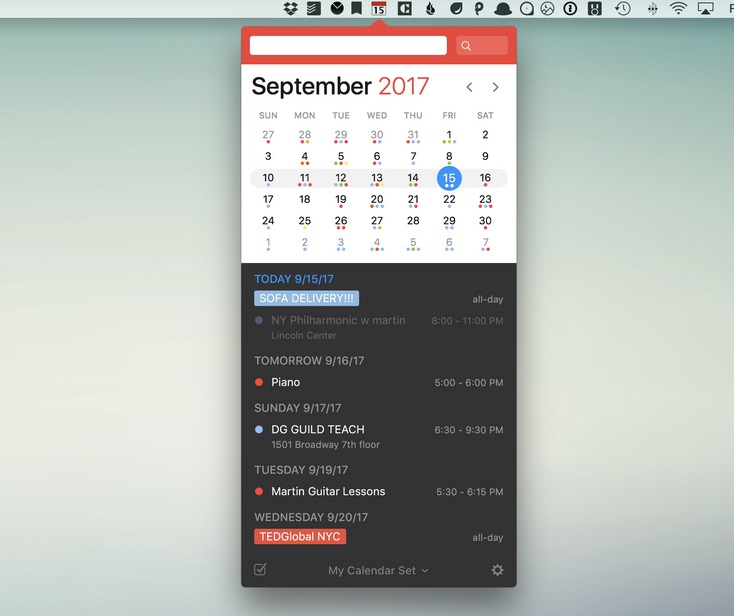
Fantastical keeps a mini calendar in your menu bar and pulls every calendar you use into one view, from iCloud and Google to Microsoft 365 and Exchange. Type “dinner with Anna Friday at 7” and it’s simply there. The basics are free; a Flexibits Premium subscription unlocks the rest.
Visit Watch
