Collection:
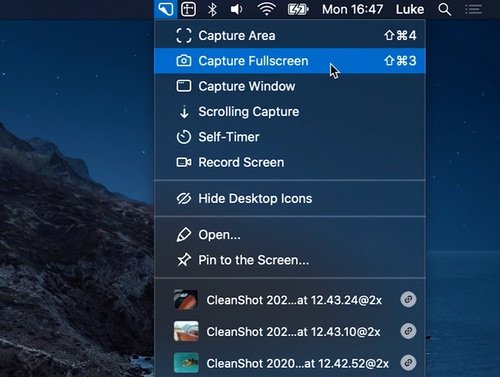
Screen Capturing Apps
Fresh finds for your menu bar. Most recently added apps on top – last updated: October 28, 2026
Collection:
Writing Apps | Clipboard Managers
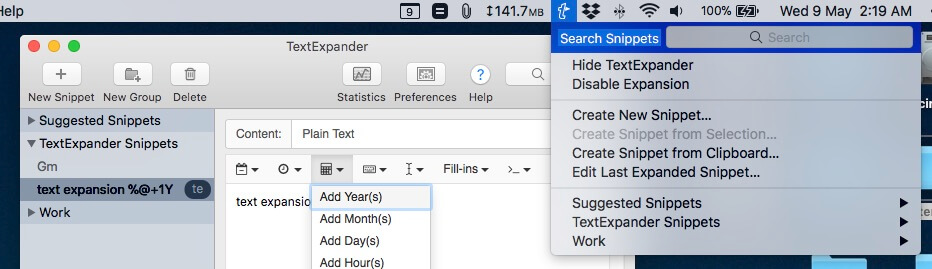
TextExpander
Collection:
Files & Folders
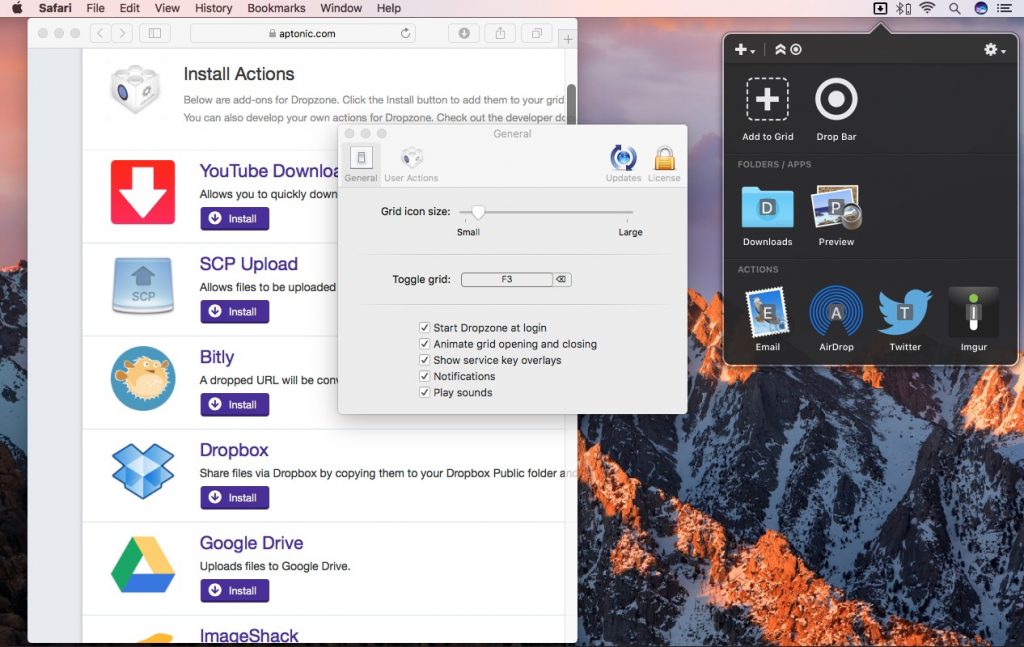
Dropzone
Collection:
Color Apps
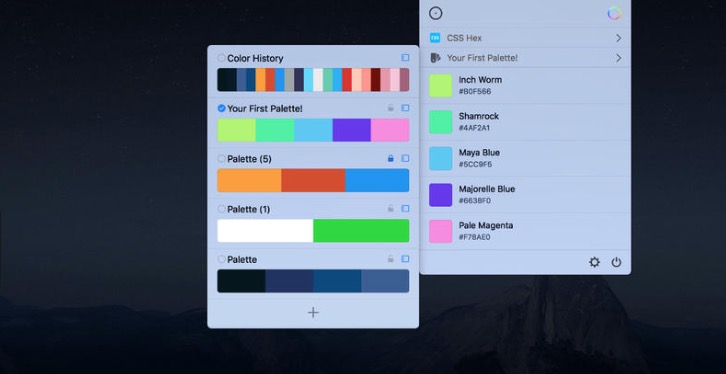
Sip
Collection:
Calendar Apps
Itsycal
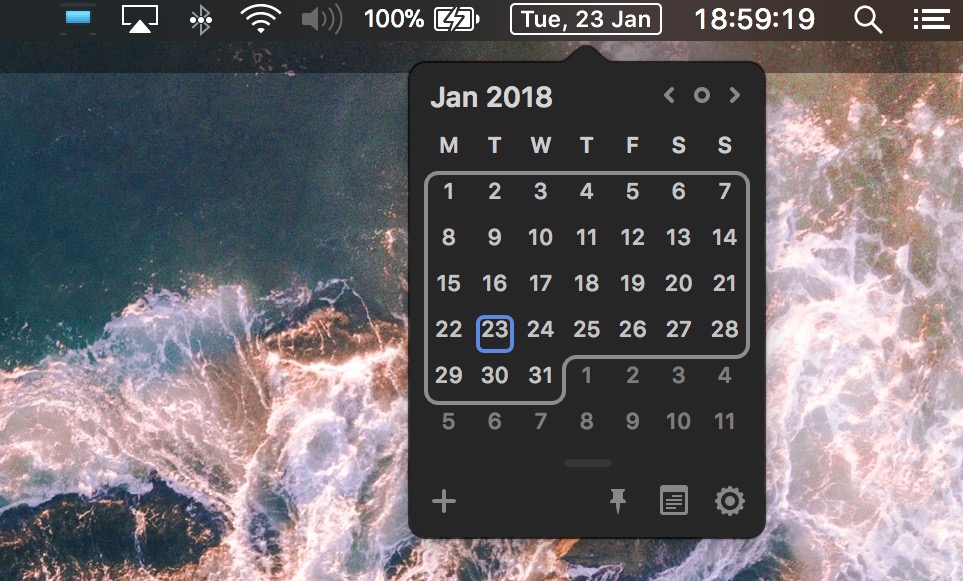
Itsycal is a (free) tiny calendar for your Mac’s menu bar, synchronizing with your Mac calendar app. You can also create and delete events.
Collection:
Sleep Control Apps
Amphetamine
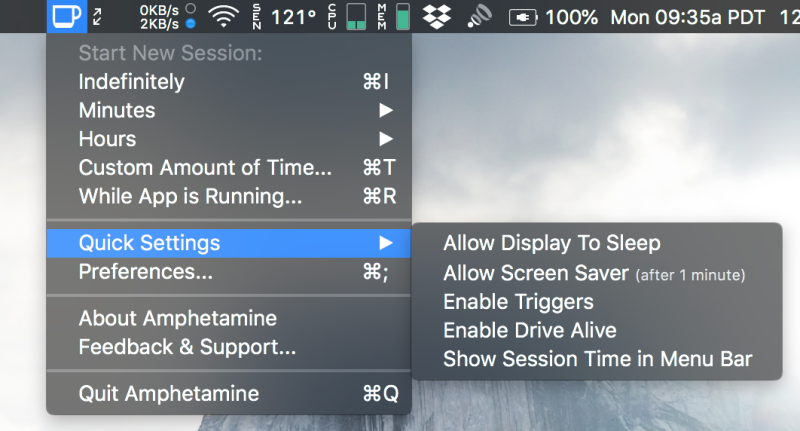
With Amphetamine, you can effortlessly override your energy saving settings and keep your Mac awake. You just have to click a single icon in your menu bar. Once activated, your system will stop going to sleep. You can also set it up so that Amphetamine only kicks on when it notices that a particular app is running.
Collection:
Audio Apps
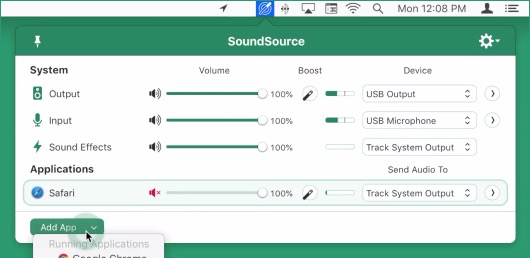
SoundSource
Collection:
Time Tracking Apps
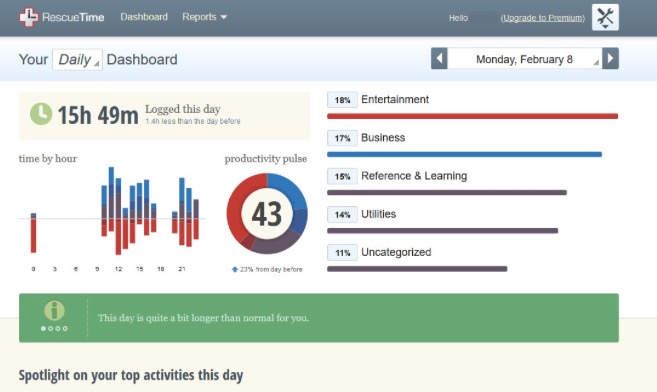
RescueTime
Collection:
Writing Apps
Rocket

Rocket is a free Mac app that makes typing emoji faster and easier using Slack-style shortcuts. A simple and effective app that gets the job done. It lets you quickly enter emoji by typing rather than scrolling through a list.
You can also access any emoji through Rocket’s built-in shortcut window.
Collection:
Writing Apps