
Collection:
Email & Contacts
Fresh finds for your menu bar. Most recently added apps on top – last updated: October 28, 2026
Collection:
Cloud Apps
CloudMounter
Collection:
Screen Capturing Apps
Snagit
Collection:
Timer Apps
Gestimer
Collection:
Launcher Apps
Bumpr
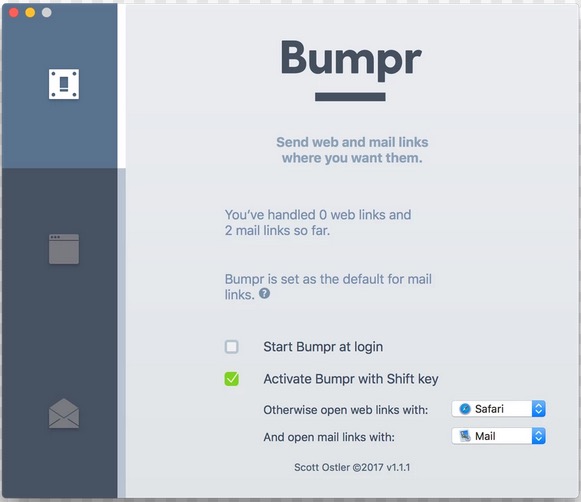
Most people pretend one browser is enough. The rest of us know better. Bumpr lets you choose where every link opens, so you can separate work and private browsing, test across browsers, or try something new without commitment. It handles mailto links just as smoothly, opening them in your preferred email app or Gmail in the browser you trust, with optional extensions that fit neatly into your daily workflow.
Collection:
Calendar Apps
TinyCal
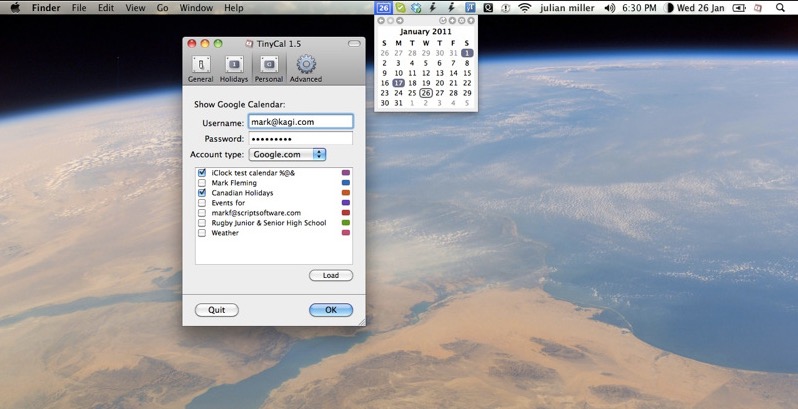
TinyCal brings Google and Apple Calendar to your Mac in a clean, compact view that keeps your schedule within reach. You can add events and reminders in seconds, display multiple months, combine personal and business calendars, and even include holidays from countries and religions worldwide, all without interrupting your workflow.
Collection:
Display Apps
Display Menu
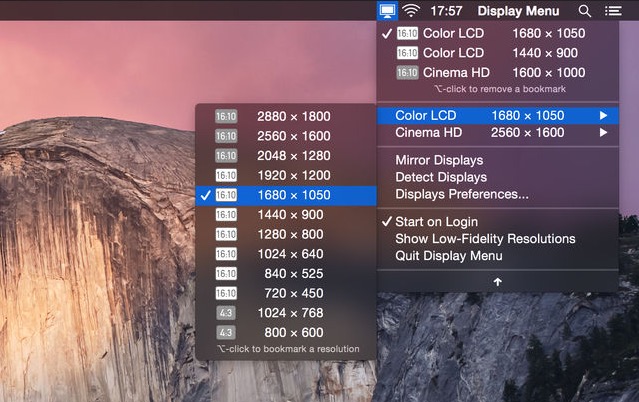
Display Menu makes it easy to adjust your screen settings with a single click. Switch resolutions, toggle mirroring, and fine-tune refresh rates on the fly. With the optional upgrade, you can unlock Retina resolutions, AppleScript support, and handy resolution bookmarks for even greater control.
Collection:
Launcher Apps
Shortcut Bar
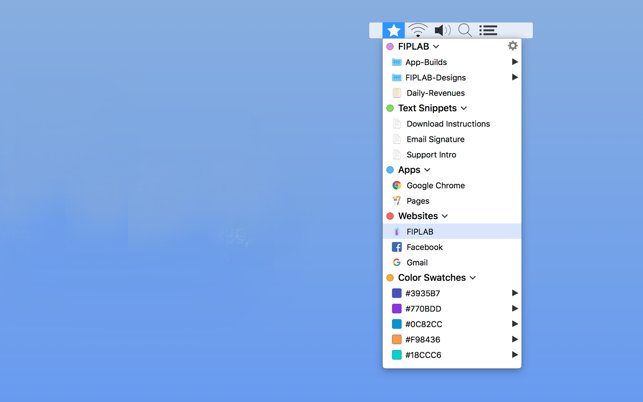
Shortcut Bar keeps your most important files, folders, apps, bookmarks, text snippets and even color swatches within instant reach. Add as many shortcuts as you like and access everything with a quick click, so the things you use every day are never more than a moment away.
Collection:
Display Apps
Stay
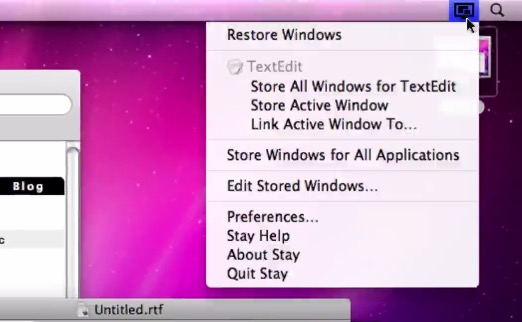
Stay remembers exactly where you placed every window and restores them instantly, even when you connect or disconnect external displays, so your setup always feels intentional rather than accidental.
Collection:
Keyboard & Mouse Apps
Cursor Pro
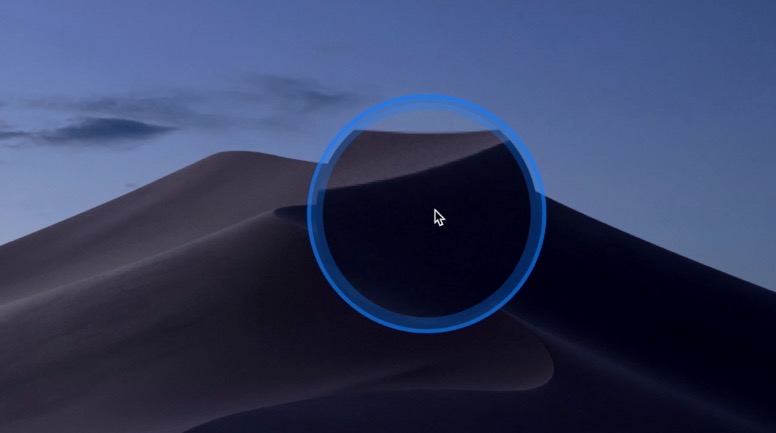
You know that tiny moment of panic when your cursor disappears on a giant display and you start wiggling the mouse like you’re summoning help from the tech gods. Cursor Pro fixes that with a customizable highlight and a precise, one-key magnifier that makes clicks, movements, and pixels unmistakably clear. It is built for polished presentations, remote demos, and anyone who prefers looking in control instead of slightly lost.