
Collection:
AI Apps | Meeting Apps
Fresh finds for your menu bar. Most recently added apps on top – last updated: October 31, 2026
Collection:
AI Apps | Email & Contacts
MailTwin
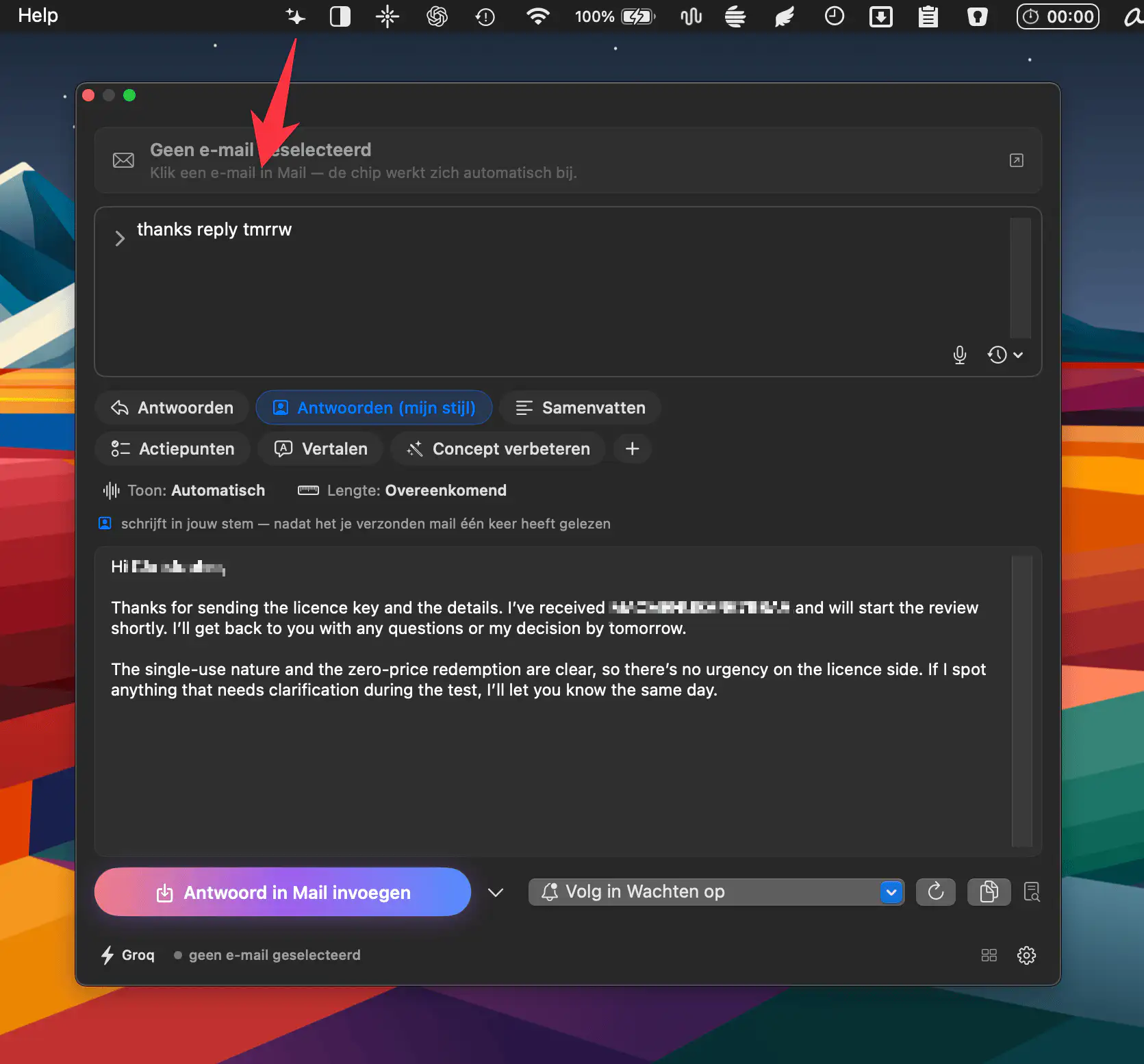
MailTwin brings AI-powered writing to Apple Mail, learning your writing style separately for work and personal accounts while supporting eight AI providers, local processing, summaries, action points, and customizable replies.
Collection:
Keyboard & Mouse Apps
Midnight Keyboard
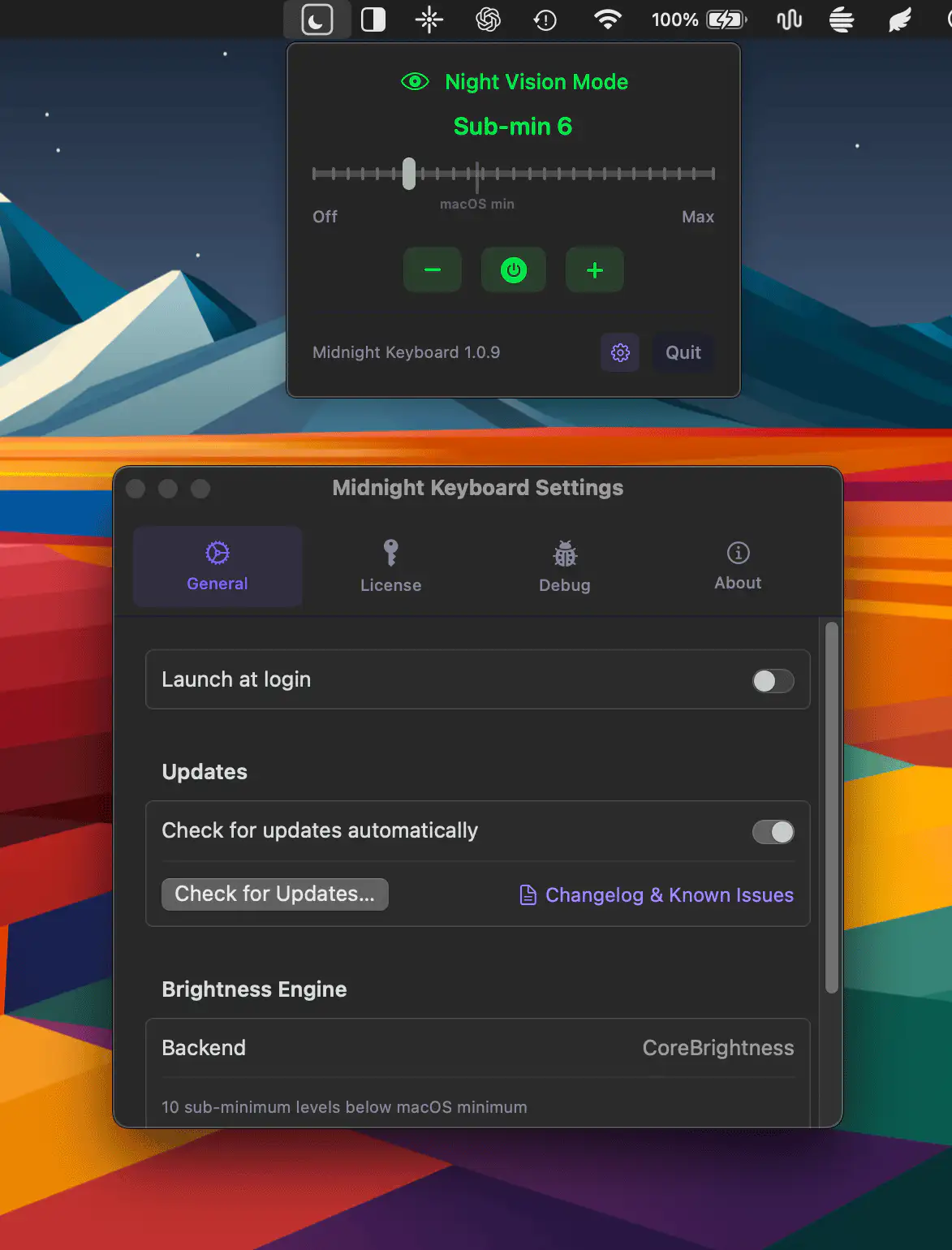
Midnight Keyboard adds finer control over Apple Silicon MacBook keyboard brightness, with ten levels below macOS’s minimum setting. It’s ideal for dark rooms, with a simple slider for precise control.
Collection:
Weather Apps
Forecast Bar
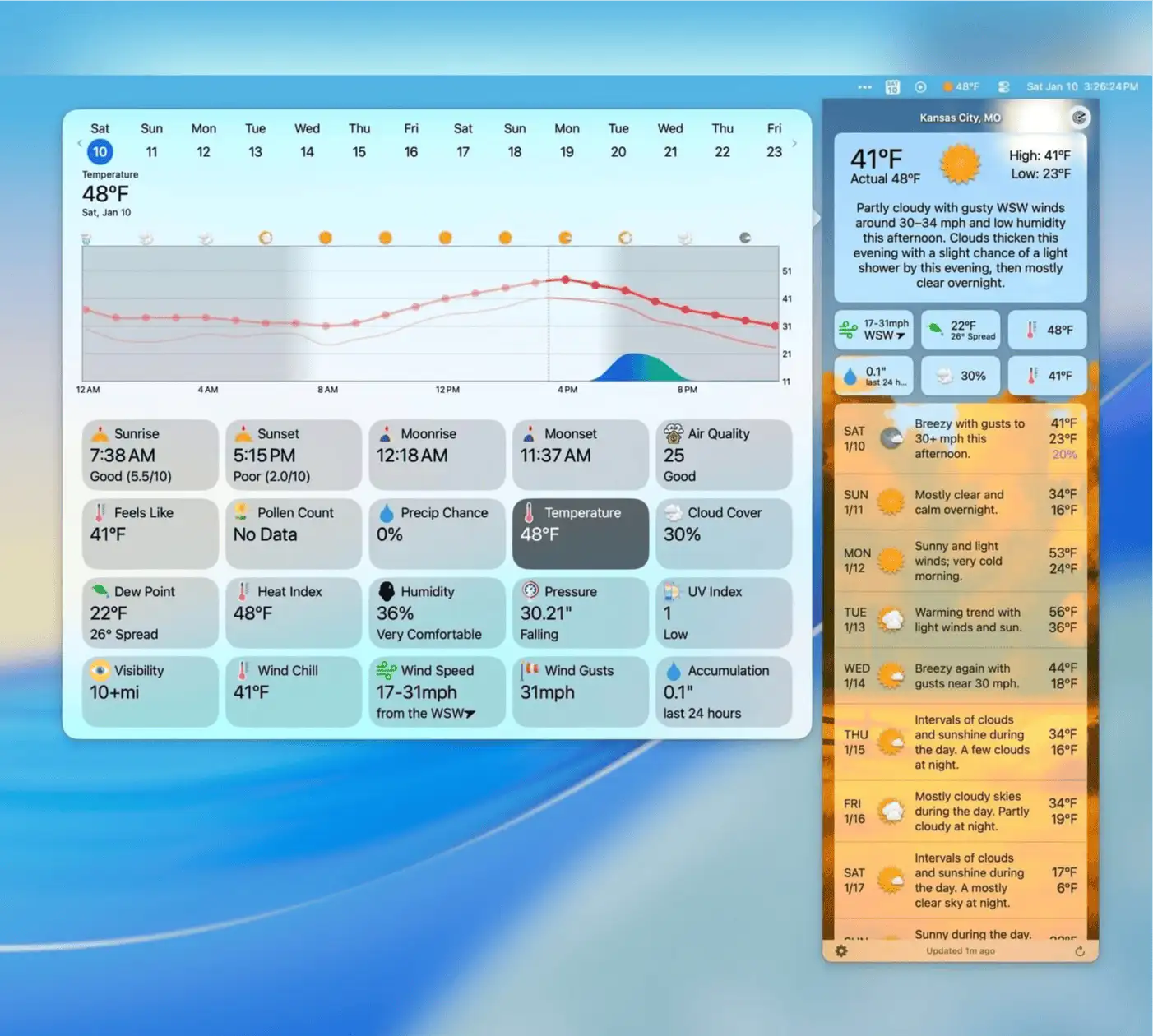
Forecast Bar delivers detailed weather forecasts with interactive charts, animated radar, customizable alerts, air quality, pollen, tides, and smart weather stories tailored to your location.
Collection:
Health Apps
Sugar Sense
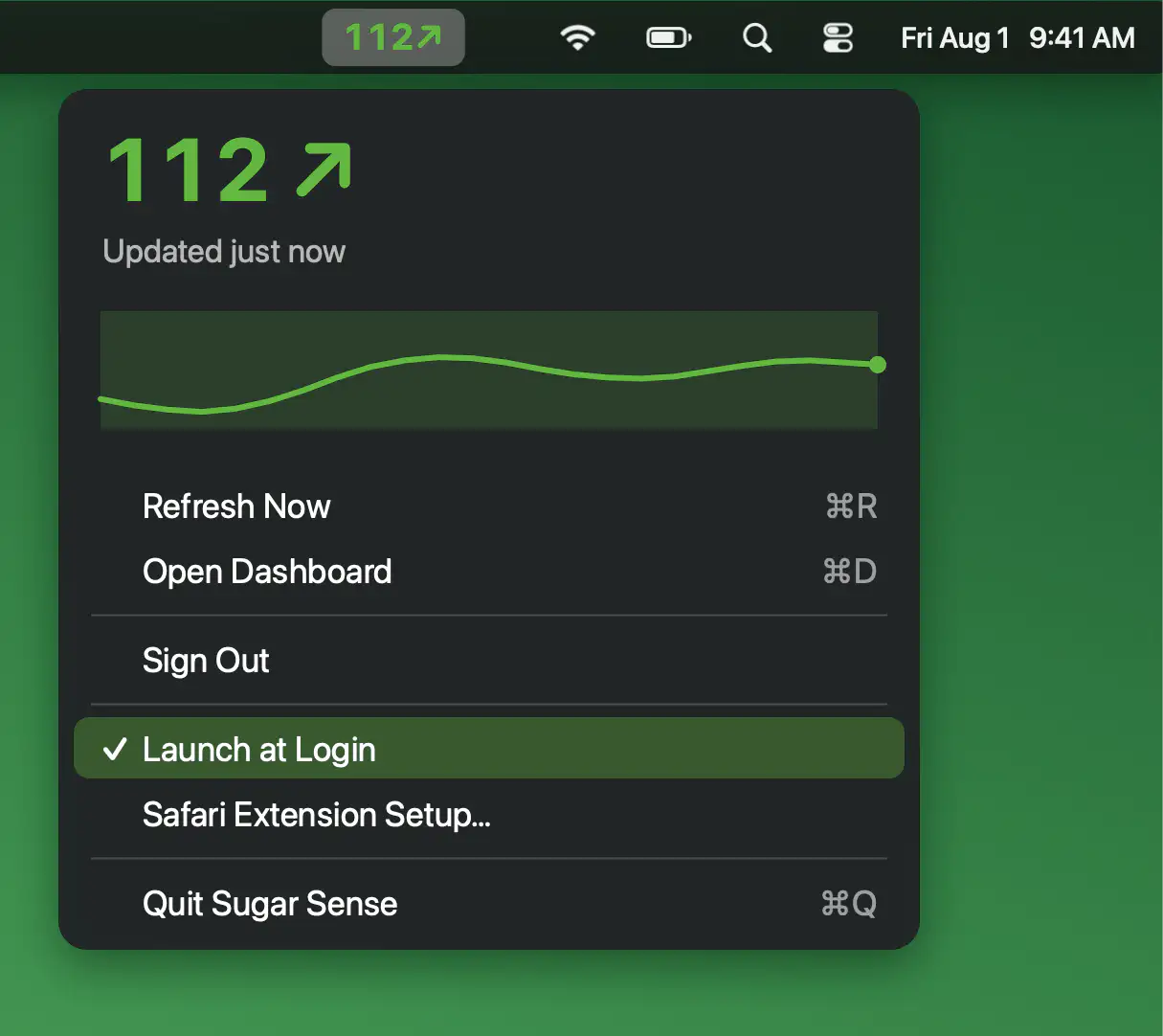
Keep your glucose in view while you work with live readings, trend arrows and a three-hour mini graph. Sugar Sense also brings the same data to Safari, making it easy to check at a glance.
Collection:
Keyboard & Mouse Apps
GestureCraft
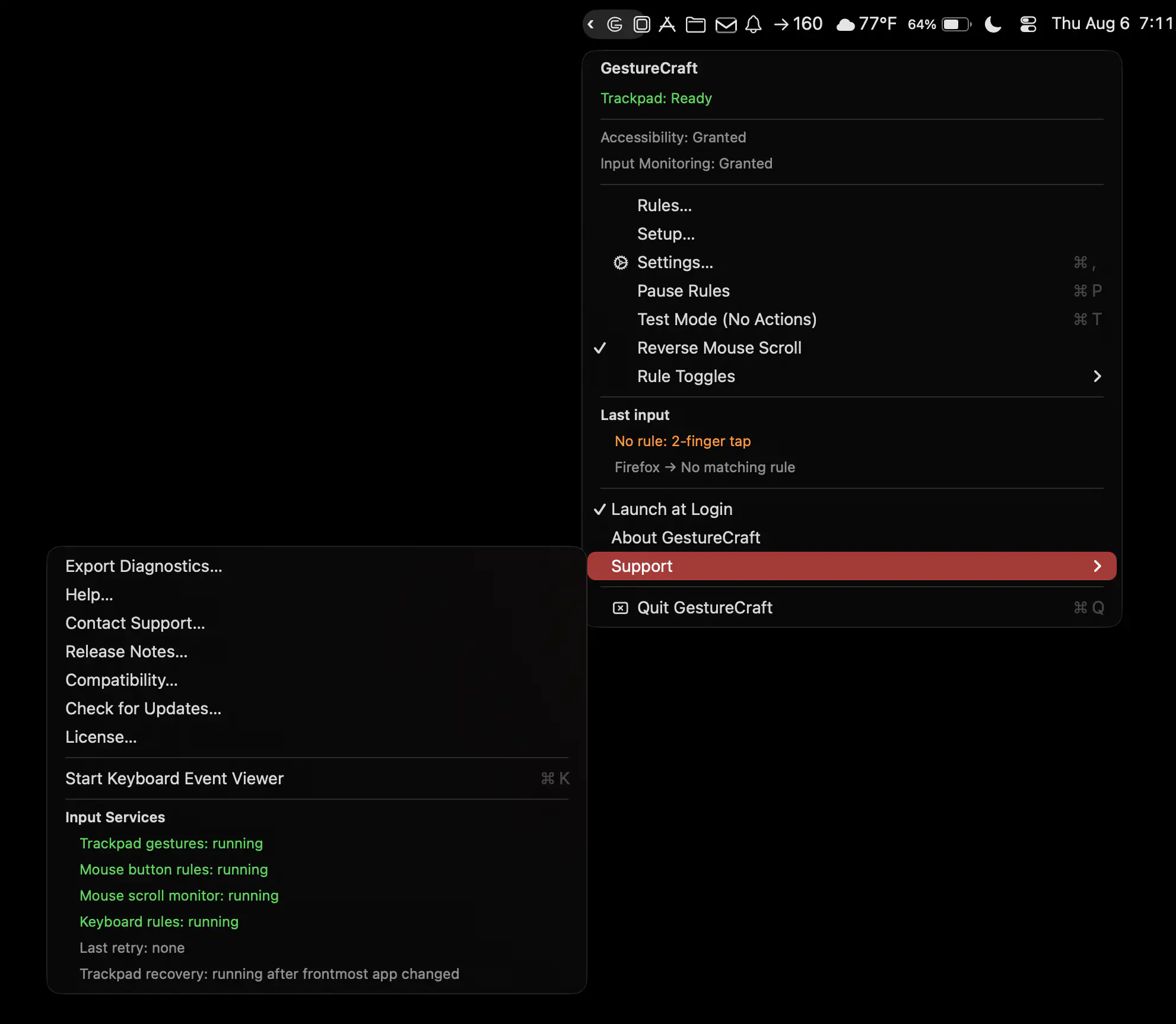
GestureCraft lets you customize your Mac’s trackpad, keyboard, and mouse with personalized gestures, shortcuts, and button actions. Launch apps, trigger commands, and turn everyday inputs into powerful controls.
Collection:
Audio Apps (Music)
YTAudioBar
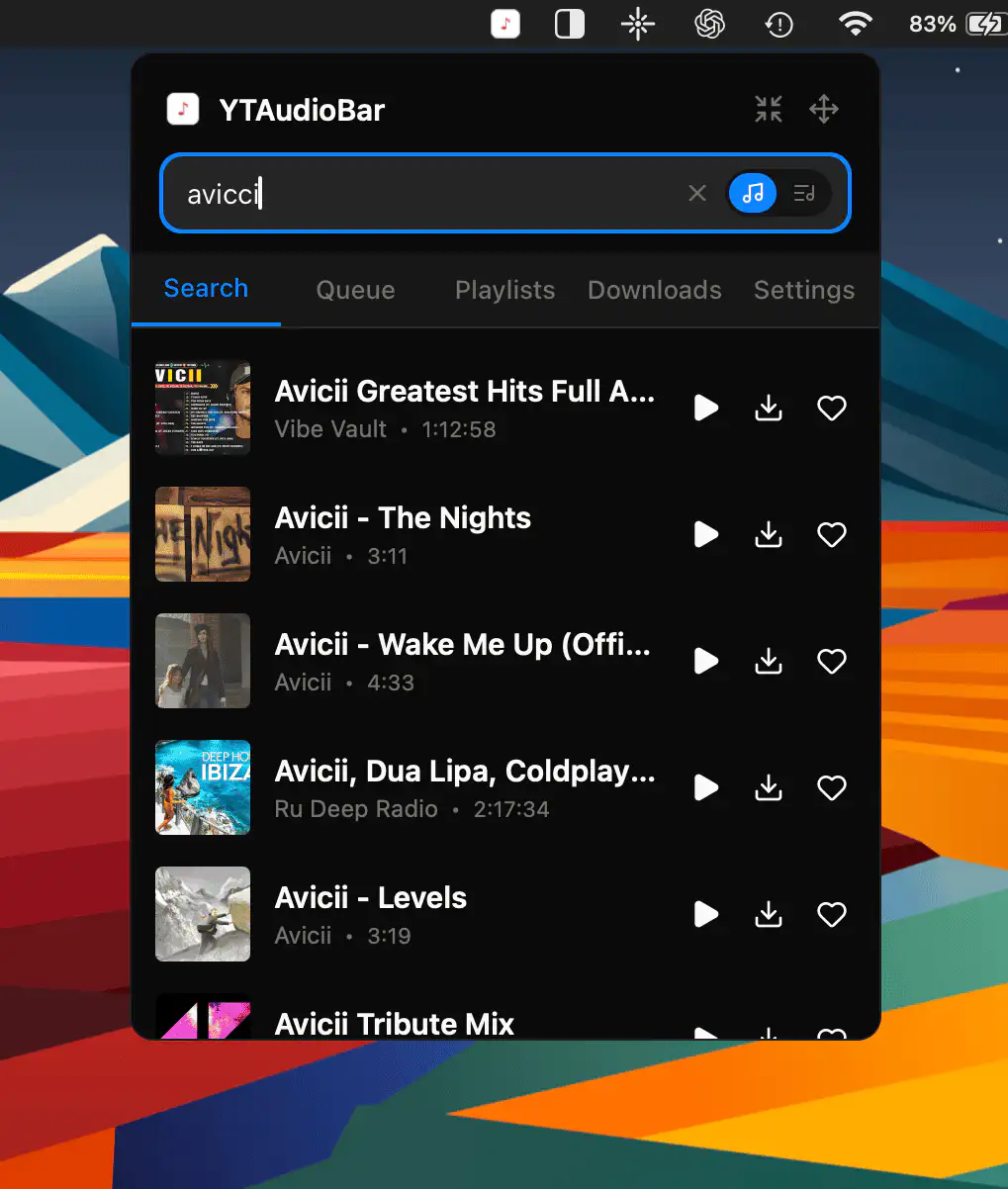
YTAudioBar transforms YouTube into a Spotify-style music and podcast player, with direct search, audio-only streaming, playlists, queue management, offline downloads, and full media key support.
Collection:
System Tools
TrillMark
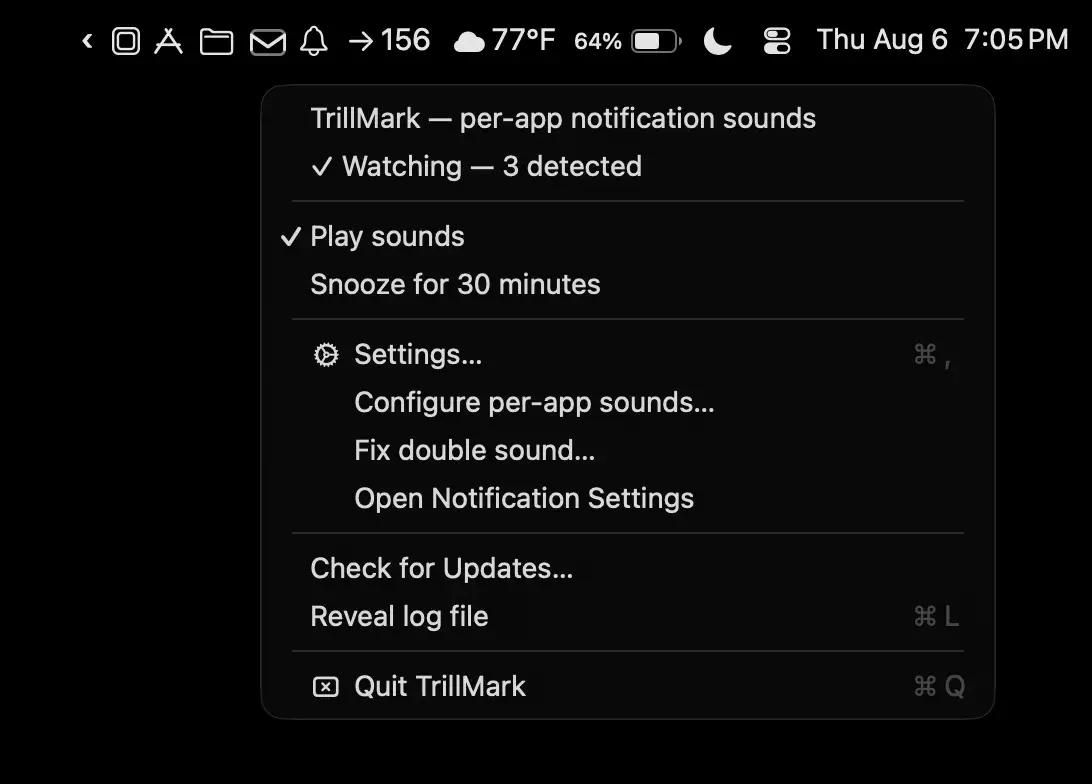
TrillMark makes notifications instantly recognizable with custom sounds and color-coded visual alerts for each app. Know exactly what needs your attention without checking every banner or playing the same default chime.
Collection:
Developer Apps
Octowatch
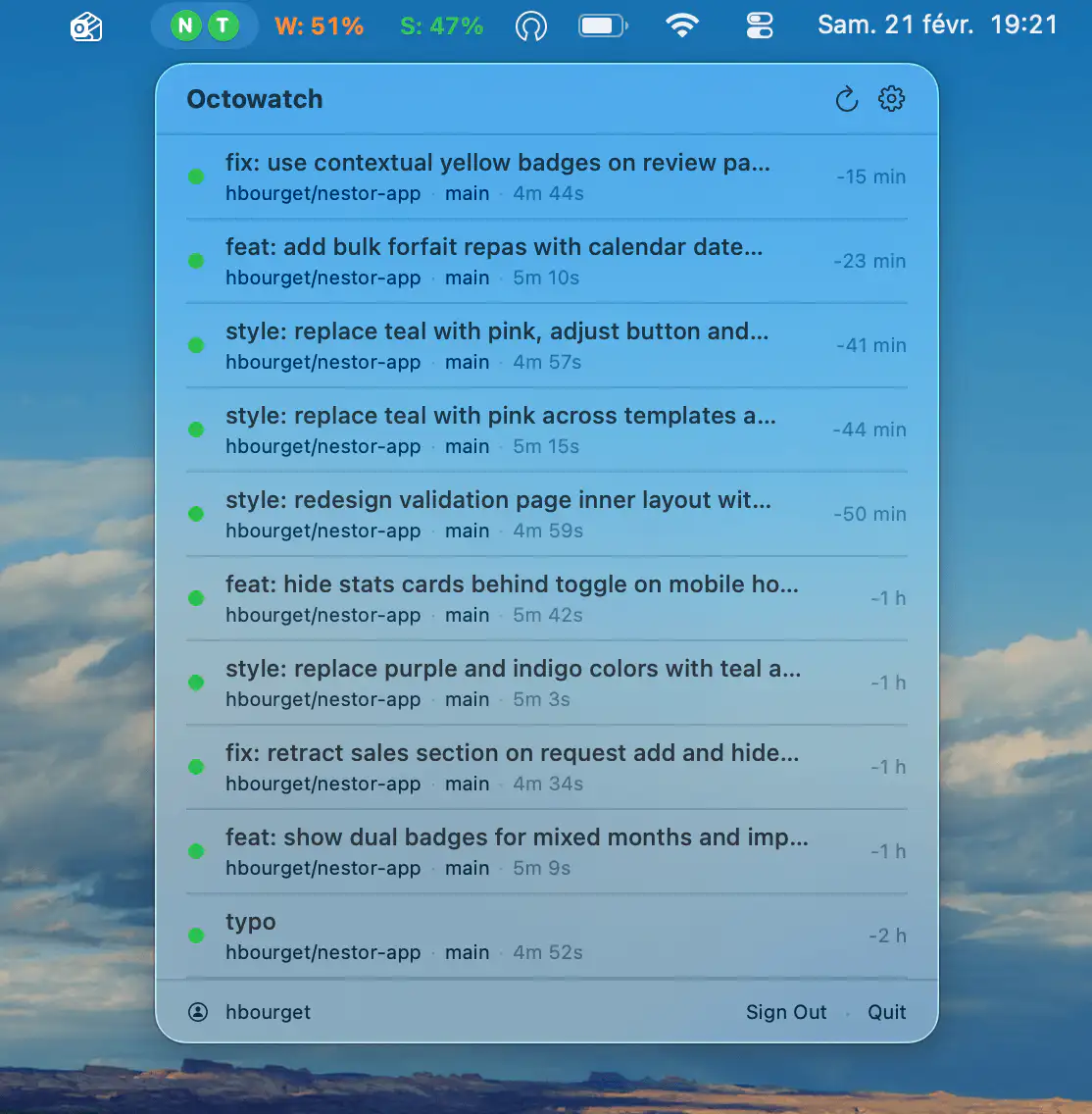
Monitor GitHub Actions workflows across multiple repositories in real time, with status indicators, configurable polling, native notifications, and secure GitHub token storage in the macOS Keychain.
Collection:
Menu Bar Managers
MistBar
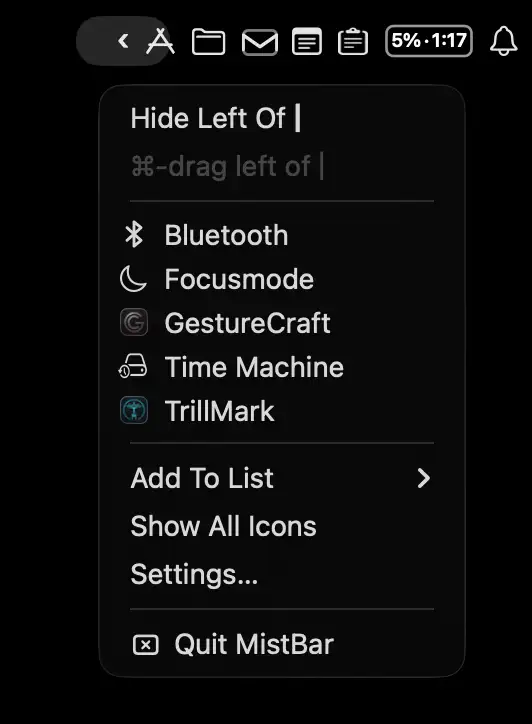
MistBar keeps your menu bar tidy by hiding unused icons while bringing everyday tools together in one place. Access clipboard history, email, notes, folders, app launching, and AI usage tracking from a single streamlined hub.