Collection:
Cleaning Apps
Ephemeral
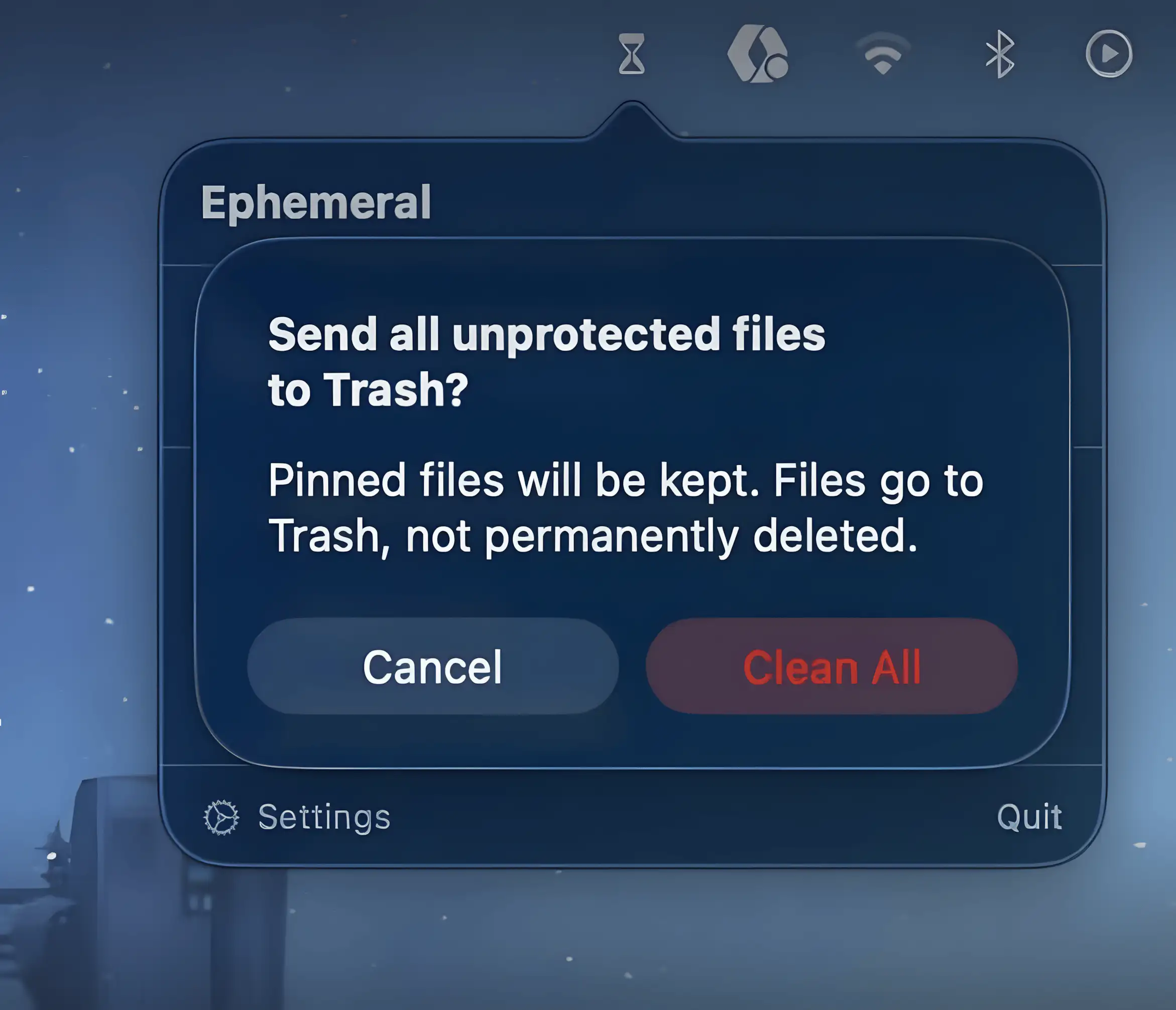
Ephemeral keeps temporary files from piling up by automatically sending them to Trash after a set time. Drop files in, forget about them, and your folders quietly stay tidy without constant manual cleanup.

Ephemeral keeps temporary files from piling up by automatically sending them to Trash after a set time. Drop files in, forget about them, and your folders quietly stay tidy without constant manual cleanup.
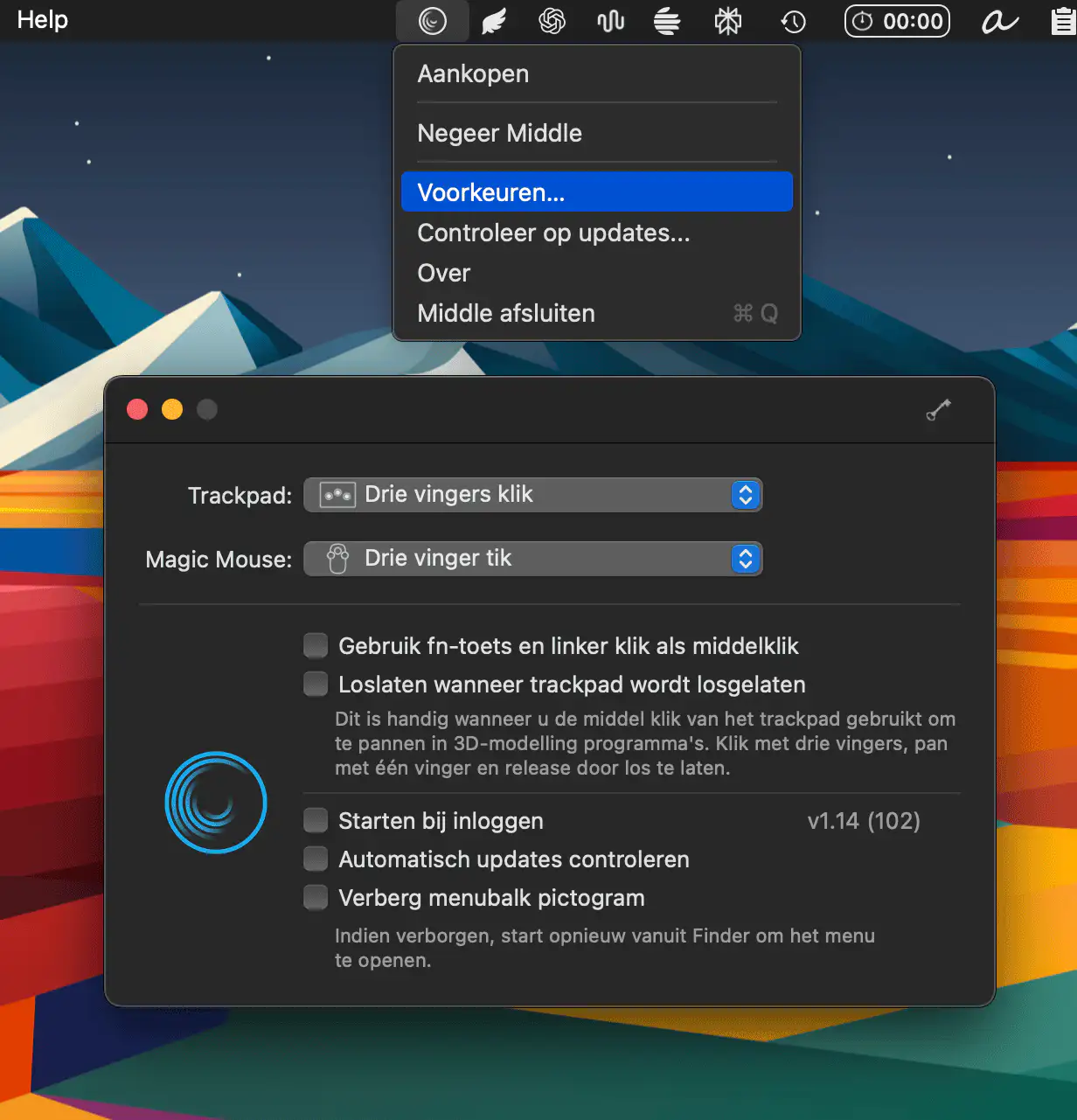
Middle brings long-missing middle-click support to macOS, letting you open links in new tabs and trigger actions with intuitive trackpad or Magic Mouse gestures, all in a simple, lightweight tool.
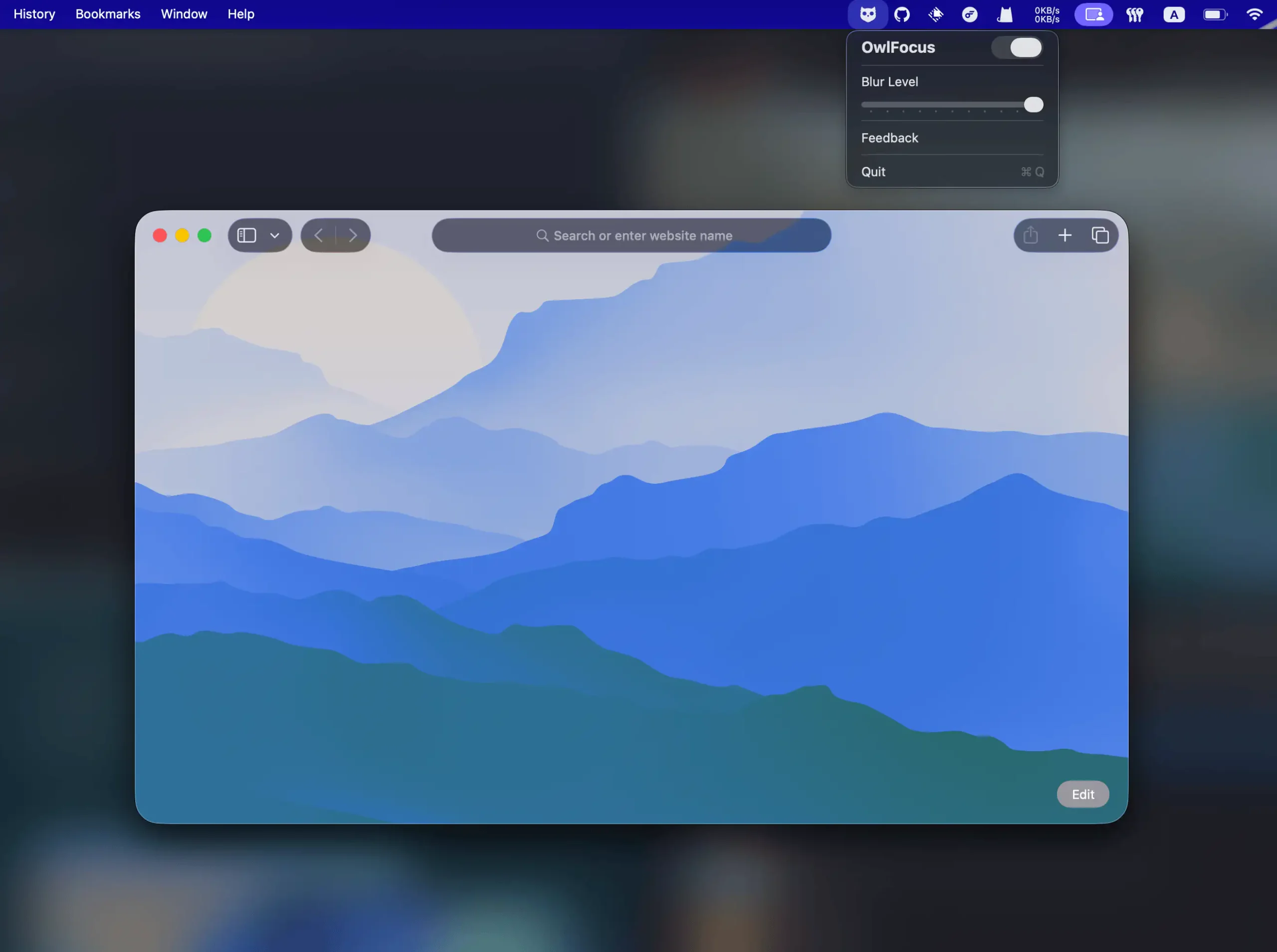
OwlFocus sharpens your attention by subtly blurring inactive windows, keeping your workspace clean and calm. It runs fast, respects your privacy, and integrates smoothly with OpenClaw for effortless automation.
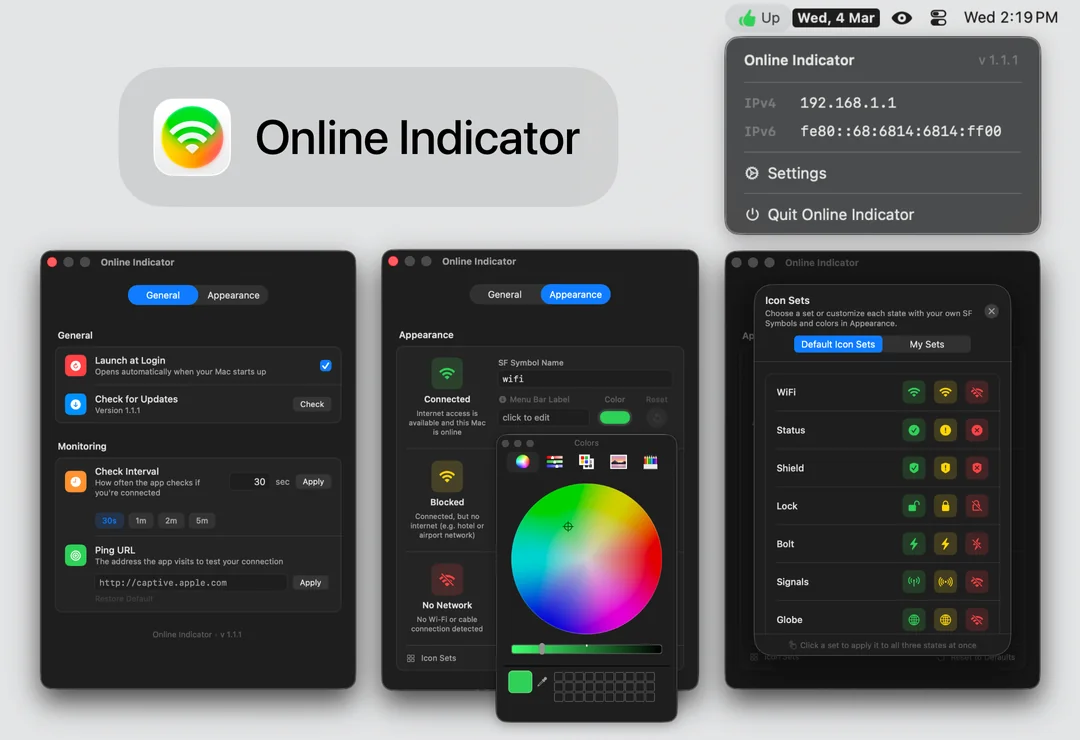
Online Indicator replaces the easy-to-ignore Wi-Fi icon with a clear status signal, showing whether you’re connected, blocked, or offline. Customize symbols, colors, and labels while automatic pings quietly monitor your connection in the background.
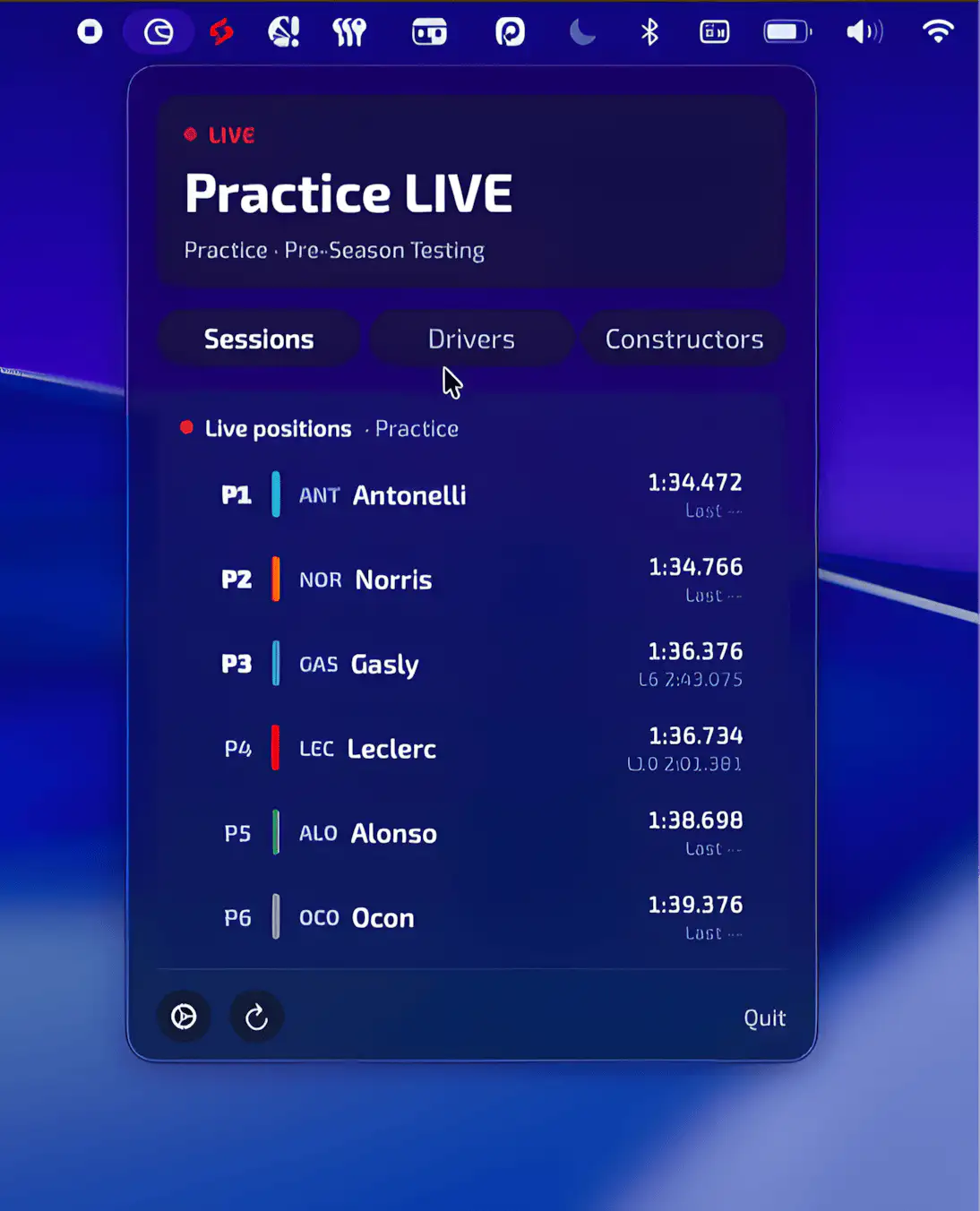
Pitwall keeps Formula 1 within easy reach, showing live positions, lap times, and championship standings at a glance. A clean, native macOS experience that lets fans follow every session without cluttering their workspace.
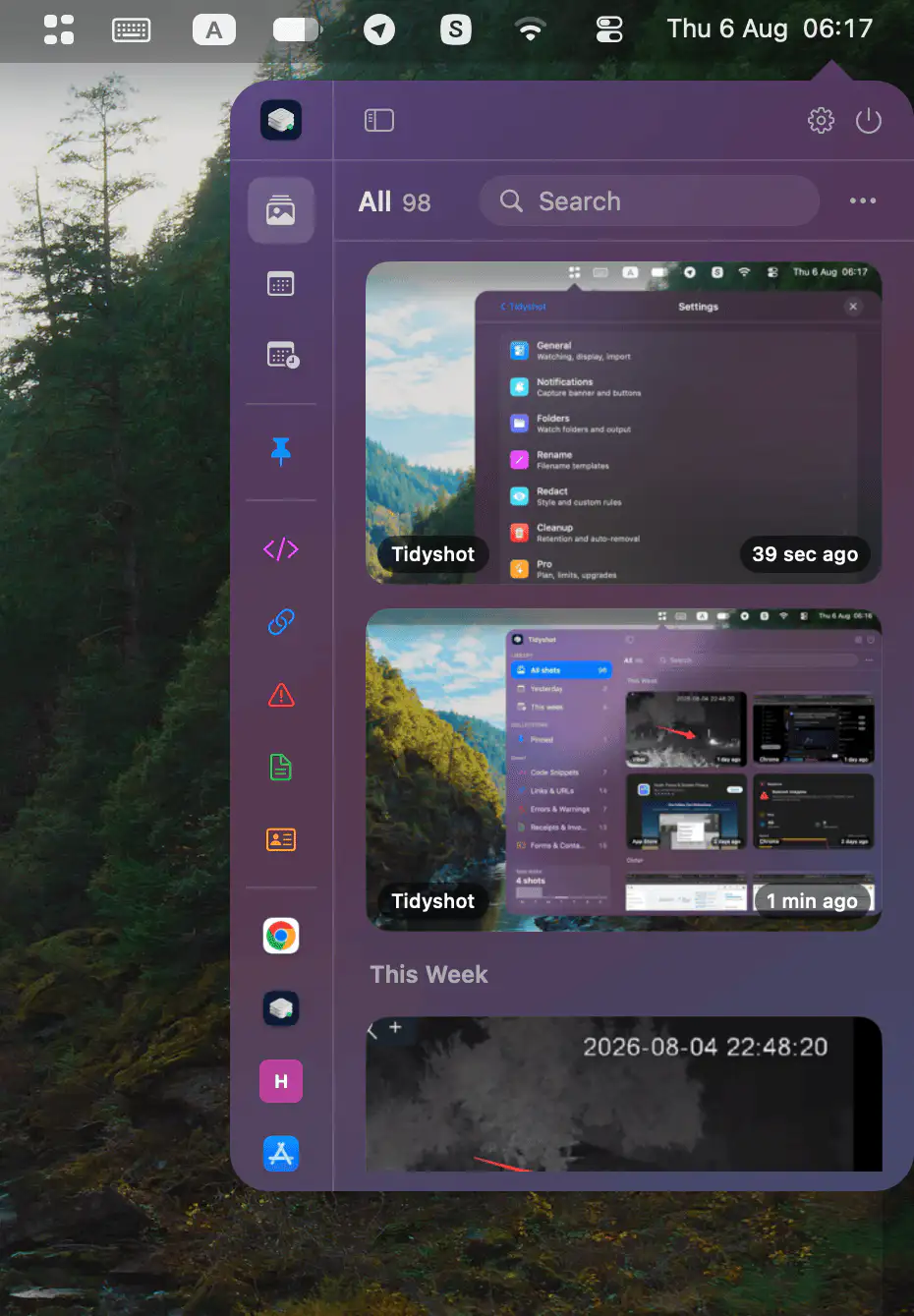
Tidyshot organizes screenshots with on-device OCR, smart naming, app-based sorting, searchable text, sensitive data redaction, duplicate cleanup, and quick actions for a faster workflow.
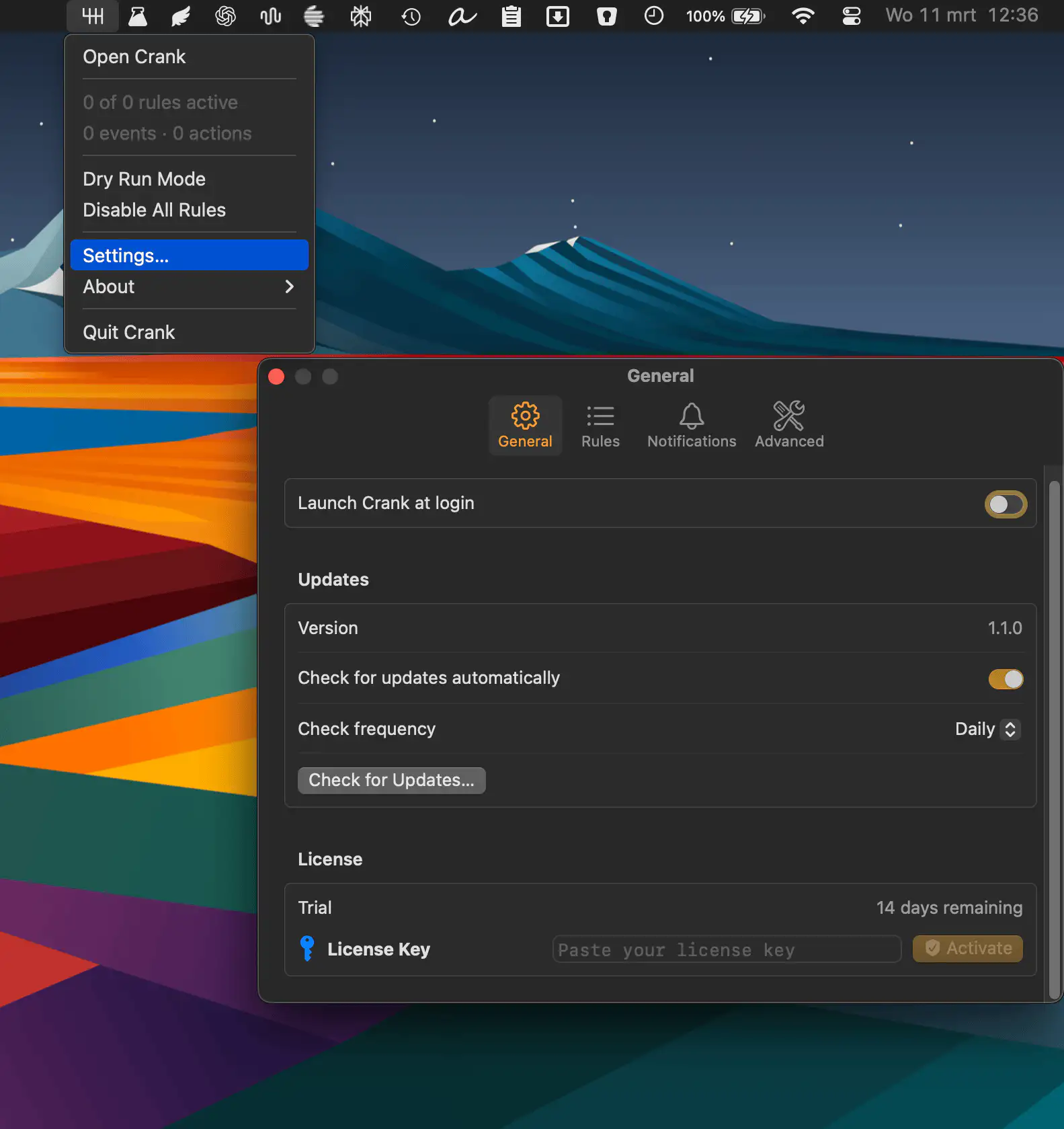
Automate everyday Mac tasks with simple “when this happens, do that” rules. Crank listens for system events like Wi-Fi changes or app launches and quietly runs actions, from scripts to notifications, exactly when you need them.