Collection:
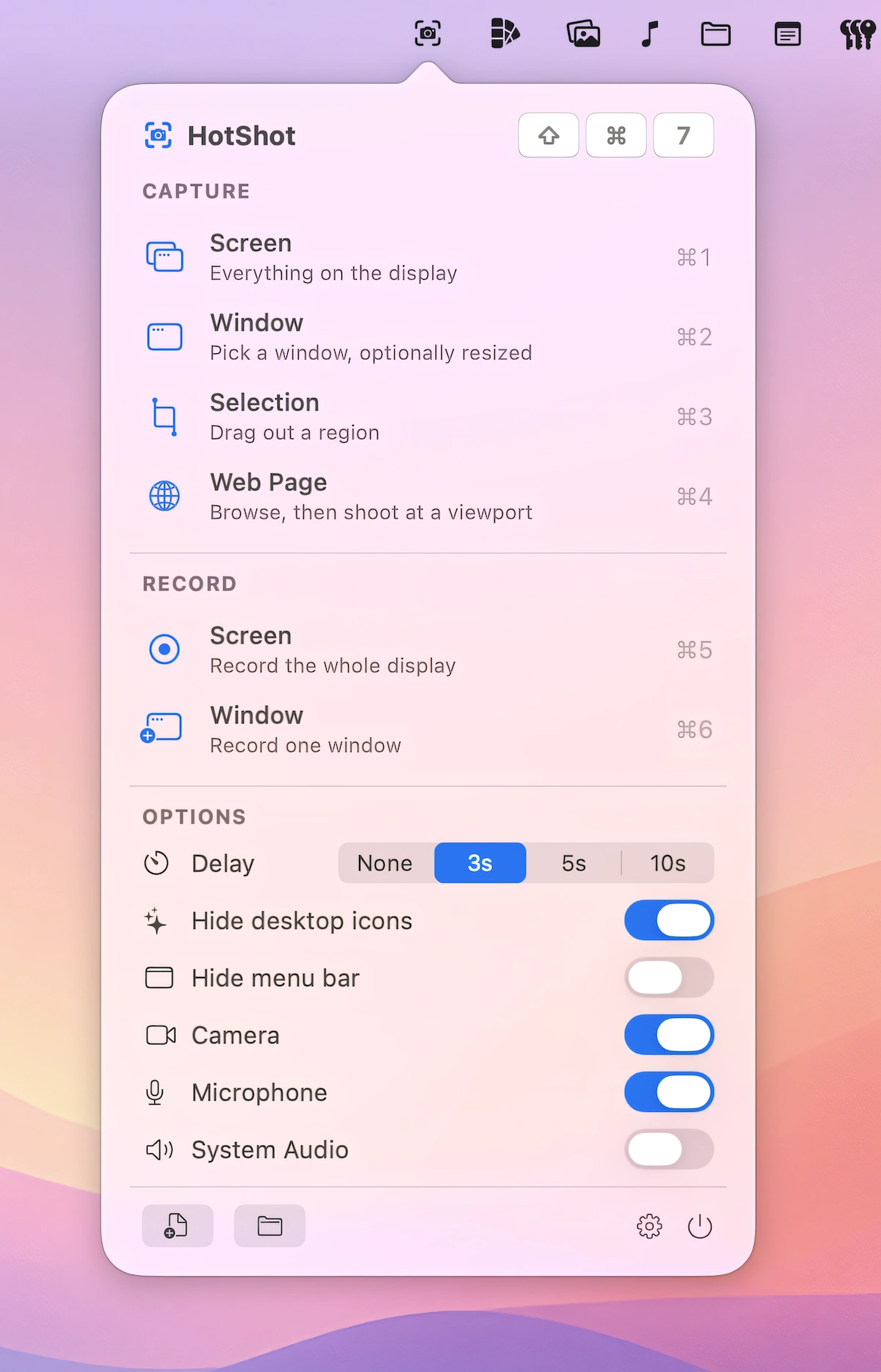
Screen Capturing Apps
Fresh finds for your menu bar. Most recently added apps on top – last updated: October 24, 2026
Collection:
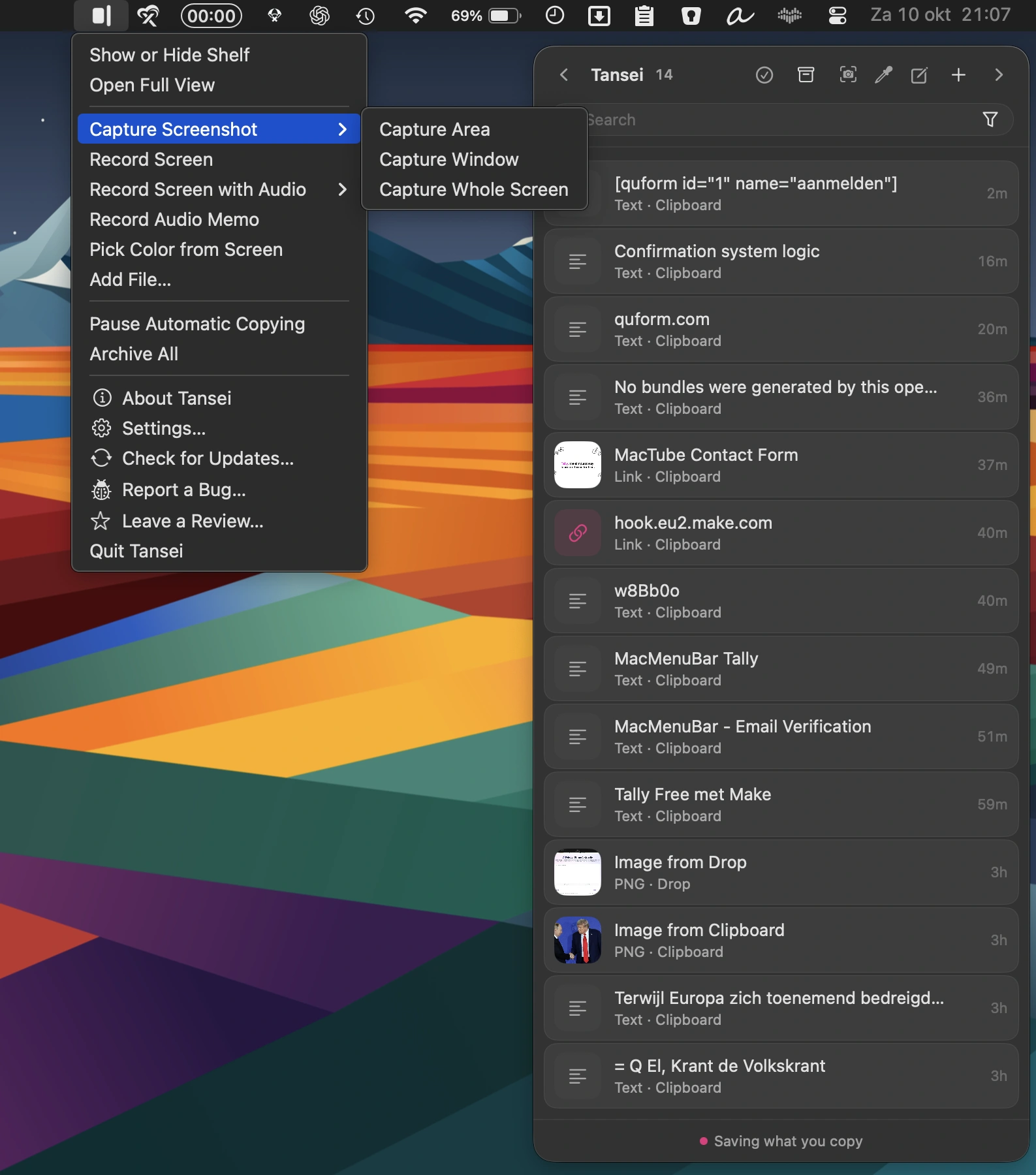
Clipboard Managers | Files & Folders
Tansei
Collection:
Timer Apps
CountdownTimerBar
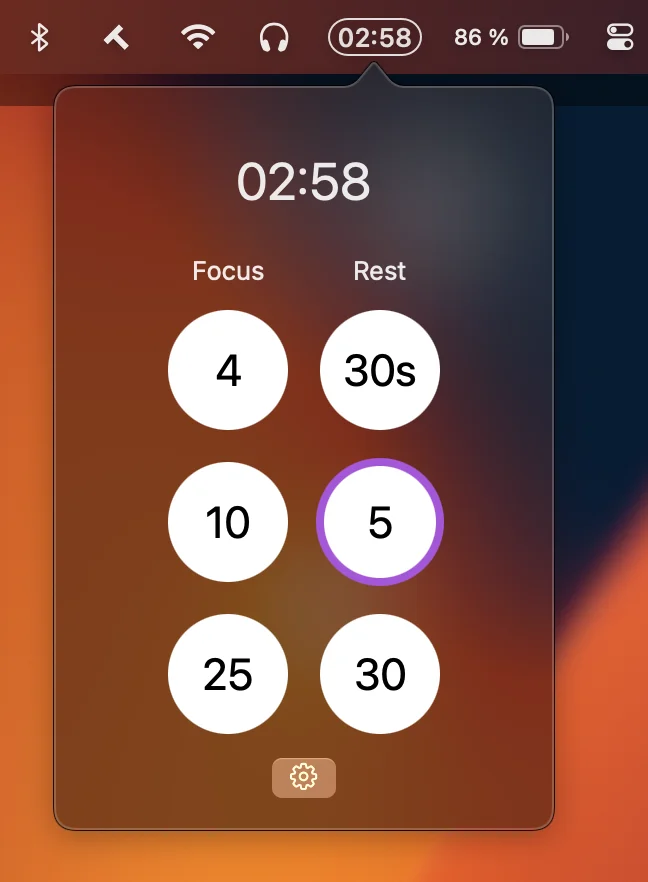
This menu bar app is a lightweight countdown timer for focus and rest, with customizable presets, native notifications, optional sounds, and no Dock clutter or unnecessary distractions.
Collection:
Sleep Control Apps
Valpas
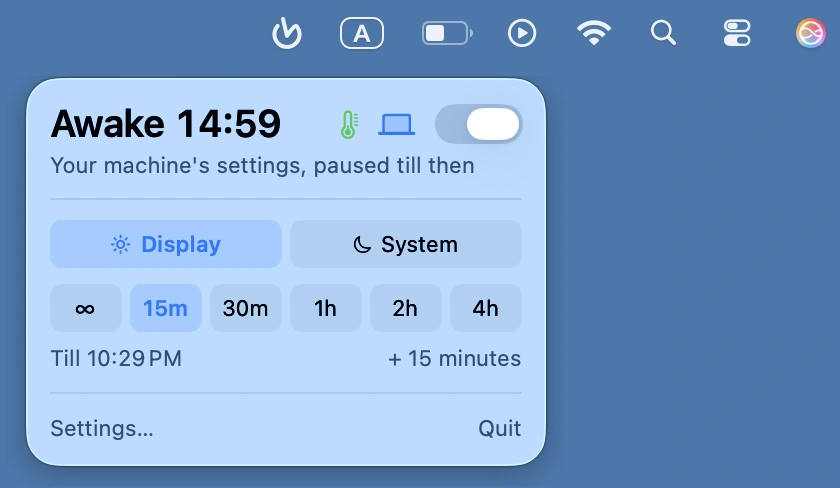
Keep your Mac awake during renders, downloads, backups, and presentations. Set timed sessions, monitor remaining time, and automatically prevent sleep with smart triggers and battery protection, all without permissions or tracking.
Collection:
Keyboard & Mouse Apps
Keyfeel
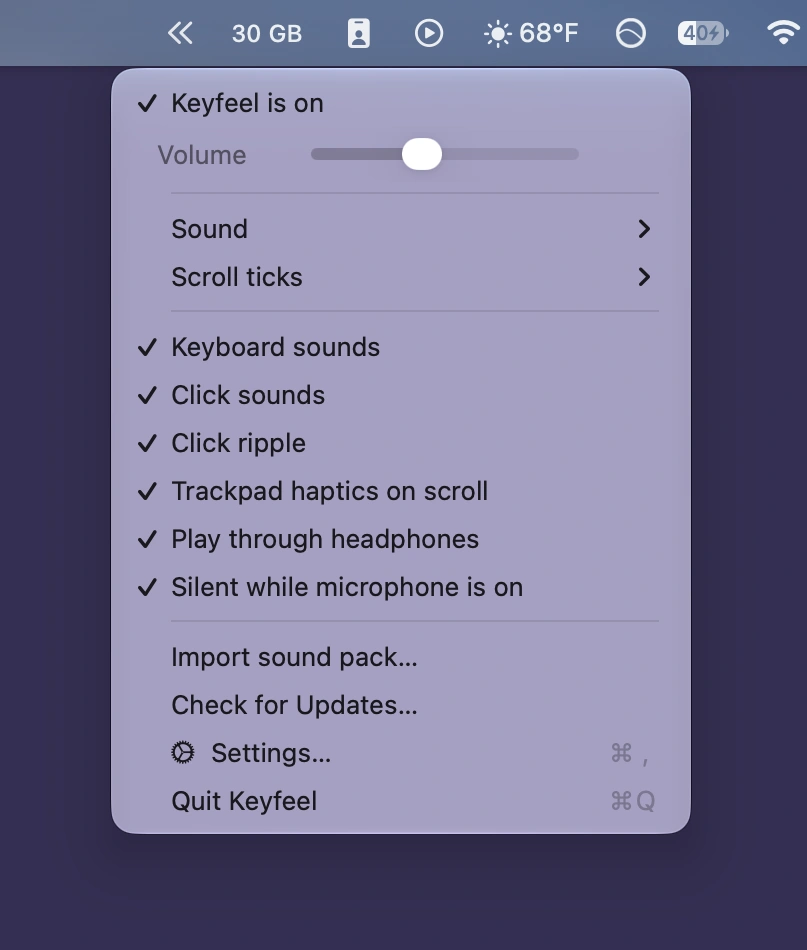
Add authentic mechanical keyboard sounds to every keystroke, along with mouse clicks, scrolling sounds, and optional trackpad haptics. Choose playful or calming sound profiles, customize shortcuts, and enjoy offline playback.
Collection:
Security Apps
Discrity
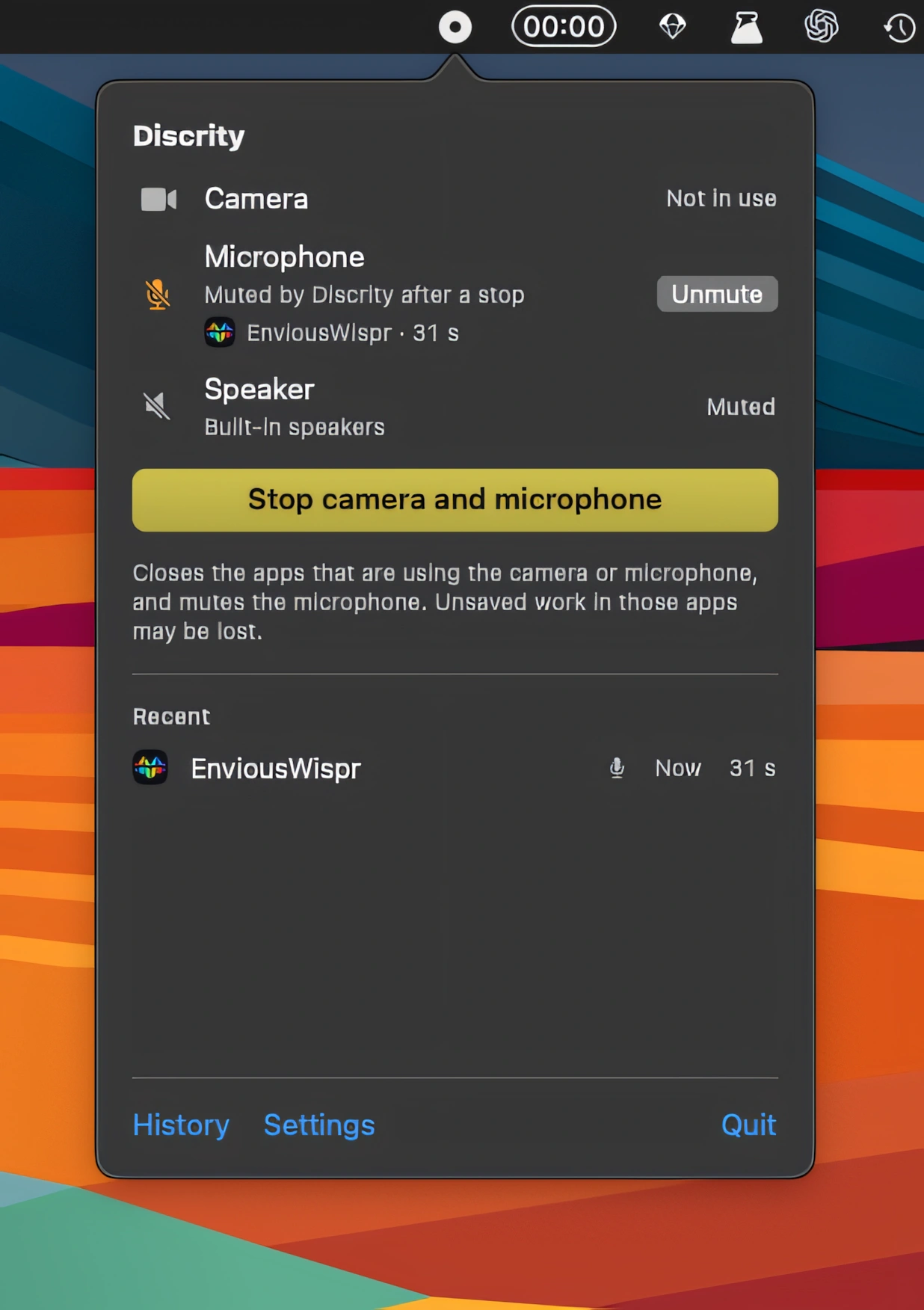
Discrity monitors camera, microphone and speaker activity, showing which apps are using them and when. It also keeps usage history, monitors your Mac while locked, and includes speaker protection.
Collection:
Writing Apps
Utter
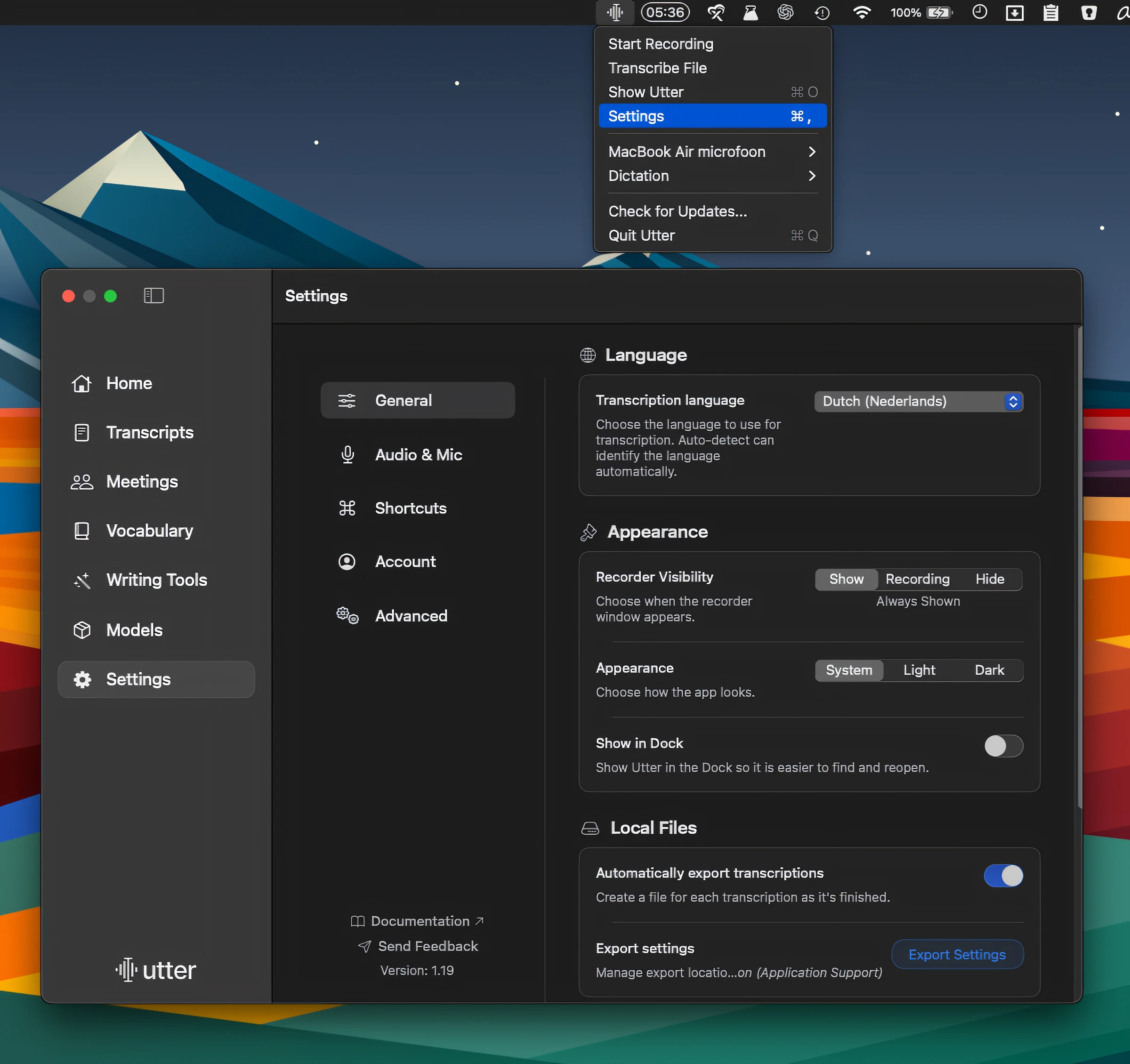
Dictate, transcribe, and refine text with voice, using on-device or cloud models of your choice. Utter also supports custom API keys, voice notes, searchable transcripts, and offline processing.
Collection:
Keyboard & Mouse Apps
Kiiwi
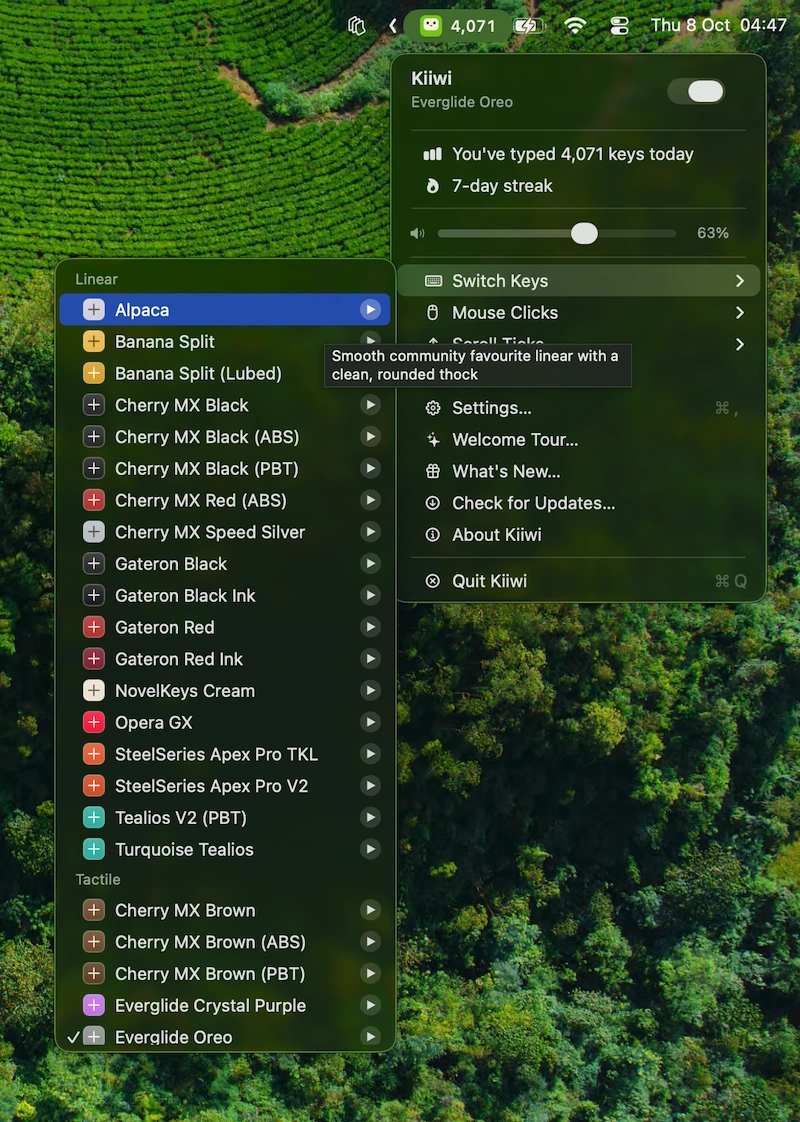
Kiiwi adds mechanical keyboard sounds to every keystroke, with 38 real switch recordings, mouse clicks, scroll sounds, spatial audio, typing stats, streaks, and weekly share cards.
Collection:
Audio Apps
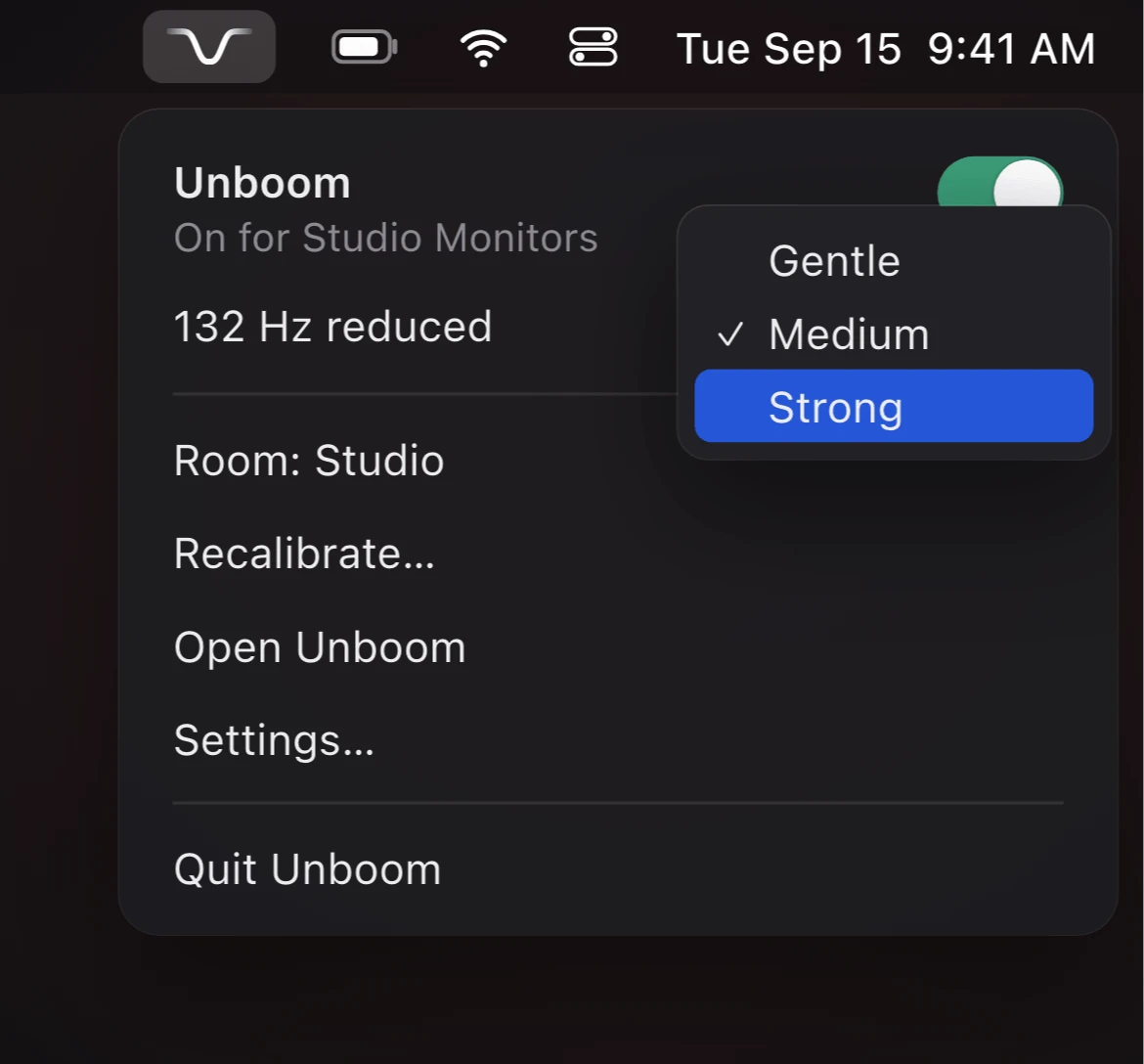
Unboom
Collection:
Developer Apps