Collection:
Menu Bar Managers
Bartender Pro
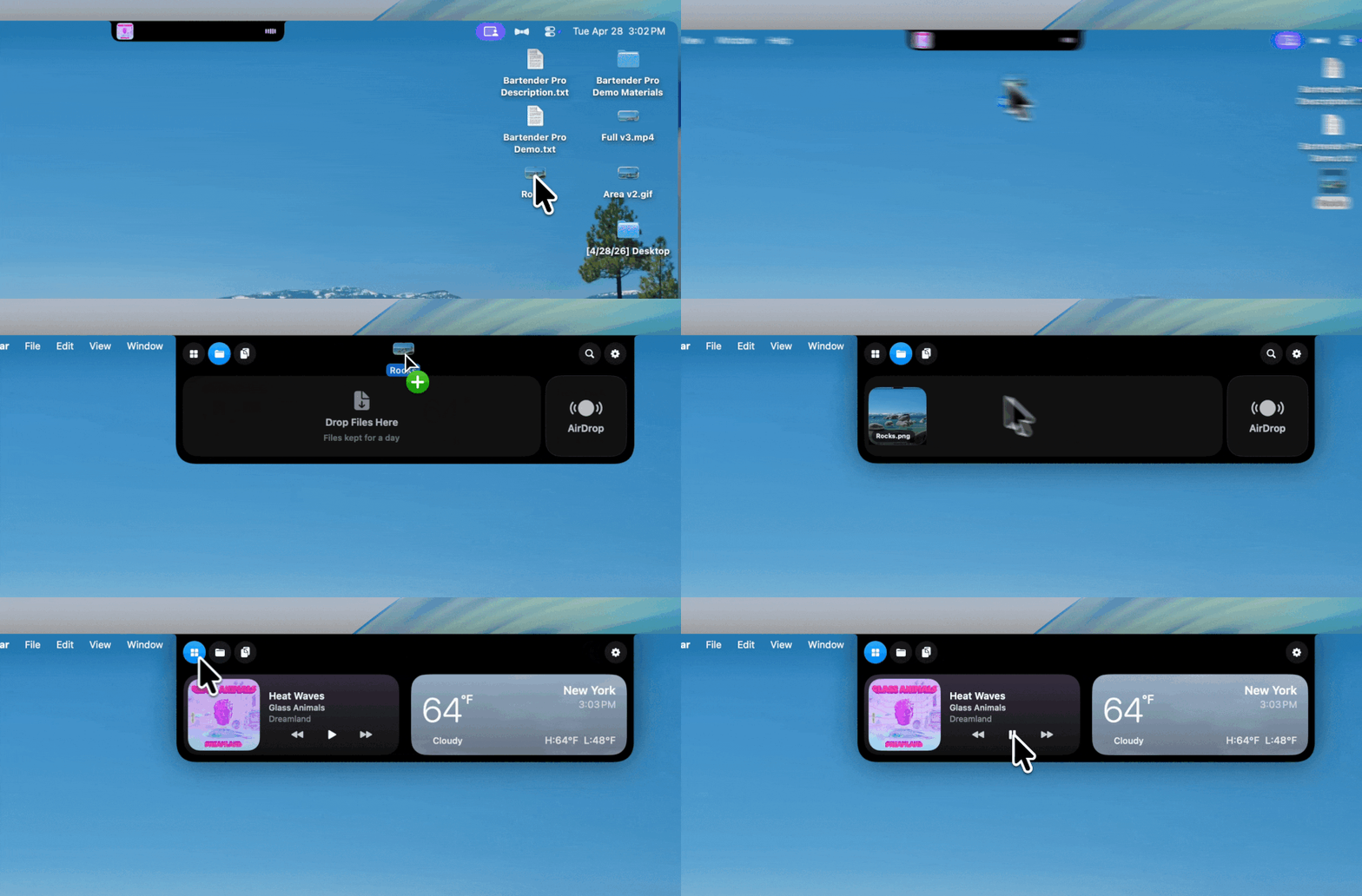
Bartender Pro now includes Top Shelf, a clever upgrade that turns your MacBook notch into a surprisingly useful hub for files, weather, meetings, music, and quick access to everyday tools.

Bartender Pro now includes Top Shelf, a clever upgrade that turns your MacBook notch into a surprisingly useful hub for files, weather, meetings, music, and quick access to everyday tools.
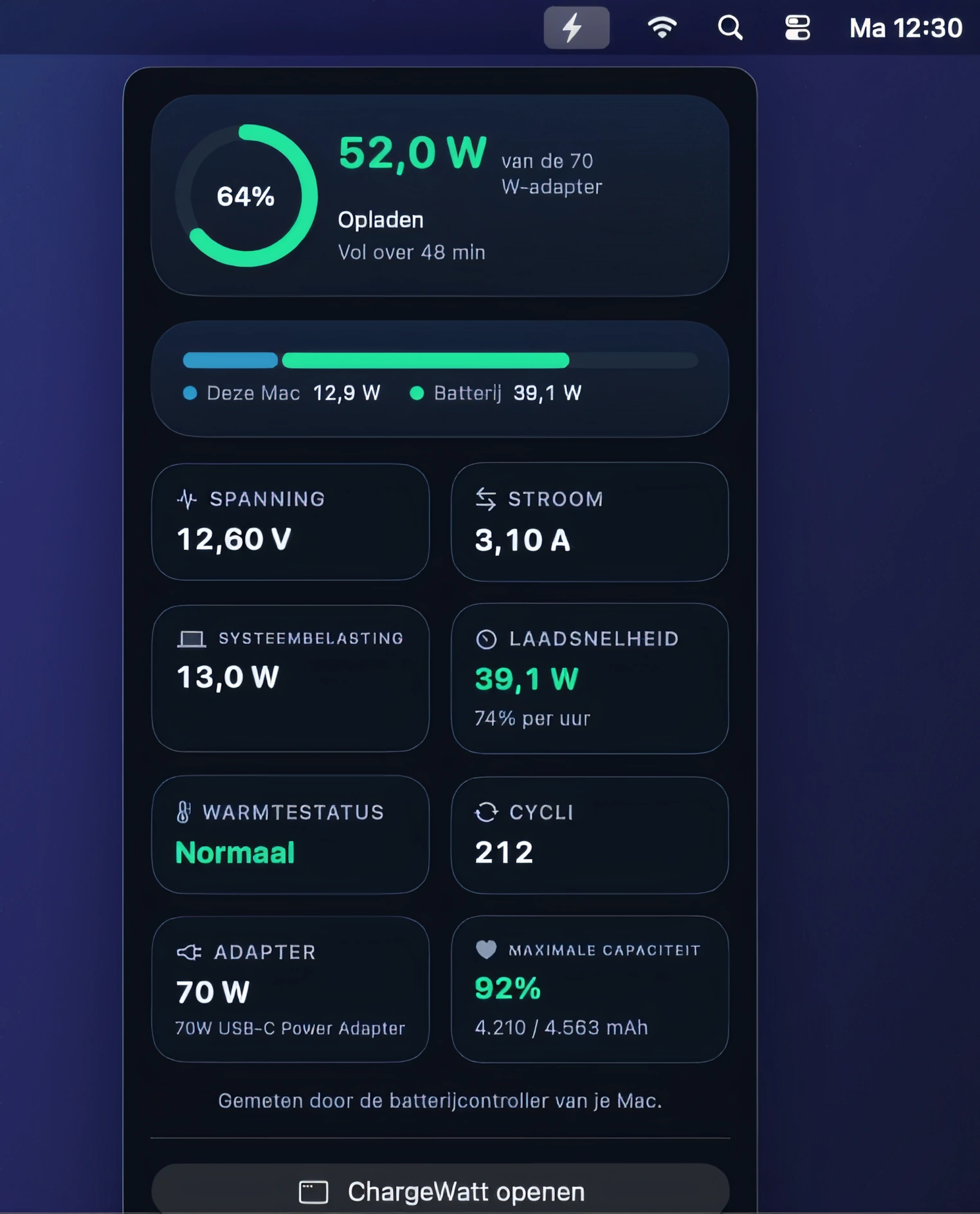
Accurately monitor charging watts, voltage, current, and battery health, while tracking every charge and comparing adapters. Includes charging history, live power readings, and optional desktop widgets.
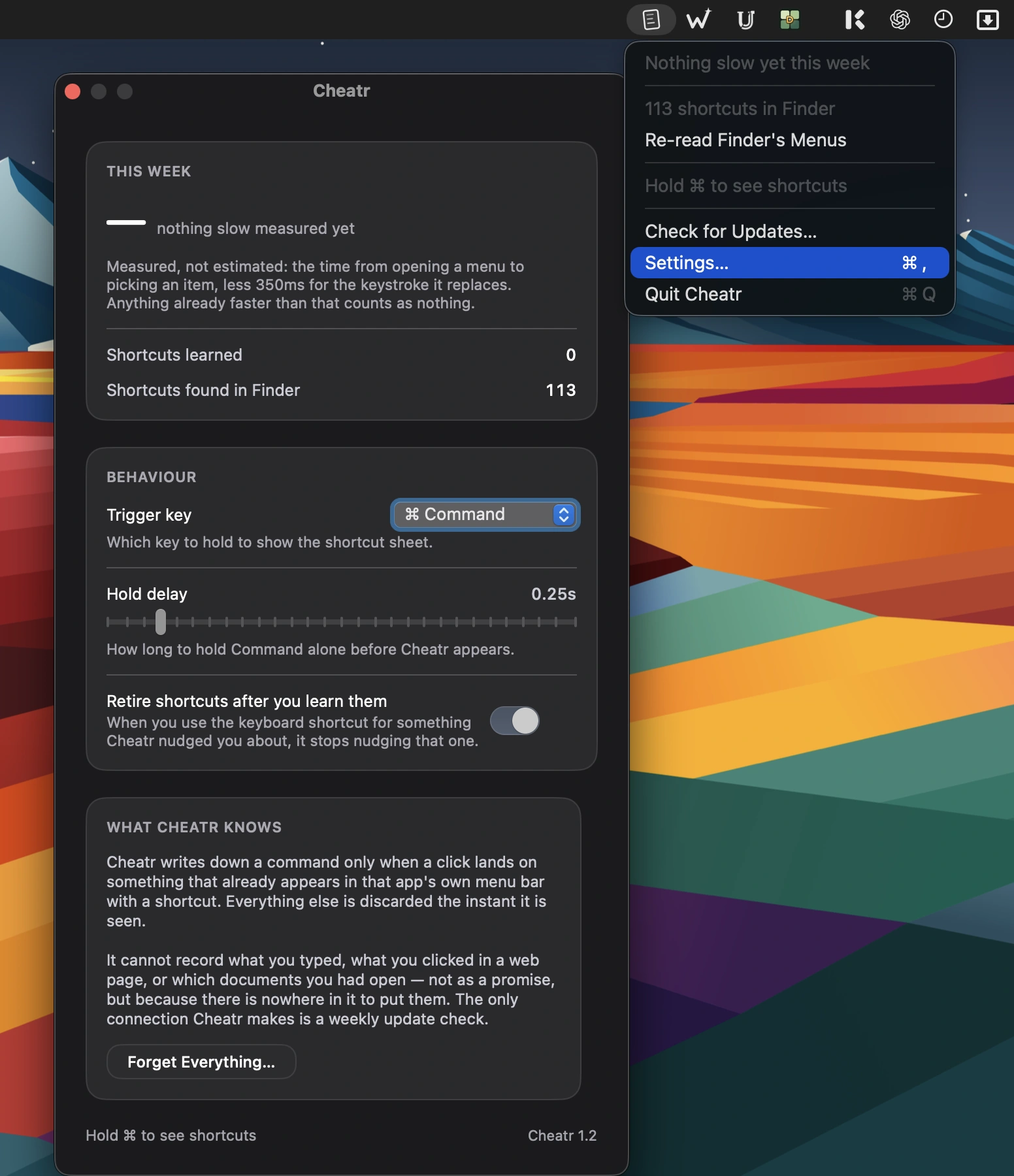
Learn keyboard shortcuts as you work with contextual coaching, personalized shortcut suggestions, and progress tracking. Supports popular Mac apps while keeping all usage data private and local.
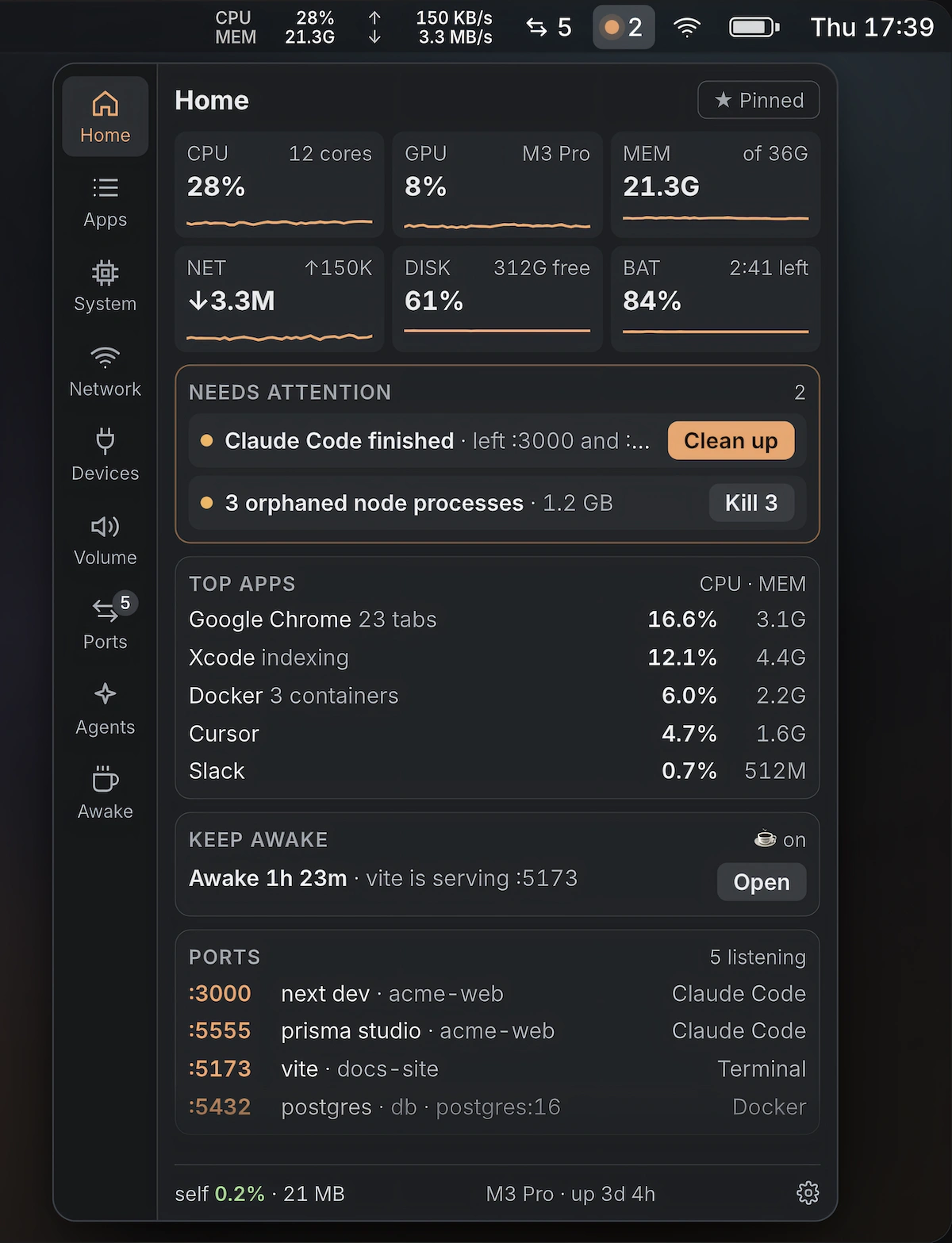
All-in-one Mac monitor for battery health, system stats, app volume, sleep prevention, temperature monitoring and storage cleanup.
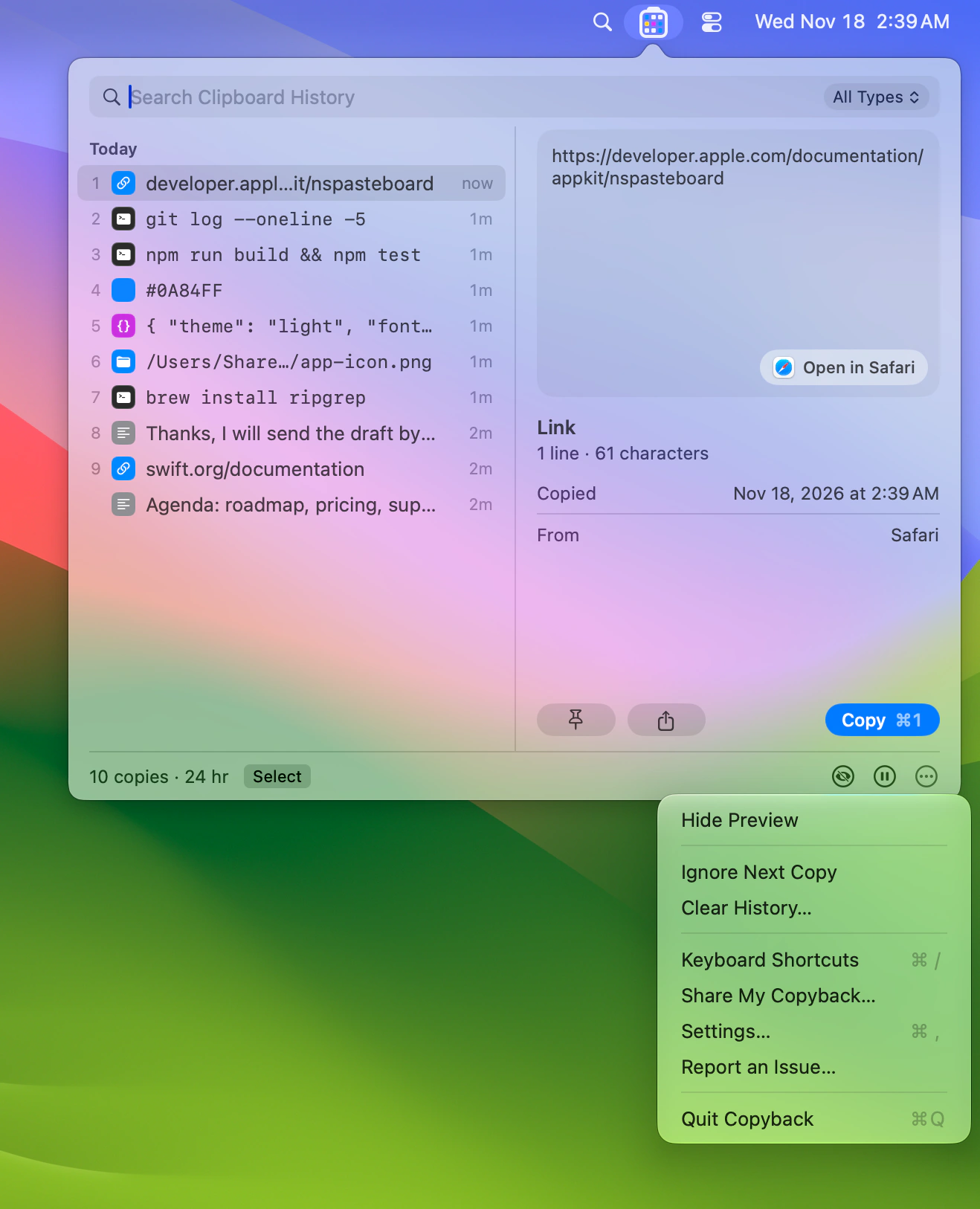
Keep an encrypted clipboard history, with your last nine copies shown as colored cells in the menu bar. Search text, links, code and words inside screenshots, and paste several copies in order.
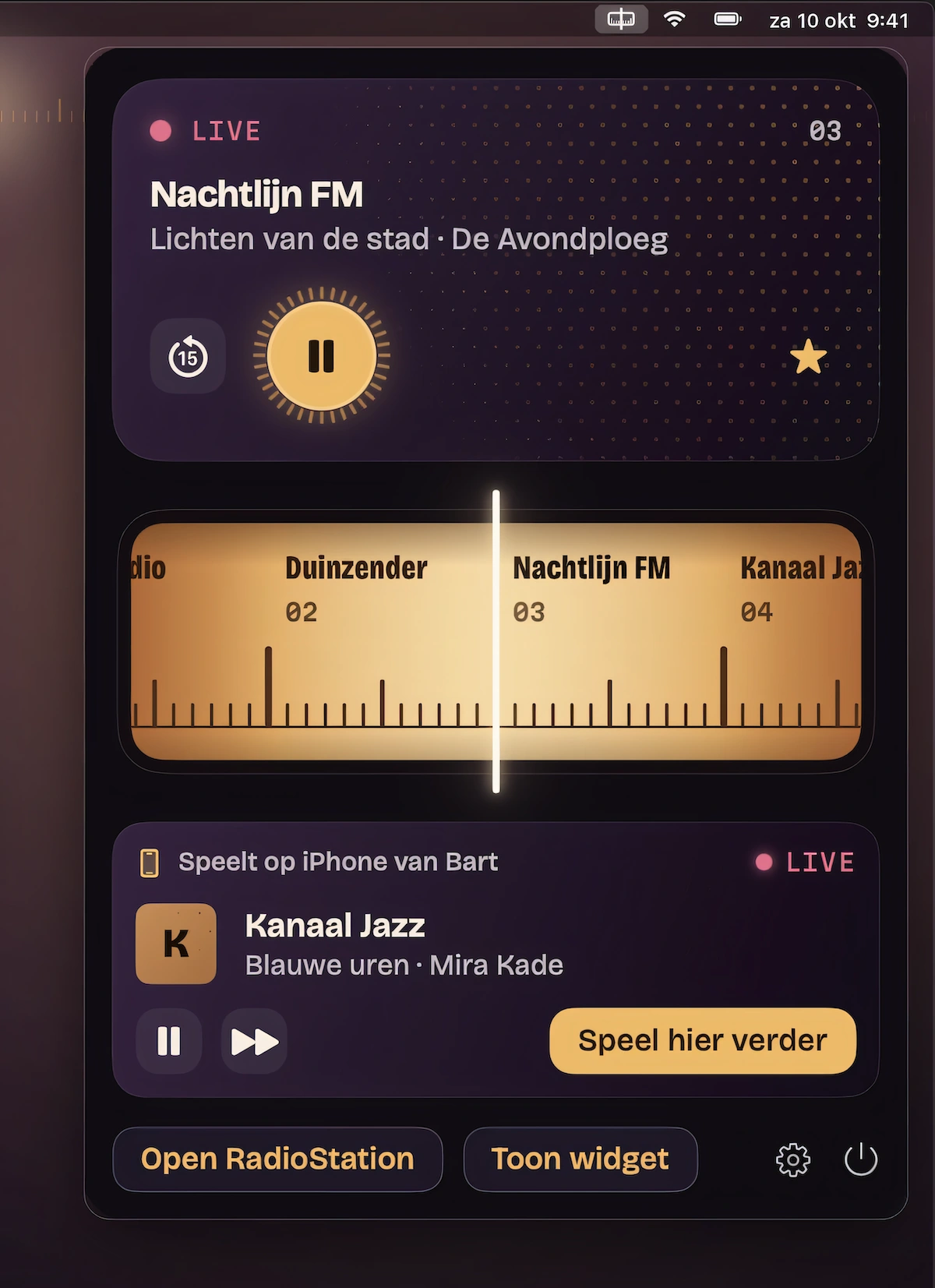
Explore radio stations from 240 countries and 50 genres, pause live broadcasts or rewind up to 30 minutes. Enjoy floating playback, desktop widgets, and one-click song lyrics.
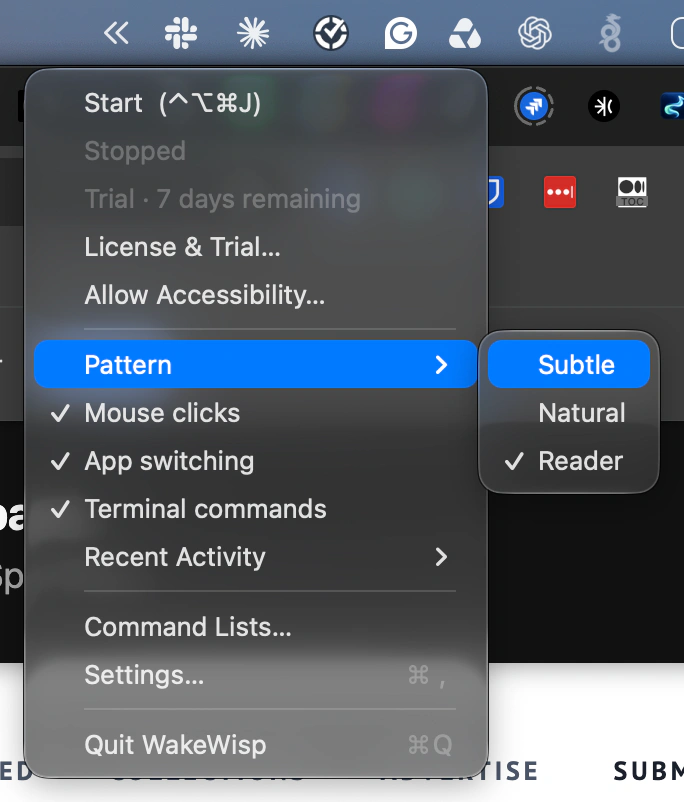
Keep your Mac active with subtle, natural or reader-style mouse movement, started and stopped from the menu bar. Set schedules and profiles, pause automatically when you take over, and optionally cycle through apps.
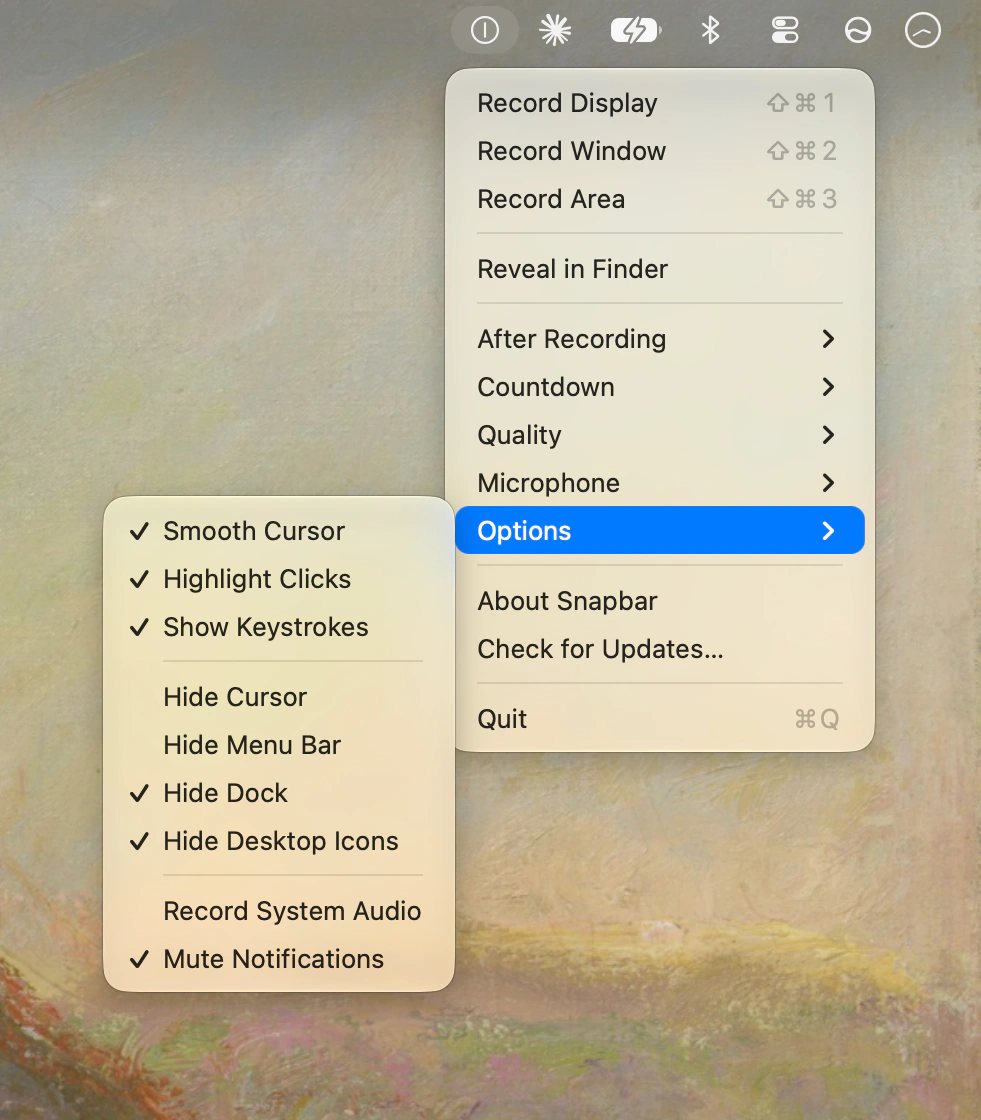
Record your display, a single window or a selected area from the menu bar, with the result copied straight to your clipboard. Includes smooth cursor movement, click highlights, keystroke overlays and a countdown.
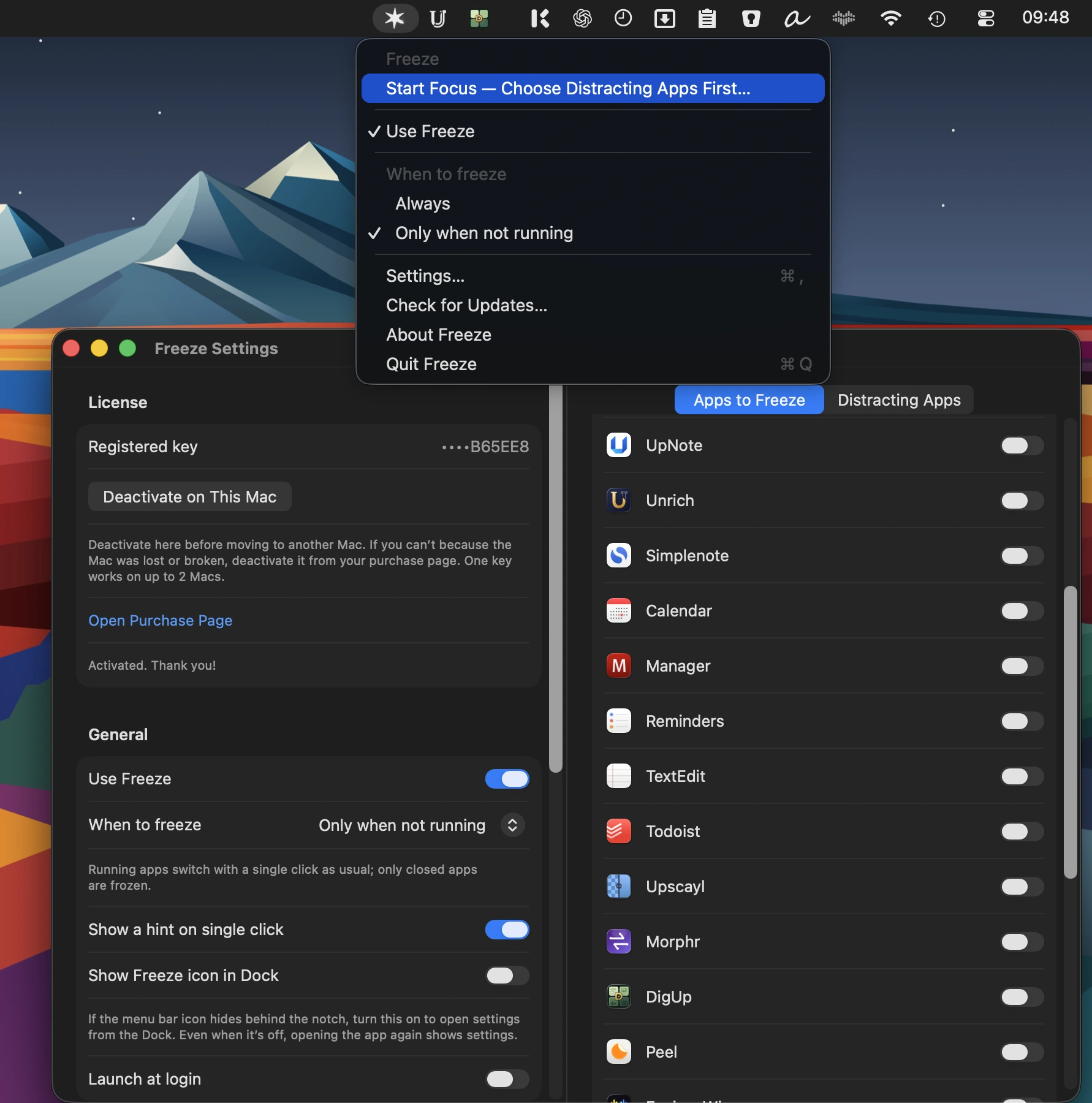
Stop accidental Dock clicks from launching apps: frozen apps open only with a double-click, modifier-click or long press. Start 15, 25 or 50-minute focus sessions that keep distracting apps from opening via the Dock.
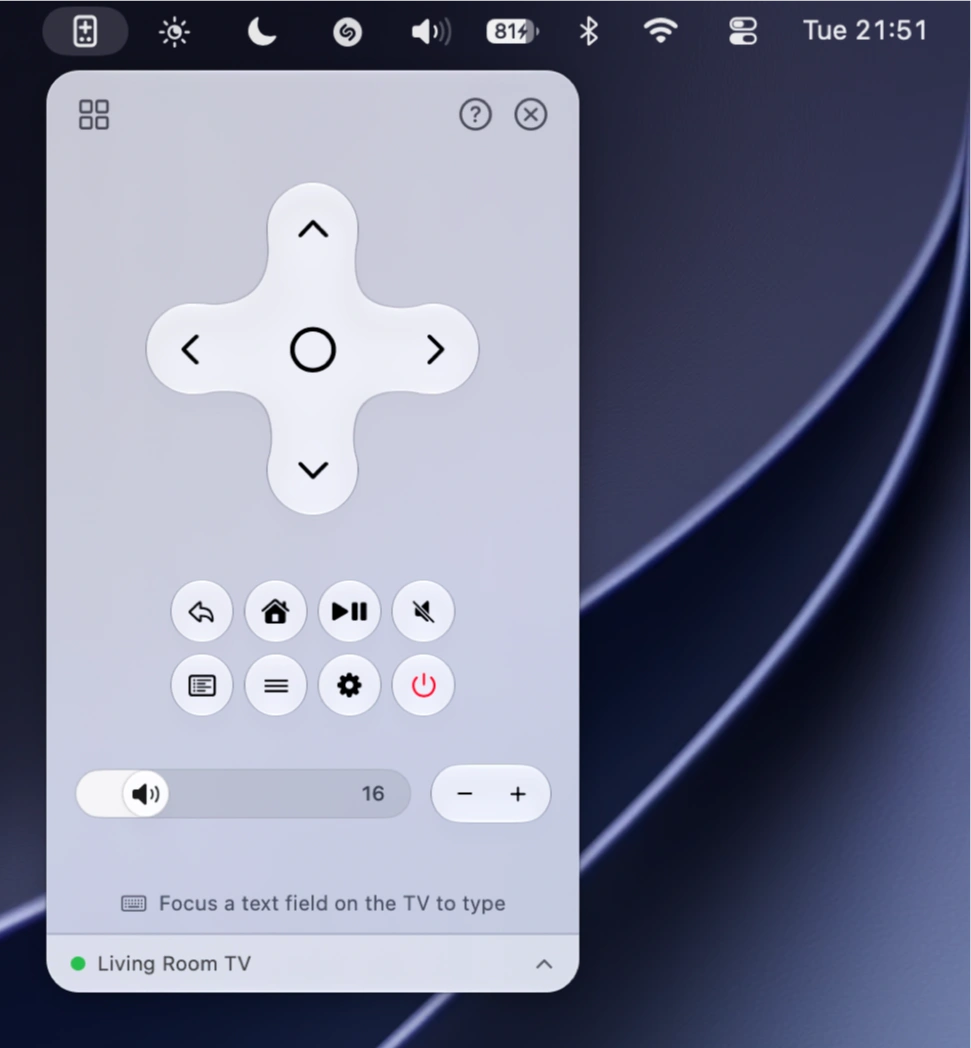
Control your Android or Google TV from the menu bar with a D-pad, playback, volume and power buttons. Type into TV text fields with your Mac keyboard, launch favorite apps and switch between TVs.