
Collection:
Health Apps
Fresh finds for your menu bar. Most recently added apps on top – last updated: October 27, 2026
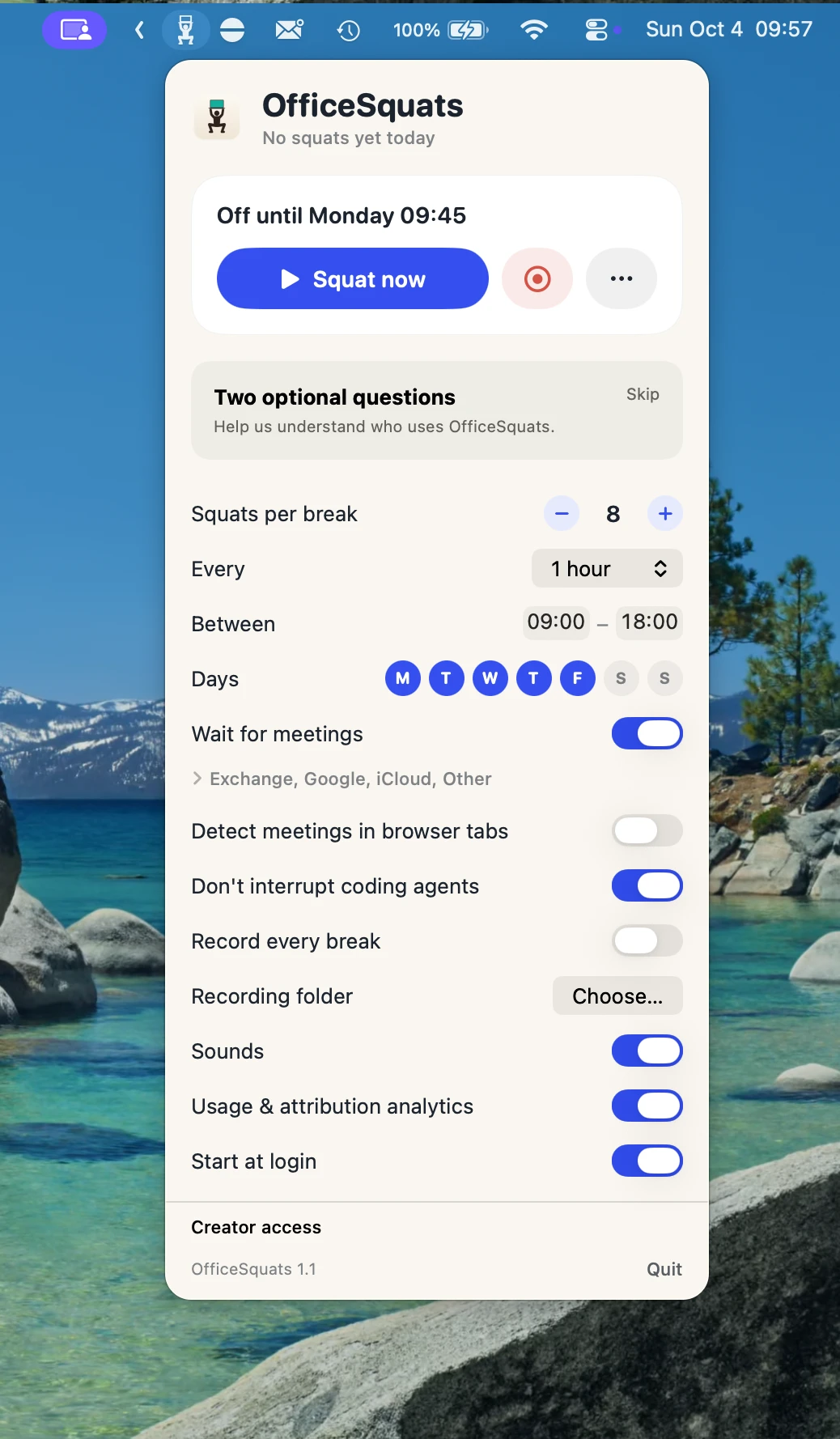
Collection:
Wallpaper Apps
PanoPaper: Live Video Desktop
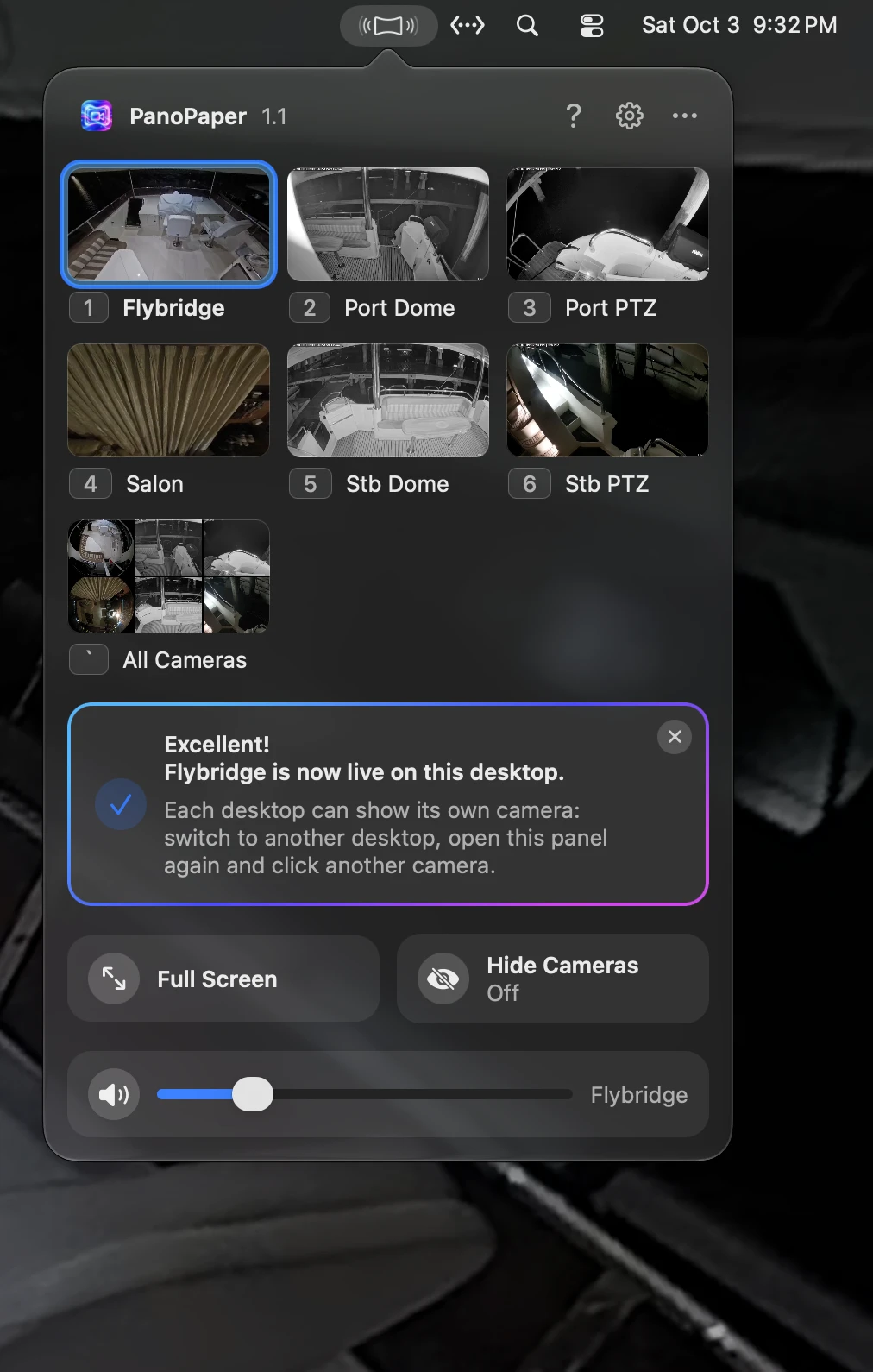
PanoPaper turns your security cameras into live desktop wallpapers. It works with UniFi Protect and with any ONVIF or RTSP IP camera. Show a different camera on each display or Space, with audio, alerts for people and animals from the cameras’ own detection, PTZ control for UniFi cameras, and video that never leaves your network.
Collection:
Health Apps
Exhale: Eye Rest Reminder
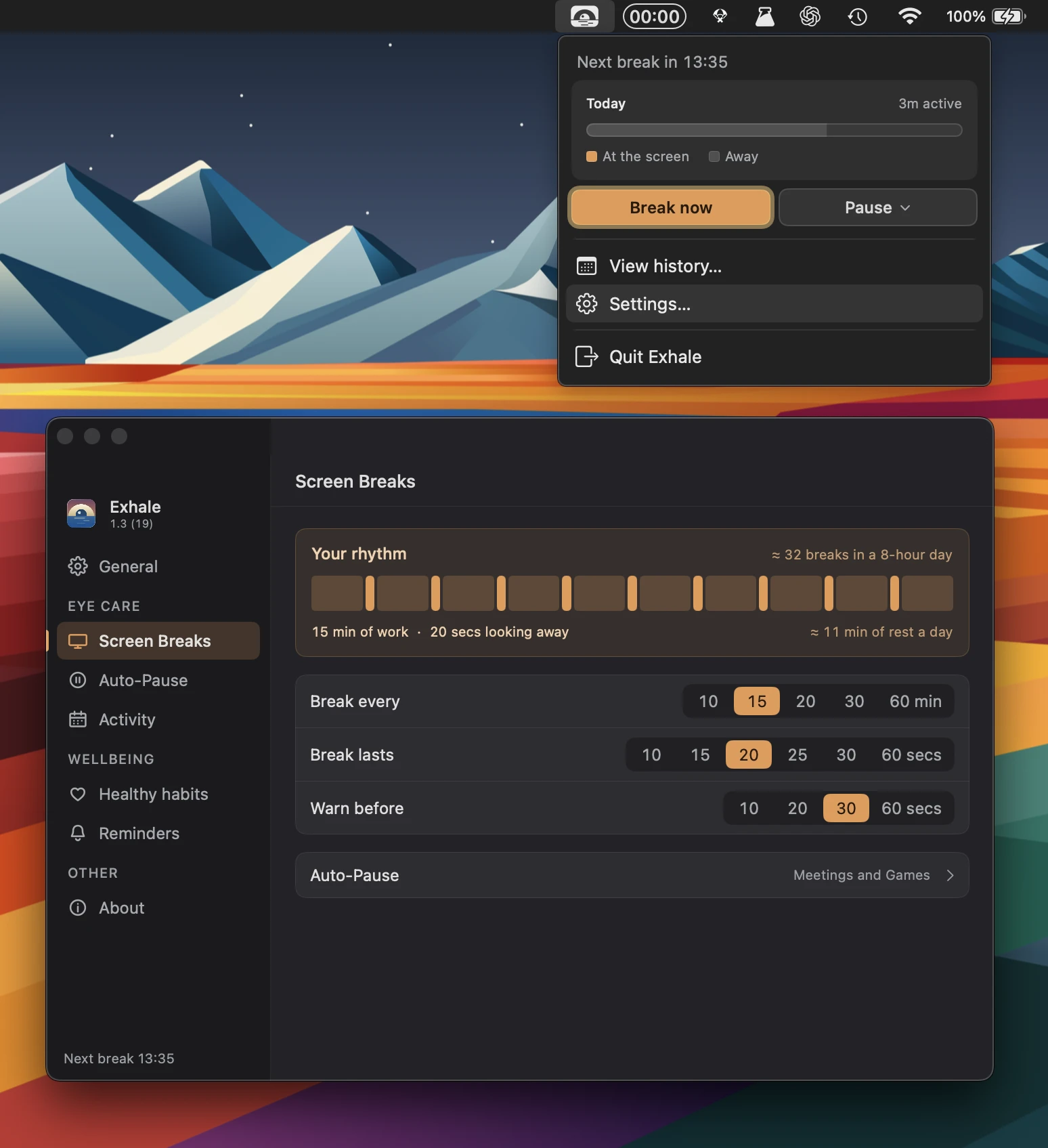
Exhale helps you take regular breaks for your eyes, posture and hydration without getting in the way. Smart reminders adapt to meetings, inactivity and skipped breaks, while keeping your history private.
Collection:
System Stats
ThermPort
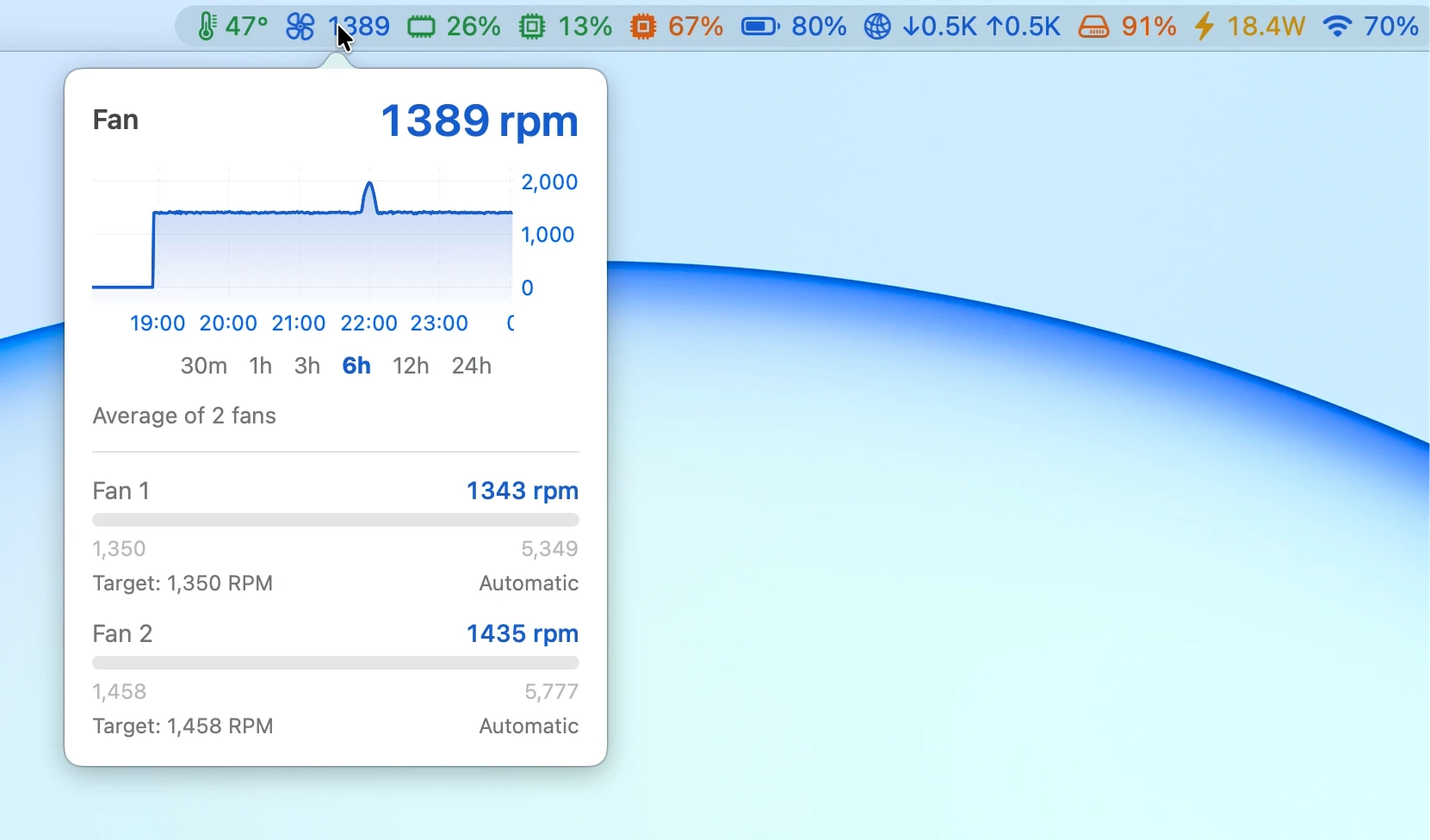
ThermPort monitors CPU temperature, memory, GPU, battery, network, disk, power and Wi-Fi, with live charts, alerts, long-term history and detailed reports.
Collection:
Meeting Apps
Transcripts
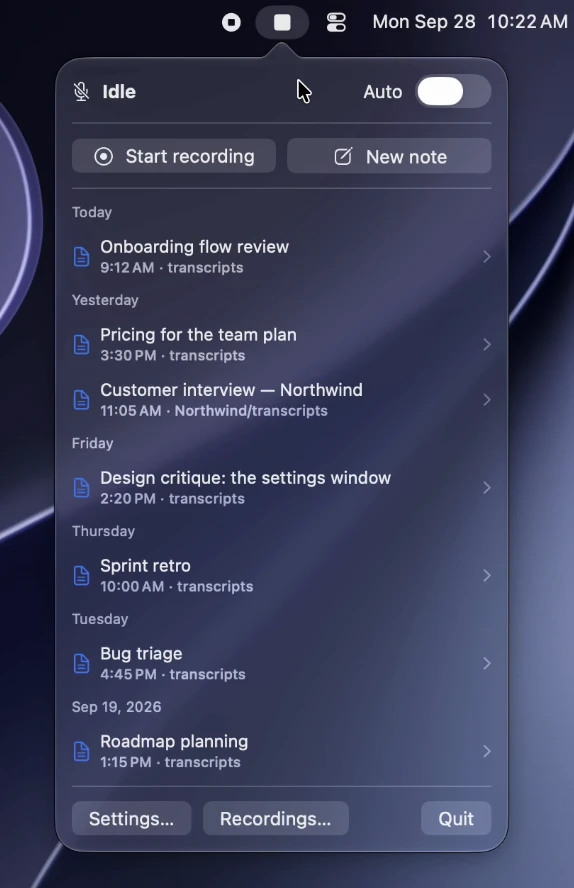
Transcripts automatically records and transcribes meetings on-device, with speaker labels, summaries and action items. It supports Zoom, Teams, Meet and more, keeping recordings and transcripts in your own folders.
Collection:
Meeting Apps
Final Call
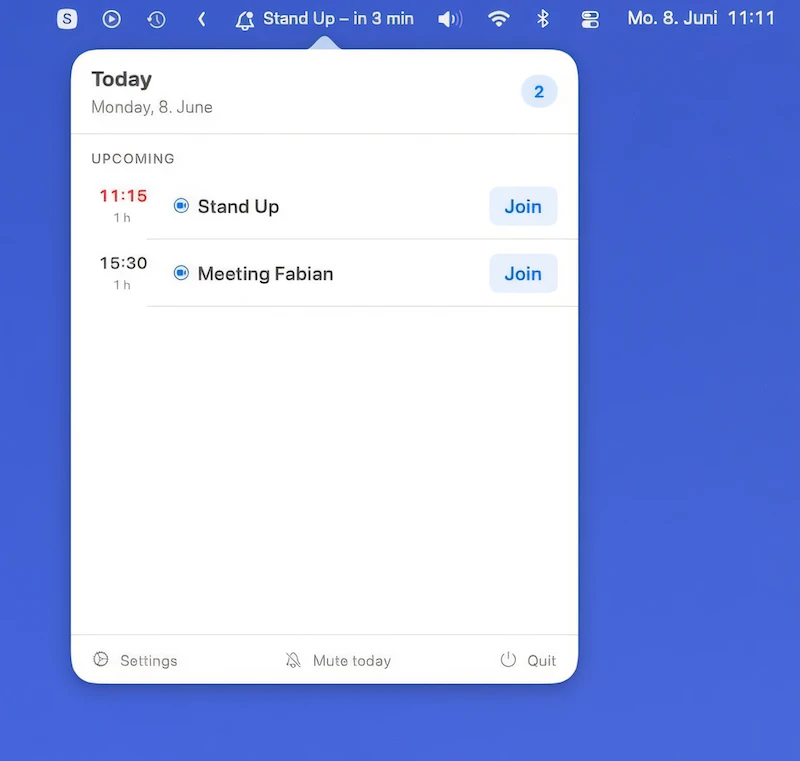
Final Call makes meetings hard to miss with fullscreen countdowns, one-click joining, calendar integration, agenda views, snoozing, and automatic music pausing, while keeping your calendar data local.
Collection:
Keyboard & Mouse Apps
Layouto
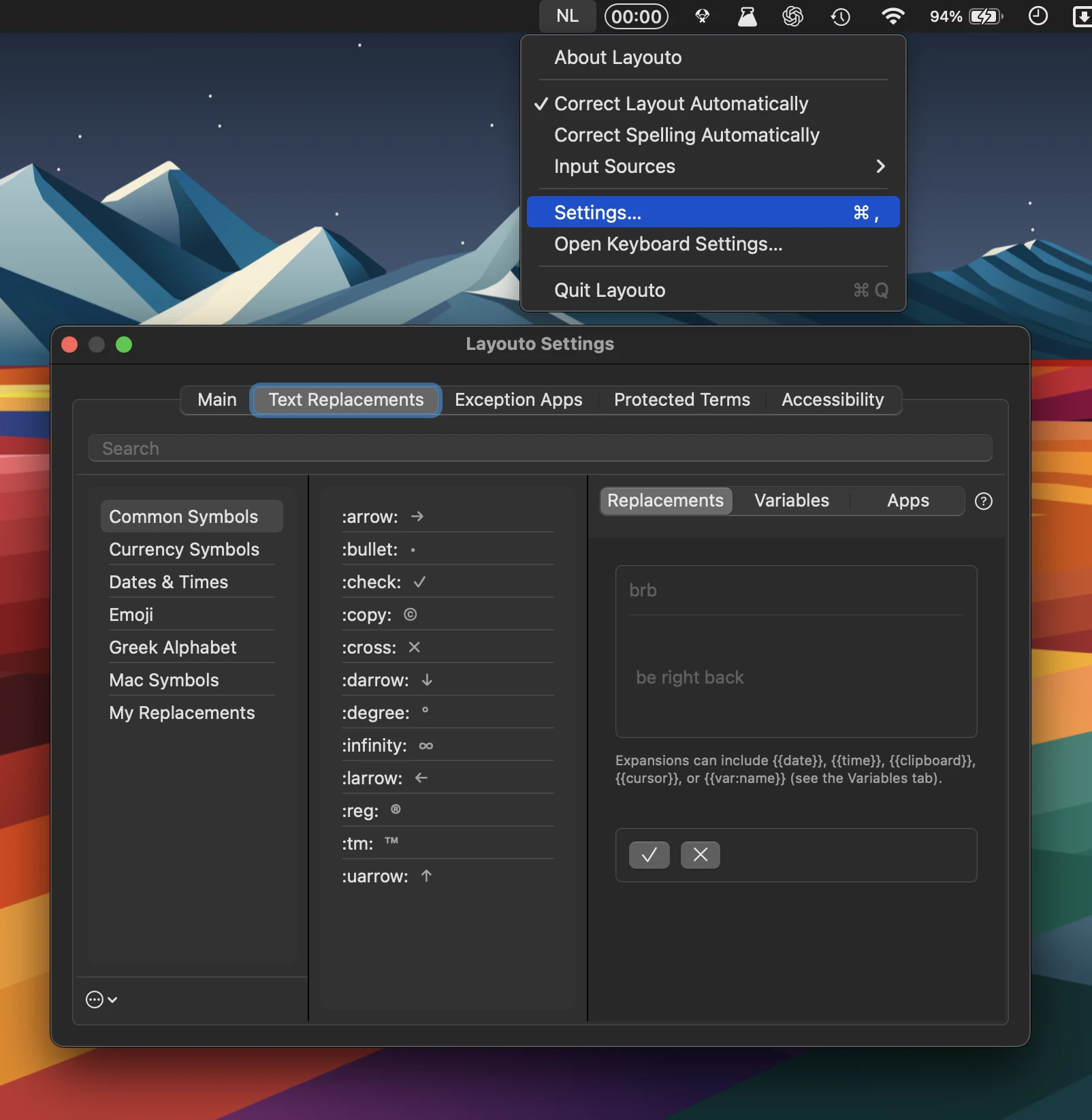
Layouto combines text shortcuts, typo correction, and keyboard-layout fixes, working offline throughout macOS. It supports dozens of languages, customizable exceptions, accessibility features, and zero tracking.
Collection:
Calculator Apps
ConvertIt
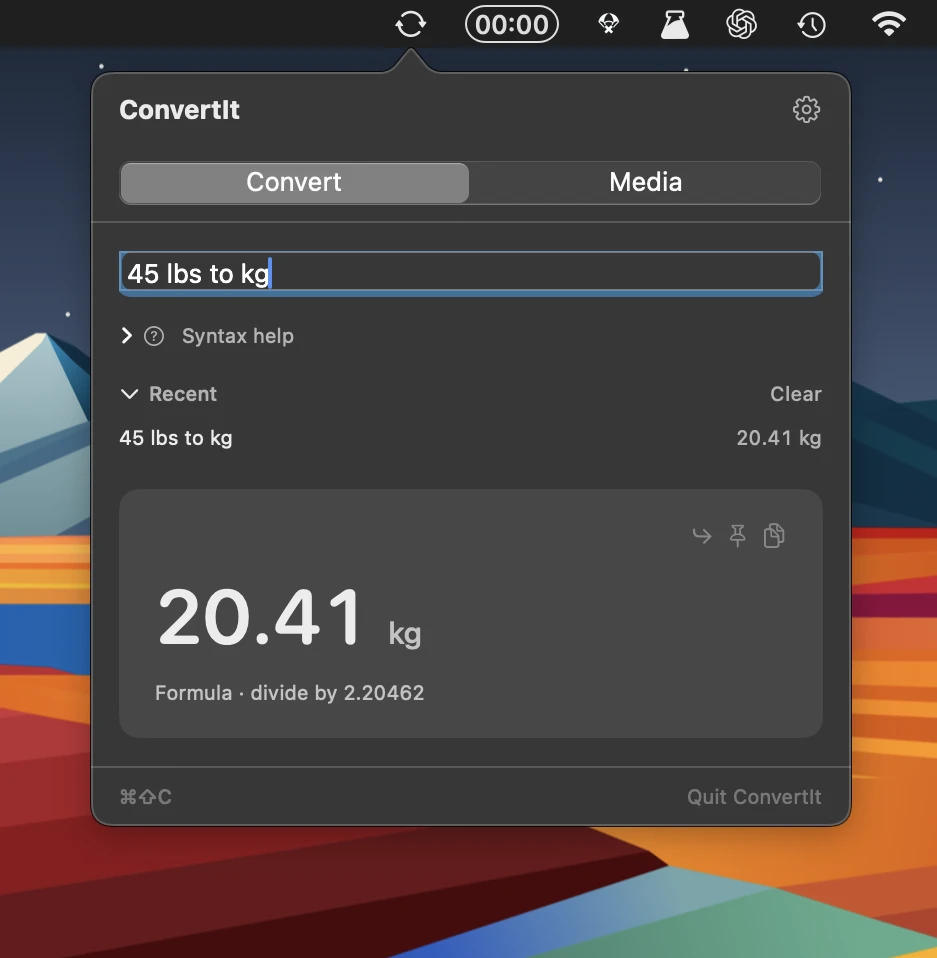
ConvertIt handles 20 conversion types, from currency and time zones to units and percentages, plus batch image, audio, and video conversion. Fast, keyboard-driven, and built for everyday use.
Collection:
Window Managers
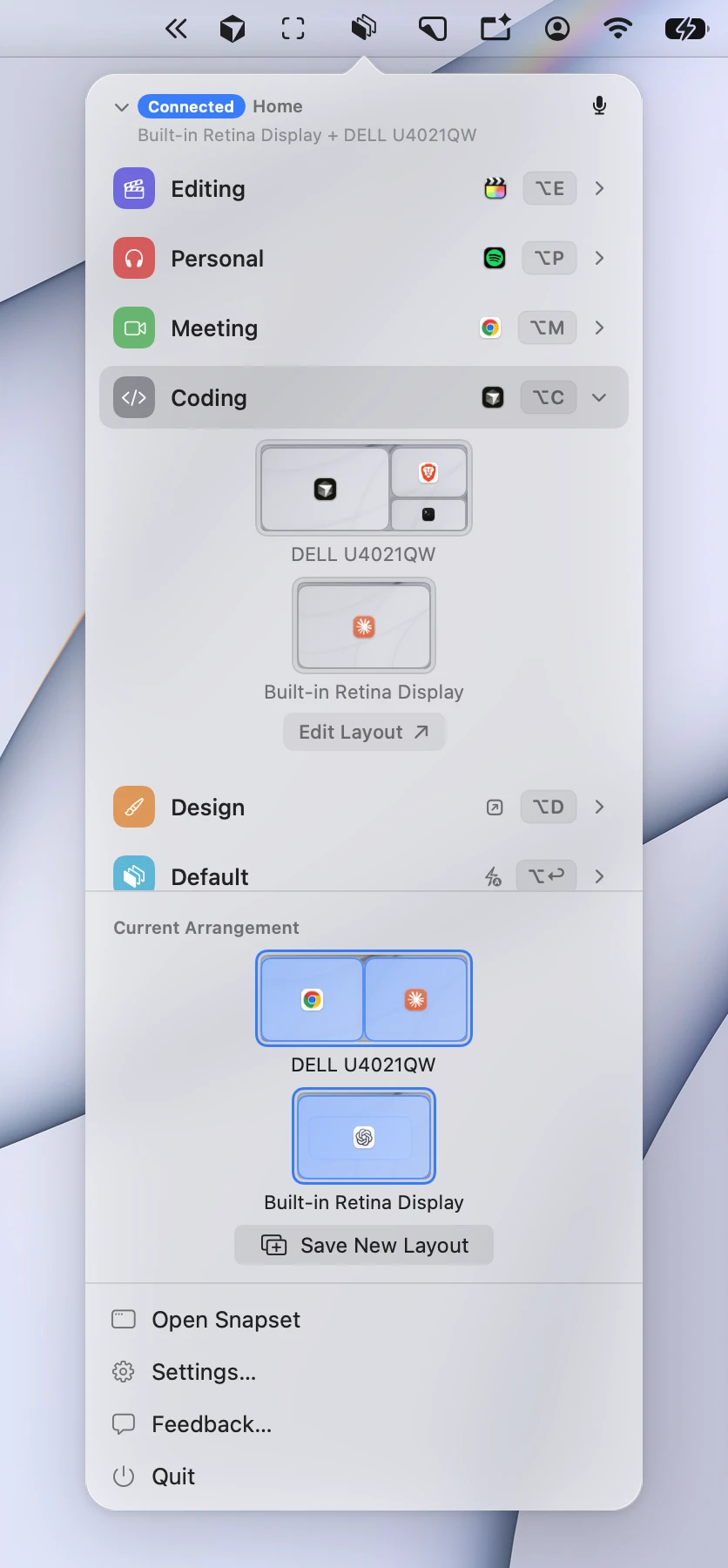
Snapset
Collection:
Health Apps
Screen Break
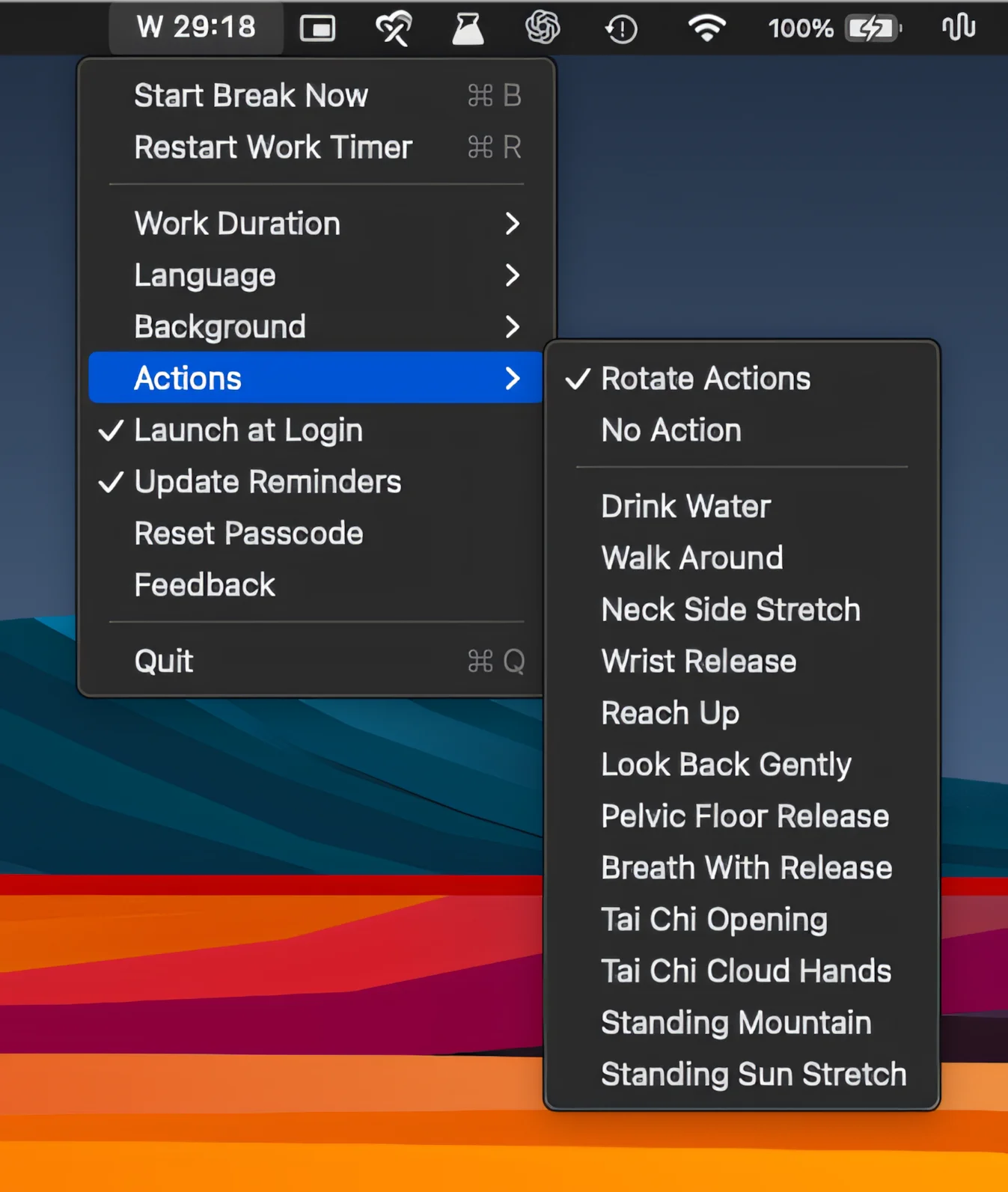
Turn screen breaks into real pauses with full-screen guided rests, customizable backgrounds, breathing and movement prompts, flexible work intervals, and just enough friction to make taking breaks easier.