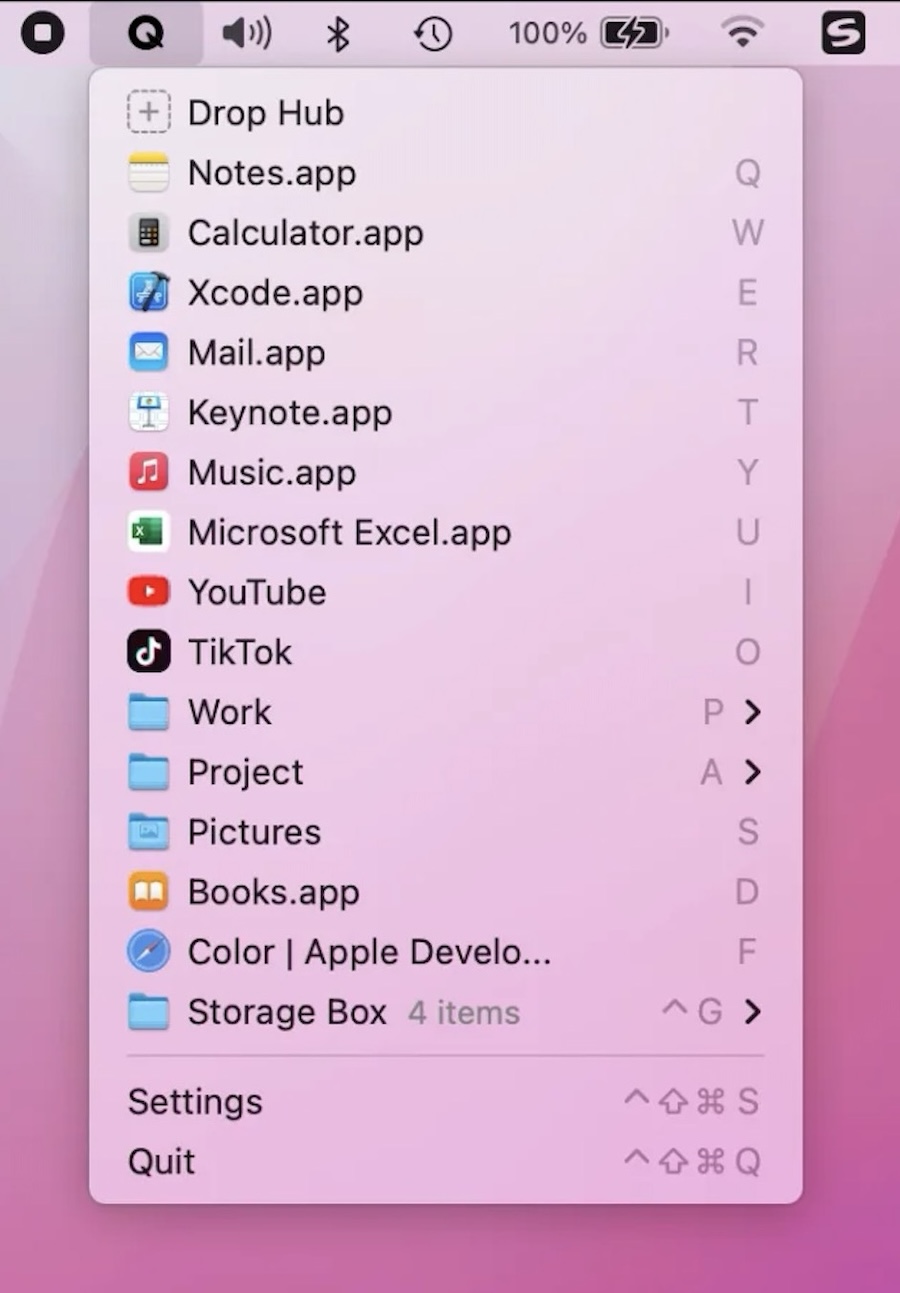
Collection:
Finance Apps
GlimpseEase

This menu bar app automatically monitors your Stripe transactions, keeping you informed without the constant need to glance at your phone during work hours.

This menu bar app automatically monitors your Stripe transactions, keeping you informed without the constant need to glance at your phone during work hours.

MenuBar Weather displays all major weather information for your current location at a glance. It updates hourly or every significant location change.

Text Workflow lets you automate text transformations. The program has a menu bar app that allows users to choose a workflow to convert the text from their clipboard.

Display the current ISO 8601 week number in your menu bar at a glance for reference. Essential for project managers, developers, and planners who rely on week-based scheduling systems.

Steecky is the text editor located in your menu bar. It’s always accessible, whether you’re working on something important or browsing the web. Steecky stores your entries as you type, ensuring that all information is retained.
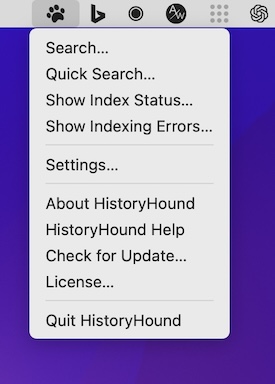
This menu bar app lets you do a fast keyword search on the entire content of all web pages you’ve visited recently, plus all those that you’ve bookmarked.
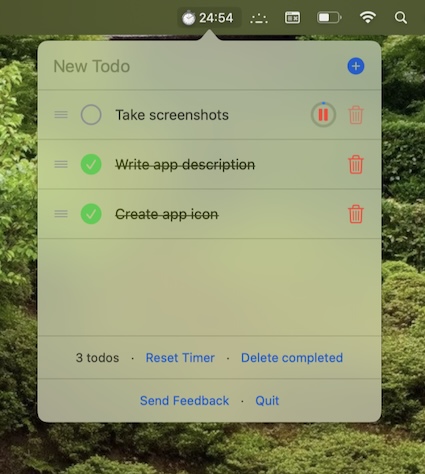
This menu bar app is a minimalistic pomodoro timer and todo tracker. Stored data never leaves your device.
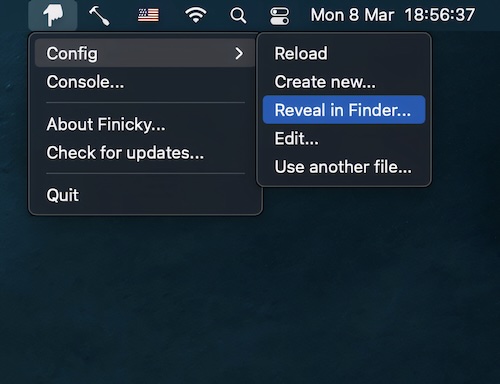
This menu bar app allows you to set up rules that decide which browser is opened for every link or url.
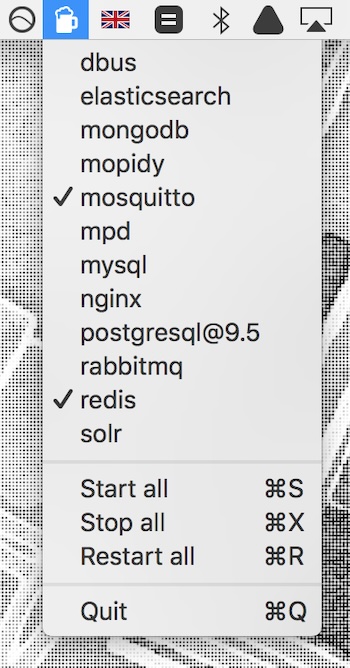
Start, restart, and stop Homebrew services directly from your menu bar without opening Terminal. Ideal for developers managing multiple background services during development and testing workflows efficiently.