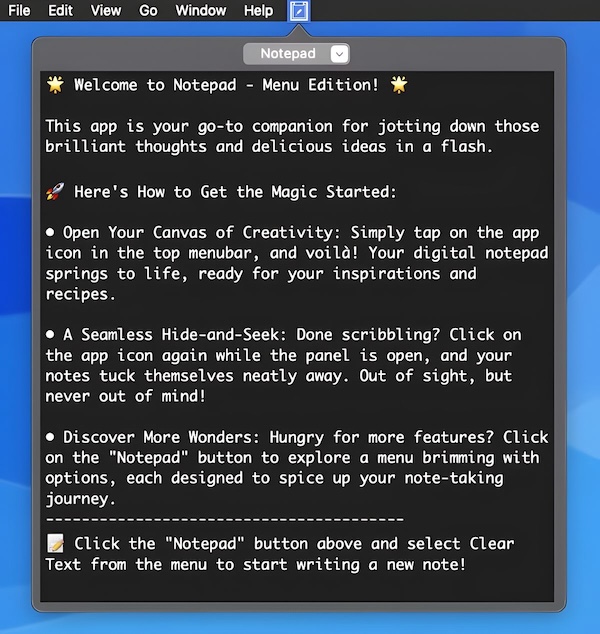
Collection:
Writing Apps
Fresh finds for your menu bar. Most recently added apps on top – last updated: October 26, 2026
Collection:
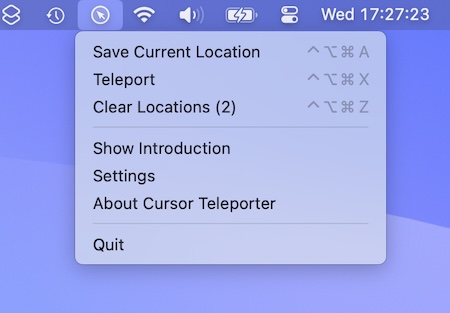
Keyboard & Mouse Apps
Cursor Teleporter
Collection:
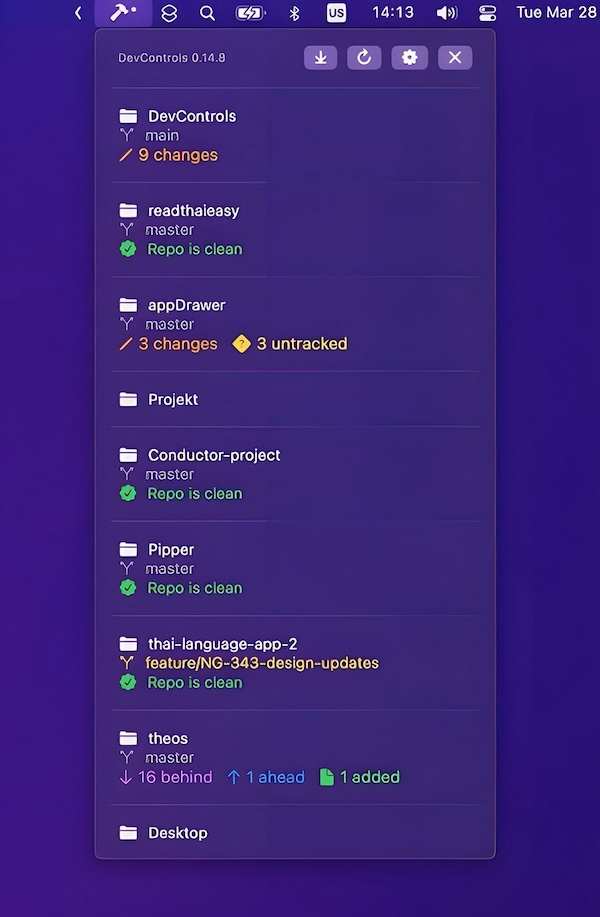
Developer Apps
DevControls
Collection:
Screen Capturing Apps
Presentation Helper
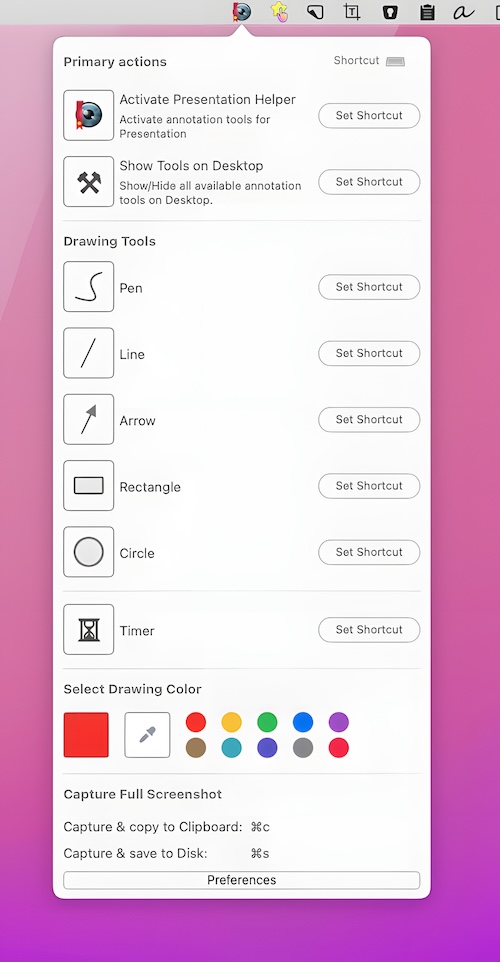
Present anything from your desktop. Annotate and draw circles, rectangles and lines anywhere on your screen. You can save a screenshot of the entire screen with all drawn annotations.
Collection:
Network Apps
IsThereNet
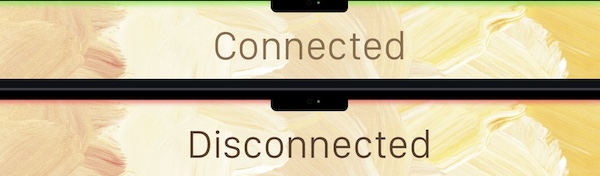
See when your internet disconnects and reconnects. A green top status line means connected; Red means disconnected (and Yellow means slow internet). The status line does not display in screenshots and does not interfere with menu bar navigation.
Collection:
Time Zone Apps
Second Clock
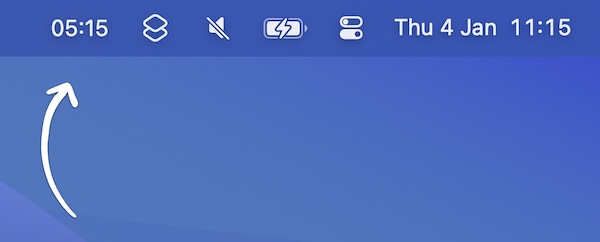
This menu bar app shows a second clock for a different time zone in your menu bar. There’s a workaround to have even more clocks.
Collection:
Files & Folders
Drag and Drop Manager
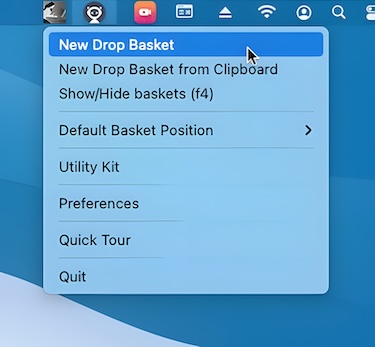
This menu bar app makes Dragging & Dropping files and folders and other content easier. A handy ‘Drop Basket’ appears instantly whenever you select and start dragging a file or a folder.
Collection:
Browser Apps
My Favorites
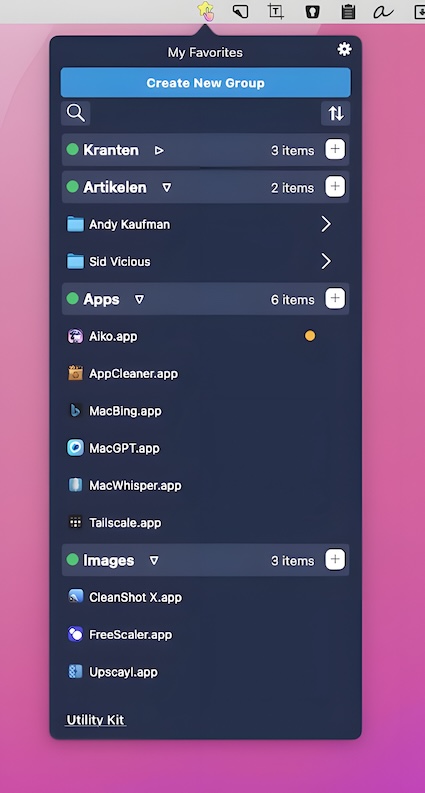
This menu bar program allows you to bookmark files, folders, online bookmarks, applications, text notes, and other items for quick access.
Collection:
Network Apps
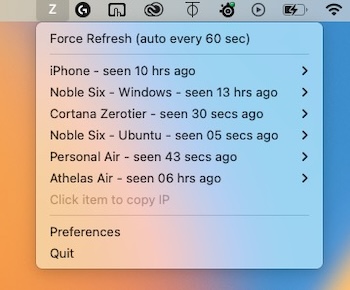
ZeroTierCortana
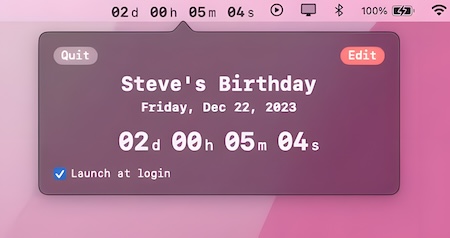
Collection:
Timer Apps