Collection:
Developer Apps
GitStatus
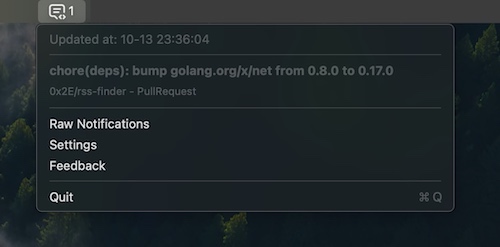
This menu bar app shows all your GitHub notifications, so you don’t have to open GitHub every 5 minutes. 😉

This menu bar app shows all your GitHub notifications, so you don’t have to open GitHub every 5 minutes. 😉
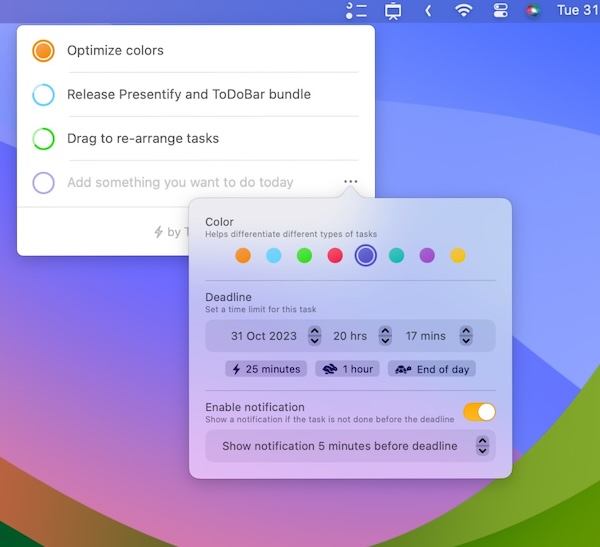
This menu bar app is a minimalistic and straightforward to-do list app. It lets you create tasks and reminds you to complete tasks before their set deadline.
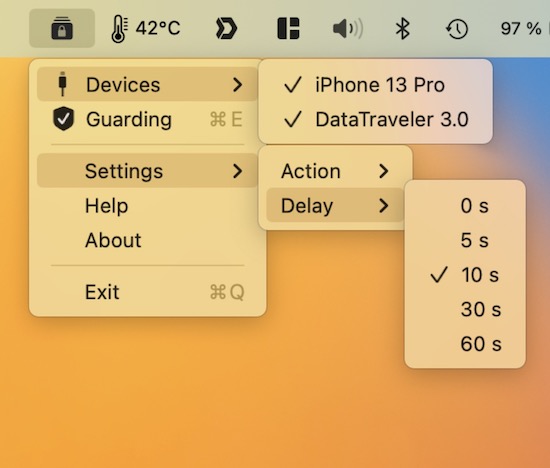
This menu bar app automatically shuts down or hibernates your Mac when an unknown USB device is plugged in, or a connected one is removed. It keeps monitoring your USB ports, even in sleep mode.
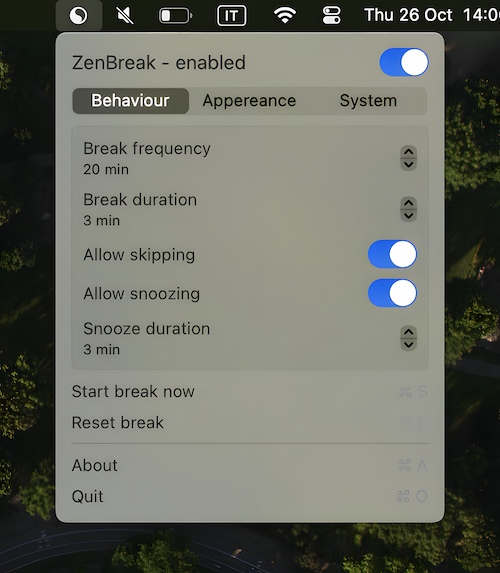
Suffering from screen fatigue? ZenBreak is a menu bar app that reminds you to take a break from your Mac.
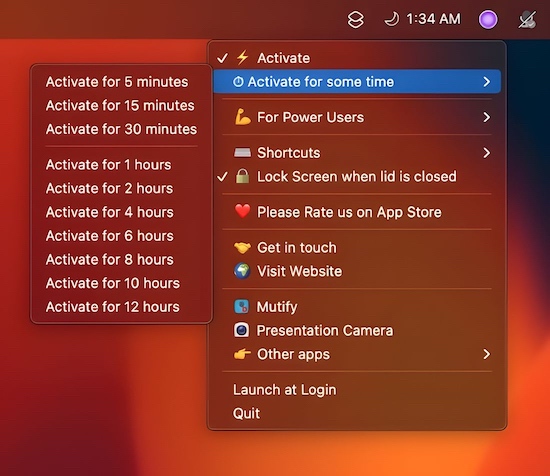
This menu bar app prevents your Mac from falling asleep at all costs. It allows you to use “clam-shell” mode without hooking up a power source.
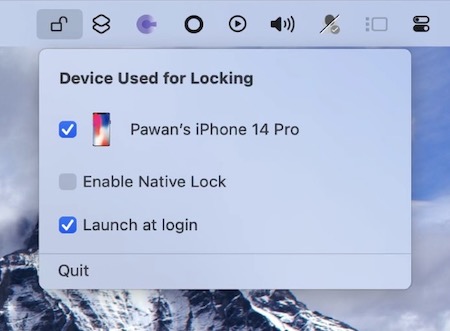
This menu bar app locks your Mac when walking away with your iPhone or Apple Watch. Unlock doesn’t require pairing with your iOS/watchOS device.
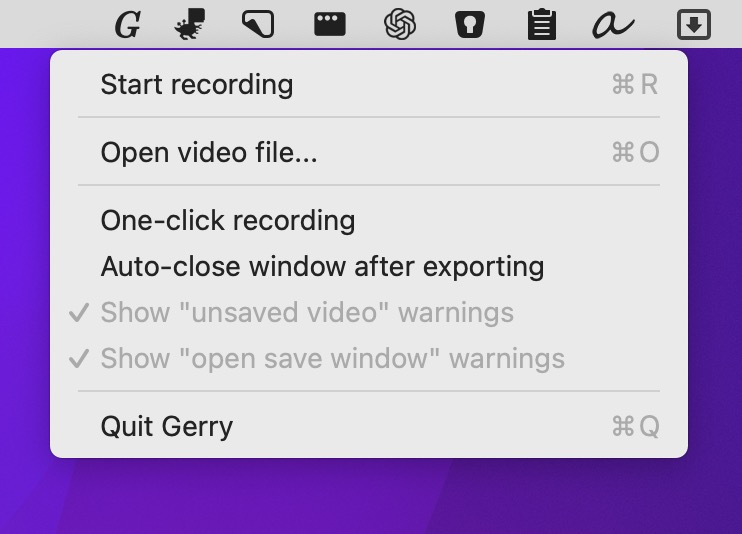
This menu bar app is a super simple screen recorder. Crop, trim, and scale your video before exporting as .gif or .mp4 at up to 60 fps.