Fresh finds for your menu bar. Most recently added apps on top – last updated: November 3, 2026
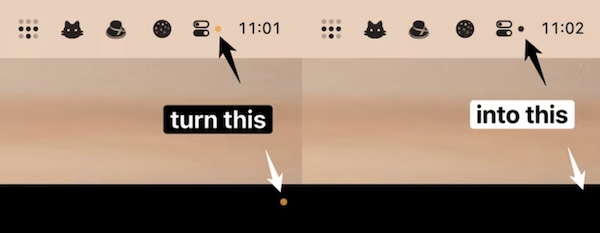
The yellow dot is useful in letting you know if an app is using the microphone. But when you’re familiar with all the apps that use the microphone, it can be an annoyance. When this menu bar app is running, the corner dot will always be hidden.
Visit
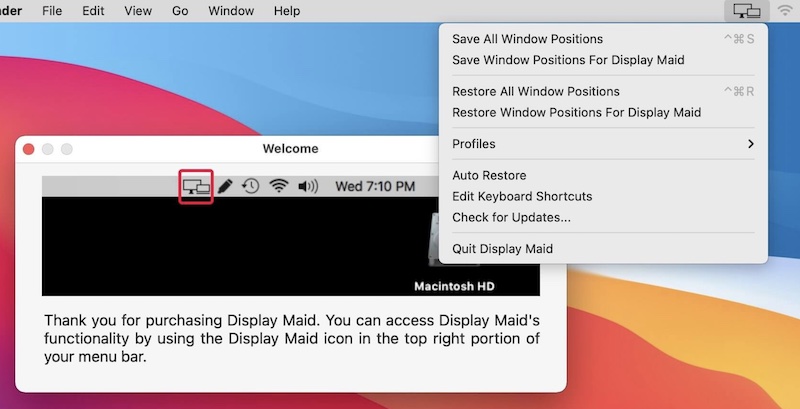
With this menu bar app you can save and restore window locations. So, when you reconnect your laptop to the external display arrangement, everything will be just as it was before. You can also create your display configuration or user created profiles.
Visit
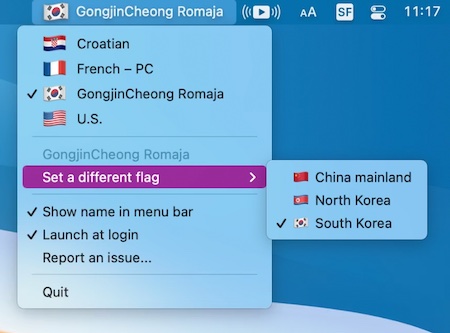
Since a lot of input sources and languages are used in multiple countries, why not let the user choose which flag they want to have displayed? Inspired by this blog post.
Visit
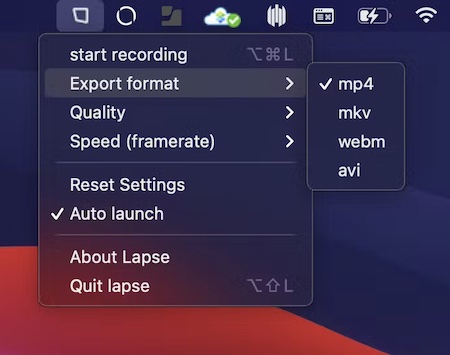
Lapse records your screen as a time-lapse while you work, straight from the menu bar. Pick a full screen or a single window, set the capture interval, and export to MP4, WebM or GIF without any re-rendering.
Visit
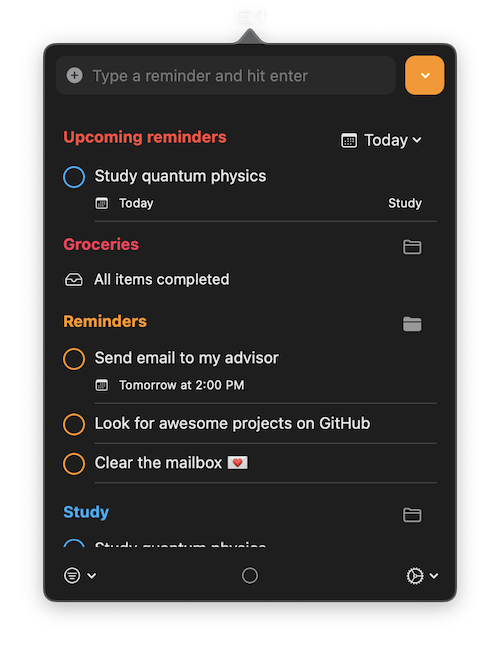
A simple menu bar app to view and interact with reminders. You can keep everything in sync with Apple Reminders.
Visit
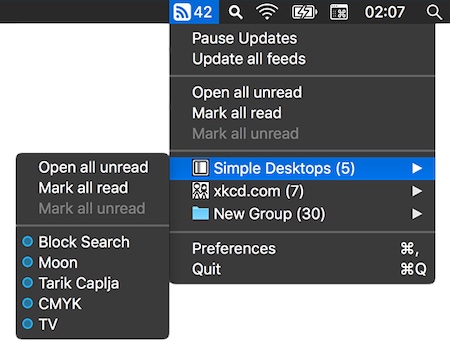
Read your favorite RSS feeds straight from your menu bar, in a clean, distraction-free interface.
Visit
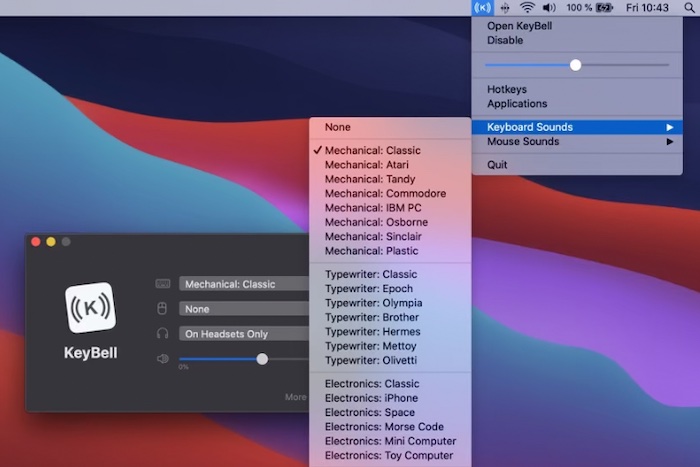
KeyBell plays a nostalgic mechanical sound every time you type something on your keyboard. It works on your entire Mac, on all apps. It is designed as a productivity boost if you dislike the boring and silent keyboards.
Visit
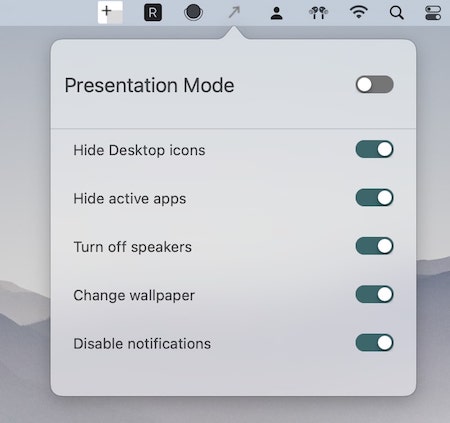
Automatically clean up your screen before presentations by hiding notifications, desktop icons, and distracting windows with just one click from the menu.
Visit Watch
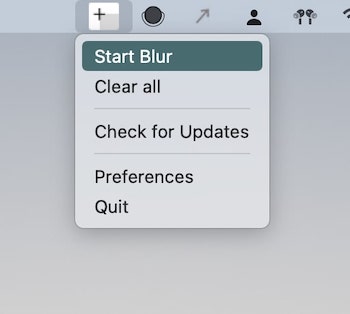
With this menu bar app you can blur out any area of your screen, while recording or screen sharing.
Visit Watch
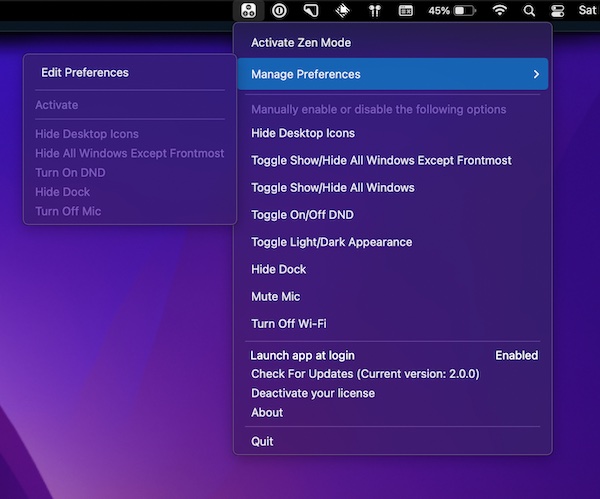
With this menu bar app you can quickly hide desktop icons (or windows) during a meeting and mute your mic.
Visit Watch