Fresh finds for your menu bar. Most recently added apps on top – last updated: October 27, 2026
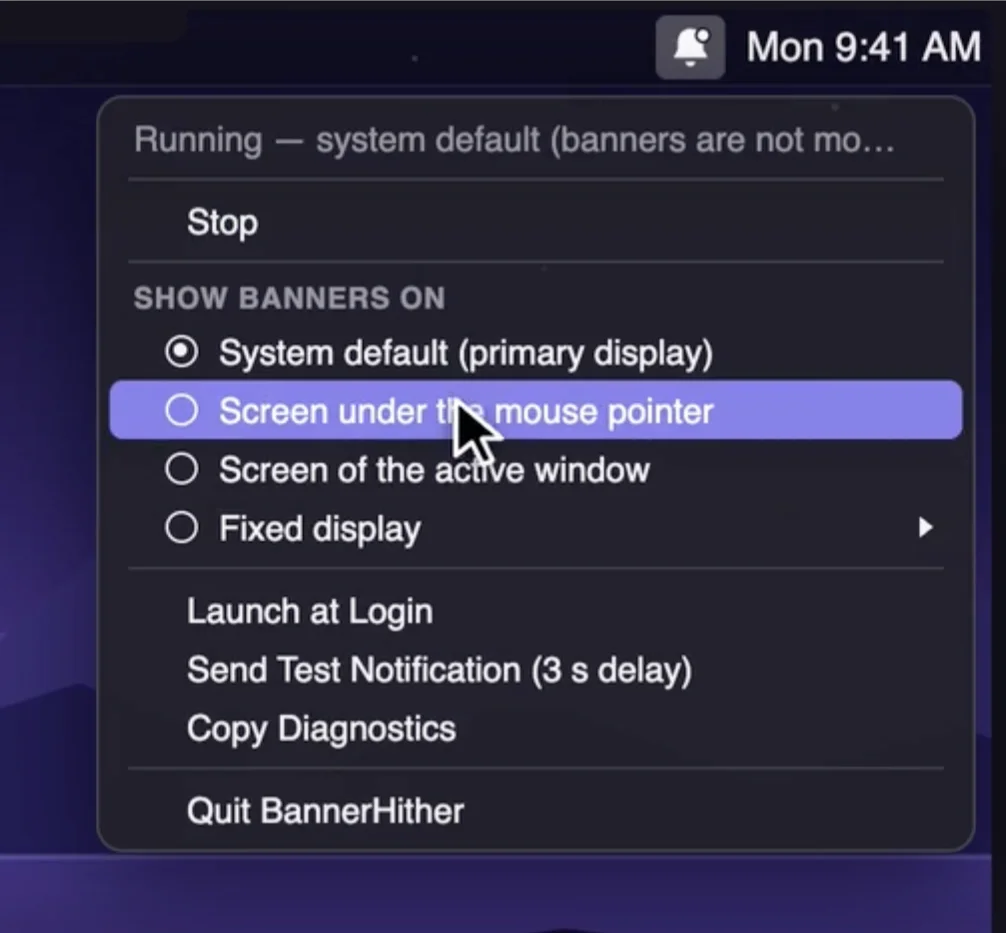
Control where macOS notification banners appear across multiple displays. BannerHither sends them to the display you’re using, your active window, or a screen of your choice, keeping alerts right where you’re looking.
Visit
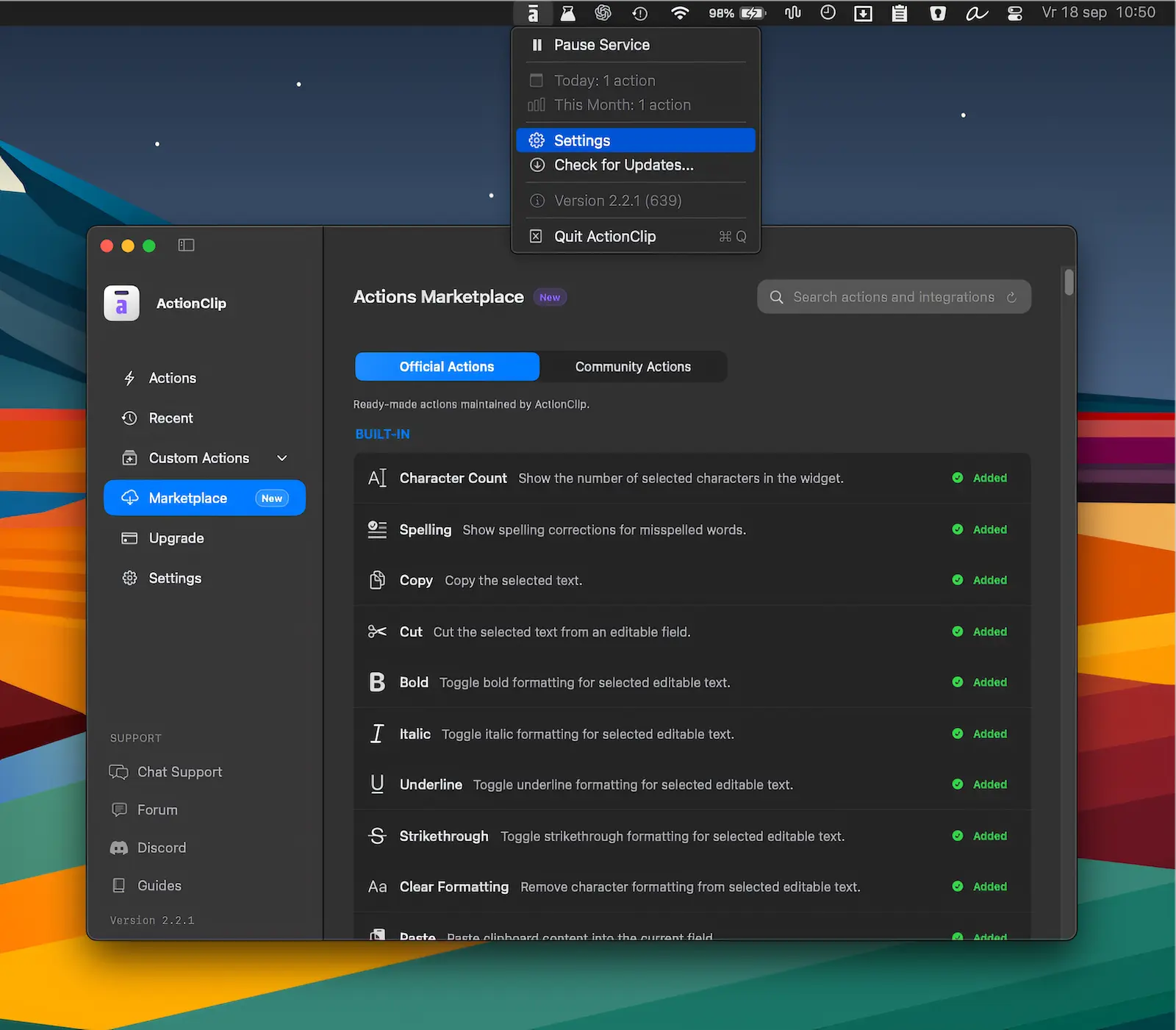
Turn selected text into instant actions for copying, translating, rewriting, AI prompts, and custom workflows. ActionClip brings powerful text tools together in a fast, flexible interface.
Visit
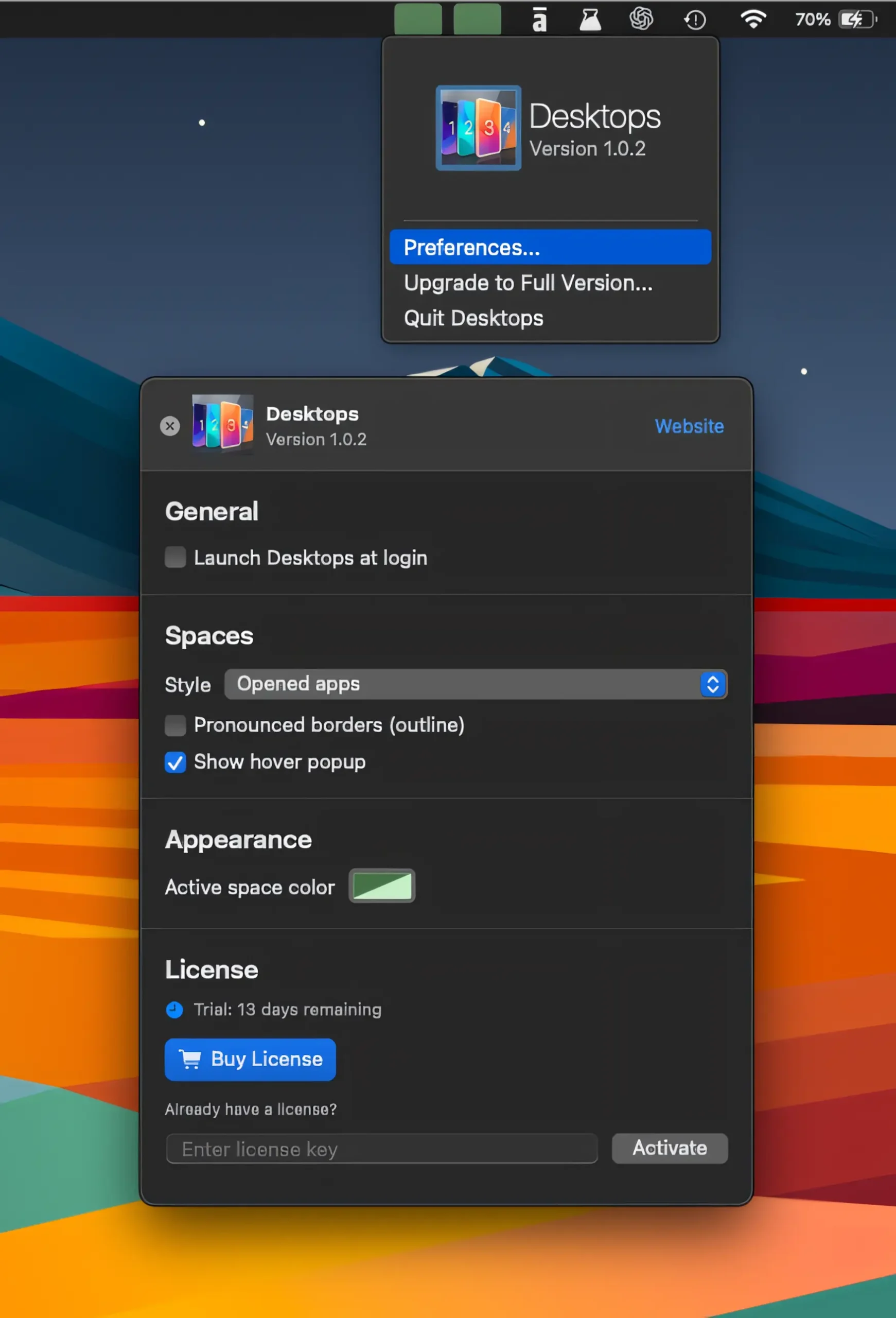
Keep track of your virtual desktops at a glance, switch between Spaces with a click, and see apps on nearby desktops without losing your flow.
Visit
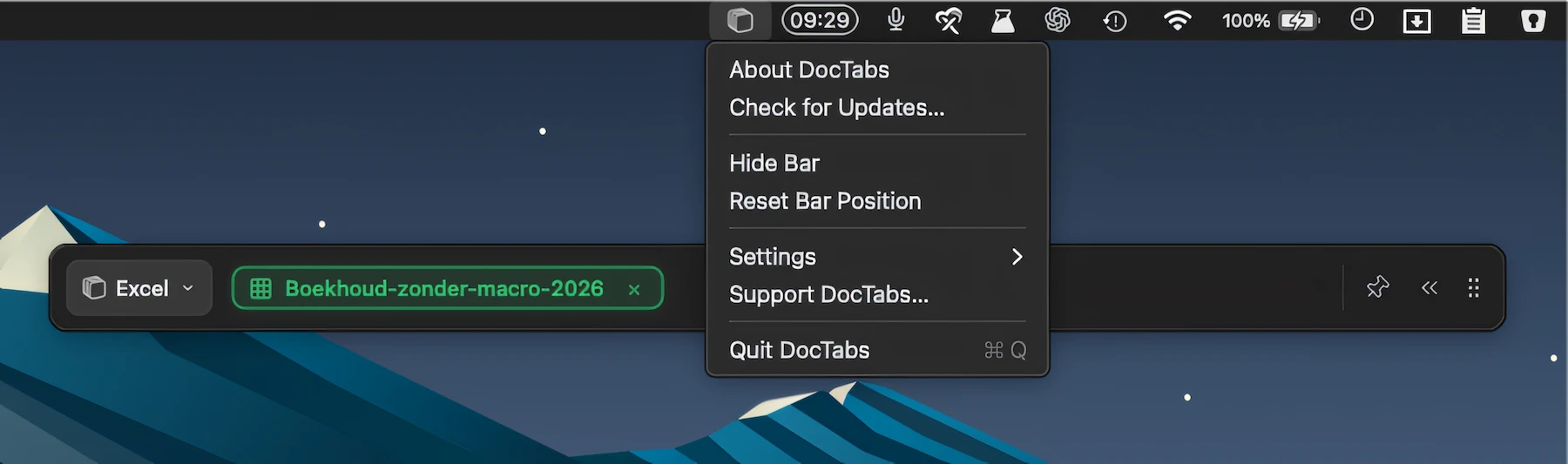
Instantly switch between open Word, Excel, and PowerPoint documents with a handy tab row, keeping every file one click away without opening separate windows.
Visit
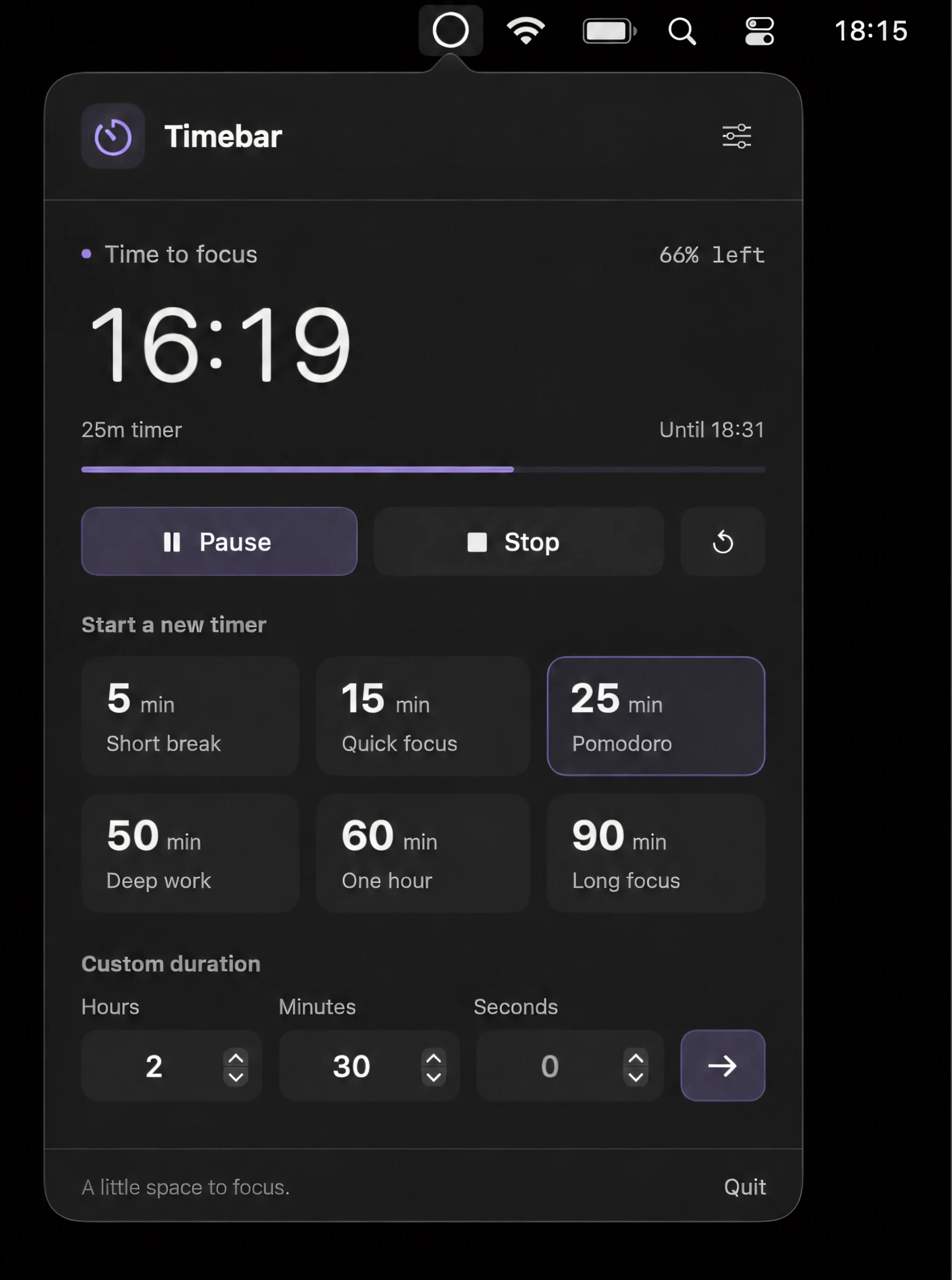
Track time with a thin, customizable line beneath the menu bar that shrinks as your timer runs down. Adjust its thickness, color, opacity, position, and width.
Visit
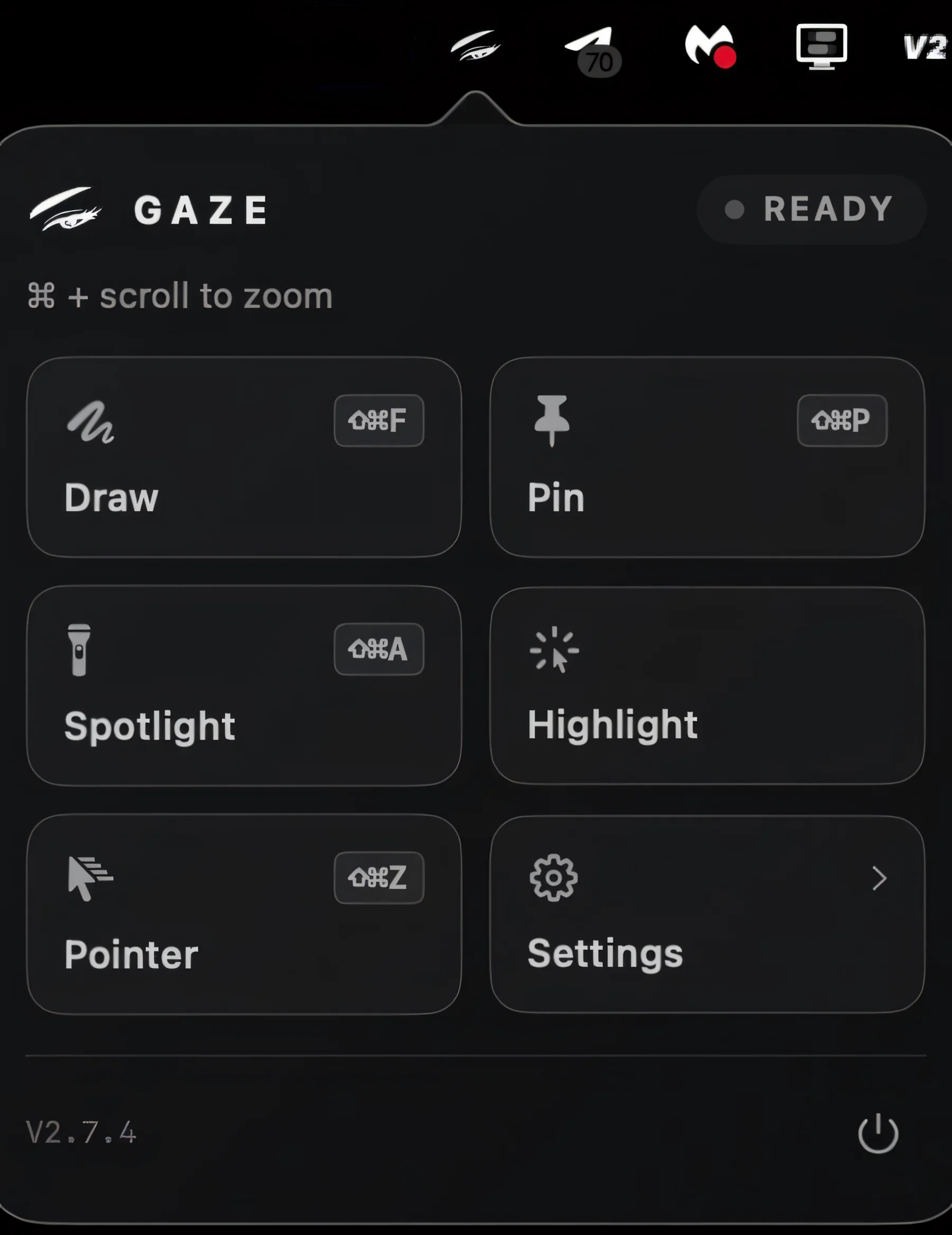
Magnify your Mac screen for presentations, screen sharing and recordings, with zoom that stays visible and interactive. Spotlight, freeze, annotate or pin areas while clicks still land exactly where you point.
Visit
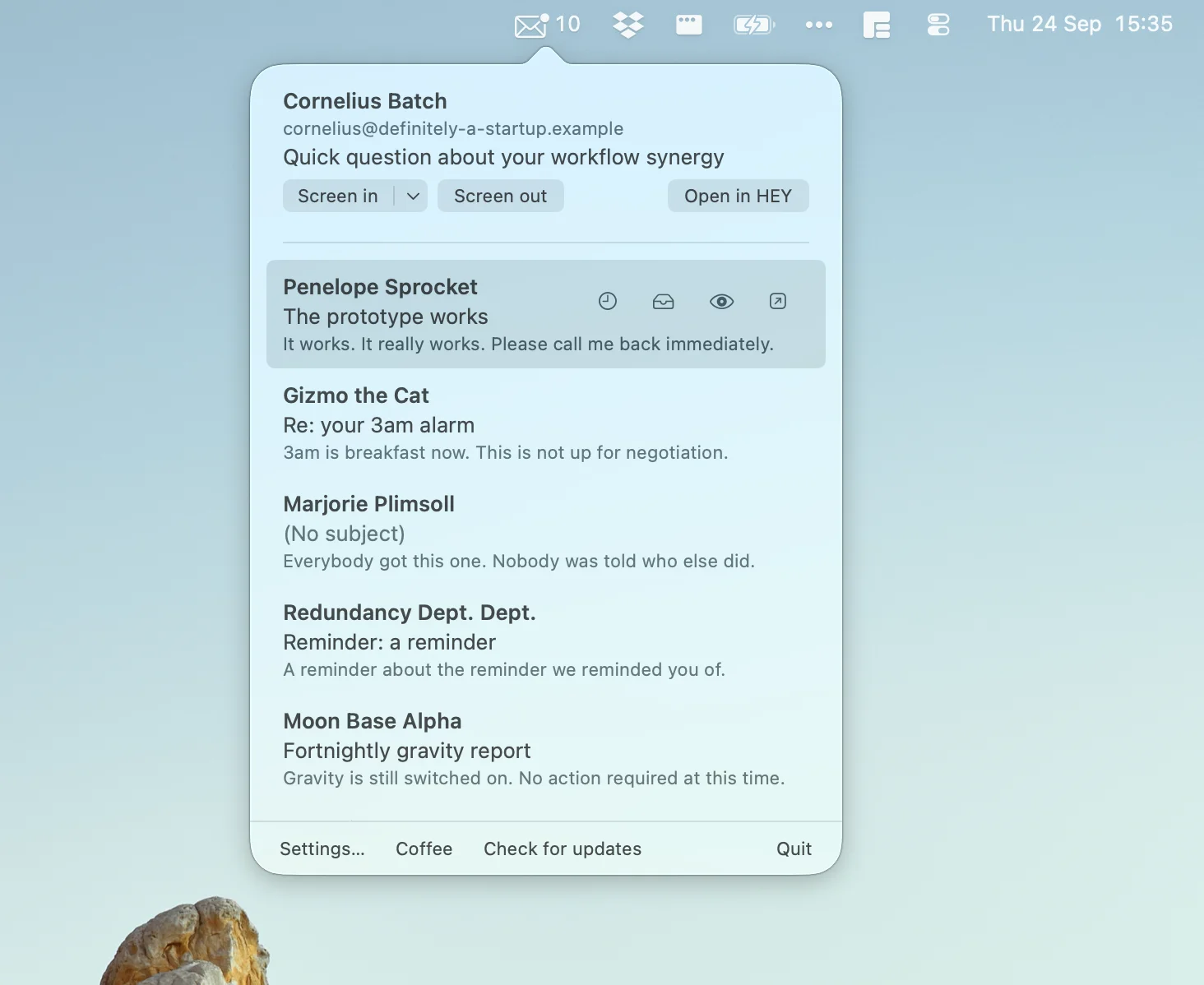
This menu bar app is a free, unofficial companion for HEY that keeps your Imbox and Screener one click away, with new-mail notifications, sender screening, thread actions, and quick access to conversations.
Visit
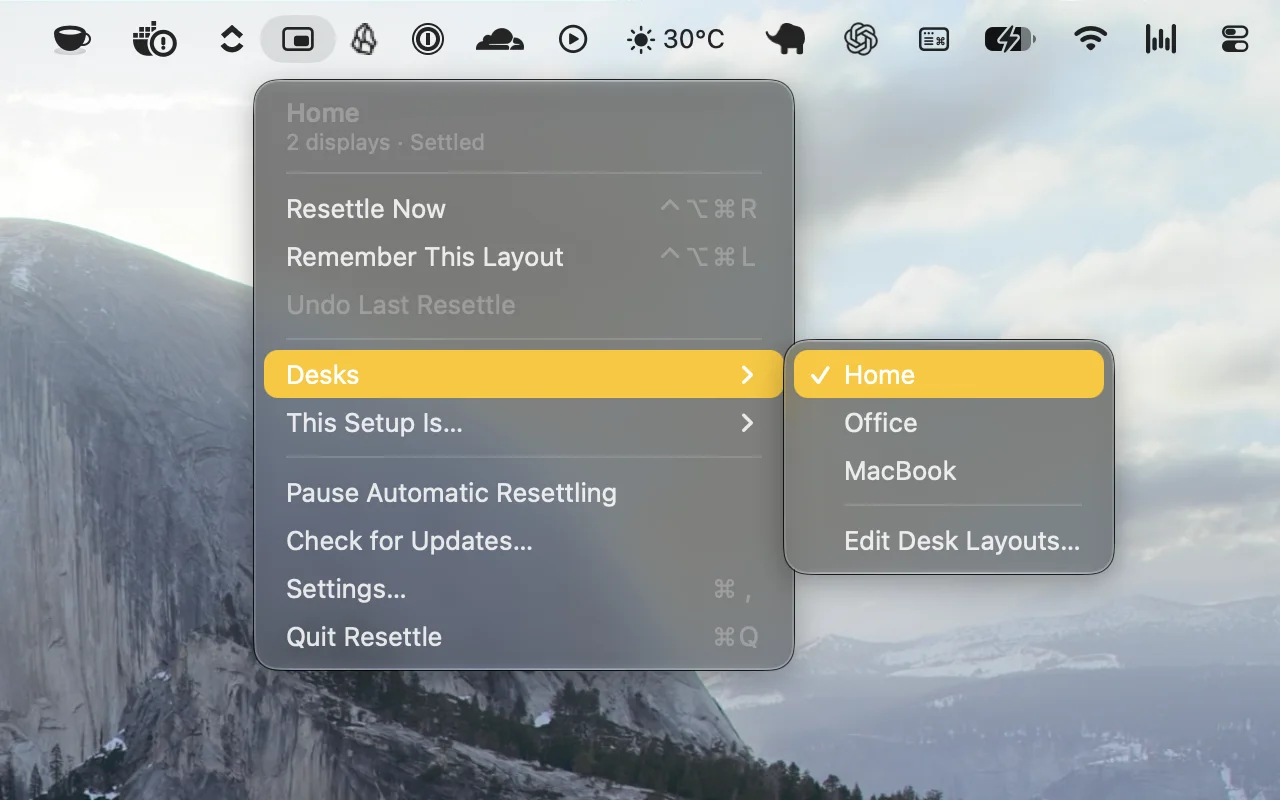
Automatically restores your window layouts when you dock, connect displays, or wake your Mac. Resettle remembers each setup, adapts to changes, and puts your windows back where they belong.
Visit
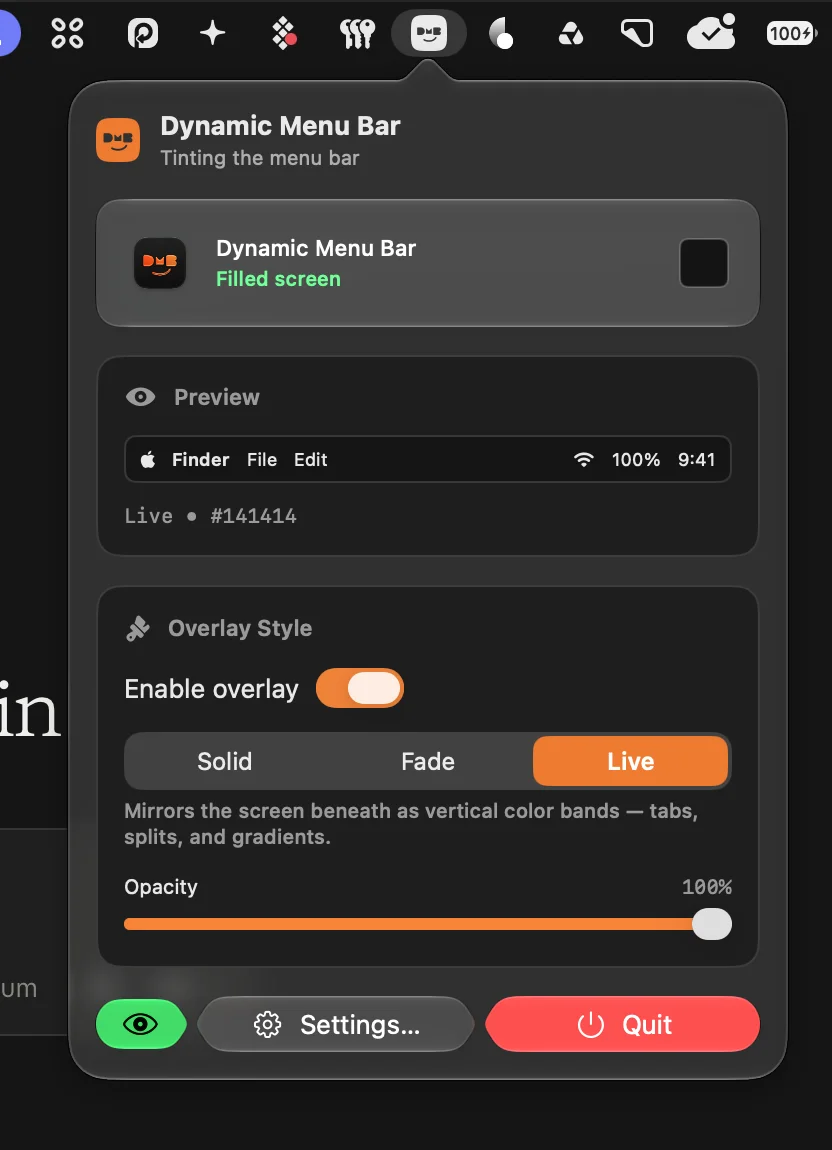
Transform your macOS menu bar with adaptive colors, gradients, music-reactive visuals, rounded corners, and per-app styles. Customize its appearance and make it feel more like a natural part of your desktop.
Visit Watch
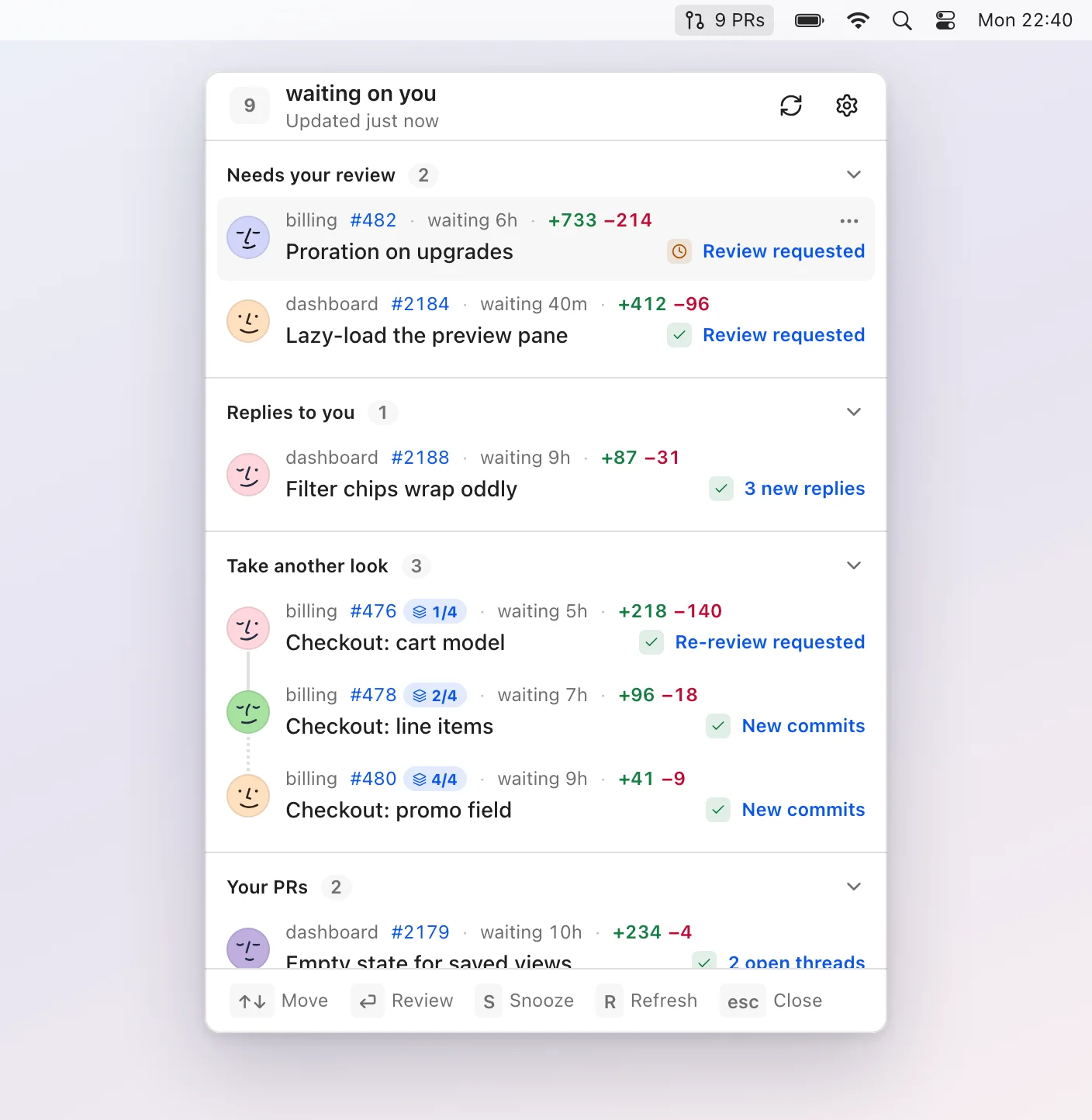
Pullover keeps your GitHub pull requests under control, showing only reviews, replies, new activity, and issues that need your attention, with local processing, keyboard navigation, and snoozing.
Visit
