Fresh finds for your menu bar. Most recently added apps on top – last updated: November 3, 2026
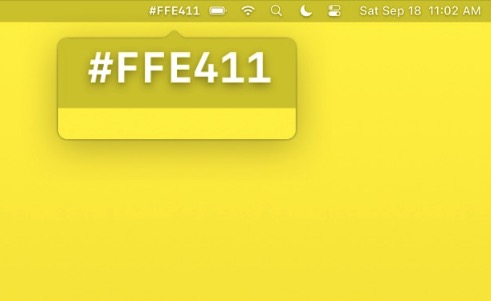
Color Peeker shows the hex code of the color under your mouse pointer, right in the menu bar. It can also name the color and show an enlarged view of the pixel. Turn on Copy on Right Click and the hex code lands on your clipboard with one click.
Visit
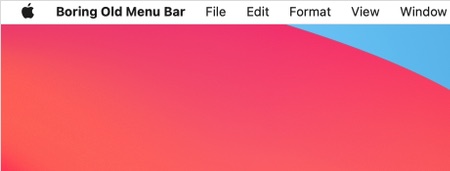
Boring Old Menu Bar gives your menu bar a solid color again: black, white, the classic Catalina grey or any color you pick, with separate settings for light and dark mode. Menu titles stay legible on any wallpaper, and the black style makes the MacBook notch disappear.
Visit
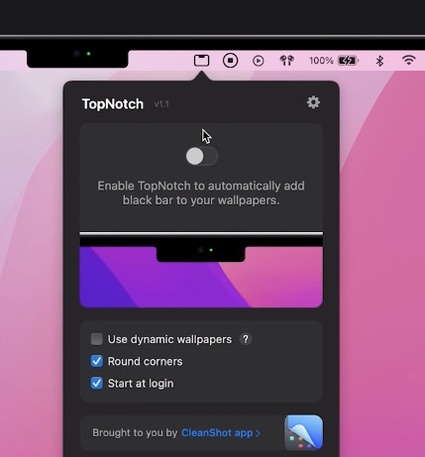
TopNotch hides the notch by making your menu bar black. It’s only cosmetic and doesn’t take away any screen real estate. The app can also be used on any non-notch Mac to make the menu bar black.
Visit
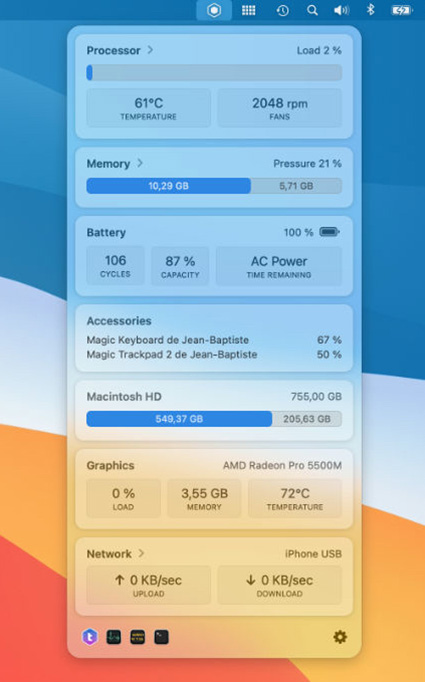
TrashMe 3 helps you clean your Mac to recover space. But it also has a standalone menu bar app to monitor your system activity, like CPU load & temperature, memory usage, battery status, graphic card in use, and network configuration.
Visit
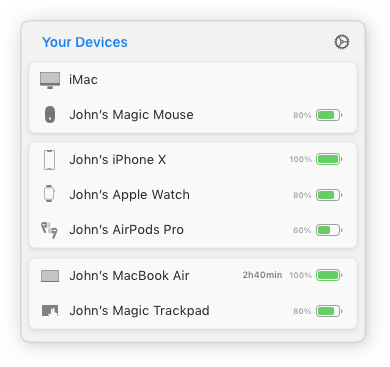
With AirBuddy, you can open your AirPods case next to your Mac and see the current status right away, just like how it works on your iPhone. The menu bar gives you an overview of all of your nearby devices.
Visit Watch
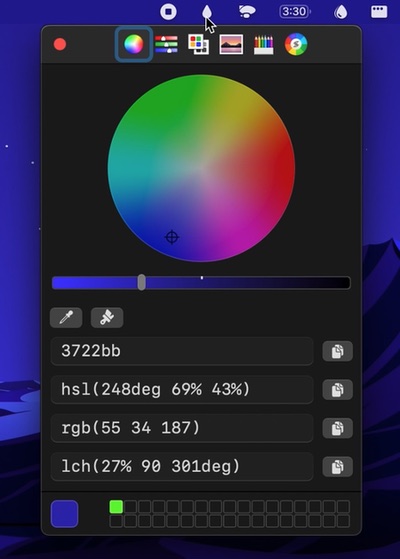
The macOS color picker, but now as an app with more features. For instance: Quickly copy, paste, and convert colors in Hex, HSL, RGB, LCH format.
Visit
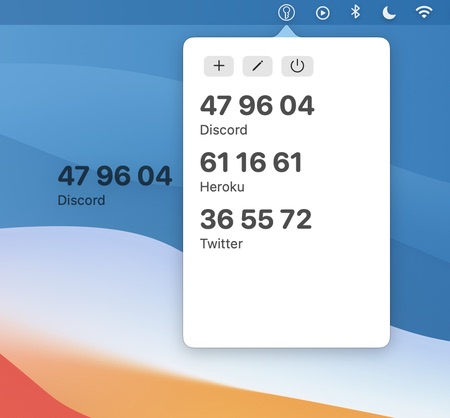
MiniKey is a one time password generator for two-factor authentication. It lets you copy generated codes with a click, and drag codes from MiniKey into authenticating apps.
Visit
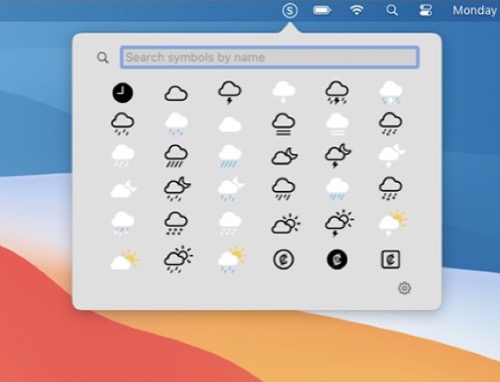
Quickly access SF Symbols straight from your menu bar (list or grid view). Search or click on a symbol to copy its name to your clipboard. Toggle multicolor or monochrome rendering.
Visit

Beaconly turns your menu bar into a hub of productivity. Access your critical tools, services, and updates—all without interrupting your workflow. Track tasks from platforms like Jira, Asana, and Trello, monitor service statuses, or check crypto prices—all at a glance. New extensions added frequently.
Visit

A mini-browser that you can access quickly from your menu bar for multitasking. No more minimizing windows and losing track of where you left off.
Visit Watch