Fresh finds for your menu bar. Most recently added apps on top – last updated: November 24, 2026
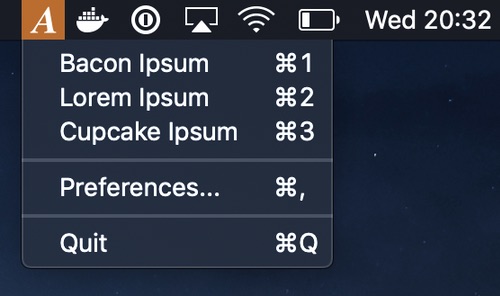
AnyIpsum puts lorem ipsum in your menu bar. Pick a variation, set how many sentences and words you want, and the paragraph lands on your clipboard. Open it with a keyboard shortcut, or import your own word lists to replace the classic Latin.
Visit
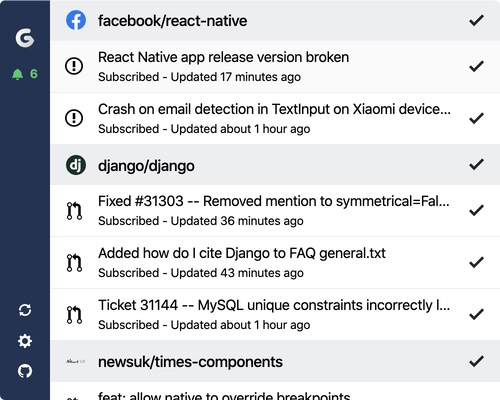
All your GitHub notifications, displayed in your menu bar. Gitify informs you for any GitHub notifications without being annoying. Works with GitHub and GitHub Enterprise. You can even connect multiple accounts.
Visit
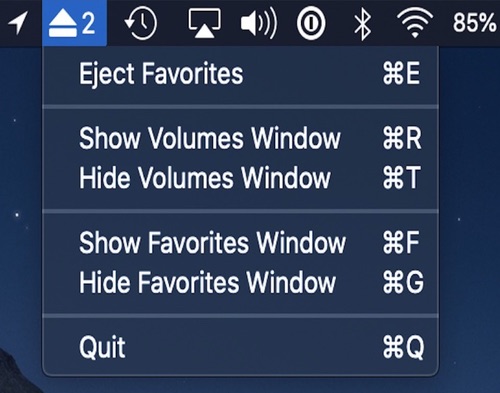
Eject multiple mounted volumes in one click with this easy to use menu bar app. You can also favorite a mounted volume to save it for quick unmounting later.
Visit

A menu bar app for quickly toggling macOS’s dark mode. Left clicking the icon toggles dark mode; right clicking reveals more options.
Visit
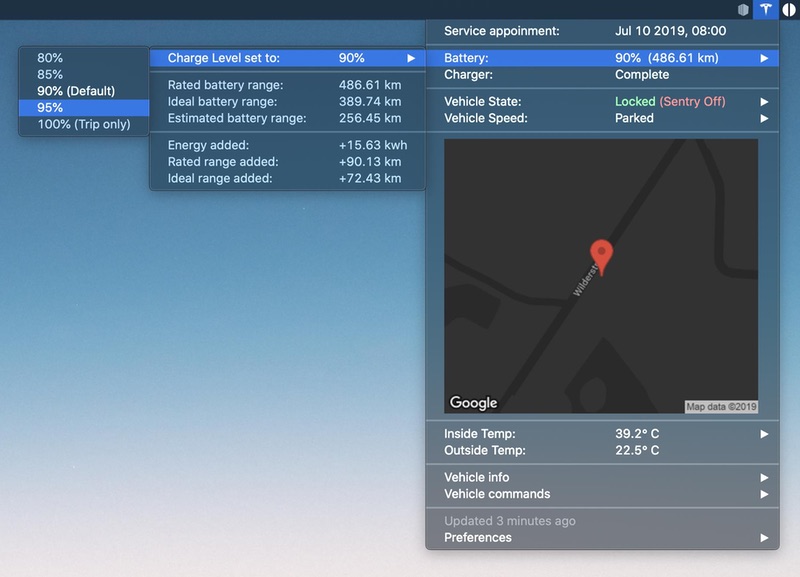
MyTesla shows your Tesla’s battery, location and climate in the menu bar, and lets you send commands like locking, charging and climate control from your Mac. It runs as an xbar plugin and needs your own Tesla developer account; newer cars need extra setup before commands work.
Visit
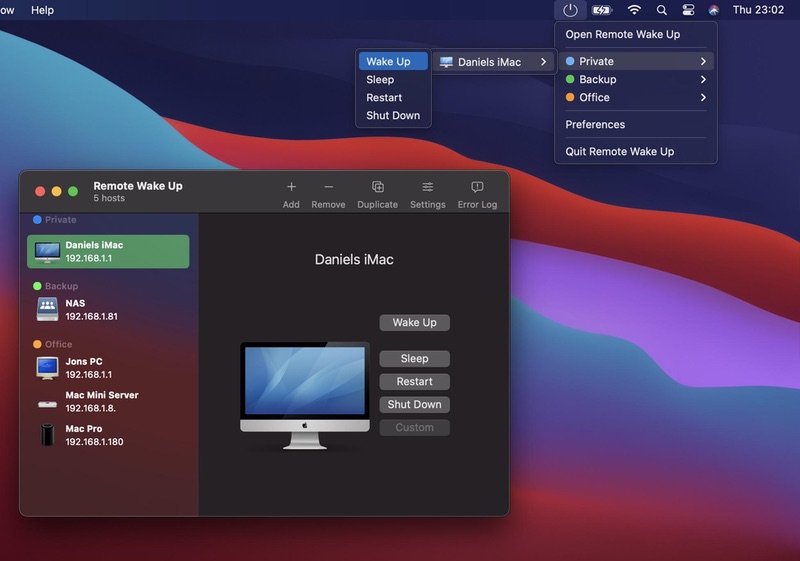
Remote Wake Up wakes computers and other devices with Wake-on-LAN, at home or over the internet, and sends them SSH or AppleScript commands to restart, shut down or run maintenance. Save your commands once, reuse them on any device, and reach it all from the menu bar.
Visit
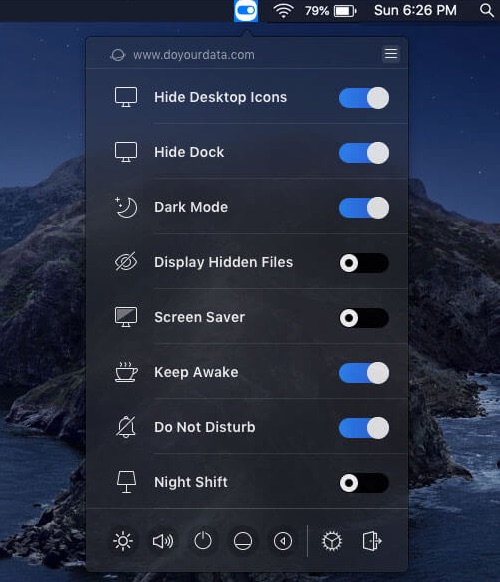
With this menu bar app you can manage all your frequently used Switches from one place.
Visit
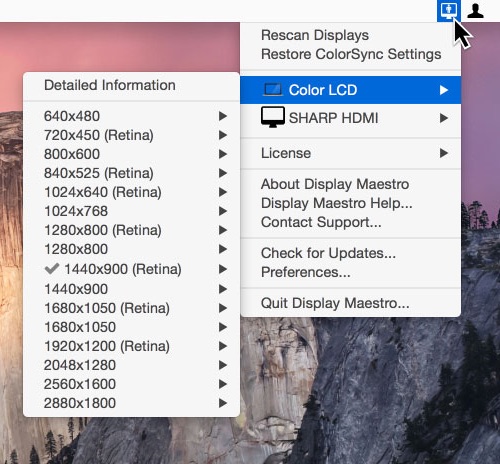
This menu bar app gives you full control over attached displays, allowing the use of all available resolutions and bit depths.
Visit
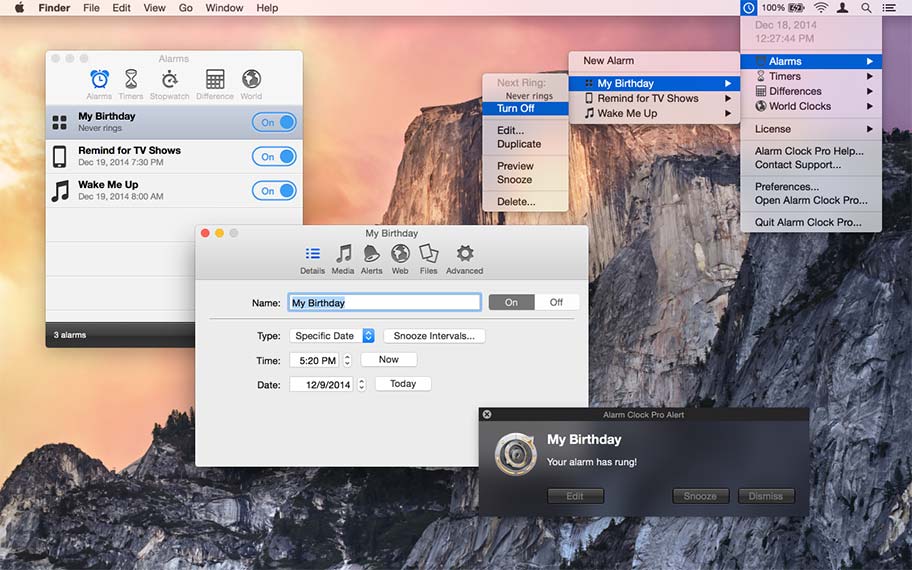
You can use Alarm Clock Pro for almost everything. For instance to ping web pages, launch URLs, open files, erase folders, execute shell commands.
But also when waking up, as a reminder to take medications, keep social appointments, or schedule follow up appointments with clients.
Visit
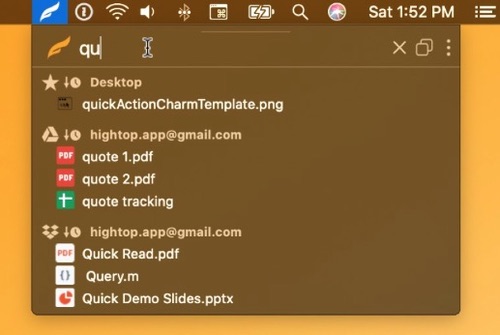
HighTop gives your favorite local folders and Dropbox a tidy tree view in the menu bar. Drag files in and out to move, upload or download them, and search across everything at once without digging up a Finder window.
Visit