Collection:
Audio Apps
Unclack
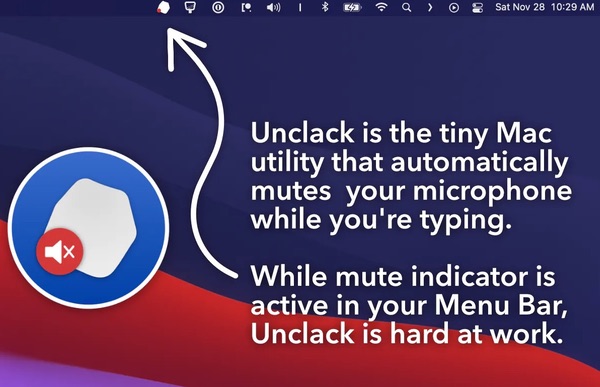
Unclack automatically mutes your microphone while you type and un-mutes when you stop. No interaction required.

Unclack automatically mutes your microphone while you type and un-mutes when you stop. No interaction required.
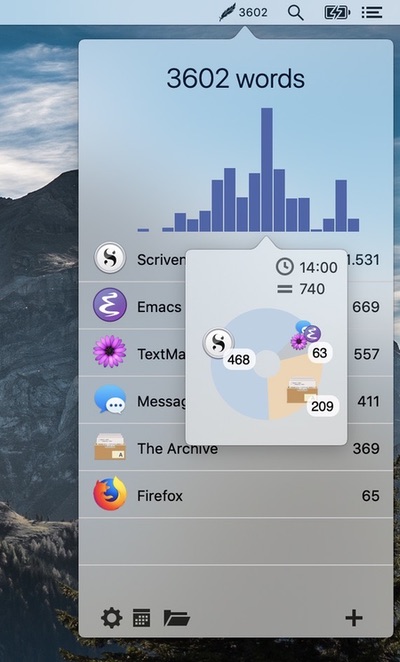
Track how many words you write daily across all your applications. This tool integrates seamlessly into your workflow without opening other applications or additional windows.
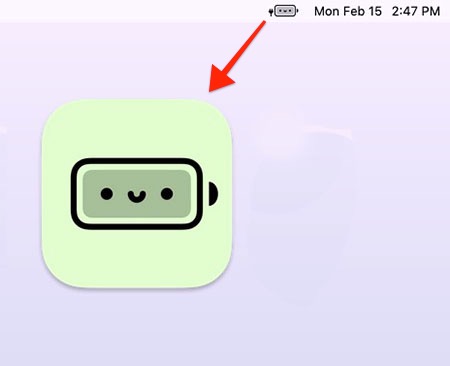
Just like the default battery indicator in your menu bar, but cute. When your battery goes to red or yellow, and you get a bit stressed, this emoji battery indicator takes the edge off.

Jandi gives you a quick and satisfying way to check your GitHub contribution count directly without opening the website, making it easy to stay motivated and maintain your streak on even the busiest days.
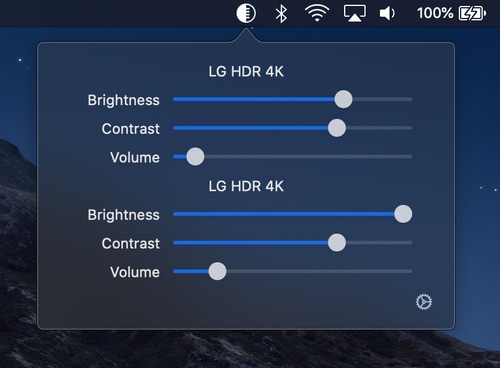
DisplayBuddy lets you control your external displays: Setting brightness, contrast, and volume from your Mac’s menu bar.
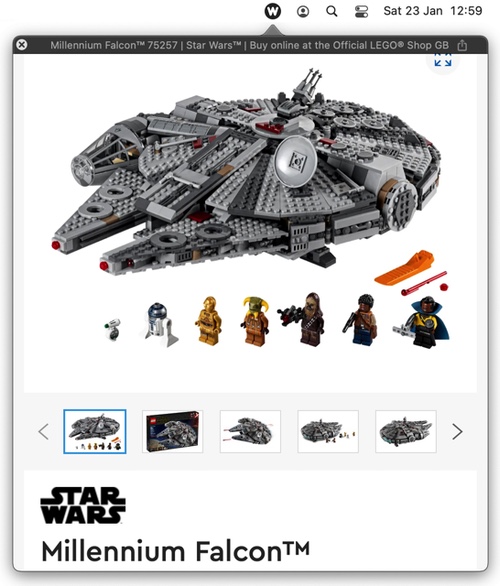
WebBuddy is a web browser that lives in your menu bar, intended for previewing links in non-browser apps and for quick searches so your main browser can be kept tidy.
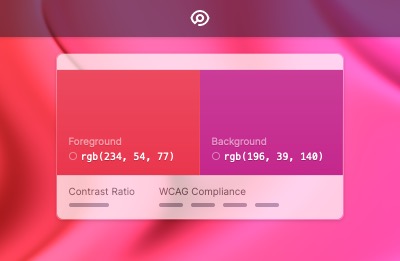
Tucked in your menu bar, Pika makes it simple to quickly find colours onscreen, in the format you need.
Choose from popular colour formats like hex, RGB, HSB, or HSL.
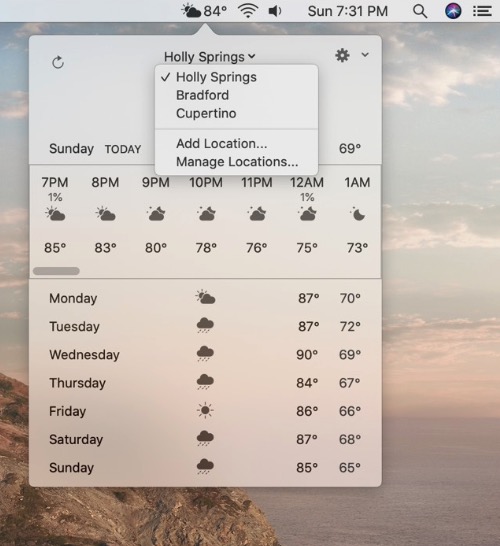
Weatherly puts the current weather in your menu bar: conditions, temperature, the “feels like” temperature or humidity, whichever you prefer. Add multiple locations, check the hourly and 7-day forecast, and pick your data source: Apple Weather, Visual Crossing or OpenWeather.

Spaceman shows your Spaces in the menu bar, so you always know which desktop you’re on and where it sits among the others, even across multiple displays. Choose rectangles, numbers or both, or give each Space a short name of its own.