Collection:
Clipboard Managers
Klipto
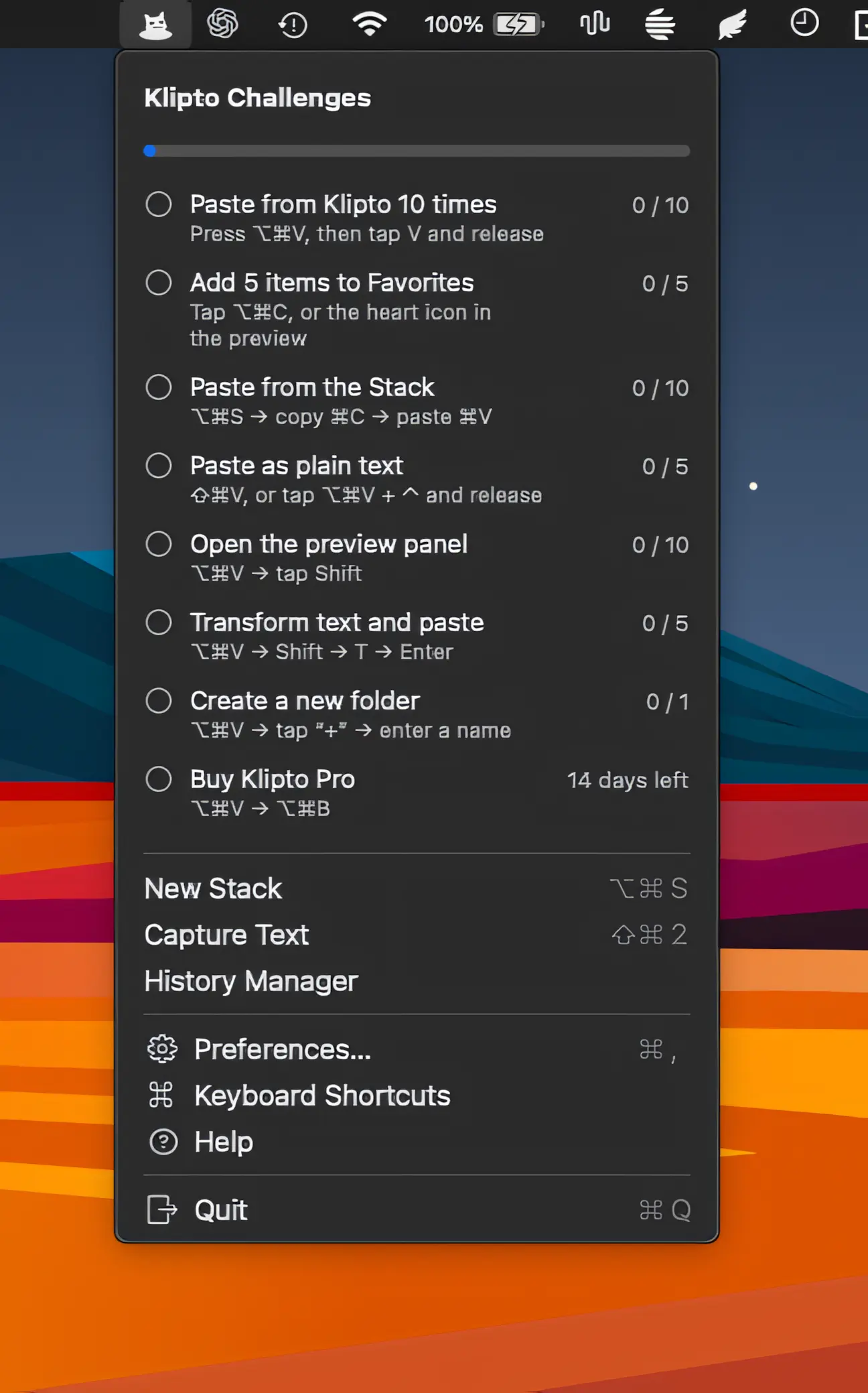
Klipto makes copying and pasting faster with ordered clipboard stacks, automatic Tab and Enter navigation, text transformations, screenshot OCR, unlimited history, and private on-device processing.

Klipto makes copying and pasting faster with ordered clipboard stacks, automatic Tab and Enter navigation, text transformations, screenshot OCR, unlimited history, and private on-device processing.
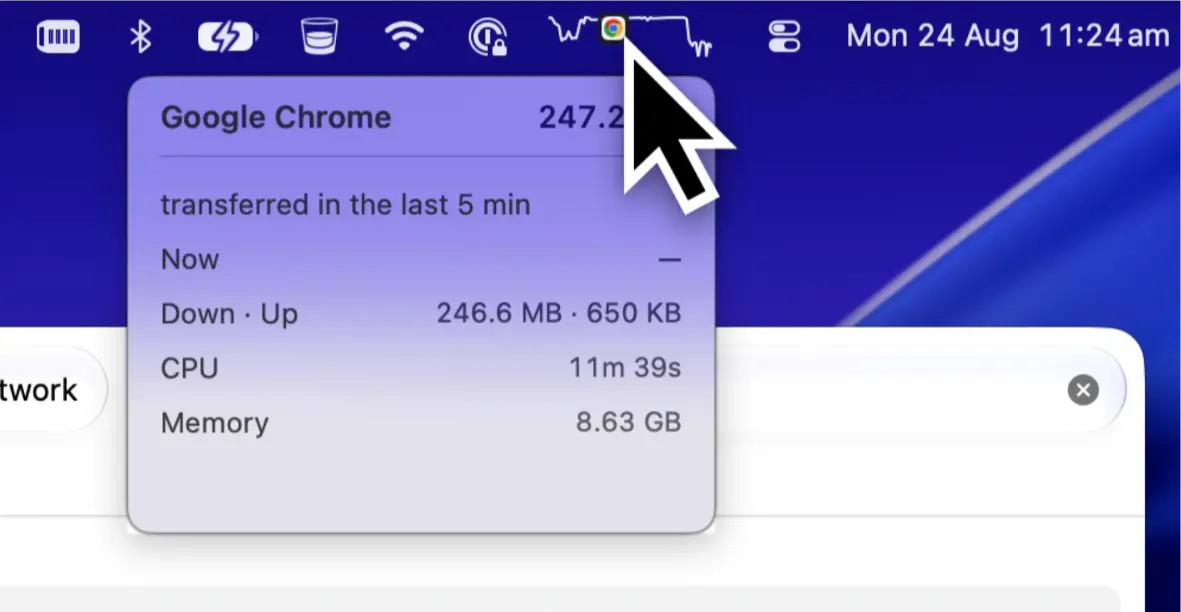
Monitor CPU, GPU, RAM, network, and app activity in a single live line. ActivityLine highlights what’s using the most resources, keeping performance insights simple and unobtrusive.
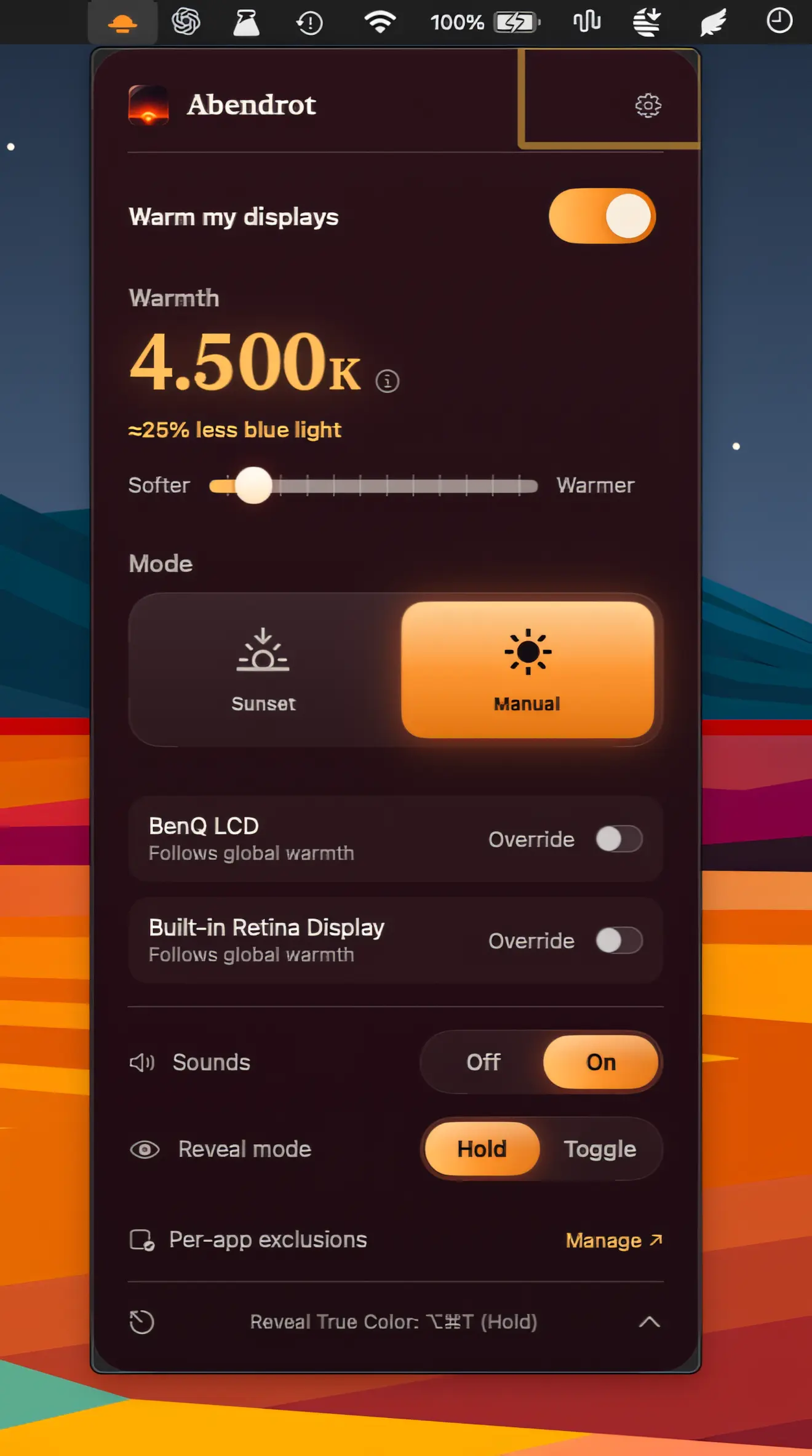
Warm your Mac around sunset to reduce blue light in the evening. Abendrot offers per-display controls, automatic scheduling, adjustable warmth, and an alternative to Night Shift.
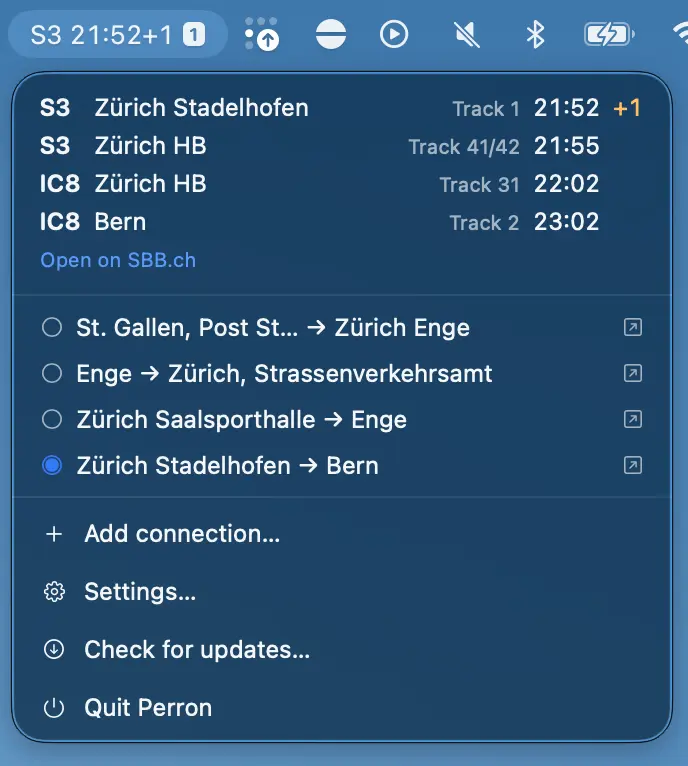
Swiss public transport departures at a glance, with saved connections, live delays, platform information, disruptions, and location-based picks. Free, private, and built for everyday use.
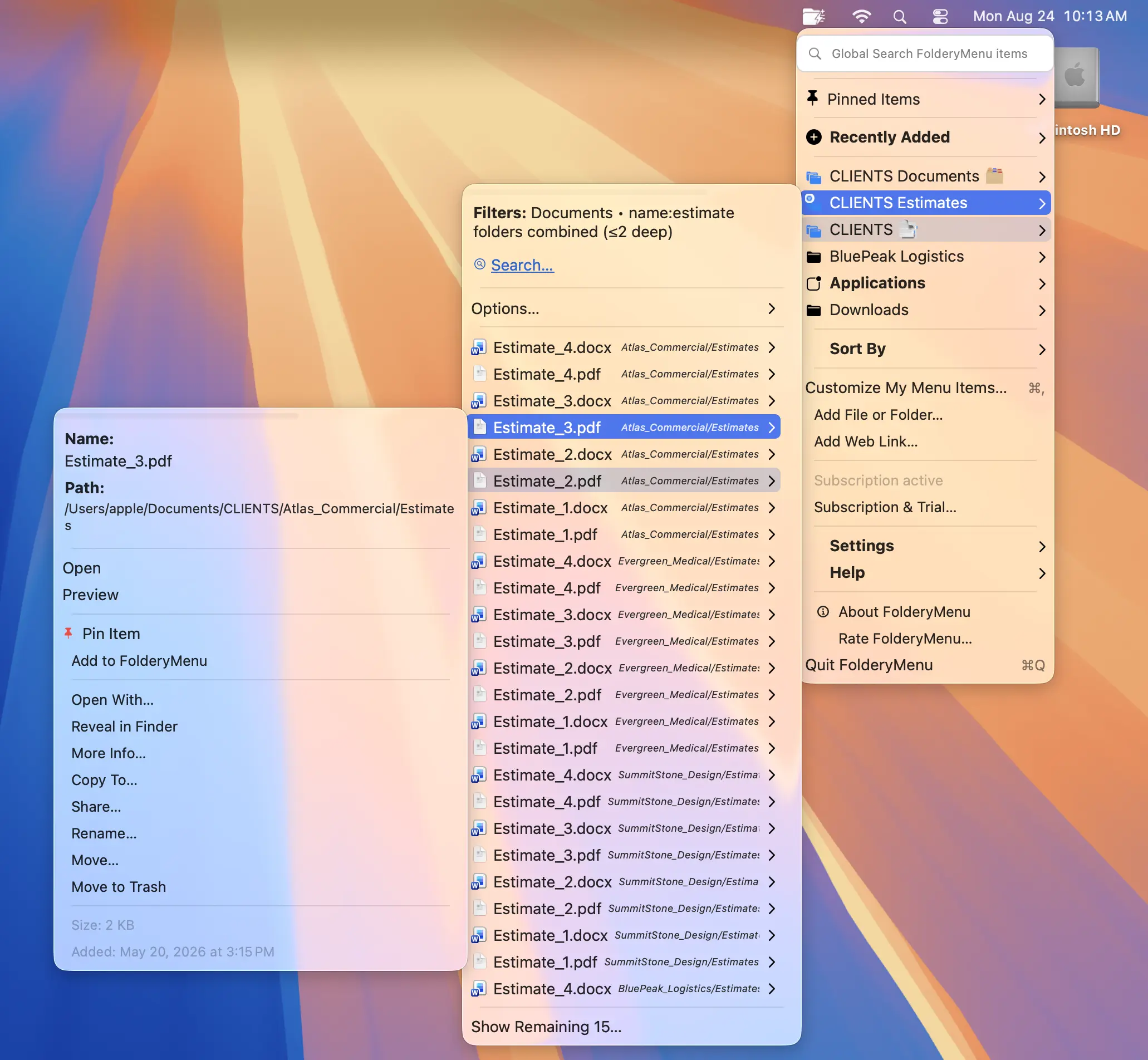
Turn folders into customizable, searchable menus for quick access to files, apps, and system settings. Filter by name, type, or date, combine subfolders, pin favorites, and keep everything within reach.
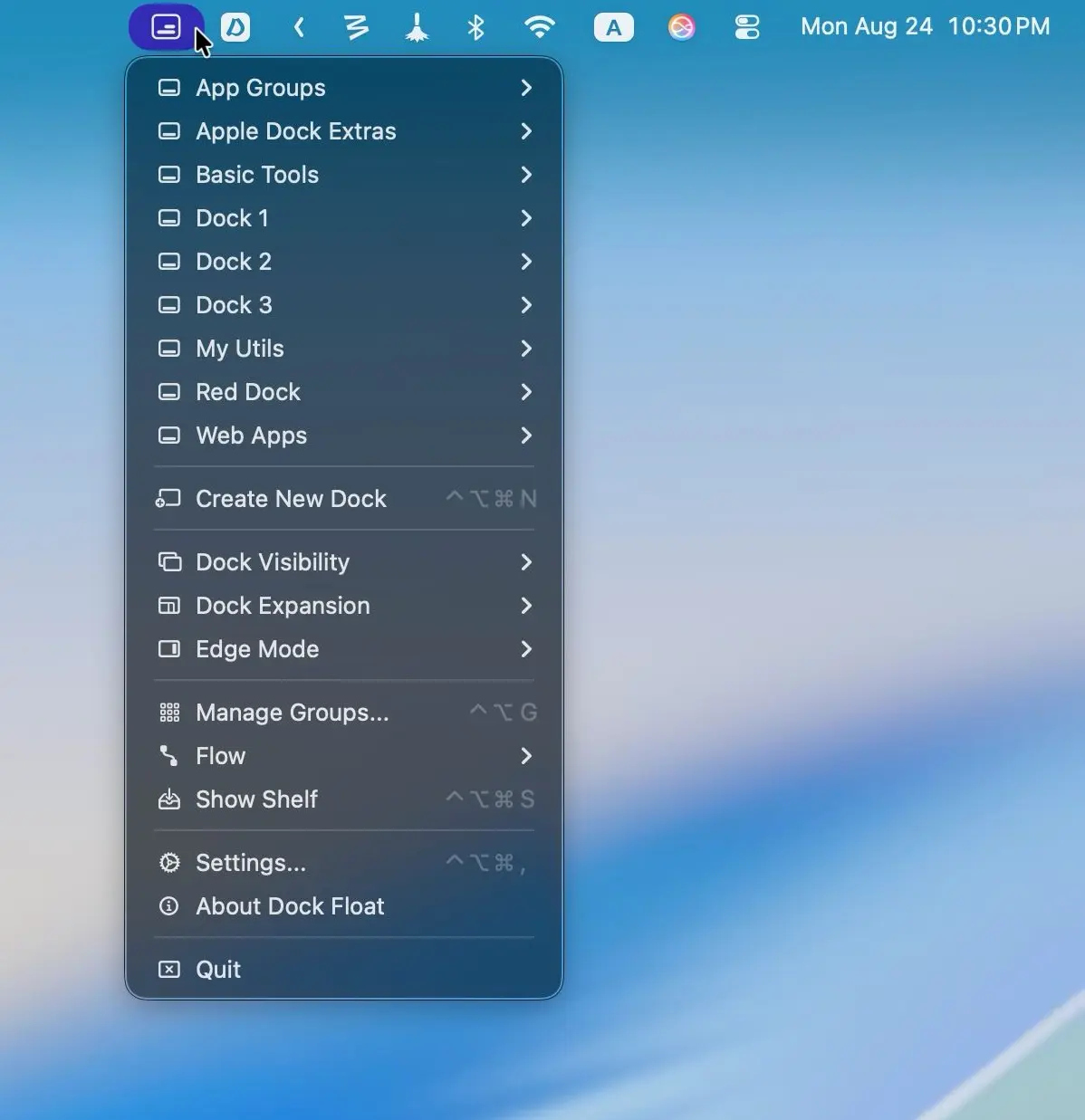
Create unlimited custom Docks anywhere on your screen to organize apps, files, folders, URLs, and shortcuts. Smart automation, contextual Docks, remote controls, and a handy Shelf keep everything organized and within easy reach.
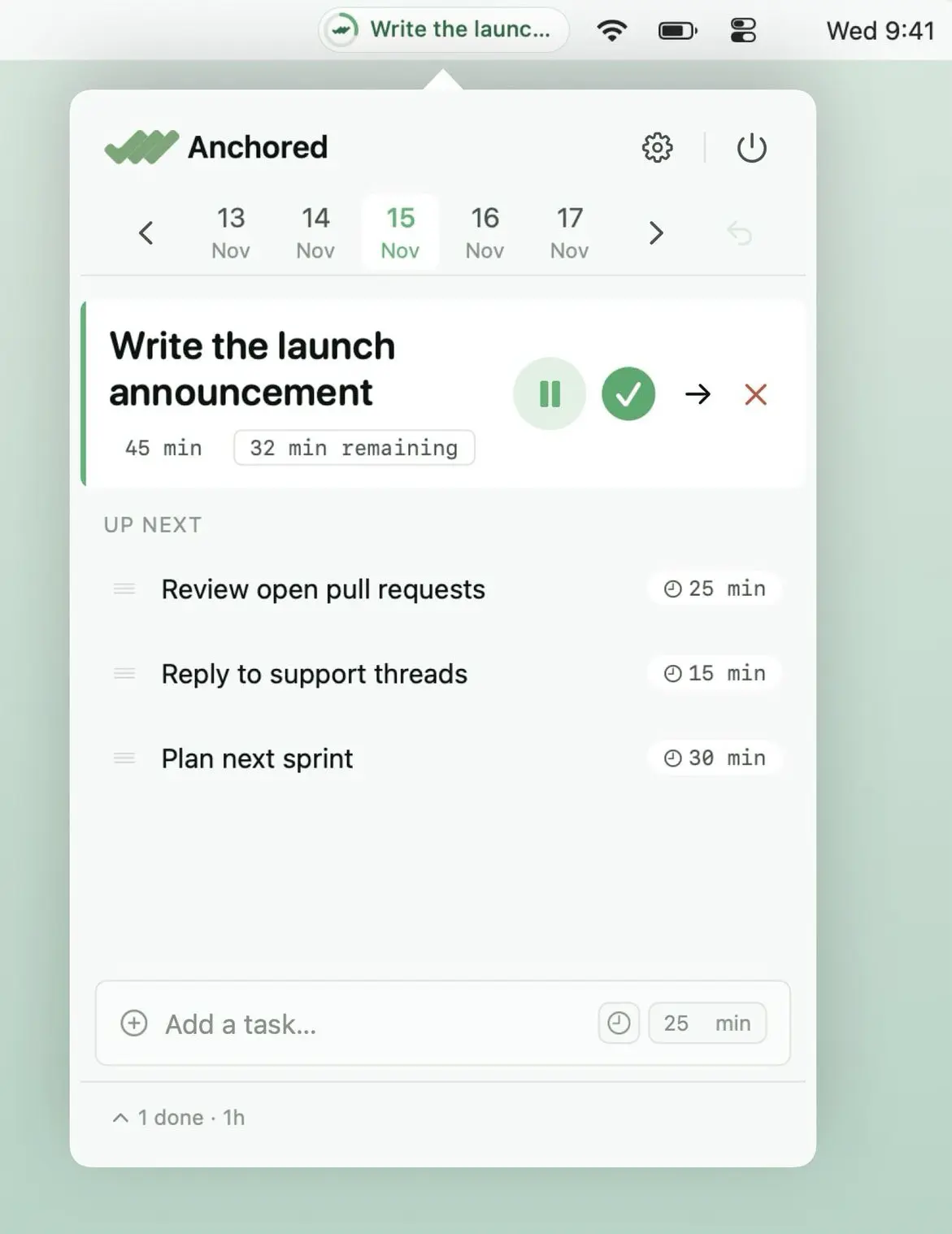
Anchored keeps your most important task front and center with a live countdown, quick-add, notes and a simple queue. Stay focused on what matters without endless to-do lists or constant task switching.
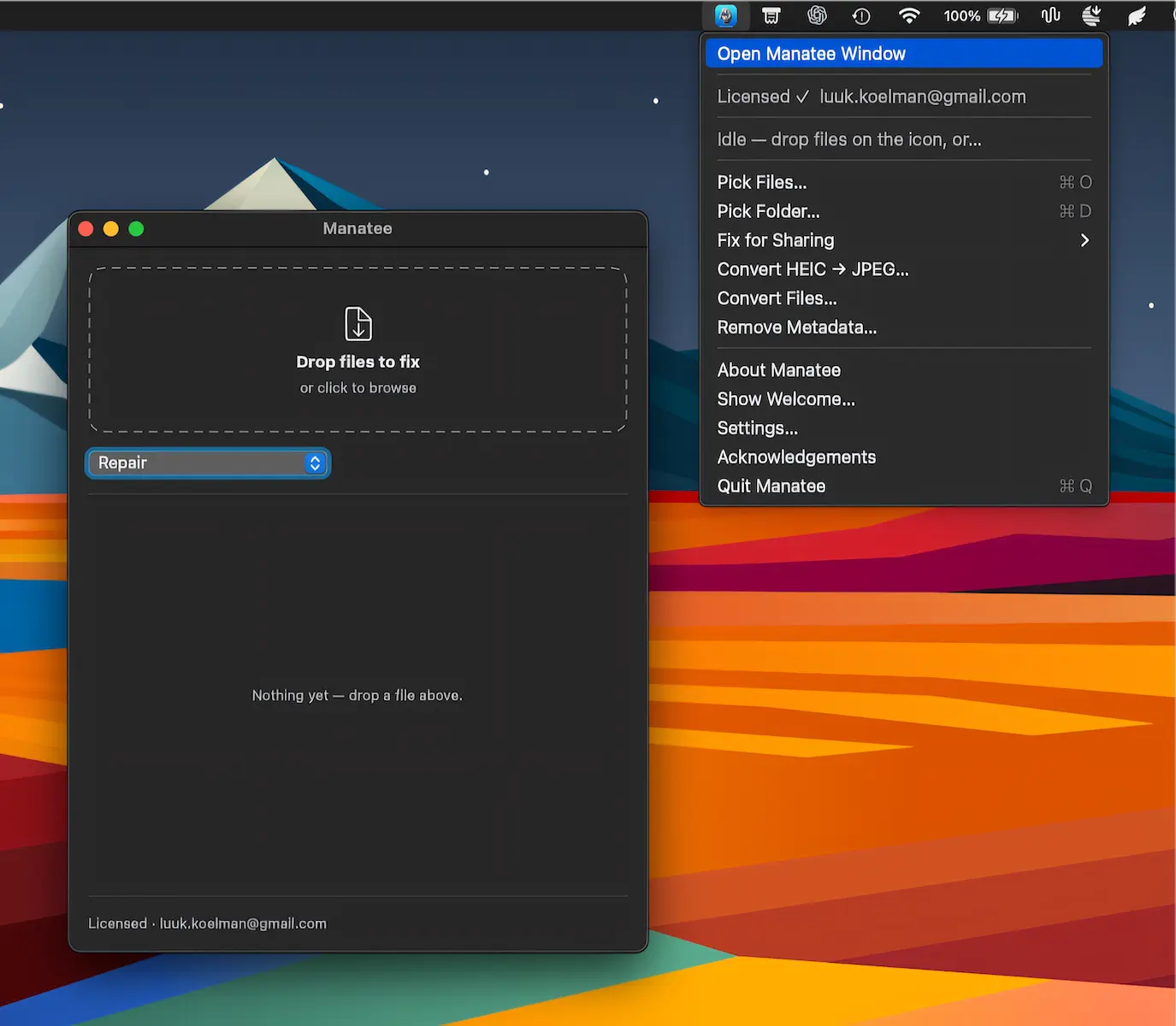
Manatee repairs, converts, reduces and cleans metadata from files entirely on your Mac. With support for 122 formats, it works locally while keeping your originals untouched and your data private.
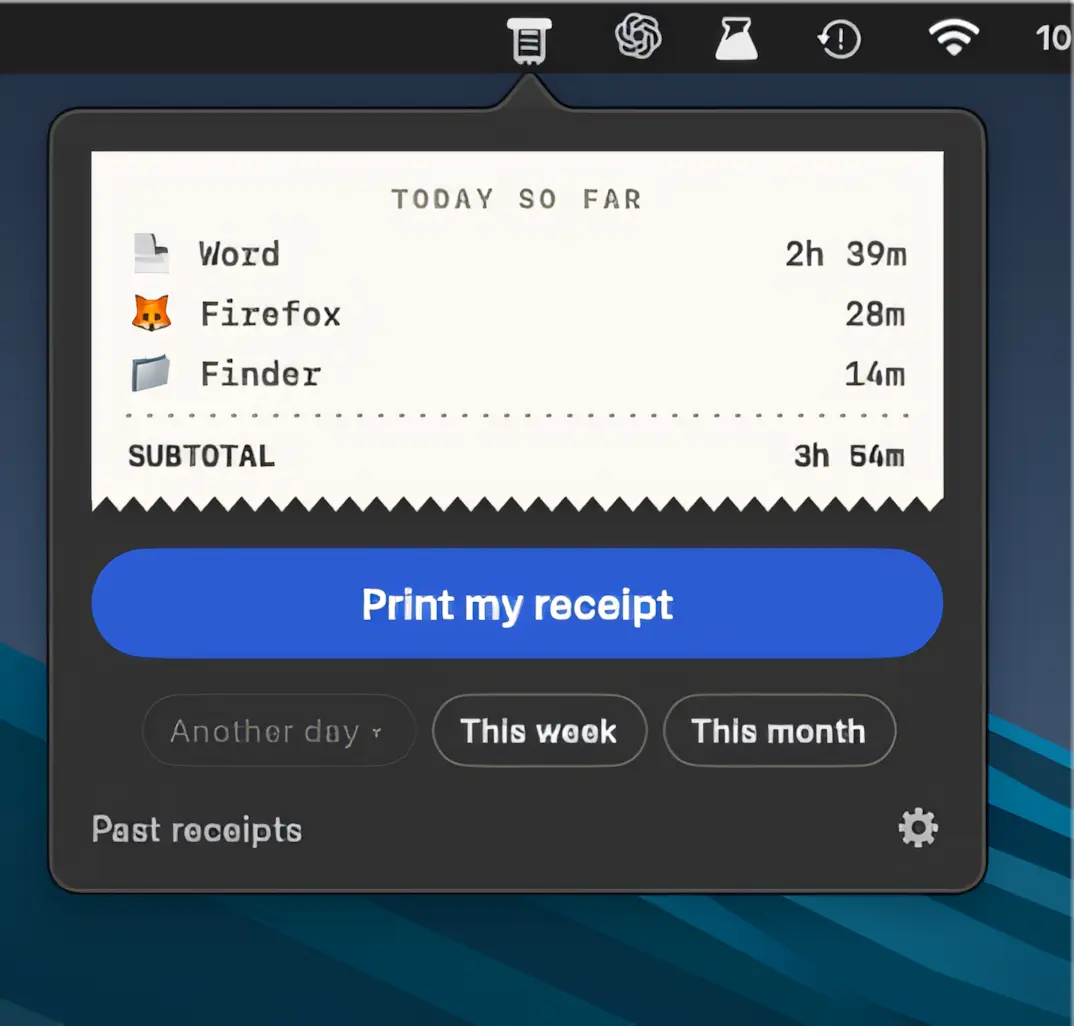
Punchcard turns your workday into a receipt, automatically tracking active apps without timers, tags or permissions. Review daily focus, time sinks and focus runs, then export or print your rolls.
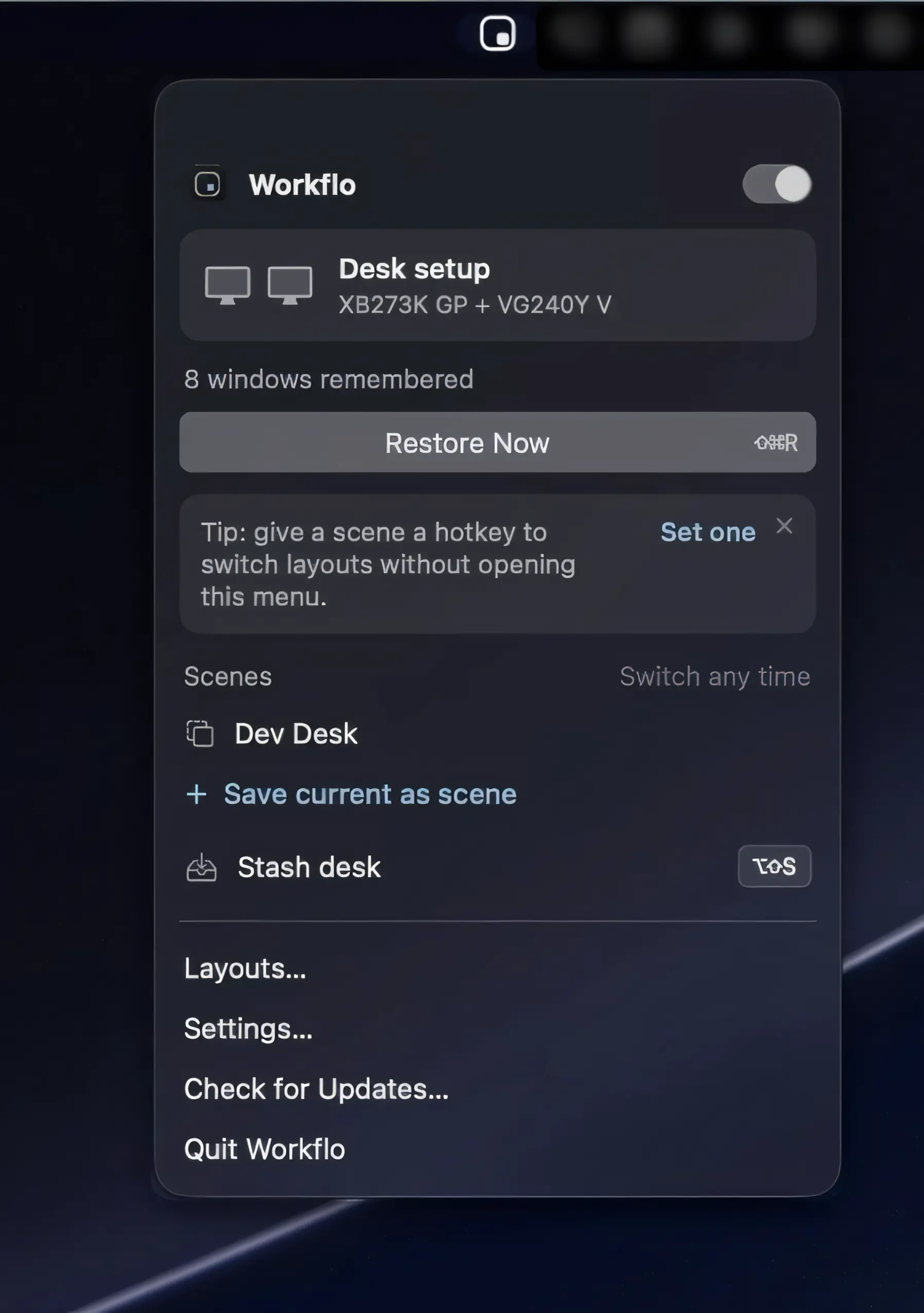
Workflo automatically prepares your Mac for calls and focused work, applying saved window layouts based on your calendar, schedule, and display setup. Private by design, with no Screen Recording access required.