Collection:
Sleep Control Apps
Wakr
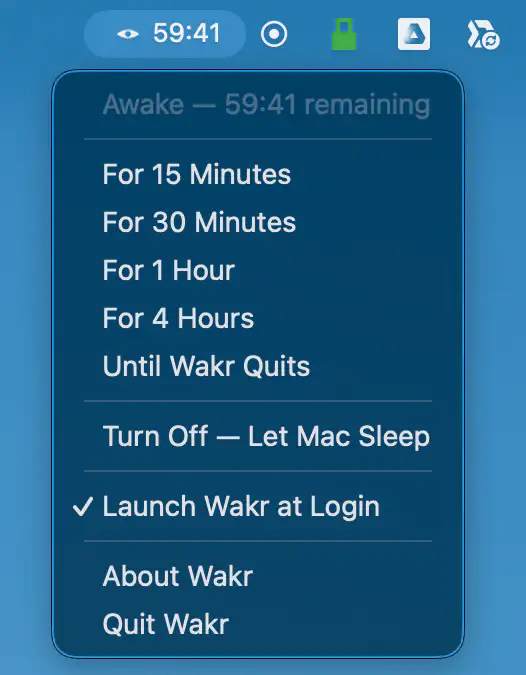
Wakr keeps your Mac awake for exactly as long as you need, with flexible timers, app-based sessions, live countdowns, battery protection, and no account or tracking.

Wakr keeps your Mac awake for exactly as long as you need, with flexible timers, app-based sessions, live countdowns, battery protection, and no account or tracking.
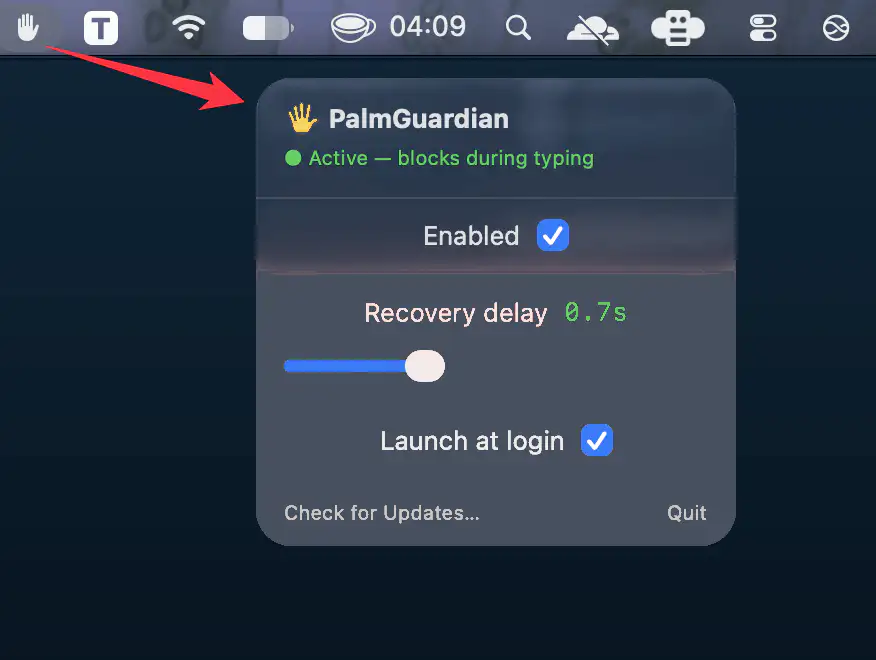
PalmGuardian prevents accidental trackpad input while typing by briefly pausing pointer movement, clicks, and scrolling after each keystroke.
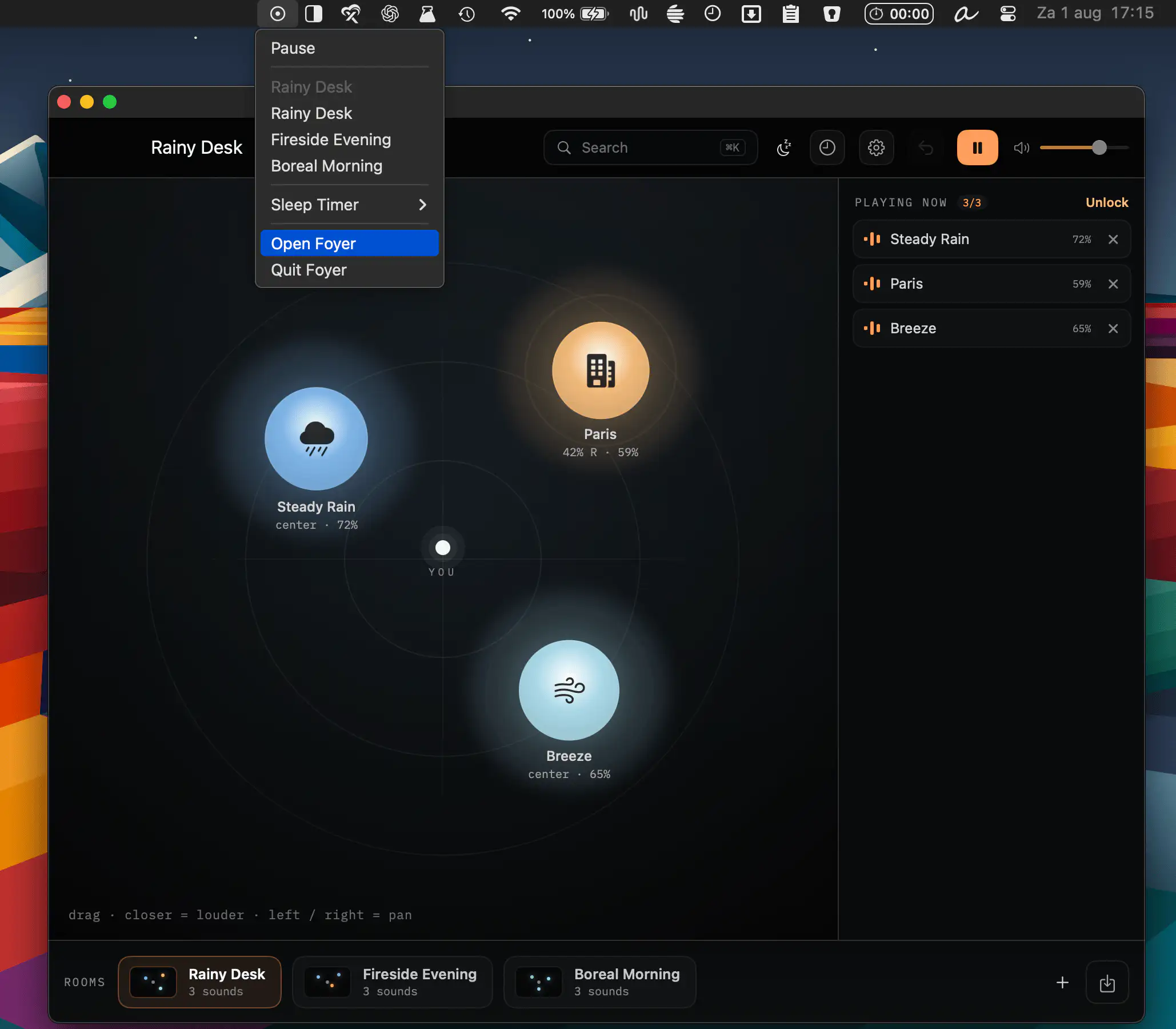
Foyer transforms ambient sounds into immersive spaces, letting you arrange binaural audio scenes with rain, forests, city sounds, and more. Create calming rooms, save moods, and enjoy private, distraction-free listening.
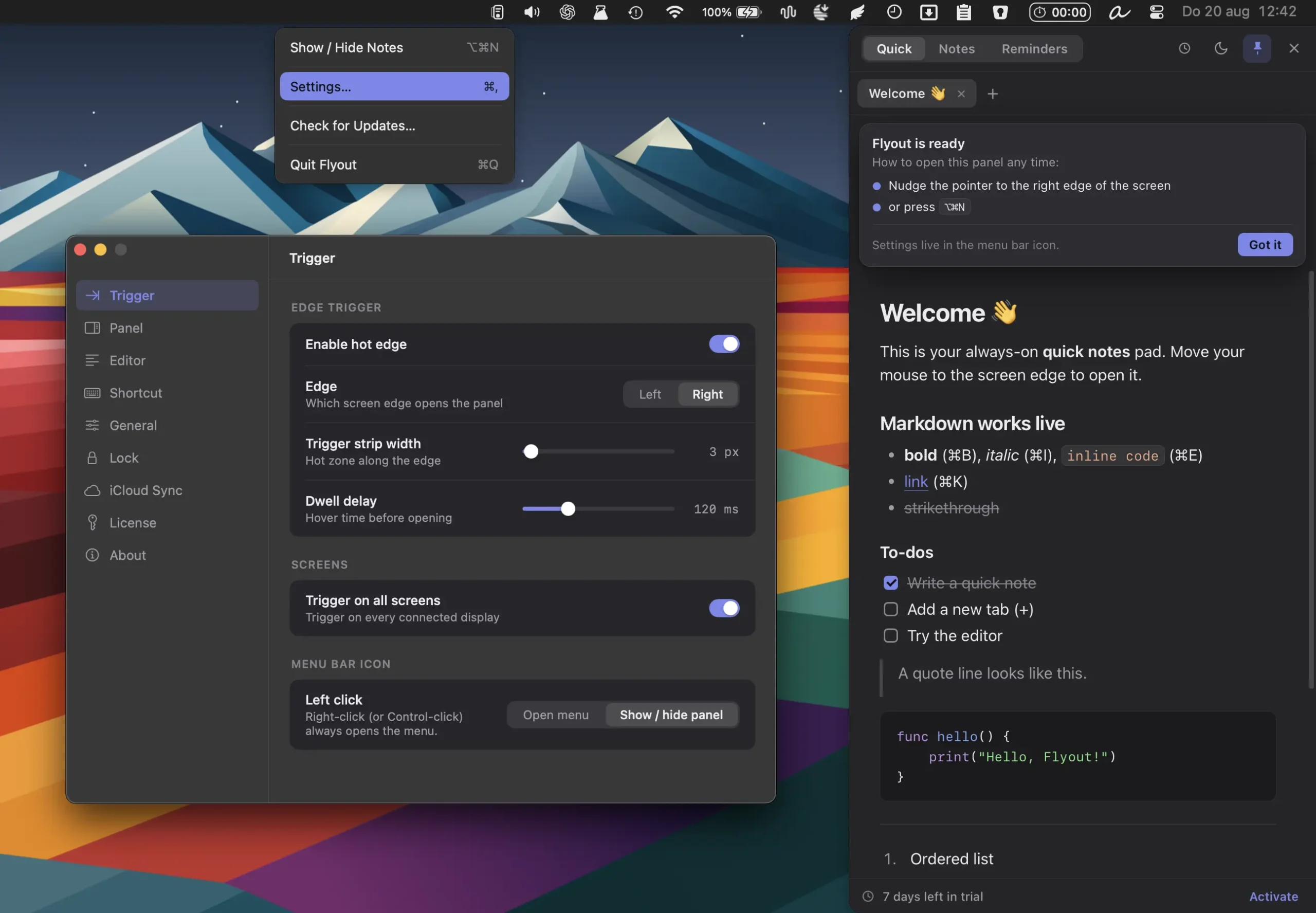
Flyout brings a full-featured rich-text editor to the edge of your screen, with Markdown, code blocks, tasks, reminders, images, tags, and iCloud sync.
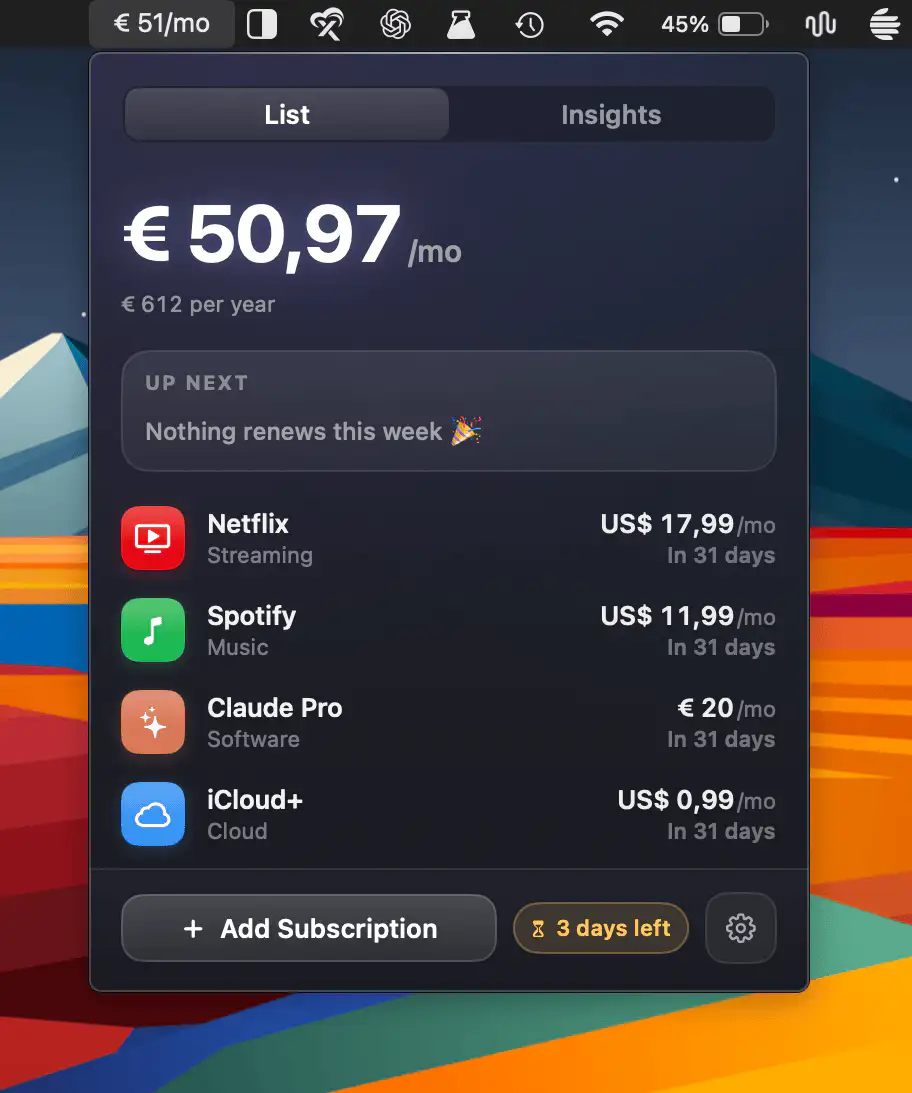
Duesday helps you track subscriptions, monitor monthly spending, and stay ahead of renewals and free trials with local-first privacy, smart reminders, and support for over 215 preconfigured services.
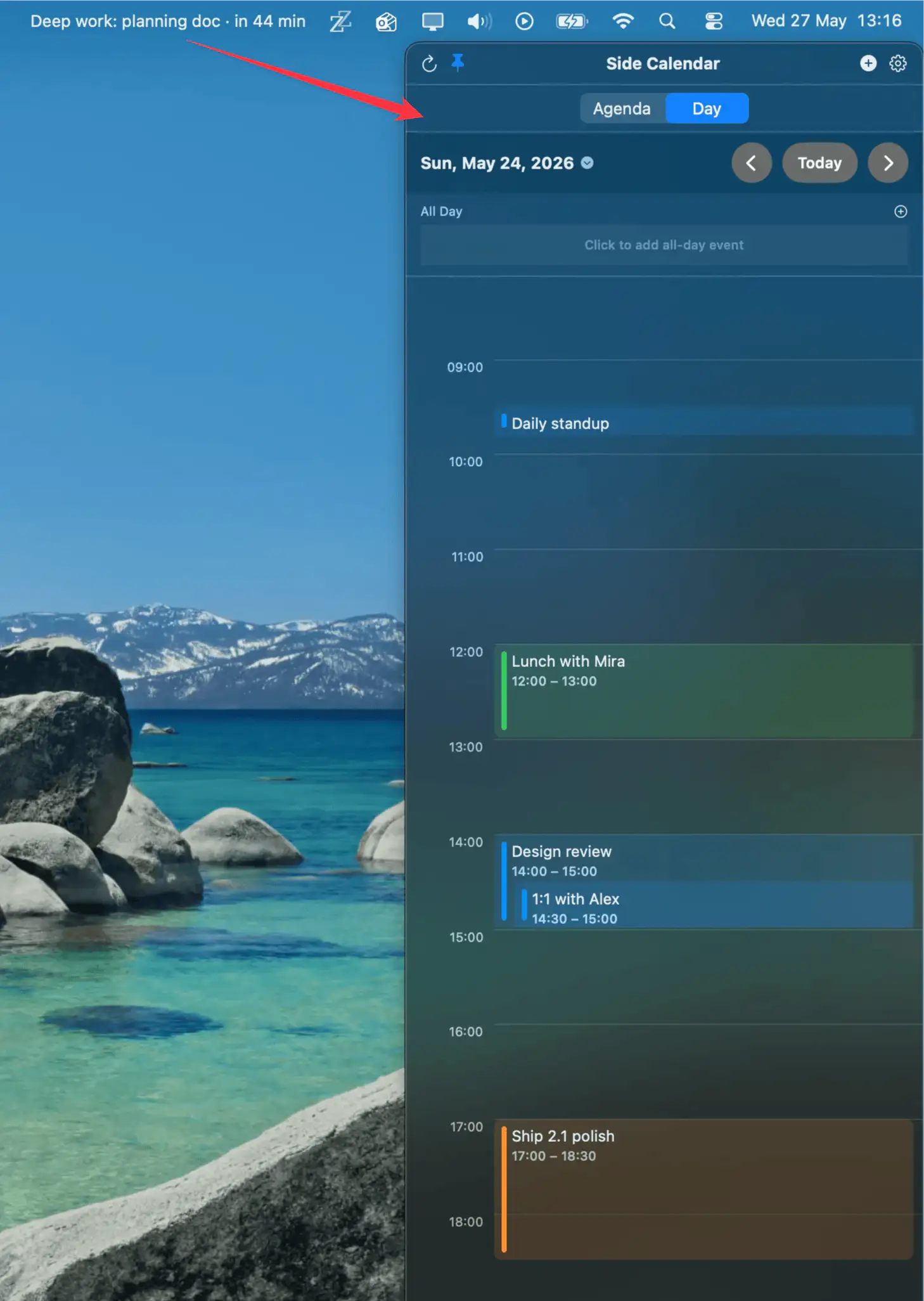
Side Calendar slides your schedule in from the edge of the screen. The menu bar shows a live countdown to your current or next event, and the panel offers both an agenda and an hourly day view.