Fresh finds for your menu bar. Most recently added apps on top – last updated: April 5, 2026.

SpotMenu is a Spotify style menu bar app that displays the artist/album in the menu bar. The app comes in handy when you hear a song and wonder “Who is the artist/album?” Then you can click the Menu Bar icon to interact with what’s playing.
Visit Watch
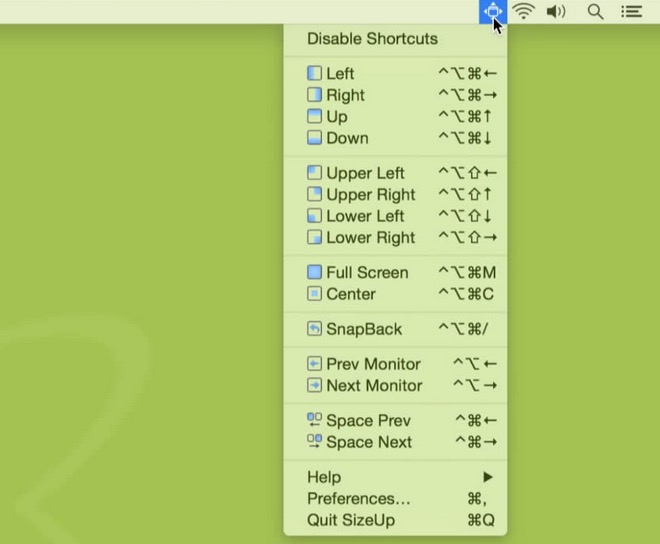
SizeUp allows you to quickly resize and position your windows with keyboard shortcuts or a handy menu bar icon.
Visit Watch
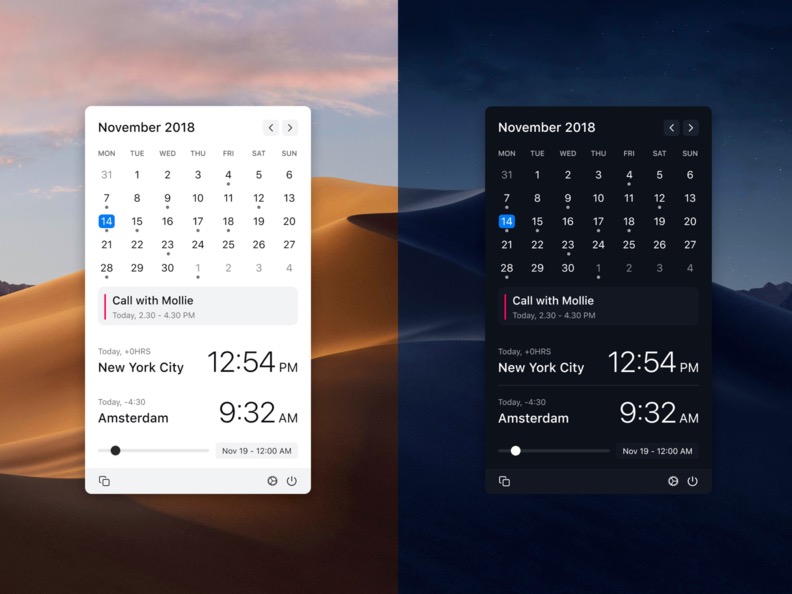
Clocker helps you keeping track of your friends and colleagues in different time zones. You can also add notes and create reminders.
Visit Watch
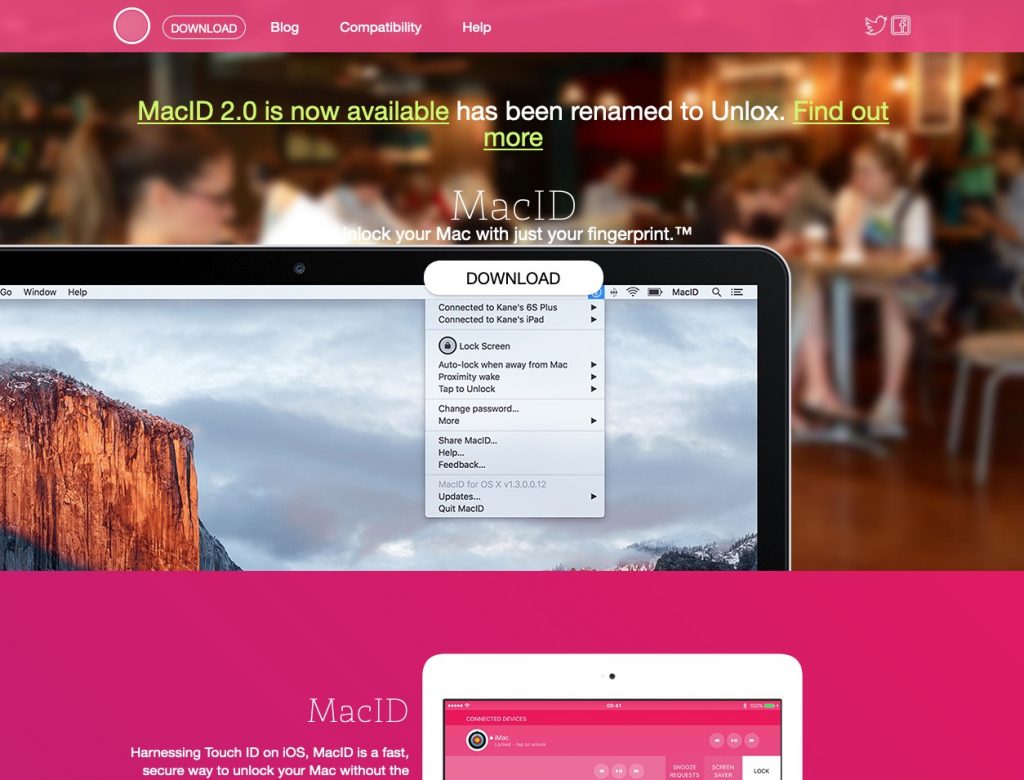
Unlock your Mac with just your fingerprint. MacID is a fast, secure way to unlock your Mac without the inconvenience of typing your password over and over.
Visit Watch
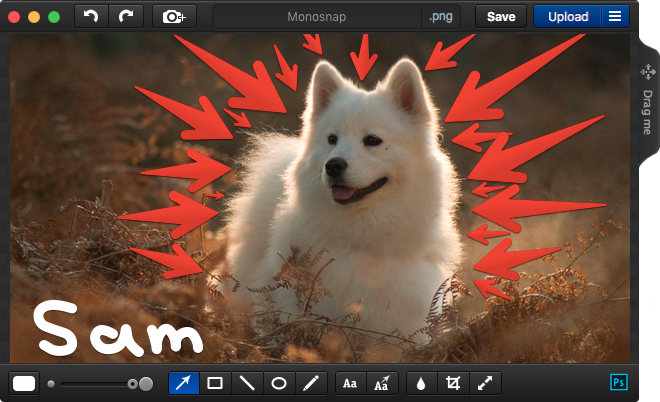
Make screenshots. Draw on it, highlight important details with pen, text, arrows, and shapes. Monosnap is fast, easy and free.
Visit Watch
End of content
End of content