Collection:
Audio Apps
Sound Manager
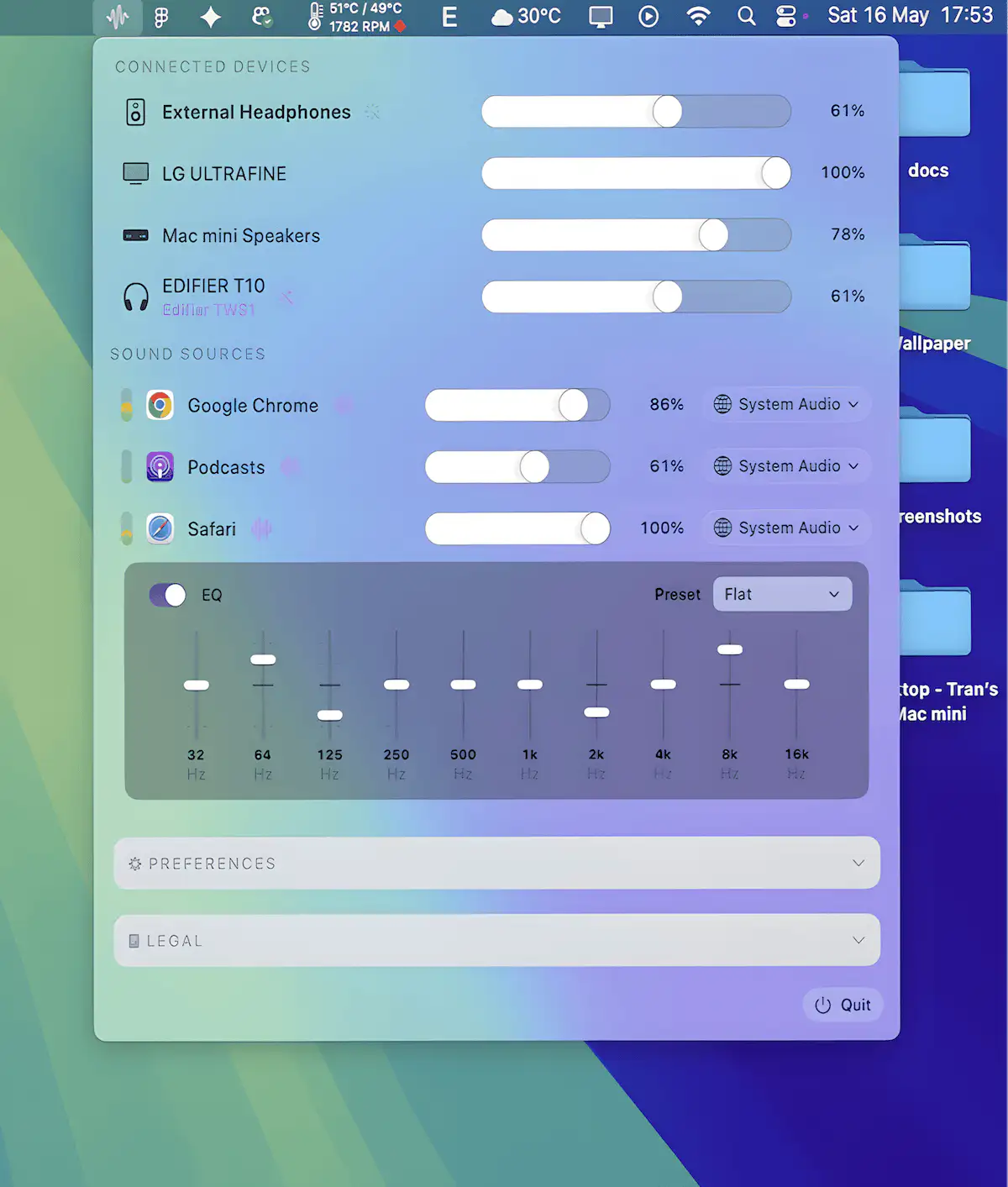
Take full control of your Mac’s audio with per-app volume and routing, multi-device output, and powerful EQ tools including AutoEQ profiles.

Take full control of your Mac’s audio with per-app volume and routing, multi-device output, and powerful EQ tools including AutoEQ profiles.
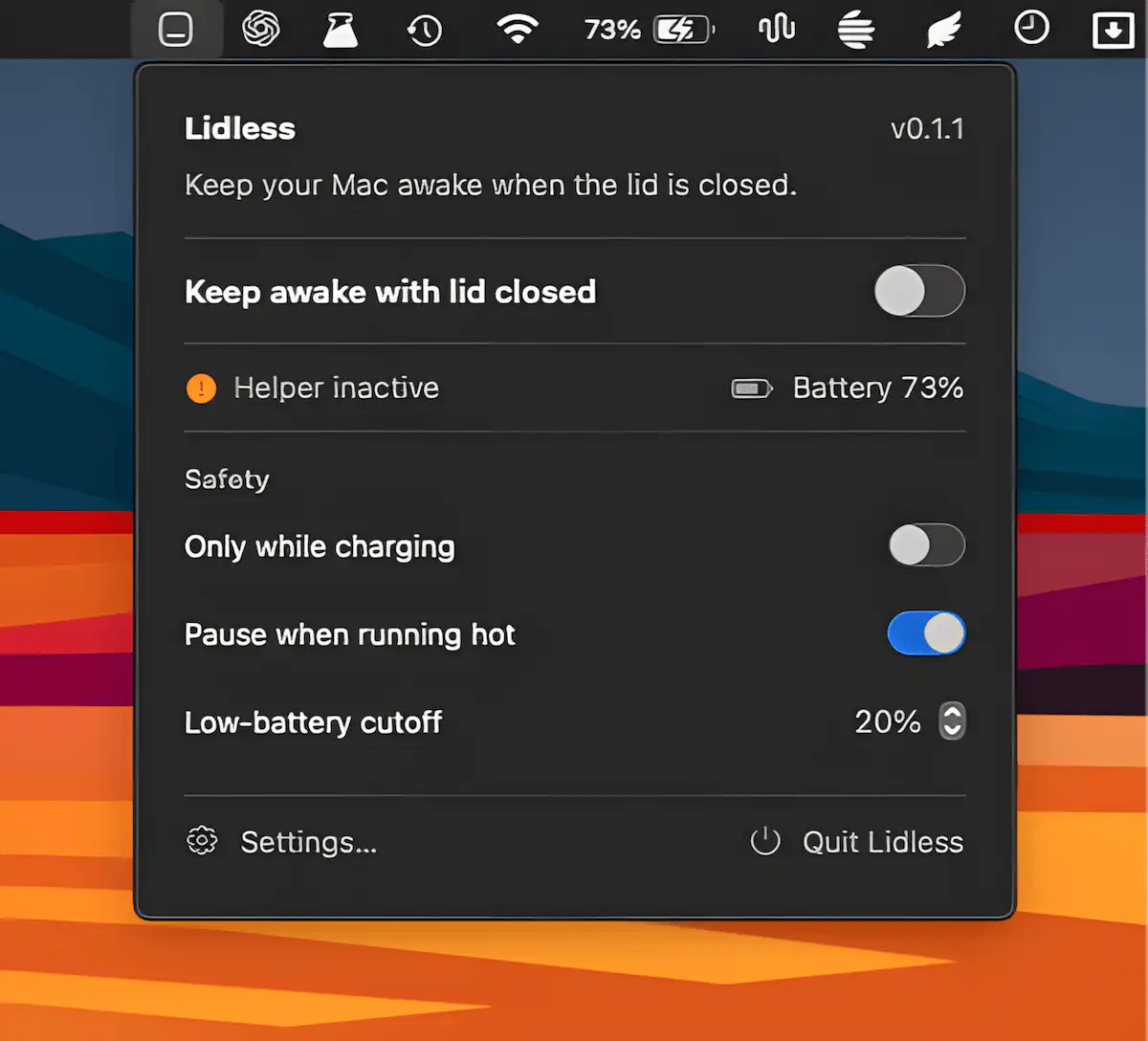
Lidless keeps your Apple Silicon Mac awake even with the lid closed, making it ideal for long-running tasks, coding agents, and remote workflows. It includes temperature monitoring, battery safeguards, and auto-off timers.
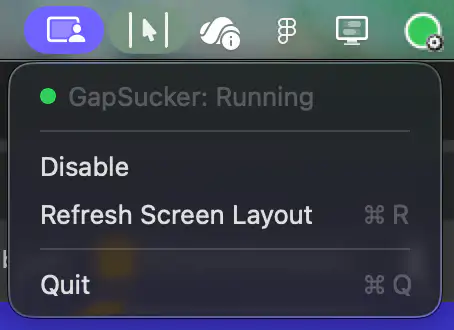
GapSucker makes multi-monitor setups feel like one continuous workspace by automatically moving your cursor across display gaps. It intelligently detects adjacent screens and can be enabled or disabled with a single click.
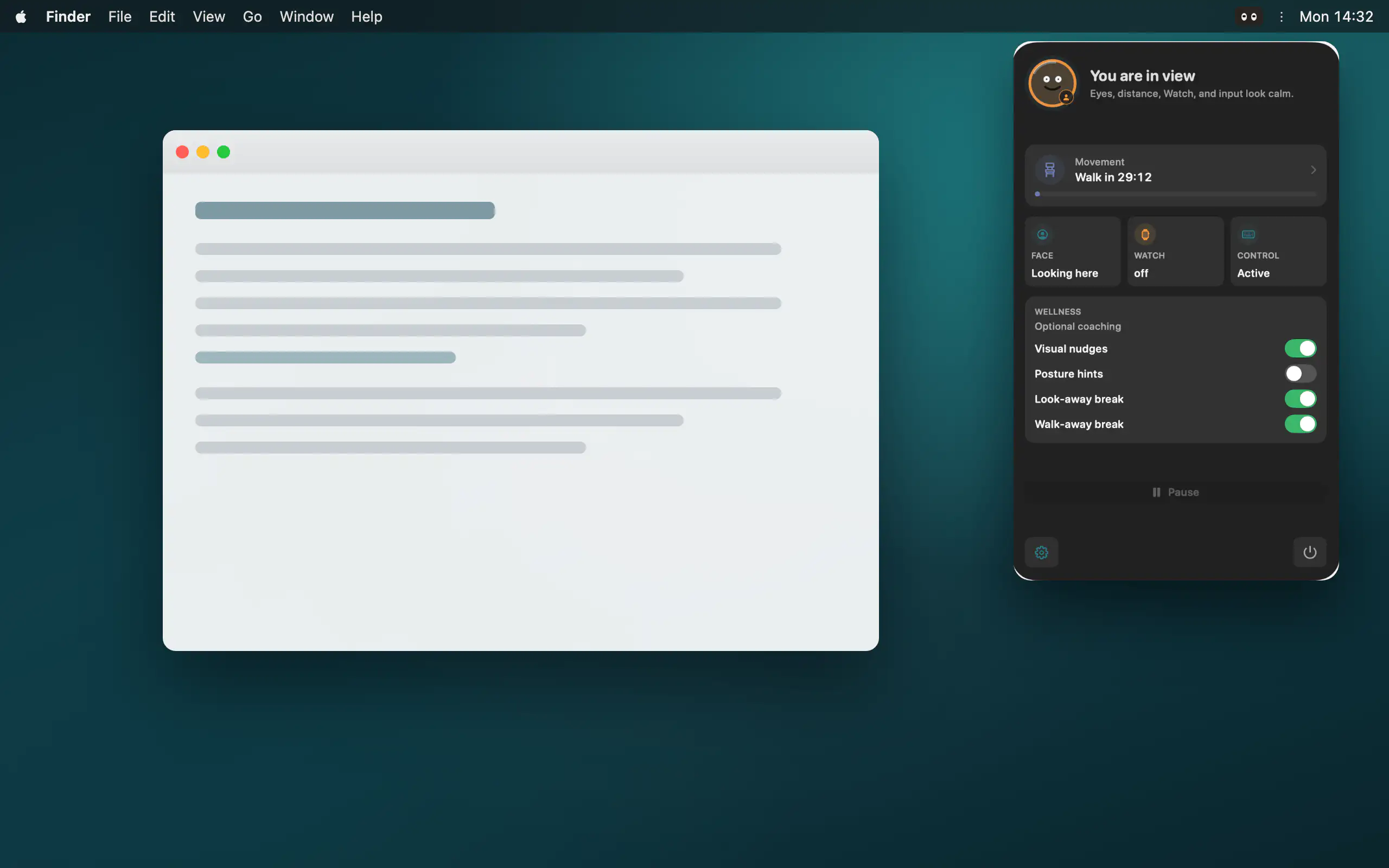
Peeku locks your Mac when you step away, using on-device camera analysis, Apple Watch proximity, and activity signals, all processed locally with no cloud or account.
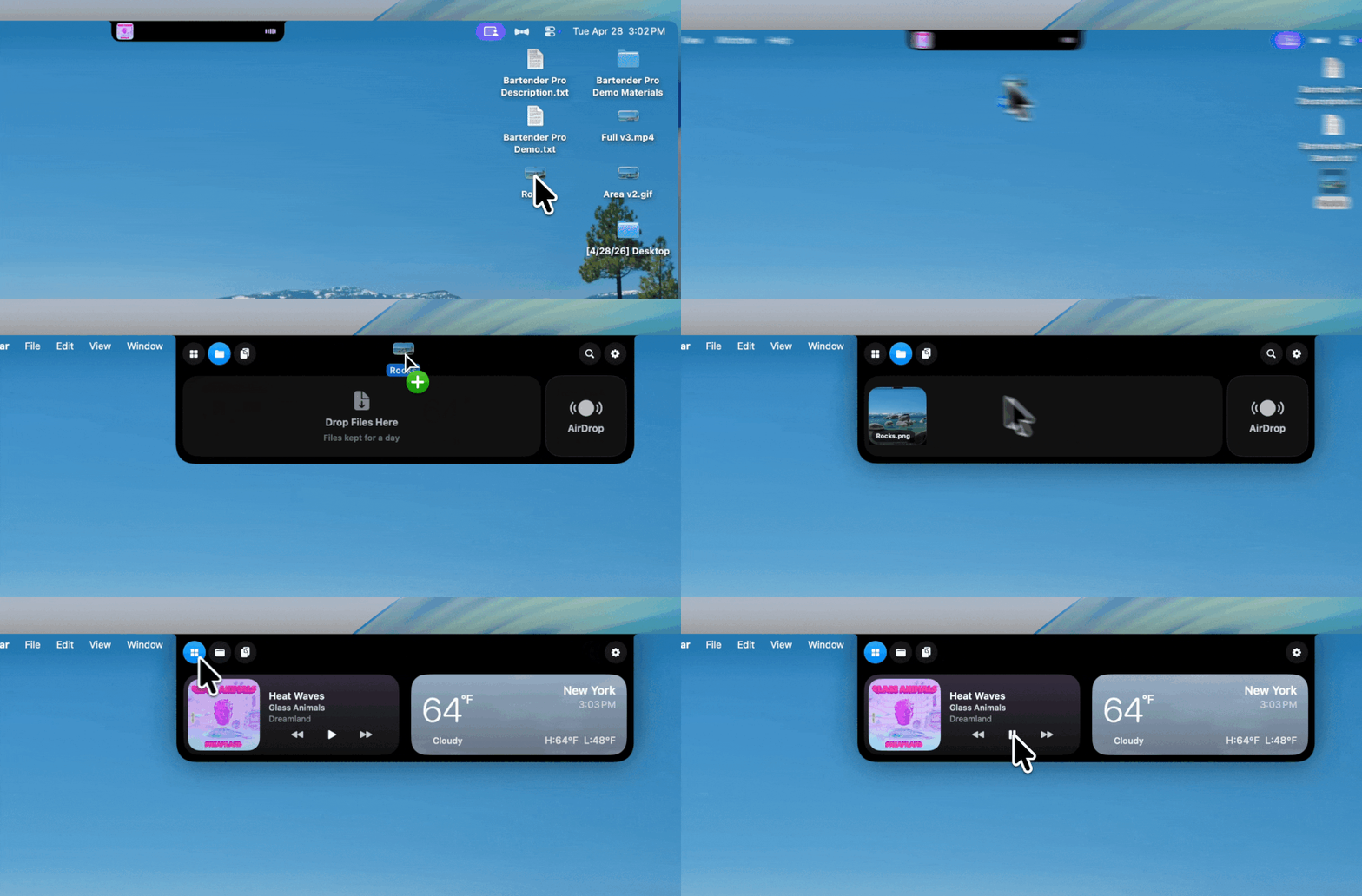
Bartender Pro now includes Top Shelf, a clever upgrade that turns your MacBook notch into a surprisingly useful hub for files, weather, meetings, music, and quick access to everyday tools.
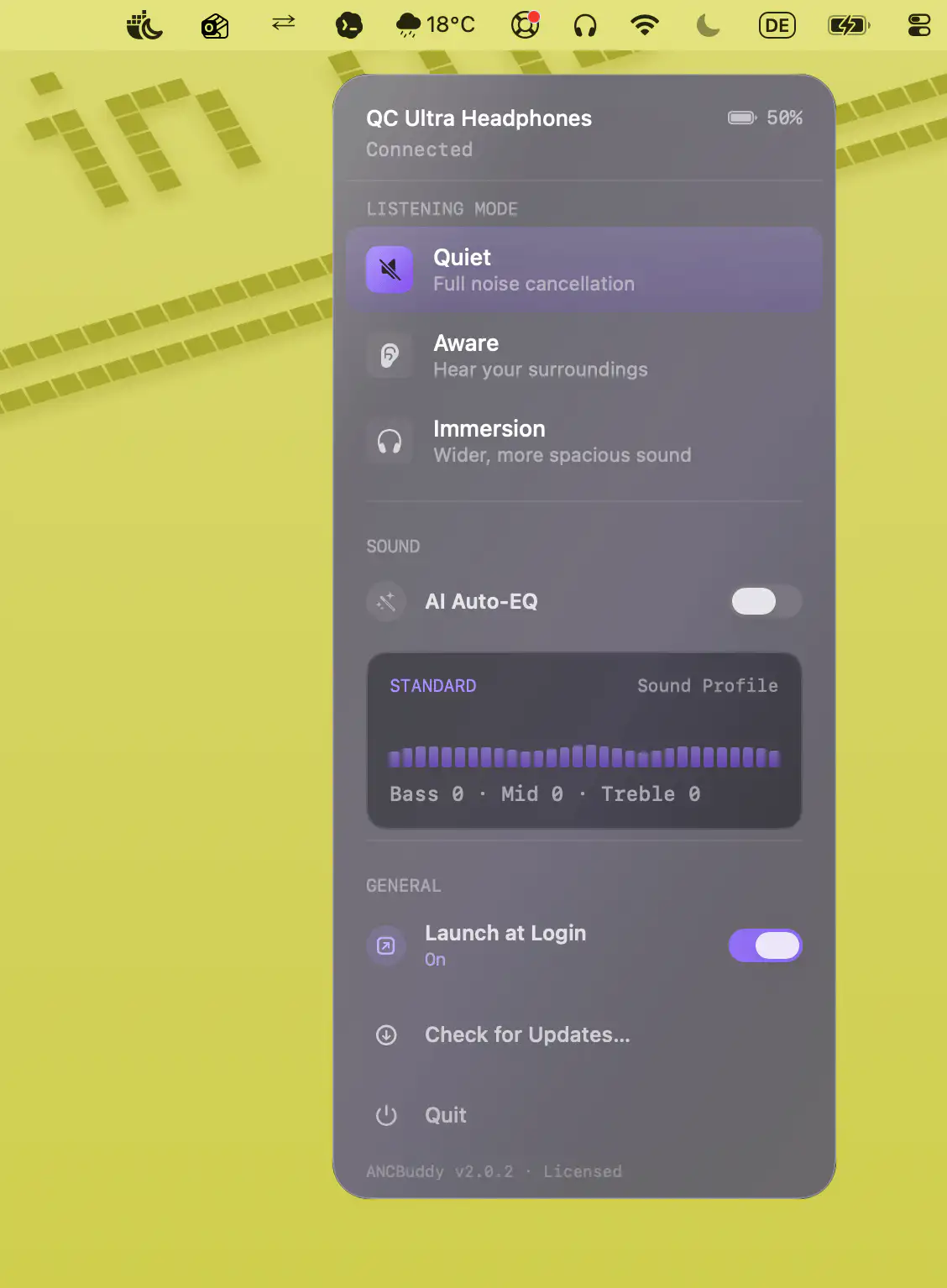
ANCBuddy brings convenient Mac control to compatible Bose QC Ultra headphones and earbuds, making it easy to switch listening modes, monitor battery status, and optionally enhance music with AI-powered Auto-EQ. All without relying on the Bose mobile app.
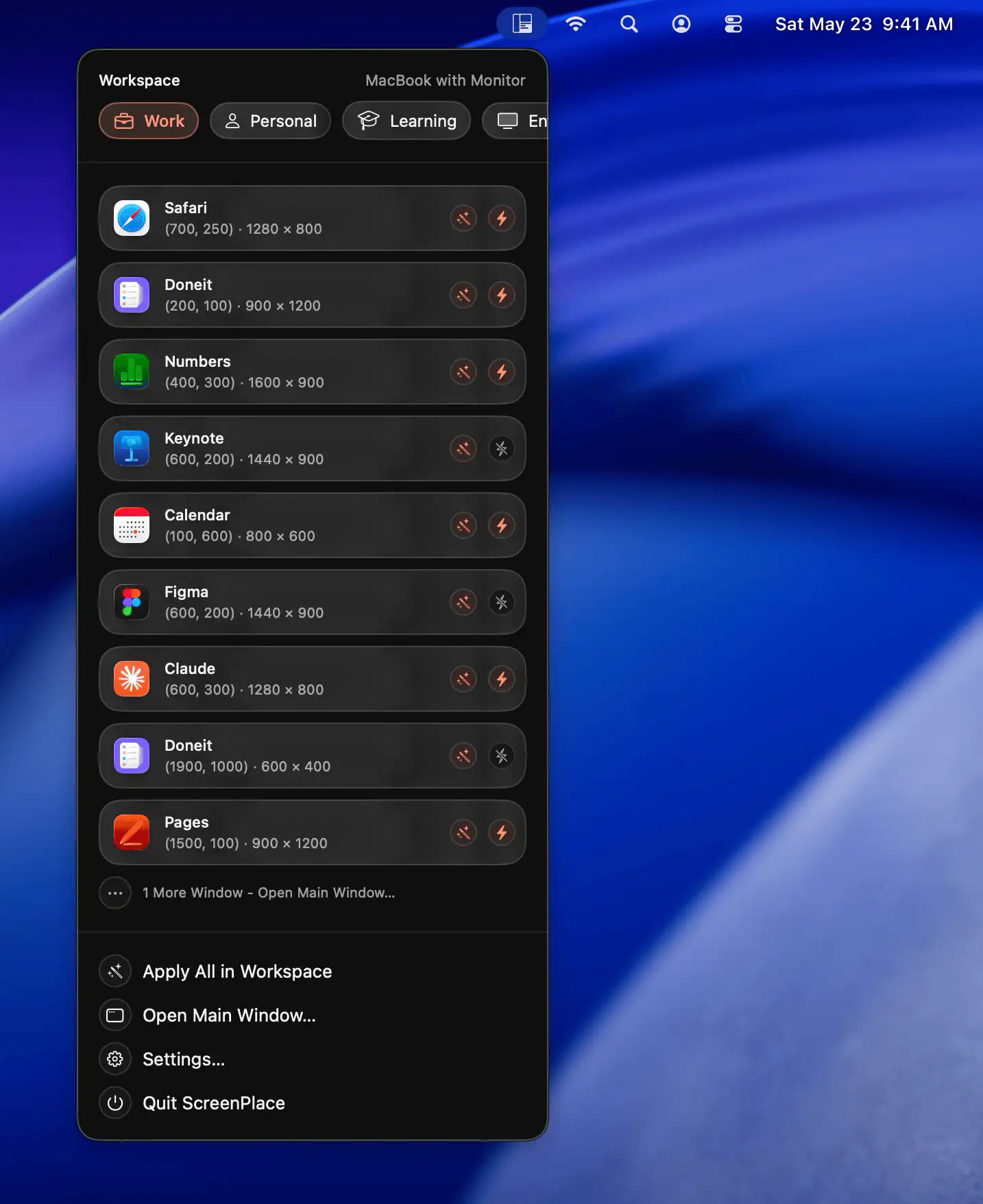
ScreenPlace helps keep your Mac workspace organized by remembering and restoring window layouts automatically. With reusable templates, multi-display support, and customizable workspaces, it makes switching between tasks faster and more consistent.
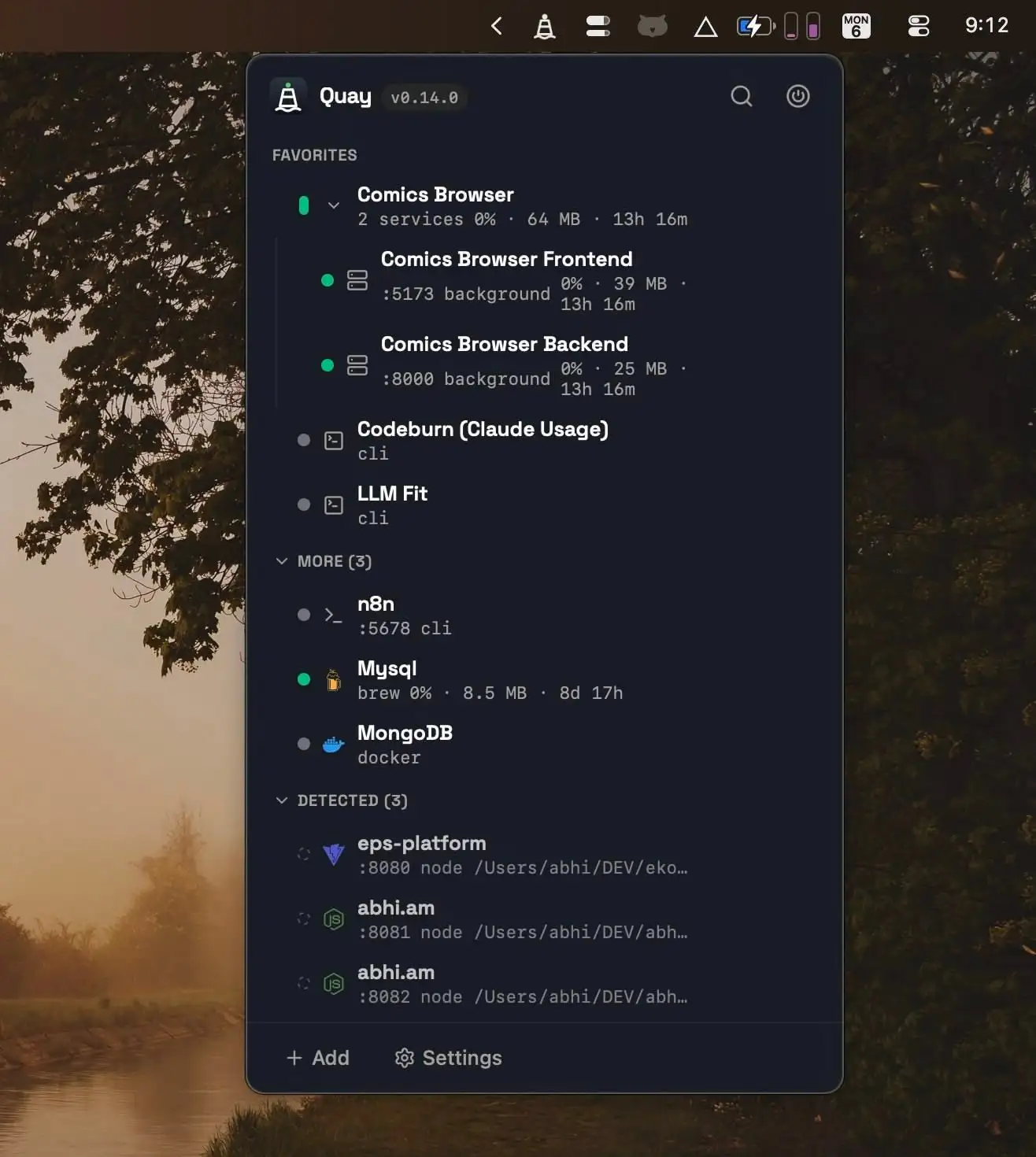
Quay helps developers manage local services from one place, making it easy to start, stop, and monitor project servers, Docker containers, Homebrew services, and terminal agents with live resource metrics and one-click browser access.
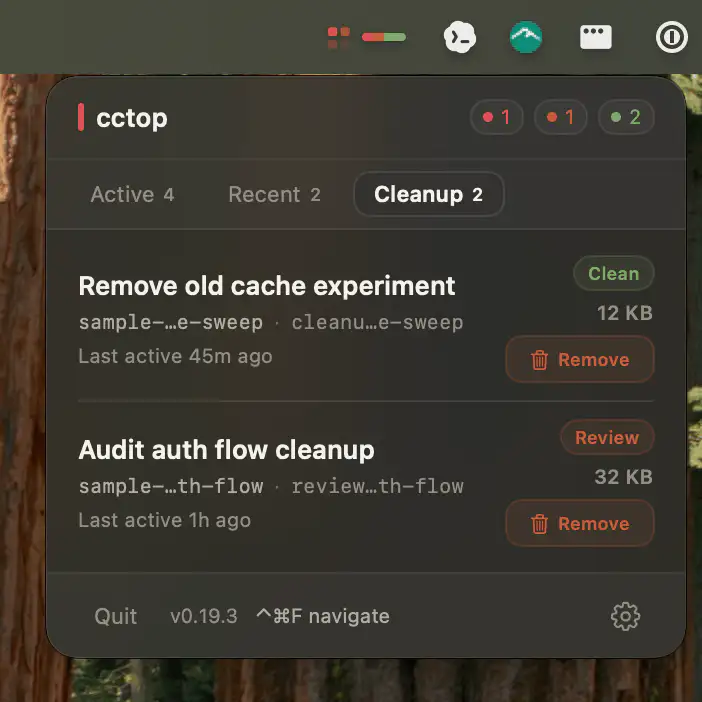
This menu bar app helps developers monitor multiple AI coding sessions from tools like Claude Code, Codex, opencode, and pi, making it easy to spot when attention is needed and jump straight to the right terminal, editor, or conversation.