
Collection:
Window Managers
Fresh finds for your menu bar. Most recently added apps on top – last updated: October 28, 2026
Collection:
Audio Apps
Compressito
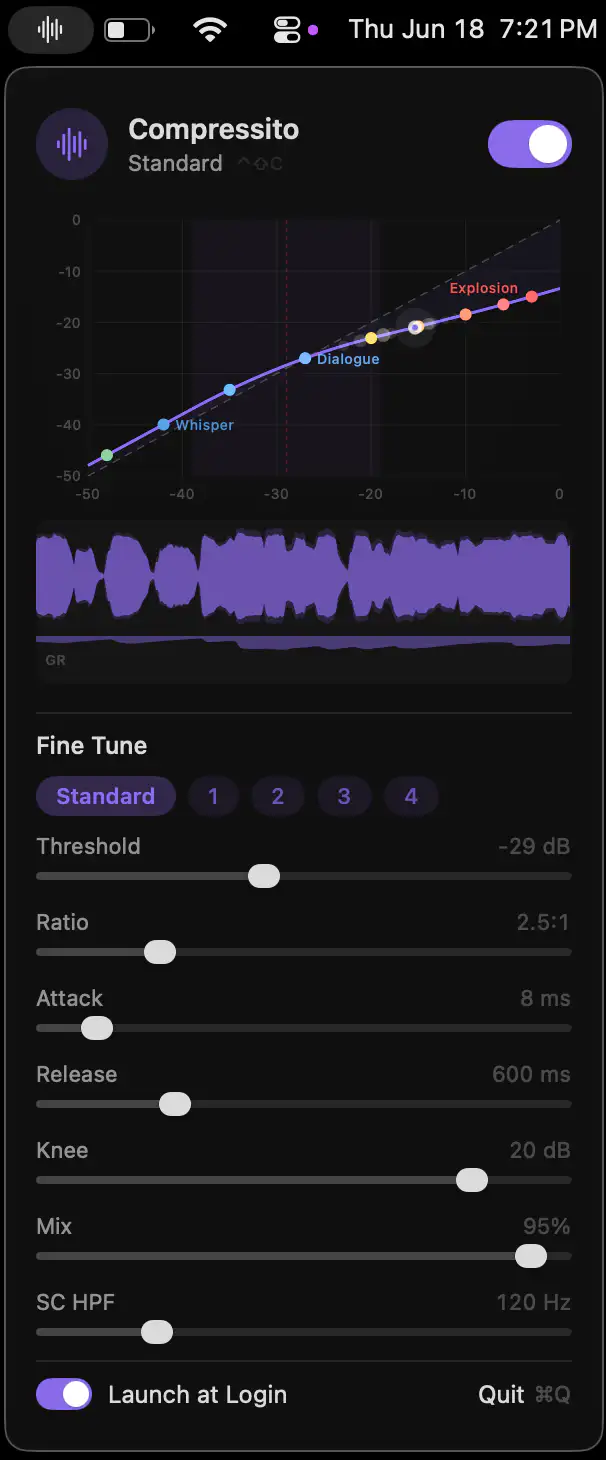
Compressito brings studio-grade dynamic audio compression to your Mac, making dialogue clearer while keeping sudden volume spikes under control. Ideal for movies, late-night listening, and shared living spaces.
ProcessSpy
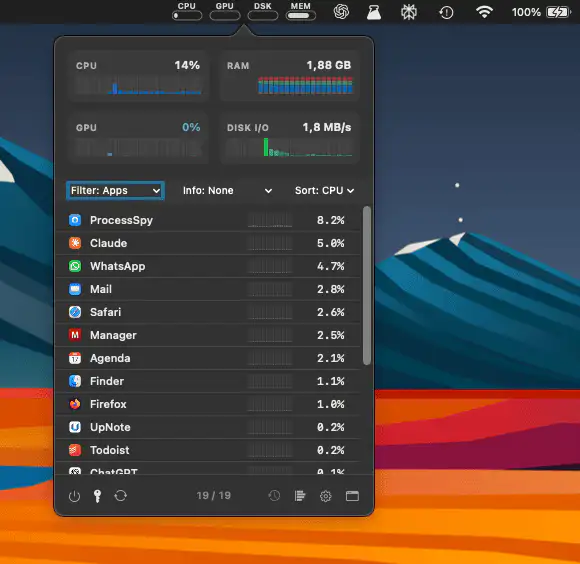
ProcessSpy provides in-depth macOS process monitoring with CPU and memory history, disk I/O, hierarchical views, regex search, and a detailed inspector for real-time system insight and performance analysis.
Collection:
Audio Apps
Loudmeter
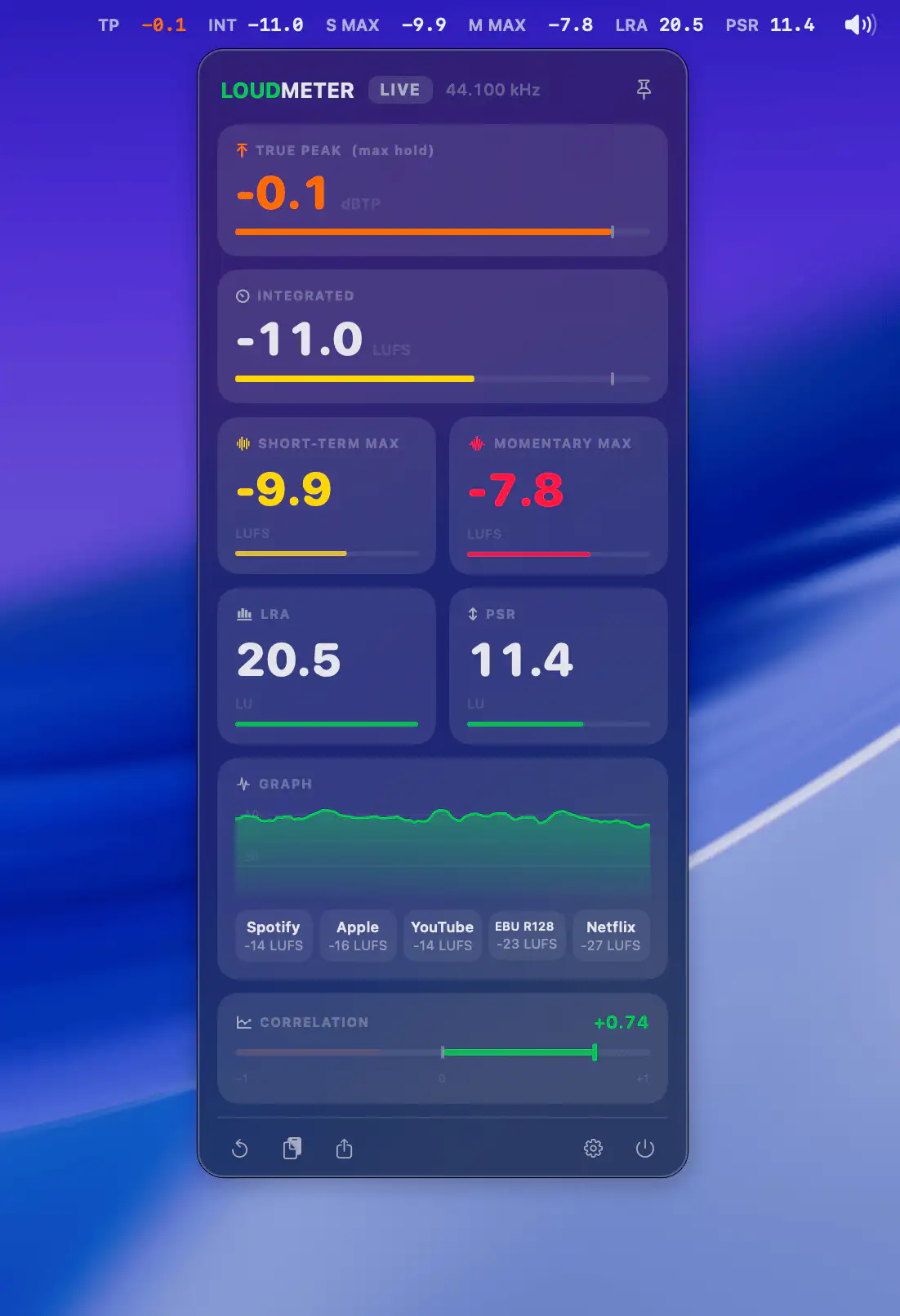
LOUDMETER gives producers and mastering engineers instant access to accurate LUFS, True Peak, LRA and PSR metering, while offline analysis, smart alerts and iPhone mirroring help streamline everyday audio workflows.
Collection:
Cleaning Apps
DevCleaner
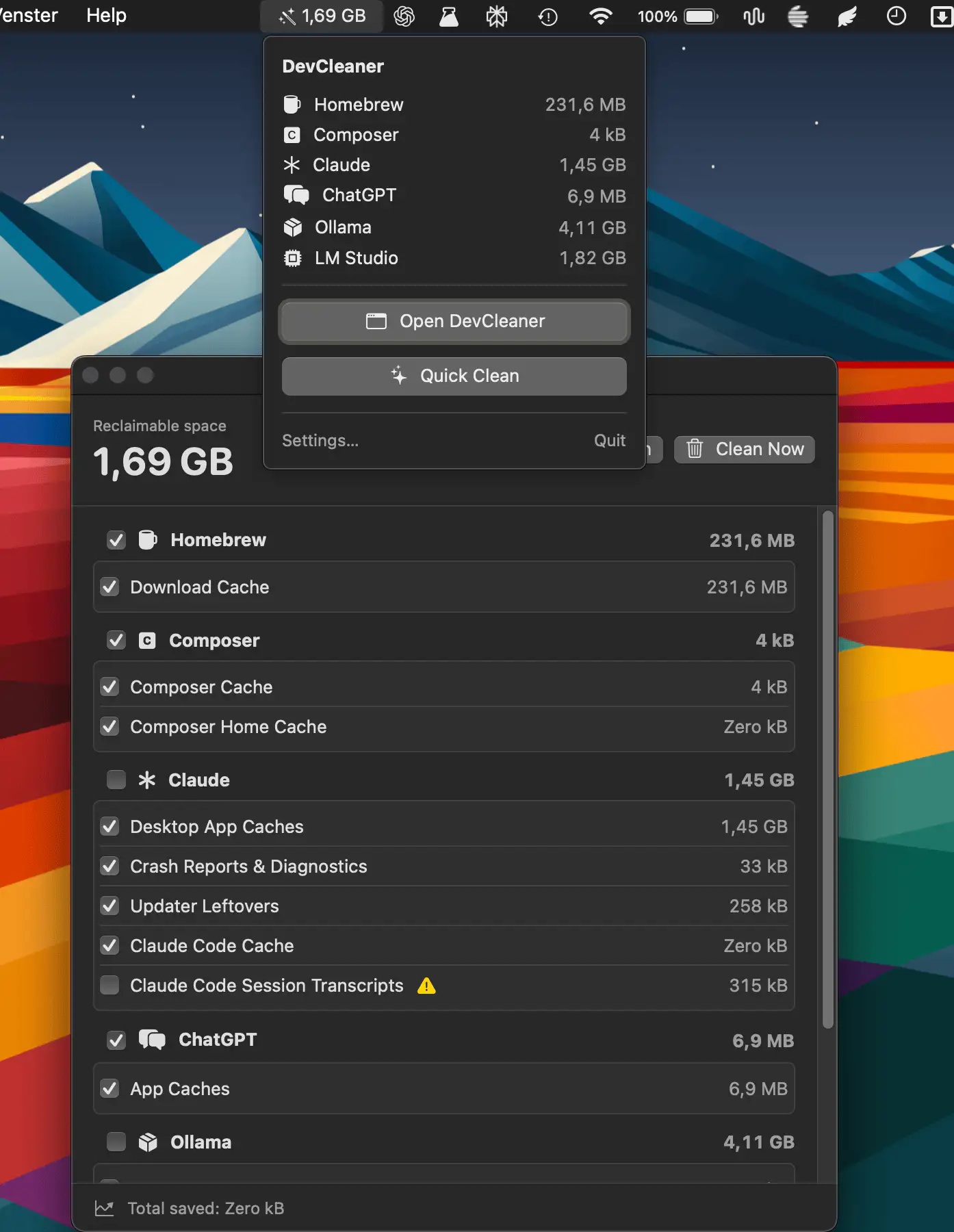
DevCleaner helps developers reclaim wasted disk space by scanning caches, build artifacts, old simulators, and AI tool leftovers across 22 ecosystems.
Collection:
Keyboard & Mouse Apps
Furwall
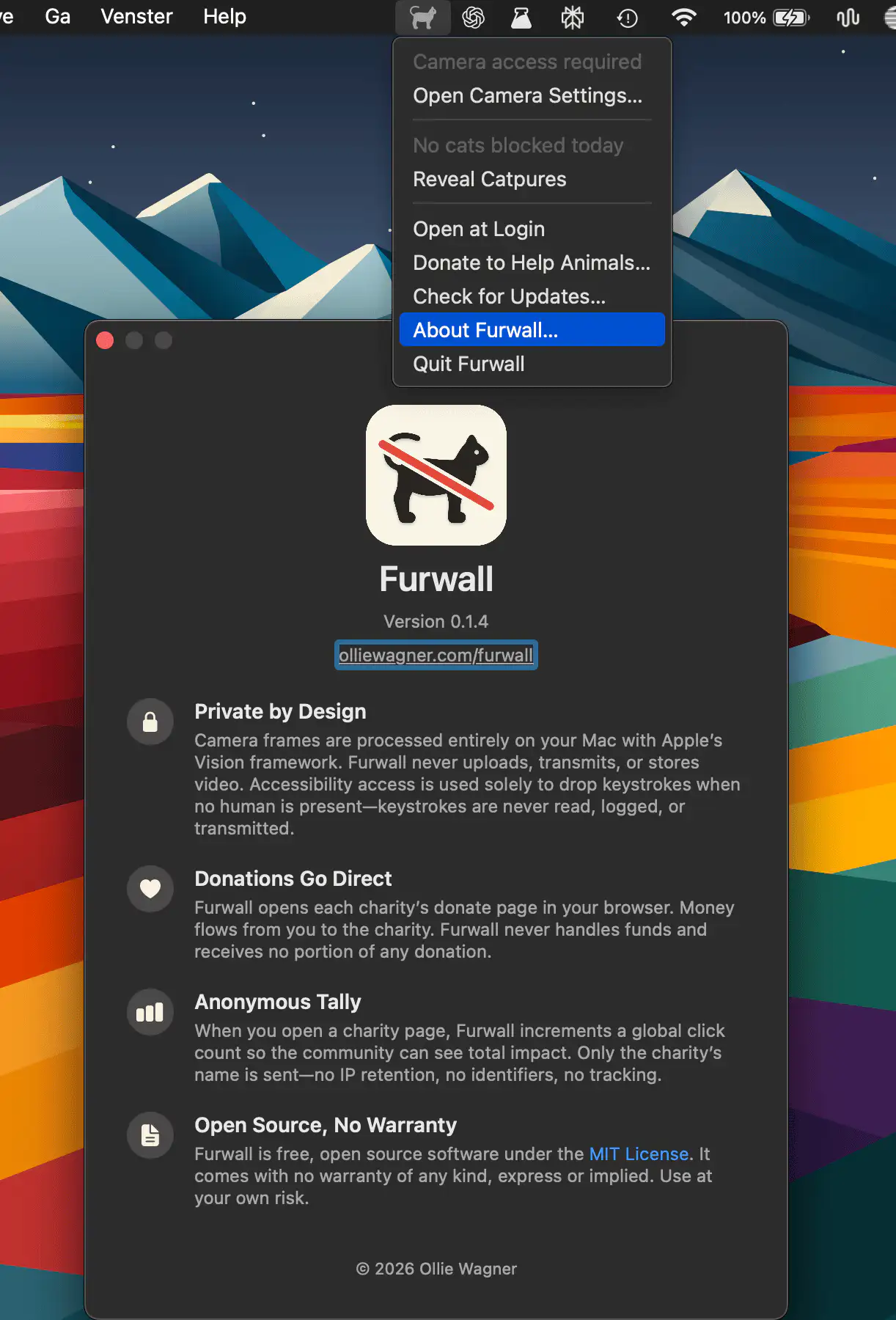
Collection:
AI Apps
Claude Cap
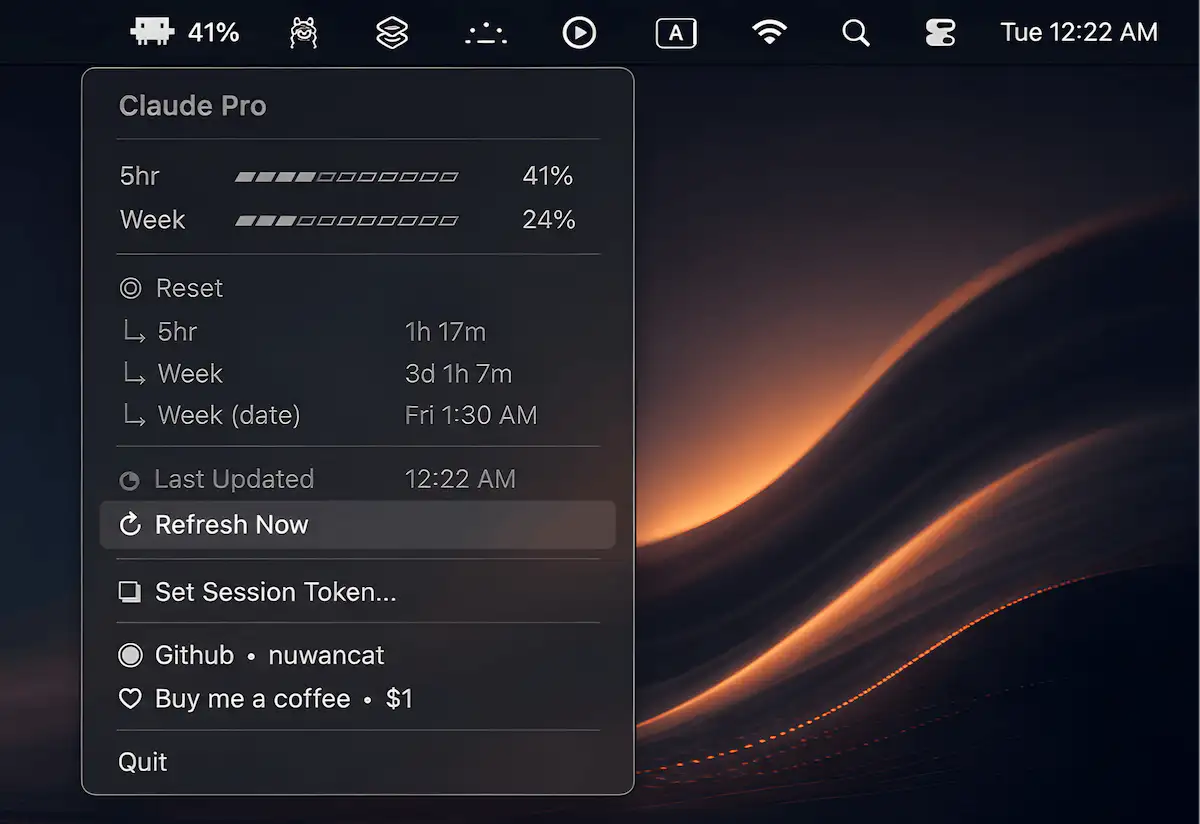
Claude Cap keeps an eye on your Claude.ai usage in real time, helping you avoid unexpected limits and stay focused. Built with Python and rumps, it places essential stats within easy reach.
Collection:
Network Apps
CloudBoost

CloudBoost helps make cloud gaming on macOS smoother by applying temporary system optimizations that reduce stutters, latency spikes, and background interruptions, then automatically restoring your settings when the session ends.
Collection:
Calendar Apps | Keyboard & Mouse Apps
RuSwitcher
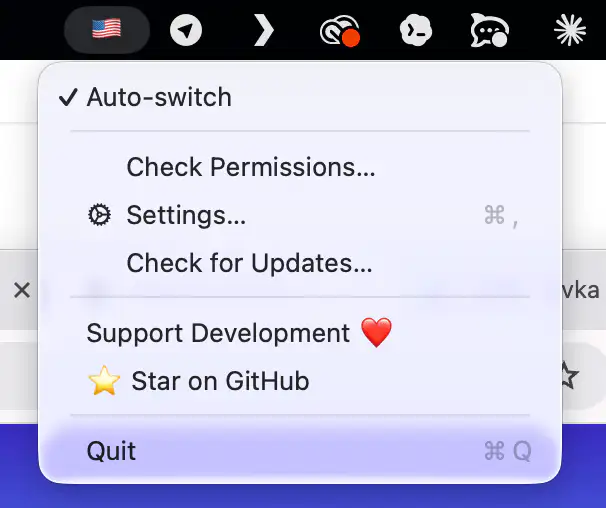
Mistyped your last word again? Tap ⌥ Alt and RuSwitcher quietly fixes it, converting text between any installed keyboard layouts.
Collection:
Sports Apps
MenuFC
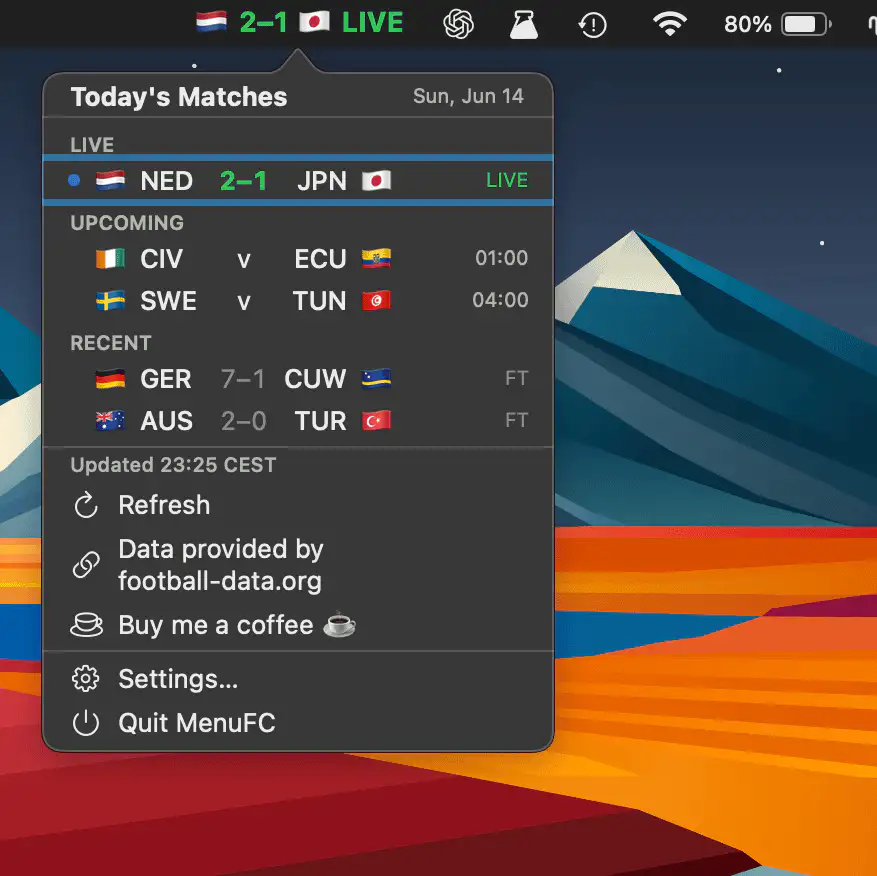
MenuFC keeps live football scores just a glance away, displaying match updates in real time and offering quick access to the full day’s fixtures.