Fresh finds for your menu bar. Most recently added apps on top – last updated: October 31, 2026
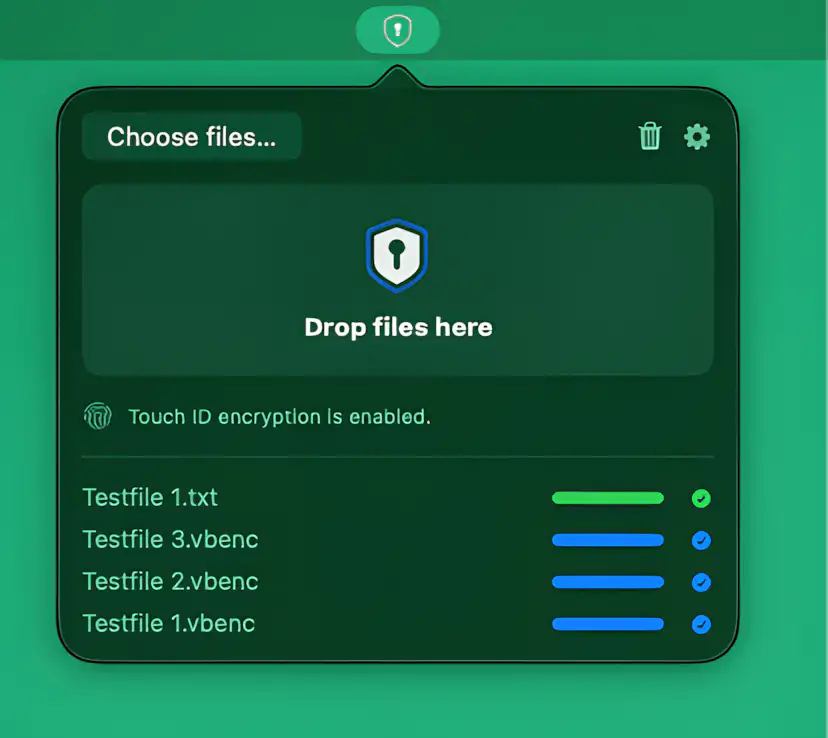
VaultBar keeps file encryption simple and local, letting you secure or unlock files and folders directly from Finder or drag and drop, with Touch ID support and strong AES-256 protection, without relying on the cloud.
Visit
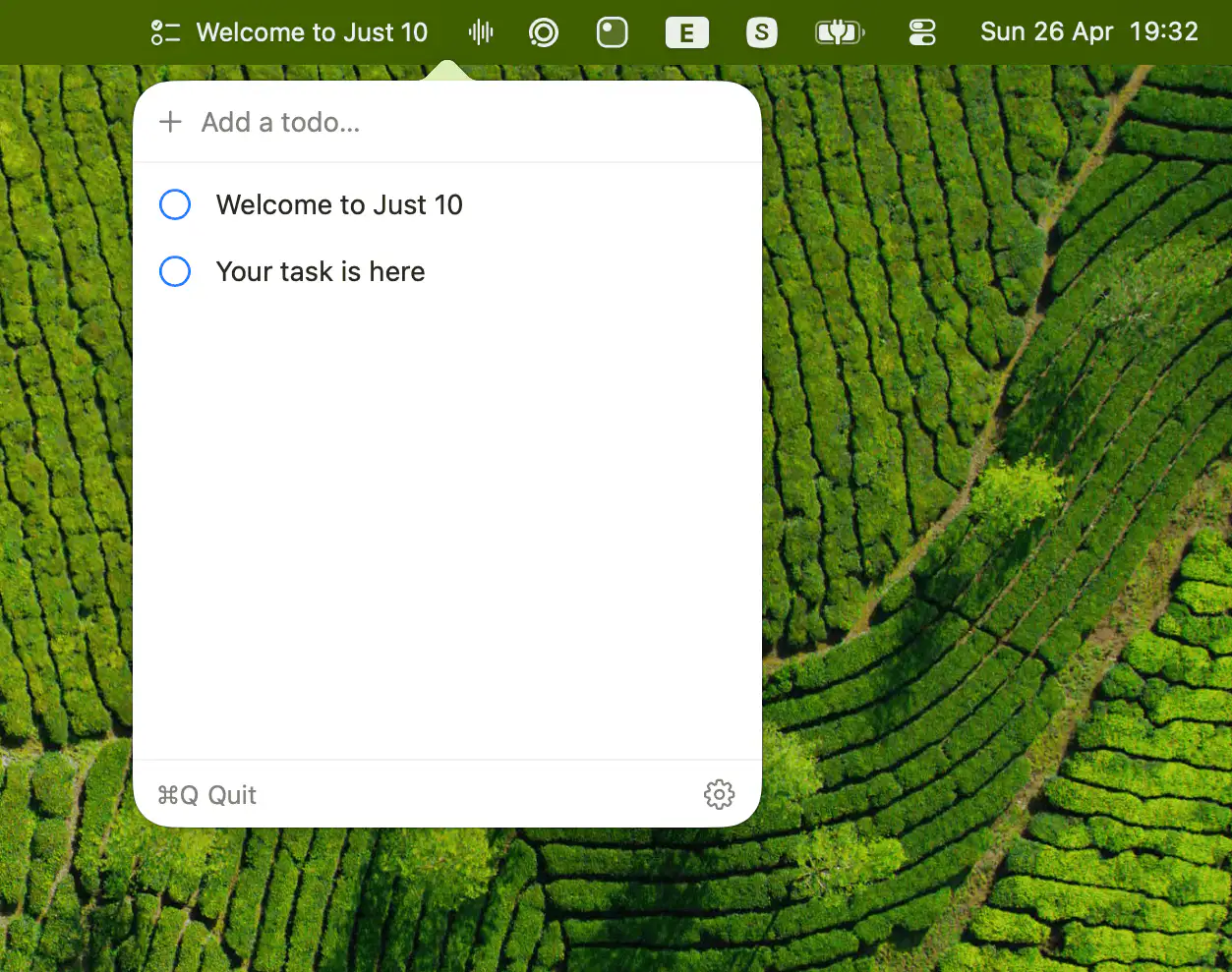
Keeps your focus brutally simple by showing your top todo inline, while limiting active tasks to ten. Reordering is effortless, editing is instant, and anything beyond that level of ambition is politely refused.
Visit
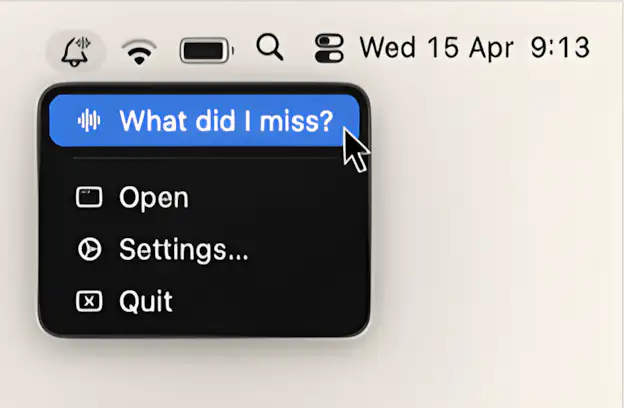
This menu bar app gathers what you missed, summarizes it on-device, and reads it back in a short recap.
Visit
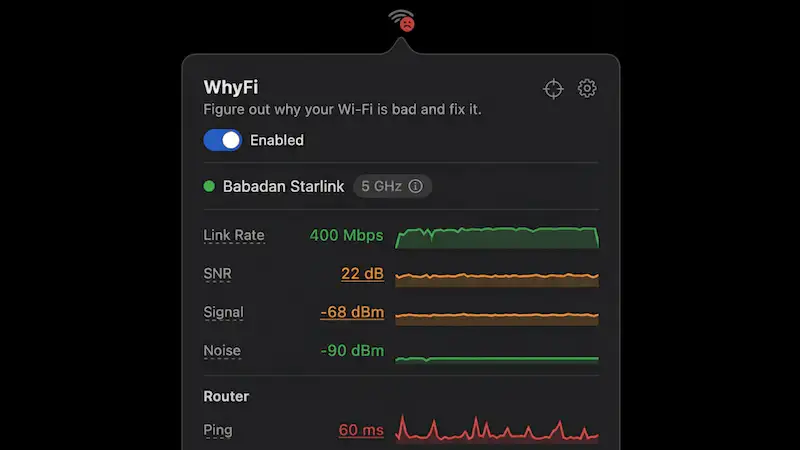
This menu bar app monitors your Wi-Fi in real time, revealing signal strength, latency, and hidden bottlenecks. It pinpoints whether issues stem from your network, router, or ISP, then suggests clear, practical fixes.
Visit
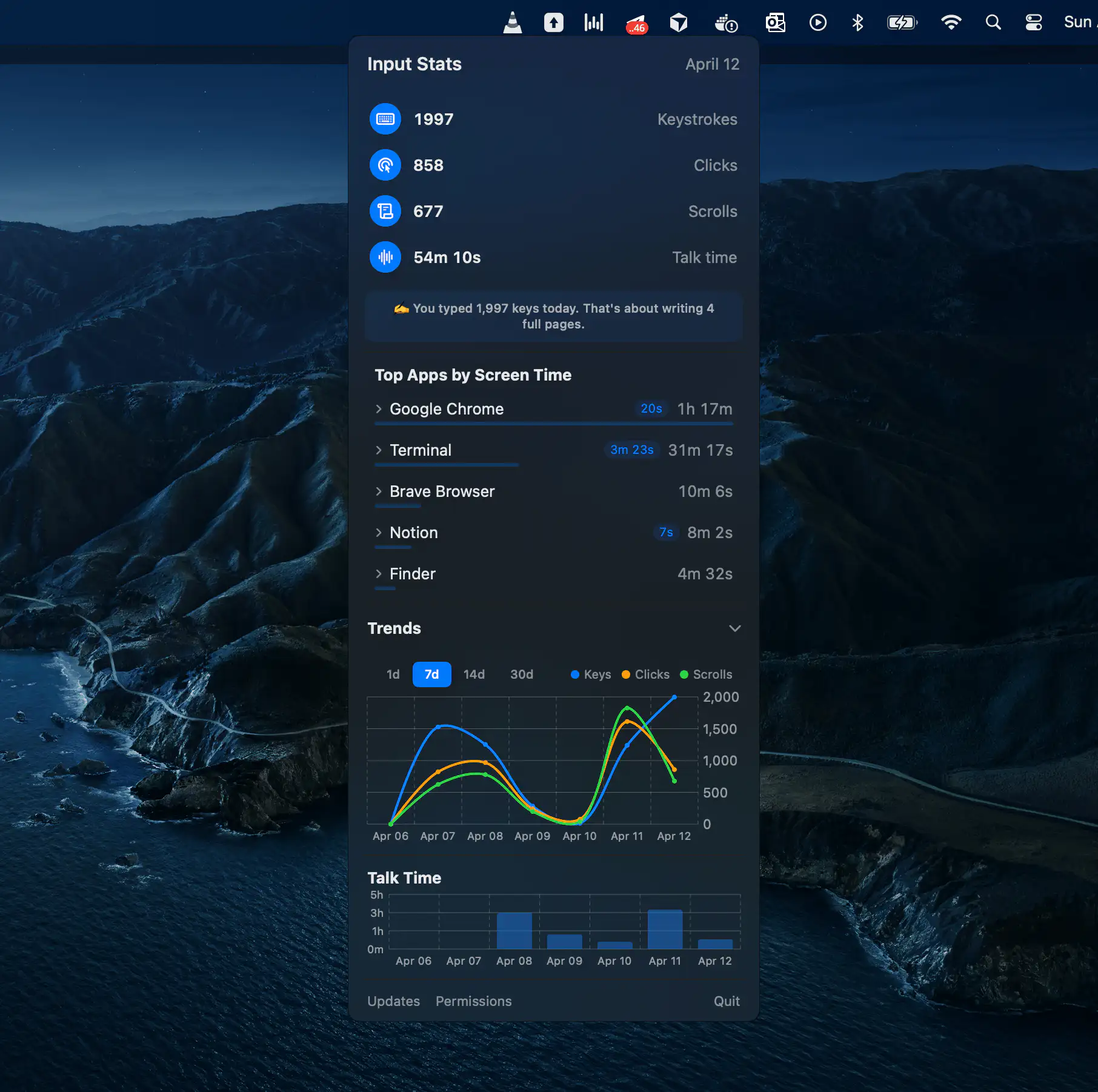
Activity Bar tracks your daily keyboard, mouse, voice, and app activity alongside AI coding assistants like Claude Code, Cursor, and Codex. All statistics stay on your Mac, giving you productivity insights without compromising privacy.
Visit
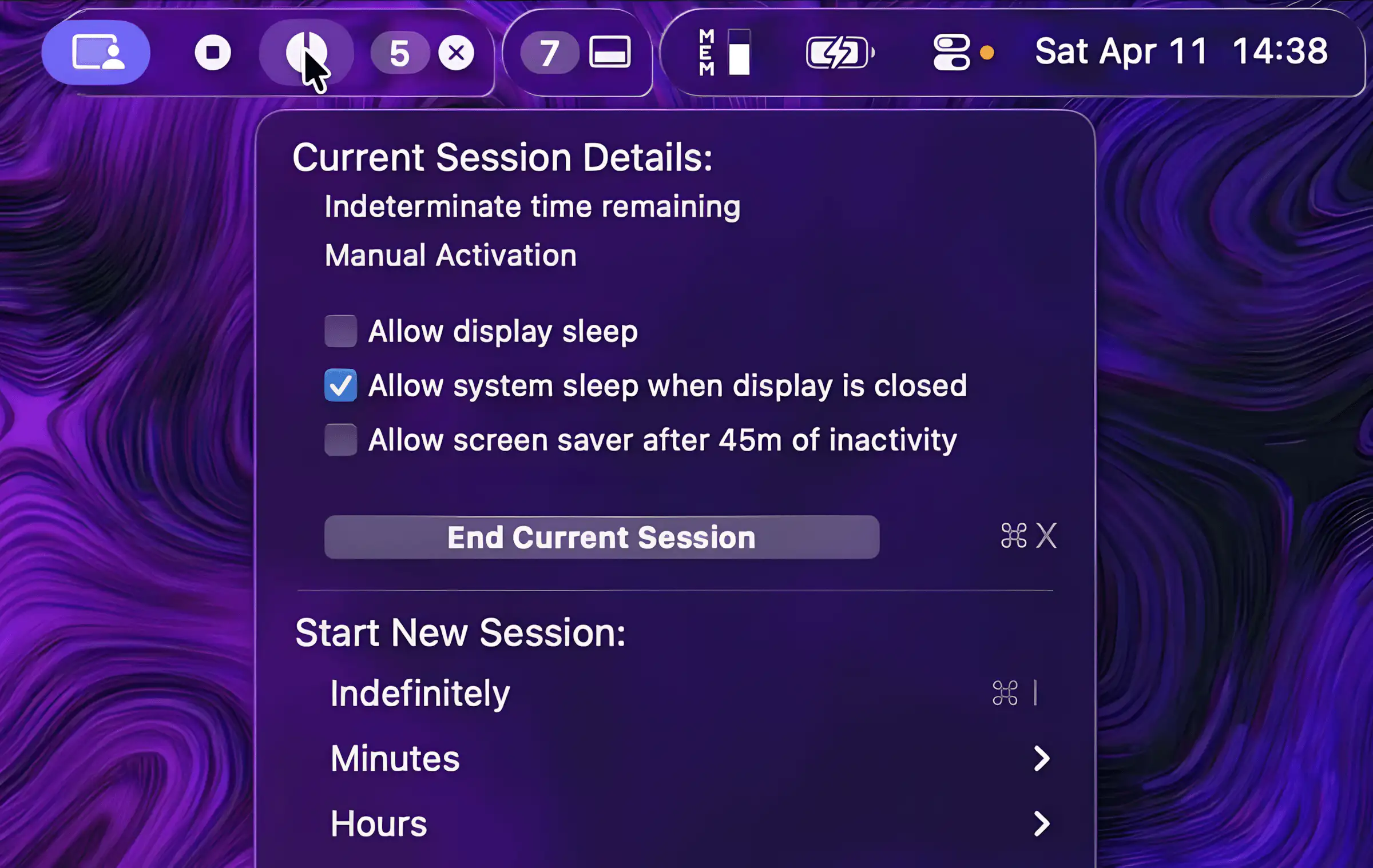
Glow reimagines menu bar management with a distinctly native feel, blending fluid animations, adaptive visuals, and thoughtful customization into an experience that feels less like a tool and more like macOS itself, just slightly better behaved.
Visit Watch
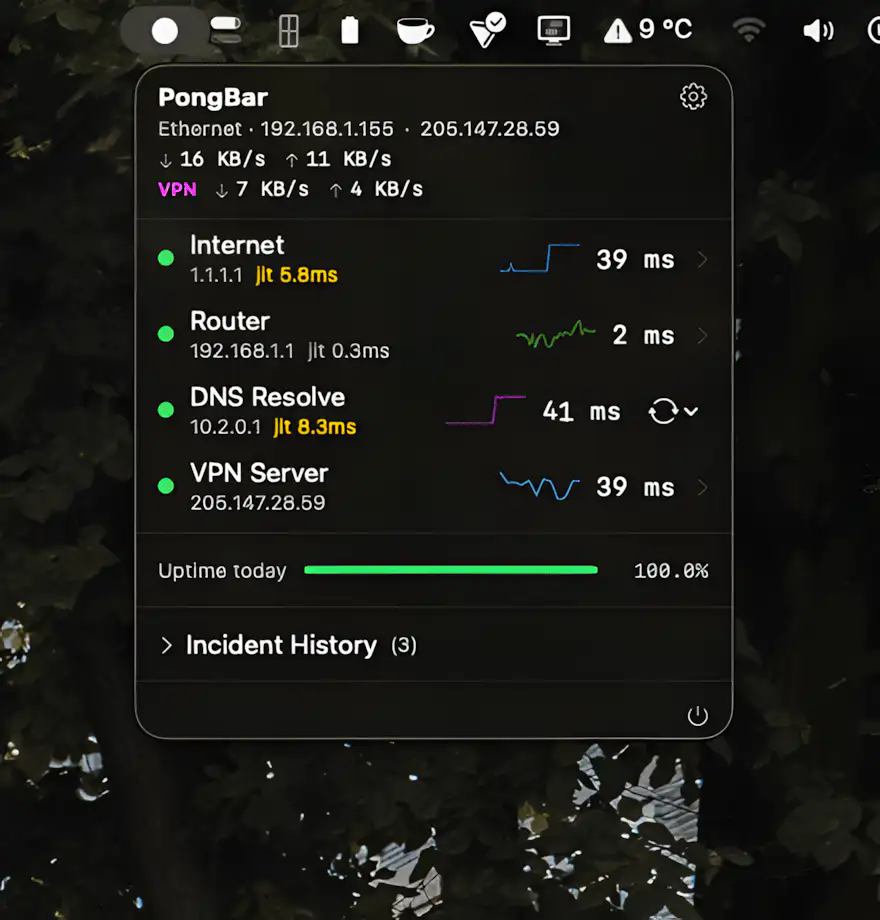
Still guessing why your internet feels so slow? PongBar watches every hop in the background and surfaces real-time latency, packet loss, VPN performance, and outages at a glance.
Visit
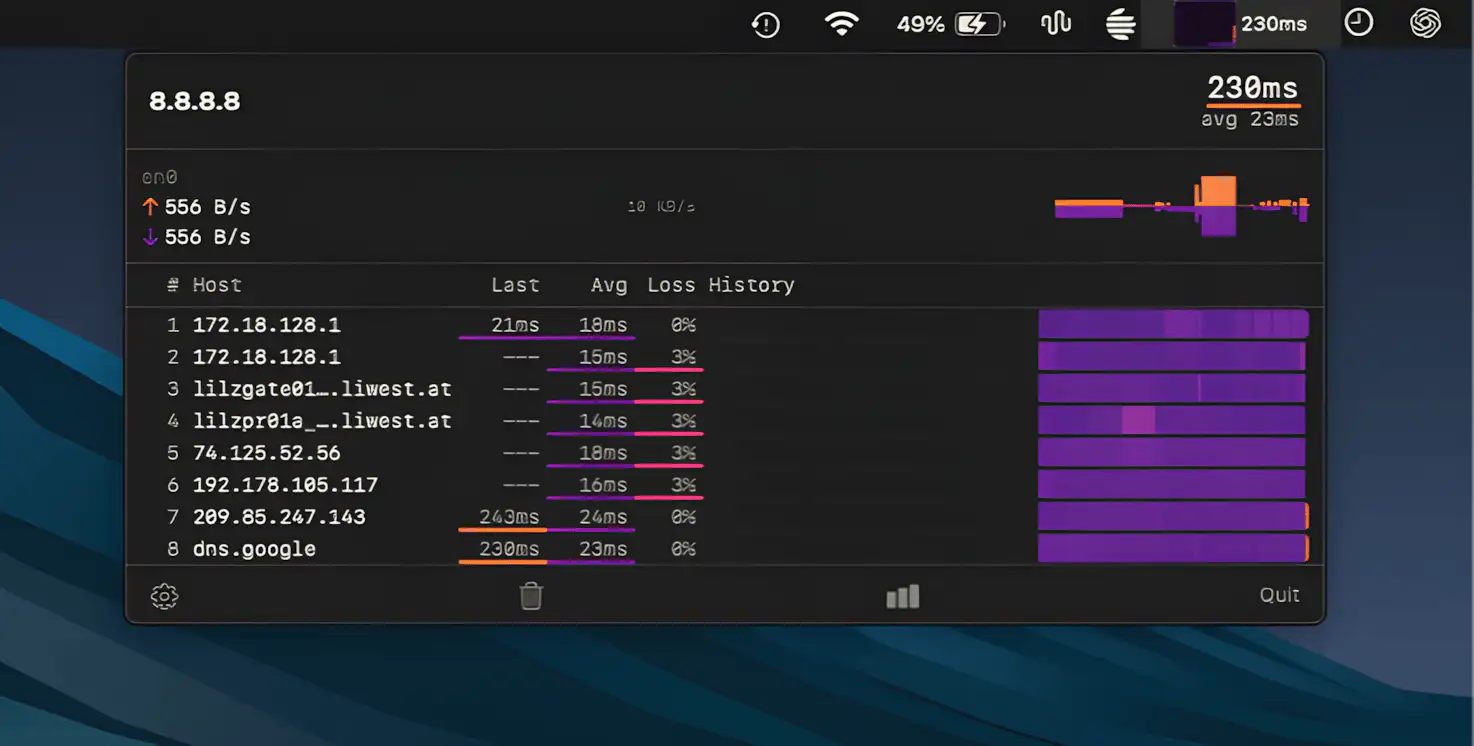
TraceBar keeps a continuous eye on your network by running traceroutes in the background, revealing latency and packet loss across each hop, so you can instantly spot where connections start to fall apart.
Visit
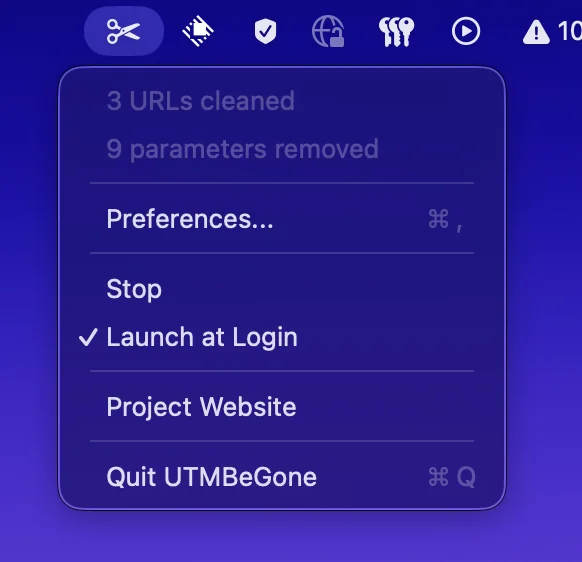
UTMBeGone cleans tracking parameters from links you copy, helping protect privacy for you and your friends. Customize which tags to strip, and share cleaner URLs without the extra tracking baggage.
Visit
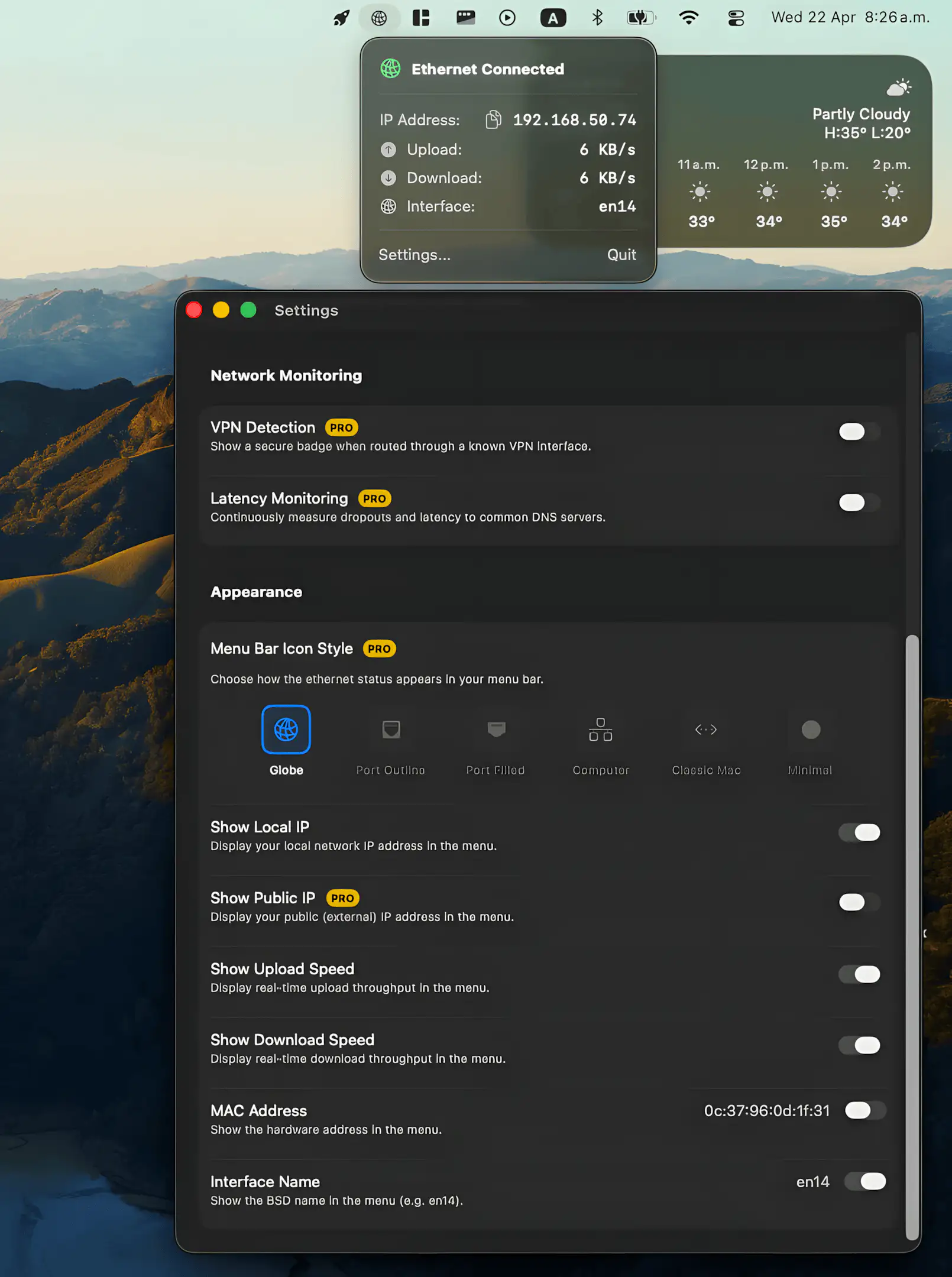
Ethernet Monitor puts your wired connection back where it belongs, offering real-time speeds, essential network details, and a clean native feel, with optional pro tools for deeper insight without compromising privacy.
Visit
