Fresh finds for your menu bar. Most recently added apps on top – last updated: October 8, 2026
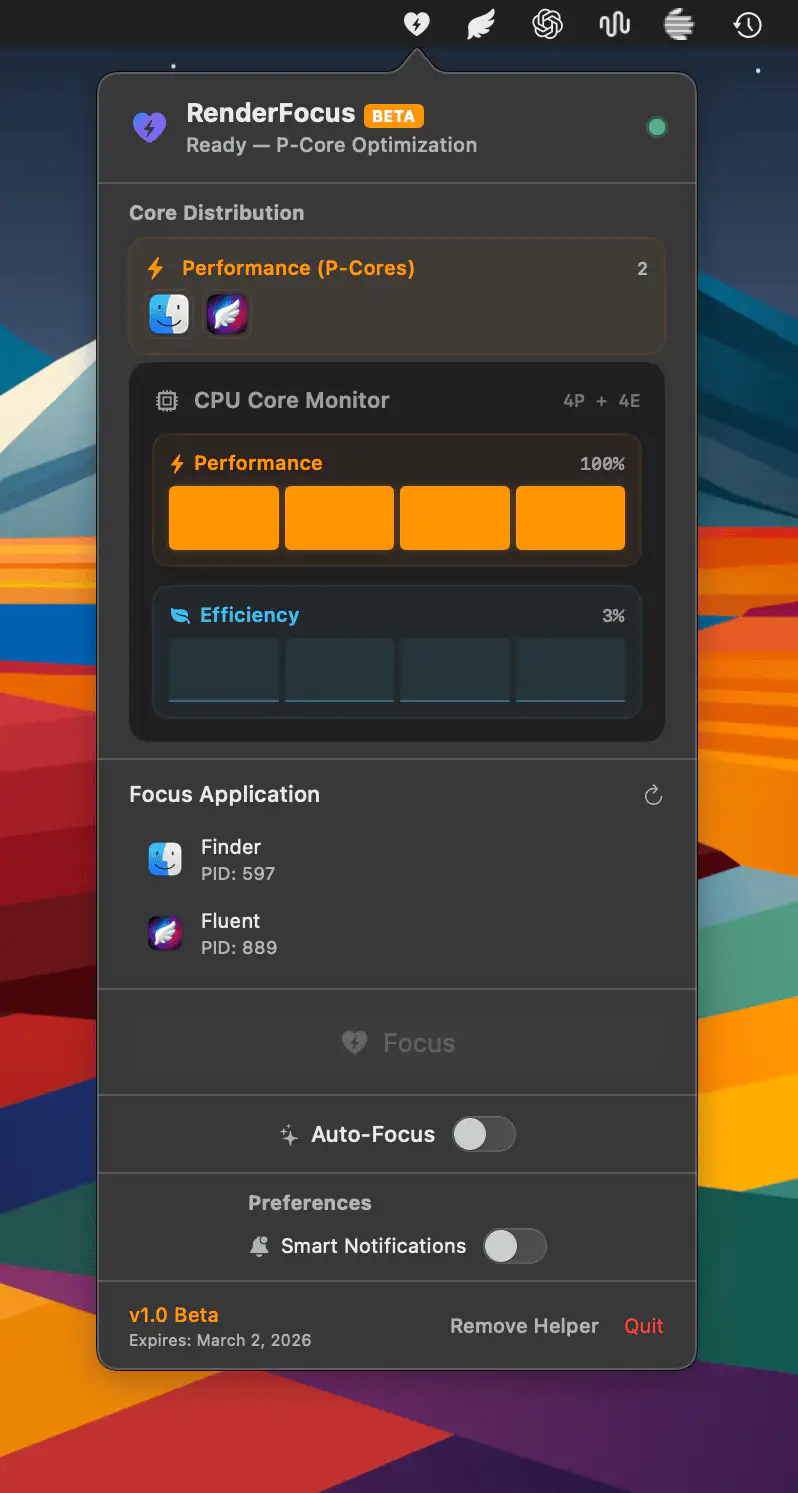
RenderFocus gives you hands-on control over Apple Silicon by steering background apps to Efficiency cores and reserving full Performance power for the task that matters. With a single click, your Mac prioritizes builds, renders, and exports without distractions or data collection. (Now in beta, with access available upon request)
Visit
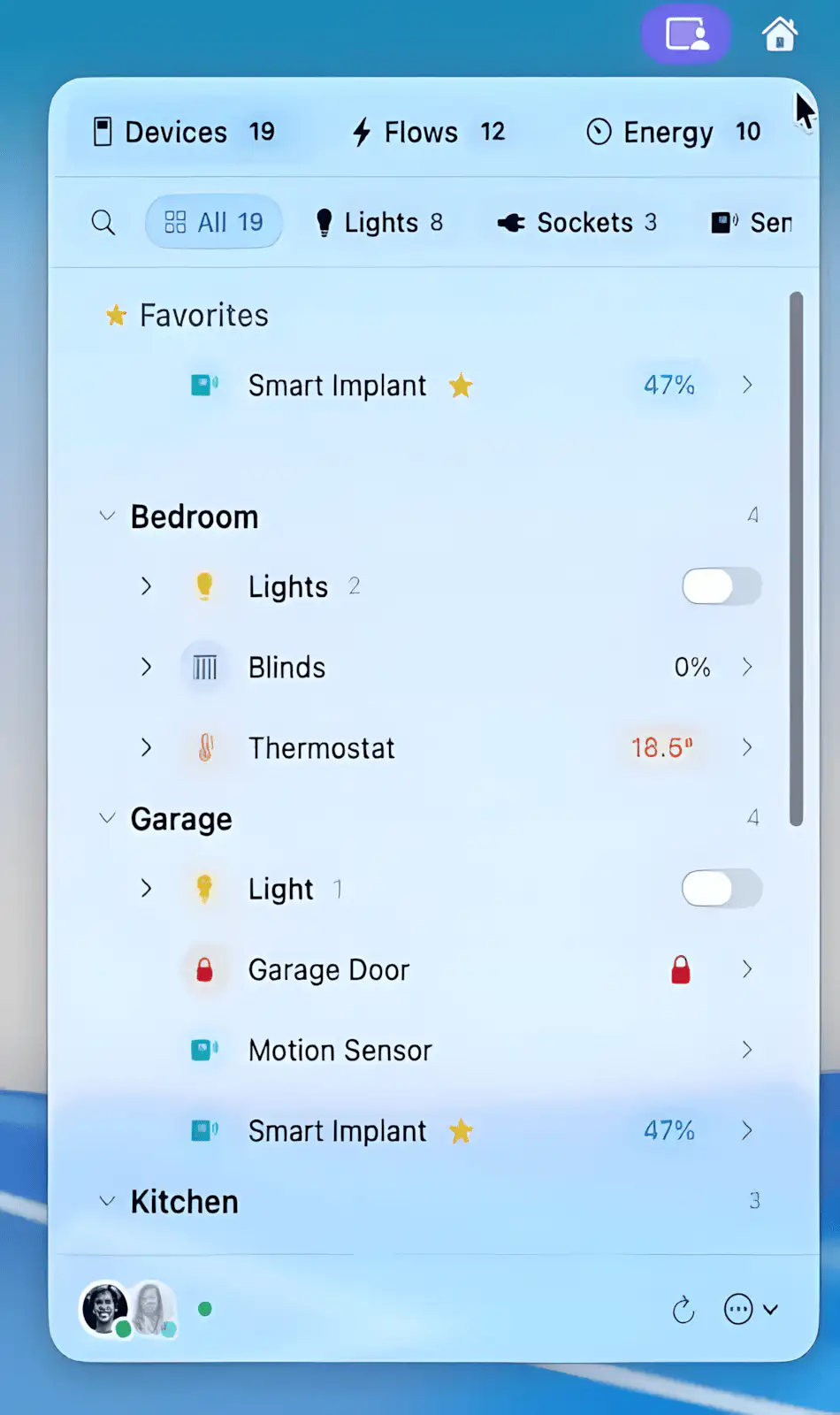
HomeBar brings your Homey Pro smart home to your Mac, so there’s no need to jump between apps. With a single click, you can control devices by room, monitor energy and temperature in real time, trigger flows, and manage presence effortlessly.
Visit
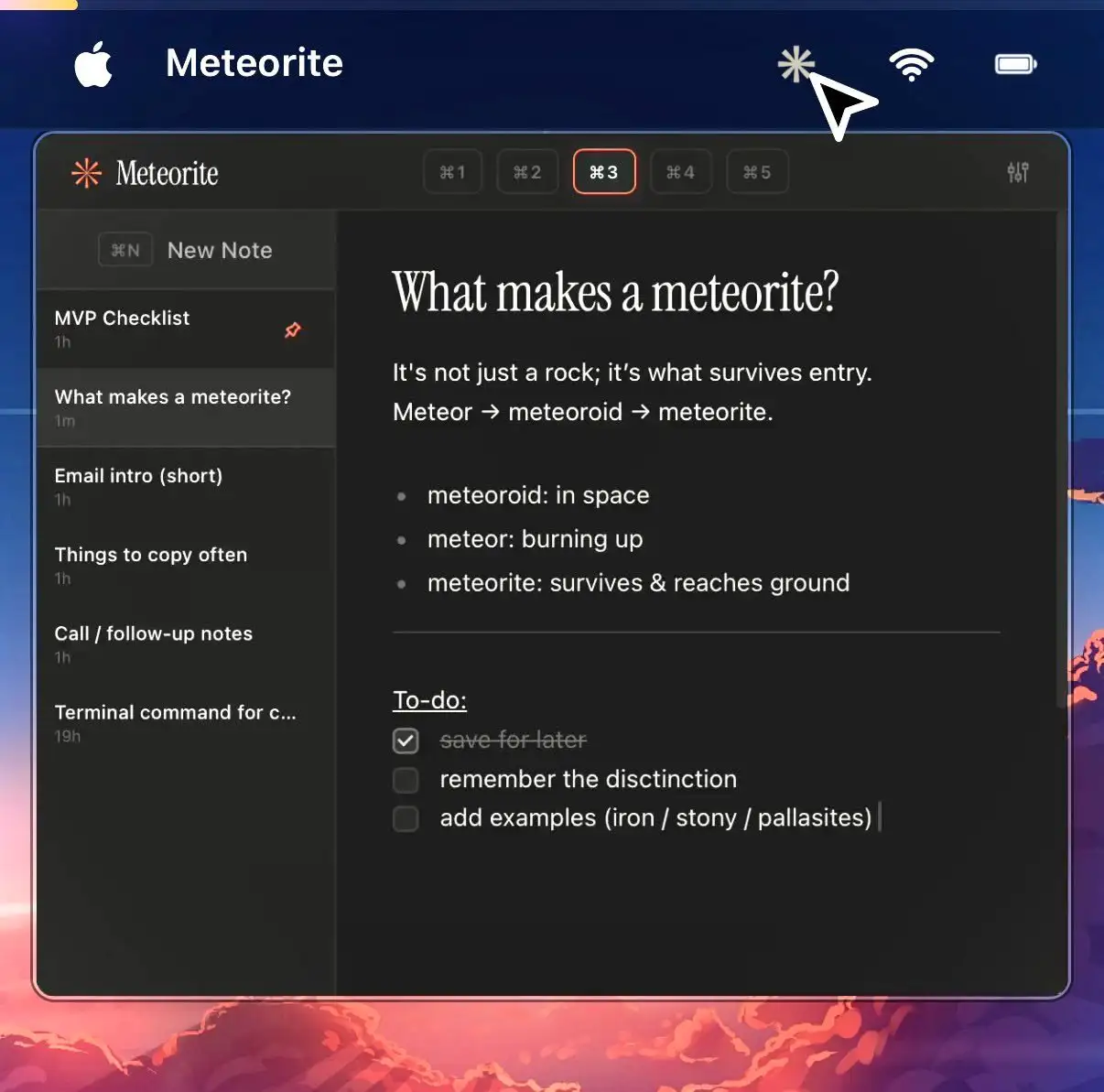
Meteorite gives you an instant place to drop thoughts without breaking your flow. It stays fully keyboard-driven, supports Markdown, searches fast, and keeps everything local, so your notes remain simple and entirely yours.
Visit Watch
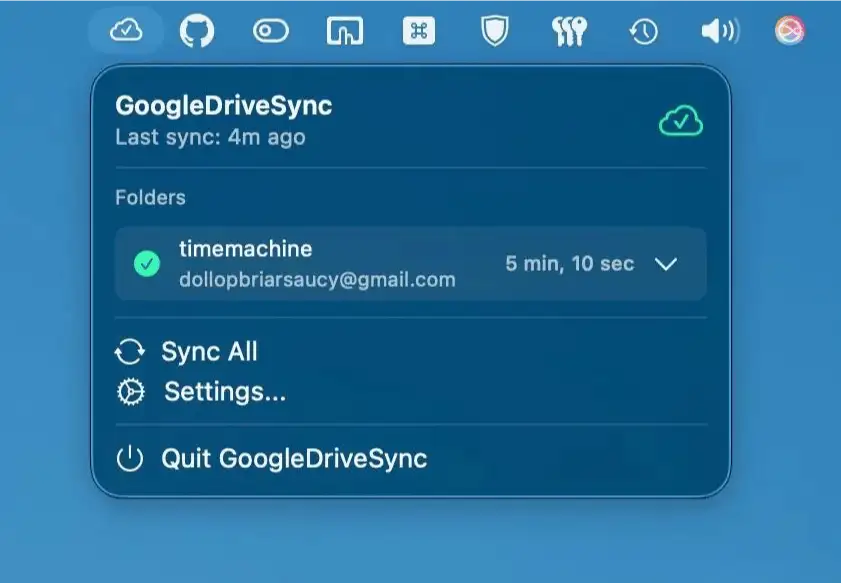
GoogleDriveSync keeps Google Drive syncing light and sane, letting you connect multiple accounts and folders from one native menu bar app while using minimal memory and handling external drives gracefully.
Visit
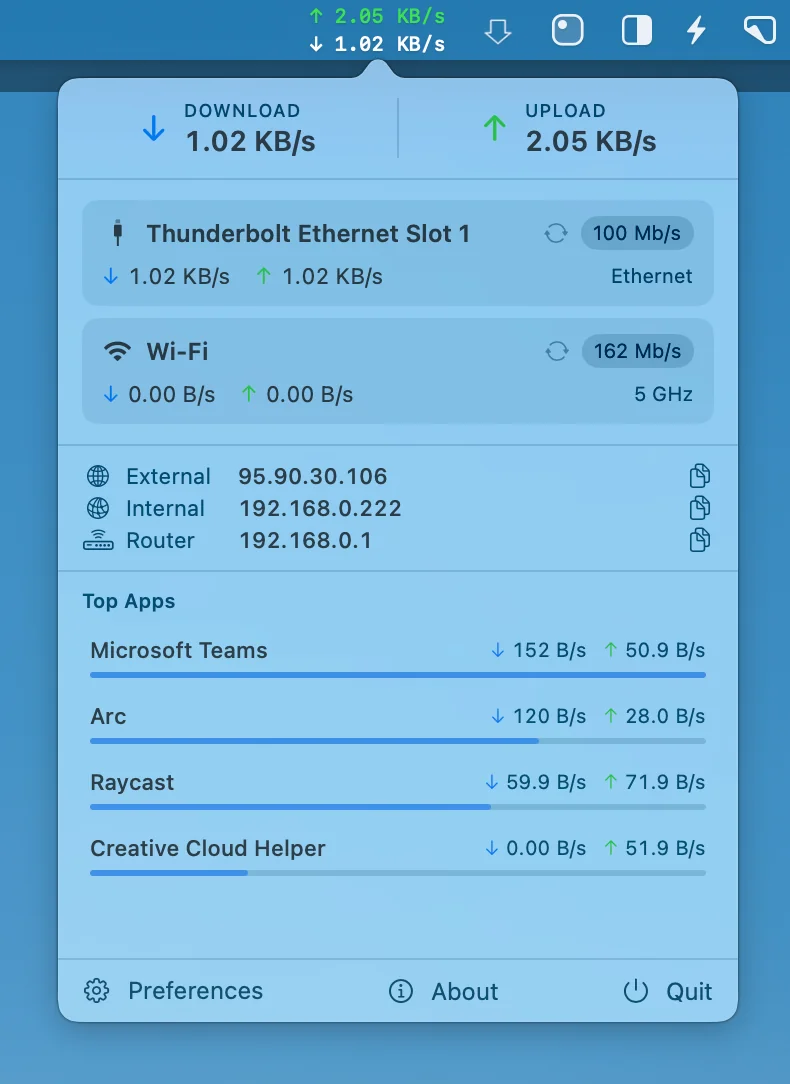
Netfluss keeps things simple, showing real-time upload and download speeds across all active adapters, along with key IP details and quick reconnect options, all in a clean, open-source Swift build that stays lightweight and out of your way.
Visit
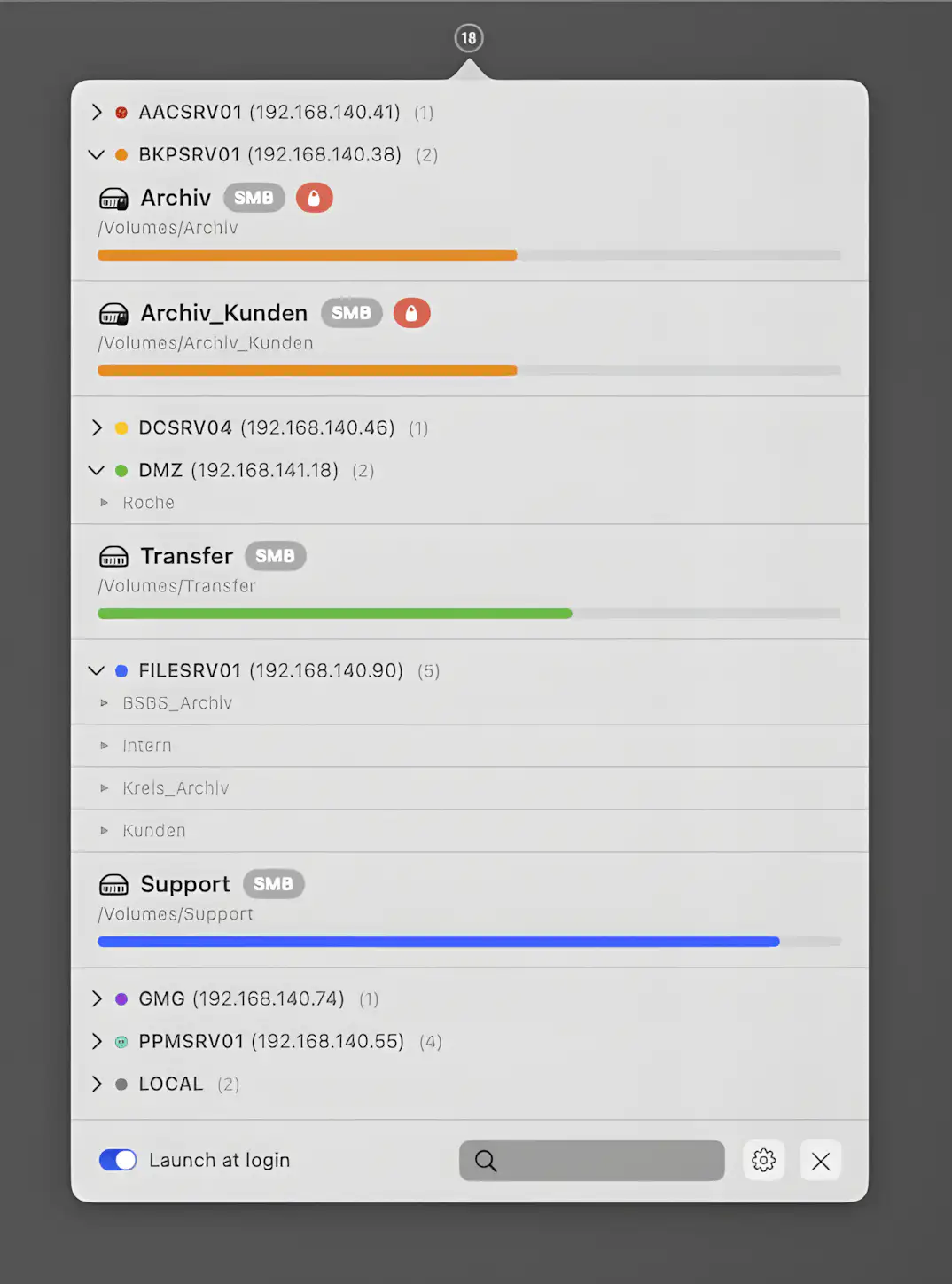
SRV Status gives you clear insight into network and local volumes, lets you reconnect servers in a click, organize shares neatly, and monitor capacity without clutter or drama.
Visit
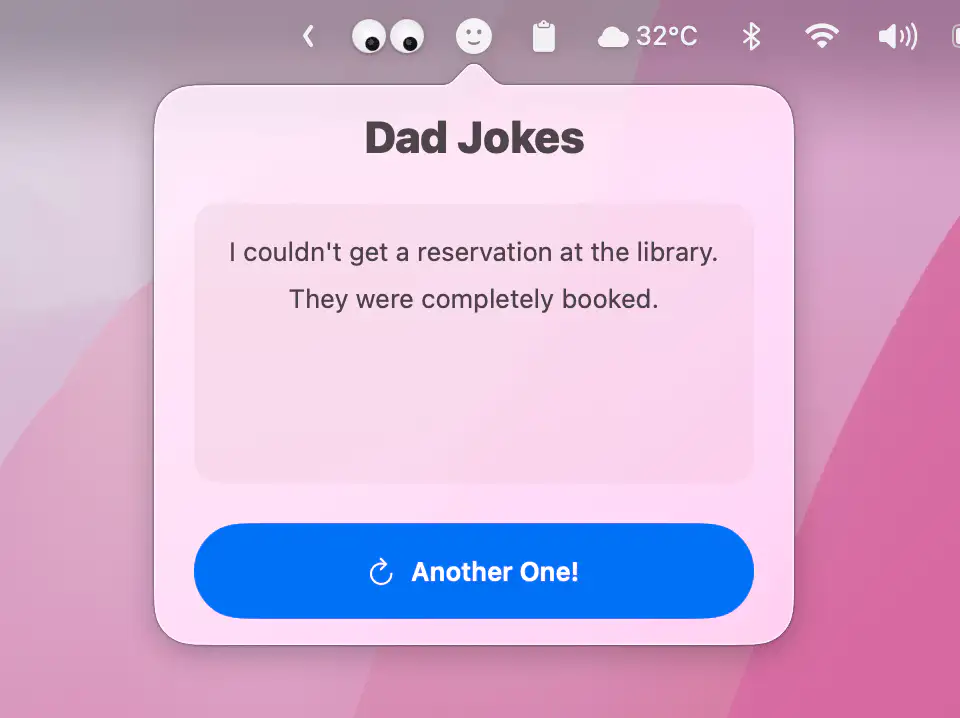
Dad Jokes brings you a fresh, mildly embarrassing punchline on demand, wrapped in a clean native macOS design with proper dark mode support and a launch-at-login option for uninterrupted paternal humor.
Visit
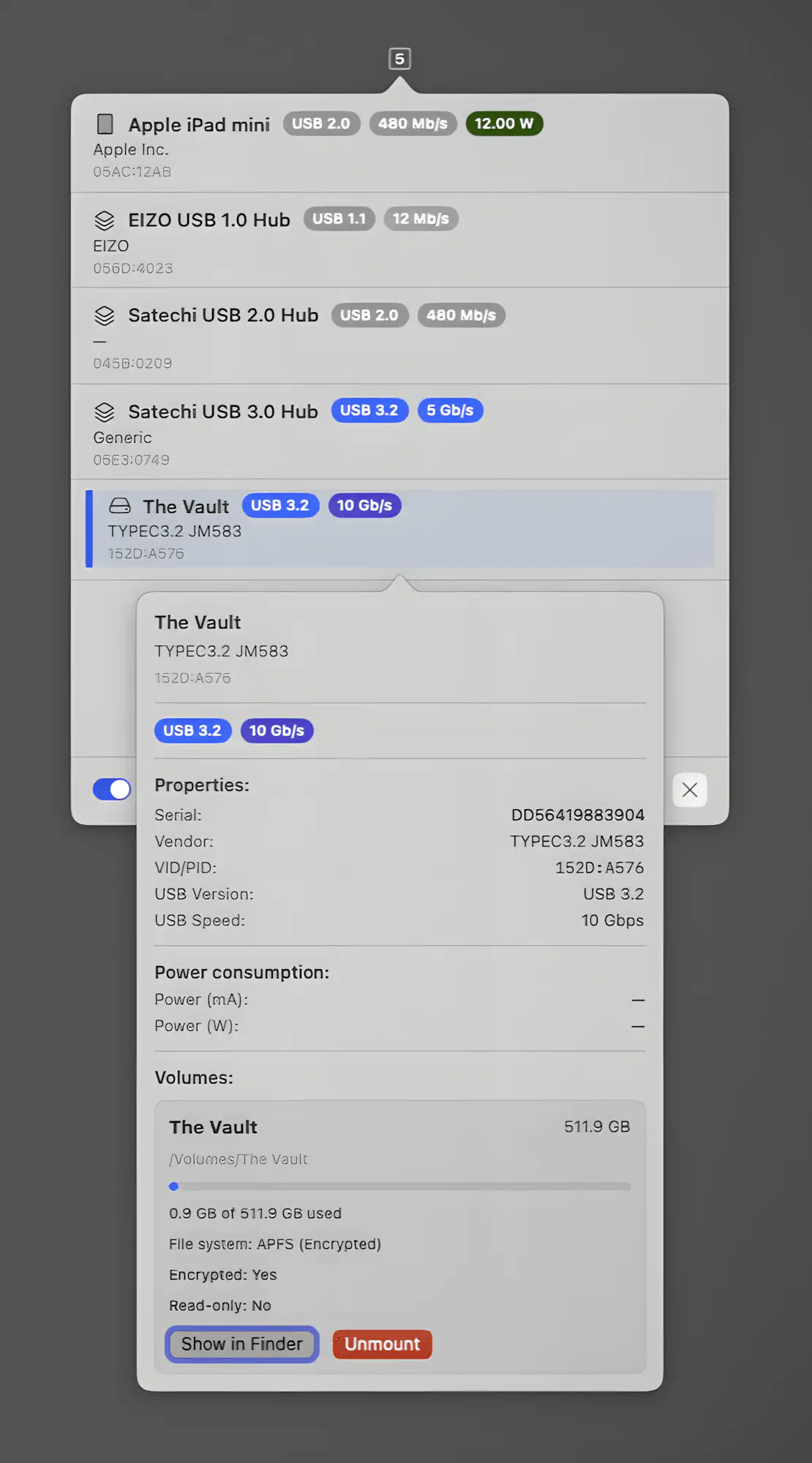
USB Status gives you instant insight into connected devices, showing negotiated speeds, power draw, vendor details and live status at a glance. You can rename hardware, inspect volumes and safely eject with precision, all in a fast, native macOS app that keeps every detail on your machine.
Visit
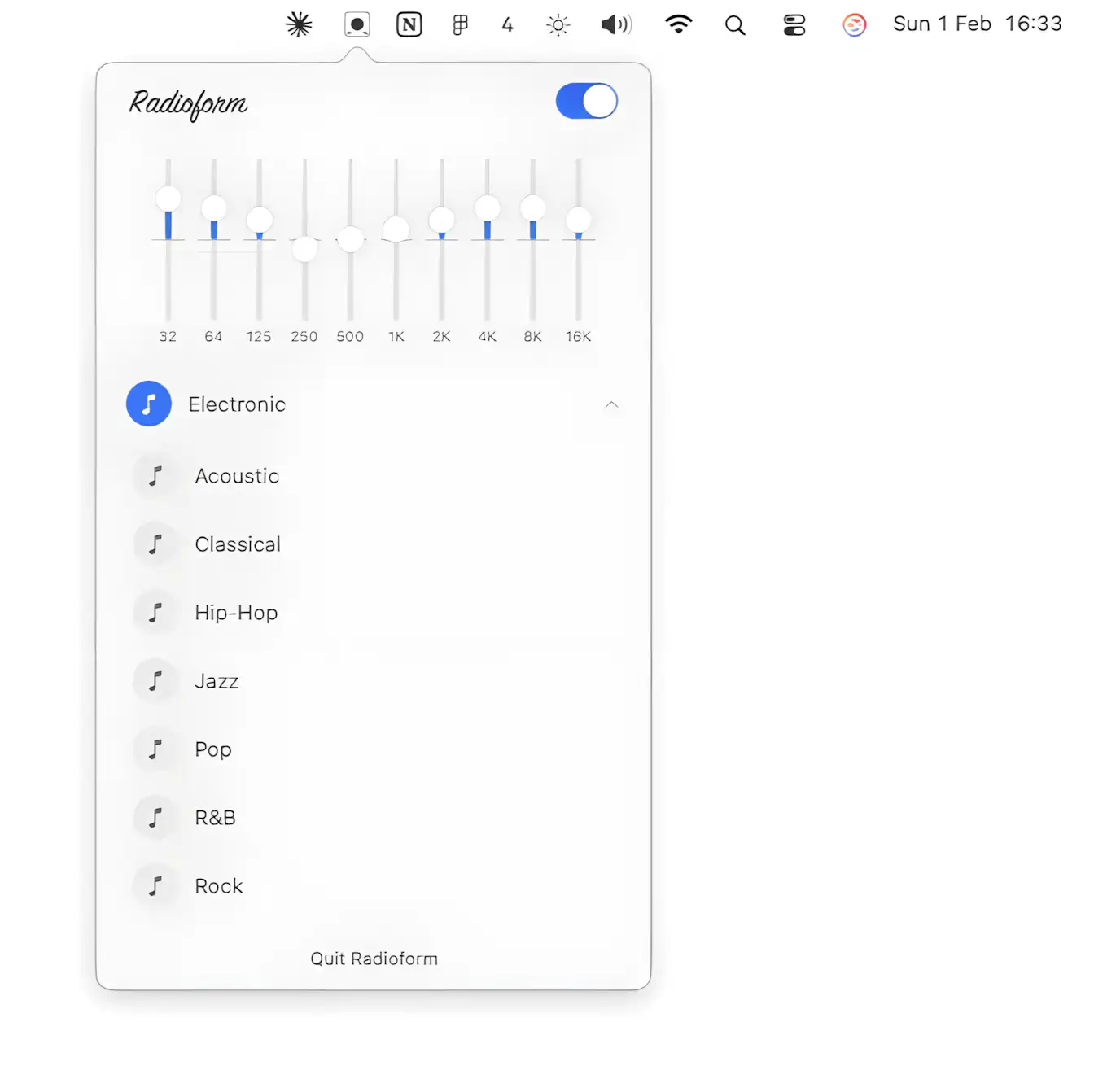
Radioform is a free open source macOS equalizer that shapes sound system wide from the menu bar with a clean 10-band parametric EQ presets and custom curves for any app.
Visit
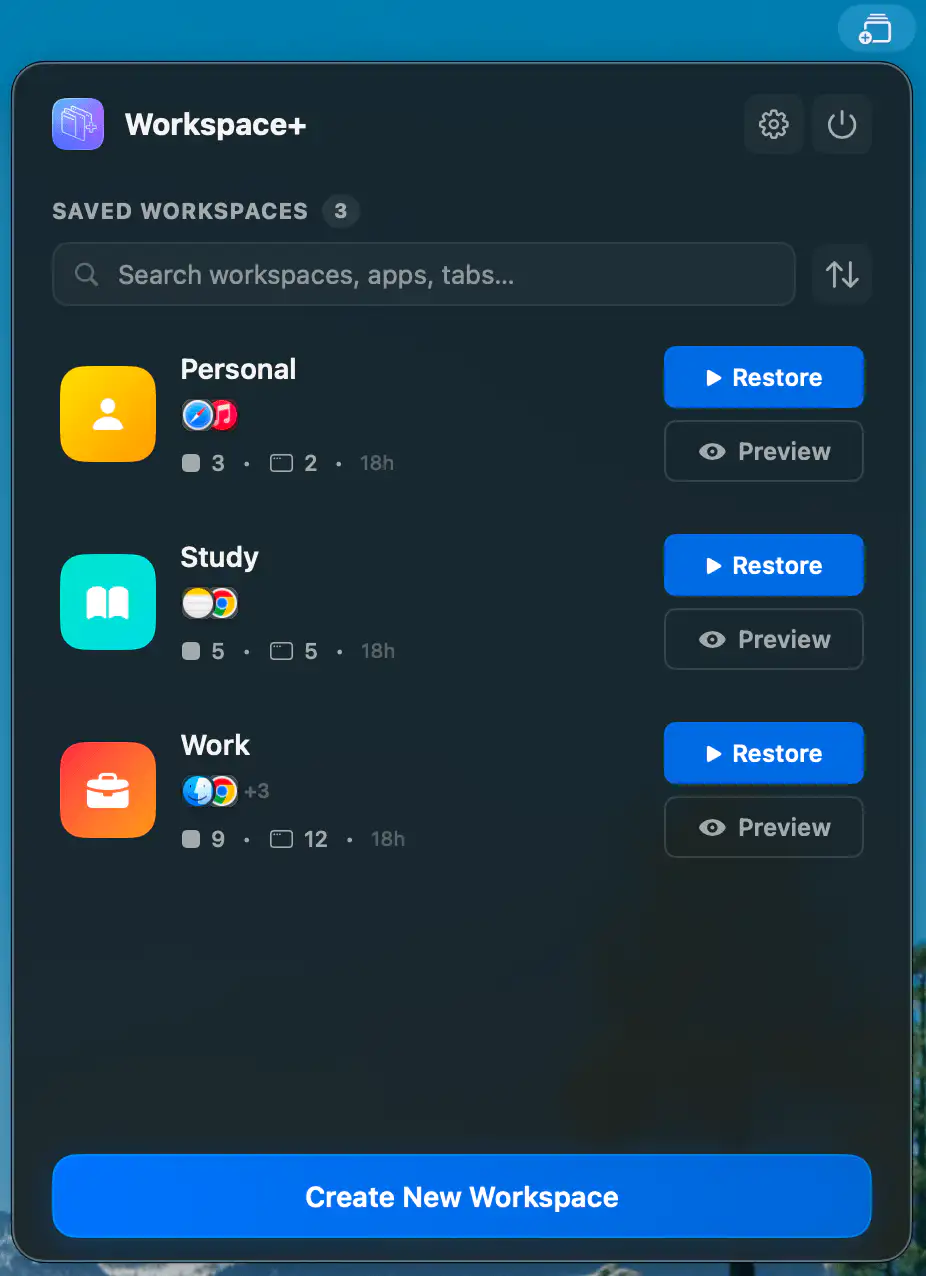
Workspace+ lets you capture your entire working setup and bring it back in seconds, from open apps and files to window positions and browser tabs across multiple displays.
Visit