Fresh finds for your menu bar. Most recently added apps on top – last updated: October 27, 2026
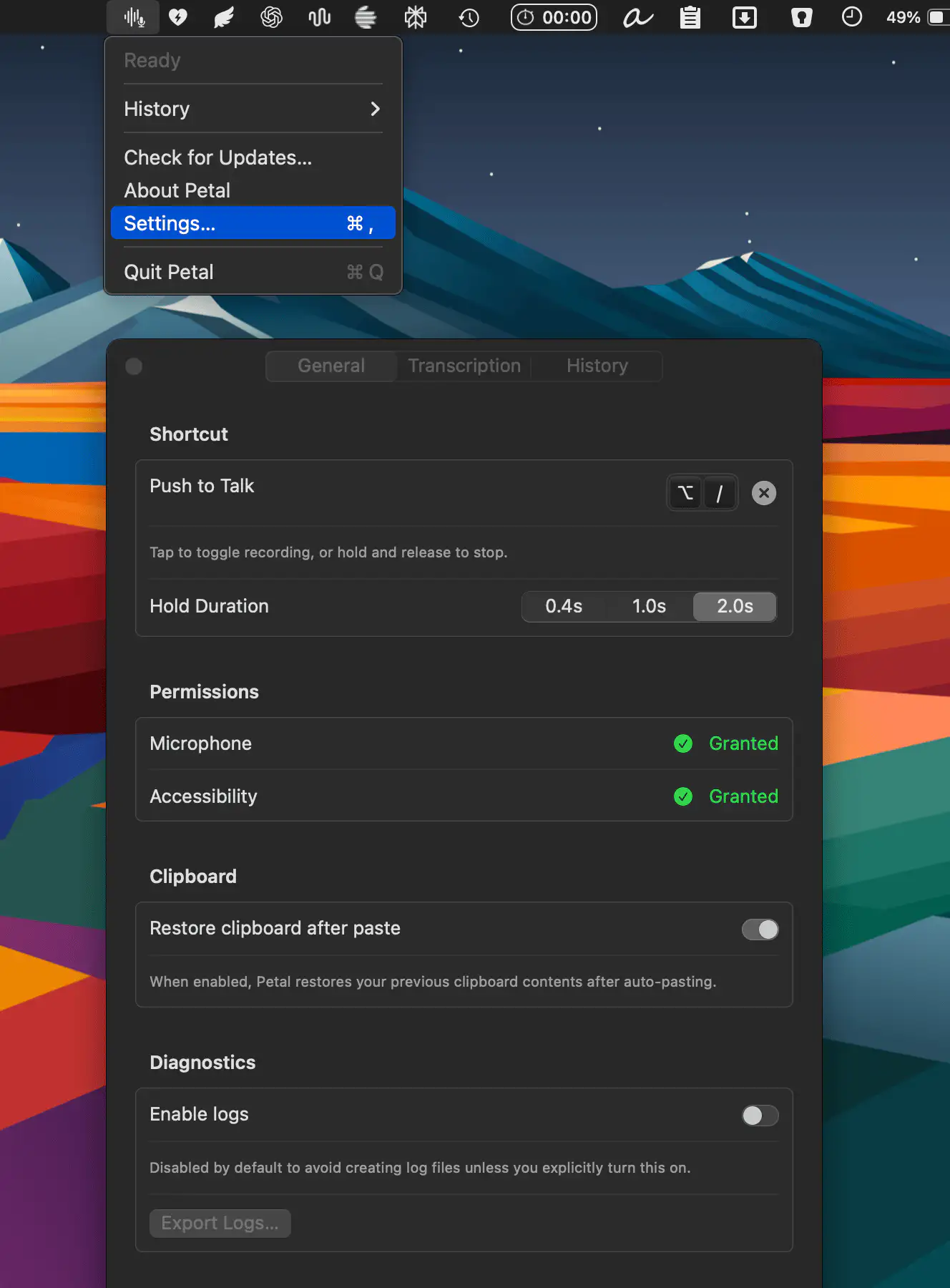
Petal is a dictation app that runs entirely on-device, supporting Qwen3 ASR and Voxtral alongside Whisper. With a simple push-to-talk workflow and optional Smart Mode that cleans up filler words into polished prose, it keeps everything local, transparent, and subscription-free.
Visit
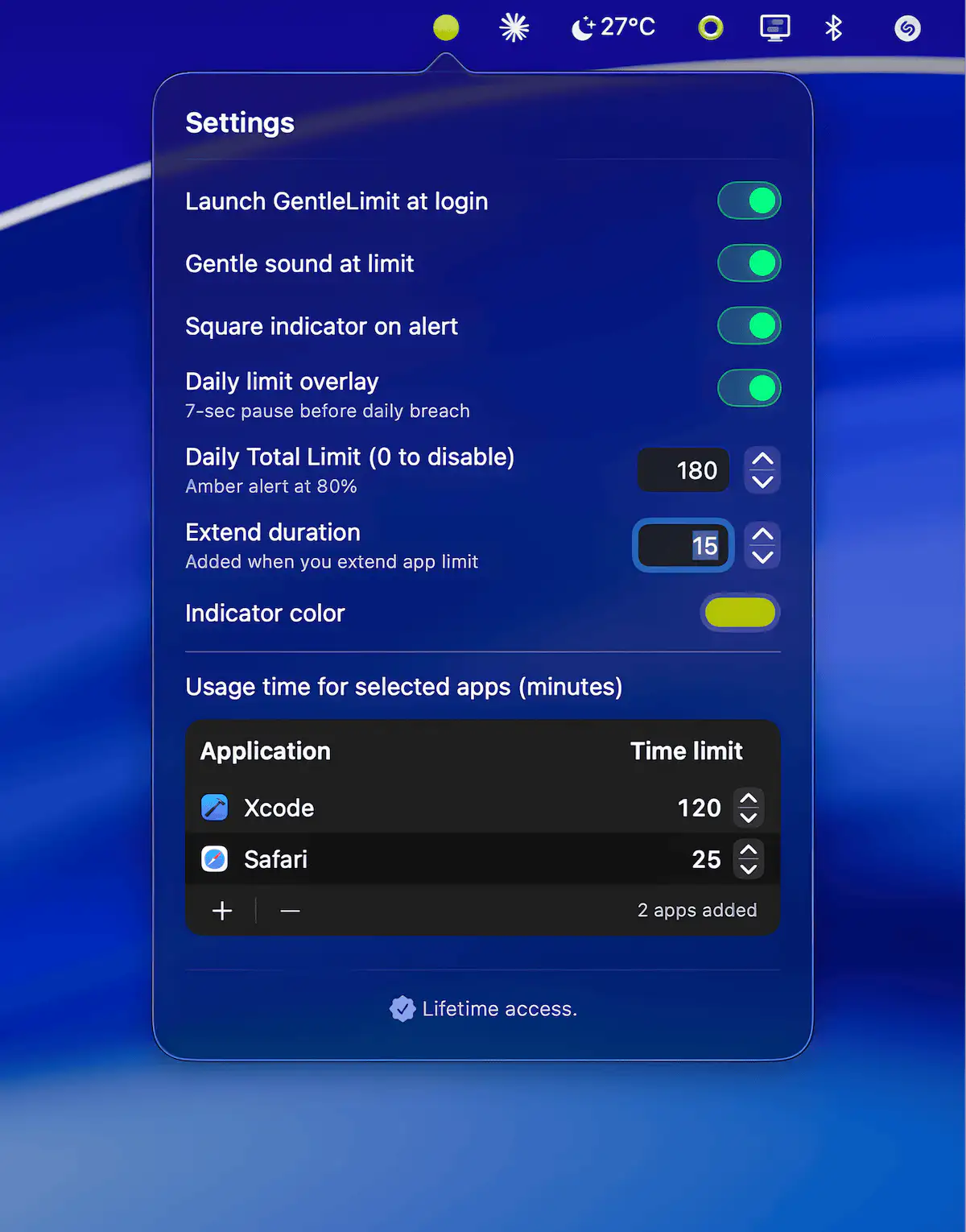
GentleLimit helps you stay aware of your screen habits without blocking apps or disrupting your flow. Subtle signals, floating widgets, and calm visual cues keep usage visible so mindful breaks happen naturally.
Visit
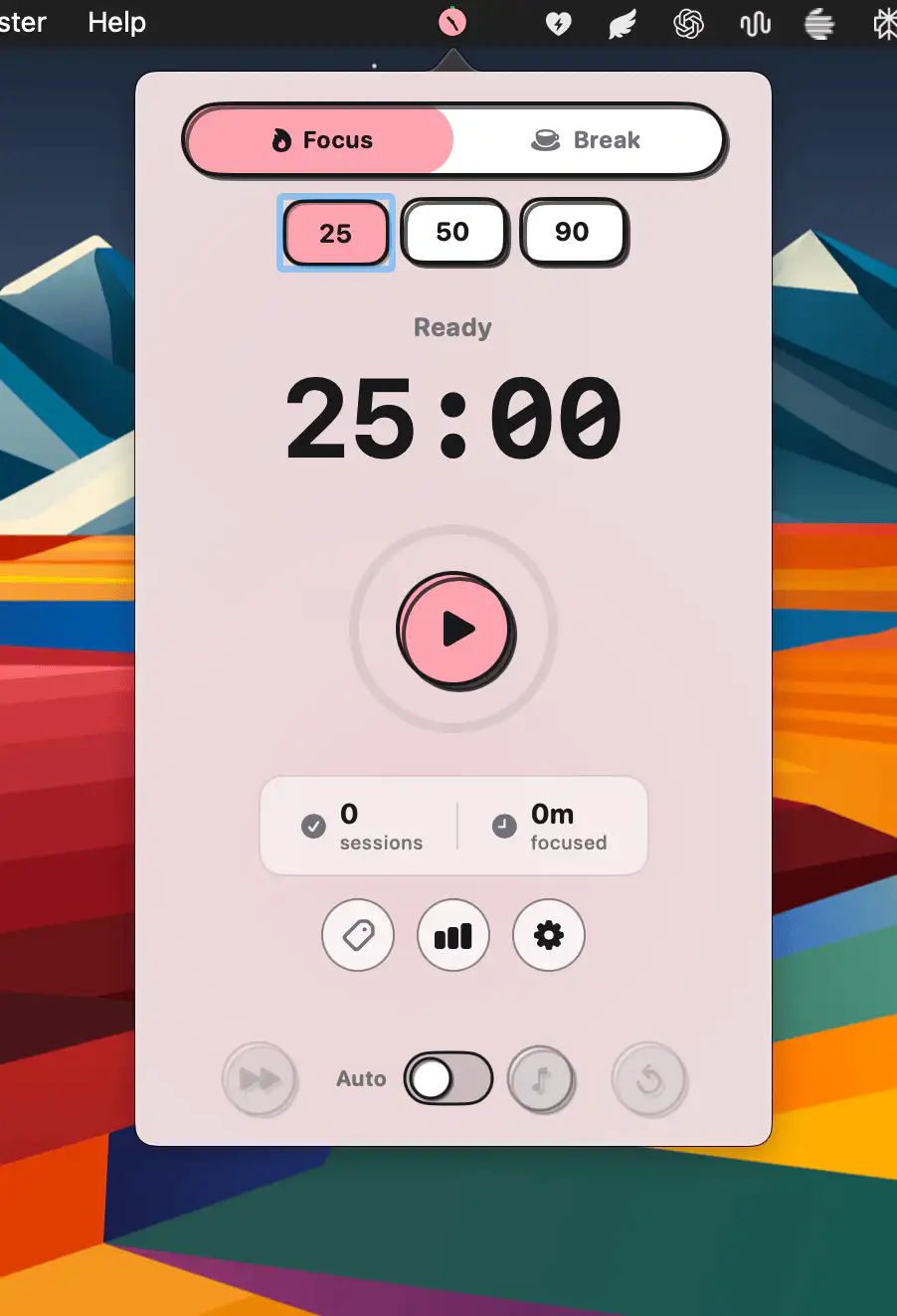
Adoro is a lightweight focus timer built for zero friction. Start a quick Pomodoro, tag sessions, and gain useful productivity insights without accounts or ads. It even syncs with AuraFi to automatically play and pause music as you work.
Visit
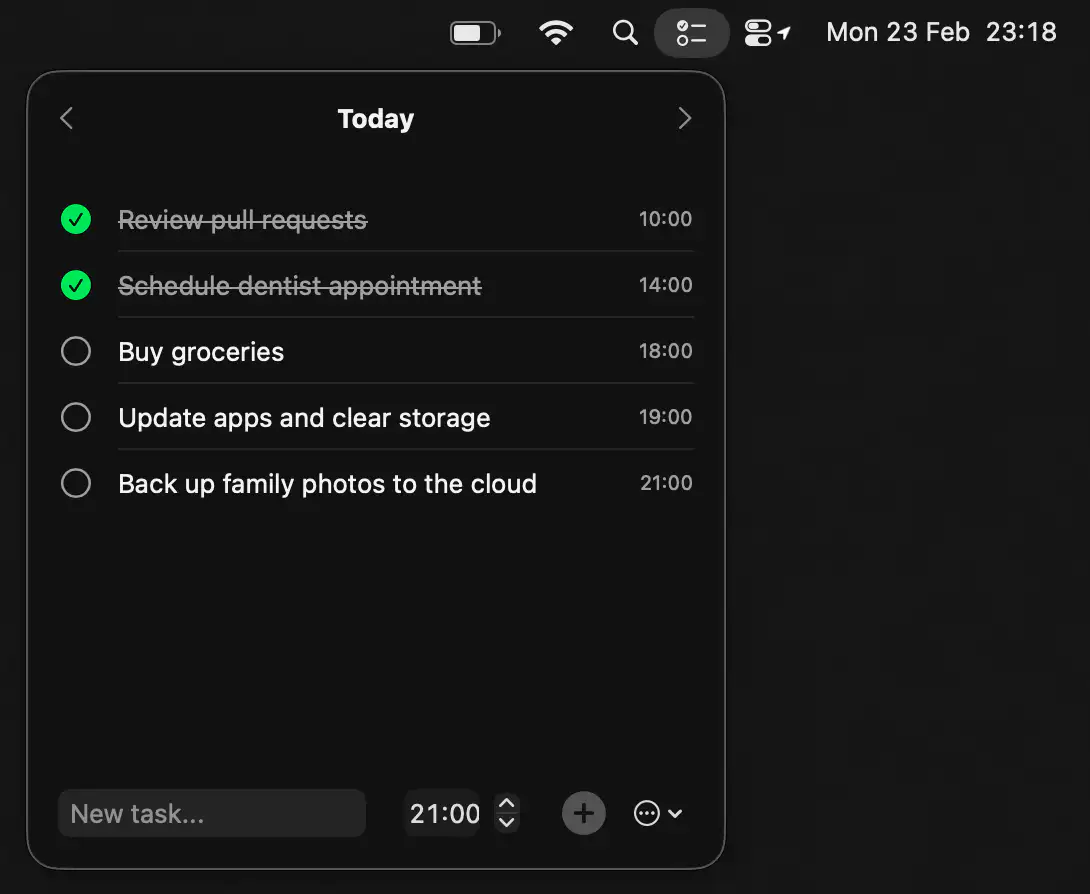
Cue keeps your day focused with a simple, distraction-free task list that lives one click away. Add tasks, set reminders, and move between days effortlessly, all wrapped in a clean, native macOS design that stays ready whenever you are.
Visit
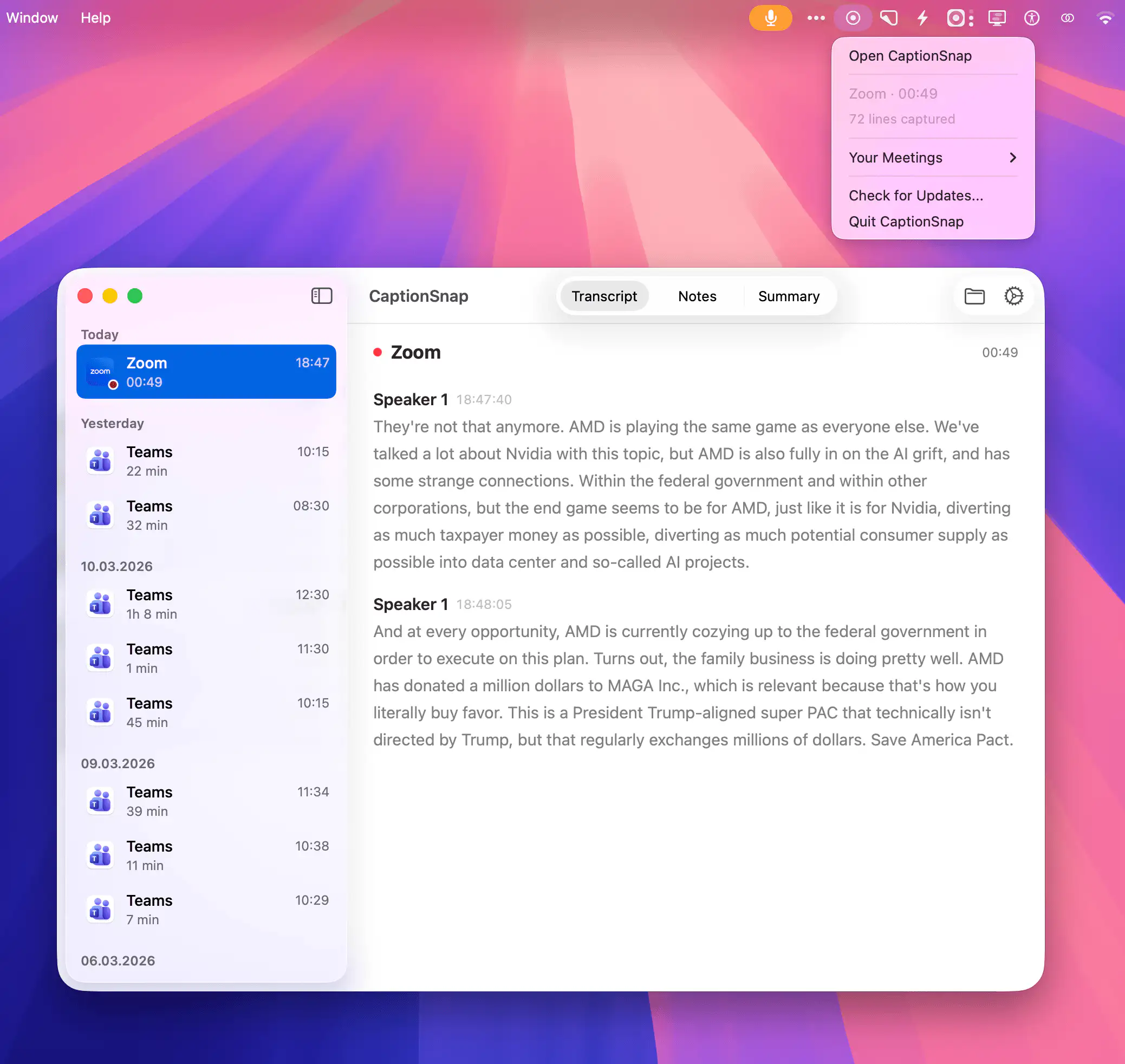
CaptionSnap quietly saves meeting captions from Teams, Zoom, and Google Meet, turning them into clean local transcripts with real speaker names and timestamps. Everything stays on your Mac, with minimal CPU usage and zero cloud involvement.
Visit
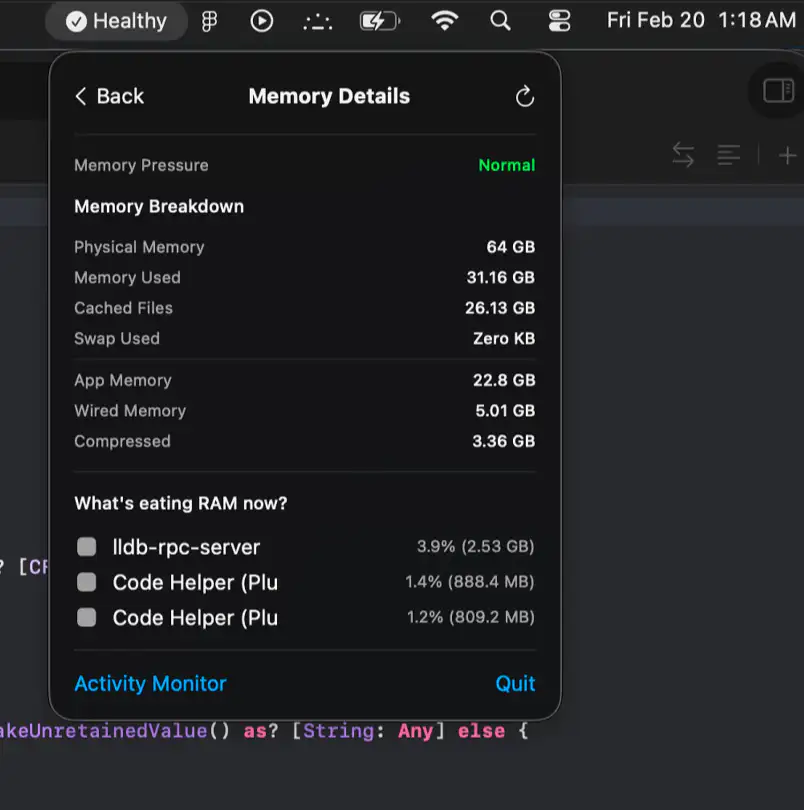
Lazy Stats keeps CPU, memory, storage, thermals, battery, and network activity in clear view, with smart health summaries and focused diagnostics that help you catch trouble before your fans start screaming.
Visit
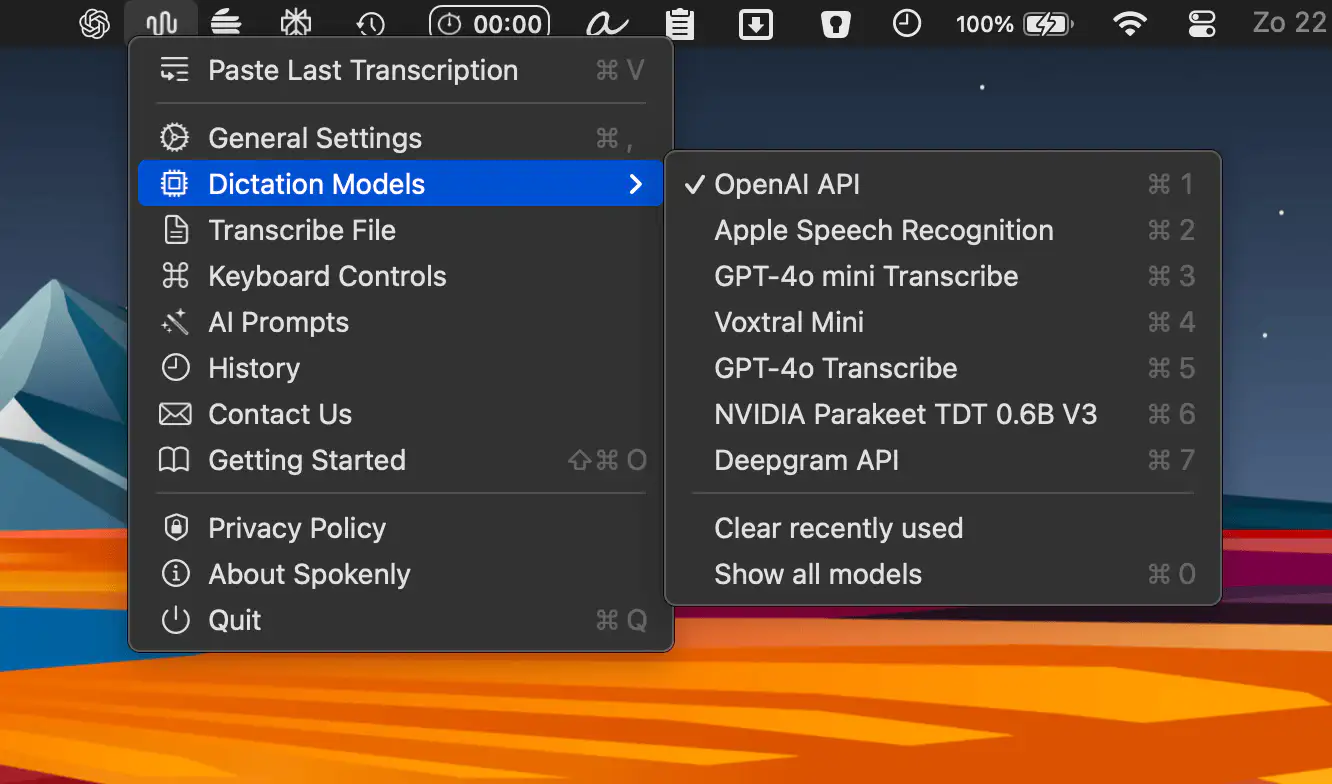
Spokenly lets you write at the speed of speech, turning your voice into accurate text across Mac and iPhone. With fast local models, offline support, and strong privacy controls, it delivers seamless dictation.
Visit Watch
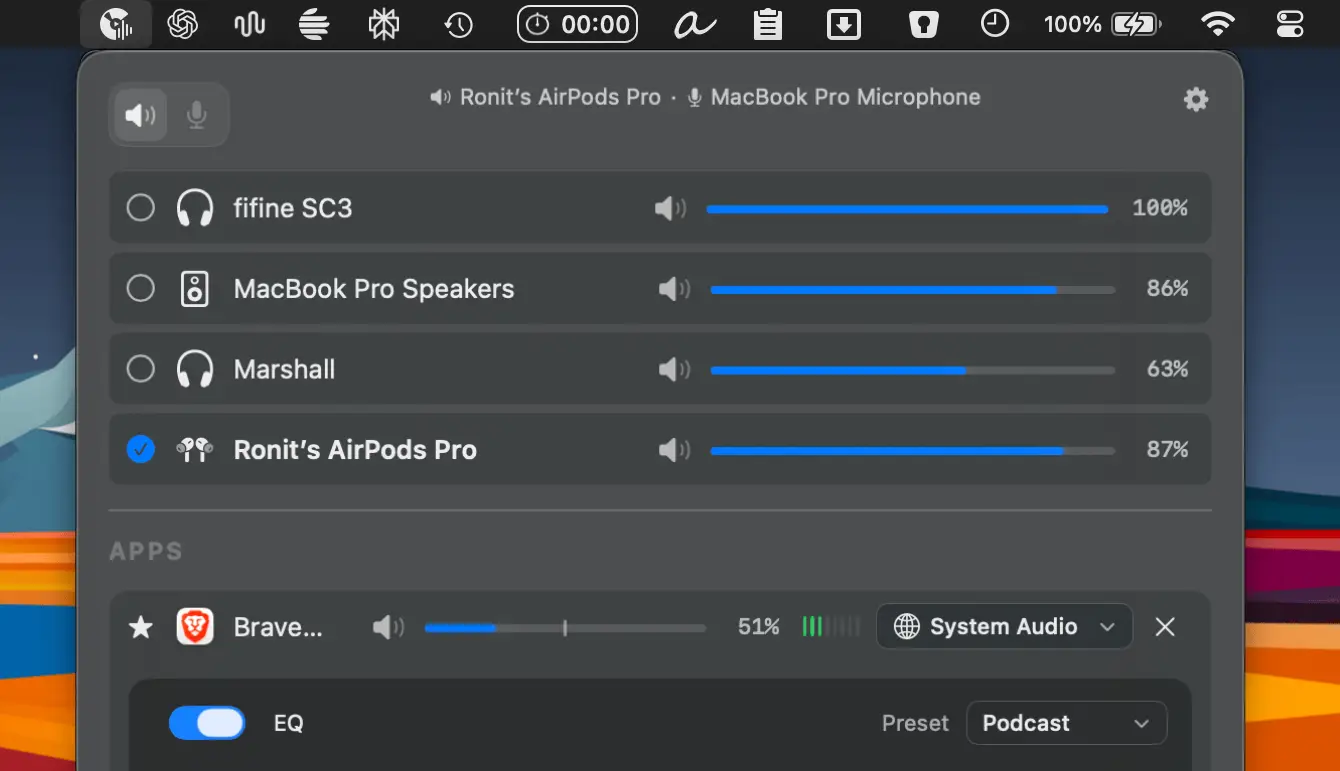
FineTune gives you precise control over your Mac’s audio, letting you adjust volume per app, route sound to multiple devices, fine-tune with a 10-band EQ, and even boost output up to 400%.
Visit
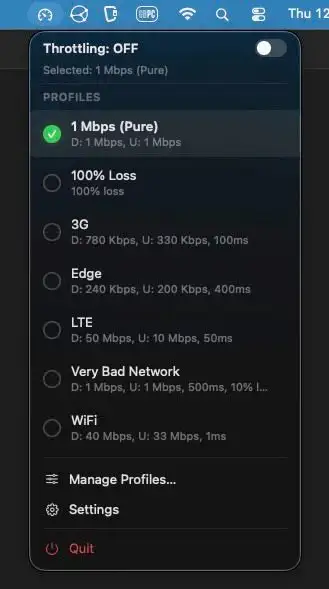
Developers can simulate slow or unstable internet connections directly from the menu bar, testing how apps behave on 3G, Edge, or flaky Wi-Fi. Built-in profiles, timers, and fine-grained controls keep testing quick and painless.
Visit Watch

Default Tamer routes links to the right browser automatically, based on the app, domain, or URL pattern. Work, personal, and testing browsers stay neatly separated, while everything runs locally with no tracking.
Visit
