Fresh finds for your menu bar. Most recently added apps on top – last updated: October 27, 2026
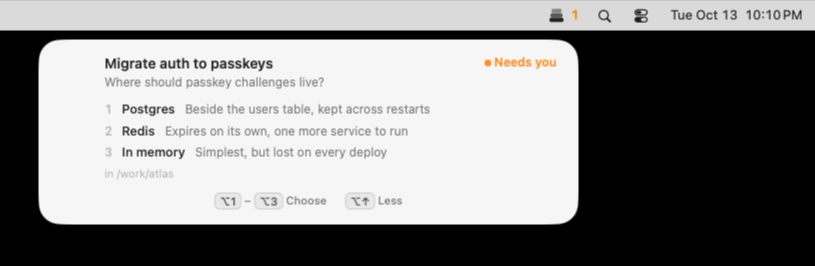
Keep Claude Code, Codex and Cursor agents moving without losing track of their requests. Muster alerts you when they need input, lets you approve or deny actions with keyboard shortcuts, and keeps multiple sessions organized, all locally on your Mac.
Visit
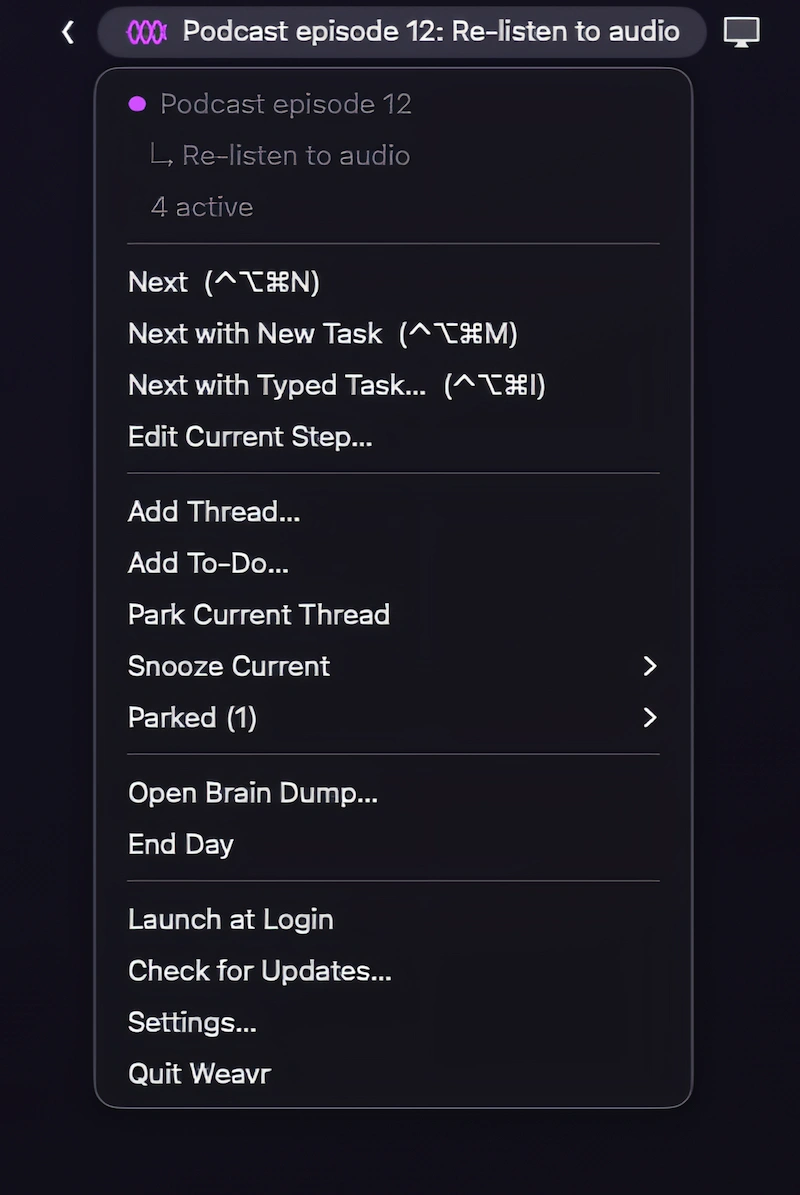
Keep ongoing projects moving with Weavr, which remembers where you left off in each task and brings the next step into view. Priorities, scheduled to-dos and keyboard shortcuts help you juggle multiple threads without losing track.
Visit Watch
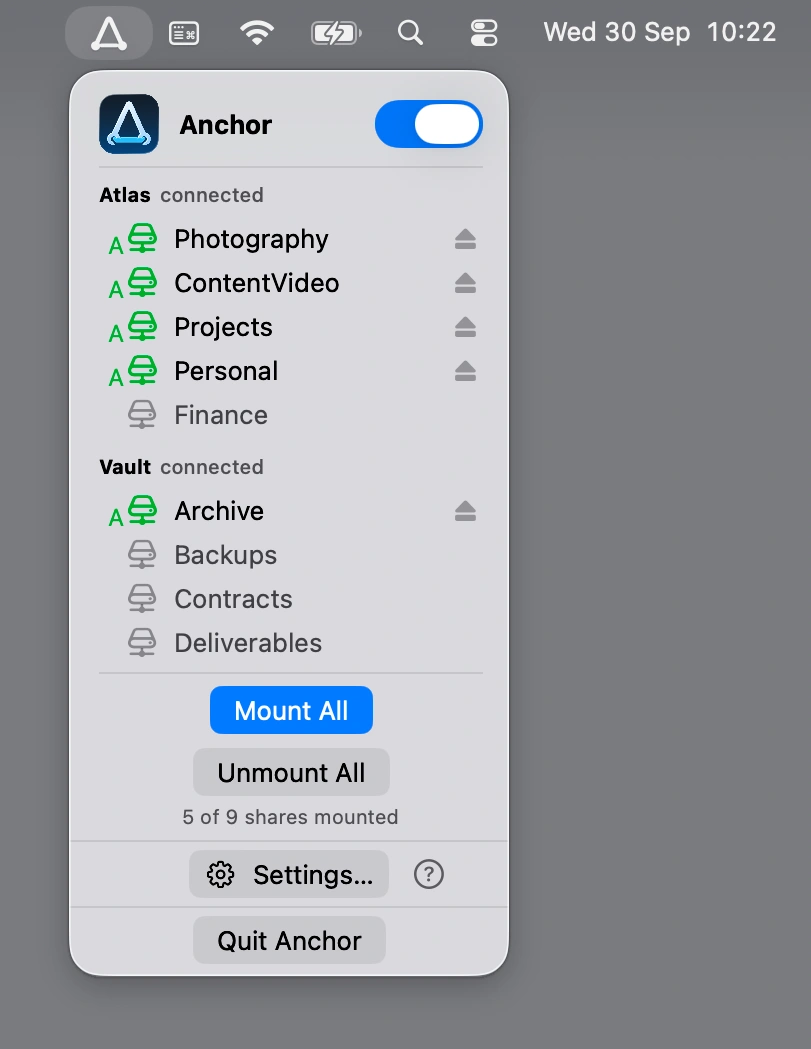
Keep SMB network shares within reach with Anchor, which automatically mounts and reconnects NAS folders when your Mac wakes from sleep or a network connection drops.
Visit
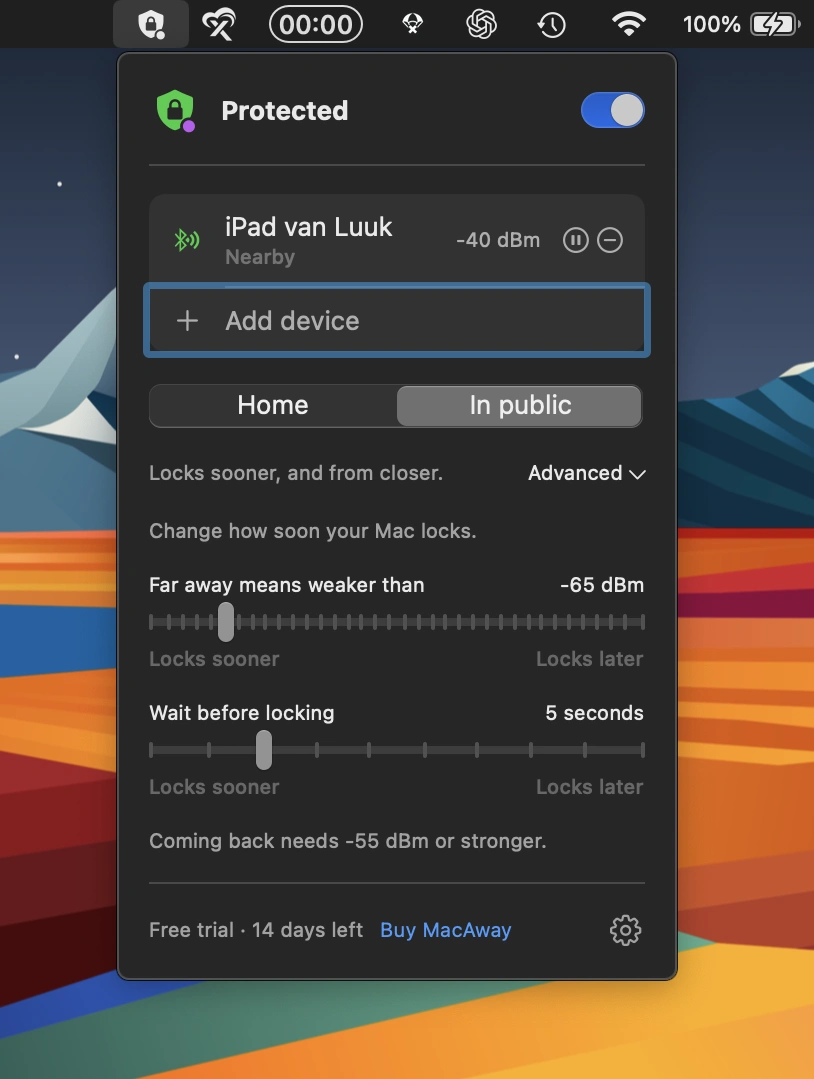
This menu bar app automatically locks your Mac when you walk away, using your iPhone, Apple Watch or AirTag. Customizable security settings adapt to your surroundings, with no subscriptions or data leaving your Mac.
Visit
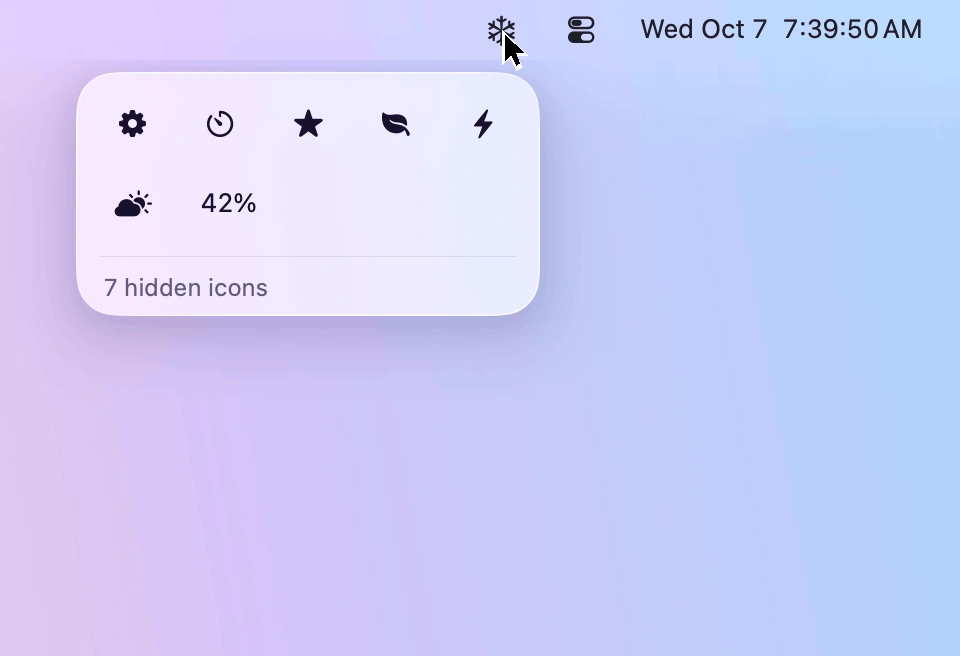
Keep your menu bar tidy by hiding rarely used icons and bringing them back with one click. Designed for macOS 26 and 27, Frost features Liquid Glass, customizable icon layouts, and easy access to hidden menus.
Visit
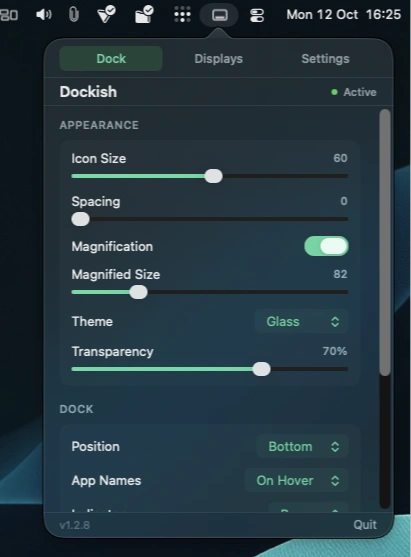
A customizable Dock replacement with multi-monitor support, window previews, app folders and Finder stacks, all configured through a convenient menu bar panel.
Visit
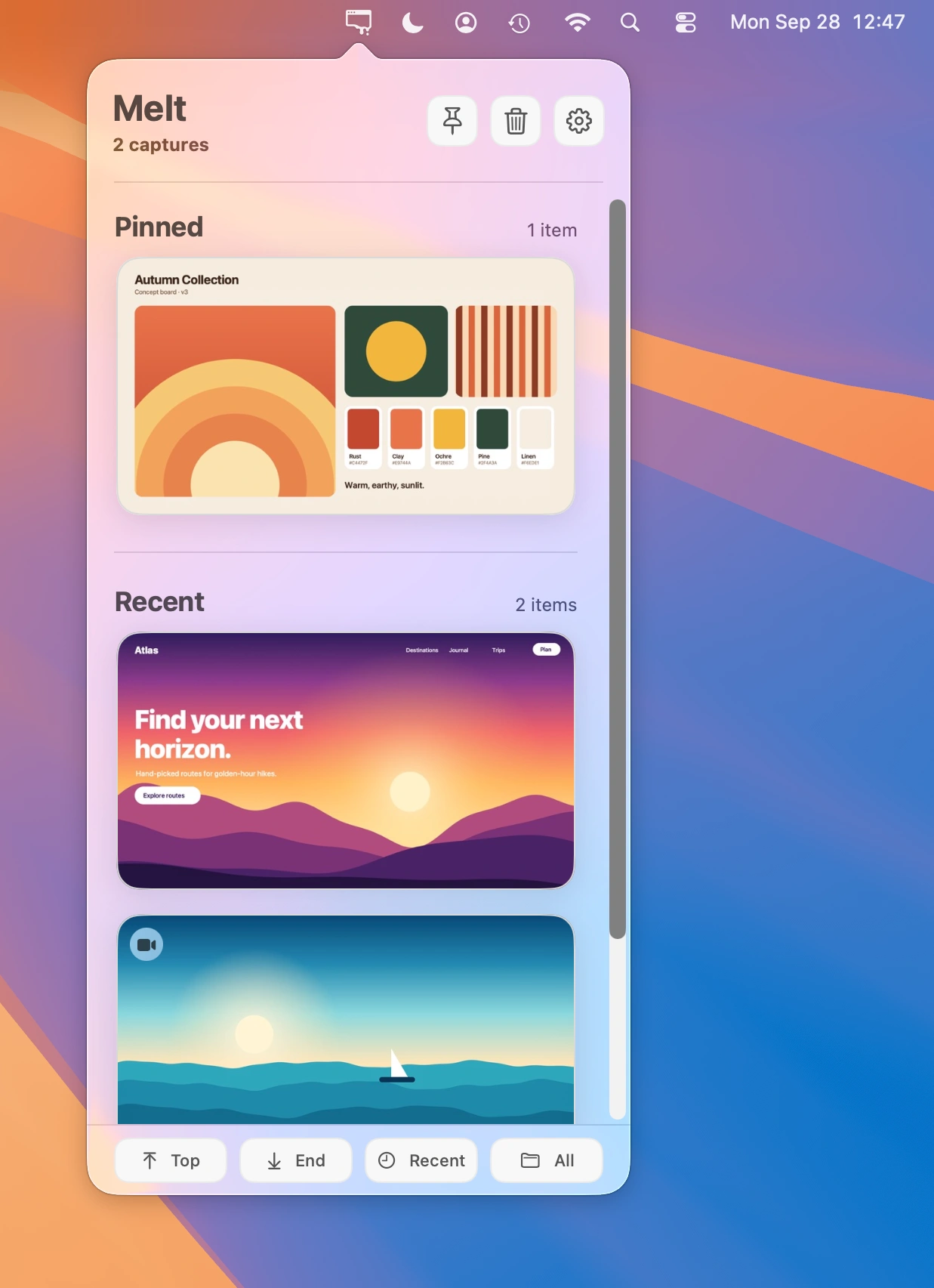
Keep recent screenshots and screen recordings within reach. Copy, drag, and share captures instantly, while automatically moving old, unpinned files to the Trash.
Visit
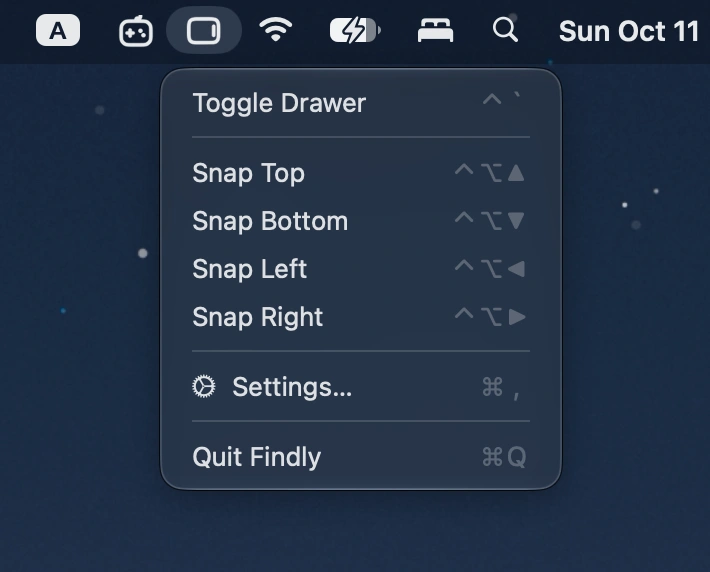
Summon a Finder-style file drawer from any screen edge with a hotkey. Browse files, access Finder favorites, preview items, and drag files between apps.
Visit
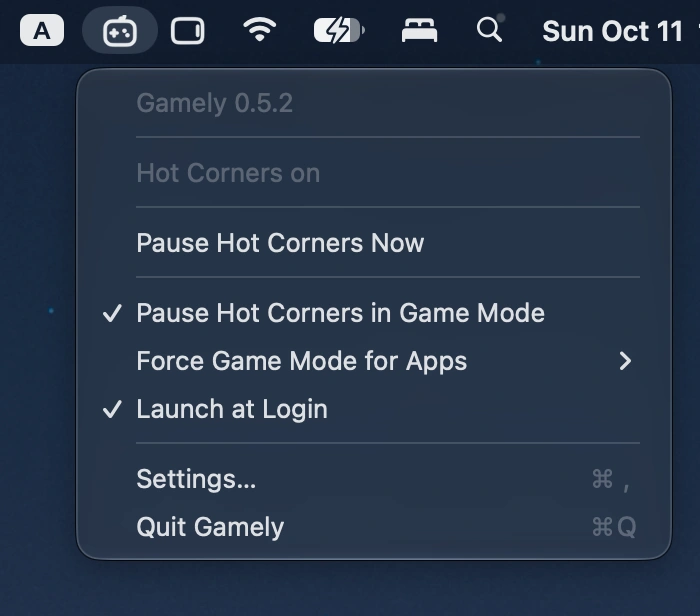
This menu bar app automatically disables all four Hot Corners when macOS Game Mode activates, preventing accidental interruptions during fullscreen gaming and restoring your original settings afterward.
Visit
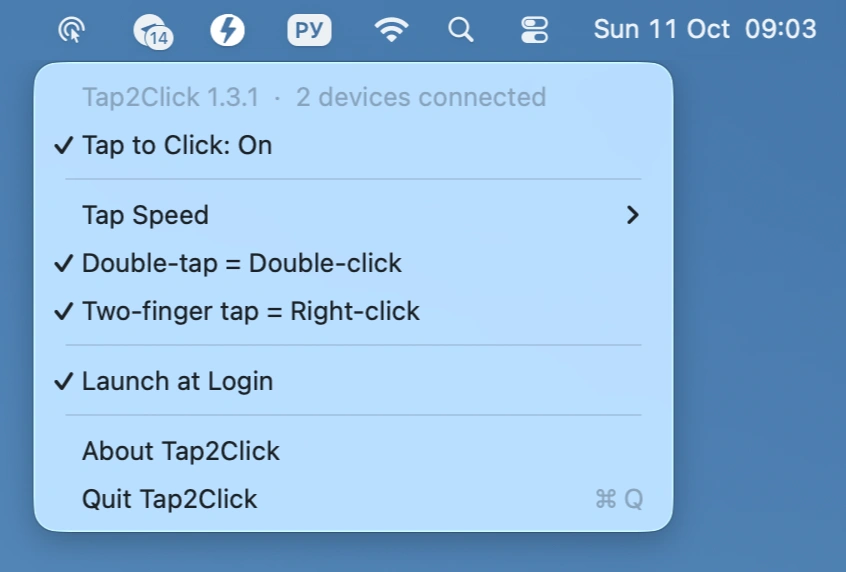
Add silent tap-to-click to your Apple Magic Mouse, with adjustable tap speed, double-tap for double-click, and two-finger tap for right-click, all controlled from the menu bar.
Visit
