Collection:
AI Apps | Developer Apps
Session Watcher
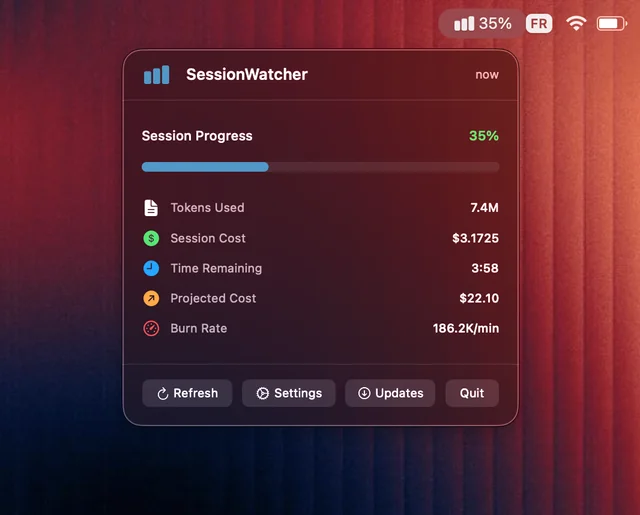
Session Watcher brings Claude Code monitoring to your Mac menu bar, giving developers real-time insights into usage, costs, and sessions with a clean, zero-configuration interface.

Session Watcher brings Claude Code monitoring to your Mac menu bar, giving developers real-time insights into usage, costs, and sessions with a clean, zero-configuration interface.
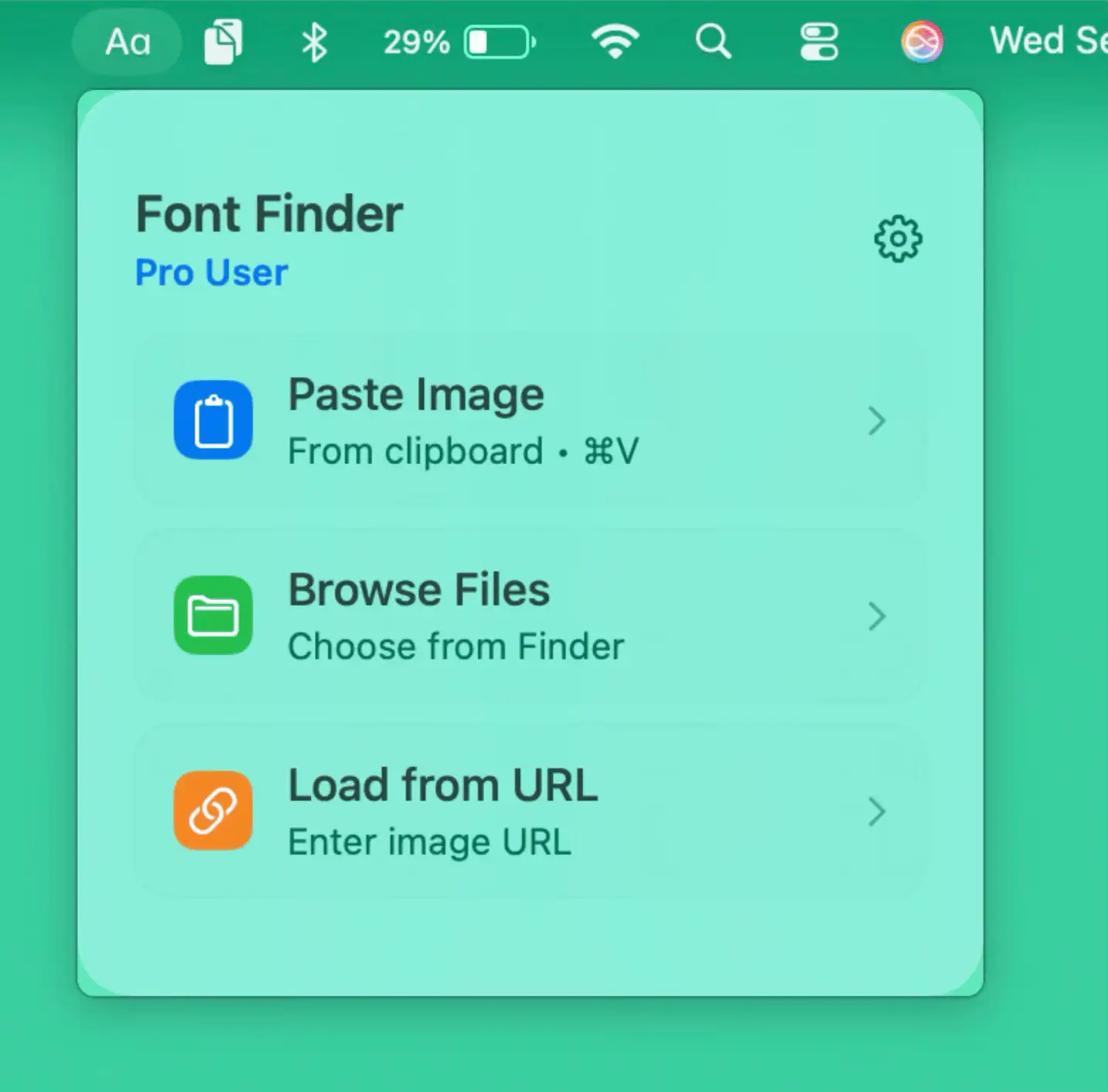
Fonti brings instant font recognition to your Mac, letting you identify or explore typefaces from images or screenshots directly from the menu bar, keeping your creative flow uninterrupted.
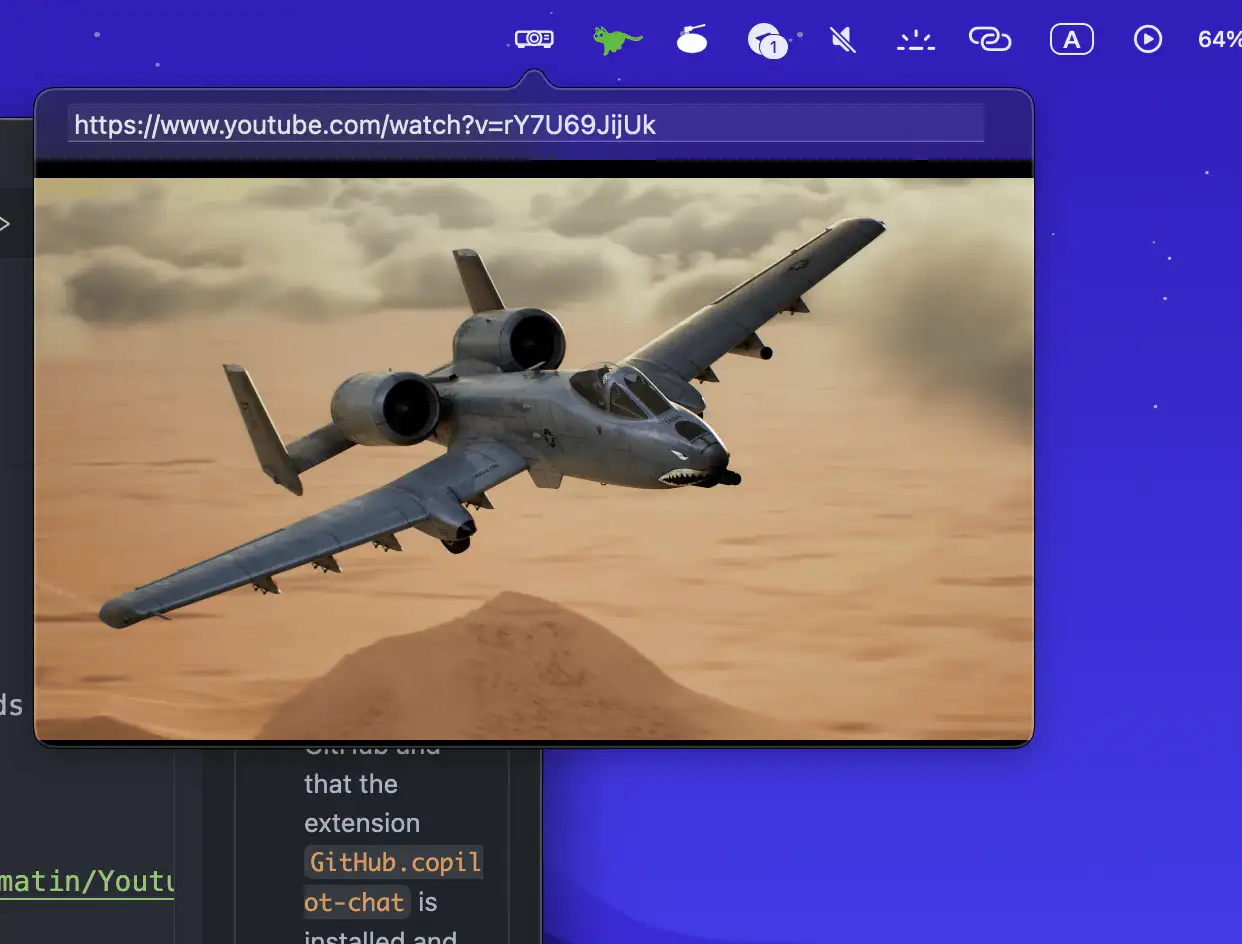
Watch YouTube videos right from your Mac’s menu bar with this lightweight player. Paste a link, press play, and enjoy distraction-free viewing without opening your browser.
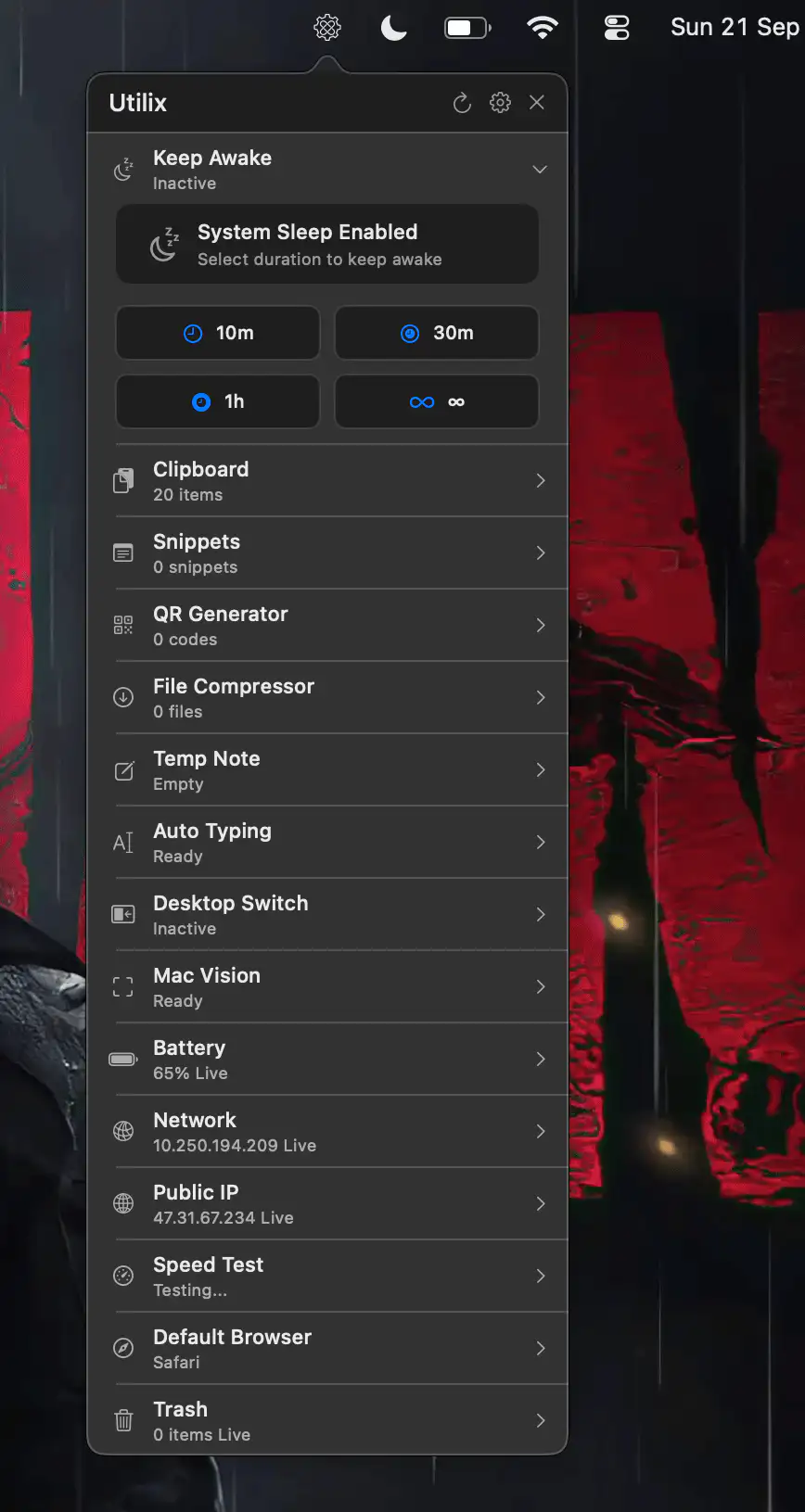
Utilix is a sleek macOS menu bar app combining 15 essential tools for productivity and privacy. Fast, lightweight, and built natively, it streamlines everyday tasks without clutter or tracking.
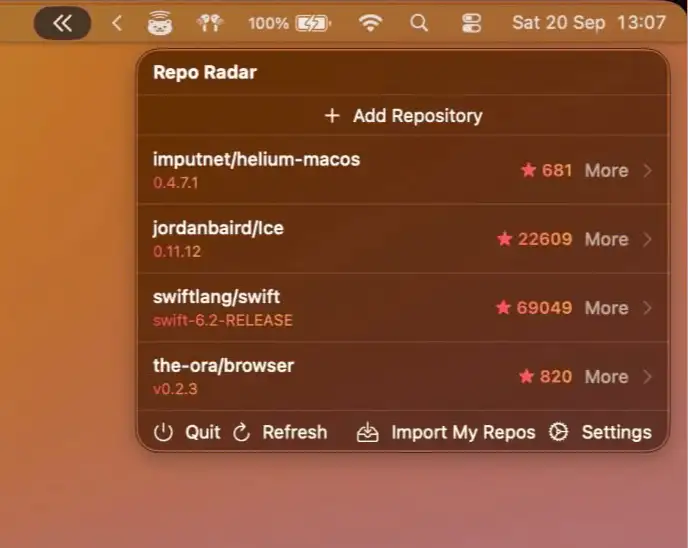
Repo Radar keeps your favorite GitHub repositories at your fingertips, with instant updates and notifications in your Mac’s menu bar. A fast, native way to track projects without browser clutter.
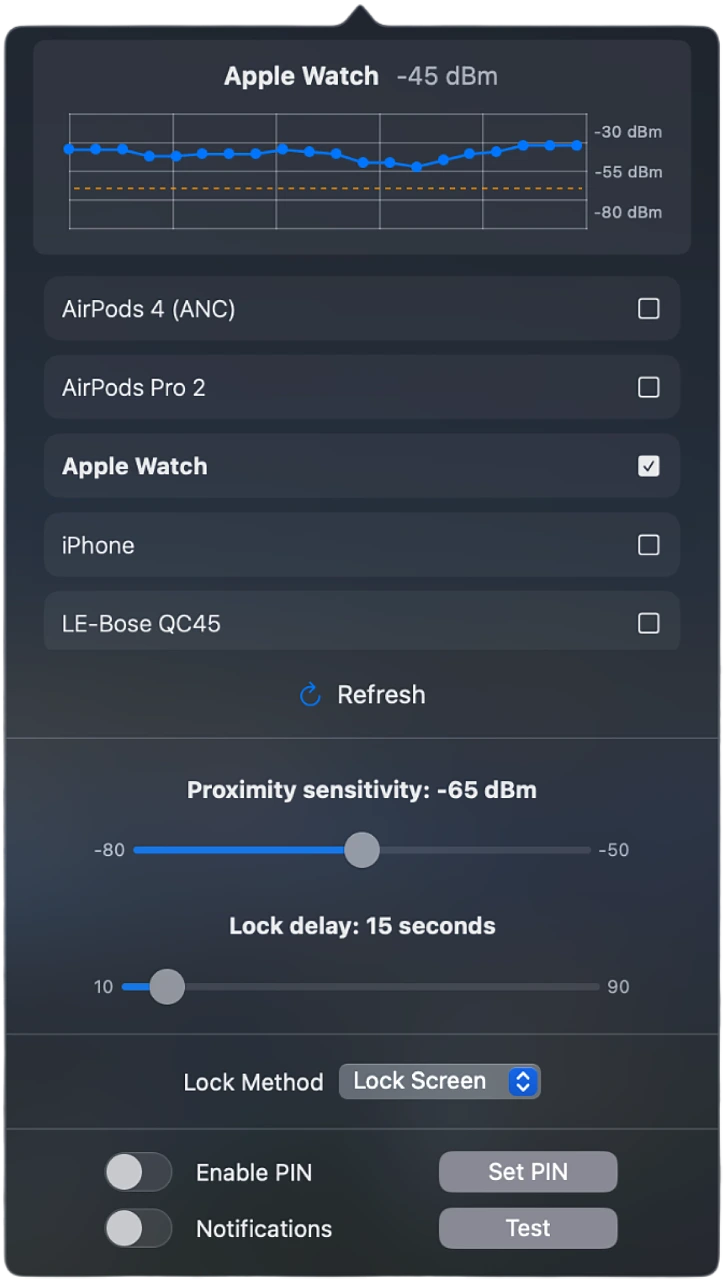
ProximityLock keeps your Mac secure by automatically locking it when you walk away, using Bluetooth detection with your iPhone or Apple Watch for a seamless and reliable security experience.
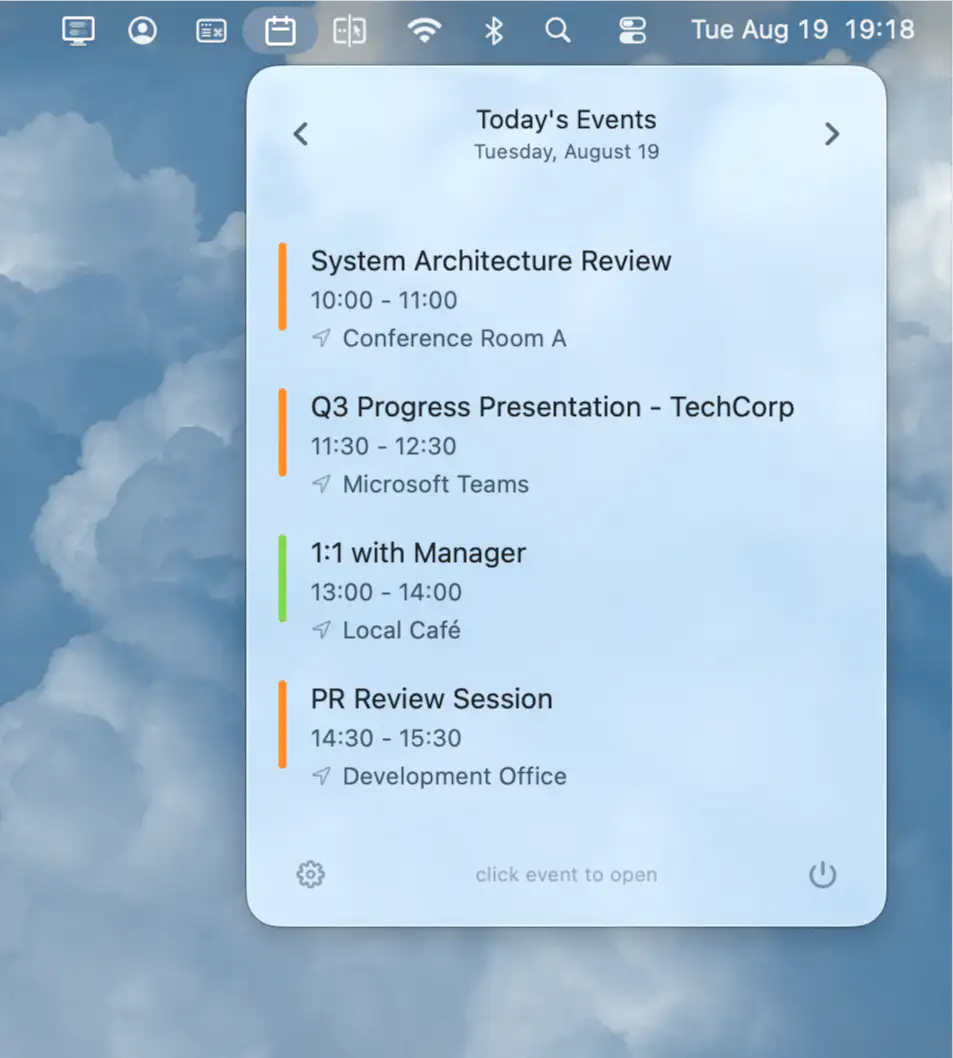
CalBar keeps your calendar always visible in the menu bar, offering instant access to upcoming events with a single click, seamless integration, and complete privacy on your Mac.
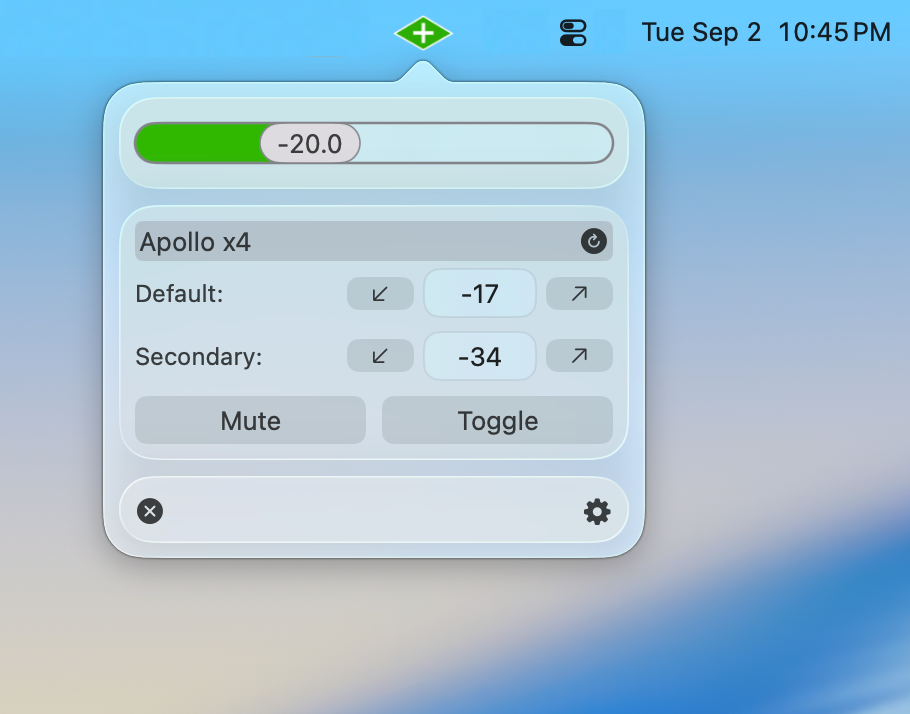
UA Companion enhances your Apollo interface with instant volume control, smart shortcuts, automation, and seamless integration, making your audio workflow faster and more flexible.
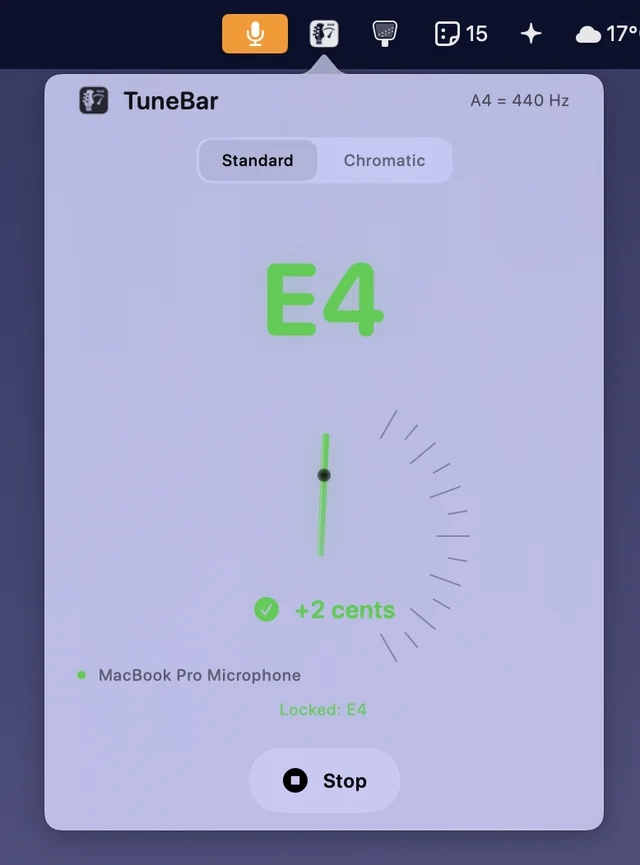
A minimalist guitar tuner that lives in your menu bar, always ready when you are, offering instant precision without the hassle of opening separate apps.
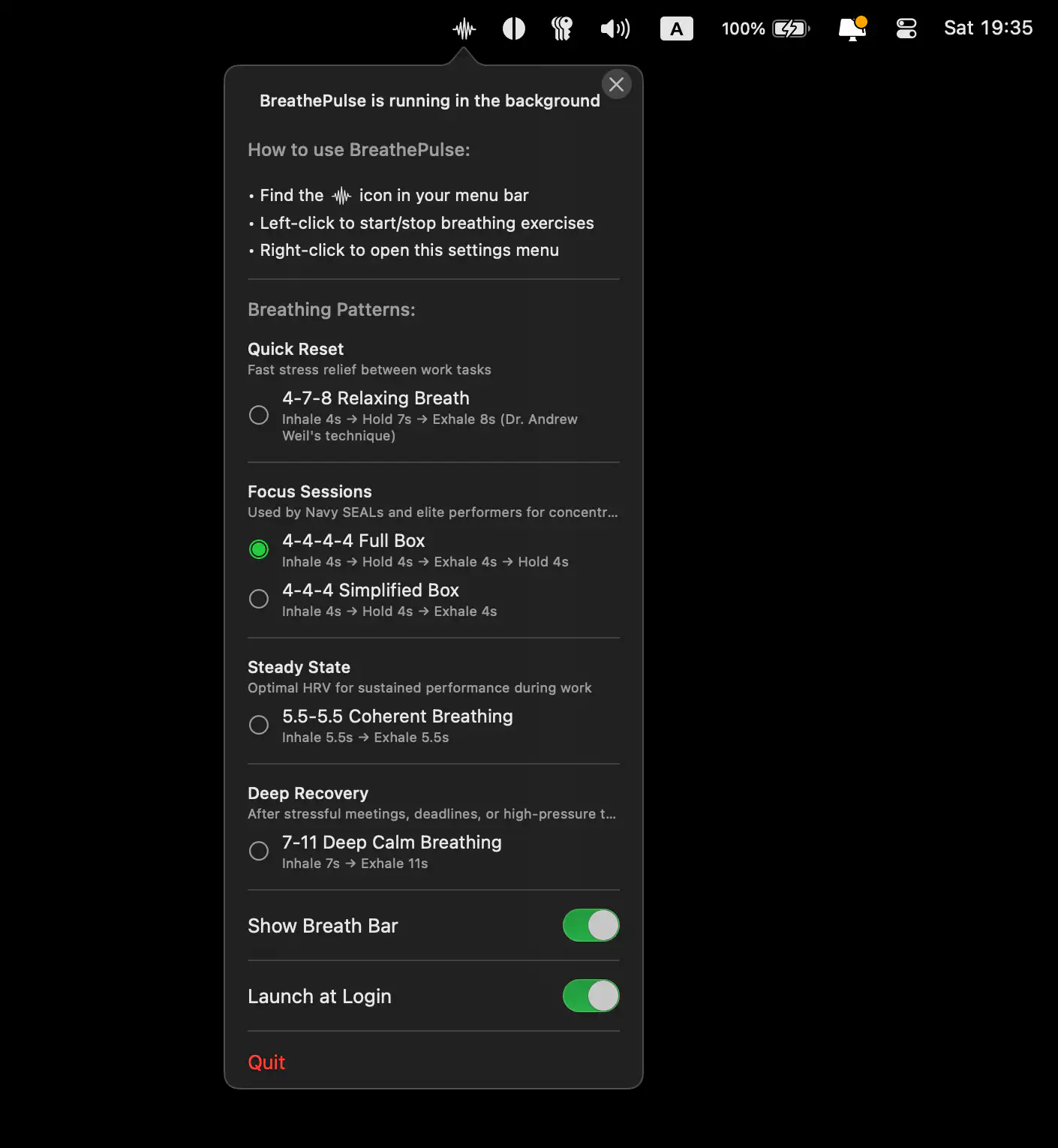
BreathePulse is a discreet macOS menu bar app that uses trackpad haptics to guide your breathing, helping you stay calm, focused, and balanced during work, calls, or presentations (without anyone noticing).