

Collection:
Screen Capturing Apps
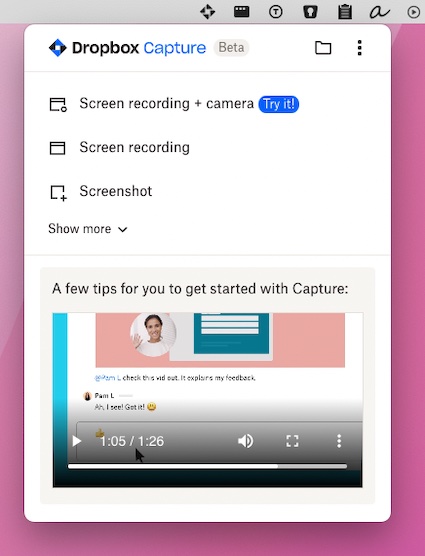
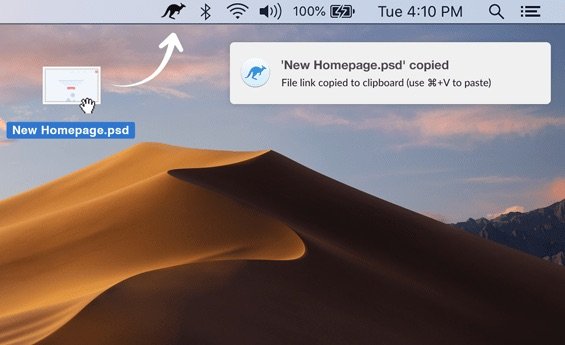
Capture, record and share what’s on your screen instantly. Take screenshots, record video or audio, annotate visuals, recognize text, generate shareable links, or automatically organize and optimize your captures directly from your menu bar.
Collection:
OCR Apps | Screen Capturing Apps
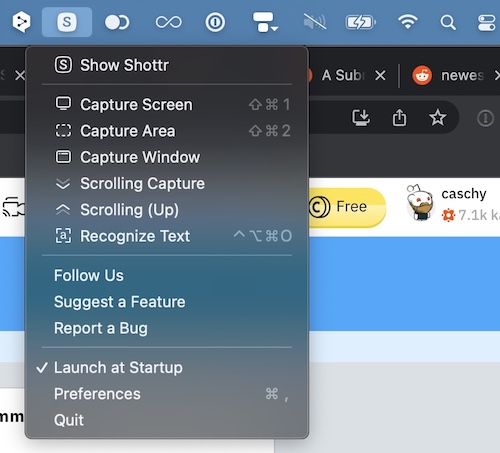
Shottr
Collection:
Screen Capturing Apps
Menu Snappr
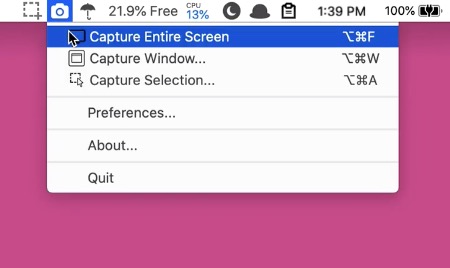
Menu Snappr II makes screen capturing feel effortless, whether you’re grabbing a full display, a single window, or a custom area across multiple monitors. With flexible formats, smart file naming, configurable shortcuts, and instant Preview access, it keeps screenshots fast, organized, and quietly out of your way.
Collection:
Screen Capturing Apps
Tape
Collection:
Screen Capturing Apps
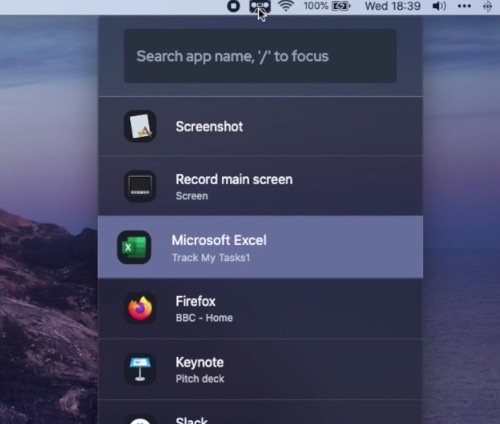
Jumpshare
End of content
End of content