Collection:
System Stats
Parallels Toolbox
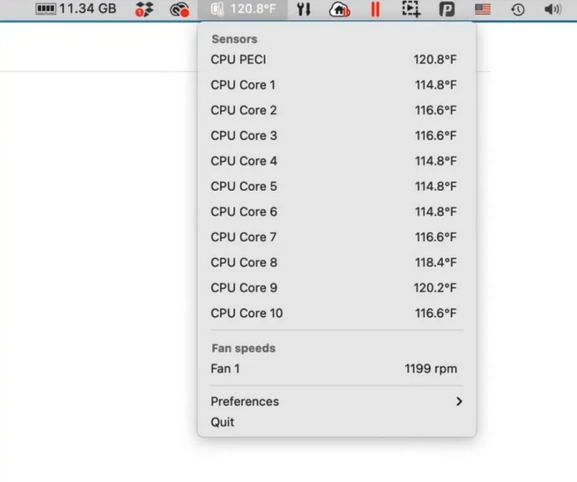
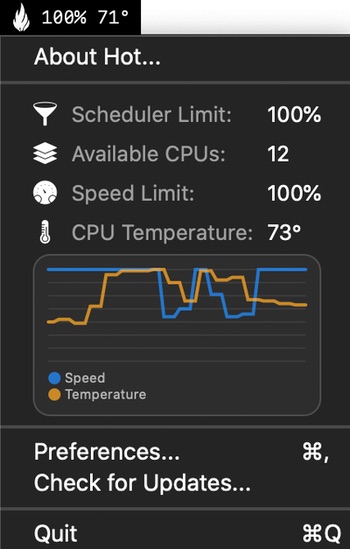
This menu bar app tells you the temperature of each of the CPU cores on your Mac, and also lists the fan speeds cooling off these cores.

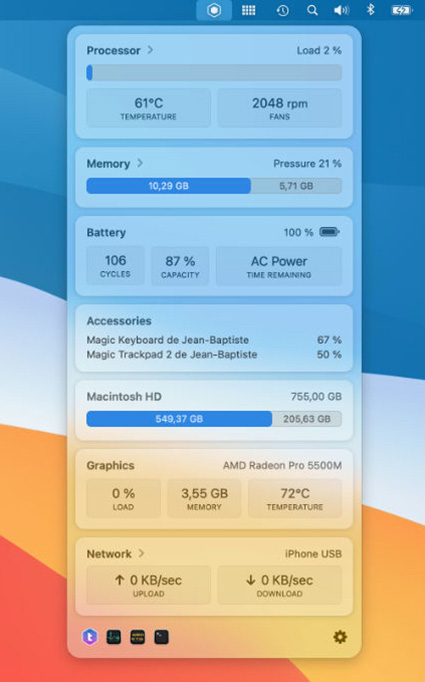
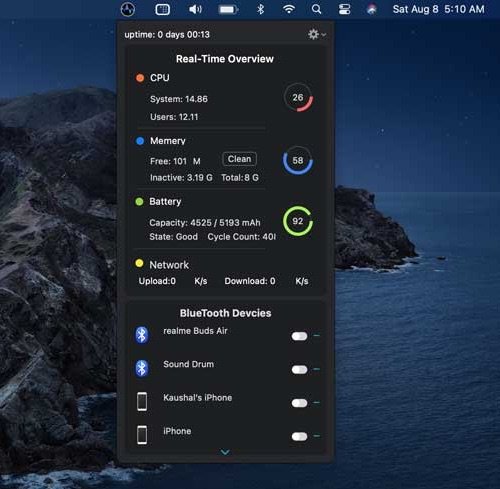
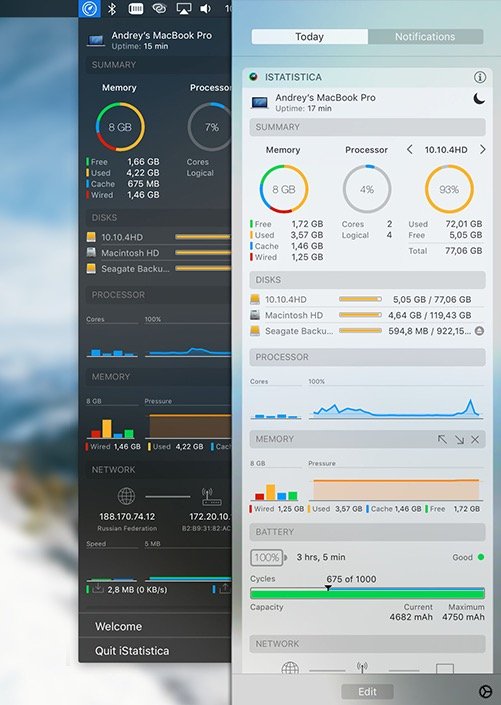
Understand what your Mac is really doing. Monitor CPU, GPU, memory, disk activity, temperatures, fans, battery health, network performance and per-process usage in real time, directly from your menu bar with clear visuals and detailed diagnostics.
Understand what your Mac is really doing. Monitor CPU, GPU, memory, disk activity, temperatures, fans, battery health, network performance and per-process usage in real time, directly from your menu bar with clear visuals and detailed diagnostics.
This menu bar app tells you the temperature of each of the CPU cores on your Mac, and also lists the fan speeds cooling off these cores.
End of content
End of content