Understand what your Mac is really doing. Monitor CPU, GPU, memory, disk activity, temperatures, fans, battery health, network performance and per-process usage in real time, directly from your menu bar with clear visuals and detailed diagnostics.
Show me the free apps only
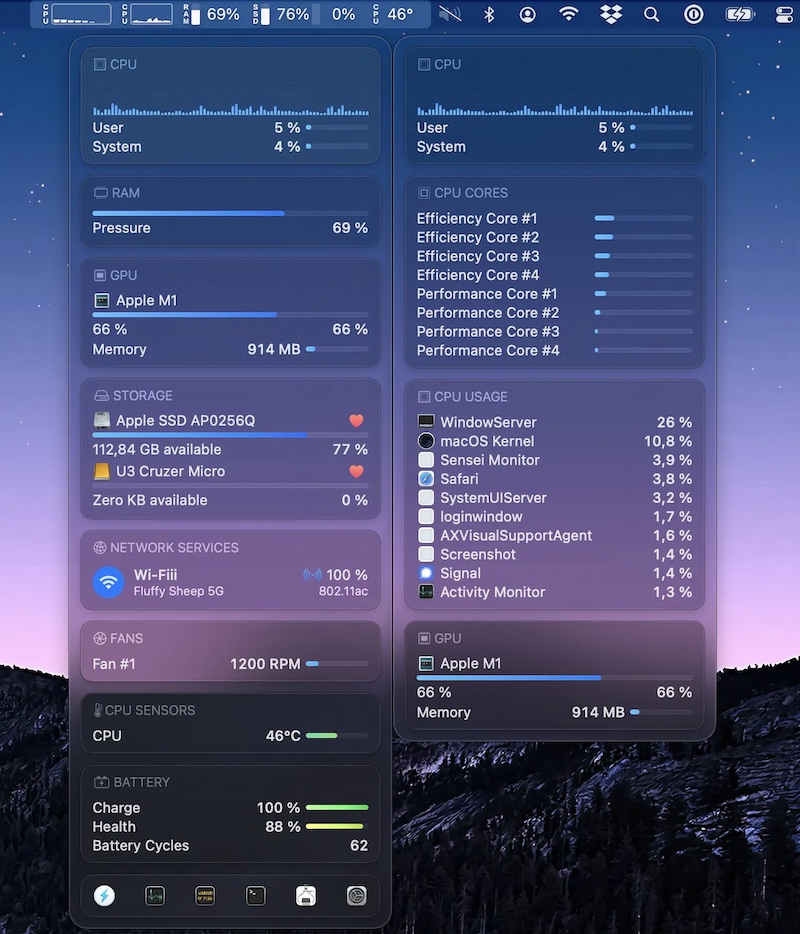
Sensei Monitor is a realtime statistics engine that monitors every aspect of your Mac performance, right from your menu bar. The app is built completely in SwiftUI. Sensei Monitor is included as part of the Sensei app.
Visit
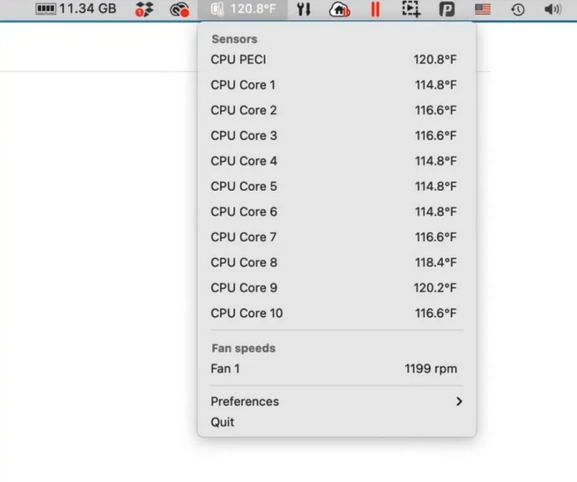
This menu bar app tells you the temperature of each of the CPU cores on your Mac, and also lists the fan speeds cooling off these cores.
Visit
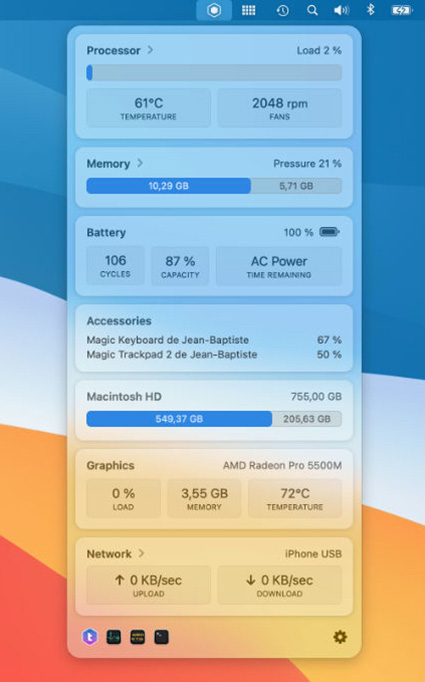
TrashMe 3 helps you clean your Mac to recover space. But it also has a standalone menu bar app to monitor your system activity, like CPU load & temperature, memory usage, battery status, graphic card in use, and network configuration.
Visit
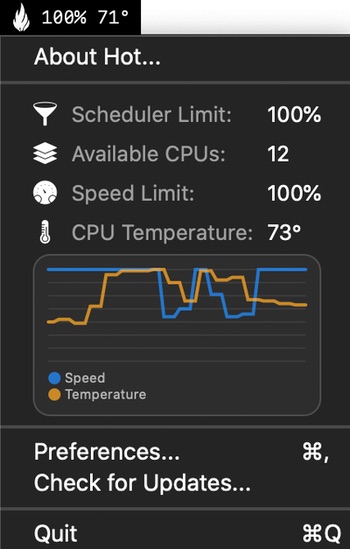
Hot is a menu bar app that displays in real time CPU throttling due to thermal issues.
Visit
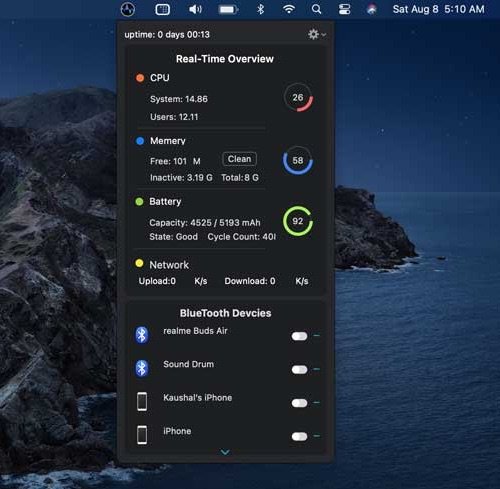
Better Menu Bar shows your computer stats in your menu bar. It gives you information about your CPU, RAM, Battery, and Network in a consolidated window. It also has an automatic RAM cleanup feature that comes in handy when your computer falls below a certain level of free RAM.
Visit
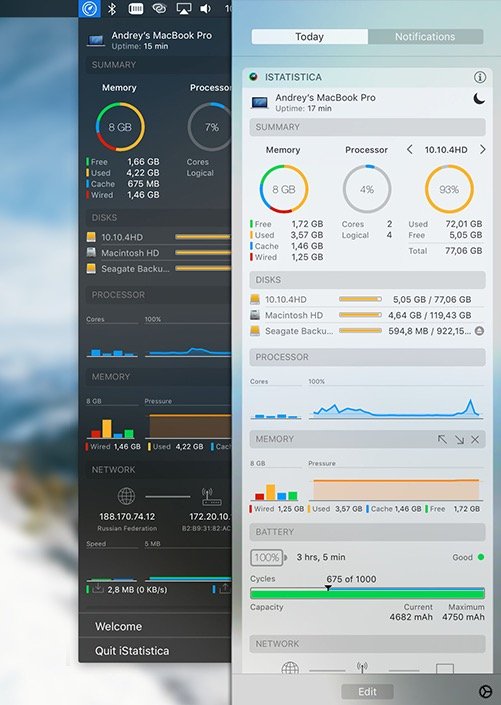
iStatistica is a system monitor for macOS that keeps an eye on your CPU, memory, disk usage and network activity.
Visit Watch
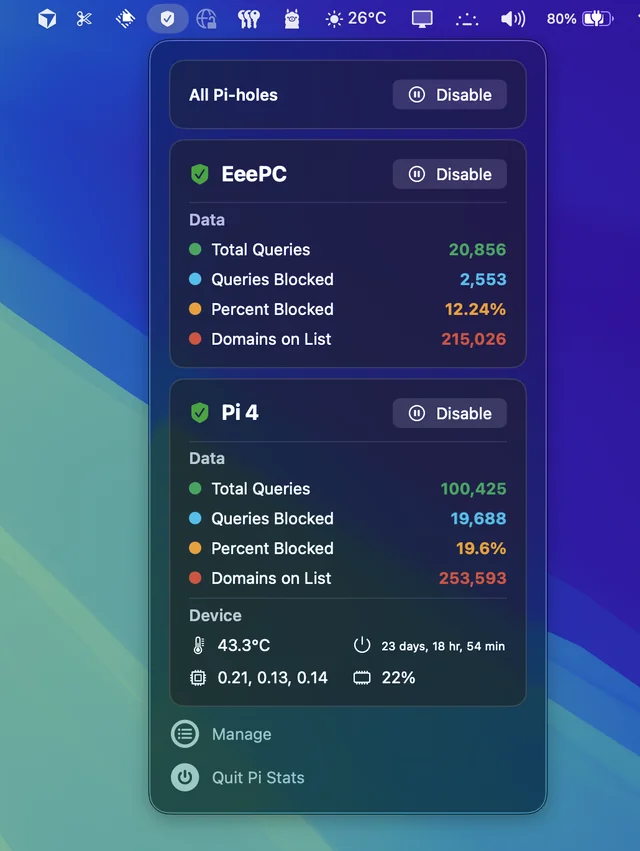
Follow up and manage the status of your Pi-hole(s). Comes in handy when you’re annoyed by having to open up the web interface every time you want to disable pihole.
Visit
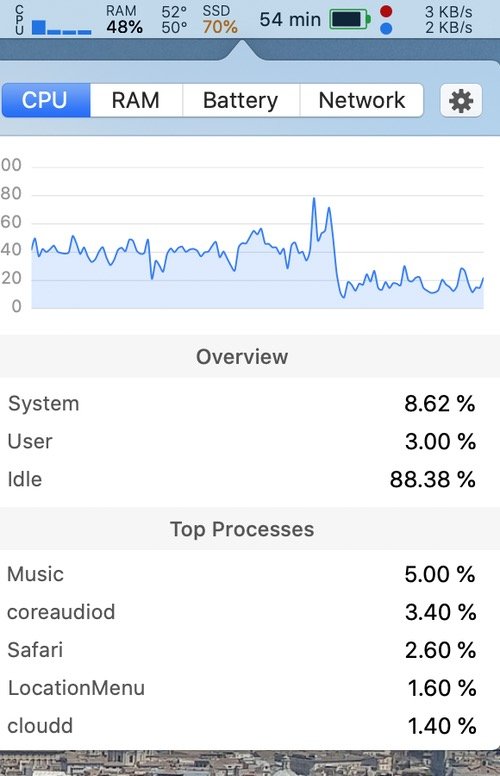
A simple macOS system monitor in your menu bar: CPU, netwerk and memory usage, disk utilization, sensors information (temperature, voltage and power) and battery level.
Visit
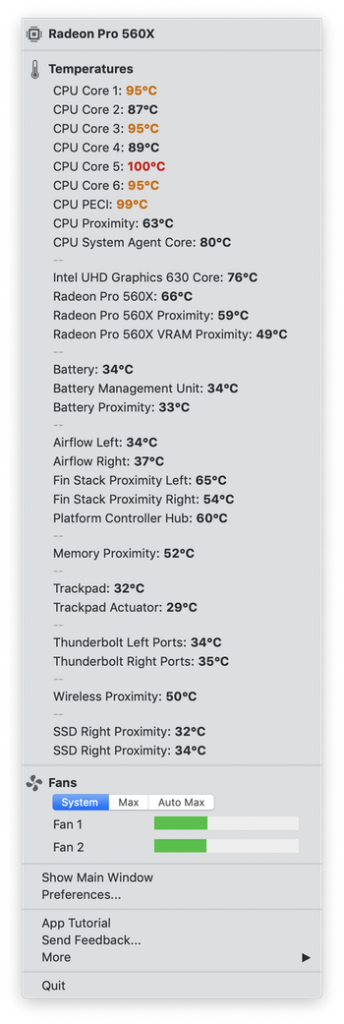
Quickly view CPU, GPU, logic board or hard drive temperatures, check battery health and the other hardware diagnostics. TG Pro supports all Macs from 2008 and newer.
Visit
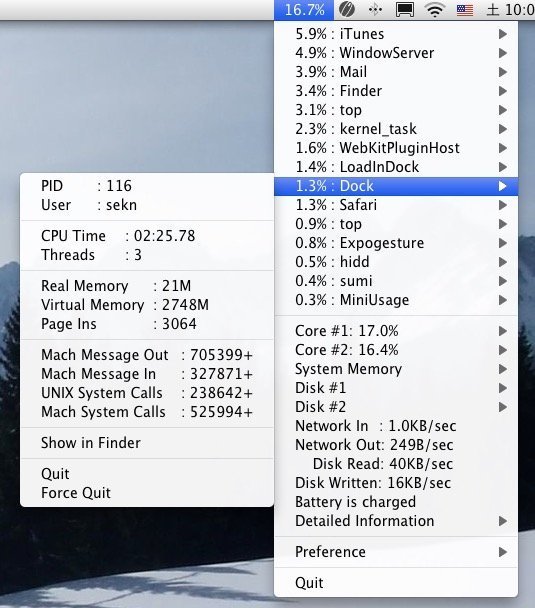
MiniUsage is a menu bar app that displays various data like CPU usage, amount of network flow, battery status and process names which uses much CPU time.
Visit