Collection:
Fun Apps
Sudoku Anyway

A sudoku game in your menu bar, with unlimited puzzles across five difficulty levels, customizable board colors and hints when you get stuck.

Good apps don’t always come with a price tag. These menu bar gems are free — and worth your space.
Good apps don’t always come with a price tag. These menu bar gems are free — and worth your space.
A sudoku game in your menu bar, with unlimited puzzles across five difficulty levels, customizable board colors and hints when you get stuck.
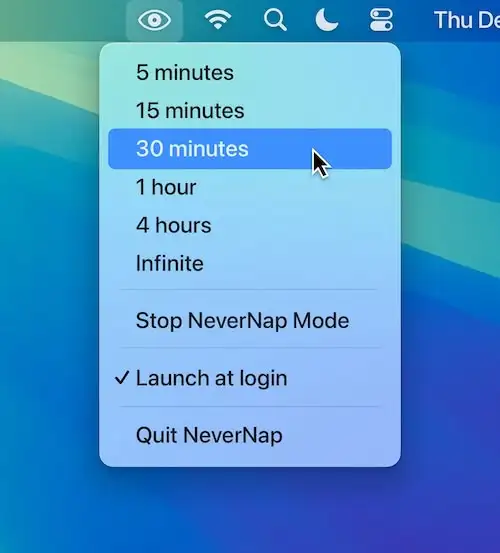
NeverNap keeps your Mac awake, preventing sleep or screensaver activation for 5 minutes or indefinitely. It ensures smooth operation without manual system adjustments. (there’s also a pro version)
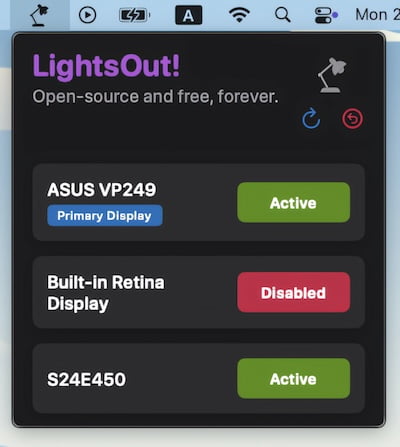
This menu bar app allows for disabling monitors with a simple button click – no more cable fidgeting.

This menu bar app adds playful eyes that follow your cursor. Now you can spy back at your mouse.

Billboard puts a custom line of text in your menu bar, for a reminder, a note or anything else you want to keep in sight.

This menu bar app shows your currently playing song, and allows you to skip a track, click straight to the song / artist / album, and copy the URL for sharing.