Collection:
Audio Apps
Metronomia
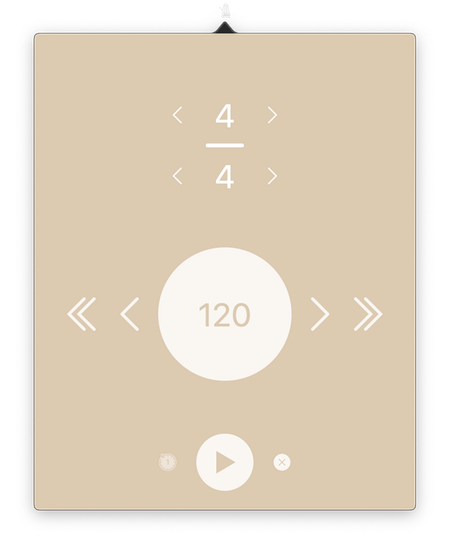
Metronomia is an easy-to-use metronome for your menu bar, perfect for musicians, teachers, and anyone who needs steady timing for practice.

Some apps are worth paying for. These premium menu bar tools deliver serious value.
Some apps are worth paying for. These premium menu bar tools deliver serious value.
Metronomia is an easy-to-use metronome for your menu bar, perfect for musicians, teachers, and anyone who needs steady timing for practice.
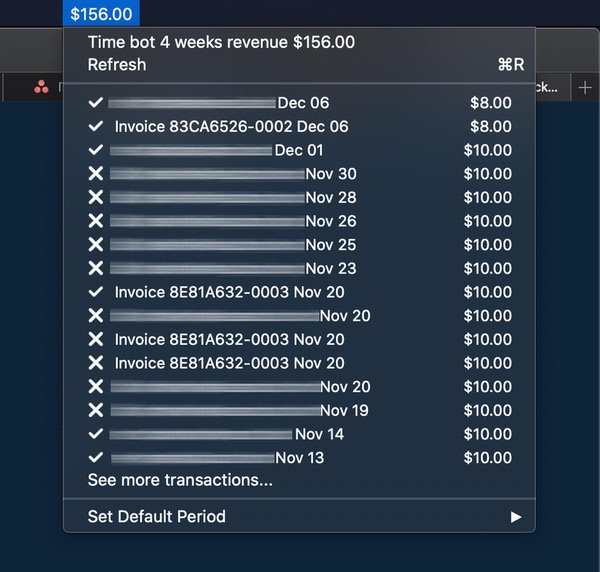
See your Stripe rolling revenue in your menu bar. The simplest way to keep track of your daily Stripe activity. All sensitive data is stored locally in your encrypted macOS keychain.
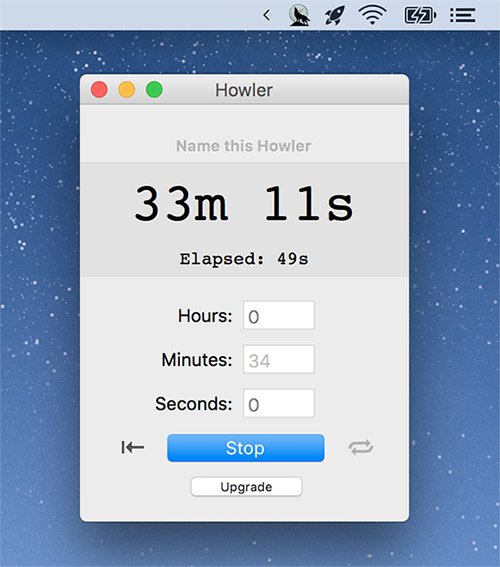
Howler Timer is a nice option if you want the timer to pop out into a new window. It also allows you to play whatever sound file you want for the alarm.
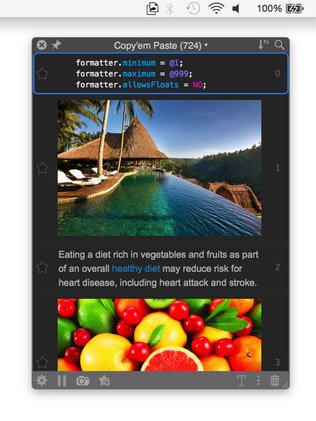
Copy’em Paste is a menu bar app that stores as many clipping as you want, without limitation. To recall the stored clippings later, just click the app’s menu bar icon.
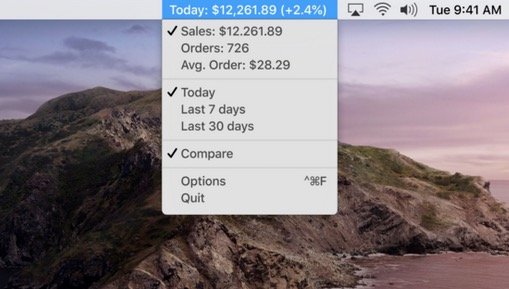
See what’s happening with your Shopify store right on your menu bar. Get instant updates on the three key metrics – Sales, Orders and Average order value.
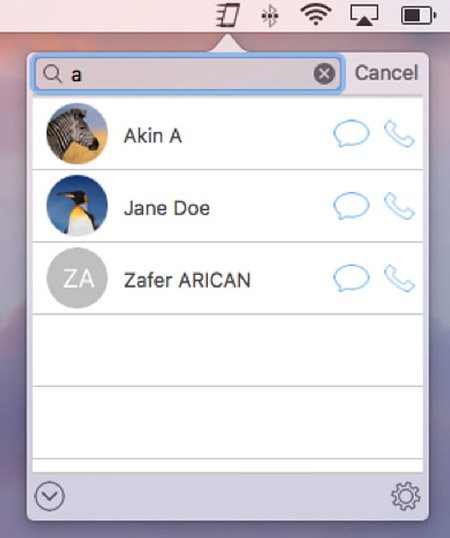
Call your favorite contacts and send iMessages and SMS messages to them, straight from your menu bar.
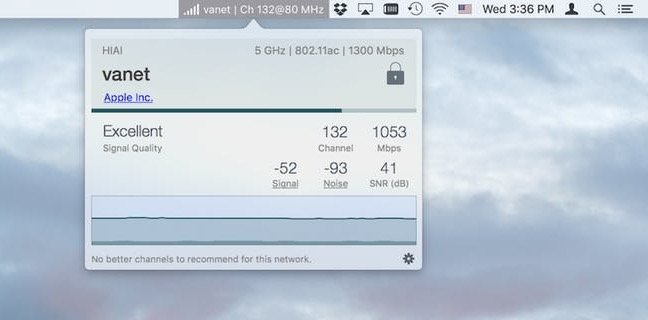
This menu bar app provides easy access to your Wi-Fi connection details, monitors the signal quality of your network, and can find and recommend alternative channels.