Collection:
Time Apps
dotBeat Internet Time
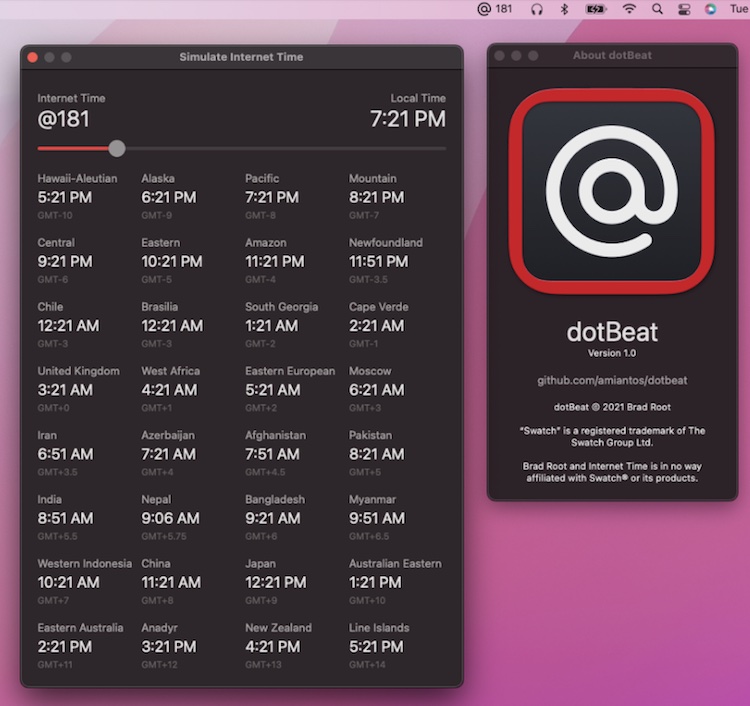
dotBeat shows the current Swatch Internet Time in your menu bar. It also includes gives you a view into how Internet Time corresponds to local times across the globe.

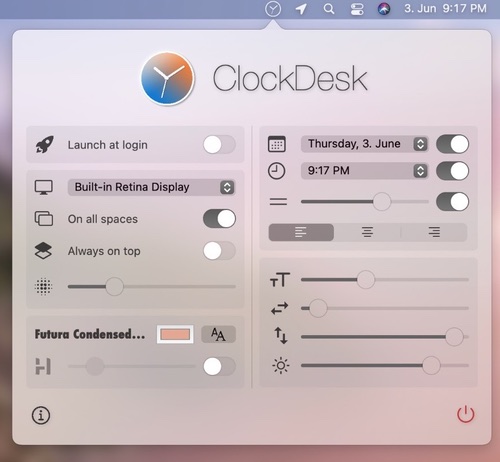
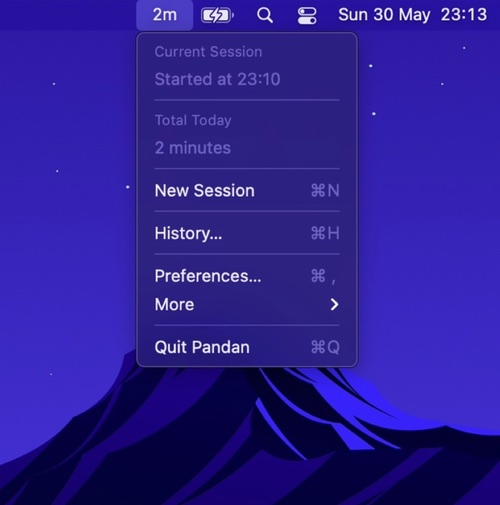
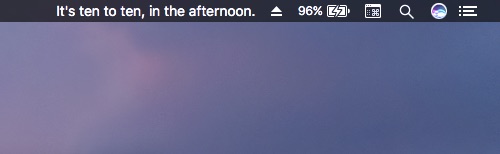
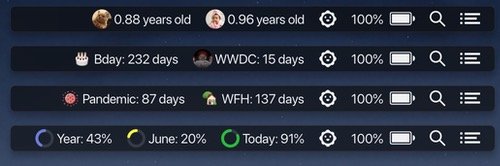
Make time visible, tangible and slightly less abstract. Track countdowns, milestones and year progress, display multiple time zones, log work sessions, schedule reminders, prevent eye strain, guide breaks, show fuzzy or UTC time, and surface subtle cues that keep you aware of how your day unfolds.
Make time visible, tangible and slightly less abstract. Track countdowns, milestones and year progress, display multiple time zones, log work sessions, schedule reminders, prevent eye strain, guide breaks, show fuzzy or UTC time, and surface subtle cues that keep you aware of how your day unfolds.
dotBeat shows the current Swatch Internet Time in your menu bar. It also includes gives you a view into how Internet Time corresponds to local times across the globe.
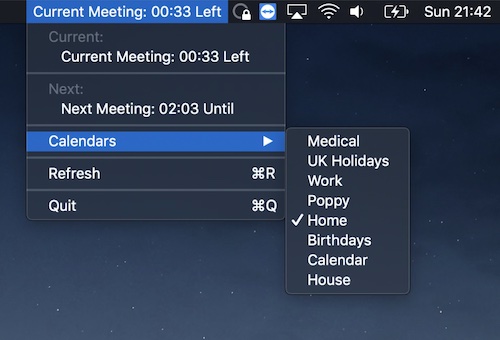
Now and Next displays the time remaining for the current event. It also includes a dropdown showing you the time remaining until the next event. The app supports the monitoring of one calendar.
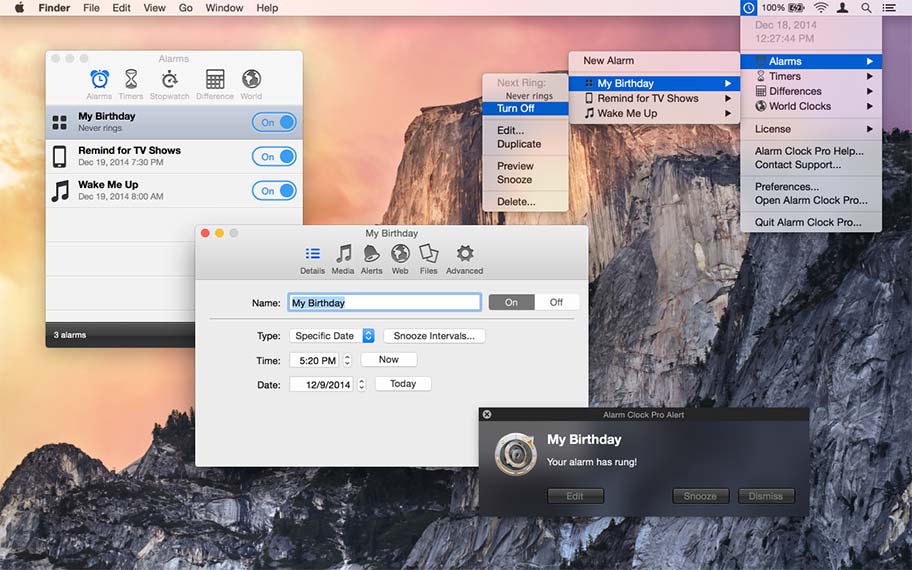
You can use Alarm Clock Pro fot almost everything. For instance to ping web pages, launch URLs, open files, erase folders, execute shell commands.
But also when waking up, as a reminder to take medications, keep social appointments, or schedule follow up appointments with clients.
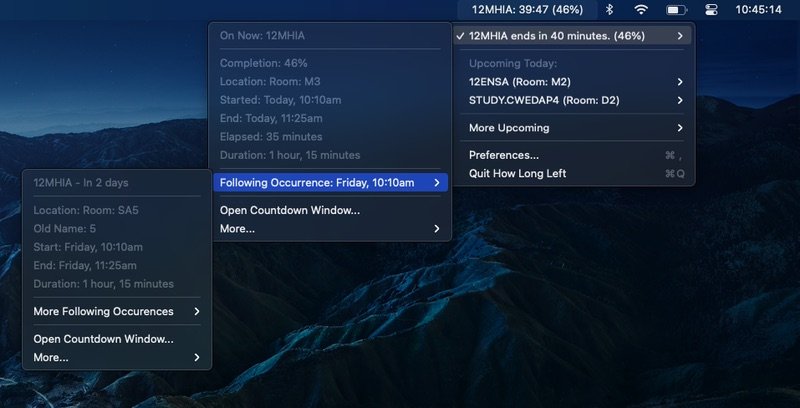
Stop checking your calendar. This menu bar app helps you manage your time by displaying a countdown for your current and upcoming calendar events.
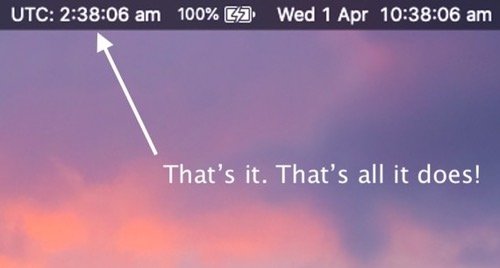
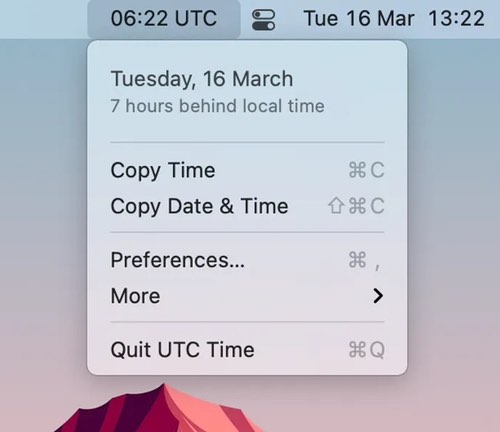
This app displays the UTC (Coordinated Universal Time) in your menu bar. Noting more, noting less.